NSFW Prompt Generator: Free Tool, Image Prompt Examples and Best Settings
A free, copy-and-paste NSFW prompt generator built on a language model, plus photorealistic glamour prompt examples, the best aspect ratio, seed and wording settings, and a ranked list of image models that handle adult aesthetics.
Most people who type "NSFW prompt generator" into a search bar want the same thing: a way to stop staring at an empty text box and get a prompt that produces a good-looking, believable photo on the first or second try. The problem is rarely the image model. It is the prompt. A vague line like "sexy girl on a beach" gives you a flat, plastic result, while a prompt that names the lens, the light, the fabric and the mood gives you something that looks like it came out of a magazine shoot.
This article gives you a free prompt generator you can run inside any chat model, a set of ready-to-copy image prompt examples, and the exact settings that keep skin, fabric and light looking real. Everything here stays in the non-explicit glamour zone: bikinis, lingerie, boudoir, evening wear and suggestive mood. Adult subjects only, always.
💡 Quick answer: write the prompt in five layers (subject, setting, light, camera, texture), generate at 16:9 or 3:2, keep one seed while you refine the wording, and pick an image model that does not fight you on adult glamour content.
What an NSFW Prompt Generator Does
The Basic Idea
A prompt generator is a language model with a fixed set of instructions. You give it a short idea, for example "poolside, red bikini, golden hour", and it returns a long, structured prompt written the way image models like to read them. You are not asking the model to create the picture. You are asking it to translate a rough thought into photographer language.
That is why a generator works better than a template list. A template gives you one scene. A generator gives you a new scene every time you change two or three words.
Why Manual Prompts Fall Short
When you write by hand, you tend to describe the subject and forget everything else. The image model then fills the gaps with its defaults, and those defaults are usually soft studio lighting, a generic background and a skin texture that looks airbrushed.
What you forget
What the model does instead
Light direction
Flat, front-lit look with no depth
Lens and distance
Wide, distorted, "phone selfie" framing
Fabric description
Shiny, melted-looking clothing
Skin texture words
Smooth plastic skin
Film or grain reference
Over-sharpened digital look
A good generator remembers all five every time, so you do not have to.
The Free Generator Template
Copy This System Prompt
Open any chat model and paste the block below as the first message. Then reply with only a short idea each time.
You are a prompt writer for photorealistic glamour photography.
Rules:
1. Subjects are always adults (25+), described as "woman" or "man".
2. Keep every scene suggestive and tasteful: swimwear, lingerie,
   evening wear, robes, boudoir. Never explicit.
3. Output ONE paragraph of 60 to 90 words, no lists, no preamble.
4. Always include, in this order: subject and pose, setting,
   light direction and quality, camera body or lens and angle,
   skin and fabric texture, film stock or grain.
5. Always write in a photographic style: natural light, real
   textures, shallow depth of field. No illustration words.
6. End with the aspect ratio, for example "16:9".
When I send an idea, return only the finished prompt.
That is the entire tool. It costs nothing beyond the chat you already use, and you can tweak rule 3 if your image model prefers shorter prompts.
Which LLM to Use
Not every language model behaves the same with adult-adjacent wording. Some will happily write a tasteful boudoir prompt, others refuse anything that sounds suggestive. If one declines, switch to another instead of fighting it. These are all available on PicassoIA:
Claude Sonnet 5 follows long system prompts very closely, which makes it a strong choice for the template above.
GPT 5.6 Luna is fast, so it works well when you want twenty prompt variations in a few minutes.
DeepSeek V3.1 is a good fallback when other models get cautious with swimwear or lingerie wording.
Kimi K2.6 writes detailed, descriptive paragraphs with little prompting.
💡 Tip: keep the chat open. After each result, say "same scene, but at dusk" or "same outfit, indoors". The model keeps the structure and only swaps the part you named.
Image Prompt Examples That Work
Each example below follows the five-layer structure. Copy them as they are, or feed the idea to your generator and let it rewrite them in a new setting.
Poolside Glamour
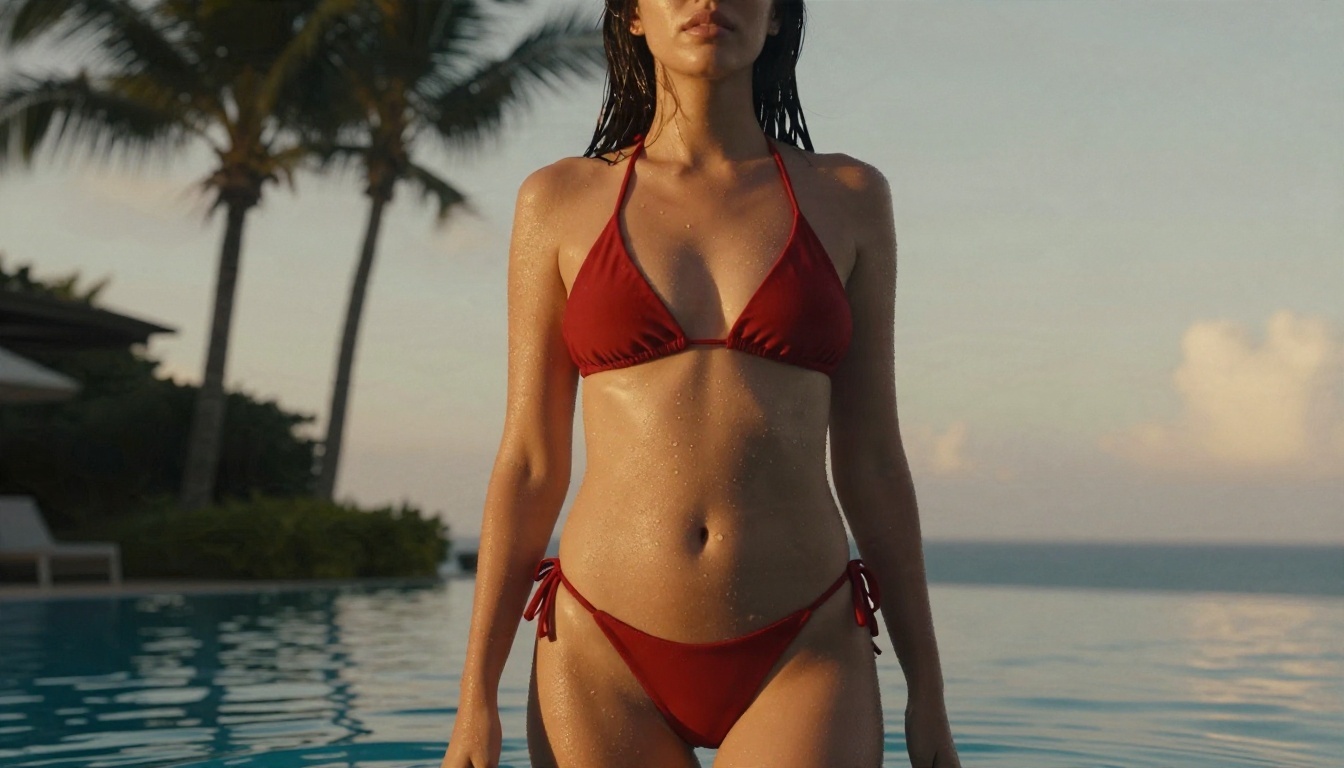
Idea you type: red halter bikini, infinity pool, golden hour.
Prompt the generator returns:
Low-angle photograph of a woman in a red halter bikini standing at the edge of an infinity pool, wet skin with water droplets, palm trees and a pastel sky behind her, warm sunlight from the right creating rim light on her shoulders, 35mm f/2 lens, realistic skin texture, Kodak Portra 400 film grain, raw photography, 16:9
Notice what carries the image: "wet skin with water droplets" gives texture, and "rim light on her shoulders" gives the glowing edge that makes the photo look expensive.
Boudoir Window Light
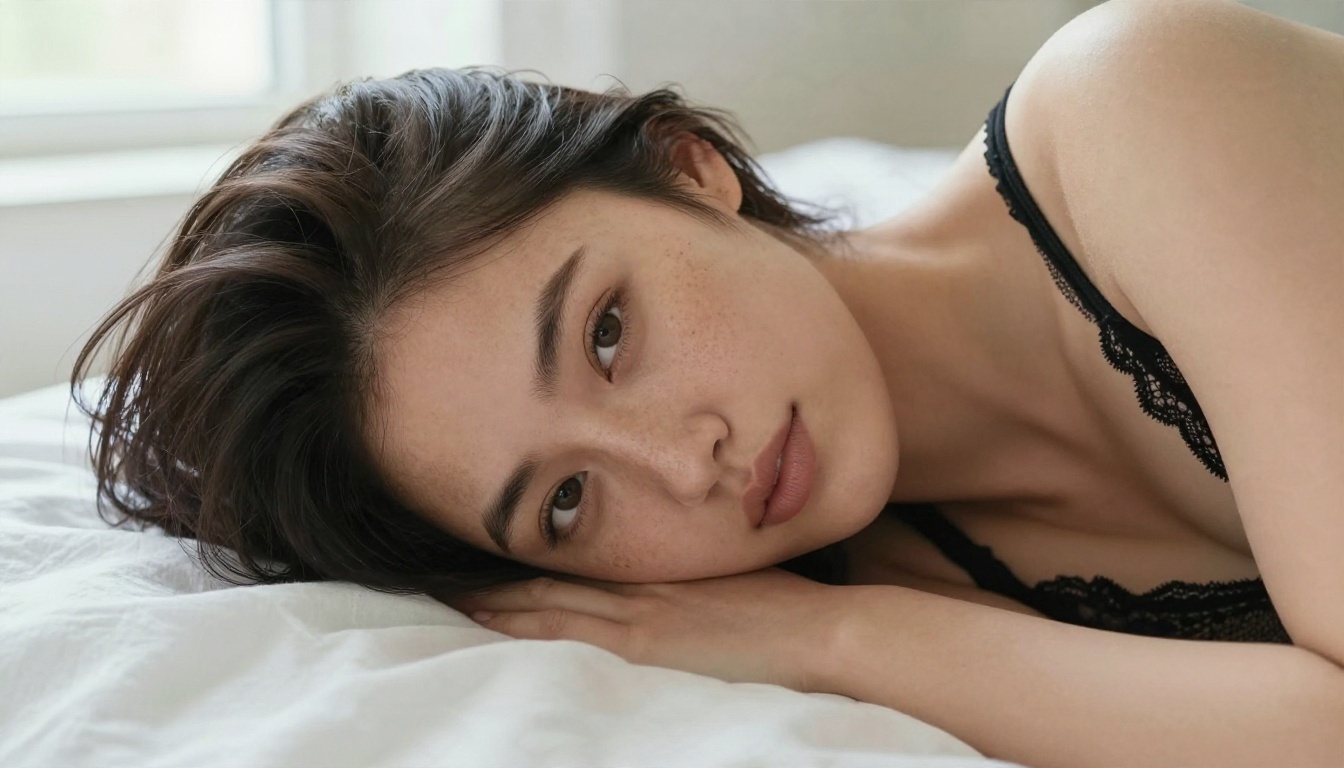
Idea you type: black lace bralette, white sheets, morning window.
Prompt the generator returns:
Close-up portrait of a woman with tousled dark hair and a black lace bralette lying on white linen sheets, soft diffused morning light from a window on the left, visible freckles and natural pores, subtle smile, eyes toward camera, 85mm f/1.4 lens with creamy bokeh, Kodak Portra 400 film grain, raw photography, non-explicit, 16:9
The phrase "visible freckles and natural pores" is the single most useful fix for plastic skin. Put it in every portrait prompt.
Evening Bar Portrait
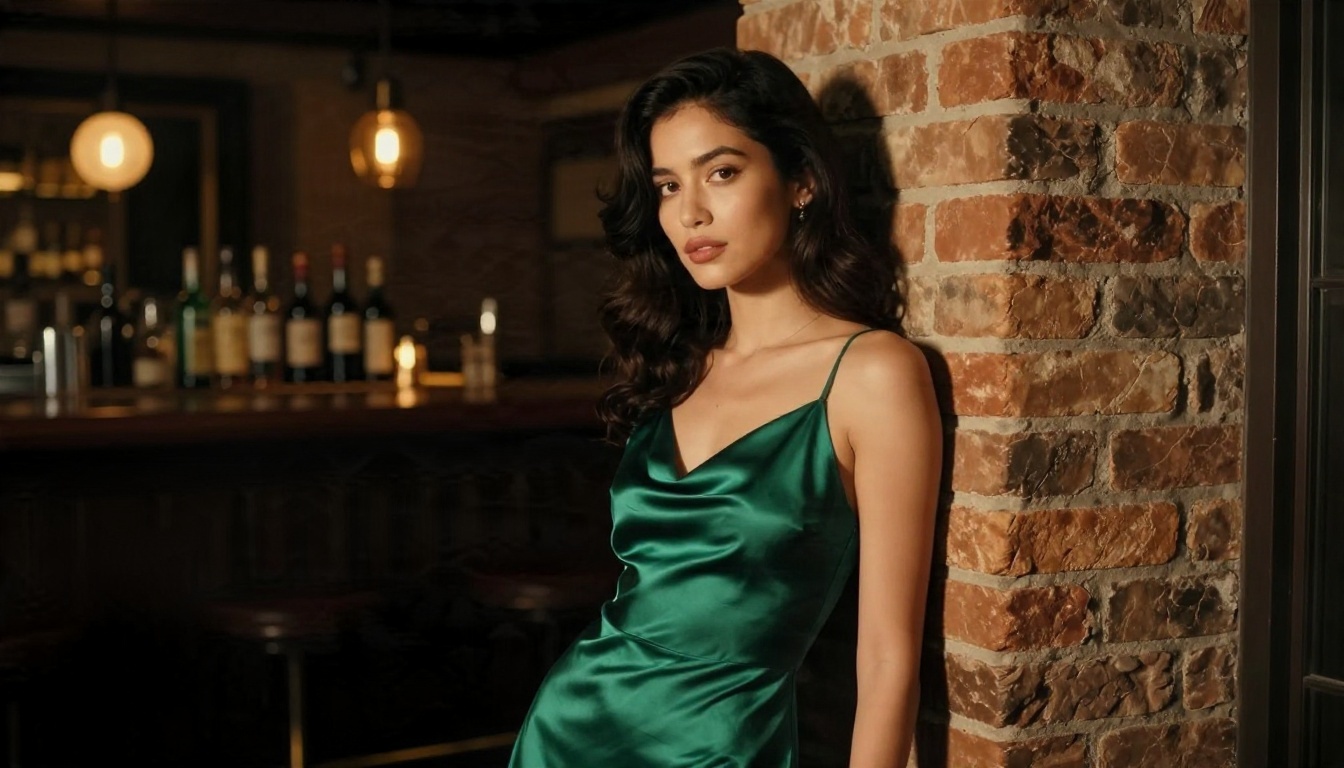
Idea you type: emerald satin slip dress, dim cocktail bar.
Prompt the generator returns:
Medium shot of a woman in an emerald satin slip dress leaning against a brick wall in a dim cocktail bar, warm tungsten practical lights behind her, light from the front-right casting a soft glow on her cheek, bottles blurred in the background, 50mm f/1.4 lens, silk fabric sheen, realistic skin pores, Kodak Portra 400 film grain, 16:9
Warm practical lights behind the subject and a softer key light on the face is a classic combination. It adds mood without needing any explicit content at all.
Beach Sunrise Walk
Idea you type: beige bikini, wet sand, sunrise.
Prompt the generator returns:
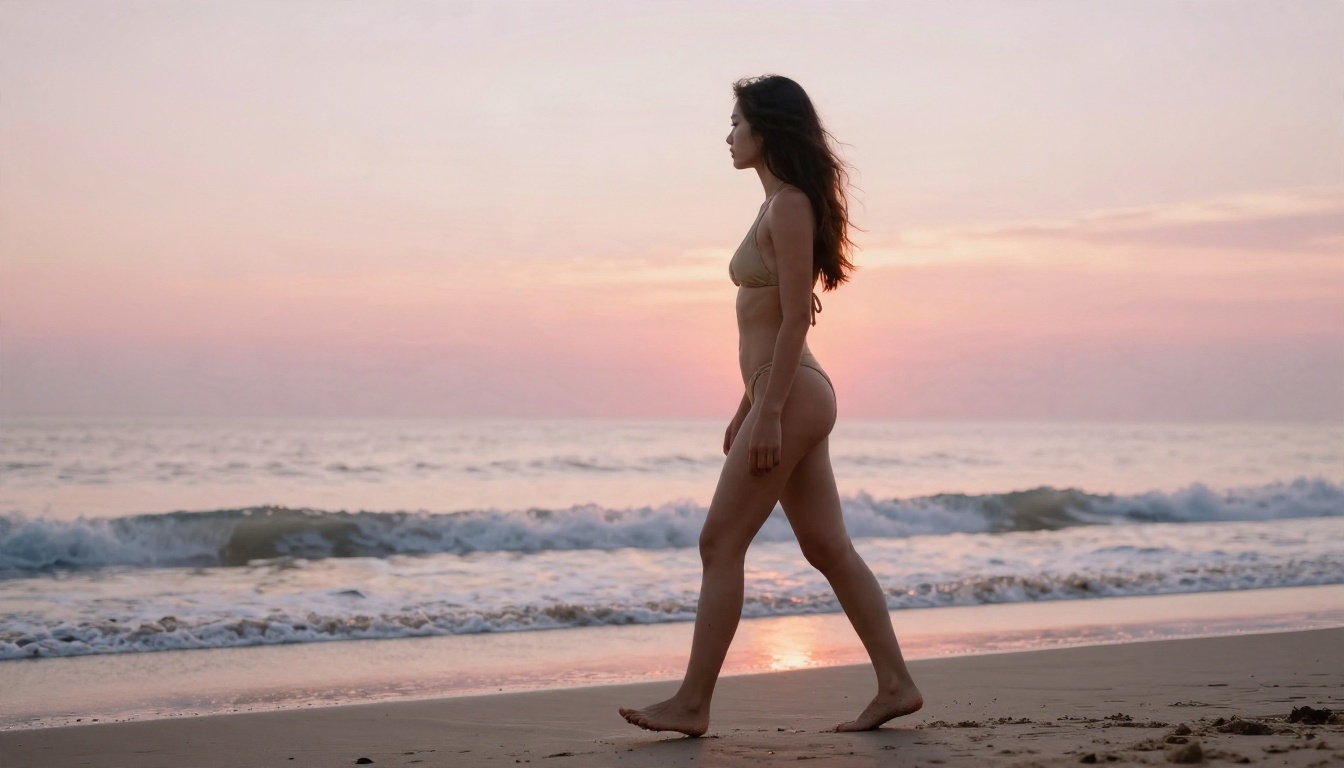
Side-profile photograph of a woman in a beige bikini walking along a wet sandy beach at sunrise, gentle waves washing her ankles, soft pink and orange horizon, backlit hair with glowing strands, 70mm f/2.8 lens with compression, sand grain texture and skin detail, Kodak Portra 400 film grain, 16:9
A longer lens such as 70mm compresses the horizon and makes the subject feel closer to the sun, which is why sunrise prompts look so rich with it.
More Quick Ideas
Feed these ideas into your generator as they are:
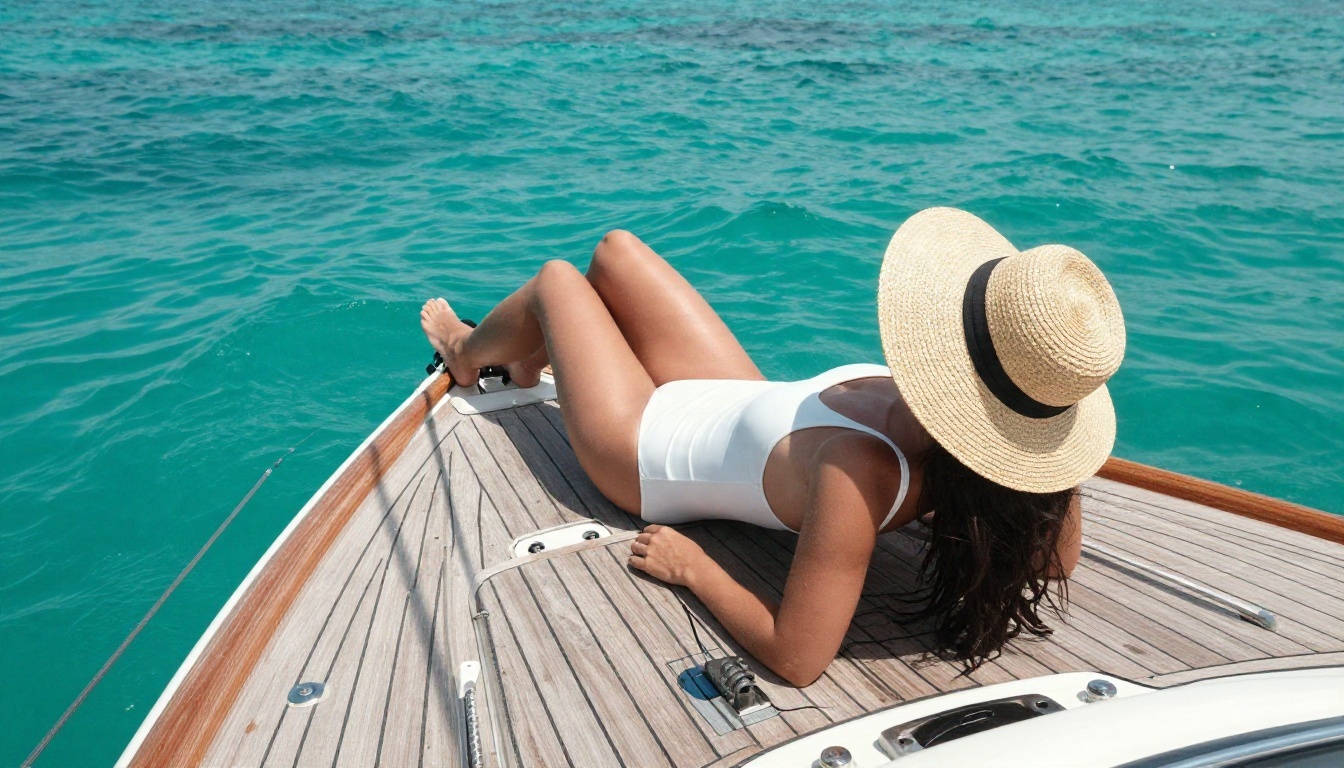
White one-piece swimsuit on a sailboat deck, shot from above.
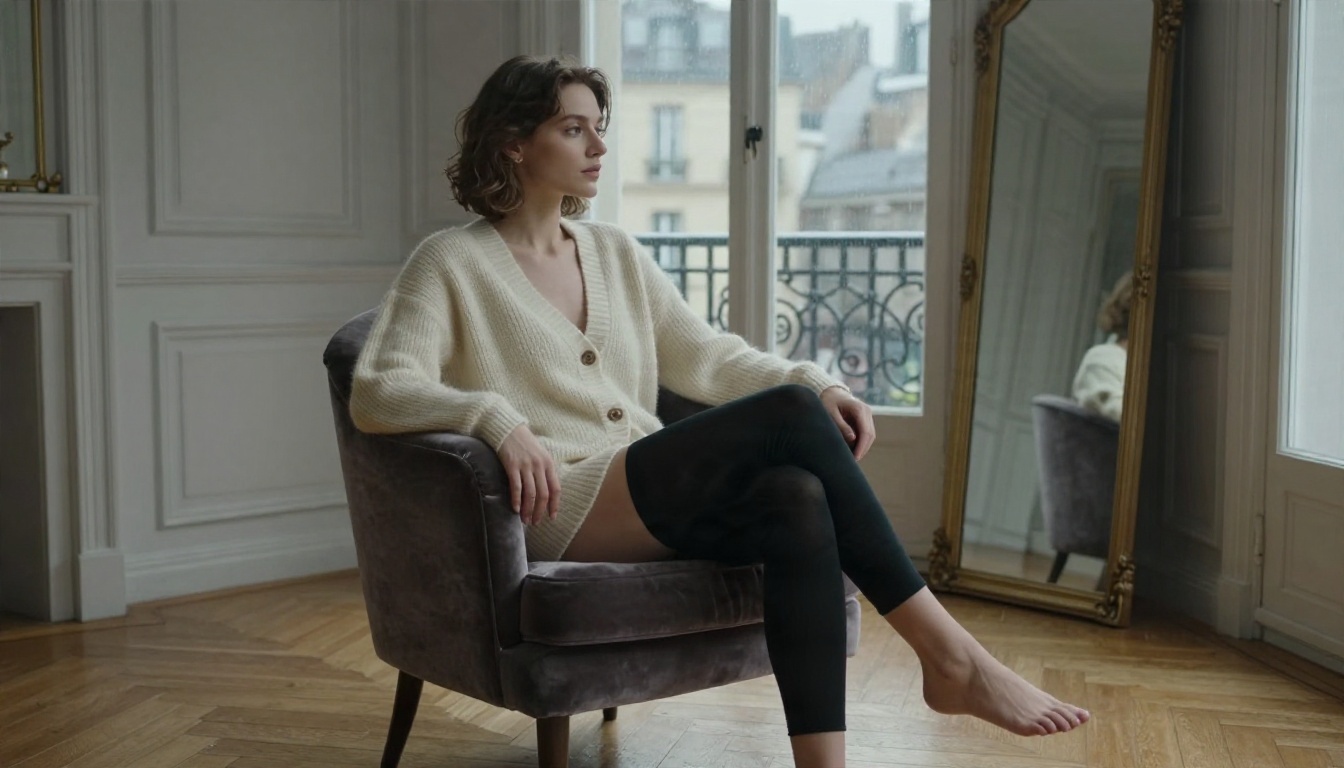
Cream cardigan over a black bodysuit, velvet armchair, rainy Paris window.
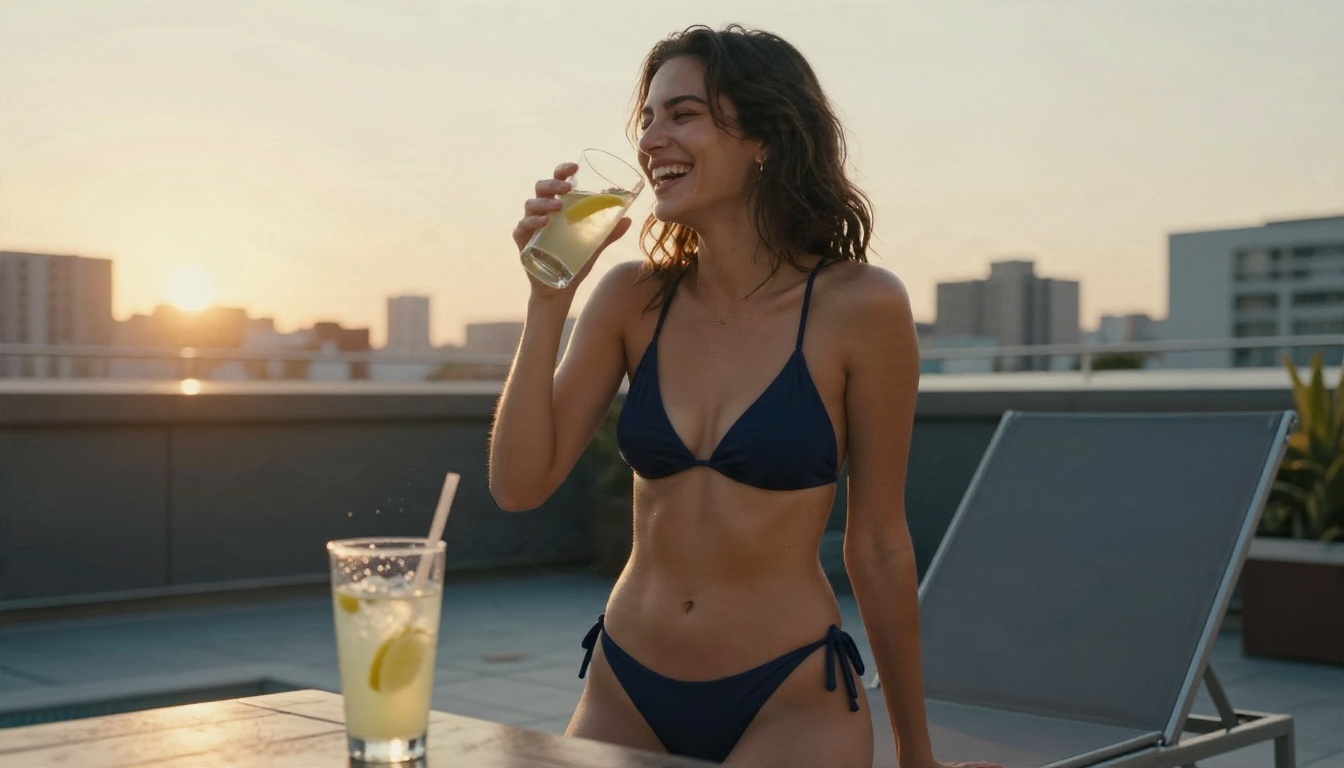
Navy sport bikini on a rooftop lounger at sunset, laughing candid moment.
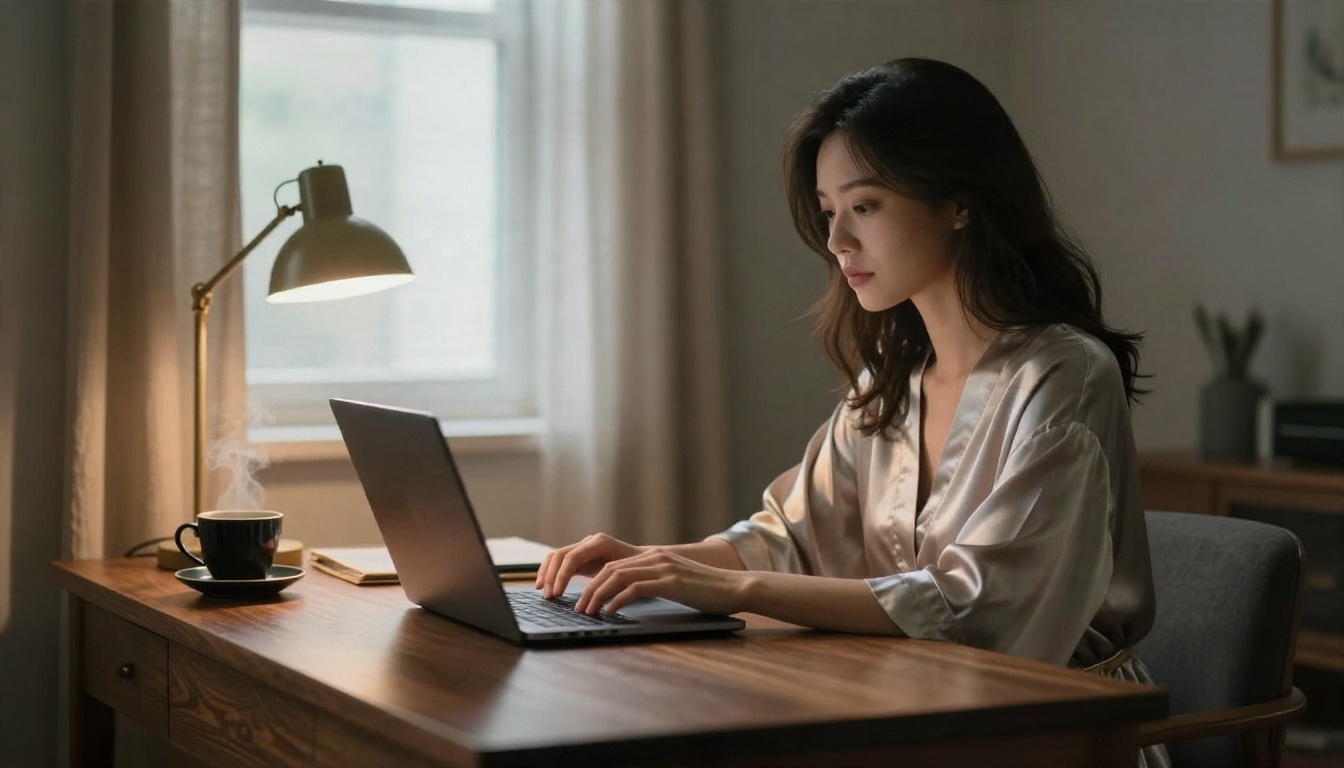
Silk robe, hotel balcony, early morning haze.
Linen shirt half-buttoned over swimwear, wooden pier, late afternoon.
Best Settings for Realism
Aspect Ratio and Resolution
Wide frames suit scenery and full-body poses. Taller frames suit portraits. Use this table as a starting point.
Goal
Aspect ratio
Why
Scenic glamour, beach, pool
16:9
Room for sky, water and context
Magazine-style portrait
3:2 or 4:5
Natural photographic proportions
Phone wallpaper or story
9:16
Fits vertical screens
Close-up beauty shot
1:1
Keeps focus on the face
Generate at the highest resolution your model offers for the final pick, but draft at a lower one. You will throw away most drafts anyway.
Seeds and Iteration
Once you get a composition you like, lock the seed and change only one phrase at a time: the outfit, the time of day, or the lens. If you change the seed and the wording together, you will never know which edit caused the improvement.
A simple loop that works:
Generate four drafts with random seeds.
Pick the best composition and note the seed.
Rewrite one layer of the prompt (light, usually).
Regenerate, compare, repeat twice.
Run the final version at full resolution.
Wording That Keeps Skin Real
These phrases do a lot of work for very little cost:
Skin: "visible pores", "fine freckles", "soft peach fuzz in the backlight", "subtle sheen on the collarbone".
Fabric: "satin with soft specular highlights", "lace with individual threads", "linen with natural creases".
Light: "volumetric morning light from the left", "warm rim light", "soft bounce fill from white sheets".
Finish: "Kodak Portra 400", "fine film grain", "natural color grading".
Avoid stacking words like "perfect", "flawless", "ultra HD" and "masterpiece". They push models toward the over-smoothed look you are trying to escape.
Models Ranked for Adult Glamour
The prompt matters, but the image model decides how much of it survives. Some tools block or soften anything that looks like swimwear or lingerie. These are the models worth trying, in the order I would try them.
Seedream 4.5 is the first stop because it gives the most believable skin and light of the group, and it follows long, layered prompts well. Image Editor Pro is the one to keep open all day: with unlimited generations you can run fifty drafts without watching a counter, and you can edit an image you already like instead of starting over. For the full list of what is available, browse picassoia.com/en/all-models.
💡 Speed tip: draft with Z Image Turbo, then move the winning prompt to Seedream 4.5 for the final render. You spend your patience only on the shots that matter.
Paste the prompt your generator wrote into the main text field.
Set the aspect ratio. Use 16:9 for scenery and full-body shots, 3:2 or 4:5 for portraits.
Choose the resolution. Start low for drafts, then go higher for the keeper.
Generate, then compare four variations side by side.
Keep the best seed, edit one phrase, and generate again.
For small fixes such as a hand, a strap or a background object, send the image into PicassoIA Image Editor Pro and describe only the change.
Fix Plastic Skin Fast
If the skin looks too smooth, do three things. Add "visible pores and fine freckles" to the subject layer. Replace "soft studio light" with a directional light such as "morning light from the left". Finally, add "fine film grain, Kodak Portra 400" at the end. Those three edits fix most plastic results without touching anything else.
Common Mistakes
Even a good generator cannot rescue a few classic errors:
Overlong prompts. Past about 100 words, most models start dropping details. Keep it at 60 to 90.
Conflicting light. "Golden hour" and "studio softbox" in the same prompt confuse the result. Pick one source.
No camera. Without a lens or angle, the model picks a bland middle distance.
Too many outfits. Describe one outfit and one fabric. A list of clothing ruins the focus.
Changing everything at once. Edit one layer per generation or you cannot tell what worked.
💡 Safety note: keep subjects clearly adult and fictional, never build prompts around a real person's name or likeness, and only post images where the platform you use allows it.
Make Your First Batch Today
You now have a free generator, a handful of tested prompts and a short list of settings that keep things realistic. The fastest way to see the difference is to run one idea through both versions: type your rough thought straight into an image model, then run it through the generator template and compare the two results.