Type a few lines, pick a voice, press generate, and thirty seconds later a low, breathy narrator is reading your script in your headphones. That is what an NSFW sound generator does at its simplest, and it has quietly become one of the most searched corners of AI audio. People want sultry voiceovers for romance stories, ASMR style whisper tracks for relaxation, moody background music for adult-oriented videos, and character voices for fiction.
The catch is that "NSFW" means different things to different tools. Some platforms block anything suggestive. Others allow mature tone but draw a hard line at explicit content. This article sorts through the real options: what free tools can do, what sample scripts sound best, and which online generators on PicassoIA give you the most control over a suggestive, non-explicit result.
💡 Quick take: the best results come from three layers working together: a well-written script, a voice model with emotional range, and a music bed that matches the mood. Skip any one of them and the track sounds flat.
What an NSFW Sound Generator Does
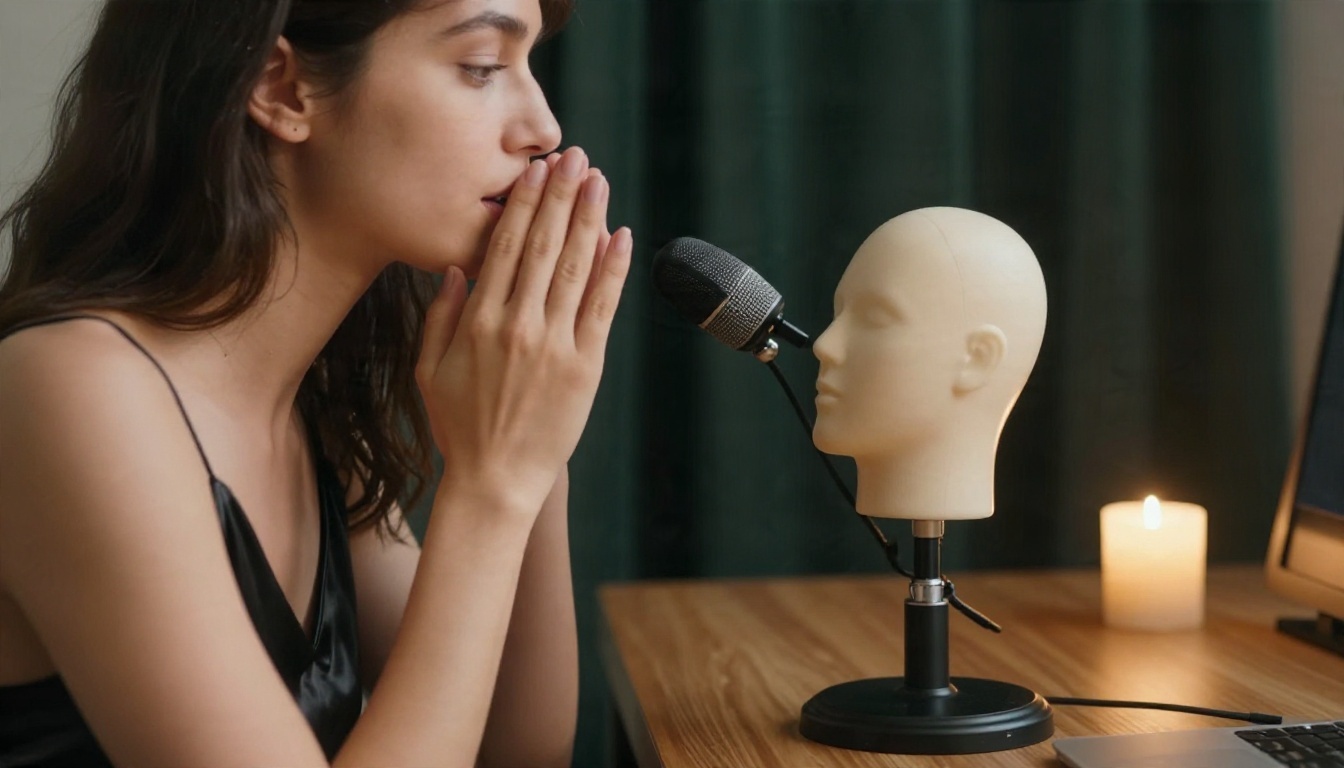
The phrase is a catch-all. Under the hood, nearly every tool fits one of two families: text to speech (a script goes in, a voice comes out) and AI music generation (a text description goes in, a track comes out). A third family, voice cloning, copies a real voice from a short sample. Together they cover most of what people actually want.
Voices, Whispers, and Mood Audio
The most common uses are surprisingly tame once you list them:
- Sensual narration for romance fiction, audio diaries and story channels
- Whisper and ASMR reads with close, intimate delivery
- Late night radio style voiceovers with a slow, warm pace
- Character dialogue for roleplay scenes, visual novels and games
- Mood music such as slow jazz, lo-fi, downtempo and cinematic slow burn
- Ambient beds like rain, soft room tone, vinyl crackle and distant city sound
None of this needs explicit material to work. A good whispered line with the right pacing is more effective than anything blunt, and it keeps your track usable on far more platforms.
What These Tools Won't Do
Be realistic about limits. Most mainstream voice and music models apply content filters, and some refuse anything sexual in the prompt itself. Even where mature tone is allowed, explicit content is typically restricted, and terms of use differ from one model to the next. On PicassoIA the sensible approach is to write suggestive, atmospheric scripts and let delivery do the work. Check the terms on each model page before you build a project around it.
⚠️ A tool that promises "no filters at all" is usually either unreliable or has weak safeguards around voice cloning and age checks. Neither is something you want attached to your work.
Free Options Worth Trying
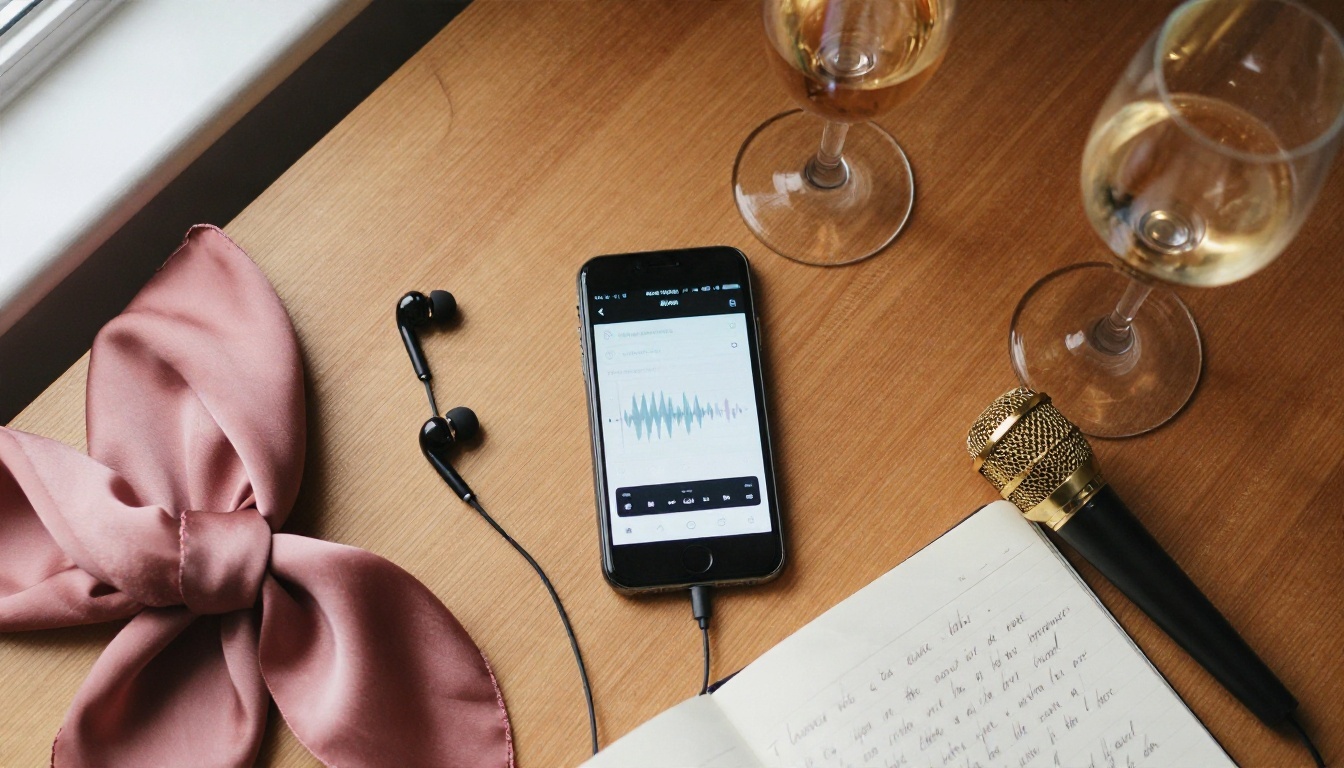
"Free" comes in a few flavors, and each has a trade-off. Here is how the categories compare.
| Option | Cost | Voice quality | Mood control | Main limit |
|---|
| Built-in system voices (phone, OS, browser) | Free | Basic, often robotic | Very low | Flat delivery, no emotion |
| Free tiers on online generators | Free with caps | Good to excellent | Medium to high | Character or credit limits |
| Open source voice models | Free software | Good, varies | High with tuning | Needs a capable computer |
| Royalty-free sound libraries | Free or low cost | Real recordings | None (fixed clips) | You cannot change the words |
| Trial credits on AI platforms | Free to start | Excellent | High | Credits run out |
Free Tiers and Trial Credits
This is where most people should start. A free tier gives you a real, modern voice without installing anything. The limits are usually a monthly character count or a handful of generations, which is plenty for testing a script. Several PicassoIA model pages advertise free access in their titles, so check the current allowance on the page of the voice or music model you want.
Open Source Voice Models
If you are comfortable with a command line, open source speech models run locally and have no per-clip cost. The price is setup time and a decent graphics card. Quality has improved a lot, and emotion-aware models can produce a believable breathy read. Local setups also keep your scripts private, which some creators value for adult-themed projects.
Browser Tools and Their Limits
Simple online TTS pages are fast, but most give you a short list of stock voices and a speed slider. That is fine for a quick test. It is not enough for a convincing intimate read, because pacing, pauses and breath are what sell the effect, and those controls rarely exist on basic pages.
Voice Examples You Can Copy
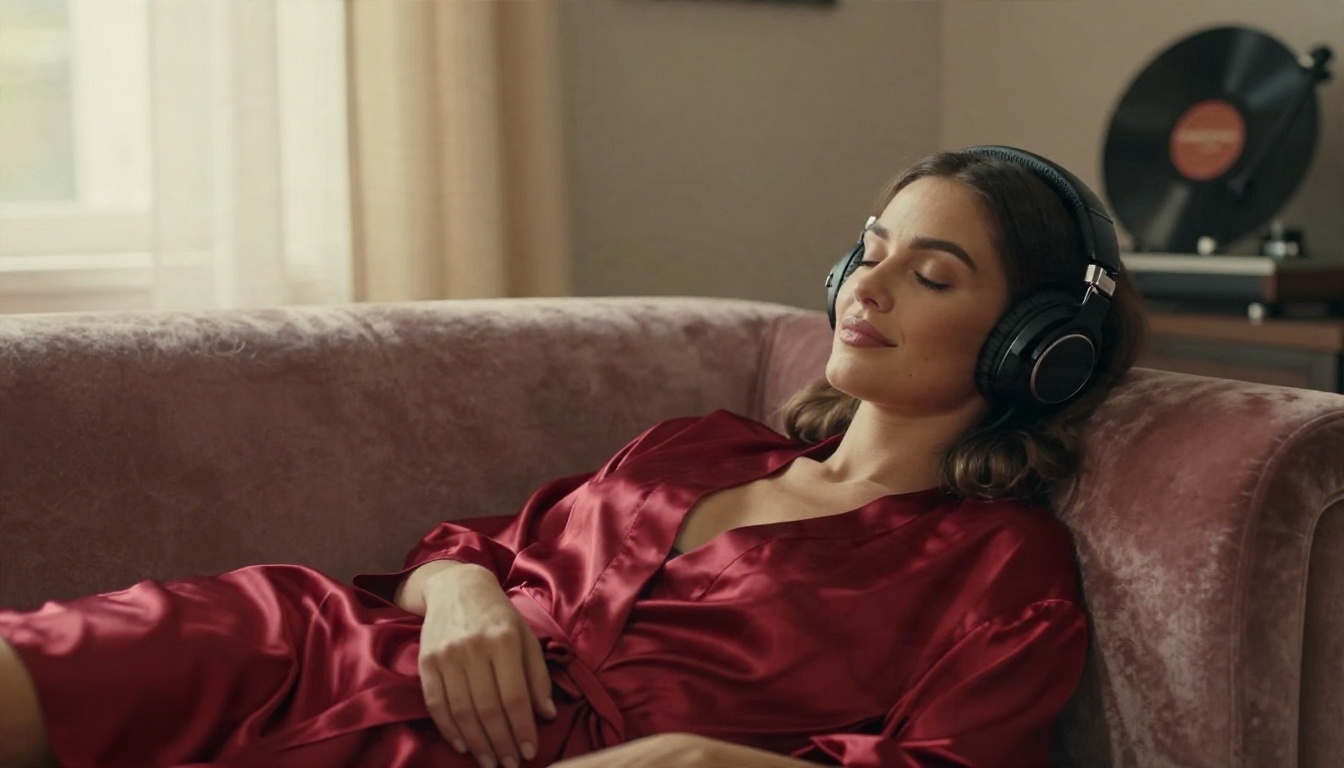
Scripts matter more than people expect. Below are three sample styles you can paste into a text to speech model and adjust. They are suggestive and atmospheric, with nothing explicit.
The Whisper Read
Goal: close, calm, intimate. Short lines, long pauses.
"Lock the door... turn the lights down low. It's just us tonight. Take a slow breath, and stay a while."
Tips for this style:
- Pick a soft, lower-register voice.
- Use ellipses and short sentences to force natural pauses.
- Lower the speaking speed a notch if the model offers a speed control.
- Keep volume modest and add a quiet room-tone bed afterward.
The Late Night Radio Host
Goal: warm, smooth, confident, a voice that sounds like it is smiling.
"You're listening to the quiet hours. The city's asleep, the rain's on the glass, and I've got a slow record with your name on it."
This style works for podcast intros, mood channels and background narration over slow music. It needs a rich, steady voice rather than a breathy one.
The Character Monologue
Goal: a person with an attitude, ideal for fiction, games and visual novels.
"You kept me waiting. I should be annoyed. But you look far too good in that jacket, so I'll let it slide."
Here, emotion tags or style prompts help if your model supports them. A teasing line needs a lift in pitch at the end, and a flat model will miss it entirely.
💡 Script rule: write for the ear, not the eye. Read it out loud first. If you run out of breath, the model will sound wrong too.
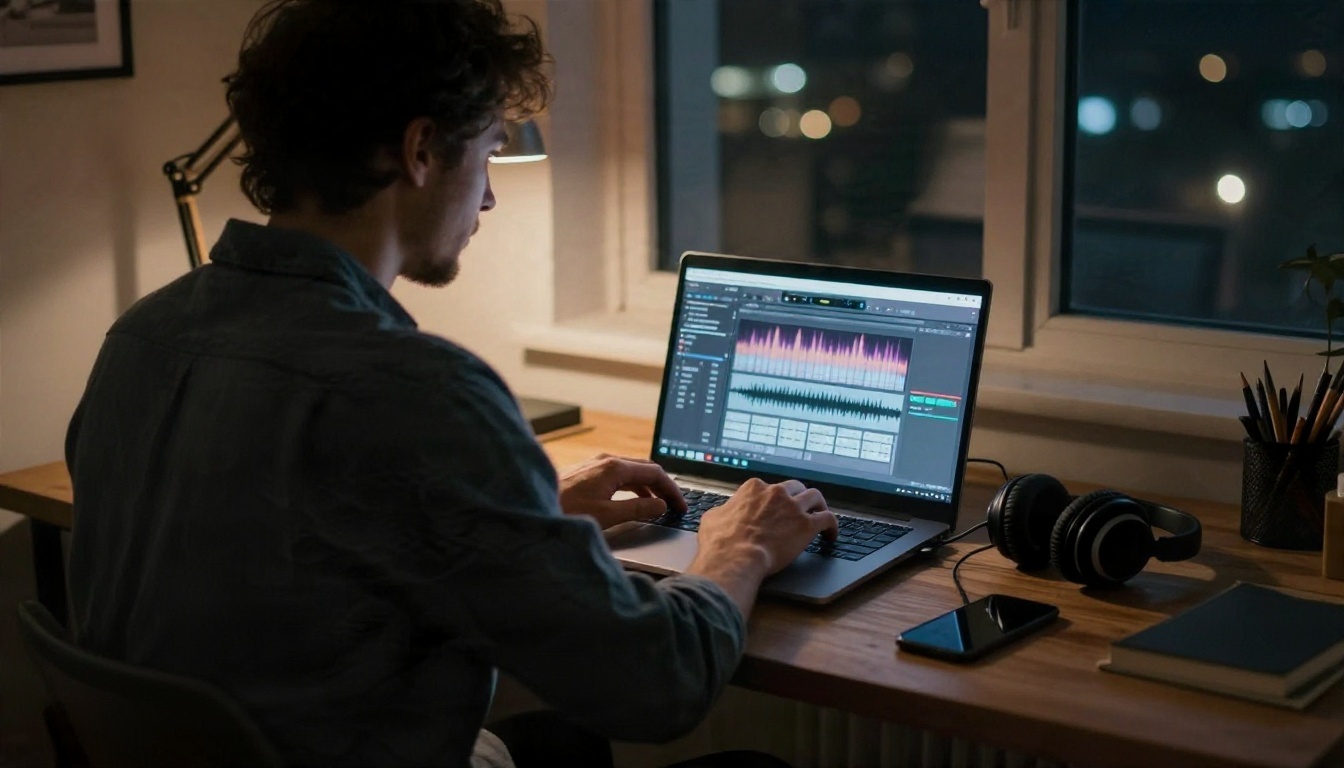
PicassoIA has a long list of speech and music models, and a few of them suit mature, atmospheric audio especially well. Here are the ones worth testing first.
| Model | Best for | Why try it |
|---|
| Chatterbox | Emotional character reads | Built around emotion control and voice cloning |
| ElevenLabs V3 | Expressive narration | Natural, expressive delivery for story reads |
| Gemini 3.1 Flash TTS | Fast multi-voice scripts | 30 voices across 70+ languages |
| Speech 2.8 HD | Studio-grade clean voice | High-fidelity output suited to long reads |
| Qwen3 TTS | Designing a custom voice | Clone a voice or design your own |
| Play Dialog | Two-person scenes | Built for natural dialogue audio |
| Voice Cloning | Your own voice, reused | Create a custom voice from your sample |
For music beds, these are the strongest picks:
How to Build Your First Track
A finished track takes about fifteen minutes once you know the order of work. Follow these steps and you will avoid the usual flat, robotic result.
Write the Script
Keep it between 80 and 150 words for a first test. Use short sentences. Add pauses with ellipses or line breaks. Describe sensation and atmosphere rather than action: warmth, rain, low light, slow breathing. That style fits nearly every platform's rules and sounds better aloud.
Pick a Voice Model
Open a speech model page, such as Chatterbox for emotion or ElevenLabs V3 for expressive narration. Paste your script, choose a voice with a lower, softer register, and generate one short clip first. Listen on headphones, not laptop speakers, because the subtle breath and pause detail only shows up there.
Parameter tips (where the model offers them):
- Speed: slightly slower than default for intimate reads
- Emotion or style: choose calm, warm or soft options over energetic ones
- Stability or variation: a moderate setting keeps the voice consistent without sounding dead
- Language and accent: match the voice to your script's language, since mismatches create odd phrasing
Add a Music Bed
Generate a 60 to 90 second instrumental with Music 2.6 or Lyria 3. Try a prompt like: "slow downtempo, warm bass, soft brushed drums, late night lounge, intimate, no vocals." Keep the music at least 12 to 15 dB below the voice so the words stay clear.
Polish the Mix
Trim silence at the start and end, add a short fade in and out, and use a gentle low-pass filter on the music so it sits behind the voice. If the voice sounds too dry, a touch of room reverb makes it feel like a real space. Free audio editors handle every one of these steps.
Pair Audio With Matching Visuals
Audio alone is fine for a podcast, but most creators publish on video or social platforms where a cover image, thumbnail or looping visual makes the difference. For glamour, boudoir and moody portrait art that fits the mood of the track, PicassoIA's image models handle adult-leaning, non-explicit visuals well.
Start with Seedream 4.5. It produces sharp, photorealistic portraits with natural skin and fabric detail, and it is the strongest first choice for suggestive artwork. Then use PicassoIA Image Editor Pro to adjust, restyle or fix details, with unlimited generations so you can iterate until the thumbnail is right without watching a credit counter. Both are quick, which matters when you are producing a series.

A simple workflow for a full release:
- Write the script and generate the voice.
- Generate the music bed.
- Create a thumbnail with Seedream 4.5.
- Refine the thumbnail in Image Editor Pro.
- Combine everything in any video editor and export.
Rules That Keep You Safe
Voice Consent
If you use a cloning tool, only clone your own voice or a voice you have written permission to use. Cloning a real person without consent is a legal problem in many places and a fast way to get an account banned. Models like Voice Cloning and Qwen3 TTS are powerful, so treat them with care. Designing an original voice is a safer path and often sounds more distinctive anyway.
Age and Platform Rules
Mature audio is for adults, made by adults, for adult listeners. Never write or generate anything involving minors, and label adult-oriented work clearly where platforms ask for it. Streaming services, video sites and podcast hosts each have their own policy on suggestive content, and suggestive tone is usually accepted far more readily than explicit material. A short read of the posting rules before you upload saves a takedown later.
💡 Safe publishing habit: keep your scripts atmospheric and implied. It protects your channel, widens your audience and, honestly, sounds more professional.
Make Your Own Mature Audio Today
You do not need a studio, a microphone or an audio degree. A script of a hundred words, one speech model, one music model and a decent thumbnail are enough to publish a polished track tonight. Start small: generate a single whispered clip, listen on headphones, then change one thing at a time, whether that is the voice, the speed or the music genre.
Try a few voices side by side with Chatterbox, ElevenLabs V3 and Speech 2.8 HD, build a mood bed with Music 2.6, and create matching artwork with Seedream 4.5 and PicassoIA Image Editor Pro. When you want to see everything on offer, browse the full catalog at picassoia.com/en/all-models and build your own set of favorite voices, tracks and visuals.


