You type a prompt, press a button, and an image appears. No email, no password, no credit card. That is the promise behind every free NSFW tool with no sign-up, and for a few minutes it feels true. Then the queue grows to 40 minutes, a watermark lands across the corner, the resolution turns out to be 512 pixels, and the filter you used yesterday quietly stops working today.
This article looks at what "free" and "no sign-up" actually deliver in 2027, which limits show up first, and where you can get cleaner, faster results online. The focus is non-explicit adult imagery: glamour portraits, swimwear shoots, boudoir-style lighting and fashion photography, the kind of content that is attractive without being pornographic.
💡 Quick answer: Truly anonymous NSFW tools exist, but they trade convenience for caps, slow queues and low resolution. If you want sharp, photorealistic results without hitting a wall every ten minutes, a platform with unlimited generations beats a throwaway demo page.
What "No Sign-Up" Really Means
The phrase sounds precise, but it covers three very different setups. Knowing which one you are using changes what you should expect.
Anonymous Sessions
The tool lets you generate straight away and identifies you by a browser cookie or your IP address. Nothing is stored in an account, but your usage is still counted. Clear your cookies or switch networks and the counter may reset, or it may not, depending on how the site tracks you.
Guest Credits With a Hidden Gate
Many sites let you generate two or three images as a guest, then ask for an email before the next one. The first results are real, but the "no sign-up" label only applies to the demo. This is the most common pattern, and it is why so many people feel misled by search results.
Open Tools That Need Nothing
A smaller group of tools really does run with zero registration, usually because they are community-funded or run on donated compute. These are the ones where the quality is least predictable: models change without notice, servers go offline, and nobody answers support emails.
The Limits You Will Hit
Free tools are free because someone is paying for the graphics cards behind them. That cost always lands somewhere: in the queue, in the output size, or in the rules.
Daily Caps and Slow Queues
A cap of 5 to 20 images a day is typical. Even before you reach it, free users wait behind paying users, so a render that takes 8 seconds for a subscriber can take several minutes for you. At peak hours, some free tiers simply stop accepting jobs.
Watermarks and Low Resolution
Expect one of two outcomes. Either the image carries a visible logo, or it comes out at a size too small for anything but a phone thumbnail. Upscaling afterwards can help, but it cannot invent skin texture that was never generated.
Filters That Shift Without Warning
This is the limit nobody mentions. A tool that accepted swimwear prompts last week may reject them this week because the host changed a moderation setting or switched models. When a tool has no account and no changelog, you have no way to know in advance.
Side-by-Side Comparison
| Feature | Anonymous demo page | Free tier with account | Unlimited platform |
|---|
| Sign-up needed | No | Yes | Yes, once |
| Images per day | 2 to 10 | 10 to 50 | No fixed cap on supported tools |
| Queue speed | Slow at peak | Medium | Fast |
| Resolution | Often 512 to 768 px | Up to 1024 px | 2K to 4K on supported models |
| Watermark | Common | Sometimes | No |
| Consistent rules | Rarely | Sometimes | Yes |
| Photorealism | Mixed | Good | Best |
The pattern is simple: the more friction you remove at the front door, the more you pay in quality at the back.
Not all free options are built the same way. Here is how the main categories compare in practice.
Browser Demo Pages
These are single-page generators with a text box and a button. They are fast to try and easy to abandon. The upside is zero commitment. The downside is that they usually run small, older models, so faces drift, hands break and skin looks plastic.
Open-Source Models on Your Own PC
If you own a recent graphics card with plenty of memory, you can run open models locally. Nothing leaves your computer, there are no caps, and no one changes the rules. The cost is setup time: installing software, downloading multi-gigabyte model files, and tuning settings. On a laptop without a dedicated card, results are slow or impossible.
Account-Based Free Tiers
Sign up, get a handful of daily credits, and use better models. This is a fair trade for many people, and often the most realistic way to get decent images without paying. The catch is that credits expire, and the best models are usually reserved for paid plans.
Privacy Matters More Than Price
A site that asks for nothing is not automatically a site that protects you. Anonymous does not mean private.
What Gets Logged Anyway
Your prompts, your IP address and your device details are often recorded for abuse prevention, even when no account exists. Some tools also keep generated images on public galleries by default. Read the first screen carefully: if a generator shows a feed of other people's results, yours may be in it.
Accounts Are Not Always Worse
An account creates a record, which is a fair concern. But a reputable platform with clear terms, private galleries and a delete option can be safer than an anonymous page that says nothing about storage. A throwaway email address is a reasonable compromise when you want separation.
Rules Worth Following
💡 Stay on the right side of the line. Only generate imagery of fictional adults. Never use a real person's face or likeness without their consent, and never create anything involving minors. Reputable platforms enforce this, and so should you.
Better Online Alternatives
If the throwaway tools frustrate you, a proper image platform is the logical next step. PicassoIA gives you access to a wide model catalog in one place, with fast generation and no daily cap on its unlimited editor. Here are the models worth trying, in the order I would use them.
1. Seedream 4.5 for Photorealism
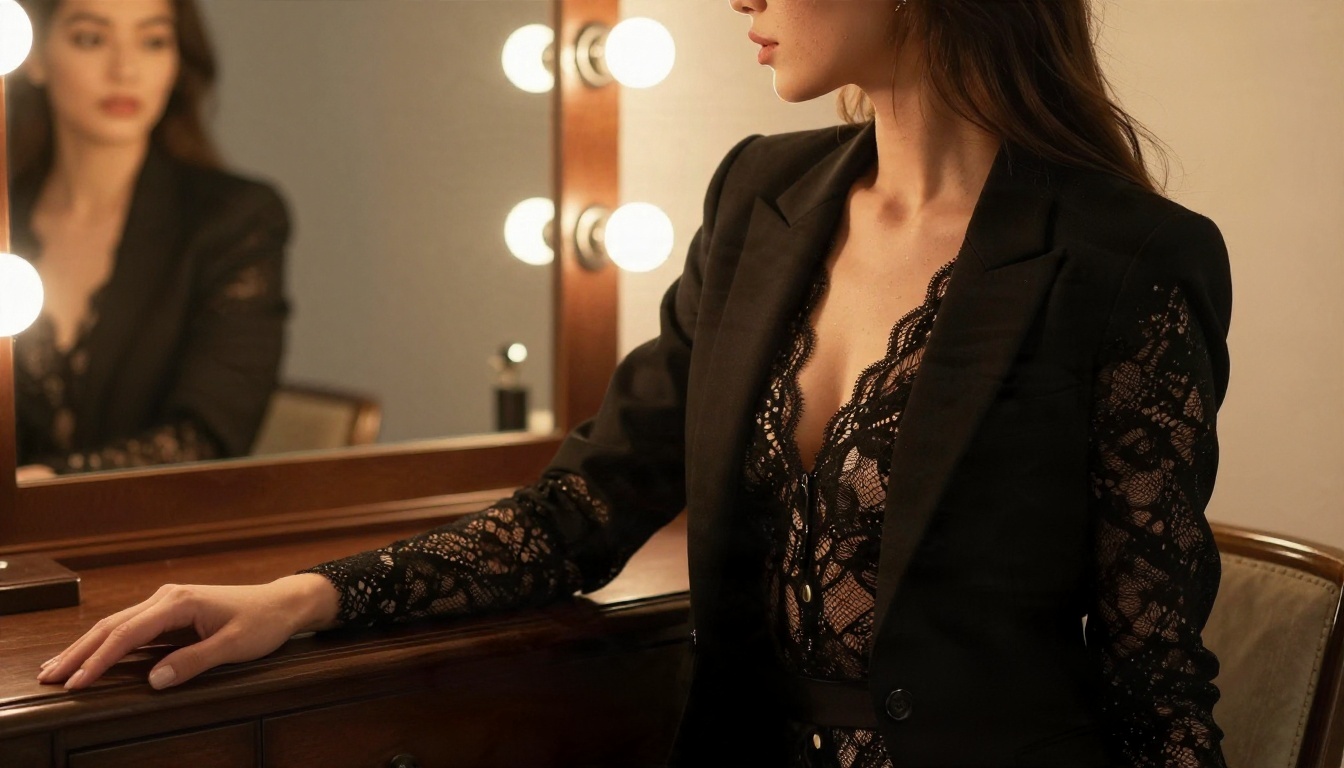
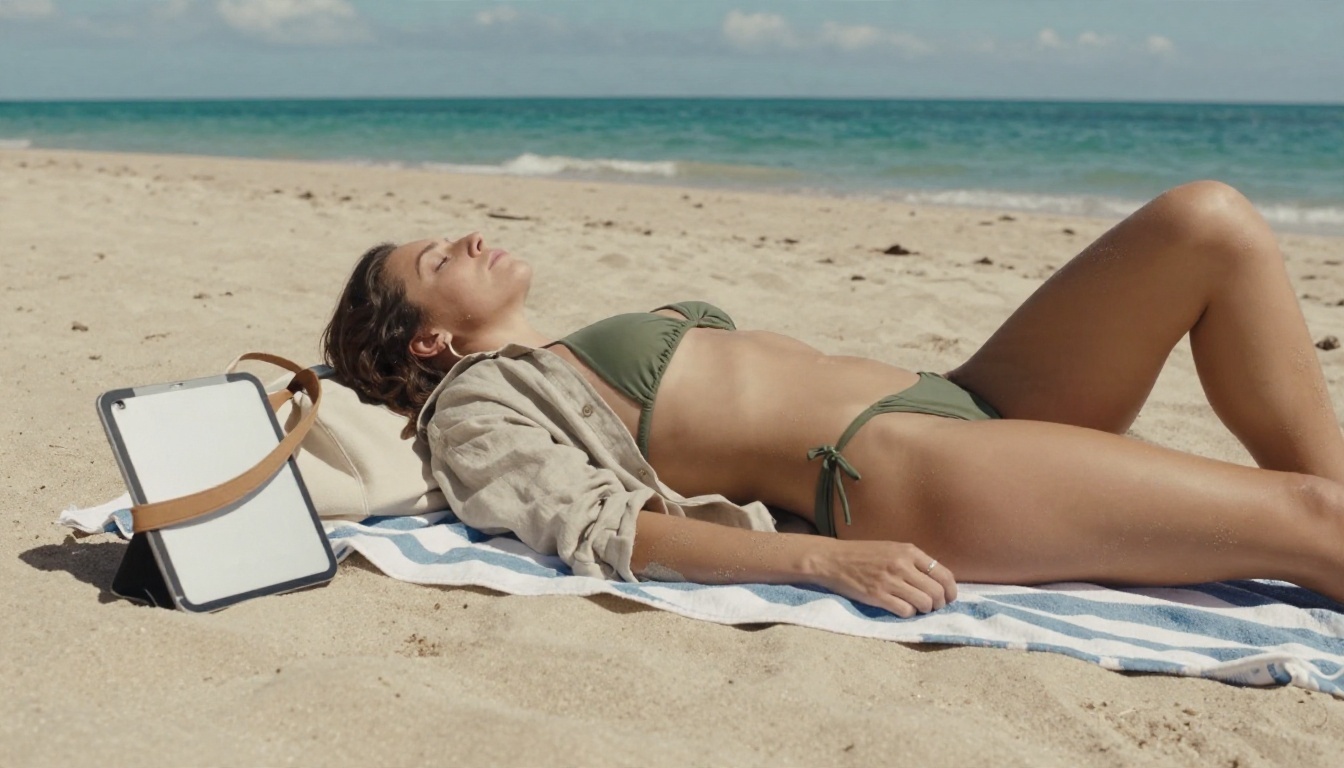
Seedream 4.5 is the first model to reach for when you want glamour, swimwear and fashion imagery that looks like a real photograph. It handles skin texture, fabric folds and natural light with a level of realism that demo pages rarely match, and it outputs up to 4K. For suggestive but tasteful subjects such as bikinis, satin and lace, lounge scenes and golden-hour portraits, it is my default.
2. PicassoIA Image Editor Pro for Unlimited Use
PicassoIA Image Editor Pro is where the "free and no limits" idea actually holds up. It offers unlimited generations, so you can iterate on a prompt twenty times without watching a counter. It also edits: change an outfit, adjust lighting, swap a background or fix a detail without starting over. For anyone who got tired of daily caps, this is the biggest difference.
3. More Models Worth Trying
Different models have different strengths, and it helps to keep a short list:
💡 Moderation varies by model. Every model has its own content rules, and some are stricter than others. If a prompt gets blocked, rewrite it toward styling, lighting and mood rather than giving up on the whole idea, or move to a different model from the list above.
| Your situation | Best choice |
|---|
| One quick test, no commitment | Anonymous demo page |
| Privacy first, strong hardware | Open-source model on your own PC |
| Regular use, sharp results | Seedream 4.5 on PicassoIA |
| Lots of iterations, edits, no counter | PicassoIA Image Editor Pro |
| Fast drafts before a final render | Z Image Turbo or Hidream L1 Fast |
How to Use Seedream 4.5
Here is a simple workflow on PicassoIA for a glamour or swimwear image that looks photographed, not rendered.
Step 1: Open the Model
Go to the Seedream 4.5 page and sign in. The text box is the only thing you need to fill in.
Step 2: Write a Photographic Prompt
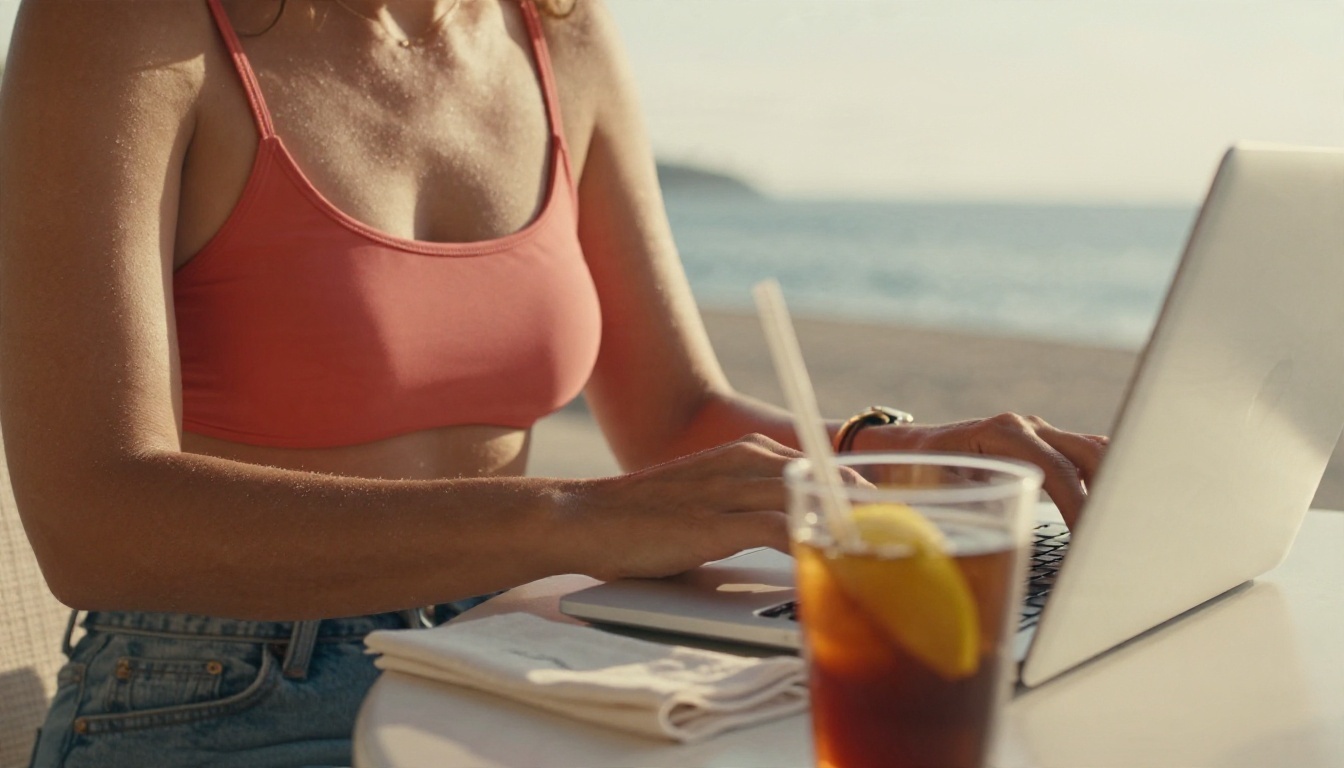
Describe the shot the way a photographer would brief an assistant. Include the subject and outfit, the setting, the light, the lens and the film look. For example: "Adult woman in a coral bikini top at a seaside café table, golden hour light from the right, 85mm lens, shallow depth of field, natural skin texture, Kodak Portra 400 grain."
Step 3: Pick the Aspect Ratio
Use 16:9 for landscape scenes, 3:4 or 2:3 for portraits and fashion looks, and 1:1 for social posts. Choose the ratio before generating, since cropping later can cut off the part of the frame you care about.
Step 4: Refine in Image Editor Pro
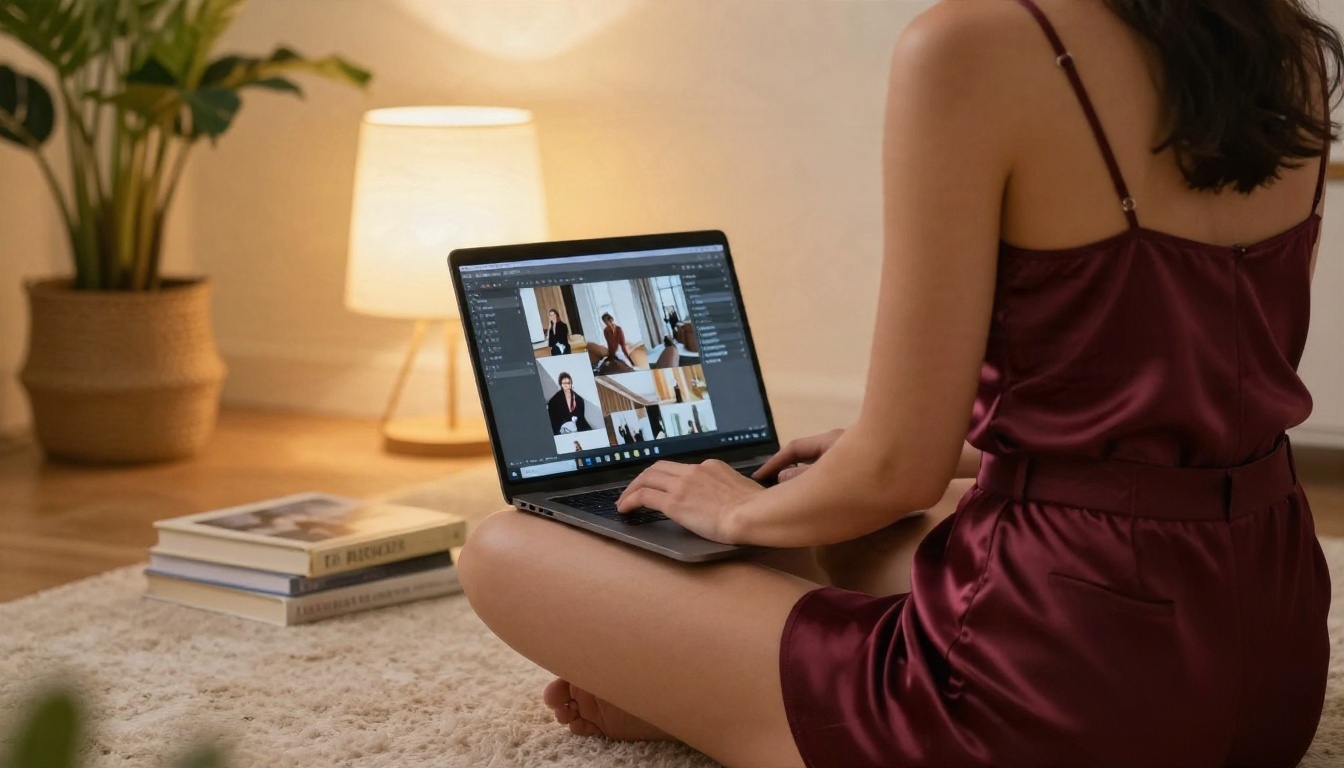
Open the result in PicassoIA Image Editor Pro. Because generations there are unlimited, you can adjust the outfit colour, soften the background or fix a small detail as many times as you like.
Step 5: Upscale and Save
If you plan to print or post in high resolution, run the final image through a super-resolution model. Then download it and keep the prompt in a notes file so you can reuse what worked.
Prompt Tips That Save Time
Good prompts do more work than any setting. These habits make the biggest difference.
Lead With Light and Lens
Words like "soft window light from the left", "golden hour backlight" or "85mm f/1.8" push a model toward photographic realism immediately. Without them, many models default to a smooth, glossy look.
Describe Texture Out Loud
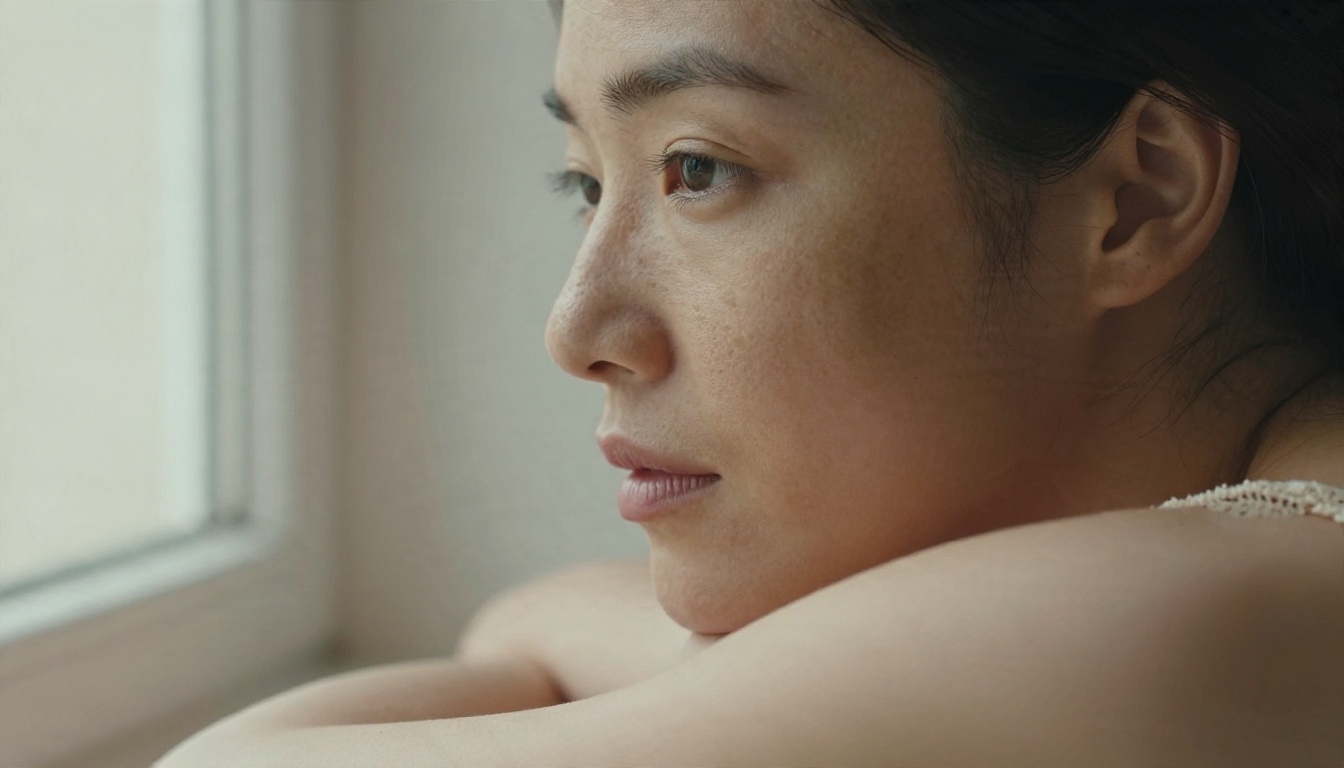
Mention skin pores, freckles, satin sheen, lace edges, sand grains or water droplets. These small phrases are what separate a believable image from a plastic one.
Keep It Tasteful on Purpose
Suggestion is more attractive than exposure. Swimwear, lingerie-inspired styling, a robe slipping off a shoulder in a sunlit room: these read as glamour, pass more moderation filters, and look more like a magazine page. Stay on the non-explicit side and your results will be both better and more consistent.
Change One Thing at a Time
If an image is almost right, resist the urge to rewrite the whole prompt. Swap the lens, or the light, or the outfit, then compare. With an unlimited editor, this takes minutes.
A few traps catch almost everyone at the start:
- Trusting the label. "No sign-up" often means "no sign-up for the first image."
- Ignoring the terms. If you cannot find usage terms or a privacy page, assume the worst.
- Chasing the biggest resolution. A sharp 1024 px image from a good model beats a blurry 4K upscale from a weak one.
- Rewriting prompts after a block. Often one phrase is the trigger. Remove it and keep the rest.
- Paying for hype. Many paid "NSFW" subscriptions use the same open models you can reach elsewhere. Compare before you subscribe.
From Still Images to Motion
Once you have an image you like, you can bring it to life. PicassoIA also hosts video models such as LTX 2.5 Fast, which can turn a prompt into a short clip. A strong still frame gives you a better starting point than a vague text prompt, so it pays to get the photo right first.
Try It Yourself
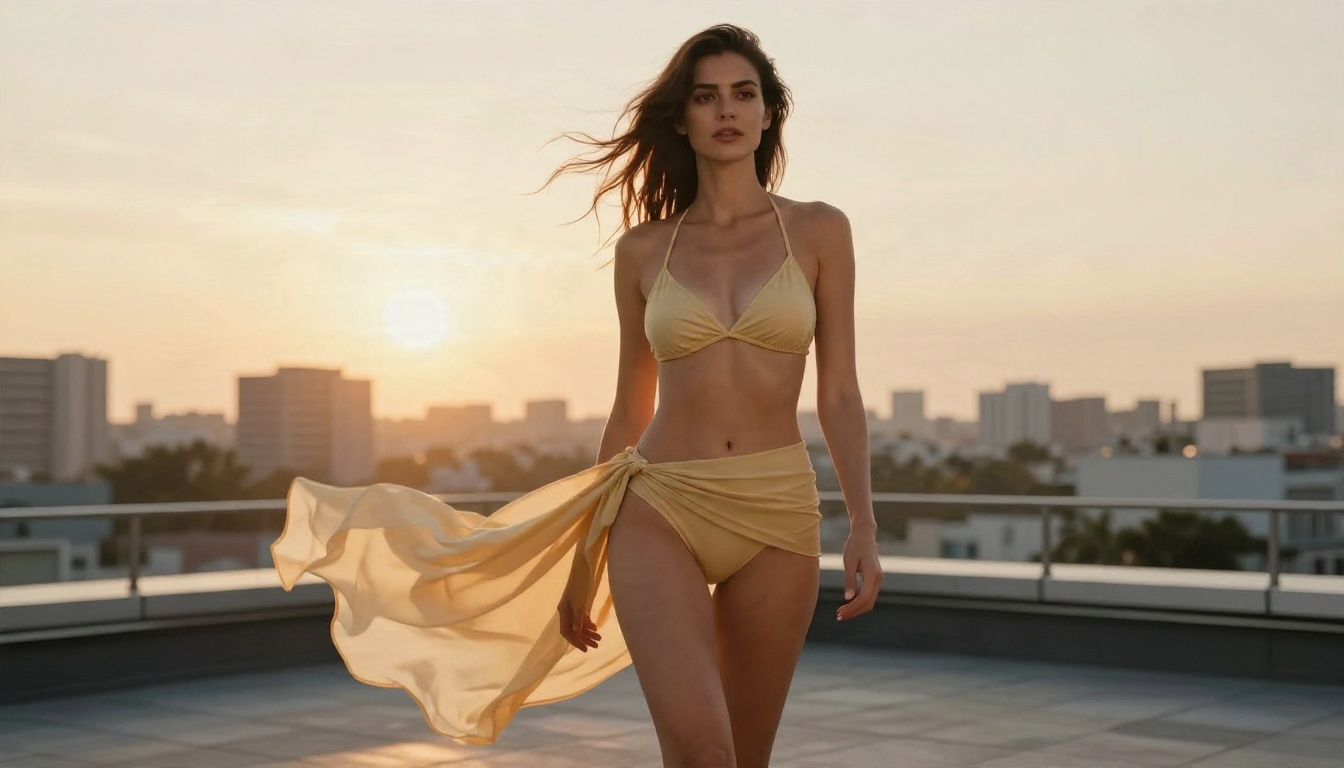
Free tools are a fine way to test an idea, but they are a poor place to build a habit. If you are tired of caps, queues and watermarks, spend ten minutes on a platform built for repeat use. Start with a single prompt in Seedream 4.5, then open the result in PicassoIA Image Editor Pro and push it further with unlimited generations. Try a bikini shoot at golden hour, a satin robe by a bright window, or a rooftop portrait at sunset, and compare how each model handles light and skin.
Ready to see the full catalog? Browse every available model at picassoia.com/en/all-models, pick two or three to compare, and create your own images today.


