If you typed "NSFW version of Civitai" into a search bar, you probably hit the same wall as thousands of other people: the models you used to download are gone, the rules changed, and the site now feels like it is watching over your shoulder. The good news is that you do not need Civitai to make beautiful, adult-oriented, photorealistic images. You need a strong model, a prompt that behaves, and a platform that does not throttle you after ten generations.
This article walks through what actually changed, what a good replacement needs, which models are worth your time, and the exact prompt formulas that produce glamour, bikini, lingerie and boudoir style photos. Everything here stays on the tasteful side: suggestive, attractive, never pornographic.
Why People Look for Alternatives
Civitai started as a friendly library of community checkpoints and LoRAs. It grew into the default place to browse, download and run Stable Diffusion style models. Then the pressure arrived.
What Changed on Civitai
During 2025 the platform rolled out several waves of restrictions. In April it banned categories such as incest, self-harm and diaper content, and it began requiring metadata on NSFW uploads, so anything without it stayed hidden from everyone except the uploader. In May it removed real-person likeness content entirely. The company pointed to payment processors, and ultimately Visa and Mastercard, as the force behind the shift. Later reports described it moving toward crypto payments for its Buzz currency after a card processor stopped supporting it.
None of that is a moral verdict on adult art. It is a business reality: a site that depends on card payments has to follow what card networks tolerate. Creators who want fewer limits have to look elsewhere.
What Creators Actually Miss
When I talk to people making adult-leaning images, the complaints are rarely about explicit material. They are about things like:
- Disappearing models that vanish overnight with all their sample images.
- Filters that fire on harmless prompts, like a swimsuit at a pool.
- Queue times and credit systems that make iteration painful.
- Inconsistent quality, since thousands of community models vary wildly.
A good alternative fixes those four things. Everything else is a bonus.
💡 Reality check: there is no single official "uncensored Civitai" run by the same company. Mirror sites and clones come and go, and many are slow, ad-heavy or unsafe to log into. Picking a stable platform with maintained models beats chasing mirrors.
What a Good Replacement Needs
Before comparing tools, it helps to know what you are comparing. Here is the checklist I use.
Photorealism First
The reason most people used Civitai for adult content was realistic skin, believable lighting and natural anatomy. A replacement has to deliver visible pores, soft highlights, correct hands and fabric that folds like fabric. If the output still looks like a plastic render, move on.
Speed and Cost
Generating one image is easy. Generating forty variations to find the right pose is the real workflow. Unlimited or very generous generation matters more than a single high-resolution output.
Prompt Freedom
You want a model that treats a bikini, a satin slip or a lace bralette as clothing, not as a trigger. Fewer false refusals means fewer wasted attempts.
Editing Tools
Once you have a good image, you will want to fix a hand, change an outfit color or extend the background. An image editor in the same place saves a lot of exporting and re-uploading.
| Need | Why it matters | What to look for |
|---|
| Photorealism | Skin, light and fabric must look real | Models trained for photo output |
| Speed | You iterate dozens of times | Seconds per image, no long queues |
| Prompt freedom | Fewer false blocks on swimwear and glamour | Models with relaxed filtering |
| Editing | Fix details without restarting | Built-in inpainting and edit tools |
| Stability | Models should not vanish | A maintained catalog |
Best Free Models for Glamour Images
PicassoIA hosts a large catalog of text-to-image models, and several of them fit the NSFW glamour workflow well. I have listed them in the order I would try them.
Seedream 4.5
Seedream 4.5 is the model I would open first. It produces sharp, high-resolution photographic images with excellent skin texture and lighting control, and it follows long, detailed prompts without losing track of the outfit, pose or setting. For glamour, swimwear and boudoir style shots, it is the best balance of realism and obedience I have found in a hosted model.
PicassoIA Image Editor Pro
PicassoIA Image Editor Pro is the one to pair with it. It offers unlimited generations, which changes how you work: instead of treating every attempt as precious, you can try twenty pose variations, swap outfits, adjust the background and keep what looks best. It is both a generator and an editor, so fixing a detail does not mean starting over.
Nano Banana Pro
Nano Banana Pro is strong for consistency and editing. If you want the same woman in the same room wearing three different outfits, it handles reference-based changes well. The lighter Nano Banana is useful for quick edits and fast drafts.
Z Image Turbo
Z Image Turbo lives up to its name. It returns sharp images in seconds, which makes it ideal for testing prompts before you commit to a slower, higher-quality model.
Flux Dev and Flux LoRA
Flux Dev is a long-time favorite for photorealistic portraits. If you miss the LoRA workflow from Civitai, Flux Dev LoRA and Flux 2 Klein 9B Base LoRA let you apply styled adaptations on top of a strong base model.
Qwen Image 3 Pro
Qwen Image 3 Pro is a good choice when your prompt has a lot of environmental detail, such as a crowded wine bar or a hotel suite full of props. It tends to keep the background coherent.
Realistic Vision and SDXL
If you grew up on Stable Diffusion checkpoints, Realistic Vision v5.1 will feel familiar, and SDXL Lightning 4Step is a very fast way to sketch ideas. For pose control, SDXL Multi ControlNet LoRA gives you structure guidance that few web tools offer.
💡 Quick workflow: draft in Z Image Turbo, refine in Seedream 4.5, then polish details in Image Editor Pro. Three tools, one account.
How to Use Seedream 4.5
Seedream 4.5 is the fastest route from idea to a finished glamour image. Here is the process, step by step.
- Open the model page. Go to Seedream 4.5 on PicassoIA and sign in.
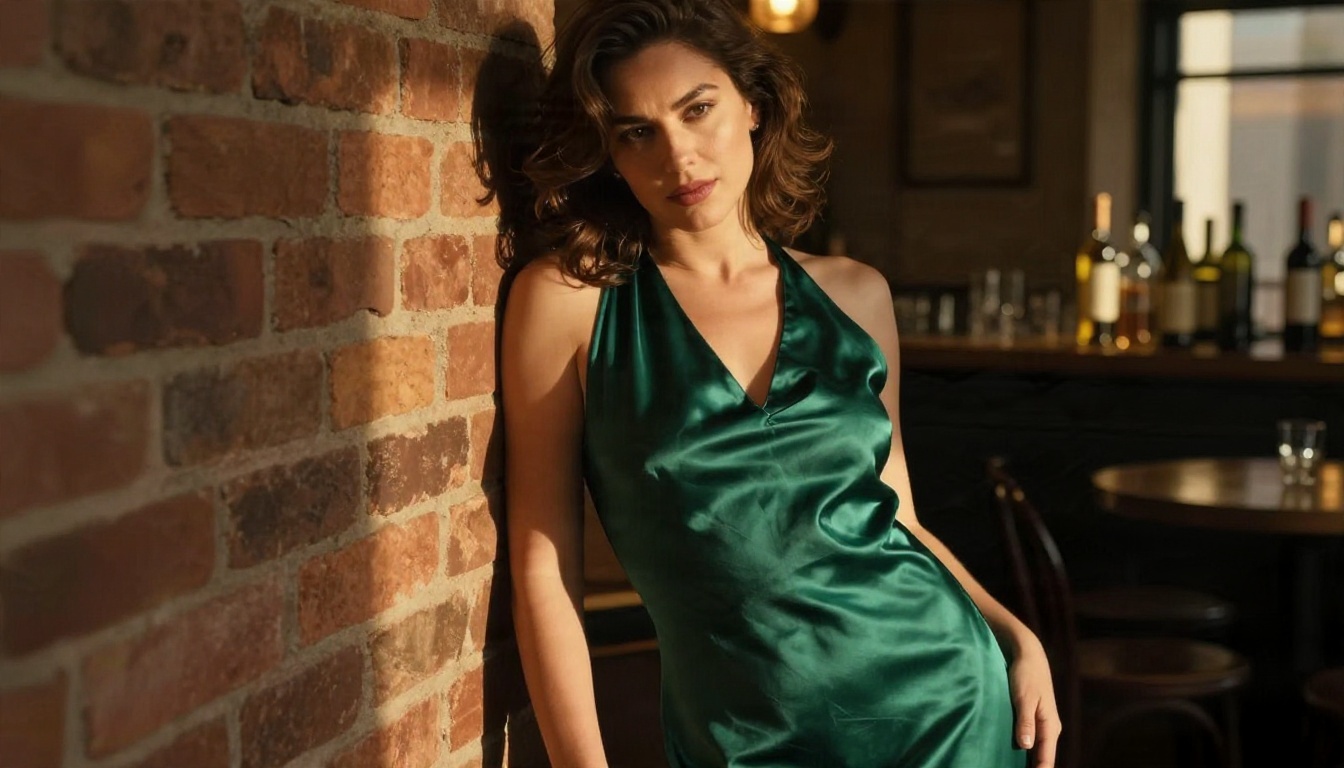
- Write a subject line. Start with who and what: "adult woman in her late twenties, emerald satin slip dress, leaning against a brick wall."
- Add the setting. Name the place, time of day and background objects. Specific rooms beat vague ones.
- Describe the light. Say where it comes from: "warm window light from the right, soft shadow on the left cheek."
- Set the camera. Mention a lens and aperture, such as "85mm f/1.4, shallow depth of field."
- Choose 16:9 for scenes, 3:4 for portraits. Wide frames suit environments; tall frames suit full-body poses.
- Generate a batch. Make several versions and compare. Change one variable at a time.
- Send the best one to the editor. Open Image Editor Pro to fix hands, color or background details.
Parameter Tips
- Keep prompts between 60 and 120 words. Shorter prompts give the model too much freedom; longer ones start to conflict.
- Name textures. "Satin sheen," "linen weave," "visible pores" push realism up.
- Mention film stock. "Kodak Portra 400, fine grain" adds a natural color grade and softens digital sharpness.
- Avoid contradictions. Do not ask for "harsh midday sun" and "soft candlelight" in the same prompt.
Prompts That Actually Work
Prompts on Civitai often came with a long list of tags and negative terms inherited from older Stable Diffusion models. Modern models want natural language. Think like a photographer briefing a crew.
The Glamour Prompt Formula
Use this structure and you will get consistent results:
[Subject and outfit] + [pose or action] + [location] + [light direction and quality] + [lens and angle] + [texture details] + [film look]
For example:
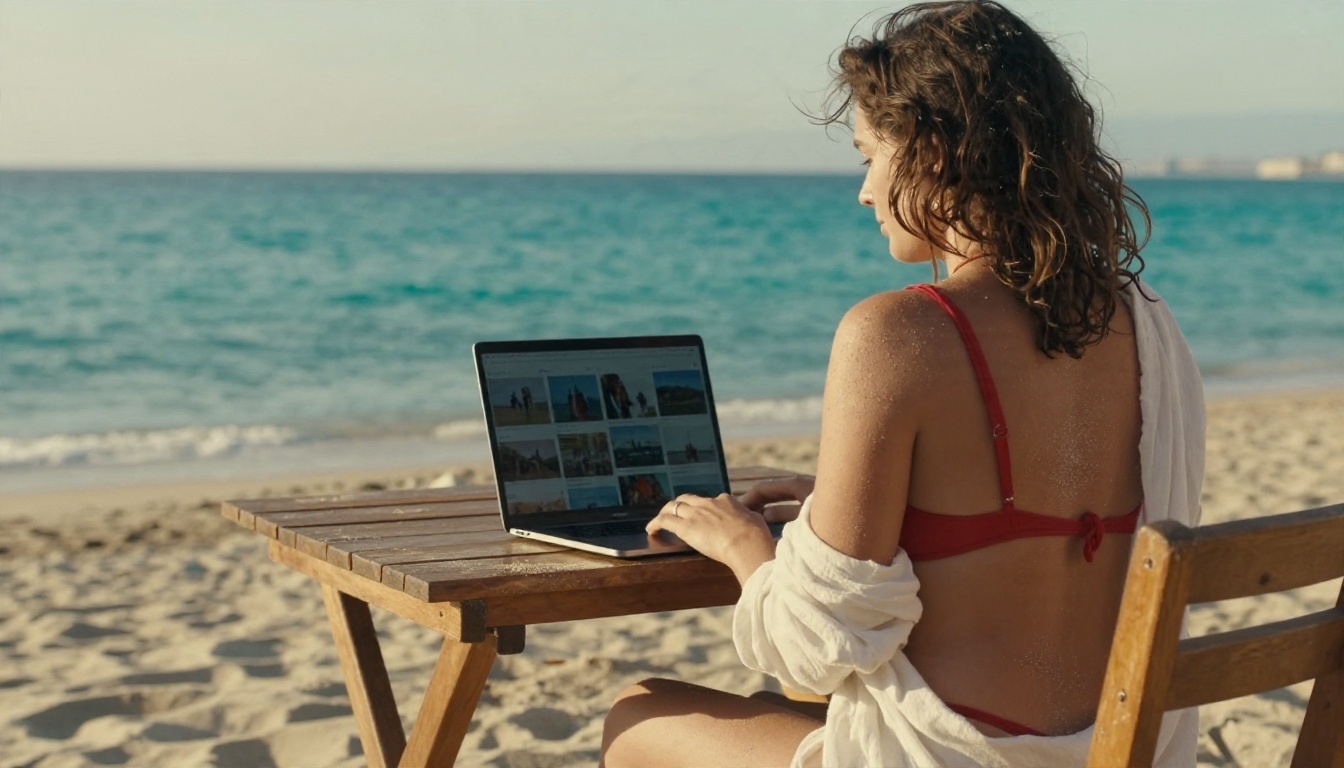
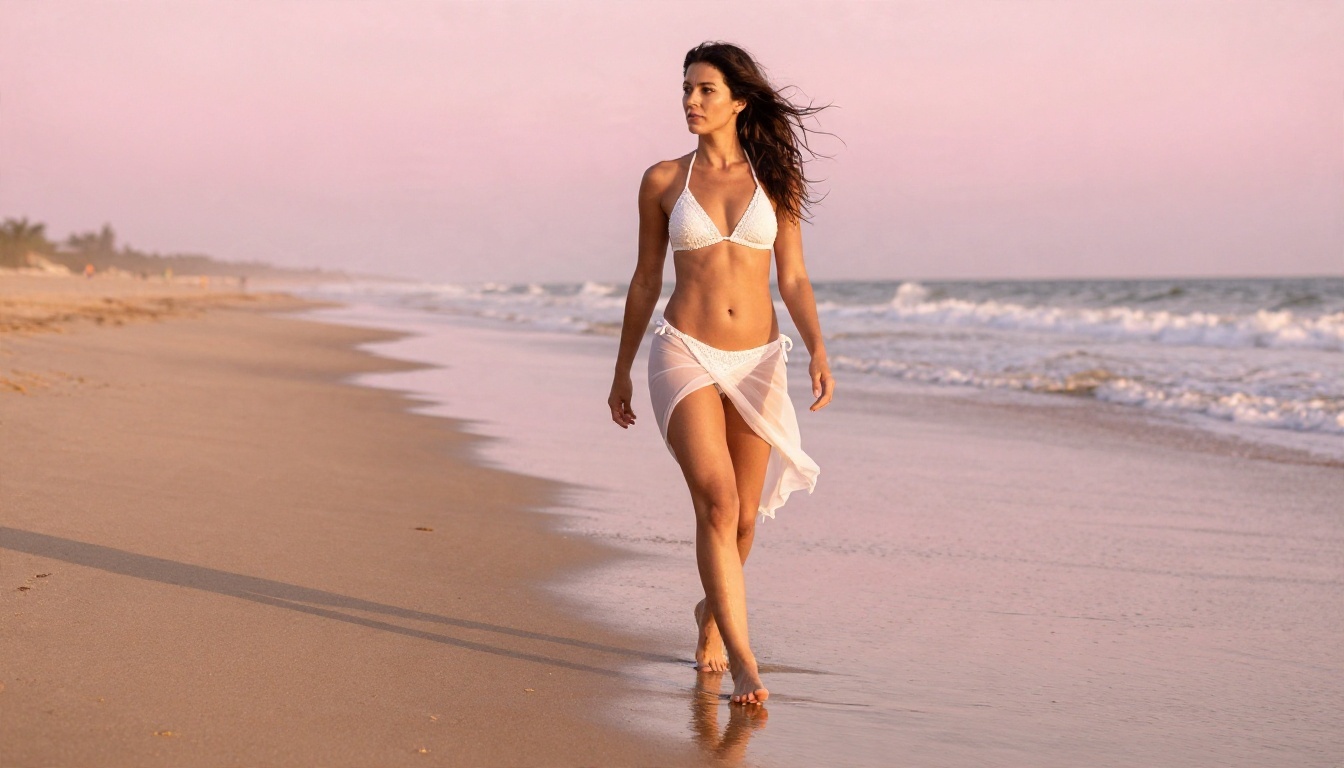
Adult woman in a white crochet bikini and sheer sarong walking barefoot along wet sand at sunrise, long shadows, pink and amber sky reflected in tide pools, 35mm f/2.8 lens, low angle near ground level, wind moving her hair, soft backlight rim on her skin, Kodak Portra 400 grain.
Six Copy-Ready Prompts
Paste these into Seedream 4.5 and adjust the details to taste.
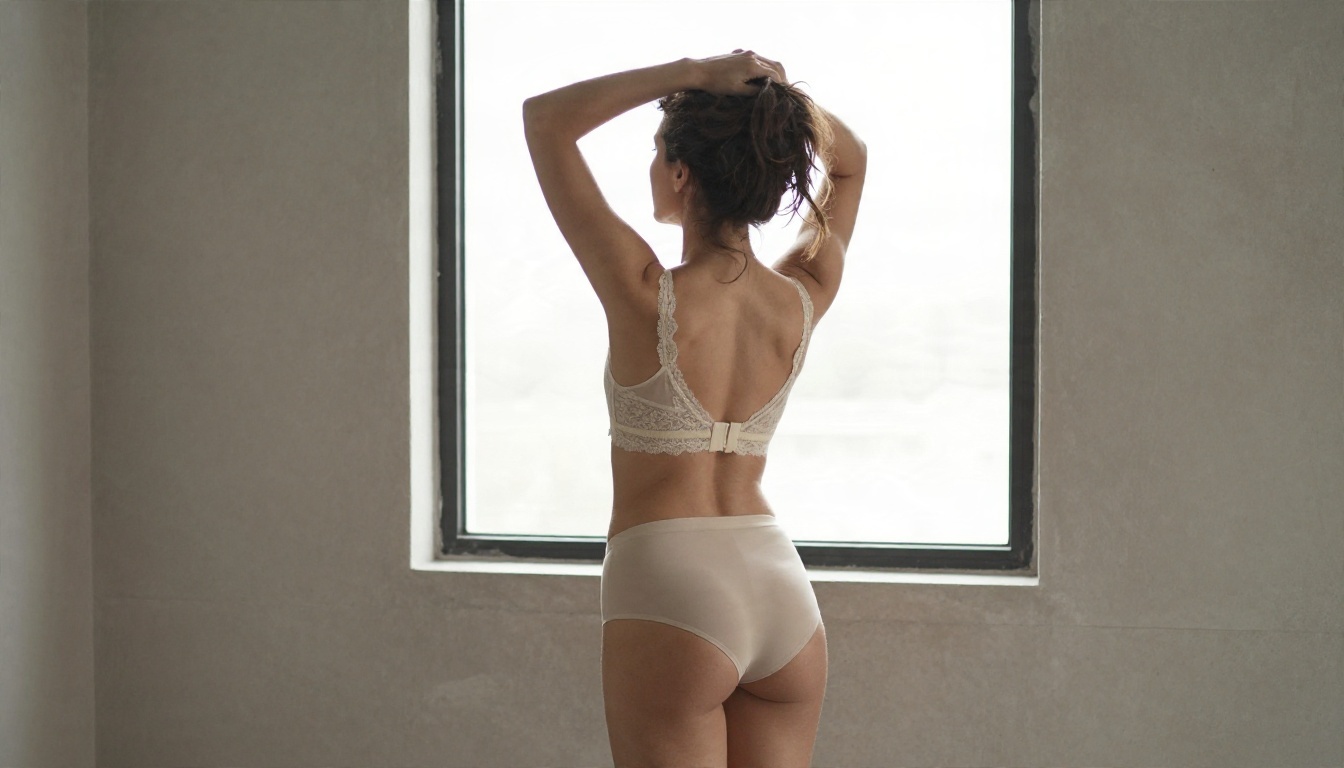
- Boudoir morning: Adult woman in a cream lace bralette beside a tall window in a minimalist loft, arms raised as she gathers her hair, soft overcast daylight from the left, 35mm f/1.8, matte plaster wall, muted beige palette, film grain.
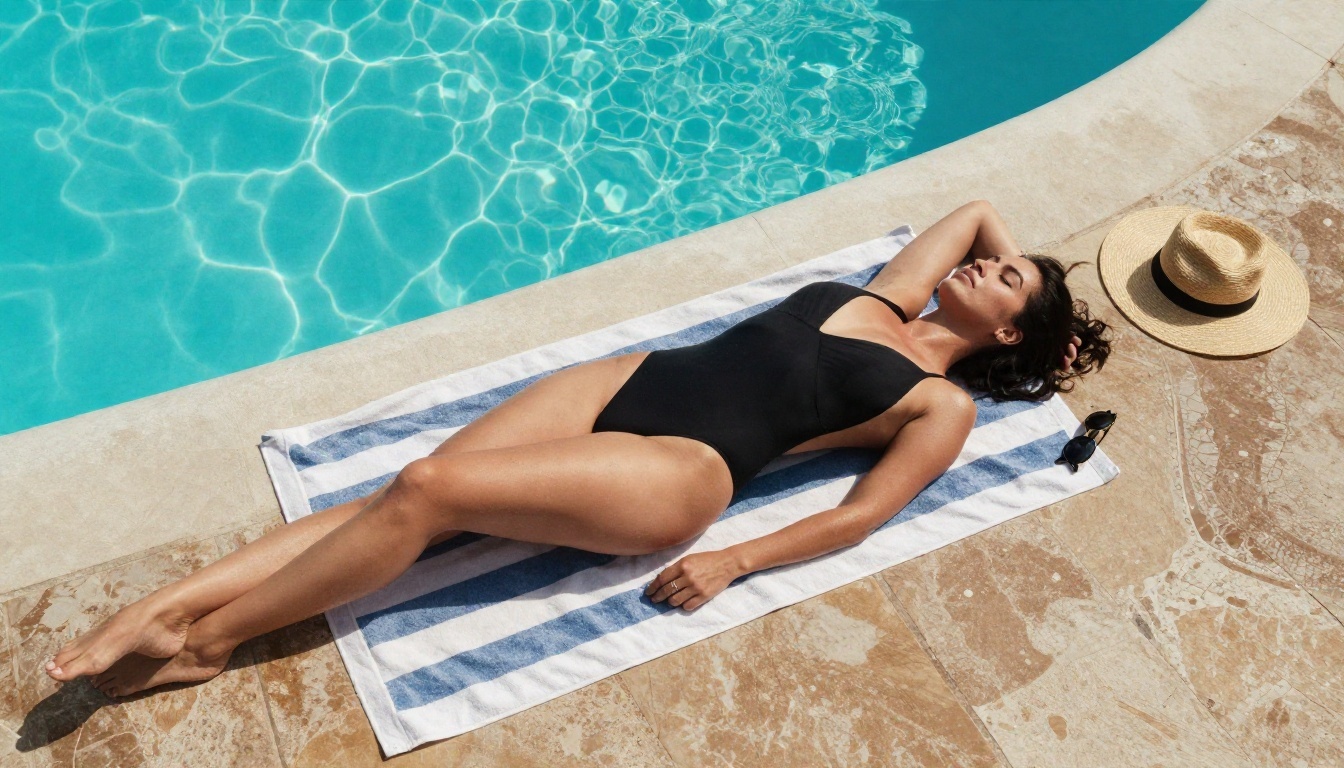
- Pool day: Aerial top-down photo of an adult woman in a black one-piece swimsuit on a striped towel by a turquoise infinity pool, straw hat and sunglasses beside her, crisp midday shadows, 24mm lens, wet stone texture.
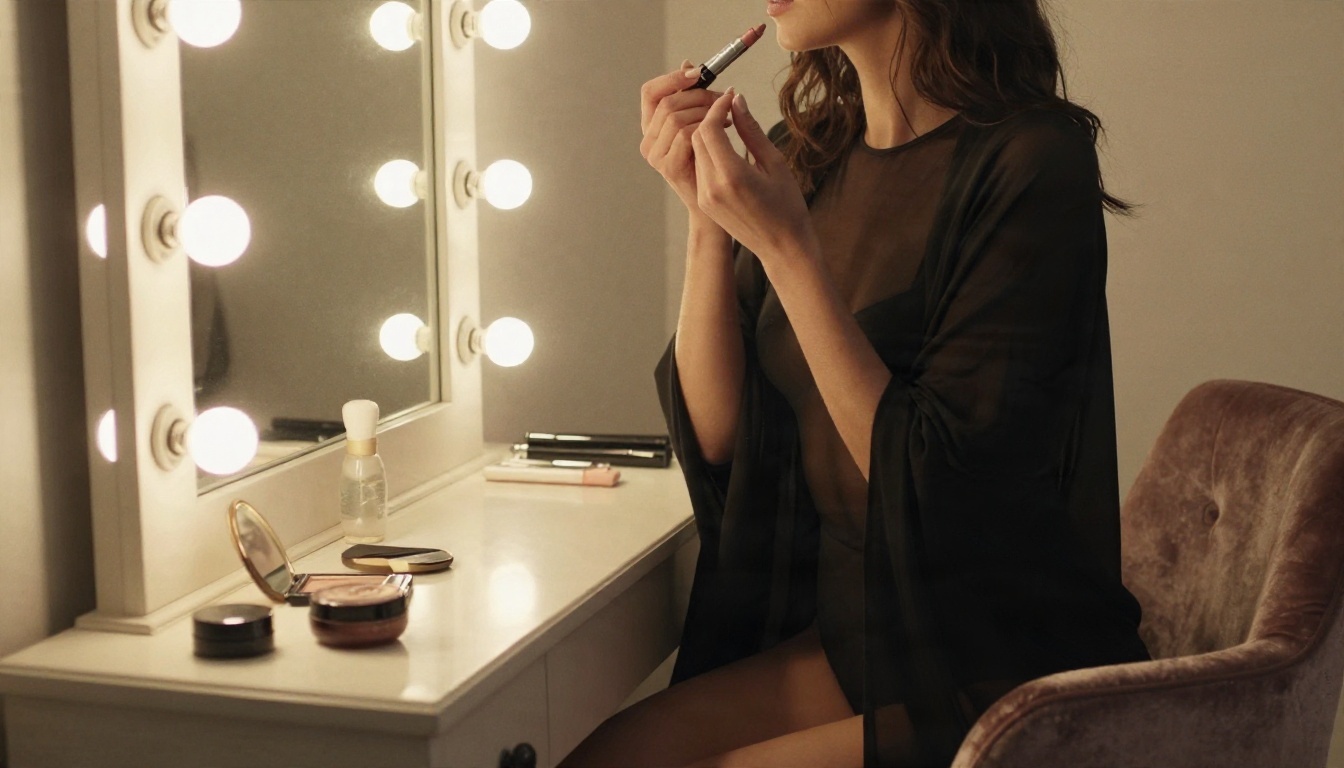
- Dressing room: Side profile of an adult woman in a sheer black bodysuit and long cardigan, applying lipstick at a vintage mirror ringed with warm bulbs, 70mm f/2, velvet chair, behind-the-scenes mood.
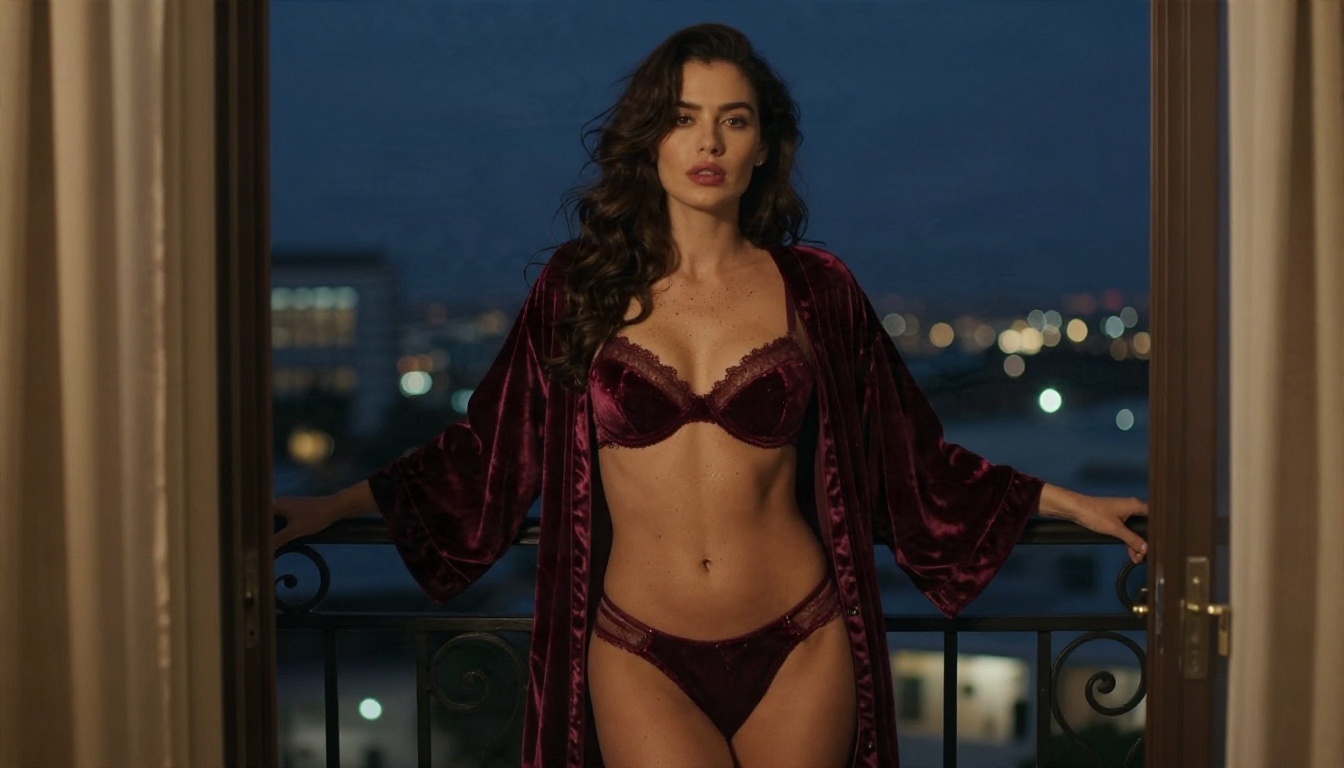
- Balcony at dusk: Adult woman in a burgundy velvet lingerie set and a sheer robe on a hotel balcony at blue hour, warm interior light from the left door, city lights blurred behind, 85mm f/1.8.
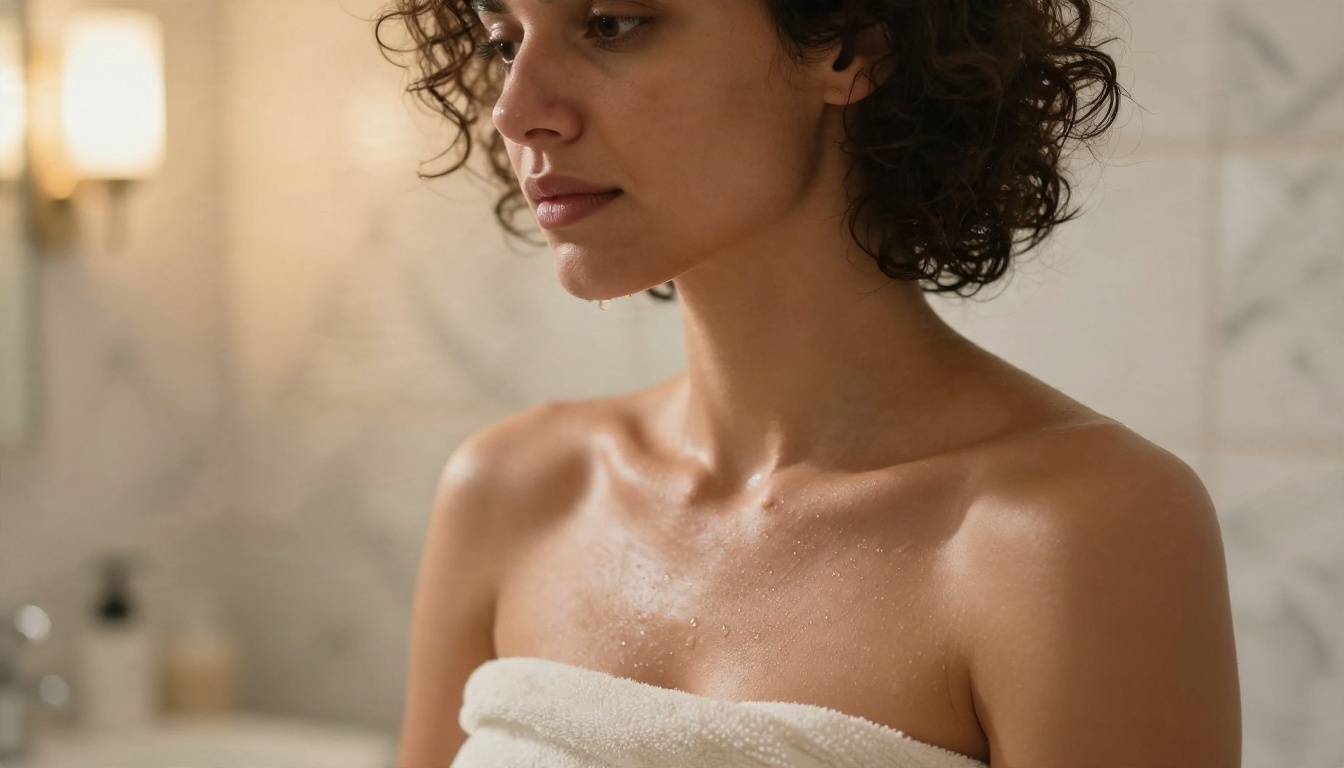
- Spa close-up: Close-up portrait of an adult woman with dark curly hair wrapped in an ivory towel, droplets on her collarbone, warm light and steam, 100mm f/2.8, visible pores.
- Wine bar glamour: Adult woman in an emerald satin slip dress against a brick wall at golden hour, bottles blurred behind, 85mm f/1.4, satin sheen, subtle halation.
💡 Tip: always write "adult woman" and an age range. It sets the right proportions and keeps the output clearly in adult territory.
Online Options Compared
You have a few paths. Here is how they stack up for someone who wants a free, stable, NSFW-friendly place to generate photorealistic images.
| Option | Cost | Strength | Weakness |
|---|
| Civitai itself | Free tier with paid Buzz | Huge community library | Tightened rules, removed content |
| Self-hosted Stable Diffusion | Free software, you pay for hardware | Total control | Needs a strong GPU and setup time |
| Random Civitai mirrors | Free or ads | Familiar layout | Unstable, unsafe logins, missing files |
| Discord bots | Subscription | Easy to start | Slow queues, filters, limited editing |
| PicassoIA | Generous free access | Top models, fast, editor included | Fewer niche community checkpoints |
When Local Still Makes Sense
If you own a powerful graphics card and enjoy tinkering, running models locally is a legitimate route. You control the files, the filters and the privacy. The tradeoff is time: installing tools, managing checkpoints, debugging errors. For most people who just want great images quickly, a hosted platform wins.
When Hosted Wins
Hosted tools give you access to larger and newer models than a home GPU can run, with no installation and no files to maintain. You also avoid the risk of downloading a random checkpoint from an unknown uploader.
Common Mistakes to Avoid
After watching plenty of people switch platforms, the same errors show up again and again.
- Copying old tag lists. Strings like "masterpiece, best quality, 8k" were crutches for older models. Natural sentences work better now.
- Skipping lighting. A prompt without light direction gives flat results. Always say where the light comes from.
- Overloading one prompt. Five outfits, three locations and four poses in one prompt confuses any model. Make one image per idea.
- Ignoring the editor. If a hand looks wrong, do not regenerate fifty times. Fix it in the editor.
- Using real people's faces. Do not generate images of real individuals without their consent. It is harmful, it is increasingly illegal in many places, and it is the main reason platforms tightened up in the first place. Keep every subject fictional.
- Chasing explicit output. Suggestive and elegant almost always looks better than blunt. Tasteful composition, good light and confident posing do more work than anything explicit.
💡 Rule of thumb: if a photographer could publish it in a swimwear or lingerie editorial, you are in the right zone.
Try It Yourself
You do not need to wait for the next policy change to find a place that works. Open Seedream 4.5, paste one of the prompts above, and watch how quickly a detailed photographic scene appears. Then send your favorite to PicassoIA Image Editor Pro, where unlimited generations let you adjust outfit, light and background until the image looks exactly right.
Want to compare more options? Browse the full catalog at picassoia.com/en/all-models, mix in Nano Banana Pro for consistent characters or Z Image Turbo for rapid drafts, and build your own library of glamour styles. Start with one prompt today, change a single detail, and see what happens. Your next favorite image is a few seconds away.


