You typed something flirty into Gemini, got a polite refusal, and now you are wondering whether an NSFW version of Google Gemini exists. Short answer: it does not. Google builds its assistant for general audiences, and the rules around sexual content are strict, often stricter than people expect. The good news is that you have real options, both for chat and for images, and some of them are free.
This article sorts out what Gemini will and will not do, how far its free tier stretches, which uncensored chat routes are worth your time, and where to go when what you really want is suggestive, attractive, adult imagery without hitting a wall every third prompt.
💡 Quick take: Gemini has no opt-in adult tier. For chat, look at permissive assistants or local models. For images, a dedicated generator like Seedream 4.5 or the PicassoIA Image Editor Pro is a far better fit.
Is There an NSFW Gemini?
No official adult edition of Gemini exists, and nothing suggests one is on the way. Searches for "Gemini uncensored" mostly lead to jailbreak prompts, shady wrappers, and clone sites that borrow the name. None of them are made by Google, and most of them break within days.
What Google's Rules Say
Google's prohibited use policy bans sexually explicit material, meaning content created for pornography or sexual gratification. The Gemini app's user rules go a step further and rule out sexual role-play as well as graphic depictions of sexual acts or nudity. Narrow exceptions exist for educational or artistic contexts, but they are tight, and they are not an invitation to write erotica.
Content involving minors is blocked absolutely, with no exceptions and no workaround. That line is the same on every serious platform, including the ones mentioned later in this article.
As far as I could find, there is no age-verified "mature mode" for Gemini. Developers and users have asked for one on Google's forums, but no confirmation has appeared that it is planned.
Why Safe Prompts Get Blocked
Here is the part that frustrates people most. Even harmless requests can trip the filters. Fashion shots with fully clothed models, swimwear product mockups, and anatomy questions have all been reported as blocked by image safety checks, especially on Google's image models such as Nano Banana Pro. The filters work on probability, not intent, so anything that looks close to a sensitive category can get flagged.
If you only wanted a bikini photo or a glamour portrait, the issue is not you. The filter is tuned very conservatively.
Gemini Free Limits in 2026
Before you look elsewhere, it helps to know what the free version really gives you. Numbers here change often, and Google has stopped publishing some per-model quotas, so treat everything below as a snapshot rather than a promise.
The Consumer App
The free tier of the Gemini app gives access to Flash class models, such as Gemini 3.5 Flash, within a daily quota. Heavier reasoning models like Gemini 3.1 Pro are generally reserved for paid plans or very limited trials. Reports from May 2026 also point to a possible weekly allowance on the free plan, though that came from a leak and not from an announcement.
What this means in practice:
- Daily caps can end a long conversation without warning.
- Image generation is limited separately and tends to run out first.
- Safety filters stay on at every tier, paid or free.
- Paying more does not make the content rules looser.
That last point matters. Upgrading to a paid plan buys you speed, context length, and more messages. It does not buy you an adult mode.
The API Free Tier
Developers get a free API tier through Google AI Studio, but it changed sharply in April 2026. Several reports say Pro models moved behind payment while Flash and Flash-Lite stayed available at low rate limits. Third-party blogs disagree on exact figures, and later write-ups even contradict earlier ones, so check the dashboard for your real numbers.
The API also exposes configurable safety settings, which leads some people to think they can switch the filters off. In reality, certain categories, including sexually explicit content, remain blocked at the model level whatever the setting says.

Free Alternatives Worth Trying
If chat is your goal, there are three broad routes. Each trades convenience against freedom.
Open-Weight Chat Models
Open-weight models such as Llama 4 Maverick Instruct, Llama 4 Scout Instruct and Deepseek v3 are generally more flexible than Google's consumer assistant for creative writing and romance fiction. Hosted versions still apply their own safety layers, so behavior depends on where you run them. The same model can feel strict on one site and relaxed on another.
On PicassoIA, those models run with the platform's own moderation, so expect behavior closer to a standard assistant than to a companion app. They are useful for drafting stories, character backstories, and prompt ideas, which you can then feed into an image model.
Grok and Other Permissive Assistants
Among the big names, Grok is usually described as the most permissive, with an opt-in adult setting introduced in 2025 according to comparison articles. The details shift often, and age checks apply, so verify the current rules before you rely on it. Grok 4 is available as a text model on PicassoIA for reasoning and writing work. ChatGPT's much-discussed adult mode was reportedly shelved, so do not count on it.
Local Models on Your Own PC
The most private route is running a model on your own machine. You download open weights, run them through a local tool, and nothing leaves your computer. The tradeoffs are real:
- Hardware: you need a decent GPU, or patience with a small model.
- Quality: small local models write less coherently than hosted flagships.
- Setup: it takes an evening of tinkering, not a minute.
- Responsibility: nobody moderates your output, so the legal and personal judgment is entirely yours.
For many readers the sweet spot is a mix: hosted models for writing quality, a local model only if privacy is the top concern.
Uncensored Chat Options Compared
Here is a plain comparison of the routes people actually use.
| Option | Adult content | Free? | Privacy | Best for |
|---|
| Google Gemini app | Blocked, no adult tier | Yes, with daily caps | Tied to your Google account | General questions |
| Gemini API | Sexual content blocked at model level | Limited free tier | Developer account | Building apps |
| Permissive assistants like Grok | Opt-in adult settings, age checks | Partly | Account based | Casual adult chat |
| Open-weight models, hosted | Depends on the host | Often | Depends on the host | Fiction drafts |
| Local models | Whatever you choose | Free after hardware | Best | Maximum privacy |
| Companion apps | Often allowed | Freemium, aggressive upsells | Varies widely | Role-play chat |
Privacy Risks of Companion Apps
Companion and role-play apps advertise freedom, and many deliver it. But think about what you are handing over: intimate conversations, sometimes payment details, sometimes photos. Before you sign up anywhere, check four things:
- Who owns the chat logs and whether they are used for training.
- How deletion works and whether it is real or cosmetic.
- Whether age verification exists. Platforms with none are a red flag.
- How billing behaves. Hidden recurring charges are common in this niche.
💡 Rule of thumb: never share your real name, your face, or documents in an adult chat app. Treat every message as something that could be stored.
Adult Images Instead of Chat
Many people who search for an NSFW Gemini actually want one of two things: flirty text, or attractive adult imagery. Text is where the options above help. For images, a purpose-built generator beats any chatbot, because you get direct control over pose, lighting, outfit, and mood, and you are not fighting a refusal each time.
A word on scope. The goal here is suggestive and beautiful, not pornographic: glamour, swimwear, boudoir style, silk and lace, implied artistic nudity. That is the sweet spot where AI images look their best, and it is also the territory where more permissive generators actually deliver.
Why Seedream 4.5 Leads
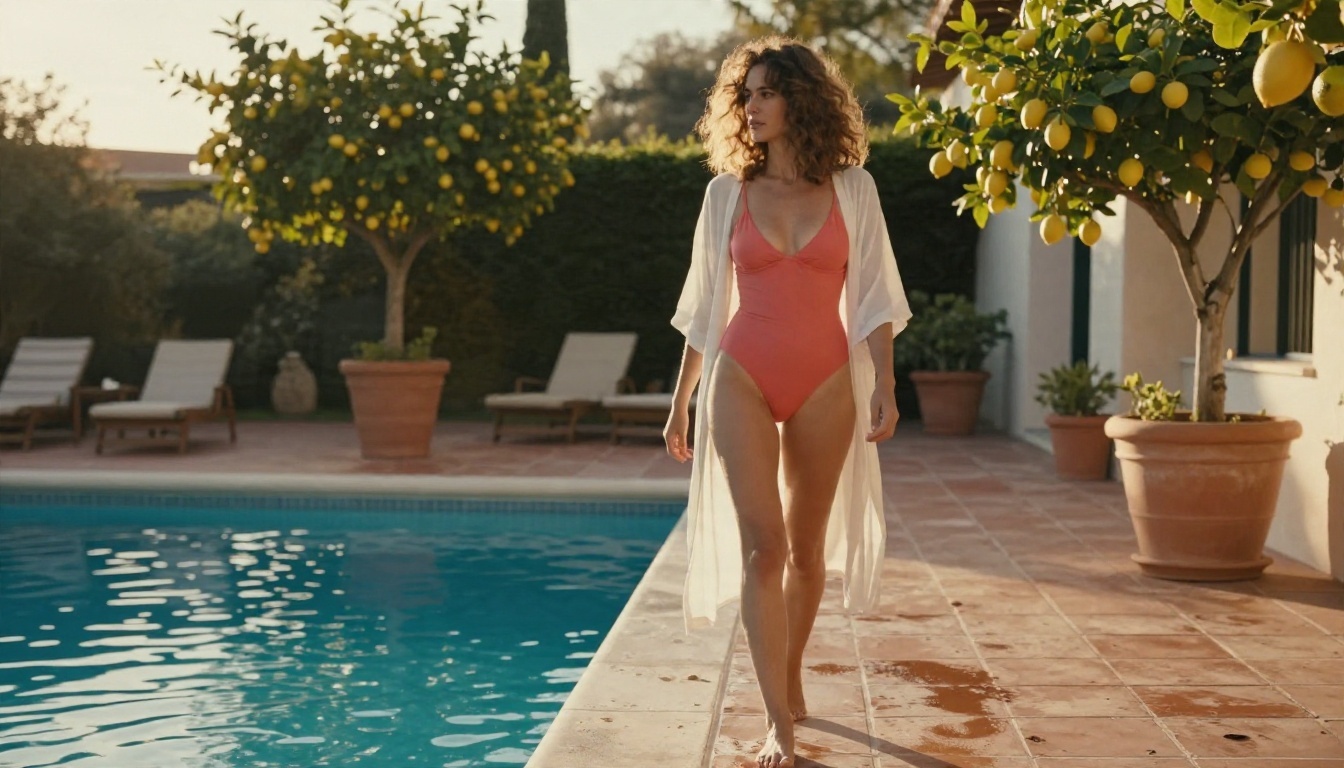
Seedream 4.5 is the model to start with for adult glamour work. It handles skin texture, fabric, and natural light better than most competitors, and it follows long, detailed prompts closely. It also accepts suggestive swimwear and boudoir concepts that Gemini's image tools would reject outright. Output goes up to 4K, so images hold up when you zoom or print.
One note: do not use Seedream 5 Lite for this kind of work. It blocks adult content. Seedream 4.5 is the right pick.
Image Editor Pro for Unlimited Edits
The PicassoIA Image Editor Pro is the second tool to know. It offers unlimited generations, which matters when you are iterating: changing an outfit, adjusting the background, softening the light, trying ten variations of the same scene. With a capped free tier elsewhere, that kind of experimenting runs out of credits quickly. Here it does not.
It is also fast, so you can refine a concept in minutes instead of waiting on queues.
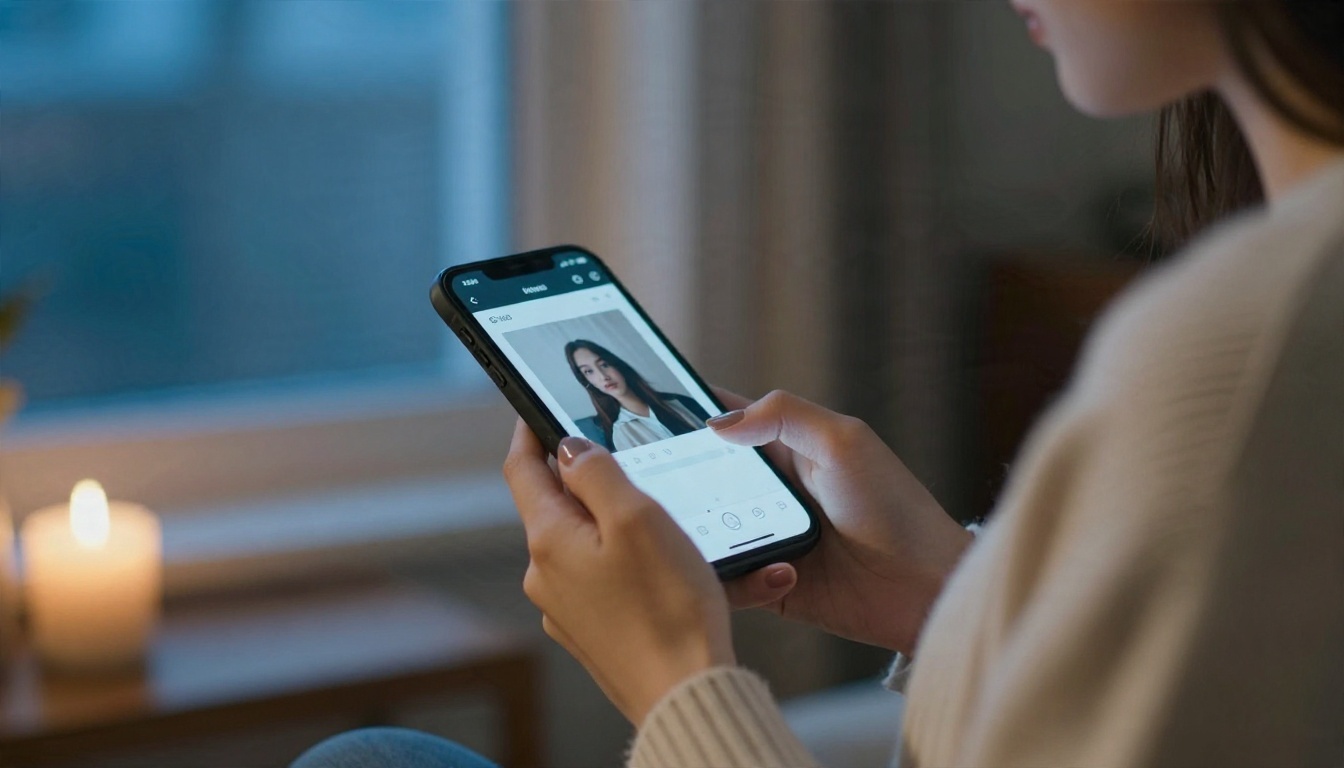
How to Create Tasteful Adult Images on PicassoIA
This walkthrough uses Seedream 4.5, then Image Editor Pro for refinements.
Step by Step
- Open Seedream 4.5 from the text to image collection.
- Write a prompt with five parts: subject, outfit, setting, light, camera. Example: "adult woman in a black satin robe on a linen sofa, sunlit hotel suite, golden hour from the left, 50mm lens, film grain."
- Choose 16:9 for scenic shots or a portrait ratio for single subjects.
- Generate two or three variations and pick the strongest composition.
- Open the result in Image Editor Pro to swap outfits, change the backdrop, or adjust the mood. Because generations are unlimited, you can keep going until it looks right.
- Save the final image at full resolution.
💡 Tip: change one thing at a time. If you alter outfit, pose, and lighting in a single pass, you will not know which change helped.
Prompt Tips That Work
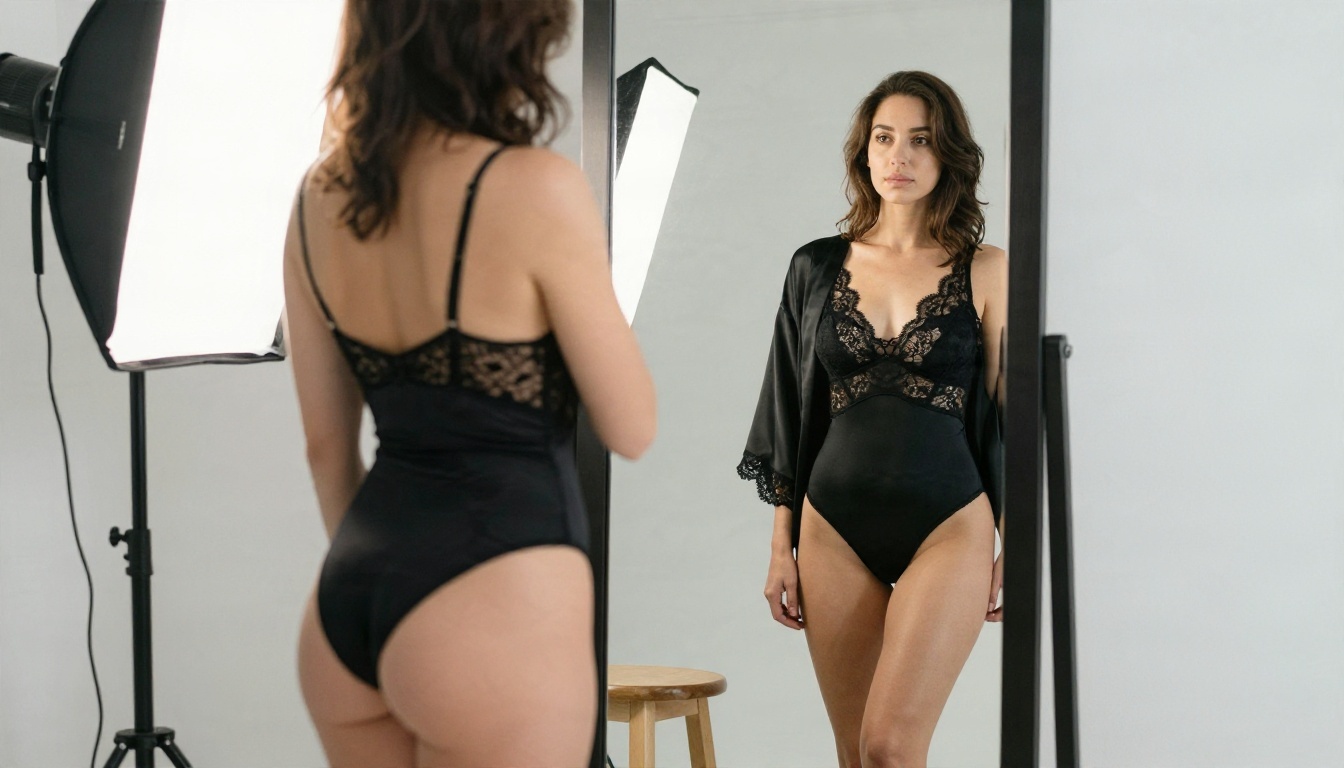
Good adult-style prompts read like a photographer's brief, not a wish list. A few habits make a visible difference:
- Name the light. "Window light from the left" or "warm tungsten lamp" beats "good lighting".
- Specify fabric. Silk, lace, linen, and velvet each catch light differently and add realism.
- Mention the lens. An 85mm look gives flattering portraits, a 24mm gives environmental drama.
- Add skin detail. Words like "natural pores" and "soft film grain" push results away from the plastic look.
- Keep the mood adult. Describe confidence and ease, not stereotypes. Confident subjects read better than posed ones.
- State "adult" clearly. Every subject should be an adult, always.

Other Models Worth a Try
Once you have a feel for Seedream 4.5 and Image Editor Pro, a few more generators on PicassoIA are worth testing for different looks:
| Model | Why try it |
|---|
| Flux 2 Klein 9B Base LoRA | Styled results with LoRA support, useful when you want a consistent look across a set |
| Qwen Image 3 Pro | Strong photorealism and clean detail in portraits |
| Nano Banana | Quick edits and generation, though Google-built models apply stricter filters |
Be realistic about content rules: each model has its own limits, and what one accepts another may refuse. If a prompt gets rejected, rewrite it in terms of fashion and photography, such as lingerie editorial, swimwear campaign, or boudoir portrait, then try again or switch models.
For text work, such as drafting a story or brainstorming prompt ideas, Gemini 3.5 Flash is still a handy free assistant, as long as you keep requests within its rules. Browse the full catalog at picassoia.com/en/all-models to see every text, image, and video option in one place.
Common Mistakes to Avoid
A few patterns waste time and put you at risk:
- Trusting jailbreak prompts. They work for a day, then get patched, and they can get your account flagged.
- Paying for "uncensored Gemini" sites. These are unofficial wrappers, and many are scams.
- Uploading real people's photos without their consent. That is a legal and personal line you should not cross.
- Ignoring age rules. Use only platforms that require adult users, and only depict adults.
- Expecting a chatbot to be a photo studio. Chat models describe images, while image models make them. Use each for what it does best.
Start Creating Your Own Images
There is no NSFW version of Google Gemini, and waiting for one is a slow way to spend your evening. The practical route is a split: use an assistant for words, and use a proper image generator for visuals. Open Seedream 4.5, write a detailed photographer-style prompt, then polish the result in Image Editor Pro with unlimited generations. Try a boudoir portrait, a swimwear editorial, a golden hour hotel scene, and see how far one good prompt can go.
When you want more styles to test, head to picassoia.com/en/all-models and run the same prompt across different models. Your first strong image is probably three tries away.


