Type "NSFW video gen" into a search bar and you get a wall of tabs that all promise the same thing: free, unlimited, no signup. Then the watermark appears, the credits run out after one clip, or the site quietly asks for a card. If you have lost an evening to that loop, you are the reader this article is for. Below you will find what is actually free, what a clip costs in real money, how the API side works, and which alternatives on PicassoIA give you a cleaner path to suggestive, glamour-style video without the guesswork.
A quick note on scope. Everything here is about non-explicit adult-leaning content: swimwear, lingerie-style fashion, boudoir lighting, glamour portraits, all with adult subjects. That is where AI video looks best, where tools are most reliable, and where you are least likely to run into account bans or legal trouble.
What NSFW Video Gen Really Means
The phrase covers a few different workflows, and mixing them up is why so many people pay for the wrong tool.
Image to video vs text to video
Text to video starts from a written prompt. You describe a scene and the model invents everything: the person, the room, the motion. It is fast, but faces and bodies drift between frames, and results vary a lot from run to run.
Image to video starts from a still photo that you already like. The model only has to invent motion: a hair flick, a slow turn, a camera push. Because the first frame is locked, the subject stays consistent. For glamour content, this is the approach that wins almost every time.
Why creators use it
Most people searching this term are not building anything dramatic. They are:
- Animating swimwear or fashion stills for social posts
- Making short loops for a personal portfolio or a subscription page
- Testing character looks before a photoshoot
- Building b-roll for adult-leaning storytelling that stays suggestive
💡 Tip: If your goal is a repeatable look (same face, same outfit, same lighting), generate the still first, polish it, and only then spend credits on motion.
"Free" in this niche usually means one of three things. Knowing which one you are looking at saves you time.
Free tiers and daily credits
The most honest free option is a trial tier from a mainstream video generator. PixVerse's own web app, for example, hands out signup credits plus a small daily top-up, but free clips carry a watermark and are capped at 720p. That is fine for testing a prompt, and not much else.
Typical limits you will hit:
| Limit | What it means for you |
|---|
| Watermark | Unusable for posts or portfolios |
| 720p cap | Soft detail, visible compression |
| Daily credit pool | Two or three short clips per day at best |
| Queue priority | Free users wait while paying users skip ahead |
| Content filters | Swimwear is usually fine, anything more is blocked |
Local generation with open weights
The only route with truly zero per-generation cost is running an open model on your own computer. Wan 2.2 weights, for instance, are open, and people run them through ComfyUI. The catch is hardware. You need a strong GPU with plenty of VRAM, patience for installation, and time to tune settings. If you already own the machine, it is genuinely free. If you do not, the electricity and the hardware price are your real bill.
If you prefer to skip the setup, Wan 2.2 I2V A14B runs the same family of image-to-video models in the browser, no GPU required.
Red flags on "no signup" sites
Sites that promise unlimited free adult video with no account deserve suspicion. Reviews of the category keep repeating the same warnings:
- Uploads may be stored, reused or scraped
- Some sites push downloads or browser extensions
- "Free" often flips to a credit pack the moment you finish a clip
- Terms rarely spell out commercial rights
- Some tools are built to make sexual content of real people, which is a legal and moral minefield
⚠️ Rule of thumb: If a site asks for a photo of a real person and promises "anything goes," close the tab. You carry the legal risk, not the site.
Pricing: What One Clip Costs
Prices in this space move fast, and most public numbers come from affiliate-style review sites, so treat the figures below as reported snapshots and check each provider before you pay.
Per run API prices
Hosted API platforms charge per generation. One listing for a spicy Wan 2.2 Turbo variant on Atlas Cloud showed roughly two cents per run for a 5 to 8 second clip, and a LoRA version at about five cents for 4 to 12 seconds. These are not PicassoIA models and are not available on PicassoIA, but they show the floor: raw API clips can cost pennies when you bring your own workflow.
Subscriptions and credit packs
Consumer apps are pricier because you pay for the interface, queue and support:
| Model of payment | Reported range | Best for |
|---|
| Free tier | $0, watermark, 720p cap | Testing a prompt |
| Credit pack | About $20 for 400 credits, around 50 credits per clip | Occasional clips |
| Monthly plan | Starting near $25 per month | Regular creators |
| Pay per run API | Cents per clip | Developers, batch work |
| Prepaid API plan | From $100 per month on some platforms | Apps with traffic |
| Local open weights | Hardware and power only | Technical hobbyists |
Reviewers also disagree on whether some browser tools are free or credit based, which is a good reason to test with one clip before you commit.
💡 Tip: Divide the plan price by the number of clips you will really make. A $25 plan that gives you four decent clips is more expensive than it looks.
API Options for Developers
If you are building a product, an app, a Discord bot or an automated content pipeline, a browser tool will not cut it. You need an endpoint.
Hosted endpoints
Hosted APIs give you a URL, a key and a per-run price. You send an image and a motion prompt, and you get an MP4 back. Strengths: no hardware, predictable cost, easy scaling. Weaknesses: provider rules change, adult content policies differ widely, and some providers drop NSFW support without warning.
What to check before you build
Before wiring anything into production, check these:
- Content policy in writing. Does it allow suggestive adult content, and for which use cases?
- Commercial rights. Public pricing pages rarely state them clearly.
- Data retention. How long are uploaded images and outputs stored?
- Rate limits and queue time. Five seconds of video can take minutes under load.
- Fallback plan. If the provider changes terms, can you swap models fast?
That last point matters most. Builders who tie their product to a single NSFW-friendly endpoint tend to get burned. Keeping your stills and prompts portable lets you move between models easily.
Alternatives Worth Trying
Here is where PicassoIA fits. Instead of hunting for one "NSFW video" site, you can split the job: build a great still, then animate it. Stronger input means stronger video.
Start with a strong still
Seedream 4.5 is the first model to reach for. It handles skin texture, fabric, lighting and swimwear or glamour compositions with a level of detail that holds up under animation, and it is fast, so you can iterate on poses and outfits without waiting around.

Next, PicassoIA Image Editor Pro gives you unlimited generations, which matters when you are refining the same character across ten variations. Change the outfit, swap the background, fix a hand, adjust the lighting, and keep going without watching a credit counter. For anyone who has burned through a free tier in an afternoon, that freedom is the real value.

💡 Note: Seedream 5 Lite is not the right pick for adult-leaning work, because it blocks that content. Stick with Seedream 4.5 and Image Editor Pro for this kind of still.
Animate it with video models
Once the still looks right, send it to an image-to-video model. These are the ones worth testing, all with PicassoIA pages:
| Model | Why try it | Link |
|---|
| Wan 2.2 I2V A14B | Strong motion from a single photo, natural hair and fabric movement | Open model |
| Wan 3 | Cinematic camera moves and richer scenes | Open model |
| Pixverse v6 | Cinematic clips with AI audio | Open model |
| Hailuo 2.3 Fast | Quick photo animation for rapid tests | Open model |
| Kling v1.5 Pro | Smooth 1080p motion | Open model |
| LTX 2.5 Fast | Short clips generated in seconds | Open model |
Content rules differ from one video model to the next, so keep your prompts suggestive and non-explicit. Swimwear, fashion and glamour scenes animate well and rarely hit filters.
How to Build a Clip on PicassoIA
Here is a workflow that takes about fifteen minutes from idea to finished clip.
The step by step workflow
- Write the still prompt. Name the subject (adult), outfit, location, light direction and lens. Example: "adult woman in a coral bikini top and sarong on a resort lounge chair, late morning sun through a canopy, 50mm f/1.8, natural skin texture, film grain."
- Generate in Seedream 4.5. Make four to six variations and pick the one with the cleanest hands and face.
- Refine in PicassoIA Image Editor Pro. Fix small flaws, change the outfit or background, and lock in the look. Since generations are unlimited, do not settle on the first result.
- Open Wan 2.2 I2V A14B. Upload your final still as the first frame.
- Write a motion prompt. Describe what moves and how the camera behaves, in order.
- Generate, review, adjust. If the motion is too stiff or too wild, change the prompt, not the image.
- Optional second pass. Try the same still in Hailuo 2.3 Fast or Pixverse v6 and keep the better take.

Parameter tips and motion prompts
Small changes in wording decide whether a clip looks like a photograph coming to life or a melting wax figure.
Motion prompt pattern: [starting pose] → [one or two small movements] + [camera move] + [light and atmosphere]
Good examples:
- "She turns her head slowly toward the camera and smiles, a light breeze moves her hair, slow dolly-in, warm late sun."
- "She lifts her sunglasses and looks out at the water, gentle handheld sway, soft reflections on the pool."
- "She sits up on the lounge chair and adjusts her sarong, slow pan right, bright resort daylight."
What to avoid:
- Too many actions. One or two movements per five seconds is plenty.
- Fast camera moves. They break faces and fabric.
- Changing the subject. Do not describe a different outfit than the one in the still.
- Vague prompts. "Make it sexy" gives the model nothing to animate.
💡 Speed tip: Test motion ideas in a fast model like Hailuo 2.3 Fast or LTX 2.5 Fast, then run the winner in a slower, higher quality model.
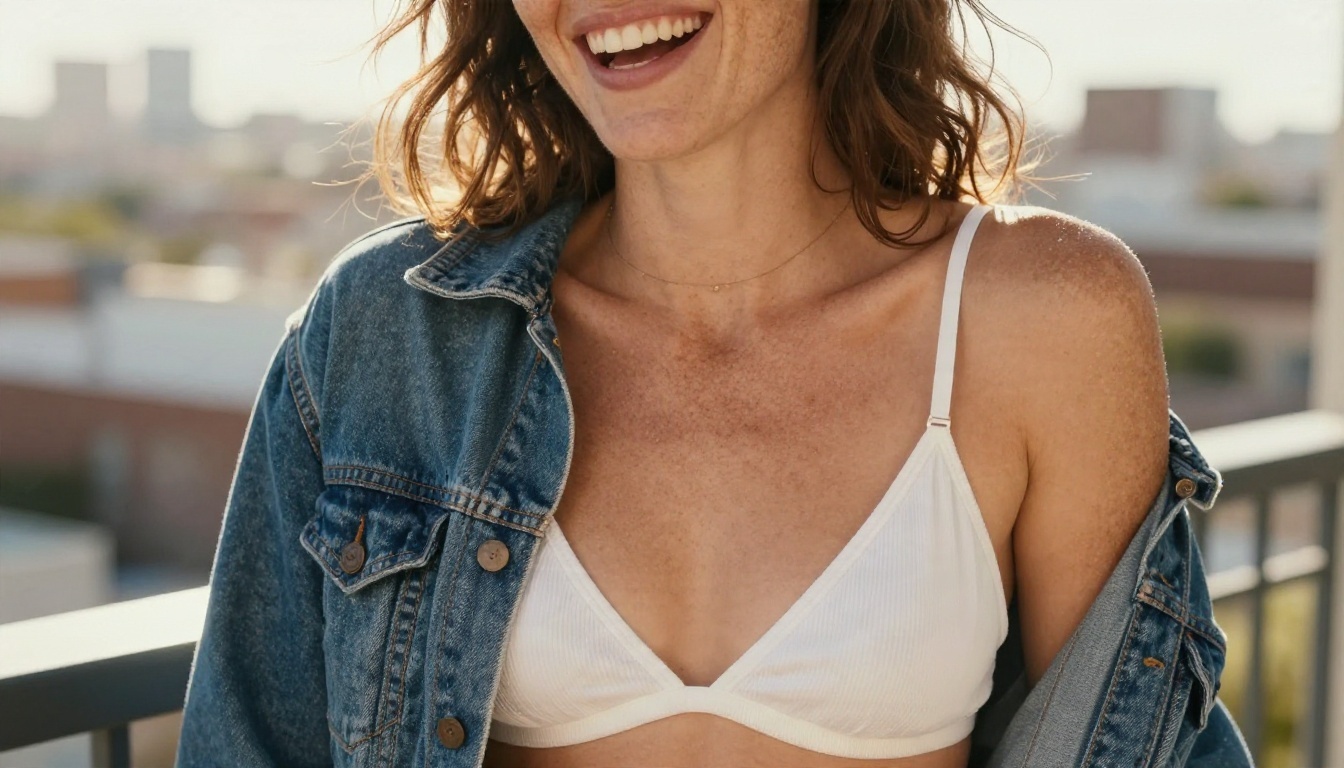
Safety, Consent and Legal Limits
This is the part most "NSFW video gen" pages skip, and it is the part that can cost you the most.
Consent comes first
Never animate a real person without their clear permission. That includes celebrities, coworkers, exes and anyone whose photo you found online. Sexualized deepfakes of real people are illegal in a growing number of places, and platforms ban accounts for them fast. Use fictional, AI-generated characters that you created, and keep every subject clearly adult.
Platform rules and watermarks
Before you publish anywhere, read the rules of the platform you are posting to. Many social networks restrict even suggestive content, and some require labels for AI-generated media. Keep a note of which model made which clip, and save your prompts. If a dispute comes up, you can show exactly how the content was made.
A short checklist before you hit publish:
- Subject is a fictional adult
- No real person's likeness
- Content stays suggestive, not explicit
- Platform allows this kind of post
- AI label added where required
- Commercial rights checked for the model you used
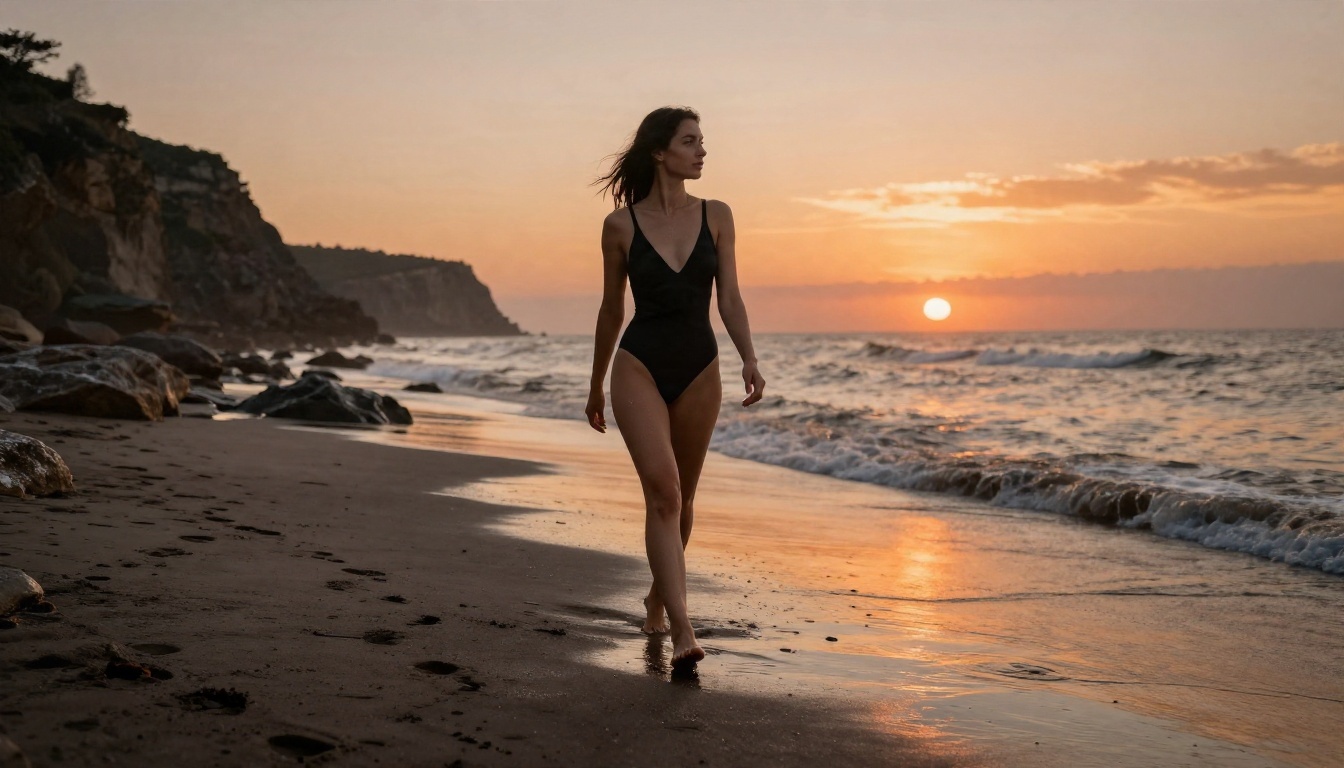
Start Creating Your Own Clips
The shortest route to a good NSFW-style video is not a mystery site with a flashing "free" banner. It is a clean pipeline: a sharp still from Seedream 4.5, unlimited refinement in PicassoIA Image Editor Pro, and a motion pass in Wan 2.2 I2V A14B, Wan 3 or Pixverse v6.
Open Picasso IA, write one still prompt, and generate your first six variations today. Pick your favorite, animate it for five seconds, and compare the result with whatever you were using before. Want to try more options? Browse every model at picassoia.com/en/all-models and build the workflow that fits your style.


