You type "NSFW video site free" into a search bar and get a wall of tabs, each promising unlimited clips, zero filters and no sign-up. Ten minutes later you have burned through three "free" credits, exported a five-second clip with a giant logo across it, and hit a paywall before the second render. Sound familiar? That is the normal experience, not bad luck.
This article sorts out what a free NSFW video site actually offers in late 2026, what the paid tiers tend to cost, why watermarks exist, and how to get cleaner results without paying for ten different subscriptions. Everything here is about non-explicit, suggestive, glamour-style content: swimwear, lingerie fashion, boudoir-style portraits and artistic mood pieces.
💡 Quick answer: Free tiers almost always come with at least one catch: a watermark, a tiny credit allowance, a short clip length, or a ban on commercial use. Prices and rules change often, so check each site's pricing page before you commit.
What "Free" Really Means Here
The word "free" on these sites is a marketing label, not a promise. When you read the fine print, nearly every offer falls into one of four buckets.
Free Trial Credits
You sign up and receive a small, one-time pool of credits. Once they are gone, that is it. Some sites top the pool up daily, others never do. A typical trial gives you enough for a handful of short clips, which is fine for testing and useless for a project.
Daily or Monthly Refills
A better structure: a few credits return every day or every month. The catch is that the refill is usually small, and higher resolutions or longer clips cost several credits each. You might get one decent render per day.
Free With a Watermark
Here the site lets you generate and download, but a logo is burned into the corner or across the frame. Some platforms also cap the length and resolution on the free plan. Research for this article turned up the same pattern again and again: most free AI video generators stamp exports with a watermark, and removing it is a paid feature.
Open-Source and Self-Hosted
If you have a powerful graphics card and patience, open-source video models can run locally with no credits and no watermark. The trade-off is setup time, hardware cost, and a lot of trial and error. For most people, this is not "free" once you count the electricity and the hours.
| Free model | What you get | Typical catch |
|---|
| One-time trial credits | A few test clips | Runs out fast |
| Daily or monthly refill | Small steady allowance | Low volume, slow queue |
| Free with watermark | Unlimited-looking downloads | Logo on every clip |
| Self-hosted open source | No fees, no logo | Hardware, setup, time |
How Pricing Usually Works
Pricing across the NSFW video space is credit-based. You buy a bundle of credits, and each generation burns some of them. The cost per clip depends on resolution, length and the model behind the scenes.
Typical Monthly Plans
Roundups I checked during research describe personal plans in the range of roughly $19 to $29 per month, with professional tiers around $49 per month that add higher resolution and batch generation. Treat those numbers as ballpark figures. Sites change them without notice, and some run promotions that make the sticker price look lower for the first month.
Credit Math That Surprises People
One site might advertise 400 credits for about $20 and charge 50 credits per uncensored video. That is eight clips. Another may charge a few credits per clip at standard resolution and more at HD. Always divide the plan price by the number of clips you can really produce, then compare that cost per clip across sites.
💡 Tip: Write down your target volume before you shop. If you need 30 clips a month, a plan that gives you eight is not "cheap" no matter what the headline says.
Hidden Costs to Watch
- Retries: AI video does not always nail the first attempt. Budget for two or three tries per usable clip.
- Upscaling: Some sites charge extra to export in HD.
- Commercial licenses: Free tiers often forbid commercial use, so a monetized clip may need a paid plan.
- Auto-renewal: Cancel dates matter. Set a reminder on day one.

Watermark Limits Explained
Watermarks are the number one frustration. Understanding why they exist helps you decide whether to pay, work around the limit legitimately, or switch tools.
Why Sites Add Them
A watermark is advertising and a deterrent. Free users promote the site every time they share a clip, and the logo nudges serious users toward a paid plan. It also helps platforms trace where content came from.
What Free Tiers Usually Restrict
Beyond the logo, expect some combination of the following:
- Shorter clips, often capped at a few seconds.
- Lower resolution, commonly 480p or 720p.
- Slower queues, sometimes with waits of many minutes at peak hours.
- Limited styles or models, with the better engines reserved for paid users.
Sources disagree on specifics. One roundup claims certain big-name video tools offer watermark-free downloads on free plans, while a later one says the free plan watermarks every export. This is exactly why you should test with one clip before relying on any claim you read, including this one.
Cropping and Removal Tools
You will see ads for "watermark remover" tools. Be careful. Cropping a corner logo can ruin your composition, and many sites forbid removing their marks in their terms of service. If your goal is a clean, shareable result, the better route is to avoid the watermark in the first place by choosing a workflow that does not add one.

Hidden Risks of Shady Sites
The more a site shouts "no filters, no limits, no sign-up," the more careful you should be. A few things to check before you upload anything or enter a card.
Privacy and Uploads
Many sites keep what you upload. If you animate a photo of a real person, you may be handing that image to a company with unclear storage rules. Never upload photos of anyone without their clear consent. Use generated characters or your own images only.
Payment Traps
Look for clear refund terms, a visible company name, and a straightforward cancellation page. Prepaid cards or virtual cards can limit the damage if a site turns out to be sloppy. Avoid any site that asks for payment just to "verify your age" before showing any pricing.
Quality Bait and Switch
Demo reels on landing pages are often cherry-picked or generated on a premium engine the free tier does not include. Run your own test prompt before you pay.
A Cleaner Workflow Using Stills First
Here is the approach that saves the most money: make the image first, then animate it. Video credits are expensive and unpredictable. Image generation is cheap, fast and far easier to control. Once you have a still you love, the animation step is short and often needs only one or two attempts.
Step 1: Build the Still
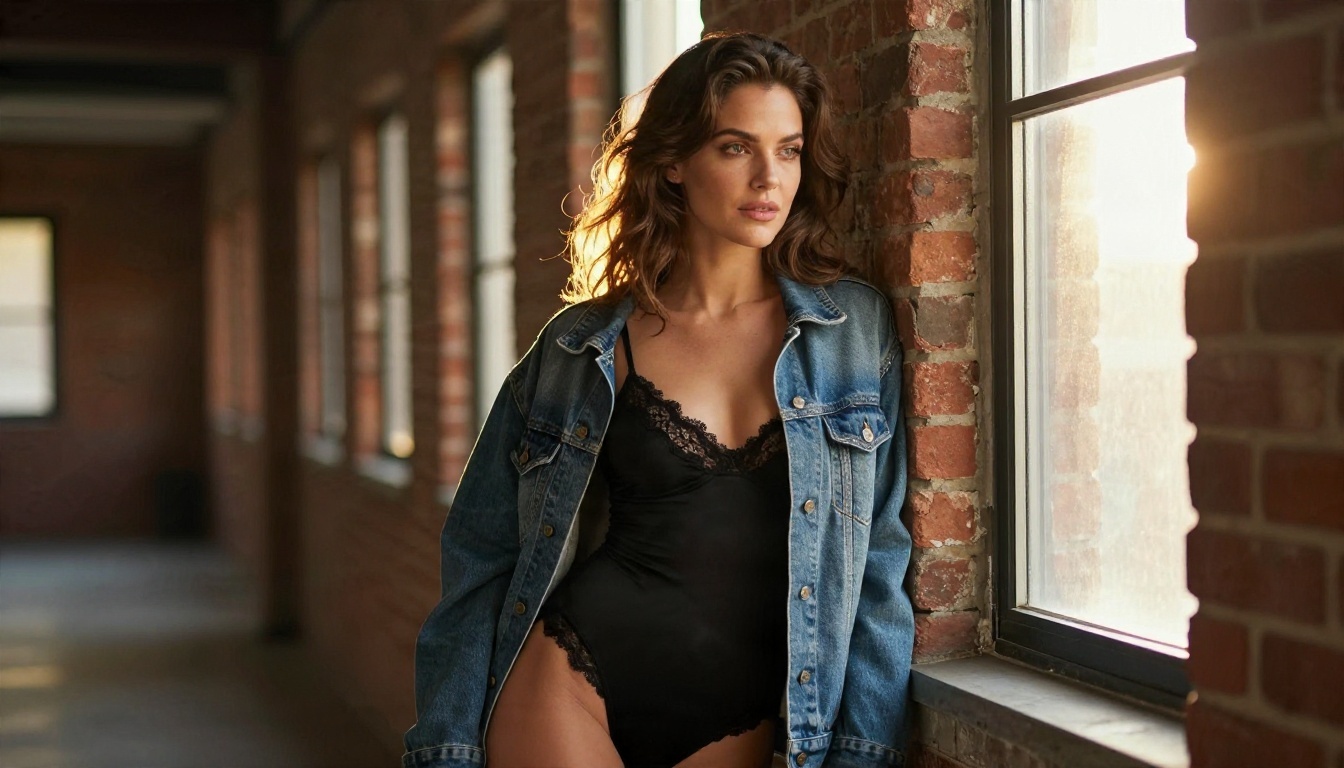
Seedream 4.5 is the model I would lead with for glamour and swimwear work. It handles skin texture, fabric sheen and lighting with a photographic look, and it follows detailed prompts well. Describe the pose, the setting, the light direction and the lens, then generate a few variations and pick the best frame.
💡 Prompt tip: Name the light source and the lens. "Golden hour light from camera right, 85mm f/1.8, shallow depth of field" gives you a far more believable portrait than "beautiful woman, hot, 8k."
Step 2: Fix and Refine the Image
This is where PicassoIA Image Editor Pro earns its place. It offers unlimited generations, so you can adjust outfits, backgrounds, lighting and small details without watching a credit counter drop. If a hand looks off or the strap sits wrong, you correct it and move on. For anyone who has been burned by pay-per-attempt pricing, this alone changes the economics.
Both tools are known for being flexible with suggestive, non-explicit content such as swimwear and lingerie fashion, which is the territory this article stays in. Fast turnaround matters too: you can run a dozen variations in the time one video render takes to queue.
Step 3: Animate Only the Best Frame
Once you have the final still, animate it. Wan 2.5 I2V Fast is built for turning a single image into a short clip, and the "Fast" version keeps wait times short. If you prefer to start from text, Wan 2.5 T2V and Wan 2.5 T2V Fast are the text-driven options. For high-resolution output with quick turnaround, LTX 2.5 Fast is worth a test.
💡 Check first: Content rules differ from one video model to another. Open the model page and run a small test before you plan a whole project around it.
Motion Prompts That Work
Short clips live or die on the motion prompt. Keep it simple and physical.
Write Small, Believable Movements
Good motion is subtle: hair lifting in a breeze, a slow turn of the head, fabric swaying, a gentle camera push-in. Asking for dancing, fast turns or complicated hand actions usually produces warped limbs and flicker.
A prompt that works well looks like this:
"The woman slowly turns her head toward the camera and smiles, her hair moves slightly in a warm breeze, slow dolly-in, golden sunlight, natural film grain."
Match the Camera to the Still
If your still was shot from a low angle, keep the camera low. A mismatch between the source image and the requested camera move is one of the most common causes of ugly results.
Keep Clips Short
Five seconds is the sweet spot. Longer clips drift, faces change, and you pay more. You can stitch several short clips together later in an editor.
Side by Side Cost Comparison
Here is how the two approaches compare for a creator who needs around 20 usable clips per month. Numbers are rough and based on typical ranges, not a quote from any specific site.
| Factor | Typical NSFW video site | Stills first, then animate |
|---|
| Cost of first attempt | Credits burned on every try | Image drafts are cheap or unlimited |
| Retries | 2 to 3 per usable clip | Fix the still before animating |
| Watermark risk | High on free tier | Depends on the tool you choose |
| Control over look | Limited to prompt luck | Direct control over the source frame |
| Monthly spend | Often $19 to $49 or more | Lower, since only final frames get animated |
When a Dedicated Site Still Makes Sense
If you only need one or two clips and you are happy with the site's presets, a dedicated video site can be quicker. If you want consistent characters, a repeatable look and better value, the stills-first method wins by a wide margin.
When to Pay for a Plan
Pay when you have tested the output quality on a free tier, confirmed the watermark policy on paid exports, read the commercial-use terms, and calculated the real cost per clip. Never pay on the strength of a landing page demo alone.
Quick Checklist Before You Sign Up
Use this list every time you test a new site. It takes two minutes and saves real money.
- Pricing page: Is the price per clip visible, not just the monthly fee?
- Watermark policy: Does it apply on free exports, paid exports, or both?
- Resolution and length: What are the caps on the plan you will actually use?
- Commercial rights: Can you monetize what you make?
- Data policy: What happens to your uploads and prompts?
- Cancellation: Can you cancel in two clicks without emailing support?
- Queue time: Do a free test at a busy hour, not at 4 a.m.
💡 Rule of thumb: If a site hides its pricing until after you create an account, assume the price is not in your favor.
Respect Consent and Platform Rules
Keep the content you make on the right side of the line. Stay non-explicit, never depict real people without permission, and follow the rules of whatever platform you post on. These habits protect you as much as anyone else.
Try It Yourself on PicassoIA
You do not need five subscriptions to build a clean, good-looking set of glamour clips. Start with a still in Seedream 4.5, polish it with unlimited edits in PicassoIA Image Editor Pro, and then bring your favorite frame to life with Wan 2.5 I2V Fast. Three tools, one workflow, and no giant logo across your final frame.
Write a detailed prompt, run a few variations, and see how far a single well-lit portrait can go. When you want to try more options, browse the full library at picassoia.com/en/all-models and pick the model that suits your style.
Your next clip is one good prompt away. Open PicassoIA, generate your first still today, and see how it looks before you spend a cent on another credit pack.


