Type "free NSFW AI" into a search bar and you get a wall of sites that all promise the same thing: unlimited glamour images, flirty chat, no sign-up. Then you click. A timer says "your image is in queue, 47 minutes remaining." A watermark lands across the middle of your picture. A popup asks for a credit card to "verify your age." Most people close the tab after the third surprise.
This article sorts the useful from the noisy. You will see what a free NSFW website can realistically offer, which image generators are worth your time, how AI chat fits in, which prompts produce attractive, tasteful results, and which limits you should expect before you invest an evening. Everything here stays on the suggestive side: swimwear, lingerie-style glamour, boudoir lighting, editorial mood. Nothing explicit.
💡 Quick answer: For free, high-quality, suggestive images, start with Seedream 4.5 and the PicassoIA Image Editor Pro. Use an LLM chat model to write and refine your prompts. Keep every subject an adult, fictional person.
What "Free NSFW" Really Means
The word "free" covers a lot of ground online, and on adult-oriented AI sites it is stretched further than anywhere else. Before you pick a platform, know which kind of free you are looking at.
Three Kinds of Free Sites
| Type | What you get | Typical catch |
|---|
| Free trial | A handful of generations, often full quality | Runs out in minutes, then a paywall |
| Free with ads or queue | Unlimited in theory | Long waits, low priority, pop-ups |
| Free with real allowance | A daily or monthly budget of images | Resolution caps, fewer models |
| Open weights, self-hosted | No usage cost | You need a strong GPU and patience |
The honest middle ground is a platform that gives you a clear daily allowance and tells you the rules up front. Anything that hides its limits until you click "generate" tends to have worse ones.
The Hidden Price Tags
Free sites pay their server bills somehow. Here is where the money usually comes from:
- Your attention: banner ads, redirects, notification prompts.
- Your data: email lists, prompt logs, uploaded photos kept on servers.
- Your upgrade: deliberate friction (slow queues, small previews) that makes the paid tier feel necessary.
- Your files: watermarks on every output, or downloads locked behind a plan.
None of this is automatically bad. It just means you should read the screen before you type a prompt, and never upload a photo of a real person.
Image Generators Worth Your Time
Not every model handles glamour content the same way. Some refuse anything with skin showing. Some produce plastic faces and melted hands. A few get lighting, fabric and skin texture right on the first try.
Seedream 4.5 Leads the Pack
Seedream 4.5 is the first model to try for suggestive, photorealistic work. It reads long, descriptive prompts well, renders believable skin with pores and soft highlights, and handles swimwear, satin and lace fabrics without the waxy look older generators produced. It also outputs sharp, high-resolution images, so a portrait looks good on a phone and on a 27-inch monitor.
What it does best:
- Skin and fabric realism: satin sheen, knit texture, wet skin after a pool shot.
- Lighting control: it follows instructions like "warm lamp from the left, cool window fill from the right."
- Composition: low angles, overhead shots and close portraits all come out cleanly.
- Hands and faces: noticeably fewer extra fingers than earlier models.
💡 Seedream 5 Lite blocks adult content, so skip it for this kind of work. Stick with Seedream 4.5.
Image Editor Pro and Unlimited Runs
The PicassoIA Image Editor Pro is the one to open when you want to iterate without watching a counter. It offers unlimited generations, which changes how you work: instead of rationing five tries, you can run twenty variations of the same scene, change the outfit, shift the light, swap the location, and keep the best one.
It also edits. Upload your own AI-generated image and ask for a different background, a new color for the swimsuit, softer lighting or a cleaner crop. That edit-in-place workflow is where a lot of the finishing work happens.
Other Models to Test
Different models suit different moods. Each has its own filter rules, so test with tasteful prompts first and see where the line sits.
A good workflow: draft quickly in a fast model, then rebuild your favorite prompt in Seedream 4.5 for the final render.
How to Use Seedream 4.5 on PicassoIA
The model page is at Seedream 4.5 on PicassoIA. The process takes about a minute per image.
Step by Step
- Open the model page and sign in so your images are saved to your account.
- Write your prompt in plain English. Describe the subject, the setting, the light and the lens, in that order.
- Choose 16:9 for wide scenes, 3:4 or 2:3 for portraits, and 1:1 for profile-style crops.
- Pick the highest resolution offered, since upscaling later never recovers lost detail as well as generating at full size.
- Generate, review, then adjust one thing at a time. Change the light, not the whole prompt.
- Send your best result to the Image Editor Pro for background swaps, color fixes and final polish.
Settings That Matter
- Aspect ratio: match it to the final use. Wide for banners, tall for phones.
- Seed: keep the same seed when you want to change only the outfit or lighting and preserve the face and pose.
- Prompt length: 50 to 80 words works better than ten words. Short prompts give generic faces.
- Negative habits: instead of listing what you do not want, describe what you do want, such as "natural skin texture, realistic hands."
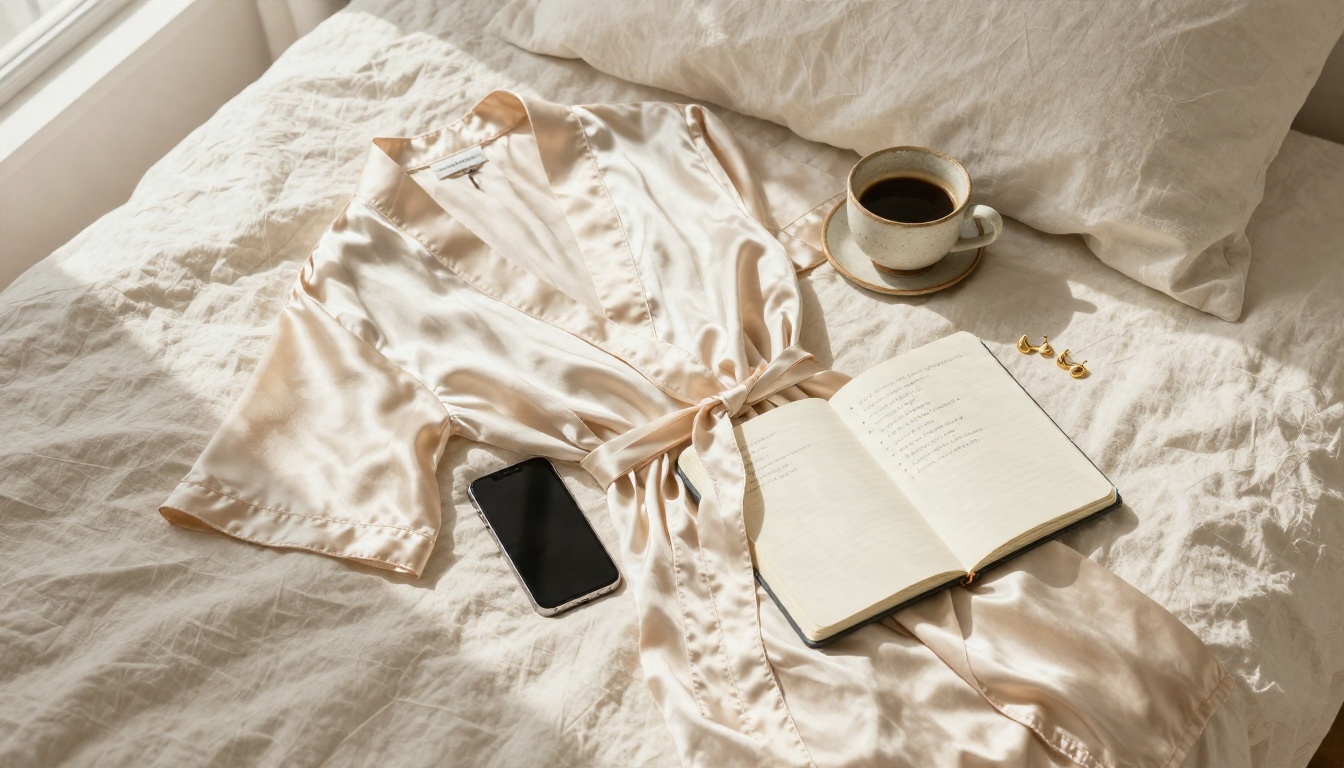
💡 If a prompt gets blocked, do not argue with it. Rephrase around mood and styling ("editorial boudoir portrait, silk robe, soft window light") instead of body detail.
Chat Tools for Adult Content
"Chat" is the second thing people search for on these sites, and it is the most misunderstood. Many companion-style chat sites are thin wrappers around a language model with a persona prompt. The experience depends almost entirely on the model underneath.
What AI Chat Can Do
Large language models on PicassoIA are strongest when you use them as a creative partner:
- Writing detailed image prompts from a rough idea.
- Drafting romantic or flirty fiction, dialogue and character backstories within each model's content rules.
- Building a consistent character sheet (hair, eye color, wardrobe, personality) you can reuse across images.
- Rewriting a blocked prompt so it keeps the mood but stays inside the filter.
Models worth trying include Claude Sonnet 5, GPT 5.4, Gemini 3.5 Flash and Kimi K2.6. Each has its own safety behavior, so expect them to decline explicit requests. That is a feature when you want clean, shareable output.
Pairing Chat With Image Prompts
The most productive loop looks like this:
- Tell the chat model: "Write a 70-word photographic prompt for an adult woman in a black swimsuit on a beach at golden hour, 85mm lens, backlight."
- Paste the result into Seedream 4.5.
- Look at the image, then tell the chat model what to fix: "Make the light warmer, move the camera lower, add wet sand reflections."
- Paste the revised prompt and repeat.
Three rounds usually beat thirty random tries. For long character-driven projects, a stronger reasoning model such as Gemini 3.1 Pro keeps details consistent across many messages.
Prompts That Actually Work
A strong prompt reads like a photographer's shot list, not a list of tags. Tag soup ("sexy, 8k, ultra detailed, masterpiece") gives you the same stiff pose every time.
A Simple Prompt Formula
Use this order:
Subject and pose + setting + lighting direction + camera and lens + texture details + mood
For example: an adult woman in a champagne silk slip dress sitting on a window sill, backlit by golden morning light through sheer curtains, shot on 28mm f/2 from across the room, visible satin sheen and fine skin texture, Kodak Portra 400 film grain, intimate editorial mood.
Every piece adds information the model can use. Lens and film stock words in particular push the look toward real photography instead of airbrushed illustration.
Five Prompts to Copy
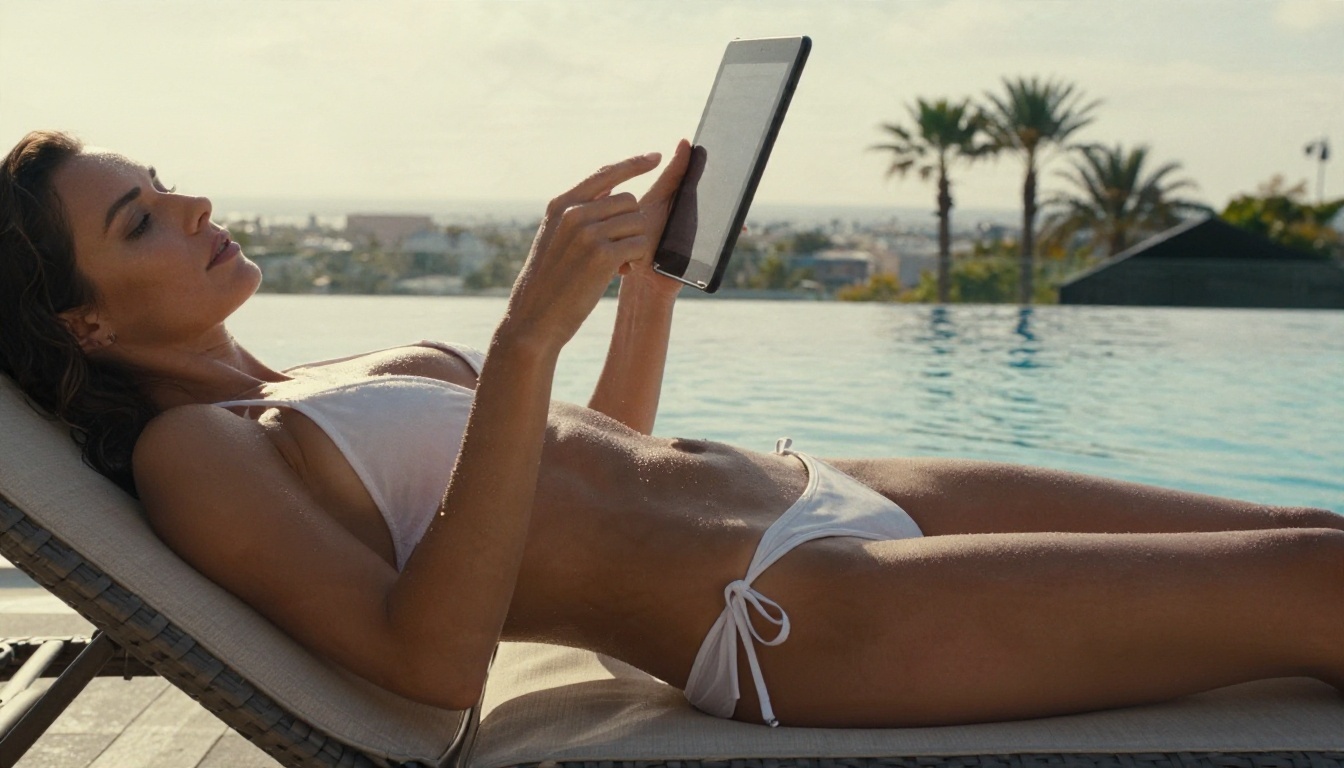
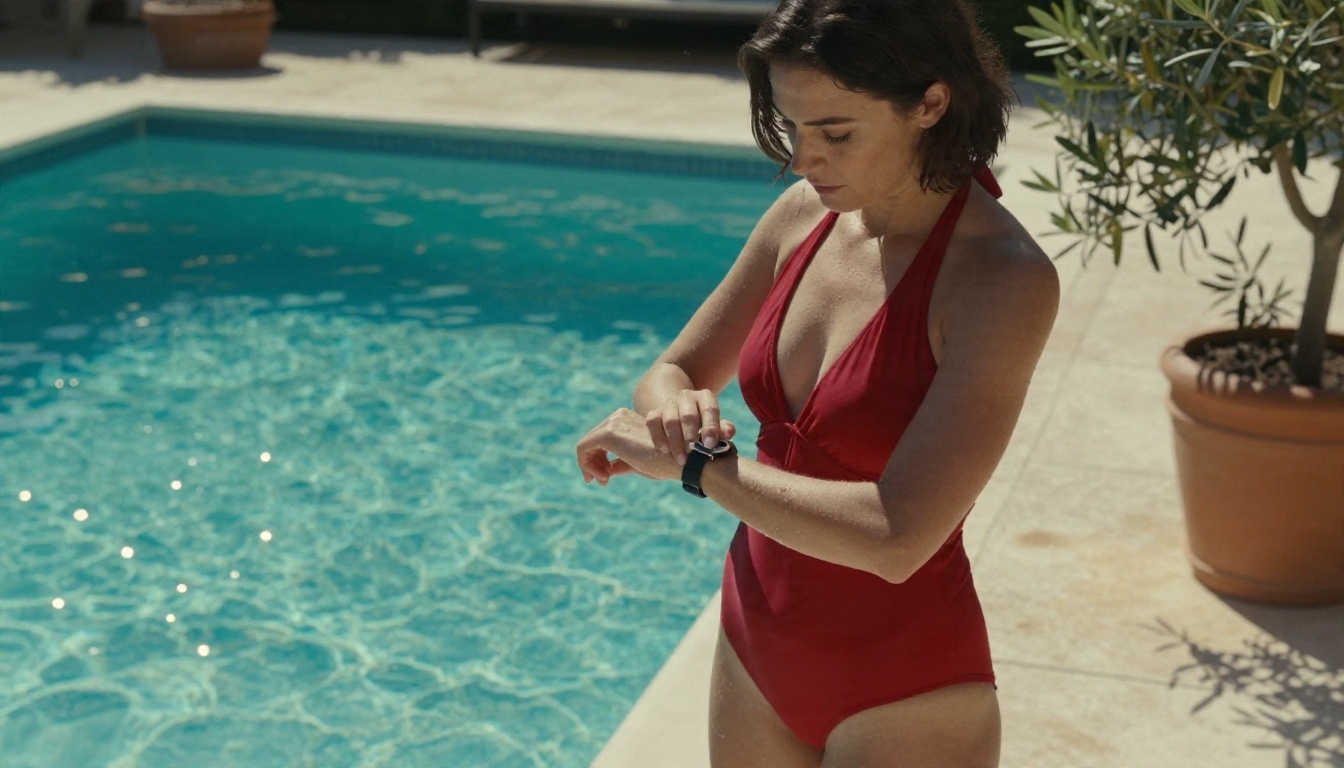
- Poolside glamour: Low-angle photo of an adult woman in a white bikini and sheer linen shirt on a teak lounger by a rooftop pool, late afternoon sun from the left, water ripples on her skin, 35mm f/2, Kodak Portra 400 grain.
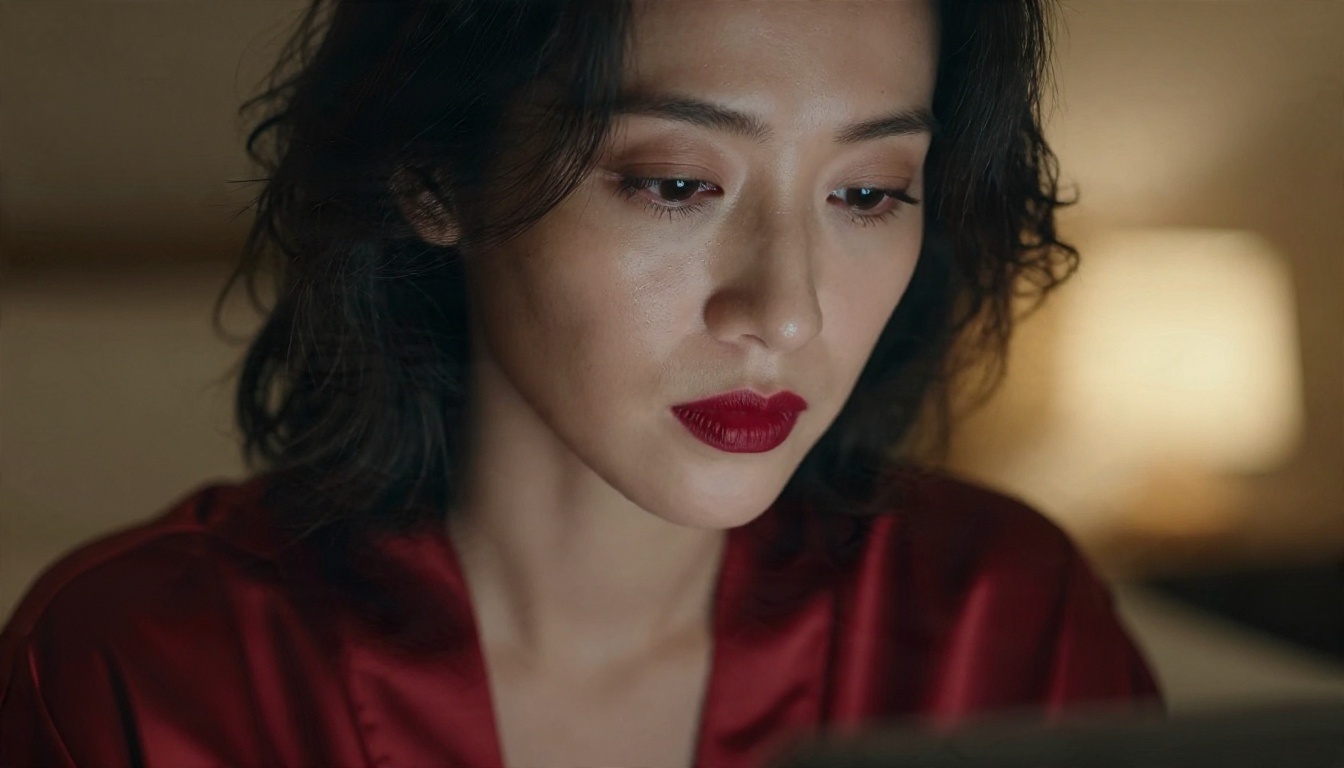
- Boudoir close-up: Close portrait of an adult woman with deep red lipstick, silk robe slipping off one shoulder, lit by a warm lamp from the right, 85mm f/1.4, shallow depth of field.
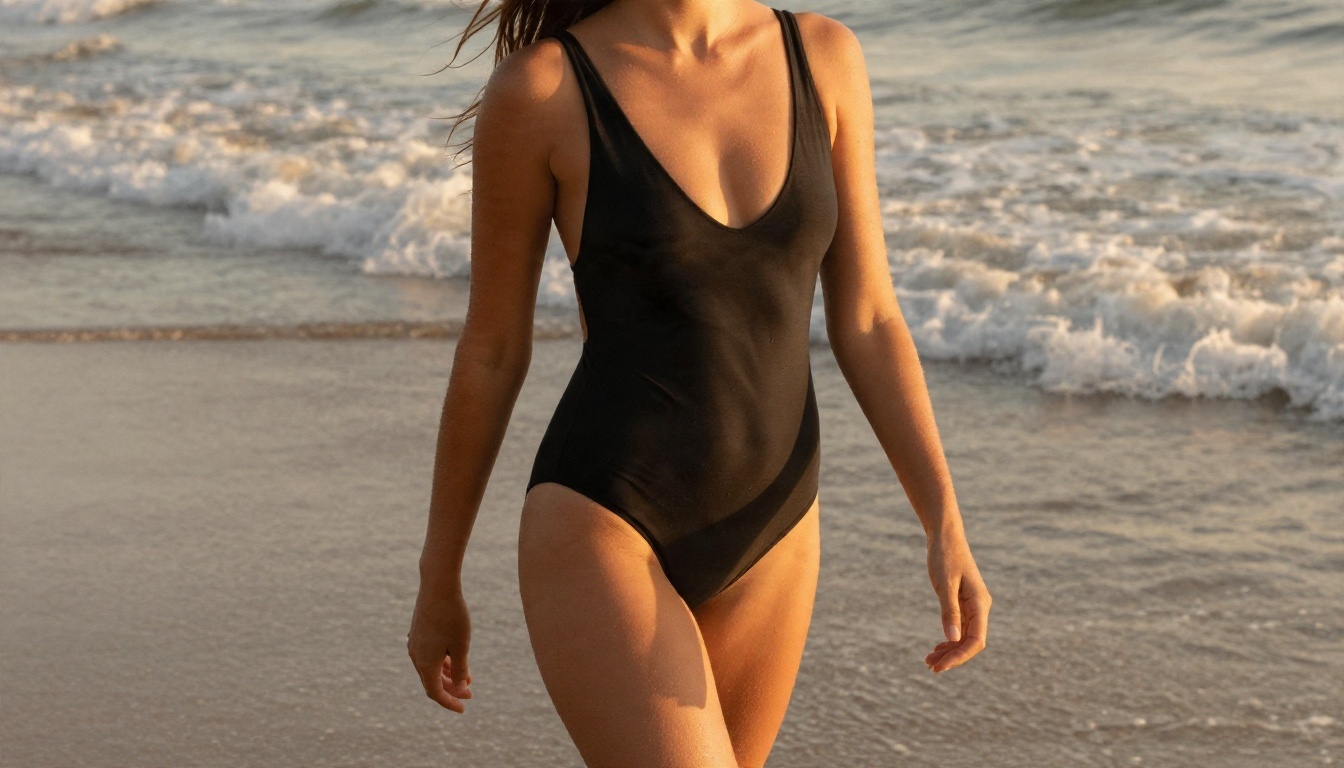
- Beach editorial: Medium shot of an adult model in a black one-piece walking along wet sand at golden hour, wind in her hair, warm rim light, 85mm f/1.8.
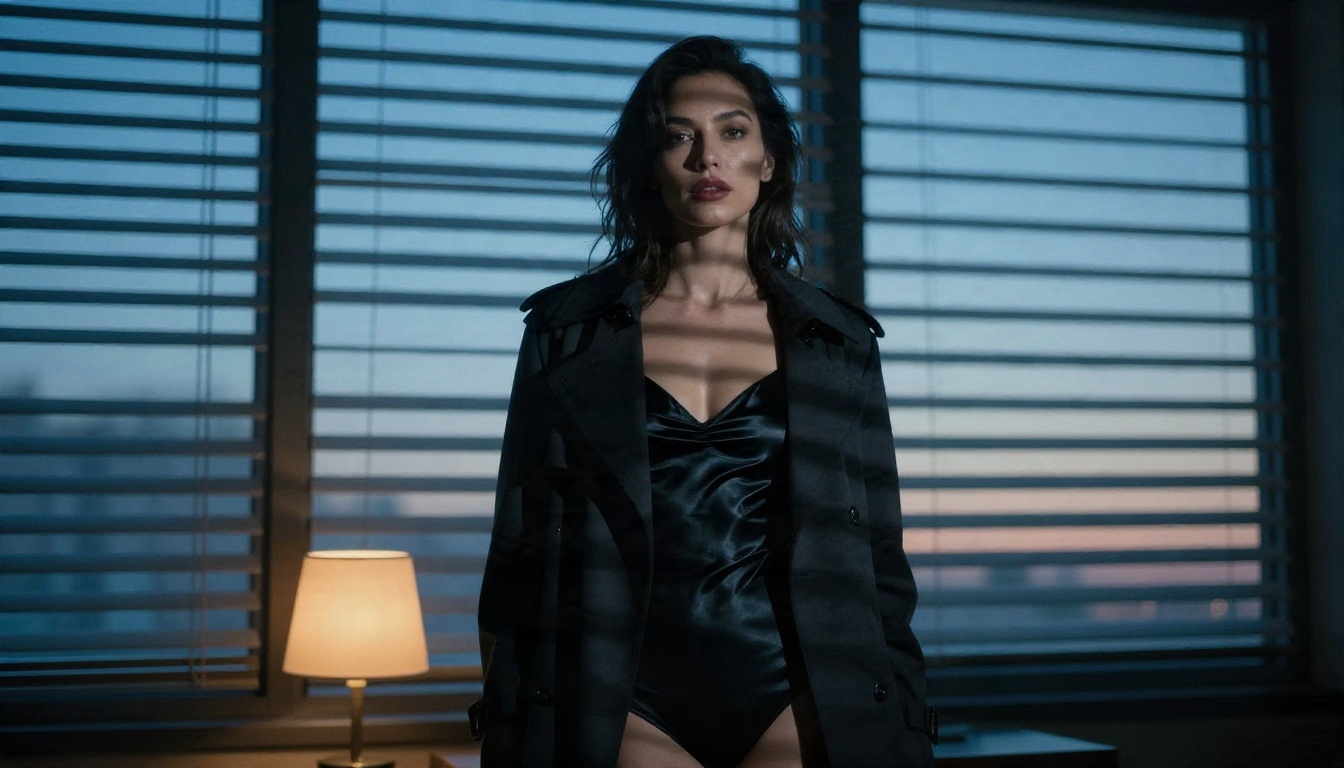
- Noir mood: Adult woman in a black satin bodysuit under an open camel trench coat beside a window with blind shadows across her face, cool blue light and warm amber lamp, 85mm f/1.8.
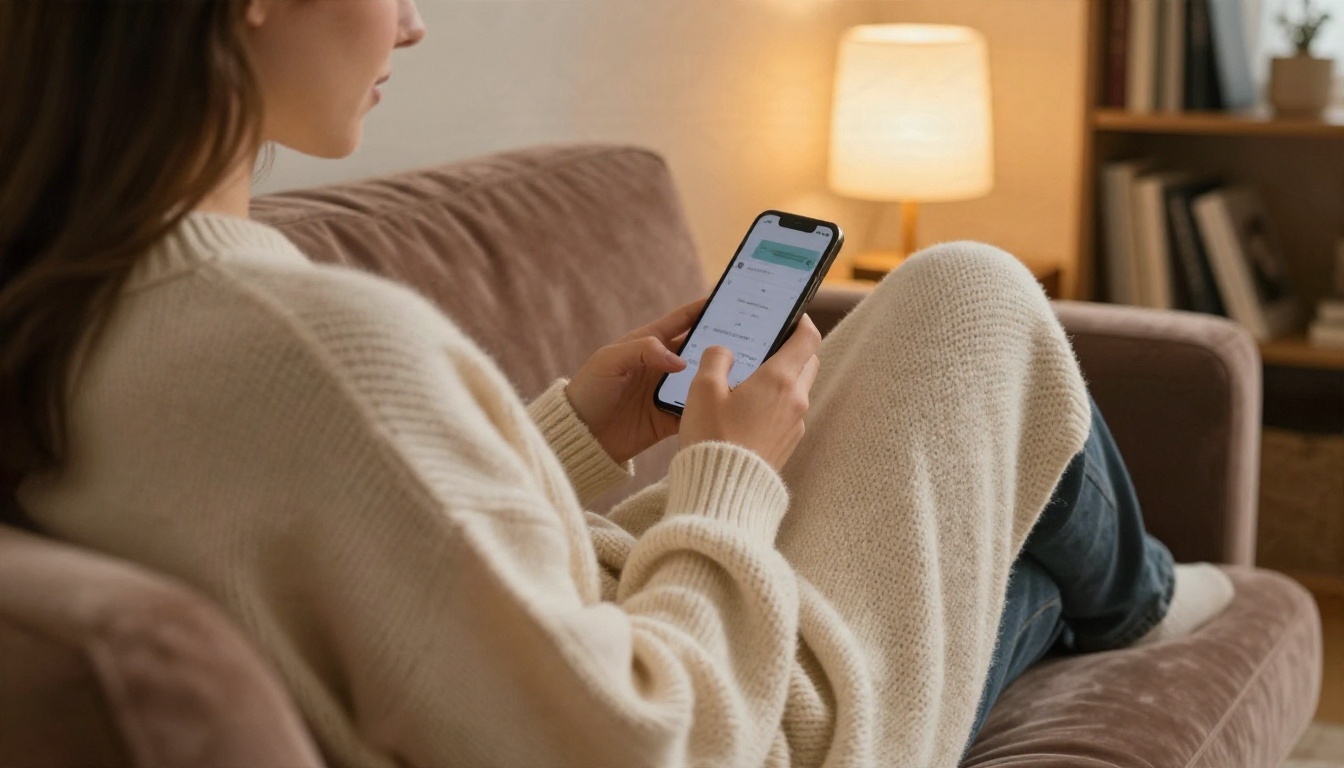
- Cozy intimate: Over-the-shoulder shot of an adult woman in an oversized cream knit sweater sliding off one shoulder, curled on a velvet sofa, warm floor lamp, 50mm f/1.8.
Words That Trigger Blocks
Most filters react to the same few patterns. Avoid them if you want results instead of error messages:
- Explicit anatomical terms.
- Any mention of age that is not clearly adult, or words like "schoolgirl."
- Names of real celebrities, influencers or private individuals.
- Violent or non-consensual scenarios.
Replace them with styling and atmosphere: fabric, light, location, pose, expression. The result is usually better looking anyway.
Limits You Will Hit
Free plans run on tight budgets. Knowing the usual boundaries saves you from a nasty surprise at image number six.
Daily Caps and Queues
| Limit | What it looks like | How to work around it |
|---|
| Daily image count | 5 to 30 generations, then a lock | Use drafts in a fast model, spend your best runs on finals |
| Queue time | Minutes to hours at peak times | Generate during off-peak hours |
| Concurrent jobs | One image at a time | Plan your next prompt while the current one renders |
| Chat message caps | A fixed number of replies per day | Write longer, more complete messages with all instructions |
If you want to iterate heavily, the unlimited generations in the Image Editor Pro are the cleanest answer.
Resolution and Watermarks
Many free tiers cap output at 512 or 768 pixels and stamp a logo in the corner. That is fine for testing, poor for anything you want to print or post. Two ways around it:
- Choose a platform that outputs high resolution from the start.
- Run a good image through a super-resolution tool afterward to sharpen and enlarge it.
Upscaling helps with sharpness, but it cannot invent detail the original never had, so generate at the highest size you can.
Content Filters
Filters are the limit people hit most. They come in two layers: one on your prompt and one on the output image. A prompt can pass and still get its picture blocked if the result looks too explicit. When that happens:
- Add more clothing and styling detail.
- Pull the camera back for a wider frame.
- Shift the mood from "provocative" to "editorial" or "romantic."
This is not a trick. It is simply how you get a result that is beautiful and shareable.
Stay Safe and Legal
Adult AI content has real-world rules, and some of them carry legal weight. A short checklist keeps you on the right side.
Adults Only, Real People Off Limits
- Every subject must be clearly adult. No exceptions, no gray areas, no ambiguous wording.
- Never generate a real person's likeness without their written consent. That includes celebrities, coworkers, exes and anyone from social media.
- Never upload someone else's photo for editing or face swapping.
- Check your local law. Rules on adult content and AI-generated imagery differ by country and are changing fast.
Fictional characters, invented faces and stylized personas are the safe lane. Treat it as the only lane.
Spotting Risky Sites
Free NSFW sites attract scammers. Warning signs:
- A download is required just to generate an image.
- The site asks for a card "for age verification" and then charges you.
- No terms of service, no privacy policy, no company details.
- Browser permission requests for notifications or location.
- Prompts and uploads are shared publicly by default.
💡 Use a throwaway email for unknown sites, skip any "install our app" prompt, and never reuse a password you care about.
A reputable platform tells you what it stores, what it blocks, and what you can do with the images you make.
Start Creating Your Own Images
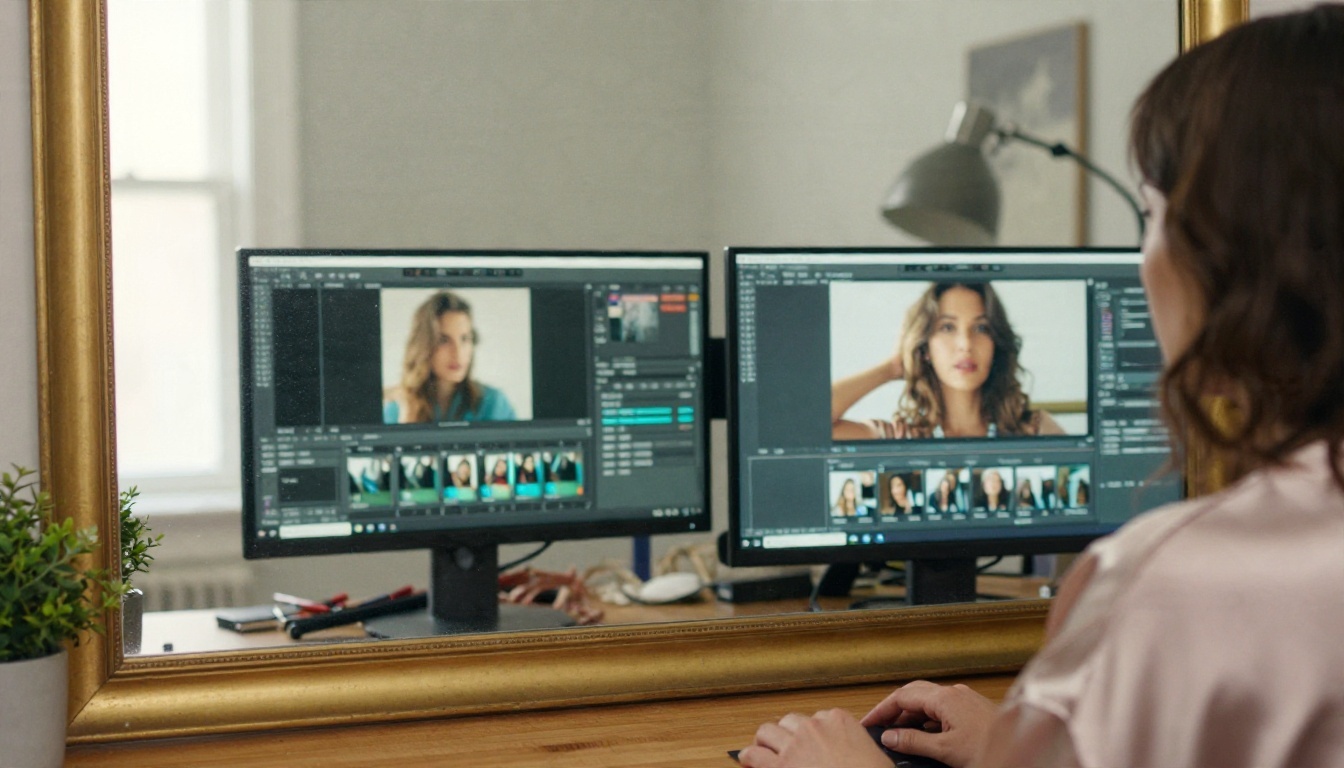
Free NSFW sites are easiest to judge by trying them with the same prompt. Pick one scene, such as the poolside glamour prompt above, and run it through a few models. Compare skin texture, hands, lighting and how much detail survives at full size. In ten minutes you will know which tool fits your taste and your patience.
Here is a simple plan for tonight:
- Open Seedream 4.5 and generate your first image from one of the five prompts.
- Send the best result into the PicassoIA Image Editor Pro and iterate freely with unlimited generations.
- Ask a chat model like GPT 5.4 to rewrite your prompt for a new location or outfit.
- Compare drafts from Z Image Turbo and Nano Banana Pro.
Picasso IA puts these image and chat models in one place, so you can draft, edit and refine without bouncing between sites. To see every model you can try, browse picassoia.com/en/all-models and start with the one that matches your idea.


