Typing a sentence and getting a moving, sun-lit, magazine-style clip back in under a minute still feels slightly unreal. That is exactly what an NSFWAI video generator promises: you describe an adult glamour scene, or upload a still, and the model animates it into a short clip with natural motion, wind in the hair, water ripples and a slow camera drift. The catch is that "free", "unlimited" and "uncensored" mean very different things depending on where you click. Some tools hide a watermark in the export, some cap you at a few credits a day, and some sites you should not touch at all.
This article sorts the real from the marketing. You will see which free routes exist, a workflow that gives clean results, prompt formulas with examples you can copy, and the honest limits of length, resolution, consistency and filters. Everything here stays on the suggestive, non-explicit side: swimwear, boudoir, glamour and editorial style.
What an NSFWAI Video Generator Does
An NSFWAI video generator is a normal AI video model used for adult glamour content: swimwear, lingerie, boudoir portraits and sensual editorial scenes. The difference from a mainstream tool is mostly policy. Some platforms reject anything that looks suggestive, while others accept tasteful adult content and only block explicit material.
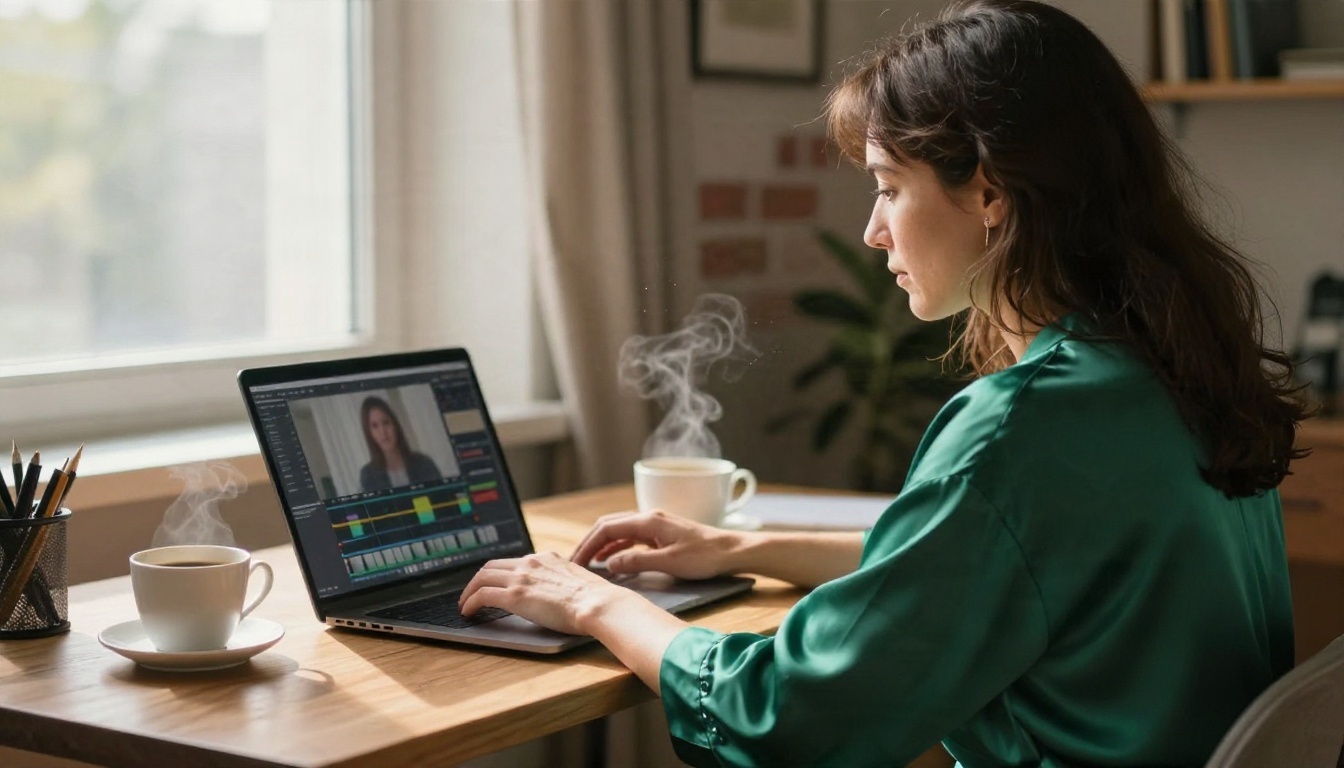
Image to Video vs Text to Video
There are two ways in, and they behave differently.
| Method | You provide | Strength | Weakness |
|---|
| Text to video | A written prompt | Fast ideas, no source needed | Face and outfit change from run to run |
| Image to video | A still photo plus a motion prompt | Locks the look, outfit and lighting | Motion is limited by what the still shows |
For glamour work, image to video wins almost every time. You decide the face, the swimsuit, the light and the pose in a still first, then ask the model only for motion. That removes the biggest source of random results.
What "Non-Explicit" Means Here
Non-explicit means suggestive, not pornographic. Think bikini shoots, silk robes, wet hair after a swim, a lace bodysuit on a hotel bed in soft daylight. The appeal is mood, skin texture and light. It also keeps your clips usable on far more platforms, which matters once you try to post them anywhere.
💡 Tip: adult glamour only works with clearly adult subjects. Always describe your subject as an adult woman or man, and never use any real person's name or likeness without permission.
Free Options That Actually Exist
Free is real, but it always comes with a trade. After checking recent roundups, the pattern is consistent: every free route restricts at least one thing, either the watermark, the daily credits, the clip length, the resolution or commercial rights.
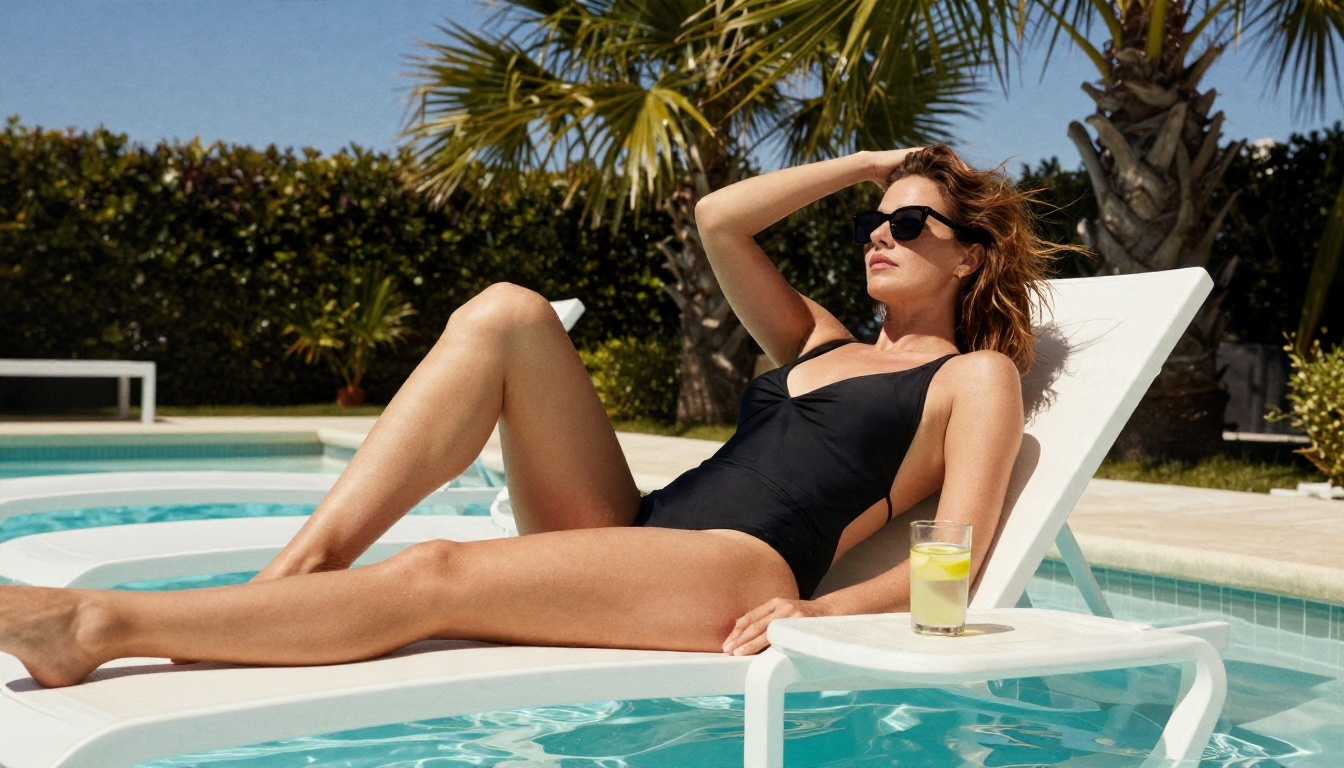
Free Tiers on Hosted Tools
Hosted generators usually give a handful of free credits on sign up, then ask for a subscription. Typical limits:
- Watermarked exports on the free plan
- Daily or monthly credit caps that run out after a few clips
- Short clips, often 3 to 5 seconds
- Lower resolution, commonly 480p or 512p
- No commercial use until you pay
Paid plans that advertise unlimited length or lifted filters tend to sit around the price of a streaming subscription or higher. Treat "no limits" as a paid feature unless the page says otherwise in plain words.
On PicassoIA, Seedance 2.5 Lite is listed as a free and unlimited video generator with clips up to 10 seconds, which makes it a practical place to test motion ideas before you spend anything.
Local Open-Source Models
If you own a strong graphics card, open-weight video models run on your own machine with no subscription. The trade is hardware and patience. A 5 second 720p clip on a high-end consumer GPU can take roughly 5 to 10 minutes depending on steps and settings, and you handle installs, updates, storage and model licenses yourself. You also give up the polish of hosted tools. This route suits tinkerers, not people who want a clip in one minute.
Sites to Avoid
Be careful with "free NSFW AI video" sites that ask for no account, no email and no payment while promising unlimited output. Reports of these sites point to the same problems: aggressive ads, bundled downloads that carry malware, and uploads that get harvested. If a site asks you to install an app to "unlock" free generations, close the tab.
⚠️ Warning: never upload photos of a real person without consent. Beyond ethics, it can break platform rules and local law in many countries.
A Workflow That Gives Clean Clips
The cleanest results come from a three step chain: build a strong still, refine it, then animate it. The still carries 80 percent of the quality.
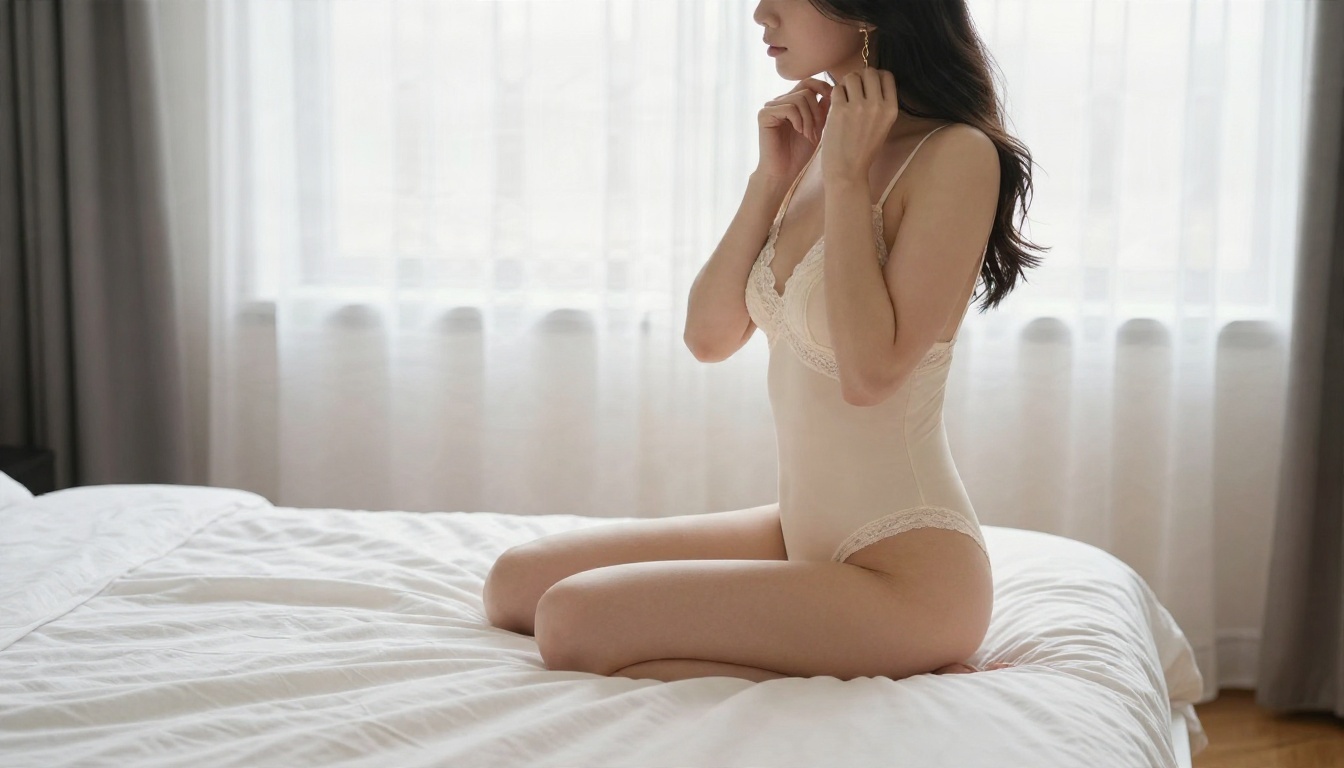
Step 1: Build the Still With Seedream 4.5
Start with Seedream 4.5. It produces sharp, photorealistic skin, believable fabric and natural light, and it accepts tasteful adult glamour prompts. Write your prompt like a photographer: subject, outfit, setting, light direction, lens and film feel.
Parameters worth setting:
- Aspect ratio 16:9 so the video matches a standard screen
- Lens language such as "85mm f/1.8" for a soft portrait background
- Light direction such as "low golden sun from camera left"
- Texture words such as "fine pores, water droplets, film grain"
Step 2: Refine With Image Editor Pro
Even good stills need small repairs: a strap that looks odd, a background object, a hand that is slightly off. PicassoIA Image Editor Pro is built for this, and it offers unlimited generations, so you can iterate on the same still ten times without watching a credit counter. Fix the weak spots before animating, because video models amplify flaws: a small artefact in a still becomes a flickering glitch in motion.
Step 3: Animate the Still
Now choose a video model and give it the finished still plus a motion prompt. Good options on PicassoIA:
Video models carry their own content rules, and these can differ from the image model that made your still. If one model rejects a prompt, rephrase it toward the aesthetic (light, fabric, mood) or try another model from the table.
Prompts That Work
A video prompt is not a picture description. The still already holds the picture, so your words should describe what moves, how the camera moves, and what the light does.
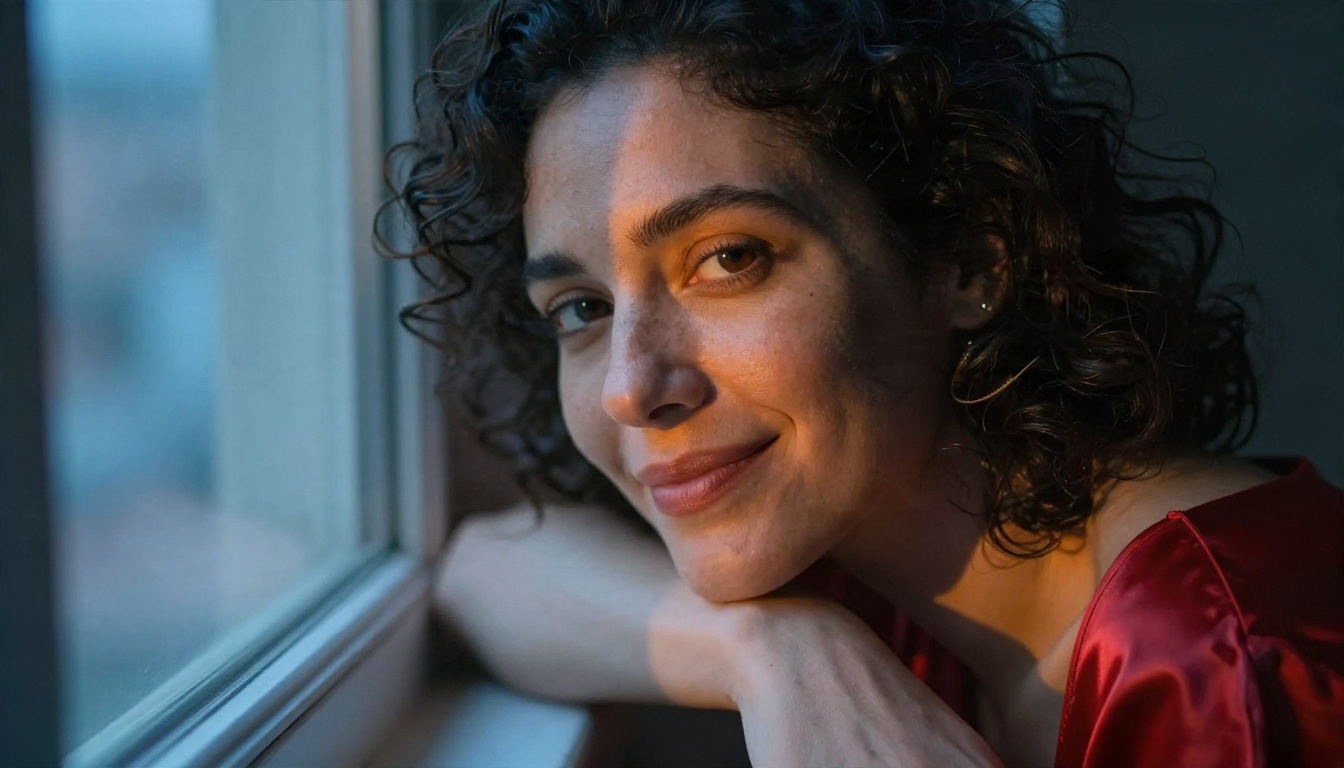
The Prompt Formula
Use this order:
[Subject starting pose] + [motion over five seconds] + [camera movement] + [light and atmosphere]
For example: "A woman in a white bikini stands waist-deep in a pool, she slowly lifts her hand to push wet hair back, water ripples around her, slow dolly-in, warm golden hour light, soft lens flare."
Keep it chronological. Models follow "first this, then that" better than a pile of adjectives.
Five Prompt Examples
- Poolside: "She turns her head toward the camera and smiles, a light breeze moves her hair, water shimmers around her waist, slow push-in, golden hour."
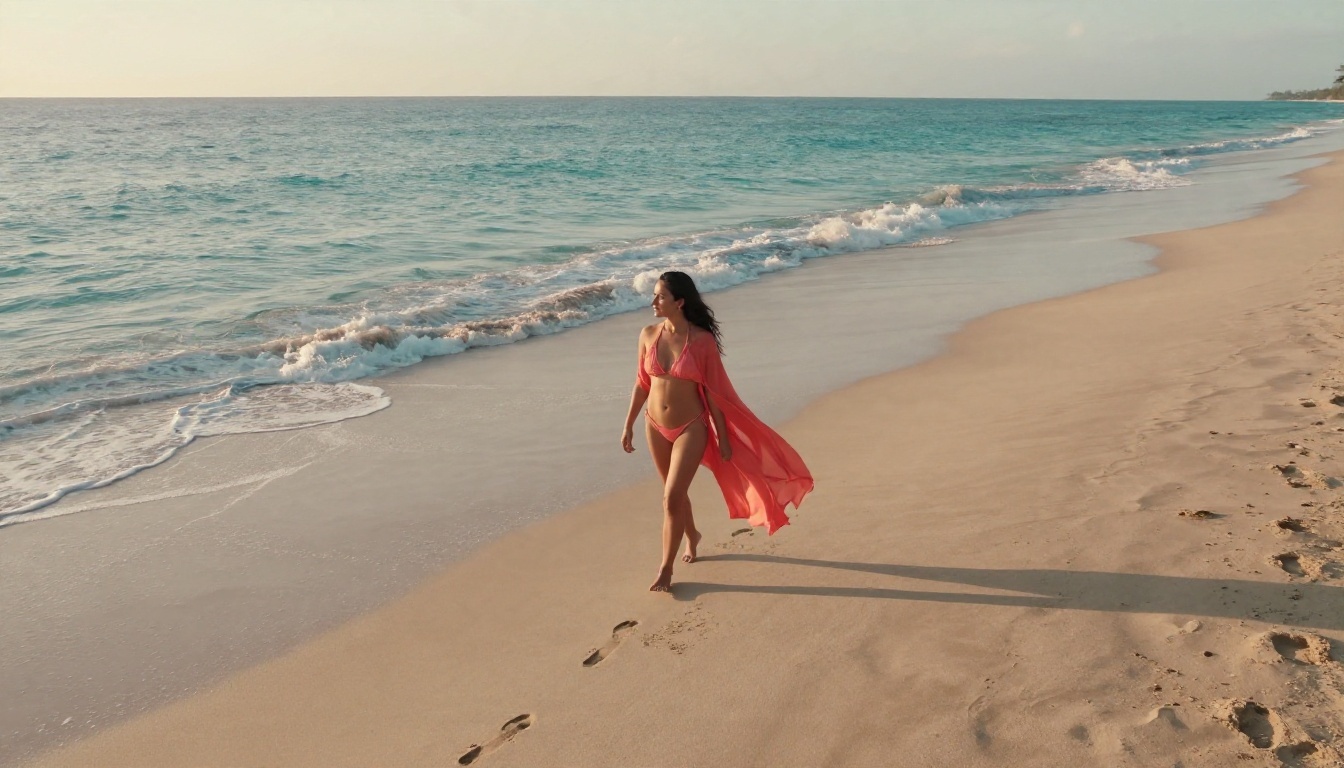
- Beach walk: "She walks along the shoreline, foam washes over her feet, the wrap flutters in the wind, camera follows from the side, soft sunrise light."
- Window portrait: "She leans on the window frame and exhales slowly, curtains move behind her, subtle handheld sway, warm dusk light."
- Boudoir: "She adjusts an earring and looks up at the camera, sheer curtains drift, shallow depth of field, soft diffused daylight."
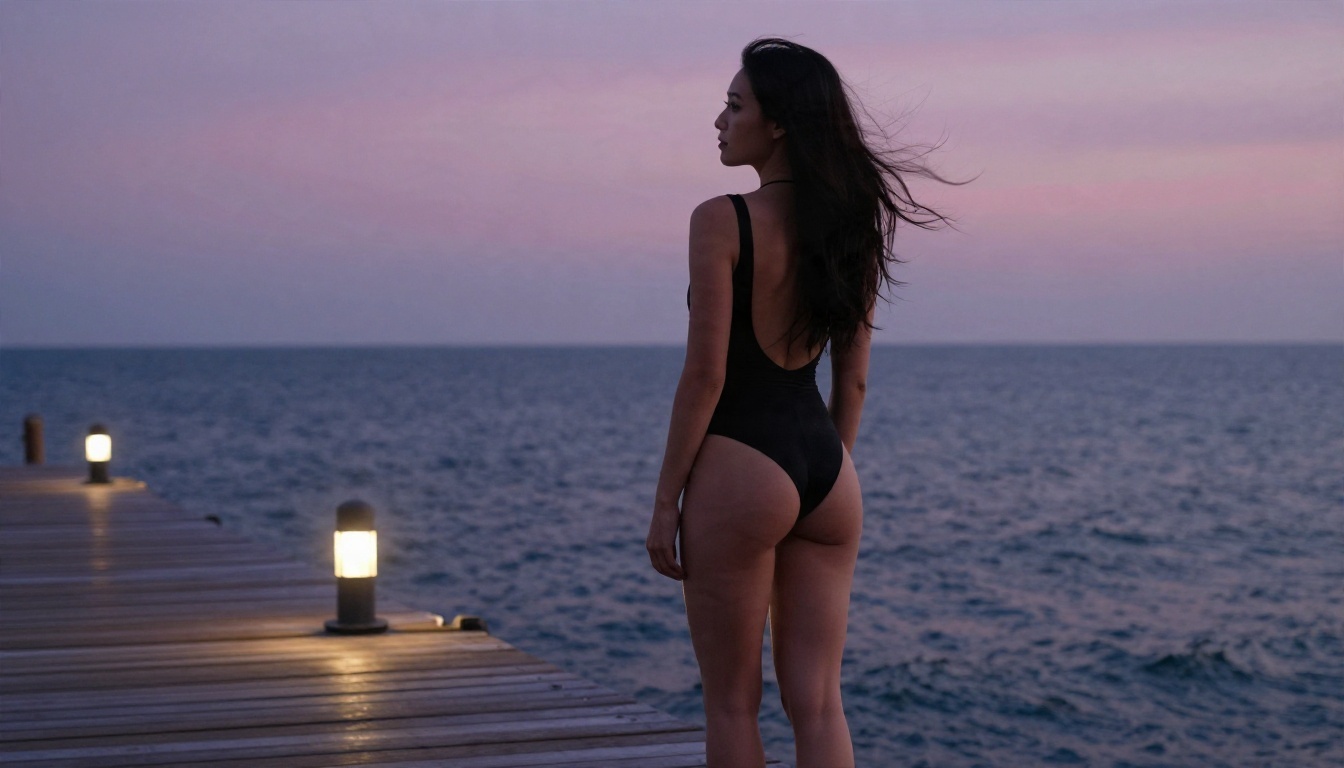
- Pier at blue hour: "She stands at the end of the pier looking at the sea, her hair moves in the breeze, slow orbit around her, pink and lavender dusk."
Words to Avoid
- Fast action words such as "dancing wildly" or "spinning". They break faces and limbs.
- Long lists of outfits. One outfit per clip.
- Contradictions such as "static camera" together with "dramatic orbit".
- Style tags like cartoon, neon or CGI. Stay with real photography words.
💡 Tip: one main movement per clip. A clip with a head turn, a hair flip, a walk and a camera orbit will look rushed and glitchy. Pick one and let the rest be subtle ambience.
Examples Worth Trying
The scenes below work well because they combine natural motion sources (water, wind, fabric) with simple human movement. These are the setups that produce believable results in a five second clip.
Water and Light Scenes
Pools, beaches and sea coves give a model plenty to animate: ripples, sparkling highlights, wet skin sheen. A wide shot such as the shoreline above lets the camera glide while the subject walks, and the waves supply constant background motion that hides small inconsistencies.
Slow Boudoir Moments
Indoor scenes work best with soft daylight and one gentle action. A subject adjusting jewelry, drawing a robe closed or glancing toward a window is easy for the model to render. Keep the camera nearly still and let curtains or hair supply the motion.
Golden Hour Portraits
Close-ups reward restraint. A slow blink, a small smile and a hair strand moving in a breeze look more real than a big gesture. Use a longer lens in the still, which blurs the background and makes the face the clear focus of the animation.
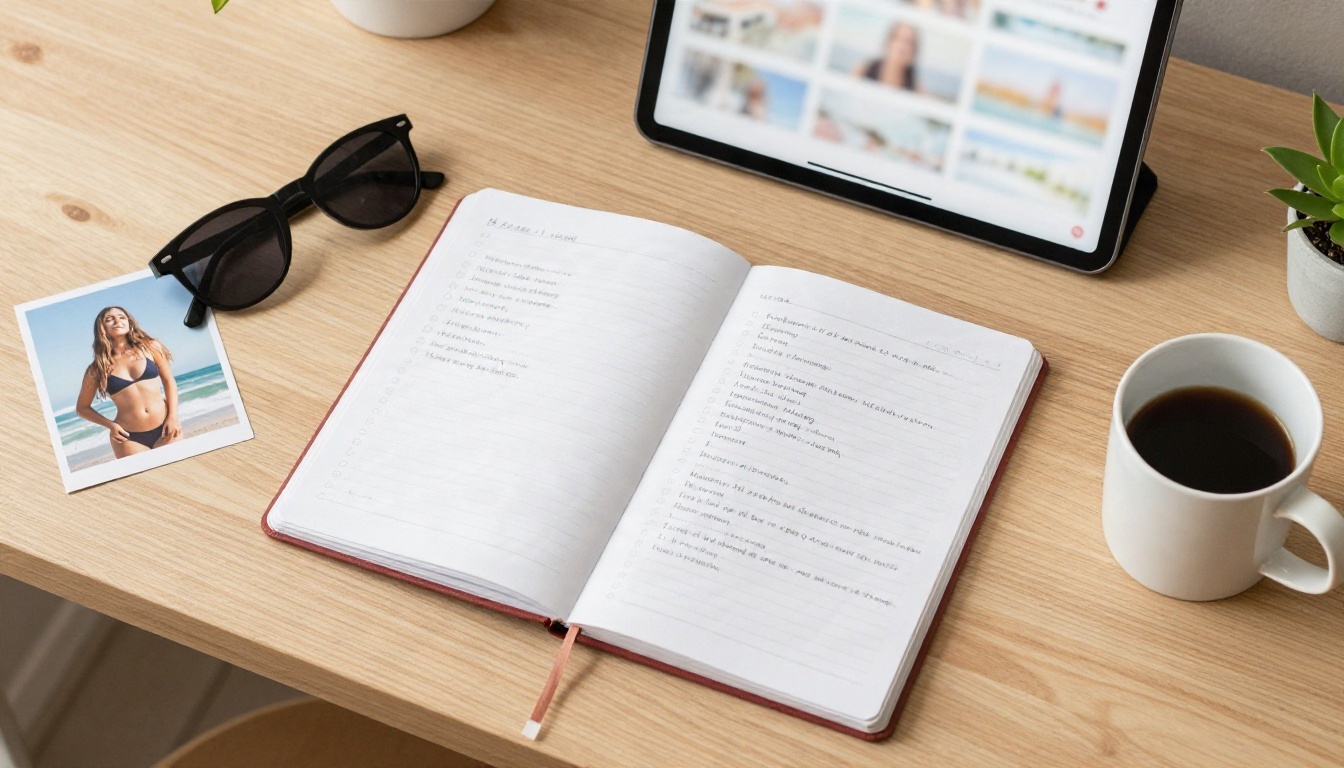
A simple planning habit helps: write a short shot list before you generate. Three lines are enough: the still, the motion, the camera move. It saves credits and keeps a series of clips looking like one shoot.
The Real Limits You Will Hit
Every generator has ceilings. Knowing them in advance saves frustration.
Length and Resolution
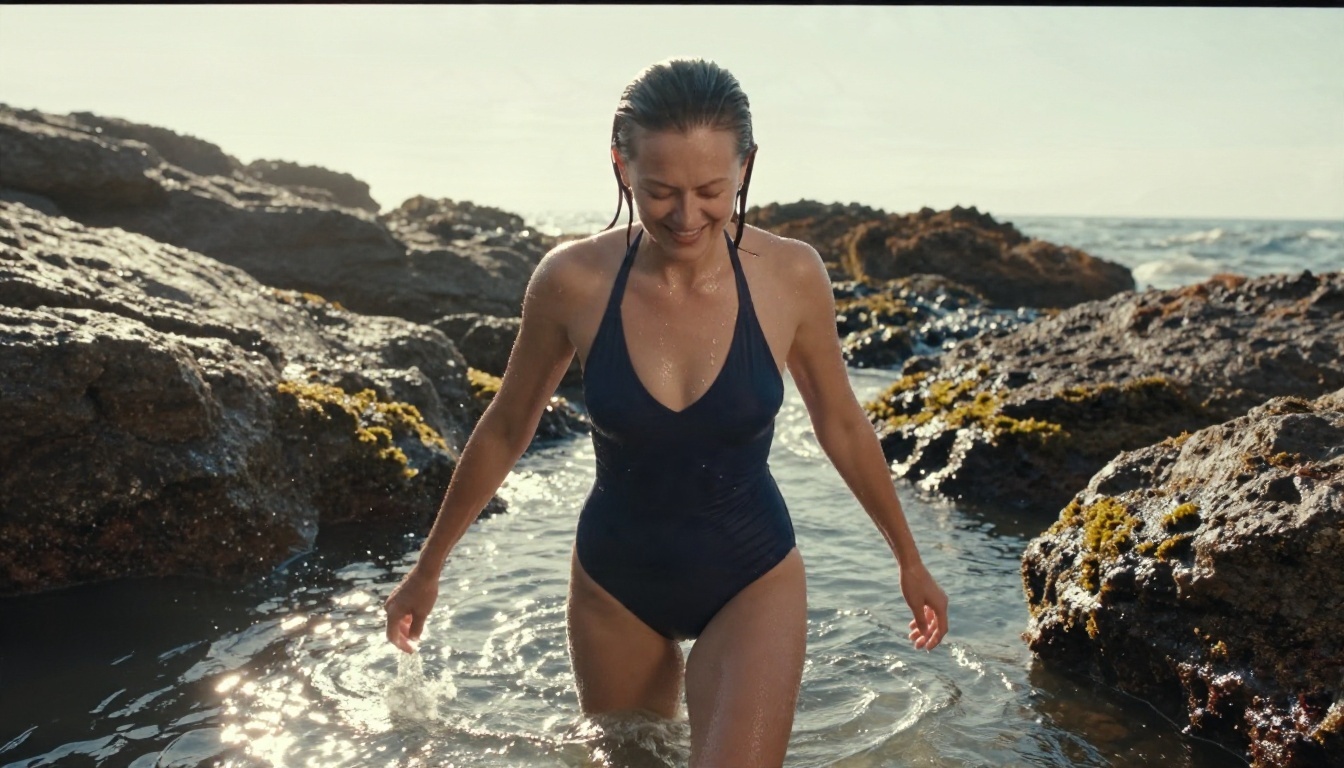
Most clips run 5 seconds, and many free options stop at 3 to 5. Some models reach 10 seconds, and a few list much longer outputs on paid access. Resolution ranges from 480p on quick models to 720p, 1080p and beyond on premium ones. If you need a longer scene, plan to stitch several short clips together rather than asking one clip to do too much.
| Limit | Typical free | Typical paid |
|---|
| Clip length | 3 to 5 seconds | 5 to 30 seconds |
| Resolution | 480p to 720p | 720p to 4K |
| Watermark | Often present | Removed |
| Daily credits | Capped | Higher or unlimited |
| Commercial use | Usually restricted | Often allowed |
Consistency and Anatomy Glitches
Video models still stumble on hands, jewelry and fast movement. Faces can drift slightly across a longer clip, and fine patterns on fabric may shimmer. Three habits reduce the damage: start from a clean still, request slow motion, and generate two or three variations, then keep the best one.
Filters and Platform Rules
Even permissive tools block explicit material, and they should. Hosted platforms also set their own terms for what you can publish afterwards. Social networks have separate rules again, so read them before you post. Staying in the suggestive, editorial zone keeps your work usable almost everywhere.
Common Mistakes to Skip
Starting With Text Only
Jumping straight to text to video makes the face and outfit different every time. If you want a recurring character or a consistent look across clips, always fix it in a still first.
Overloading One Prompt
More words do not equal better motion. Long prompts confuse the model about priorities. Use one subject, one action, one camera move and one lighting note.
Ignoring Privacy and Consent
Uploading real photos of other people, or generating clips that imitate a real person, is a fast route to account bans and real harm. Stay with fully fictional adult subjects.
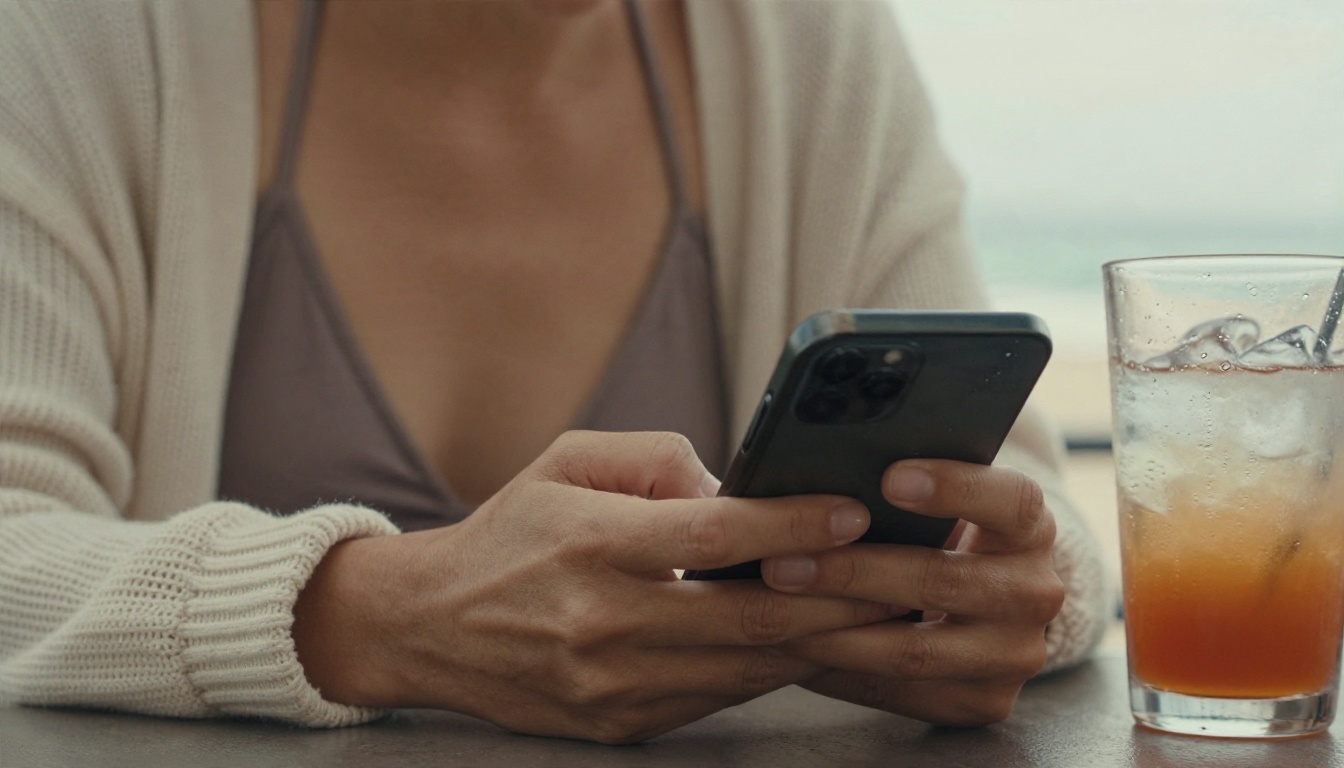
Trusting Every "Free Unlimited" Claim
If a page promises everything for nothing and asks for a download, assume a catch. Test with a small, harmless prompt first and check what actually comes out: watermark, resolution and length.
Make Your First Clip Today
You now have the full picture: what the generator does, where free access is real, how to build a still and animate it, and which limits to plan around. The fastest way to see it work is to run one small experiment.
- Create a 16:9 glamour still in Seedream 4.5.
- Clean it up in PicassoIA Image Editor Pro, where generations are unlimited, so you can retry freely.
- Animate it with Seedance 2.5 Lite using one motion, one camera move and one light note.
- Compare two or three variations and keep the best.
The uncensored side of adult glamour is only useful if it is also fast and affordable, and that is where this chain works well: unlimited editing, free video tests and several animation models to switch between when one refuses a prompt. Try your own idea now, then browse every available option at picassoia.com/en/all-models and build your next scene on PicassoIA.


