You typed "NSFWKling image to video" into a search bar because you have a still photo and you want it to move. A glance, a breeze through the curtains, a slow turn toward the camera. That is a fair goal, and it is easier to reach than most people think. The catch is that "NSFWKling" is not a product page you can sign up for. It reads like a community label for running Kling-style image-to-video on adult-leaning, glamour content. I could not confirm an official tool with that name, so this article treats it as a search term and focuses on what you can actually use today.
Below you will find what the phrase most likely means, which online alternatives are worth your time, real examples of source stills that animate well, and a settings table you can copy. Everything here stays on the tasteful side: swimwear, boudoir, glamour. Think magazine lookbook, not explicit.
What NSFWKling Really Means
People search this phrase for three different reasons, and it helps to know which one is yours.
A label, not a product
Kling is the video model family from Kuaishou. Over the last few releases it became one of the best-known names in image-to-video, so users started attaching tags to it: "NSFW Kling", "uncensored Kling", "Kling nude". None of those tags describe a separate model. They describe a use case. NSFWKling is not on PicassoIA, and I am not going to pretend it is. If you see a site offering "NSFWKling" as a standalone download or login, treat it with suspicion and never upload personal photos to it.
What users actually want
When you read the forum threads and search suggestions around this phrase, the same wishes come up again and again:
- A still image that becomes a 5 to 10 second clip without losing the face.
- Motion that feels natural: hair, fabric, water, a slow head turn.
- No refusal messages on swimwear, lingerie or boudoir stills.
- A short wait and a fair price.
💡 Tip: Write down which of those four matters most to you before you pick a tool. A tool that is fast but loses the face is no better than one that is slow and accurate.
Why image to video wins
Text-to-video asks the model to invent the person, the room and the motion all at once. Image-to-video pins the first frame, so the identity, outfit and lighting are already decided. The model only has to decide how things move. For glamour work, that single difference removes most of the random artifacts. It also means that the quality of your source still decides about 70 percent of the final result.
Online Alternatives That Work Today
Since NSFWKling is not a tool you can open, the practical question is which real tools do the same job. Here is a short, honest comparison of the options on PicassoIA, plus what each is best at. NSFWKling is not on PicassoIA yet; for similar results today, try these.
| Tool | Best for | Input | Typical output |
|---|
| Seedream 4.5 | Creating the glamour source still | Text prompt | Sharp, photorealistic image |
| PicassoIA Image Editor Pro | Editing and fixing the still, unlimited tries | Image plus text | Edited image |
| Wan 2.7 I2V | Animating the still with frame control | Image, optional last frame, audio | Up to 1080p clip |
| Wan 2.5 I2V | Reliable motion from one image | Image plus prompt | Short clip |
| Wan 2.5 I2V Fast | Quick drafts before a final render | Image plus prompt | Short clip, faster |
| Kling v2.5 Turbo Pro | Cinematic camera movement | Prompt, image workflows | Cinematic clip |
| Kling v1.5 Standard | Budget photo-to-video at 720p | Photo plus prompt | 720p clip |
Start with the still
The workflow that gives the best output has two steps. First, make or fix the still. Seedream 4.5 is the model to lead with for glamour and swimwear stills, because it handles skin texture, fabric and lighting very well. If you already have a photo that is almost right, PicassoIA Image Editor Pro lets you fix the outfit, background or lighting with unlimited generations, so you can iterate without watching a credit counter.
Second, animate it with one of the video models in the table.
Why uncensored matters
A lot of mainstream tools refuse swimwear or boudoir prompts, or silently blur the result. That wastes time. The models listed above are the ones to try first for adult-leaning glamour work, and the unlimited editor in particular removes the cost of experimenting. Stay inside the law and the platform rules: adult subjects only, no real people without consent, nothing explicit.
Examples of Stills That Animate Well
Not every photo makes a good video. These are the patterns that consistently give smooth motion, with the reason each one works.
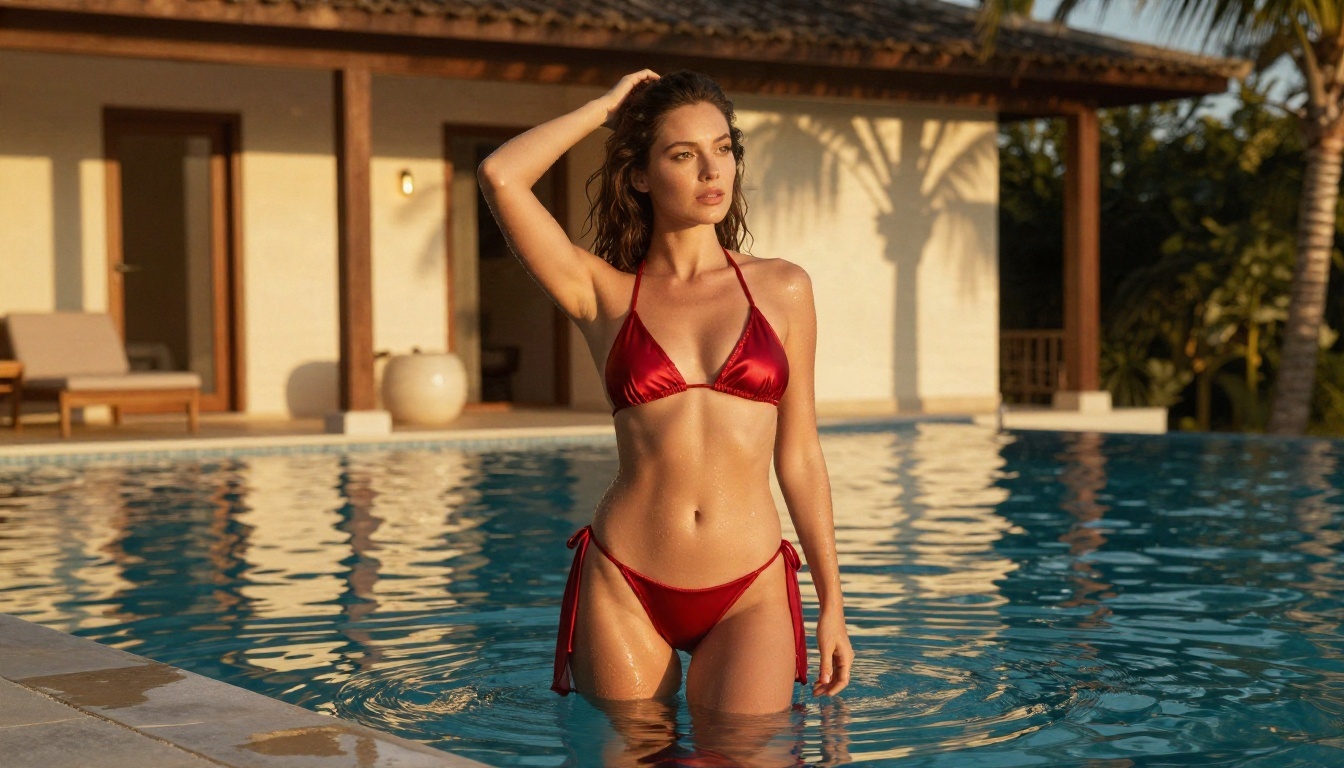
Water and golden light
The pool still above is a textbook case. Water gives the model a built-in motion source: ripples, reflections and droplets all have an obvious way to move. The warm light from one side gives clear shadows, which helps the model keep the body consistent from frame to frame. A prompt as simple as "the woman tucks her hair behind her ear, water ripples slowly, camera drifts in" is enough.
Wind and open space
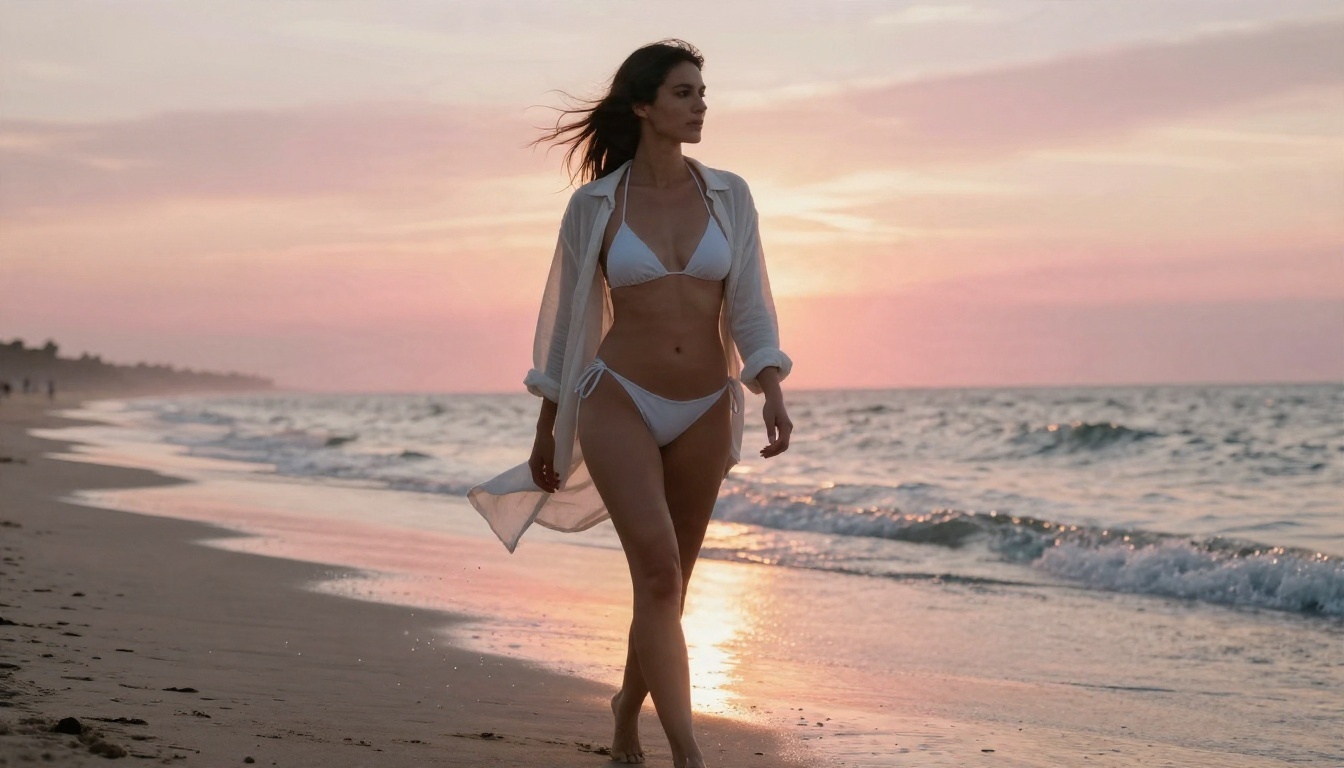
A beach at sunrise is ideal because wind already lives in the frame. Loose fabric and long hair are the easiest things for a video model to animate convincingly. A low-angle shot like this one also hides the ground contact, which is where many models make mistakes with feet and sand.
Good prompt for this still: "She walks forward along the shoreline, linen shirt and hair lifted by a steady breeze, small waves roll in behind her, slow tracking shot at hip height, warm sunrise backlight."
Close portraits and micro motion
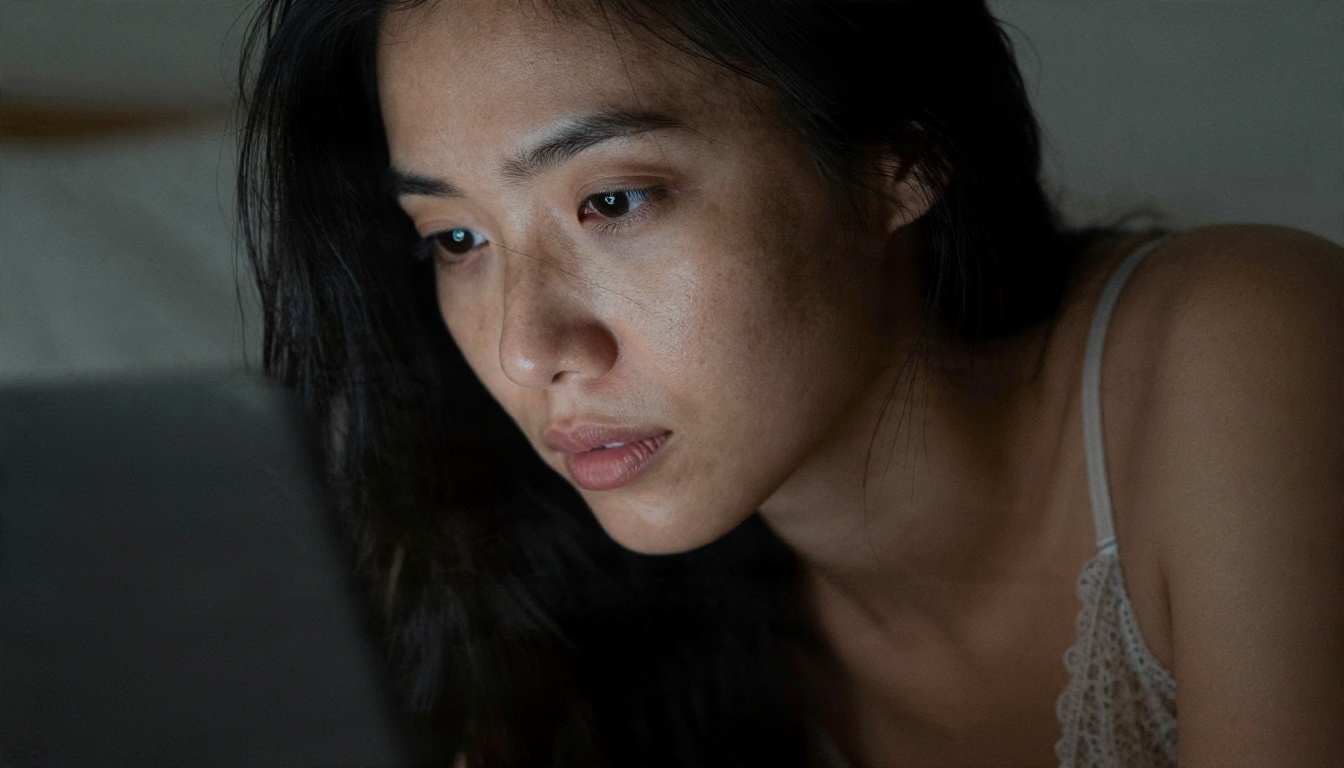
Close-ups are the hardest to get right and the most rewarding. The face fills the frame, so any identity drift is obvious. The trick is to ask for tiny motion: a slow blink, a small breath, a strand of hair shifting. Big motion in a tight crop usually breaks the face.
💡 Tip: For close portraits, keep the clip at 5 seconds. Longer durations give the model more time to drift away from the original face.
Mirrors and reflections
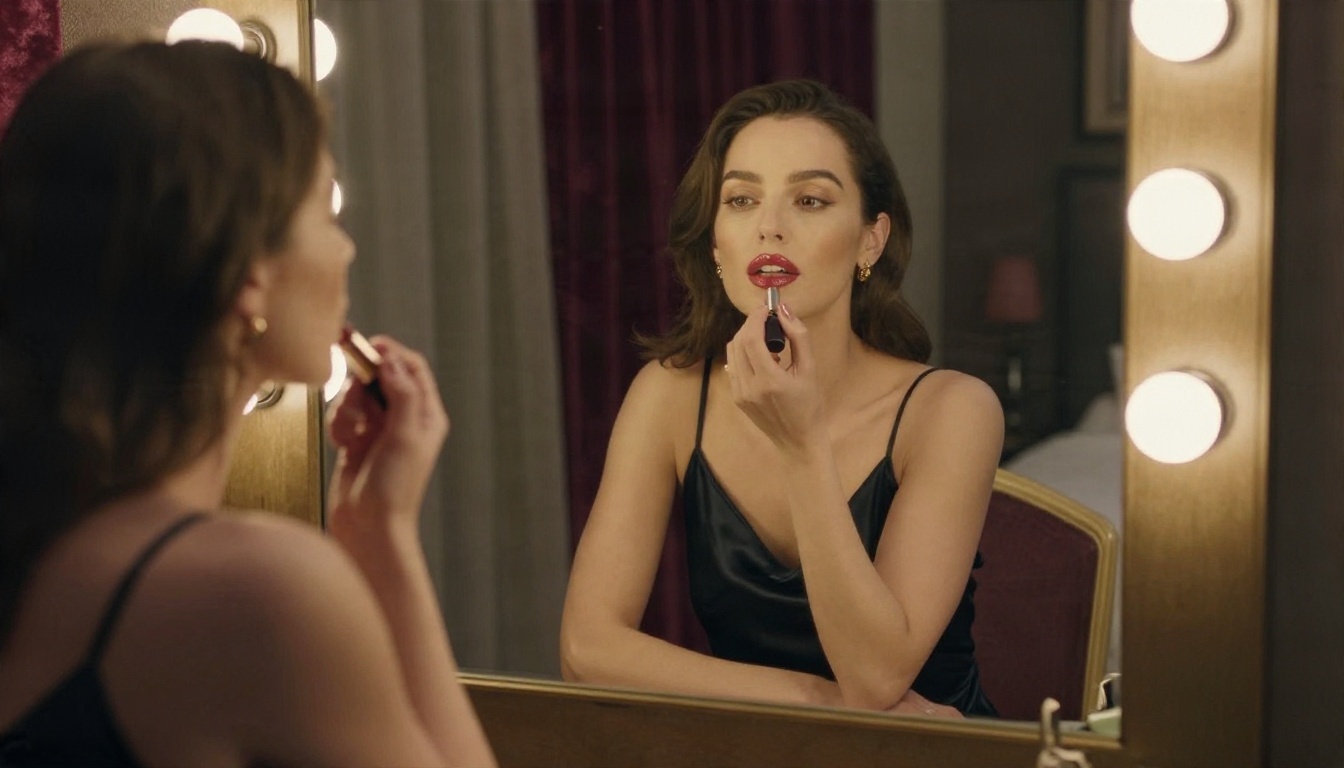
Vanity mirrors are tempting but tricky. The reflection has to match the subject's movement, and many models let the reflection lag or change. If you want this kind of clip, describe both the subject and the reflection: "her reflection moves in sync with her."
The Settings That Matter
This is the part most articles skip. Here are the controls that change results the most, in the order I would adjust them.
Settings table
| Setting | Recommended value | Why |
|---|
| Resolution | 720p for drafts, 1080p for finals | Drafts are faster and cheaper; finals show skin and fabric detail |
| Duration | 5 seconds | Best balance of motion and face stability |
| Aspect ratio | Match the source image | Cropping or stretching causes warping |
| Seed | Fixed once you like a result | Lets you repeat and tweak one variable at a time |
| Prompt length | 25 to 50 words | Enough direction without conflicting commands |
| Negative prompt | "warped face, extra fingers, flicker, text, watermark" | Cuts the most common artifacts |
| Prompt expansion | On for short prompts | The model fills in missing motion detail |
Write the motion in order
Models respond well to chronological descriptions. Structure every prompt as: subject and pose, then motion over time, then camera, then light. For example: "She sits on the edge of the bed holding her phone, she lifts her eyes toward the camera and smiles slowly, sheer curtains move in a light breeze, camera pushes in gently, warm morning light from the left."
One motion at a time
The most common mistake is stacking motion: walking, turning, hair flip, camera orbit and a zoom, all in 5 seconds. Pick one subject motion and one camera motion. Everything else will come from the environment.
Pick the right camera move
| Camera move | Use it when | Avoid it when |
|---|
| Slow push-in | Portraits and close-ups | The background is busy |
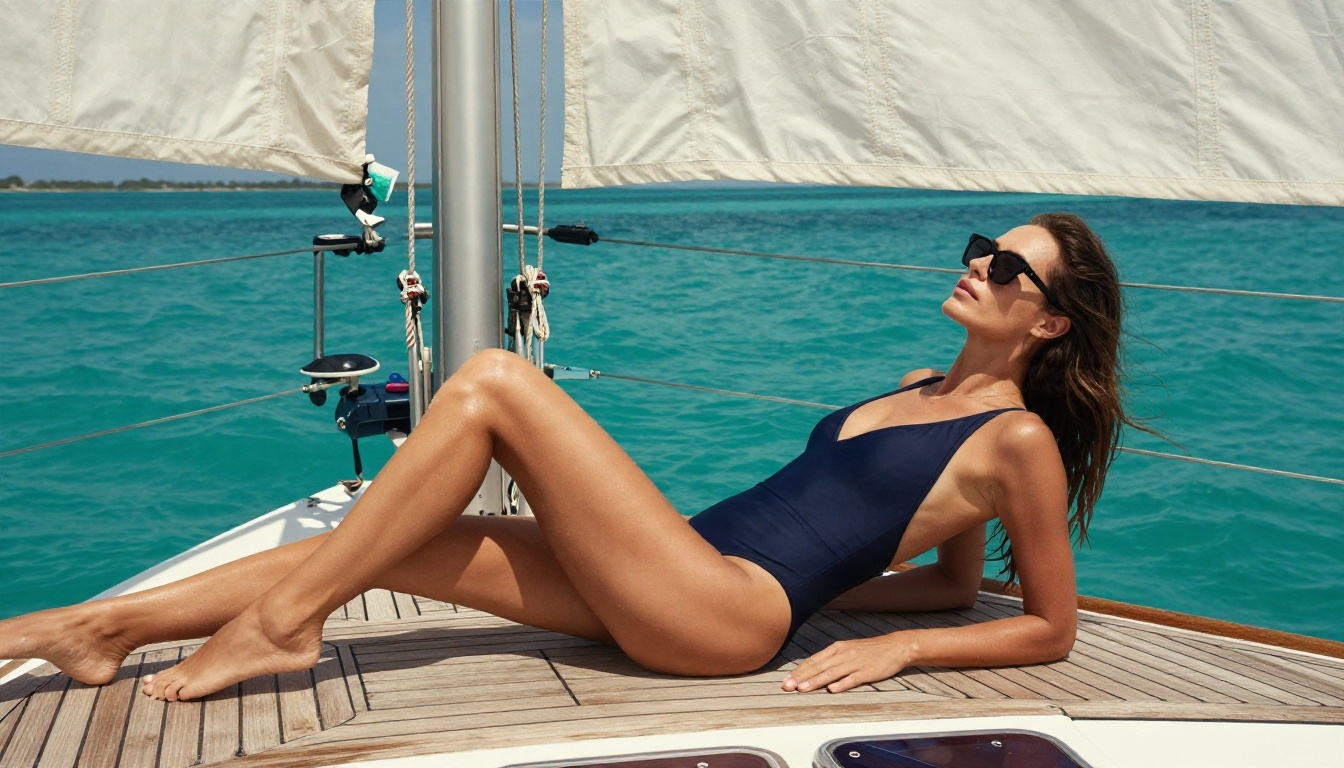
| Gentle pan | Wide scenes like the sailboat above | The subject is small in frame |
| Tracking shot | Walking or dancing | The legs are cropped out |
| Static camera | You want the subject to carry all the motion | The still feels flat |
How to Get Similar Results on PicassoIA
NSFWKling is not on PicassoIA, but Wan 2.7 I2V does the same job with more control. Here is the full workflow, step by step.
Step 1: Make the still
Open Seedream 4.5 and describe a single adult subject, the outfit, the place, the light and the lens. Be specific about light direction and skin texture. Request a 16:9 frame if you want a widescreen clip.
Step 2: Fix the details
If something is off, such as a strap, a background object or the light, send the image to PicassoIA Image Editor Pro and describe the change in plain words. Since generations are unlimited there, keep going until the still is exactly right. Do this before animating, because every flaw in the still gets animated too.
Step 3: Animate with Wan 2.7 I2V
Open Wan 2.7 I2V and set the following:
- First frame: upload your still.
- Prompt: write the motion in order, as shown above.
- Resolution: choose 720p for a first draft, then 1080p for the final.
- Duration: leave it at 5 seconds.
- Negative prompt: add "warped face, flicker, extra limbs, watermark, text".
- Seed: leave it blank at first. When a draft looks good, copy its seed and reuse it.
- Prompt expansion: keep it on if your prompt is short.
Step 4: Use the extra controls
Wan 2.7 I2V has two controls that most image-to-video tools lack. The last frame field lets you pin how the clip ends, which is perfect for loops: upload the same still as both first and last frame and you get a subtle motion that returns to the starting pose. The audio field accepts a wav or mp3 so the motion follows a music track.
💡 Tip: If you want a quick draft first, run the same still through Wan 2.5 I2V Fast, check the motion, then send the final version to Wan 2.7.
Common Mistakes and Quick Fixes
After enough clips, the same problems show up again and again. Here is how to fix each one.
The face drifts
This is the number one complaint. Fixes that work: shorten the clip to 5 seconds, use a source still where the face is large and well lit, reduce the amount of motion in the prompt, and add "consistent face" to the prompt and "warped face" to the negative prompt.
The motion looks stiff
Usually the prompt is too short or too abstract. Replace "she moves" with a specific physical action: "she turns her head slowly to the right and lowers her chin." Also check that the still itself is not frozen mid-pose with tense hands.
Hands and fingers break
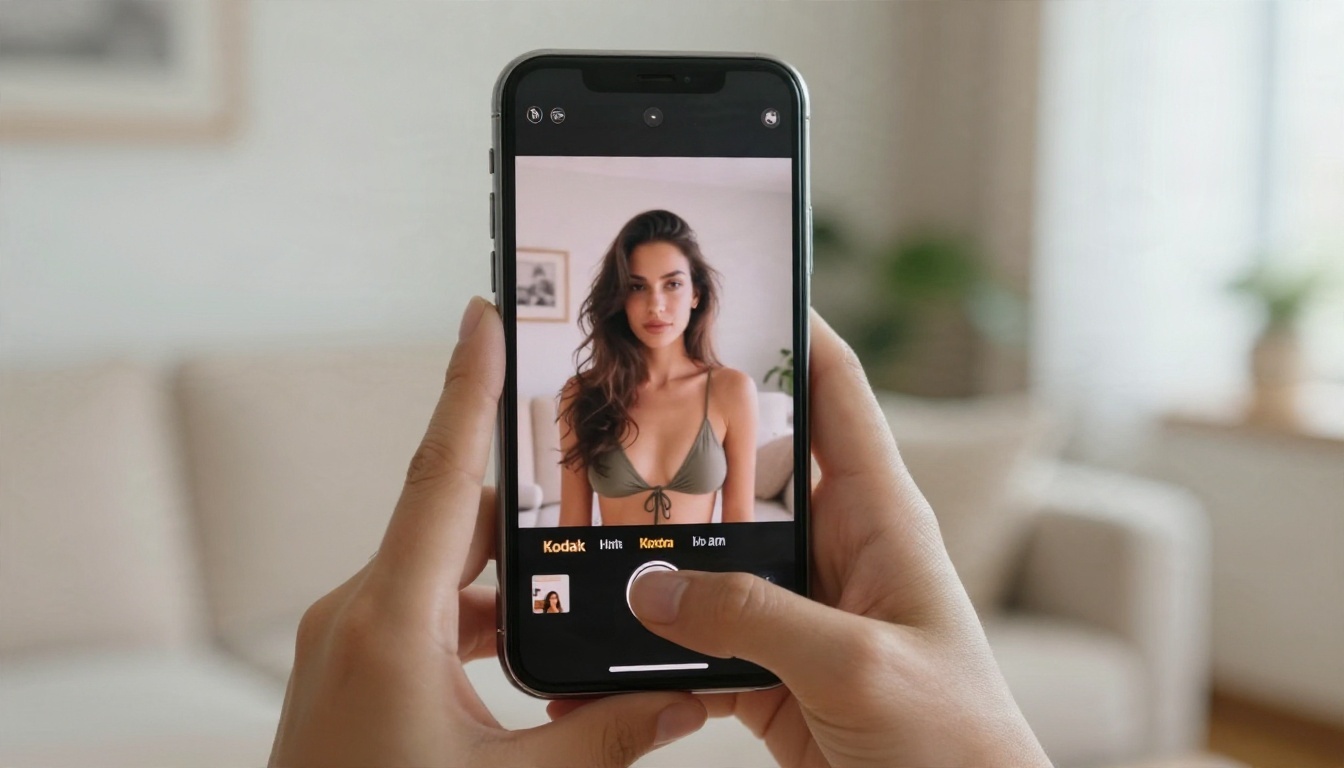
Hands are the weak spot of nearly every video model. Pick source stills where hands are relaxed, partly hidden or holding an object. The phone still below is a good example: the hand has a clear job and a simple shape.
Everything flickers
Flicker comes from fine, high-contrast patterns such as stripes, lace and fine mesh. If your outfit has them, simplify the pattern in the still, or accept a softer look. Adding "no flicker" to the negative prompt helps a little, but changing the still helps more.
The clip feels too short
Five seconds is the sweet spot for quality, but you can build longer scenes. Generate two clips from two related stills and join them in an editor, or use the clip continuation feature in Wan 2.7 I2V to extend a good ending.
Staying Safe and Legal
Adult-leaning content has rules, and they matter more than any setting.
- Adults only. Every subject must be clearly an adult.
- No real people without consent. Do not animate photos of coworkers, exes or celebrities.
- Keep it non-explicit if you plan to publish on social platforms. Swimwear and boudoir pass on most; explicit material does not.
- Mind the site you use. Avoid unknown "NSFWKling" sites that ask you to upload faces for free. Your photos may be stored or reused.
A Simple Workflow You Can Repeat
Here is the short version you can follow every time:
- Generate the still with Seedream 4.5.
- Fix small flaws in PicassoIA Image Editor Pro.
- Draft the motion at 720p in Wan 2.5 I2V Fast.
- Render the final in Wan 2.7 I2V, or try Kling v2.5 Turbo Pro when you want more cinematic camera work.
- Keep the seed, the prompt and the settings of every clip you like in a note.
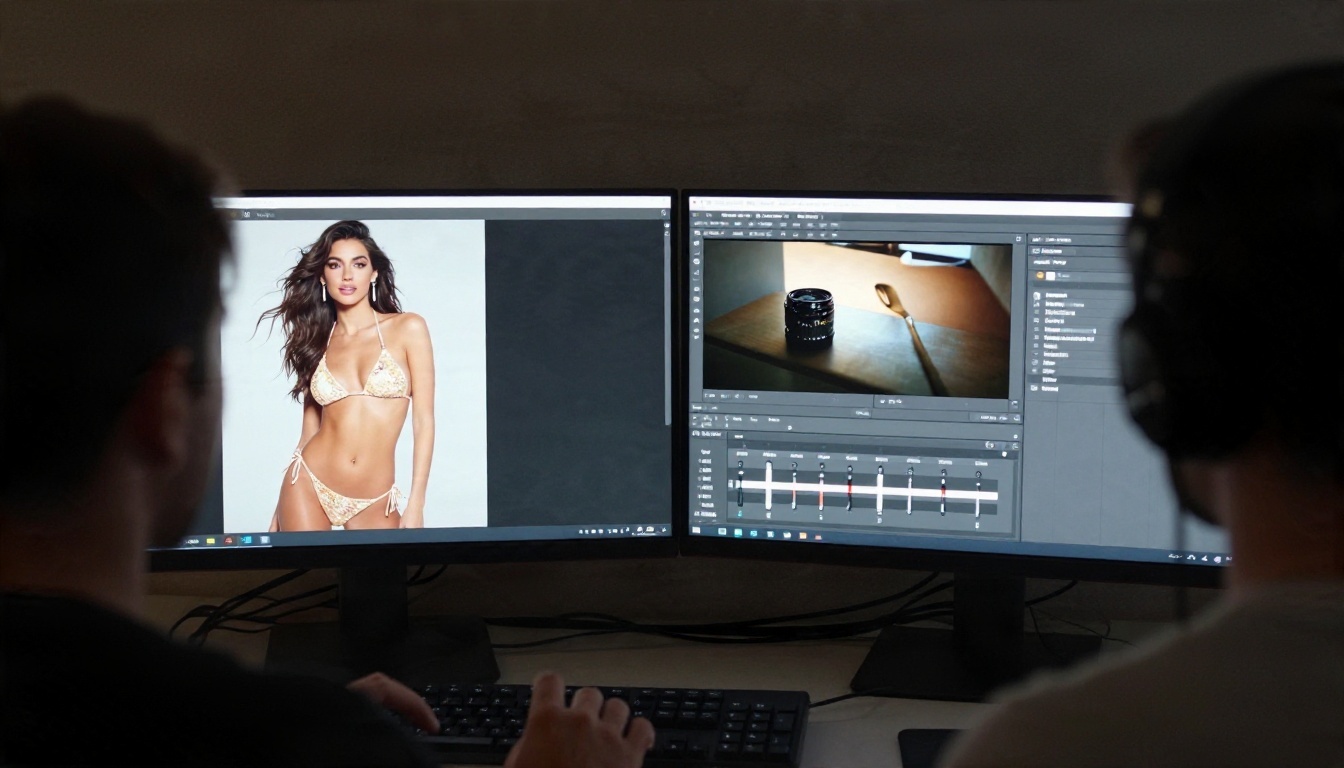
Make Your First Clip Today
You do not need a tool called NSFWKling to get a moving glamour clip. You need a good still, a short and ordered motion prompt, and a model that does not stop you halfway. Start with a swimwear or boudoir still in Seedream 4.5, polish it in PicassoIA Image Editor Pro, and bring it to life in Wan 2.7 I2V. Change one setting at a time, keep your seeds, and you will have a clip you like within a few tries.
When you want to try other models for the same job, browse the full list at picassoia.com/en/all-models and experiment with your own images on PicassoIA.


