You found a site called NSFWkling Net, it promises adult-leaning AI images or videos, and before you hand over an email address or a card number you want a straight answer: is it safe? Fair question. The honest answer is that nobody outside the operator can promise it, and the public information is thin. What you can do is run a handful of quick checks, protect yourself while you test, and compare the site with tools that publish clear terms and let you create glamour content without gambling your data.
This article walks through what public checks say about the domain, how to judge privacy, what "free" usually means on sites like this, and which safer alternatives exist today.
💡 Quick take: NSFWkling Net is a young domain with very little independent review history. That does not make it a scam. It does mean you should treat it like any unknown site: throwaway email, no real photos of real people, and no card on file until you have read the terms.
What NSFWkling Net Actually Is
A Name Is Not a Brand
Kling is the name of a well-known family of AI video models from Kuaishou. Sites that put "kling" in their domain often borrow the name because people search for it. A domain containing a model's name does not prove the official model, or its maker, runs the site. I found nothing that confirms any affiliation between NSFWkling Net and the official Kling team, so assume none until the site proves otherwise on its own pages.
That matters for safety. When a tool is a thin wrapper around someone else's model, you often cannot tell which provider receives your prompts and uploads, where they are stored, or who can read them.
What Public Checks Show
Here is what I could find from public trust checkers, written in my own words:
- A Portuguese-language trust checker reported that nsfwkling.net had only been registered for about 19 days as of late September 2026.
- The same page noted a valid SSL certificate from Let's Encrypt, and added a reminder that a padlock icon only means the connection is encrypted, not that the owner is trustworthy.
- It found no listing on Reclame Aqui, a Brazilian complaints platform. That can mean no complaints, or it can mean the site is simply too new to have any record.
- A different domain, nsfwkling.ai, was flagged by a reputation checker as "caution advised" because of a recent registration and hidden owner details. That is a separate website, so do not read it as a verdict on nsfwkling.net, but it shows how many look-alike domains orbit this name.
I could not find any independent review that describes the site's credit system, data retention, or refund behavior. If you see a confident "100% safe" or "100% scam" claim somewhere, ask what evidence sits behind it.

Is It Safe? Real Privacy Checks
"Safe" means different things depending on what you are protecting. For an AI image site there are four things at stake: your identity, your uploads, your generated content, and your payment details. Each one deserves its own check.
Read the Privacy Policy First
Open the privacy policy and terms before you create an account. It takes five minutes and filters out a lot of weak sites. Look for these points:
- A named company and a contact address. A policy with no operator name and no way to reach anyone is a weak sign.
- Retention time. How long do they keep prompts, uploads and outputs? "As long as necessary" is vague. A number of days is better.
- Training clause. Do they reserve the right to use your uploads or outputs to train models?
- Third-party sharing. Which processors receive your data: payment providers, analytics, the underlying model host?
- Deletion. Can you delete your account and content yourself, and is the process described?
If the site has no privacy policy at all, or the page is a copy-pasted template that mentions a different brand, close the tab.
Test With Throwaway Details
If you still want to try it, protect yourself while you do:
- Sign up with a dedicated email address that is not tied to your real name.
- Use a unique password. Never reuse one from email, banking or social accounts.
- Skip "sign in with Google" or other social logins, which can share profile data.
- Use a browser profile with tracking protection turned on and no saved logins.
A cheap, boring setup beats any promise a landing page can make.
Watch What You Upload
This is the most important rule in the whole article: never upload a photo of a real person without their clear consent, and never upload your own face to a site you have not vetted. An uploaded photo can be retained, leaked, or reused. Once it is gone, you cannot get it back. Generating original, fictional characters from text prompts carries far less risk than editing real photographs.
⚠️ Creating sexual or suggestive images of real people without consent is harmful, and in many places illegal. Stick to fictional subjects or your own consenting, clearly authorized content.
Free Limits: What to Expect
Credits, Queues and Watermarks
Free tiers on AI generation sites almost always follow one of a few patterns. Since I could not confirm how NSFWkling Net structures its own, here is what is typical across the category so you can recognize it when you see it:
| Free model | What it usually means | What to watch for |
|---|
| Daily credits | A small number of generations per day | Credits that expire quickly or reset only after you pay |
| One-time signup credits | A short trial batch | Sign-up requires a card "for verification" |
| Slow queue | Free users wait behind paying users | Waits that stretch to hours at peak times |
| Watermarked output | Free results carry a logo | Watermark removal locked behind a subscription |
| Low resolution | Free exports are small | Upscaling sold as a separate add-on |
| Blurred previews | You see a hint of the result | You pay before seeing whether the output is usable |
Video generation costs a lot more compute than still images, so free video allowances tend to be much tighter than free image allowances. If a site advertises unlimited free video, ask yourself who is paying for the GPUs.
Where the Paywall Hides
Free limits are not the problem. Hidden ones are. Before you invest time in a tool, check these spots:
- The pricing page. Is it reachable without logging in?
- The checkout screen. Does the price change from what the landing page said?
- Cancellation. Can you cancel in two clicks from your account, or only by email?
- Refund wording. "All sales final" on a site you cannot verify is a risk you should price in.
If you do decide to pay, use a virtual card or a payment method with chargeback protection, and set a spending limit.
Red Flags Worth Spotting
7 Warning Signs
Whether it is NSFWkling Net or any other new generator, these signals should slow you down:
- No named operator, company address, or support contact.
- A domain registered only weeks ago with owner details hidden, combined with big promises.
- Claims like "official Kling" with no link to the official source.
- Demands for a card number before you see any output.
- Pop-ups, forced downloads, or browser extension prompts.
- Testimonials that look copied, with identical phrasing and no verifiable names.
- A privacy policy that is missing, generic, or names a different company.
One flag is a reason to look closer. Three flags are a reason to leave.
Browser Habits That Help
Good habits protect you across every site, not just this one:
- Keep your browser and operating system updated.
- Never install an extension or app because a generator site asks you to.
- Cover your webcam when you are not using it and keep microphone permissions off by default.
- Use a password manager so you can create unique logins without effort.
Safer Alternatives on PicassoIA
NSFWkling Net is not on PicassoIA, and neither is any model sold under that name. If what you want is suggestive, attractive, non-explicit content such as swimwear, lingerie-style fashion and boudoir portraits, here is what you can use today, in the order I would try them. Everything below is on a platform with a public model page for each tool.
Seedream 4.5 First
Seedream 4.5 is the model I would start with. It produces sharp, high-resolution photographic images with realistic skin texture, believable fabric, and natural light. It follows long, detailed prompts closely, which is exactly what glamour and swimwear photography needs. You get to decide the pose, the location, the lens and the lighting instead of hoping a template guesses right.
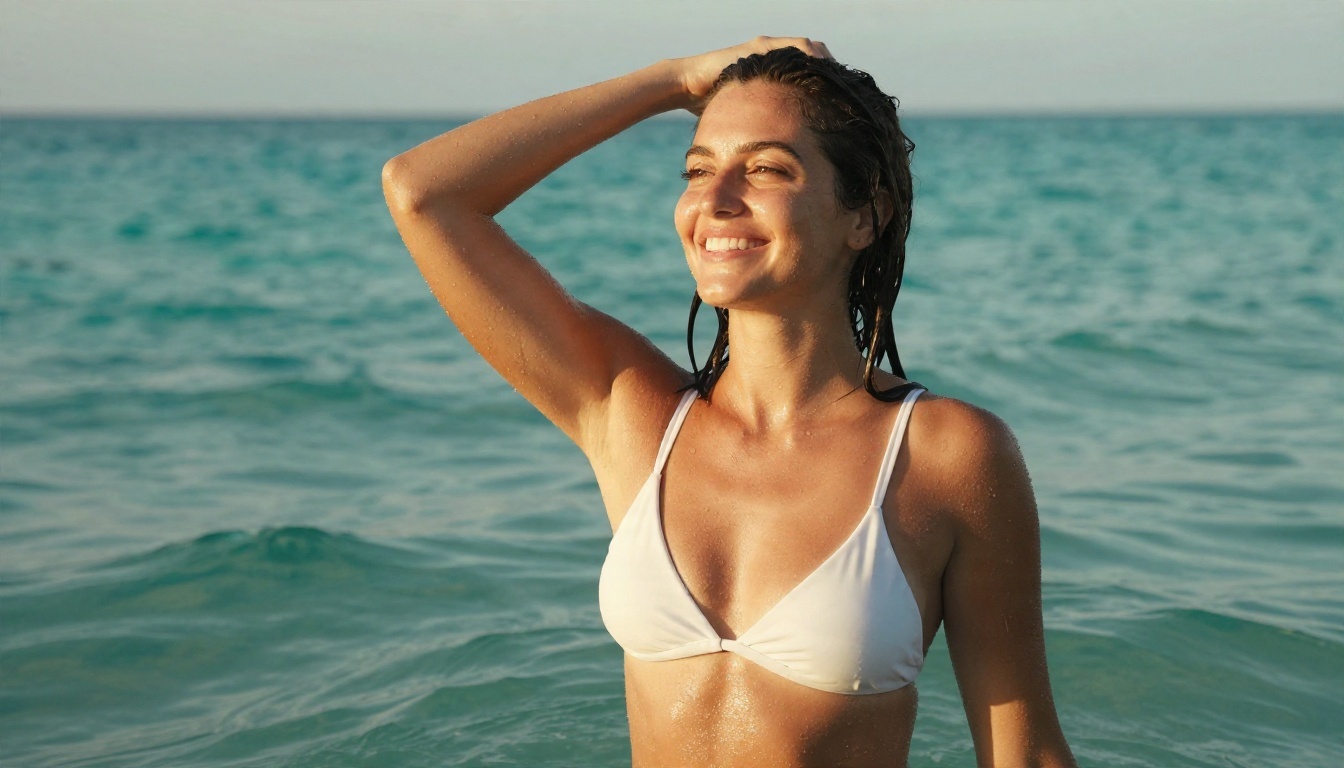
Image Editor Pro for Unlimited Runs
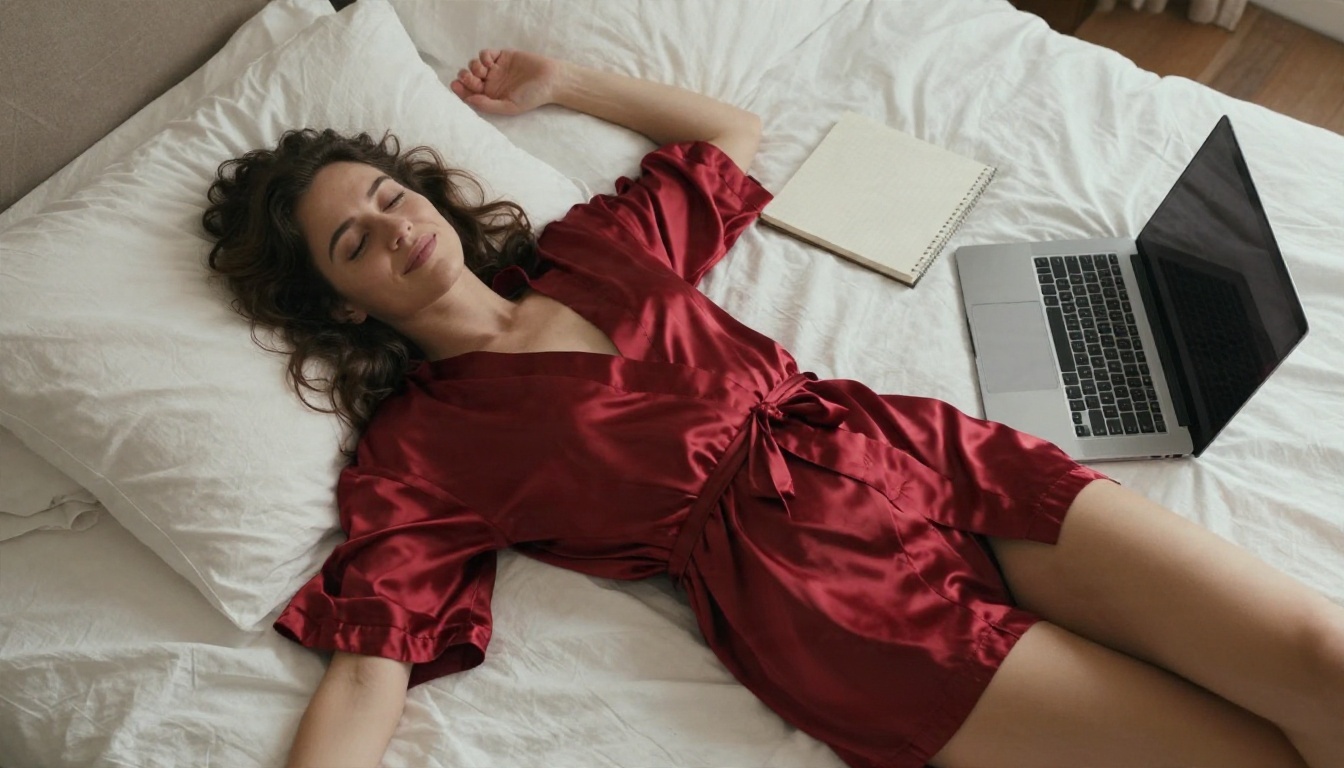
PicassoIA Image Editor Pro is built for people who iterate. Glamour work rarely lands on the first attempt: you adjust the outfit, shift the light, change the background, try a different mood. With unlimited generations you can keep refining without watching a credit counter drain. That removes the free-limit anxiety described earlier.
Other Models Worth Trying
These models give you different looks and speeds:
If motion is what you were after on Kling-branded sites, Kling v1.5 Pro and LTX 2.5 Fast are available for turning ideas into short clips. Browse the full catalog at picassoia.com/en/all-models.
💡 Side-by-side: A site you cannot verify gives you limited control and unknown data handling. A platform with named models, public model pages and unlimited editing gives you control over the result and a clearer picture of what you are using.
How to Get Similar Results on PicassoIA
NSFWkling Net is not on PicassoIA, so here is how to reach a similar kind of result with Seedream 4.5, the model I recommend first.
Step by Step
- Open the Seedream 4.5 page.
- Write your prompt in one flowing paragraph: subject, outfit, setting, light, lens.
- Set the aspect ratio to match where the image will be used. 16:9 suits banners and wallpapers, 3:4 or 2:3 suits portraits.
- Generate a first version and look at skin texture, hands, and fabric edges.
- Change one thing at a time in your prompt and generate again.
- Move the best result into Image Editor Pro for unlimited refinements.
Parameter Tips
- Lead with the subject and the light. "Woman in a white bikini at golden hour, low sun behind her" works better than a list of adjectives.
- Name a lens. "85mm f/1.8" nudges the model toward natural portrait depth of field.
- Ask for texture. Phrases like "fine skin pores, fabric weave, water droplets" push away the plastic look.
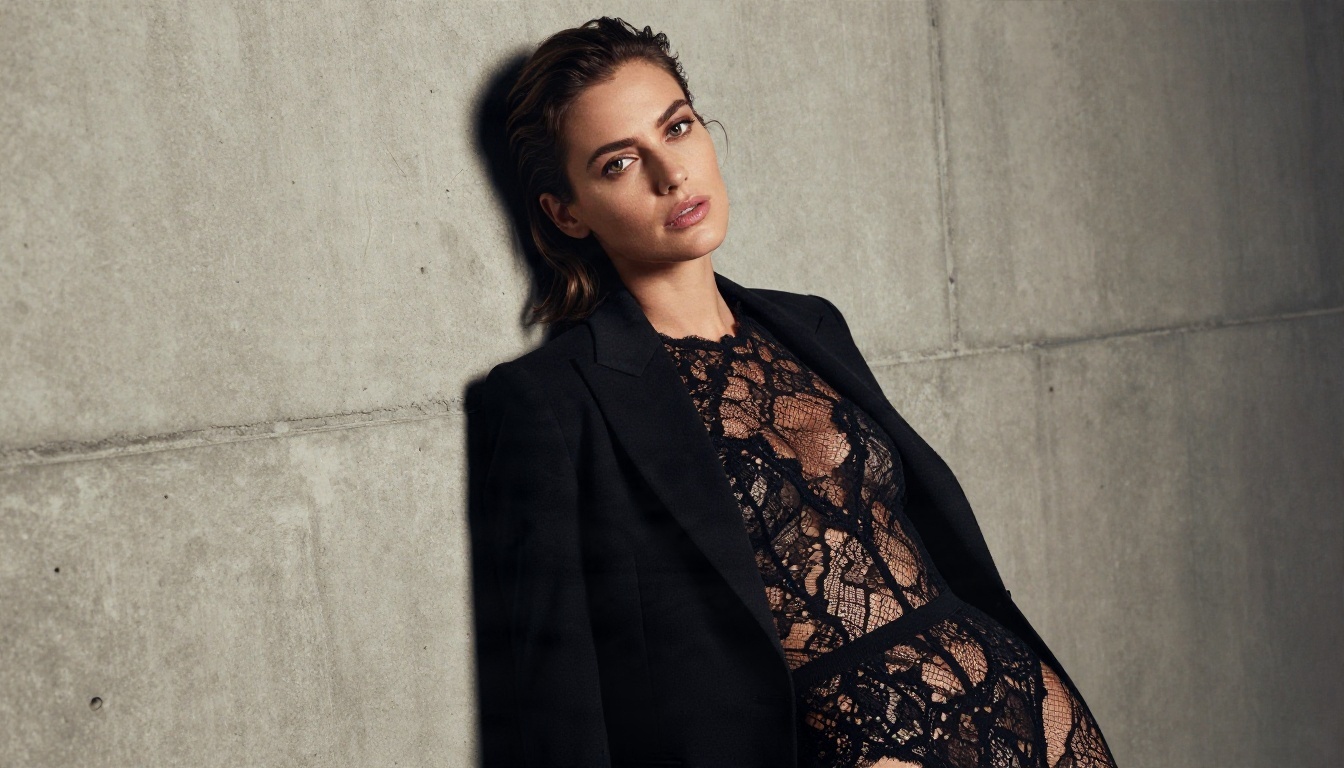
- Keep it tasteful. Suggestive and attractive photography, such as swimwear, lace, silk and boudoir styling, gives the best results and the most reliable outputs.
- Avoid text in the image. Add lettering later in an editor if you need it.
A Prompt to Copy
Candid golden-hour portrait of a woman in a cream silk camisole on a rooftop pool deck, mist rising from the water, low sun from camera right, 85mm f/1.8 lens, slight low angle, fine skin texture, wet stone deck, Kodak Portra 400 film grain, natural color.
Change the outfit, the location or the time of day and run it again. Three or four variations usually reveal what the model does best.
Quick Safety Checklist
Copy this list into your notes and run it on any AI generator before you trust it:
If a site fails two or more of these, move on. There are plenty of tools that pass.
Try It Yourself Today
So, is NSFWkling Net safe? Based on what is publicly visible, it is a very new domain with little track record and no independent detail about its credits or data handling. That is not proof of bad intent. It is a reason to be careful, to read the terms yourself, and to keep your real identity and your card out of the picture until the site earns trust.
If you would rather skip the guesswork, you can create your own glamour, swimwear and boudoir-style images with full control over every detail. Start with Seedream 4.5 for sharp, photographic results, then move into PicassoIA Image Editor Pro when you want unlimited generations to refine them. Try a few prompts, change the light, swap the outfit, and see how quickly an idea becomes a polished photograph. When you want more options, the full catalog is at picassoia.com/en/all-models.