People type NSWF video AI into search when they want one thing: a short, good-looking clip of a glamour or swimwear scene, made in minutes, without a camera crew, a paywall or a wall of refusals. The spelling is usually a typo for NSFW, but the intent is clear. You want a free generator, a simple maker workflow, prompts you can paste, and examples that show what is realistic before you spend any time.
This article gives you all four. Everything here stays suggestive and non-explicit: bikinis, silk robes, boudoir light, evening glamour, adult subjects only. That is the lane where AI video looks best anyway, because motion models handle fabric, water and hair far better than they handle anything chaotic.
💡 Quick answer: the strongest free workflow is a still image first with Seedream 4.5, polish with PicassoIA Image Editor Pro, then animate the frame with an image to video model.
What NSWF Video AI Actually Means
Strip away the label and you have a normal AI video pipeline pointed at adult-leaning, glamour-style subjects. A text prompt or a photo goes in. A short clip, usually 5 to 10 seconds, comes out. Some models add synchronized audio such as waves, ambient room tone or music.
The difference from mainstream use is what you ask for and how much the tool lets you ask. Many general tools refuse anything involving swimwear, lingerie or a boudoir setting. A good NSWF video maker should let you produce tasteful glamour content without every second prompt being blocked.
Text to Video Versus Image to Video
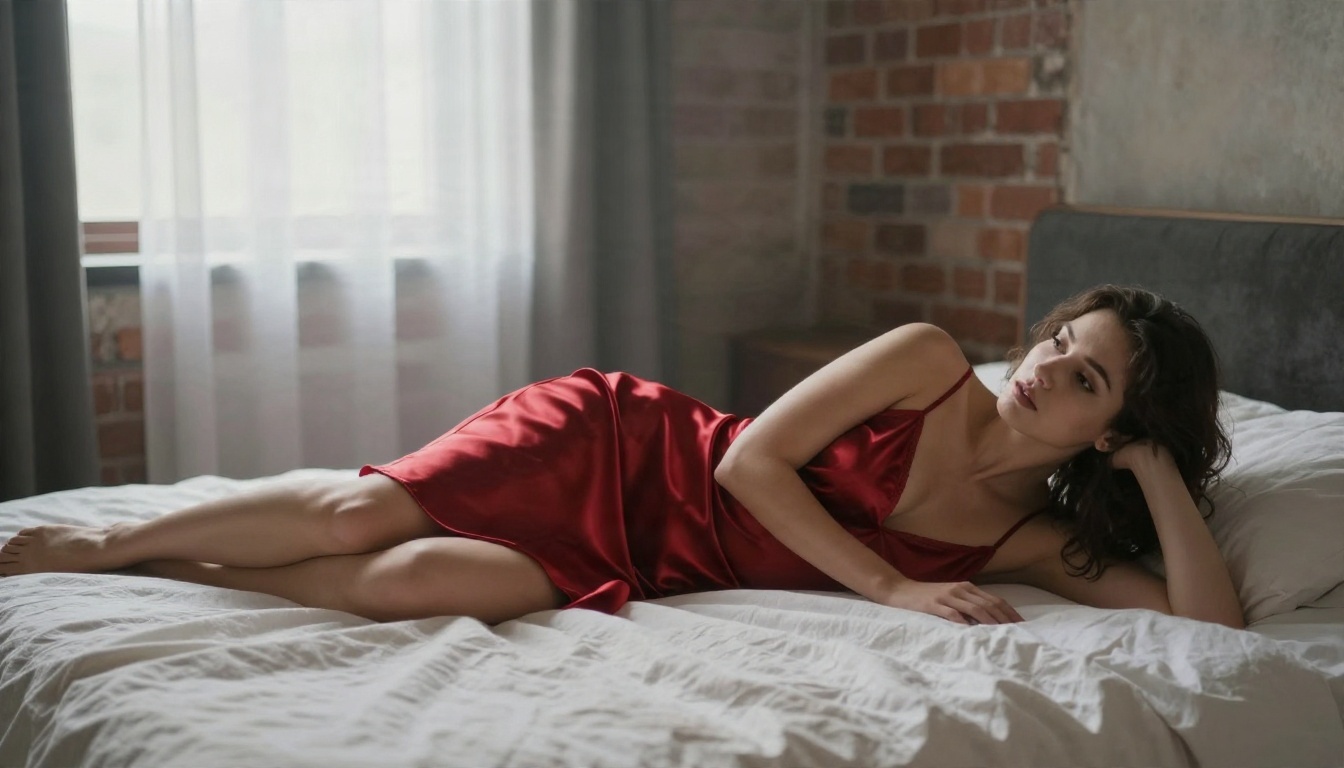
Text to video creates the scene from words alone. It is fast and good for exploring ideas, but faces and outfits can drift between generations. Image to video starts from a frame you already like and only adds motion. For glamour work, image to video wins almost every time because the look is locked before the clip is rendered.
| Method | Control over look | Speed | Best for |
|---|
| Text to video | Low to medium | Fast | Rough ideas, mood tests |
| Image to video | High | Fast | Consistent characters, polished clips |
| Reference to video | High | Medium | Same person across many scenes |
Why Still Images Come First
A still image is cheap to regenerate. You can run ten variations of a bikini beach shot in the time one video takes, pick the best, and only then pay for motion. It also lets you fix hands, jewelry and fabric edges before they get animated into a wobbling mess.
Free NSWF Video AI Generator Options
"Free" can mean three different things: a limited free trial, a free tier with watermarks, or genuinely unlimited use. Check which one you are getting before you build a workflow around it.
On PicassoIA, the picture is simple. PicassoIA Image Editor Pro offers unlimited generations for the image step. For motion, PicassoIA Video is listed as a free, unlimited video generator from text or image, and Seedance 2.5 Lite is listed as free and unlimited for clips up to 10 seconds.
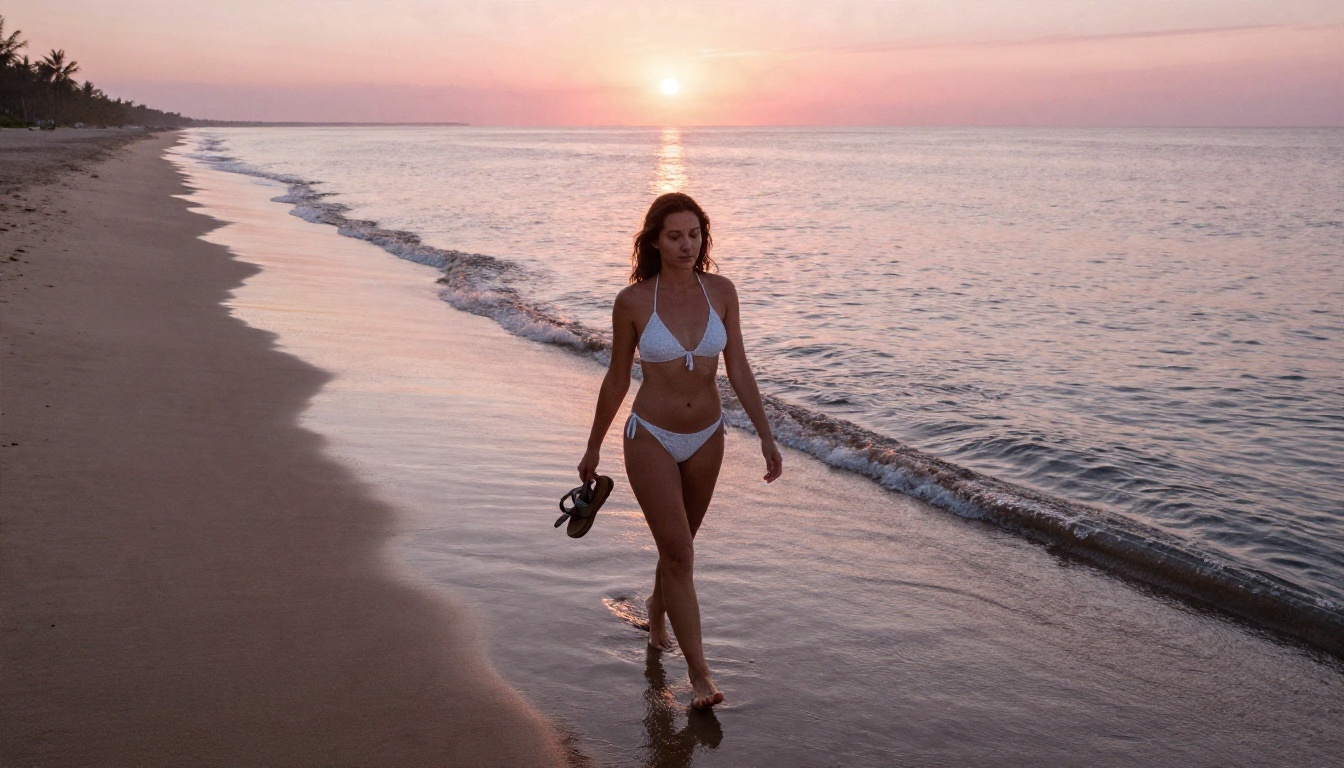
Image Step: Seedream 4.5
Seedream 4.5 is the model to start with. It produces sharp, photographic skin, believable fabric and clean lighting, which is exactly what an animation model needs as a first frame. It also follows long prompts closely, so a detailed beach or boudoir description comes out the way you wrote it.
Refinement Step: Image Editor Pro
PicassoIA Image Editor Pro is where you fix what the first render got wrong. Change an outfit color, adjust the background, soften a shadow, or repair a detail, all with plain-language instructions. Because generations are unlimited, you can iterate until the frame is right without watching a credit counter.
Motion Step: Video Models
Once the frame is ready, pick a video model by the kind of movement you want:
The NSWF Video Maker Workflow
Here is the process I would follow for any glamour clip, from blank page to finished file.
Build the Base Frame
Write one long, specific prompt for a single moment. Include the subject, outfit, setting, light direction, lens and film look. Aim for a frame that already looks like a magazine photo, because the video model will inherit every flaw you leave in it.
Fix Details Before Animating
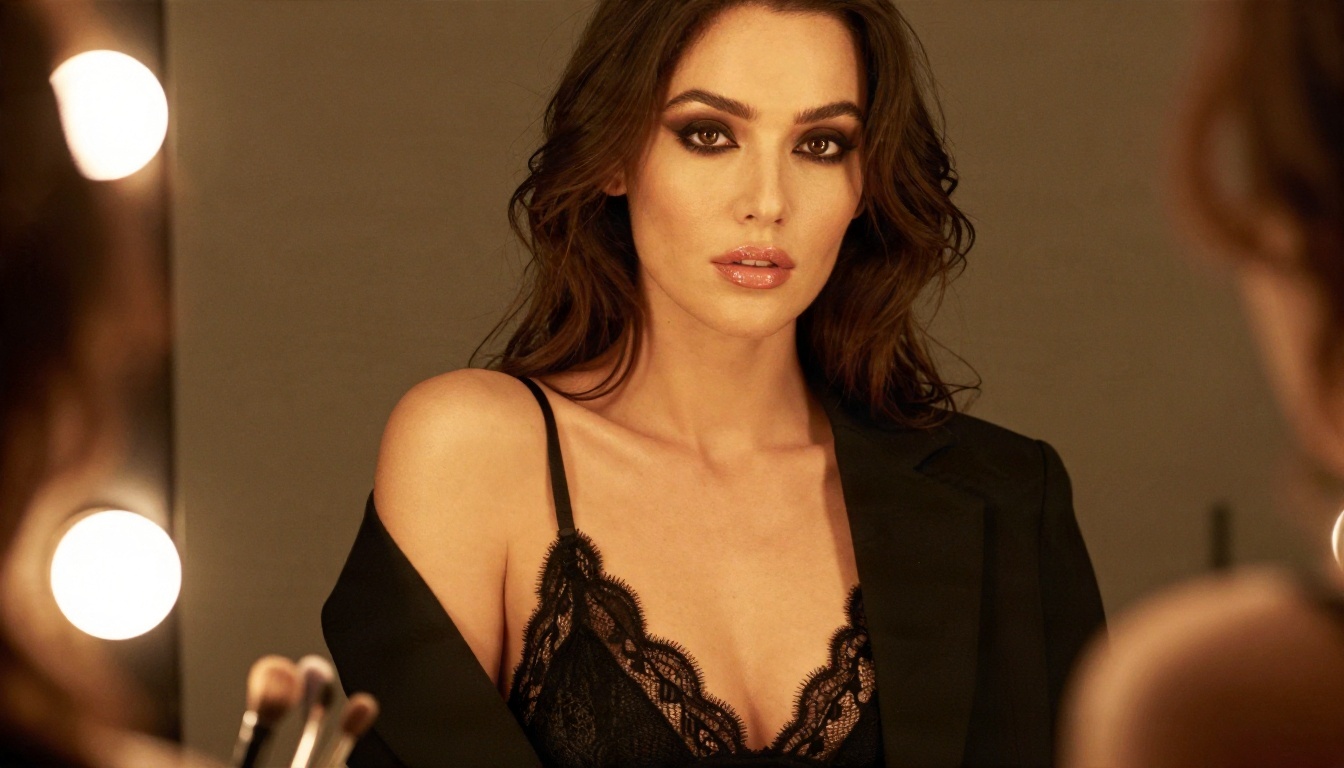
Open the frame in Image Editor Pro and check the usual trouble spots: fingers, straps, earrings, hairlines, and where fabric meets skin. Fix them now. A strap that is slightly off in a still becomes a flickering glitch in motion.
Write the Motion Prompt
A video prompt describes what moves and how the camera behaves, in order. Keep it to one subject action and one camera move. Over-describing is the fastest way to get a rubbery result.
💡 Formula: subject starting pose, then one action, then one camera move, then the light and mood.
Pick Length and Resolution
Start at 5 seconds. Short clips are cheaper, render faster and usually look cleaner. Extend only after you have confirmed that the motion looks right. Longer clips give the model more room to drift away from the original face.
Review, Trim and Loop
Watch the clip twice. The first time for the overall feel, the second time for glitches at the edges of the frame, in hands and in hair. Many glamour clips work best as seamless loops, so trim to the cleanest 3 to 4 seconds.
Prompts That Work, With Examples
Copy these as starting points and swap in your own setting and outfit. Every prompt describes an adult subject and a non-explicit scene.
Beach and Pool Prompts
Water is one of the most rewarding things to animate. Light moves, droplets catch highlights, and hair floats in a natural way.
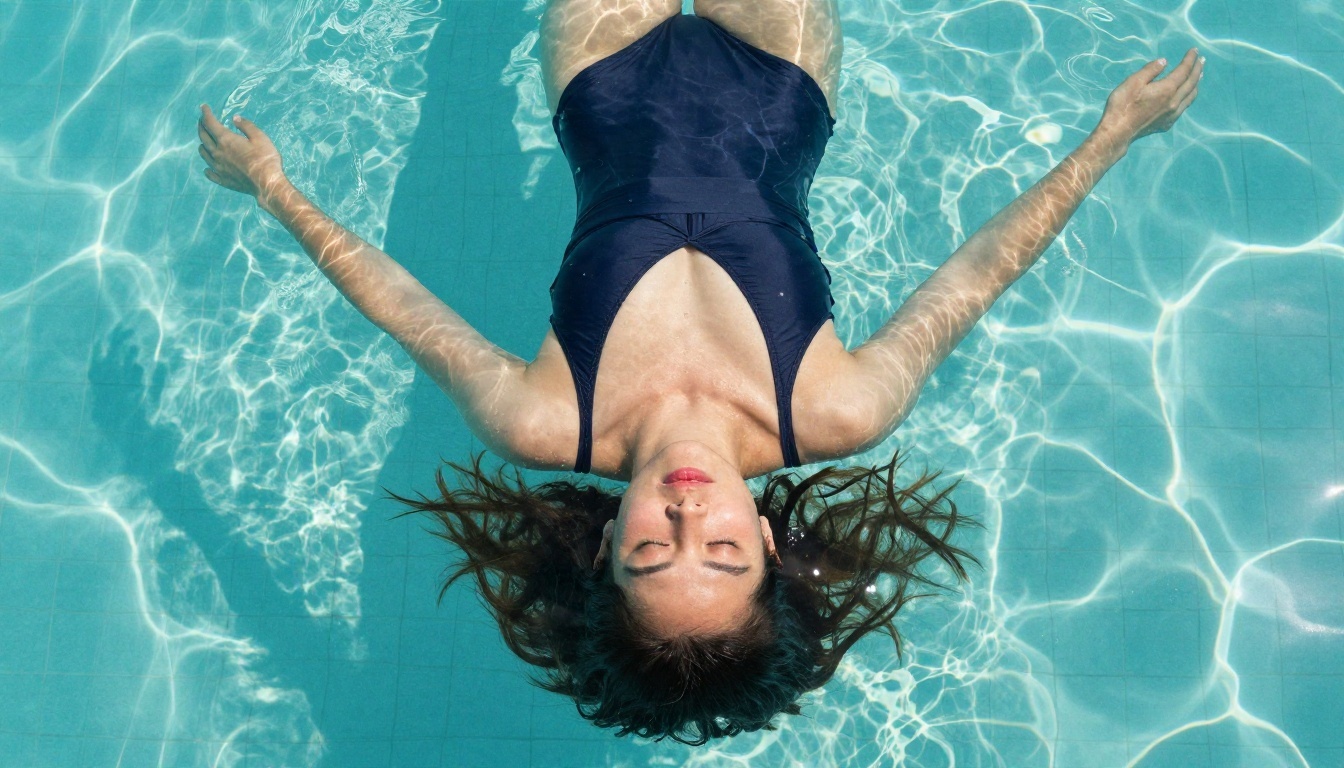
Image prompt: An adult woman in a navy one-piece swimsuit floating on her back in a clear turquoise pool, seen from directly above, hair fanned out in the water, sunlight ripples across her skin, 24mm lens, Kodak Portra 400 grain, raw photograph.
Motion prompt: She drifts slowly on the water as gentle ripples move across her skin and the pool floor. The camera rises very slowly straight up. Bright midday light, soft shimmer, quiet water sound.
Boudoir and Lifestyle Prompts
Soft interiors are forgiving. Slow motion, drifting curtains and window light give you elegant clips with very little risk of artifacts.
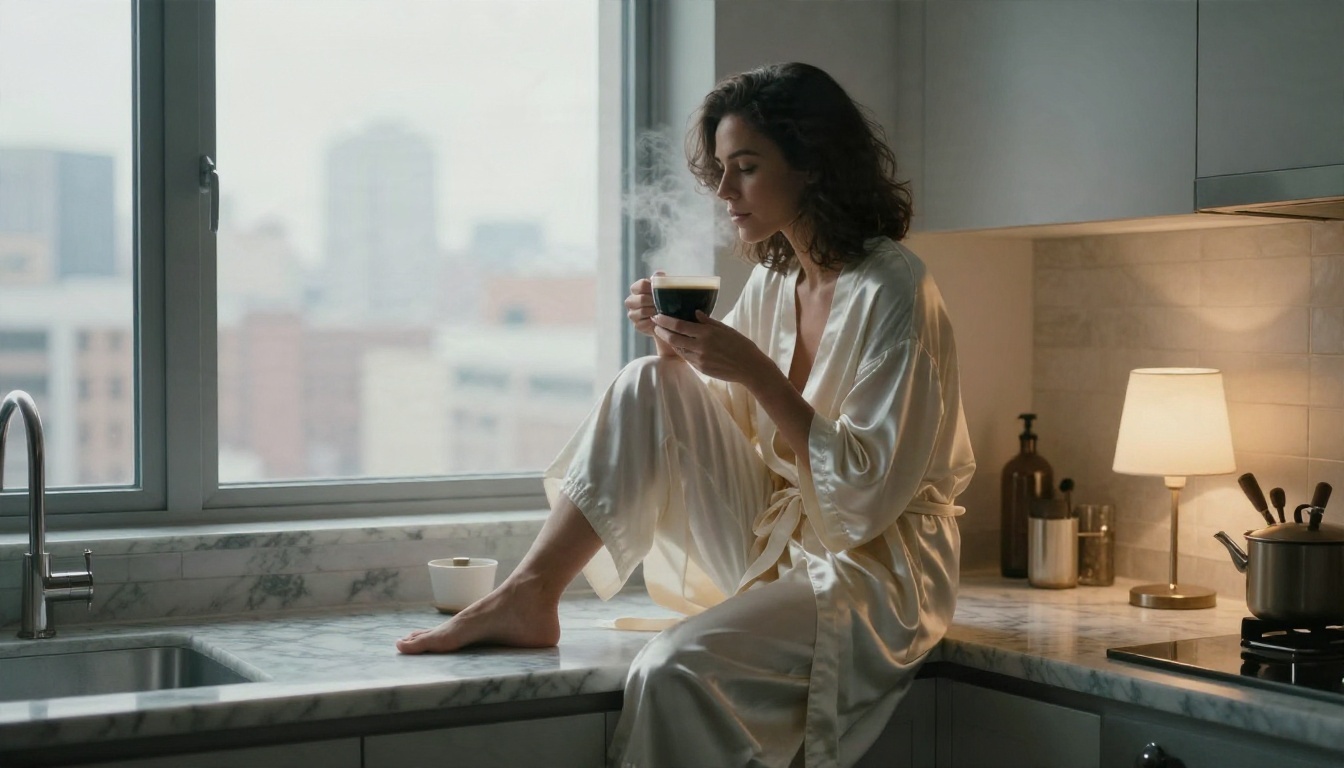
Image prompt: An adult woman in an ivory silk robe loosely tied, seated at a marble kitchen island with a steaming coffee, tall windows with a hazy city skyline, soft window light from the right, 40mm lens, film grain.
Motion prompt: She lifts the cup, takes a slow sip and looks toward the window. Steam curls upward. The camera pushes in a few centimeters. Soft morning light, quiet room tone.
Evening Glamour Prompts
Low light is harder. Keep the movement minimal and let the lighting do the work.
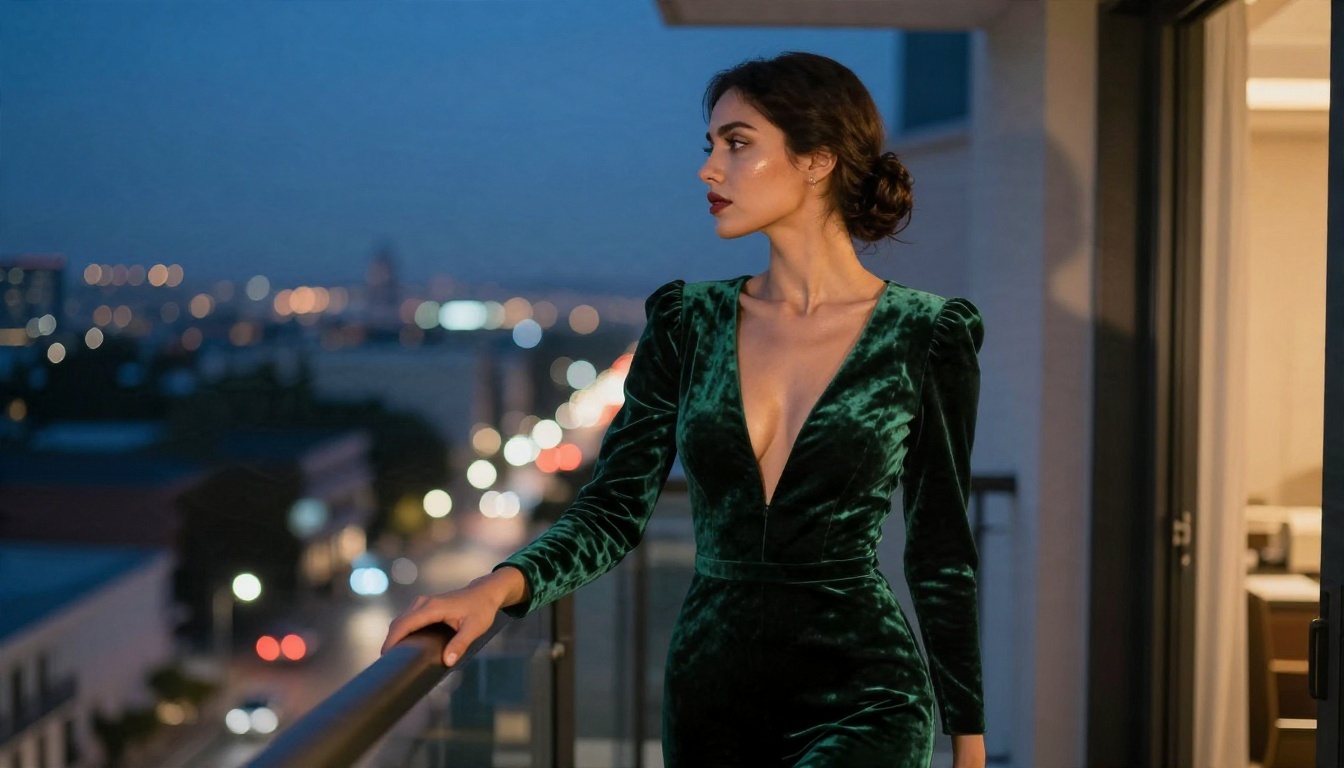
Image prompt: An adult woman in an emerald velvet bodysuit on a hotel balcony at blue hour, hand resting on an iron railing, city lights in soft bokeh, warm glow from the room behind her, 85mm lens, film grain.
Motion prompt: A light breeze moves a few strands of her hair. She turns her head slowly toward the camera. The city lights twinkle softly behind her. Static camera with a very slight drift.
Prompt Ingredients That Help
| Ingredient | Why it matters | Example |
|---|
| Light direction | Sets mood and shadows | Low golden sun from camera left |
| Lens and aperture | Controls depth and realism | 85mm f/1.8 |
| Film look | Adds natural color and grain | Kodak Portra 400 |
| Fabric detail | Helps the model animate cloth | Satin sheen, wet fabric, crochet knit |
| Camera move | Gives clean motion | Slow dolly in, gentle pan |
Real Examples Worth Copying
Good examples share a few traits. They have one clear subject, one light source, and a setting with a reason to move: water, wind, steam, curtains or a car on a road.
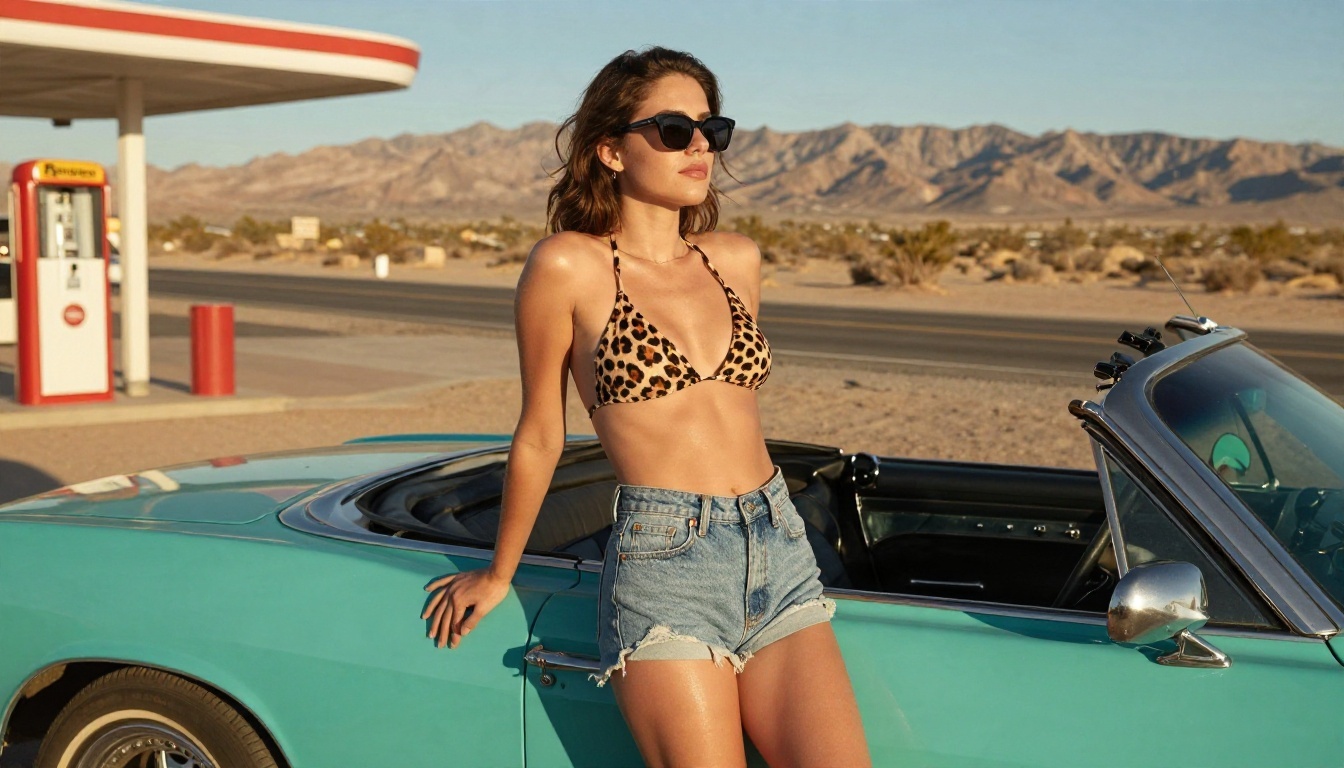
The retro road trip frame above works because the background gives the clip built-in movement: heat shimmer, drifting dust, a passing truck far behind. A simple motion prompt such as she slides her sunglasses down, glances at the camera and smiles, the camera orbits slowly to the left is enough.
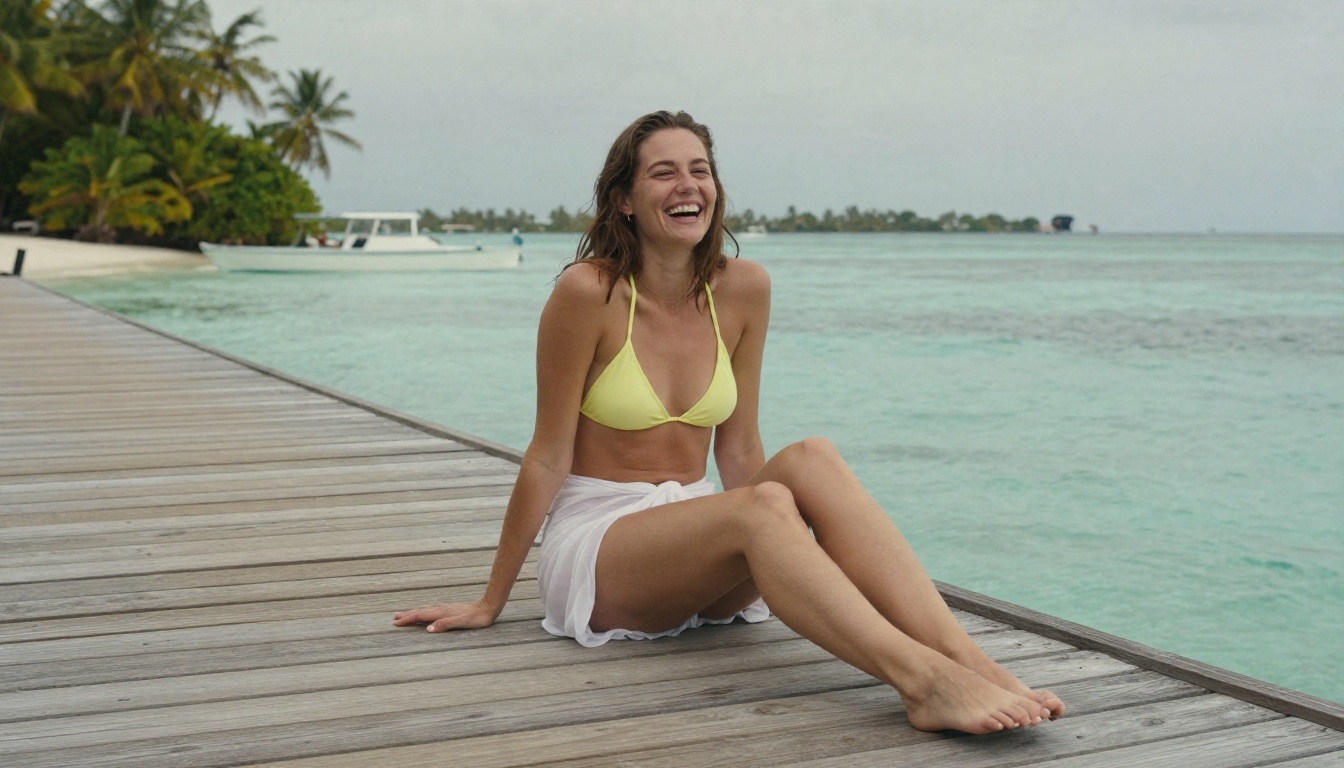
The lagoon frame is the opposite case: soft, overcast light and a relaxed pose. Here the best motion is tiny: feet swinging above the water, a ripple spreading, a laugh and a toss of the hair. Subtle movement reads as real. Dramatic movement reads as AI.
Reference to Video for Consistency
If you want the same person across several scenes, use a reference model such as PicassoIA Reference To Video. You supply reference images, and the model keeps the subject consistent from clip to clip. This is the practical route for anyone building a series rather than one-off clips.
Mistakes That Waste Credits
Most bad AI clips come from a handful of avoidable errors.
Overloaded Prompts
Asking for a dance, a camera orbit, a costume change and a sunset in 5 seconds guarantees a mess. One action, one camera move, one mood.
Fast Camera Moves
Quick whip pans and fast orbits break faces and fabric. Prefer slow dolly, gentle push in or a static frame with natural subject motion.
Skipping the Still Image
Going straight from text to video feels faster, but you lose control of the look. You will usually burn more attempts than if you had locked the frame first.
Ignoring Hands and Jewelry
Small details drift the most. Keep jewelry simple, avoid complicated hand poses, and fix anything odd in the still before you animate.
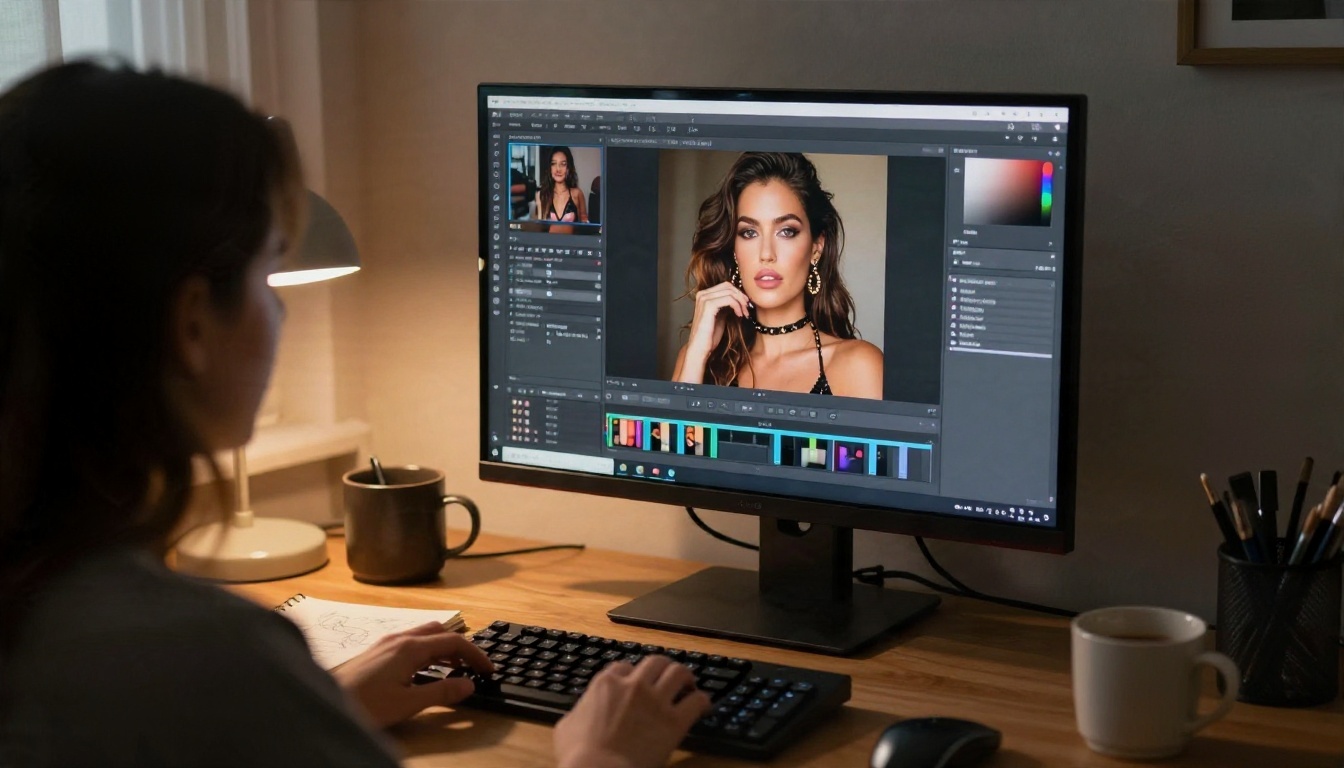
💡 Tip: keep a notes file with prompts that worked. Reusing a proven structure saves far more time than inventing a new prompt each time.
Free Versus Paid: The Real Cost
The honest trade-off is simple. Free and unlimited tools are perfect for testing, for building a library of base frames and for volume work. Paid or premium models can give higher resolution, longer clips and finer motion control when a single clip really matters.
Keep It Adult and Responsible
Only create content with clearly adult, fictional or consenting subjects, never a real person's likeness without permission. Keep the output non-explicit if you plan to publish it on social platforms, since most of them restrict anything beyond suggestive glamour.
Make Your First Clip Today
You now have the full loop: generate a strong still with Seedream 4.5, polish it with PicassoIA Image Editor Pro, then bring it to life with PicassoIA Video or Seedance 2.5 Lite.
Start small. Pick one scene from the examples above, paste the image prompt, adjust the outfit and the location, and render five variations. Choose the best one, write a motion prompt with a single action and a slow camera move, and run it. Your second clip will be better than your first, and your tenth will look like it came from a studio.
Ready to build your own? Browse every available generator at picassoia.com/en/all-models and start experimenting with Picasso IA today.


