You typed "NSWF video generator" into a search bar, and within a minute you were buried in pages that all promise unlimited clips, zero filters and a price that never quite shows up. Here is the honest version. Most of these tools charge by the clip, cap each clip at a few seconds, and hide the real cost behind credits. This article lays out what you will actually pay, how long your videos can run, whether an app is worth installing, and which alternatives on PicassoIA give you better output for less friction.
What People Mean by NSWF Video Generator
The Typo Behind the Search
"NSWF" is almost always a typo for NSFW, the shorthand for "not safe for work." Search engines treat both spellings the same way, so you land on the same wall of comparison pages either way. What the person behind the search wants is simple: a tool that turns a prompt or a photo into a short, suggestive but tasteful video, such as a glamour shoot, a swimwear lookbook, a boudoir style portrait that blinks, breathes and moves.
That is the lane this article stays in. Think editorial glamour, bikinis, silk, lace, beach light. Nothing explicit, nothing pornographic.

What These Tools Actually Do
Under the hood, an NSWF video generator is a normal AI video model with looser content rules and a marketing page built around that fact. There are two basic modes:
- Text to video: you describe a scene and the model invents every frame.
- Image to video: you upload a still photo and the model animates it, which gives you far more control over how the person looks.
Image to video wins for glamour content because the face, outfit and lighting are locked in before any motion starts. If you have ever watched a text to video clip drift into a different person halfway through, you already know why.
💡 Tip: If consistency matters to you, always start from a still image. A good still is 80 percent of a good clip.
The Real Cost of NSWF Video Generation
Pricing is where most pages get slippery. Three models show up again and again, and the numbers below come from comparison roundups published in 2026. Treat them as ballpark figures, because plans change monthly and the roundups often disagree with each other.
Free Tiers
Free access exists almost everywhere, but it comes with strings:
- Short clips, commonly 5 seconds
- A visible watermark
- A daily or one time credit allowance
- Slow queues at busy hours
A free tier is a fine way to test whether a tool understands your prompts. It is a poor way to produce anything you plan to publish.
Credit Packs
Credit based pricing is the most common trap. One tool in the roundups sells a pack of about 400 credits for roughly twenty dollars, and a single uncensored clip costs around 50 credits. Do the math: that pack gives you about eight clips, or roughly two and a half dollars each. Retries, which you will need, eat into that fast.
Monthly Plans
Subscription plans mostly sit in a band of nineteen to fifty dollars per month, with some premium tiers starting near twenty five dollars and including a few hundred credits. The higher tier usually buys faster queues, no watermark and permission for longer clips. The credits still run out.
| Pricing type | Typical cost | What you get | Main catch |
|---|
| Free tier | $0 | A few short clips | Watermark, slow queue |
| Credit pack | About $20 for 400 credits | Around 8 clips | Retries drain credits |
| Monthly plan | About $19 to $50 | Faster, longer, no watermark | Credits still cap output |
| Unlimited plan | Varies, often higher | Open ended generation | Check clip length and speed |

💡 Tip: Divide the monthly price by the number of clips you can realistically keep, not the number the sales page advertises. If you keep one clip in three, your real cost per clip triples.
Length Limits Explained
Why Clips Stay Short
Video models generate every frame from scratch, and the compute bill grows with every extra second. That is why the standard output on most tools is 5 or 10 seconds. Some mainstream generators reach about 15 seconds per generation, and a few newer models push toward 30 seconds. Pages that promise "unlimited duration" usually mean you can chain clips together, not that one clip runs for minutes.
Longer clips also suffer more. The longer the shot, the more likely the face shifts, a hand grows an extra finger, or the fabric changes color.

Stitching Short Clips Together
If you need 20 or 30 seconds, you have two honest options:
- Use a model built for longer output, which is covered in the alternatives section below.
- Chain short clips. Take the last frame of clip one, use it as the first frame of clip two, and repeat. Cut the pieces together in any video editor.
The second method works, but every handoff risks a small visual jump. Keep camera moves slow and motion simple, and the seams almost vanish.
Is There an NSWF Video App?
Browser Tool or Native App
Most NSWF video generators live in the browser. A few ship an iOS or Android app, and those apps are often thin wrappers around the same web service, with the same credits and the same limits. Native apps also face store rules, which is why adult-leaning features tend to be trimmed or hidden inside them.
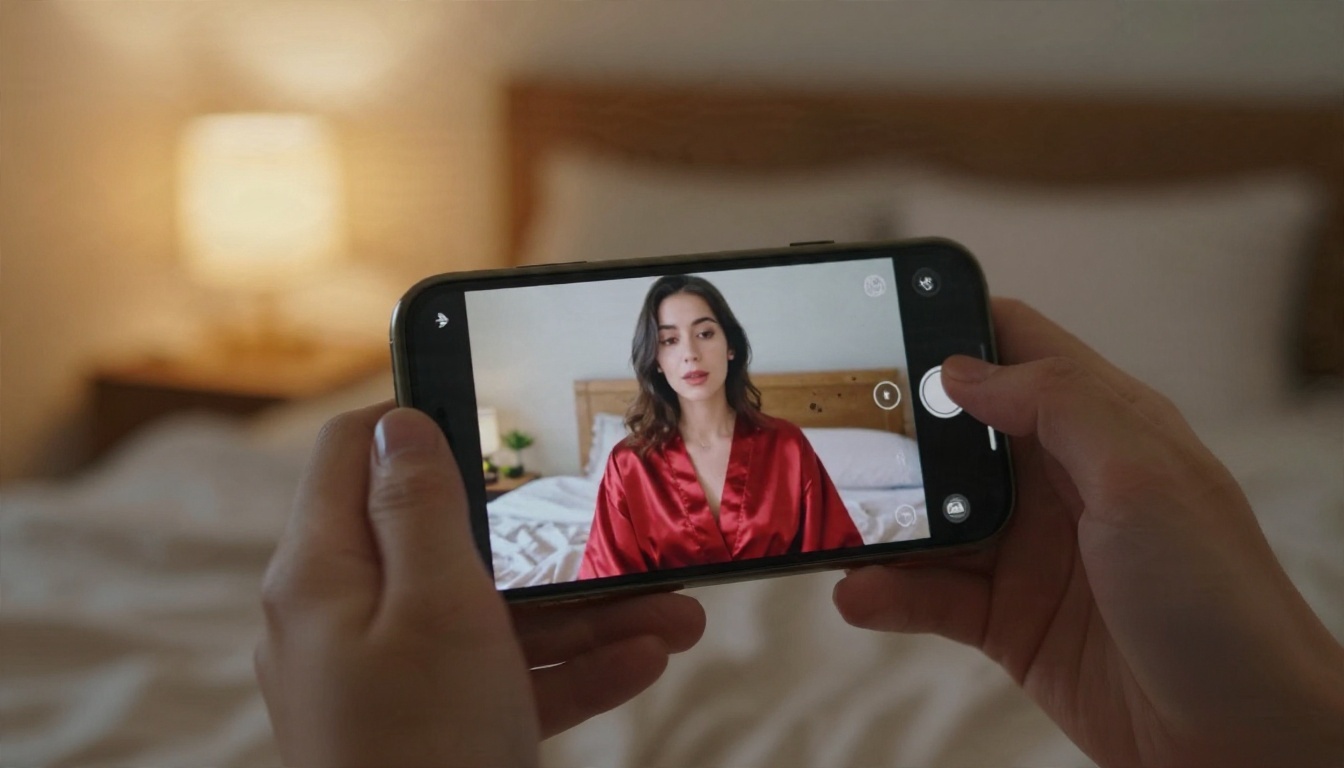
A browser based platform works on your phone just as well. You skip the install, the permissions and the subscription that renews through an app store you forgot about.
A Phone Friendly Workflow
You can run the whole process from a phone:
- Generate or upload a still in the browser
- Write a motion prompt of one or two sentences
- Pick a clip length and submit
- Download the MP4 and post it
💡 Tip: Vertical 9:16 clips suit short video feeds. If your source image is 16:9, crop it first or pick a model that accepts a vertical aspect ratio.
Better Alternatives on PicassoIA
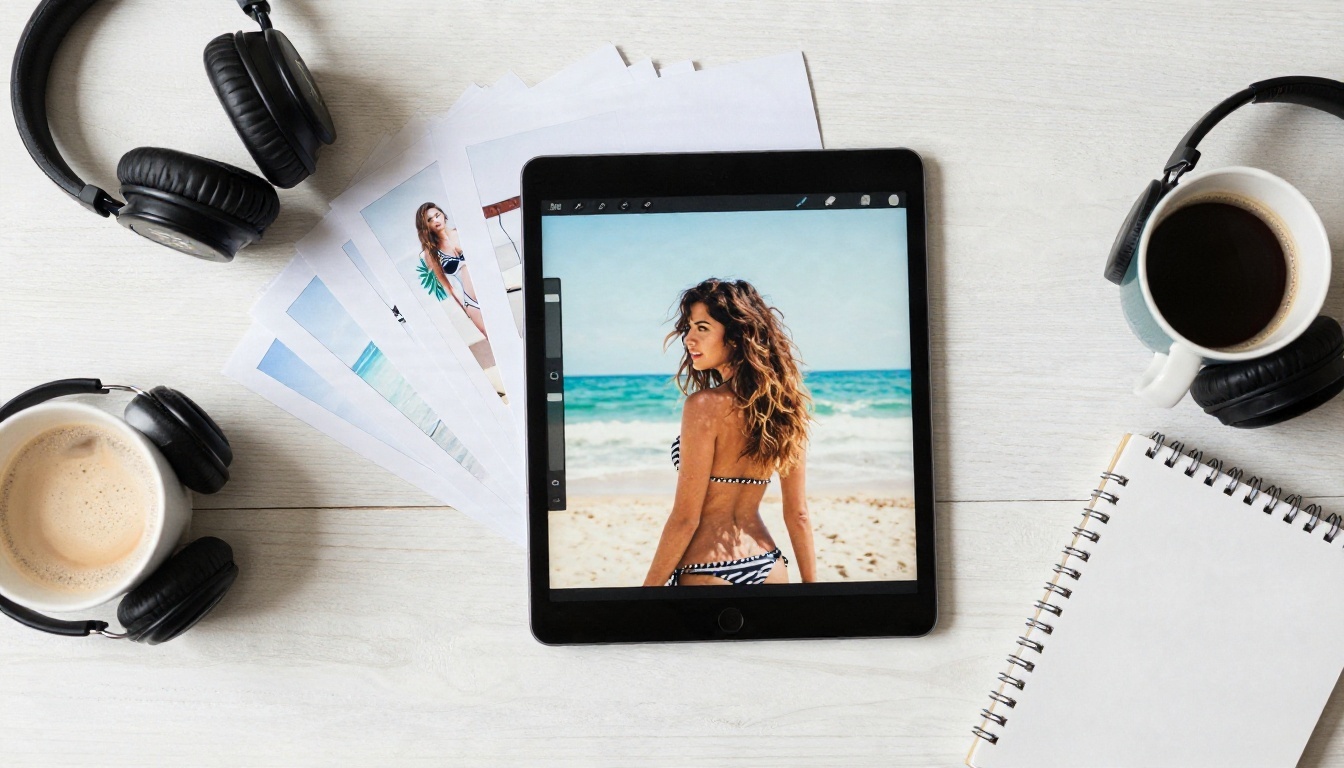
PicassoIA is a model platform, not a single locked tool. That matters for pricing and limits, because you can pick the engine that fits the clip you want instead of accepting whatever one vendor offers. For stills, lead with Seedream 4.5 and the PicassoIA Image Editor Pro. Both are fast, both handle glamour and swimwear photography, and Image Editor Pro runs with unlimited generations, so retries cost you nothing. Then animate with one of the video models below.
Seedance 2.5 for Longer Shots
Seedance 2.5 is built for clips that run up to 30 seconds, which is six times the standard 5 second limit. That is enough for a full slow reveal, a walk along a beach, or a continuous camera orbit around a subject without stitching anything together. If your main complaint about other tools is length, start here.
Seedance 2.5 Lite for Free Testing
Seedance 2.5 Lite is listed as a free and unlimited generator for clips up to 10 seconds. It is the right place to test prompts and motion ideas before you commit to a longer render. Because there is no credit meter, you can run ten variations of the same idea and keep the best one. There is also Seedance 2.0 Mini, a compact option with native audio.
Kling, Wan, Hailuo and LTX
Four more engines are worth keeping in your rotation:
💡 Tip: Content rules differ from model to model. Keep your projects in the suggestive, non-explicit range and test a single clip before you plan a batch.
The Two Step Workflow: Image First
This is the process that gives you consistent, attractive clips without burning credits on guesswork.
Step One: Build the Still
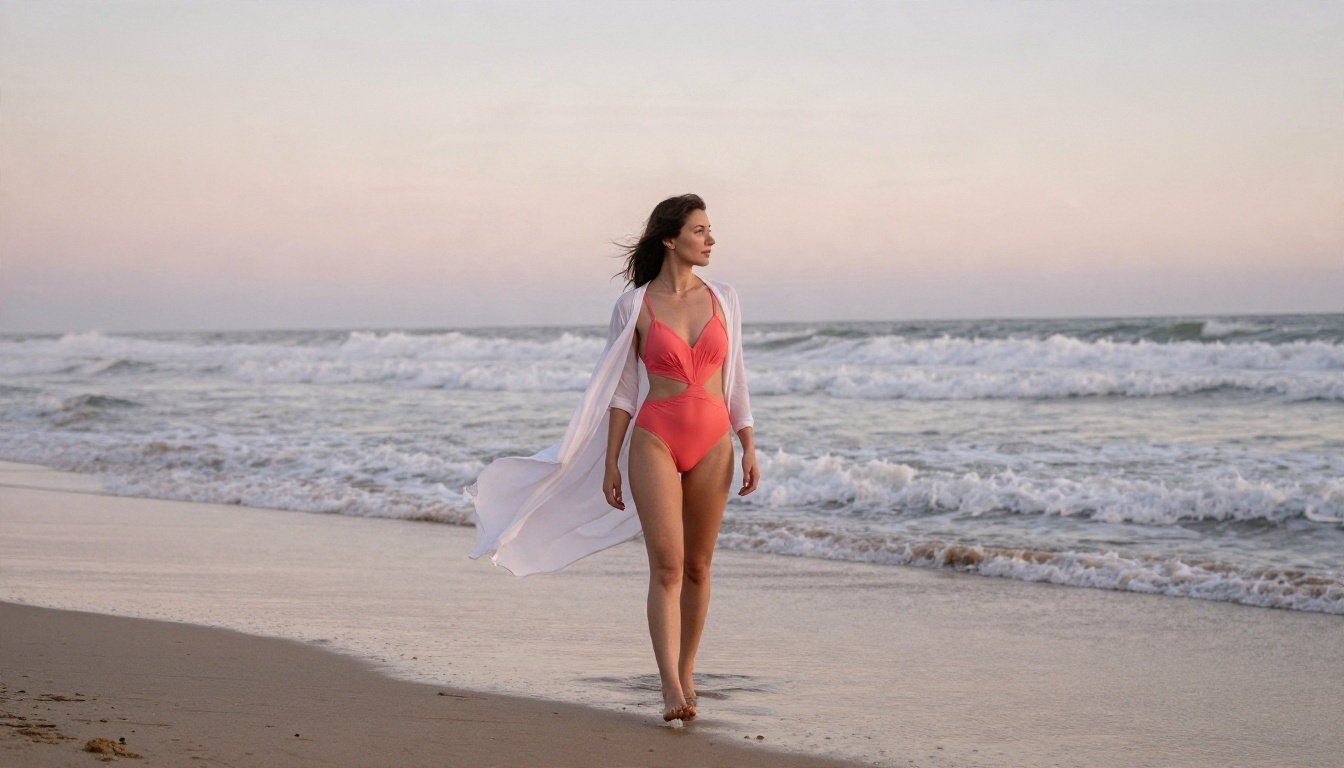
Open Seedream 4.5 and write a photographic prompt. Name the outfit, the location, the light direction and the lens. A prompt like "woman in a coral two piece swimsuit on an empty beach at sunrise, soft light from the left, 28mm lens, film grain" gives the model enough to work with. Then use PicassoIA Image Editor Pro to refine details: swap an outfit, fix a hand, adjust the background. Since it is unlimited, keep editing until the frame looks right.

Step Two: Animate the Frame
Send your finished still to an image to video model such as Seedance 2.5 or Kling v2.5 Turbo Pro. A few parameter tips:
- Describe motion, not appearance. The image already shows the subject. Write "slow dolly in, hair lifts in the breeze, she turns toward the camera."
- Pick one camera move. A single pan, orbit or push in beats three competing ones.
- Match the aspect ratio to where you will post the clip.
- Start short. Test a 5 or 10 second render, then move to a longer one once the motion works.
- Keep the light consistent. Mention the same light direction you used in the still.
Mistakes That Waste Credits
Common Pitfalls
Most wasted money comes from the same handful of habits:
- Paying before testing. Run your exact prompt on a free tier first.
- Writing long prompts. Dense, rambling prompts confuse motion models. Two clear sentences beat a paragraph.
- Ignoring the first frame. A flat, poorly lit still produces a flat, poorly lit clip.
- Chasing length too early. Nail a 5 second clip before you ask for 30.
- Forgetting watermarks. A watermarked clip is useless for most posts, so check before you share.
- Trusting "unlimited" at face value. Read whether it means unlimited generations, unlimited length, or both.
A Quick Checklist Before You Pay
💡 Checklist: Before paying for any generator, confirm six things: the real price per clip, the maximum length, whether a watermark remains, the daily queue speed, the content rules, and how refunds or unused credits work.
If a tool cannot answer all six in plain language, move on. A platform that gives you several models, a free testing option and unlimited image editing removes most of these worries at the start.
Make Your First Clip Today
You do not need a monthly subscription to find out what an NSWF style video can look like. Start with a still in Seedream 4.5, polish it in PicassoIA Image Editor Pro, then bring it to life with Seedance 2.5 Lite for free testing or Seedance 2.5 when you want a 30 second shot. Try three prompts, keep the best one, and tweak from there.
The fastest way to see which engine fits your style is to try several of them side by side. Browse the full catalog at picassoia.com/en/all-models, pick a model, and make your own glamour clip in minutes with PicassoIA.


