Figure art is older than photography, older than oil paint, older than almost every medium you can name. Greek sculptors carved it, Renaissance painters obsessed over it, and twentieth century photographers built entire careers on the way light falls across a shoulder. So it makes sense that a nude art generator is one of the most searched tools in AI imaging right now. People want to make fine art figure studies, boudoir style portraits, sculptural references and moody gallery prints without booking a model, a studio and a lighting crew. This article shows what works, what to avoid, and which free online options give you the best results, with real prompts and nine examples you can recreate.
One note before we start: everything here is about tasteful, non-explicit artistic imagery. Think draped fabric, silhouettes, marble, implied figure studies and glamour portraits. That is where AI image models produce their best work anyway, because the aesthetics are the whole point.
What a Nude Art Generator Does
A nude art generator is simply a text to image model that you prompt for figure based artwork. You type a description, the model draws on millions of training images, and you get a picture back in seconds. There is no separate "nude" engine. The quality comes from the model itself and from how well your prompt describes light, pose, lens and mood.
Fine art versus explicit content
Fine art figure work has its own visual language: soft gradients on skin, strategic drapery, shadow used as a veil, poses borrowed from sculpture and painting. Explicit content has none of that. A good generator can do the first convincingly, and that is the style this article focuses on. If you want results that look like they belong on a gallery wall or a photography portfolio, you are working in the first category.
Who uses these tools
The audience is broader than you might expect:
- Painters and illustrators who need pose and lighting reference
- Photographers testing concepts before a real shoot
- Sculptors studying form and weight distribution
- Boudoir and glamour creators drafting mood boards for clients
- Hobbyists who simply enjoy making beautiful images
💡 Tip: If you draw or paint, generate your reference in a style close to the final medium. Chiaroscuro lighting is the easiest to translate to canvas.
Free Online Options Compared
Plenty of sites claim to be free, but many put a tight cap on credits, add watermarks, or filter prompts so aggressively that even a Renaissance style study gets blocked. Here is what actually matters when you pick one.
| Feature | Why it matters | What to look for |
|---|
| Generation limits | Figure work takes iteration | Unlimited or very generous daily use |
| Content filters | Over-filtering blocks artistic prompts | A platform that accepts tasteful adult art |
| Photorealism | Skin texture sells the result | Models with natural skin and film grain |
| Resolution | Prints need detail | 2K to 4K output |
| Editing tools | You will want to fix details | Built in inpainting or image editing |
| Speed | Faster loops, better results | Seconds per image |
Why unlimited generations change the game
Figure art rarely works on the first try. Hands, proportions, fabric folds and light direction all need small corrections. If every attempt costs credits, you start settling. With an unlimited editor you can run twenty variations, keep the best one and keep refining without watching a counter.
Models worth using
Not every model handles skin and fabric equally well. These are the ones that perform best for fine art figure studies on PicassoIA, in the order I would try them:
- Seedream 4.5 is the first model to open. It produces up to 4K images with natural skin tones, accurate anatomy and convincing fabric. It is also quick, which matters when you iterate.
- PicassoIA Image Editor Pro is the unlimited option. It handles generation and photo editing in one place, which suits uncensored style adult art workflows where you want to adjust drapery, lighting and details again and again without limits.
- Z Image Turbo is built for speed. When you want to test ten prompt ideas in a minute, this is the one.
- Flux 2 Klein 9B Base LoRA works well when you want a styled, filmic look with controlled color.
- Nano Banana Pro is a strong pick for crisp 4K detail and for editing an existing image.
💡 Tip: Start with Seedream 4.5 for the base image, then bring that image into Image Editor Pro to adjust small details. That two step flow is faster than rewriting a prompt ten times.
Prompts That Actually Work
Most weak results come from weak prompts. "Beautiful nude woman" gives you a generic, flat image. A strong prompt reads like a photographer's shot list. Use this structure:
Subject and pose + environment + lighting direction + lens and camera + skin and fabric texture + film stock.
The anatomy of a good prompt
Here is a full example you can paste into Seedream 4.5:
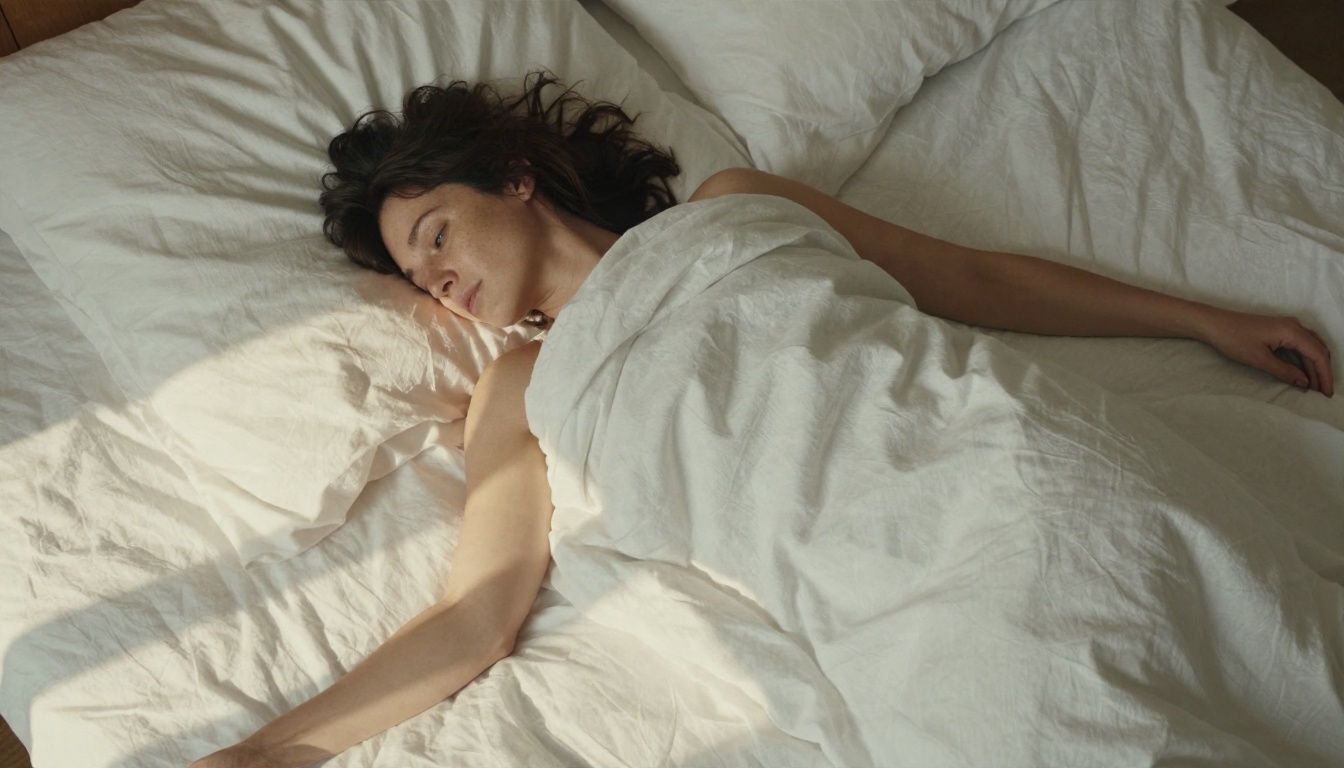
Overhead view of an adult woman lying on rumpled white linen in a sunlit bedroom, a soft cotton sheet draped across her body, one arm stretched above her head, tousled dark hair on the pillow, golden morning light from a window on the left, long soft shadows across the folds, 50mm lens f/2.2, visible linen weave, natural freckles, Kodak Portra 400 warm tones, film grain.
Every piece does a job. The sheet handles the "tasteful" part. The window light shapes the skin. The lens number controls how much background blur you get. The film stock sets the color mood.
Ten words that sharpen results
These terms consistently improve photorealism:
- Chiaroscuro, for deep shadow and sculpted light
- Rim light, for a soft edge glow on shoulders and arms
- Draped linen or sheer silk, for implied coverage and texture
- Rembrandt lighting, for a gentle triangle of light on the cheek
- Film grain, for realism
- Shallow depth of field, for a gallery look
- Peach fuzz and freckles, for believable skin
- North-facing window light, for soft and even illumination
- Medium format, for rich tonal range
- Muted color palette, for an editorial feel
What to leave out
Skip words like "perfect," "flawless" and "airbrushed." They push models toward waxy, plastic skin. Real skin has pores, small marks and uneven color, and that is exactly what makes an image feel photographed instead of generated.
Nine Examples You Can Recreate
These images were all generated from prompts in the style described above. Each one shows a different approach to fine art figure work, with its own light, angle and mood.
Classical sculpture reference
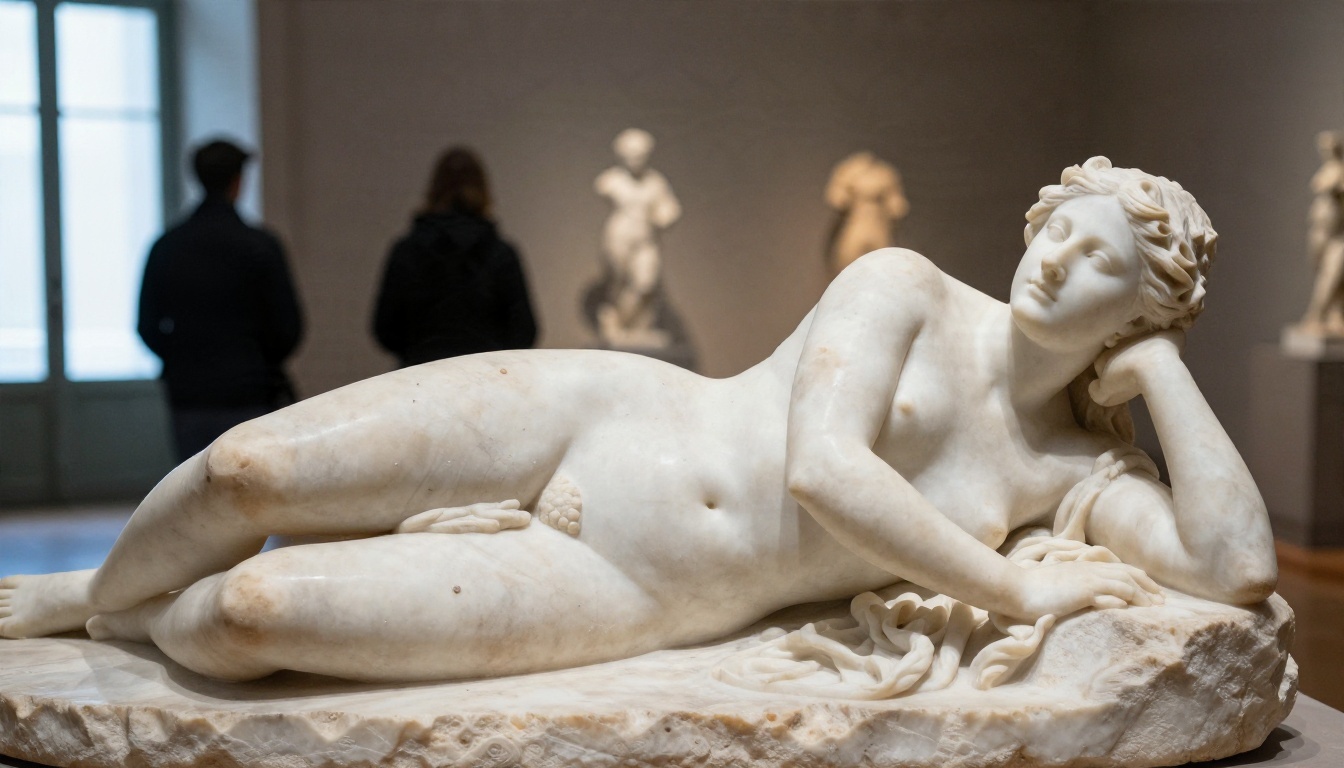
The marble statue at the top of this article is a favorite starting point for sculptors. Low angle, a single warm spotlight and a macro lens bring out chisel marks and veining. Prompt it with polished white marble, reclining figure, museum skylight, 100mm macro, low angle.
Life drawing studio
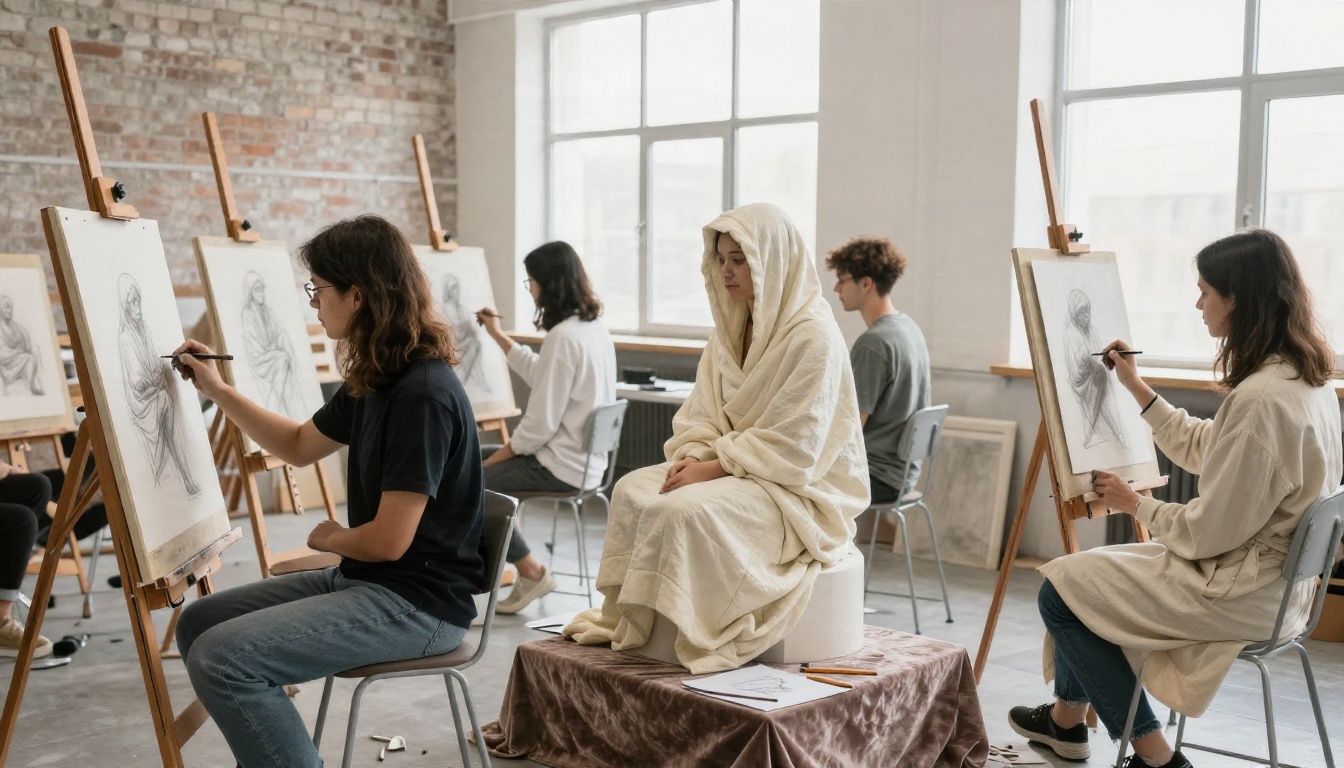
Figure work has always had a social side. A life drawing class, with its easels, charcoal dust and concentrated faces, is a scene AI handles very well when you keep the model wrapped in a robe. Use a wide lens such as 35mm and describe the window light direction. This works for editorial illustration, art school promotion and moodboards.
Shadow and silhouette
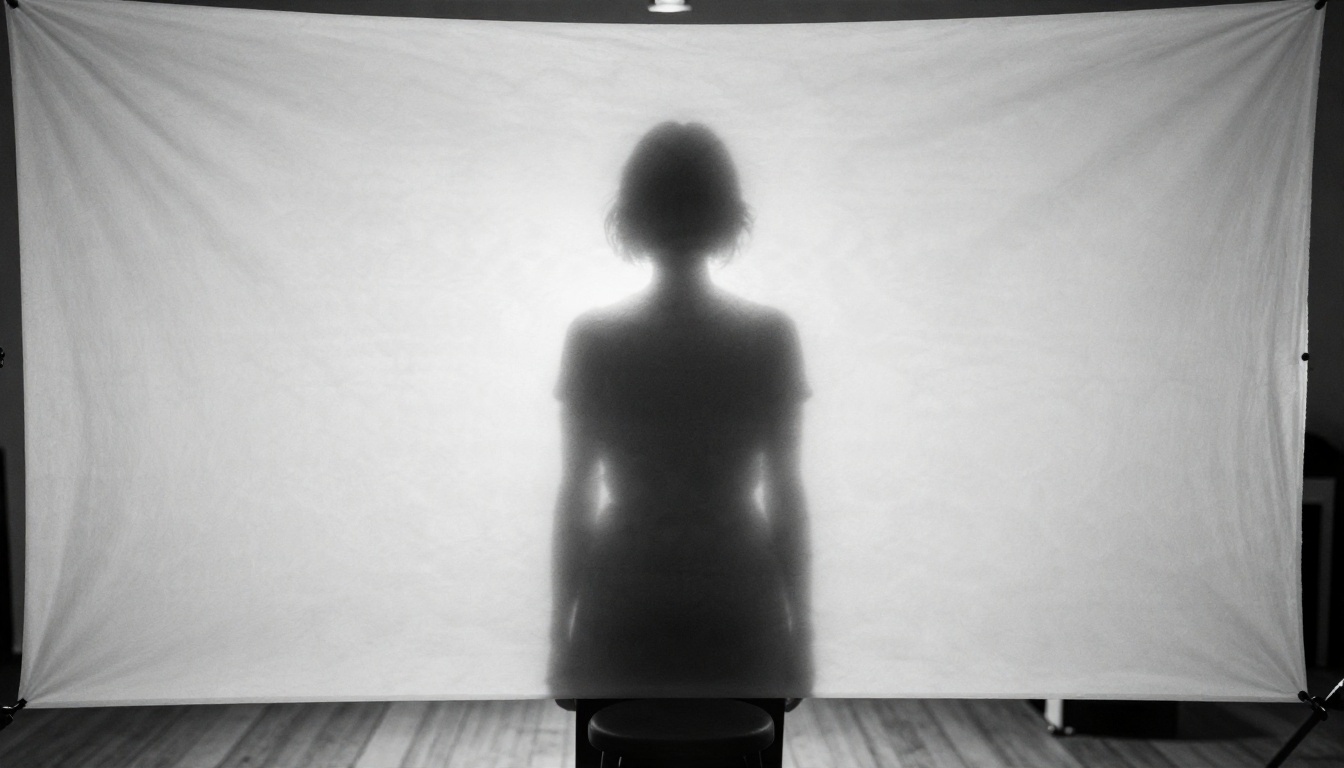
A silhouette behind a paper screen is the most elegant way to suggest a figure without showing detail. One tungsten lamp behind the subject, a translucent screen and a centered composition do all the work. It is also the safest style for platforms with strict content filters.
Painter's hand and canvas
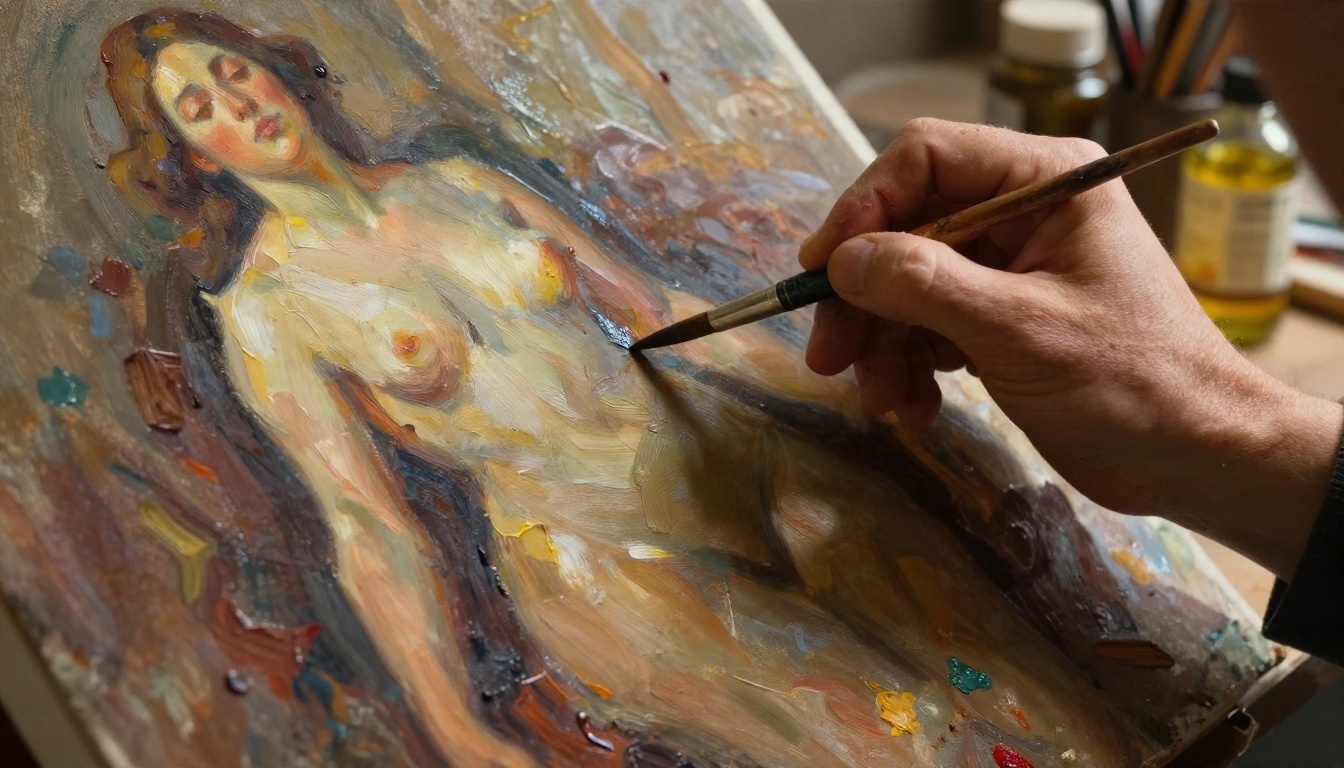
Sometimes the best figure art image does not show a person at all. A close-up of a hand, a loaded brush and impasto flesh tones tells the story of the tradition. Use Rembrandt shadows, rough canvas weave and paint under the fingernails to push realism.
Boudoir glamour in silk
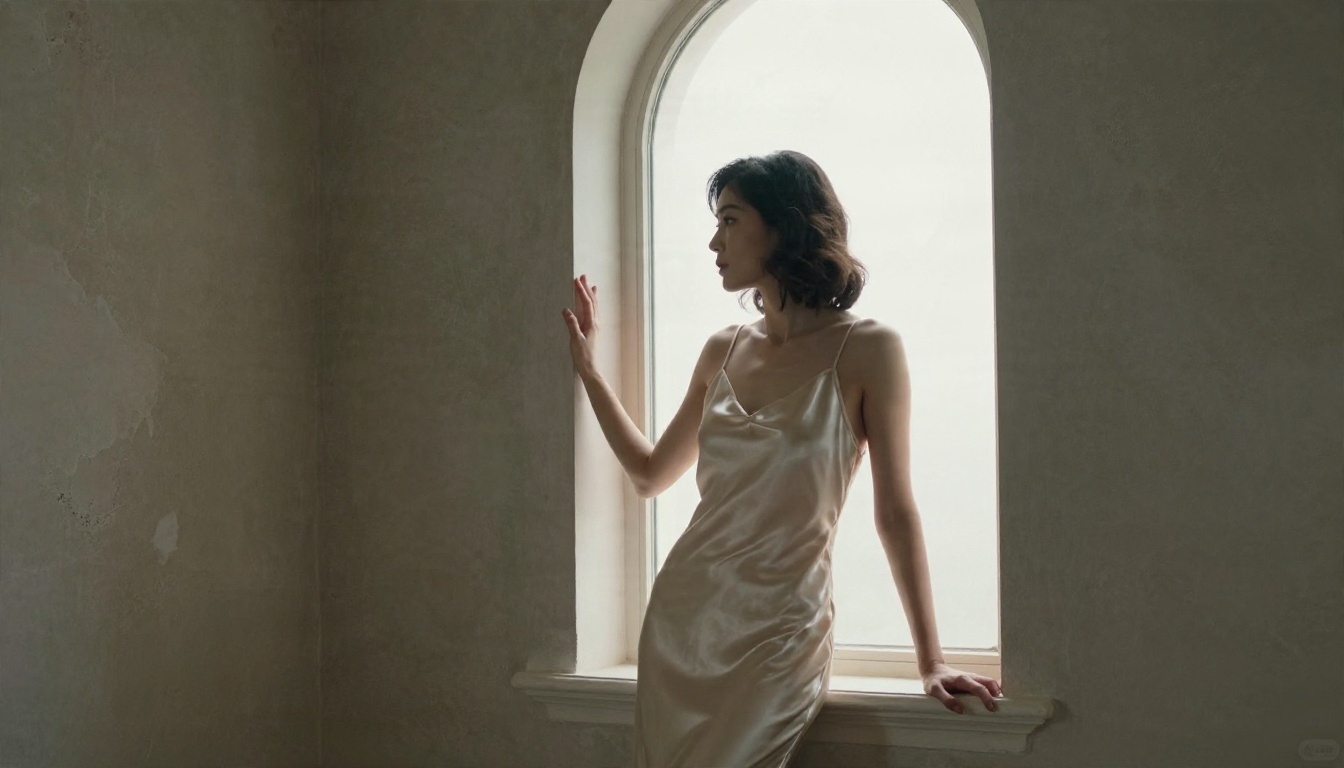
Glamour and boudoir portraits are where most people spend their time. A sheer silk slip, profile pose and soft window light give you something attractive and suggestive without crossing into explicit territory. The 85mm f/1.8 lens spec keeps the background soft and the focus on skin texture and fabric sheen.
Seaside sunrise
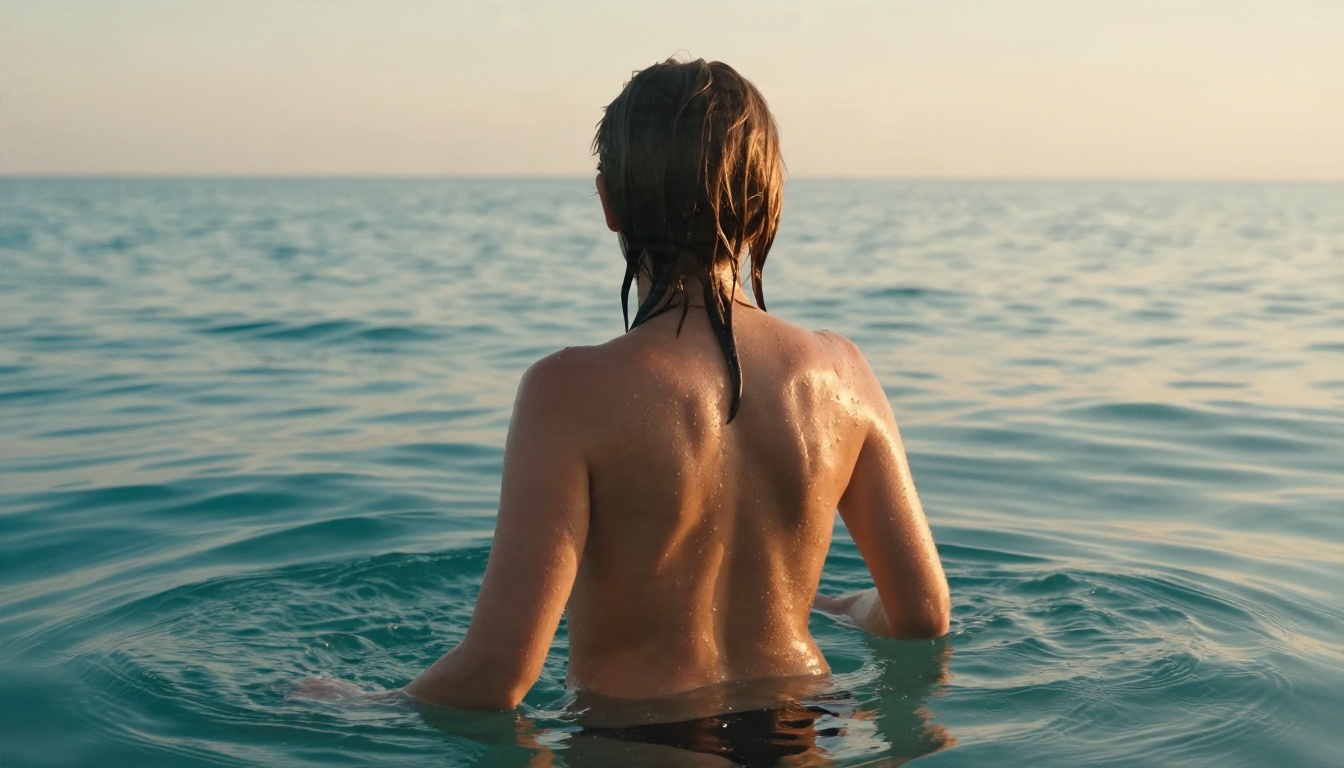
Water is a natural veil. Waist-deep in a calm sea, shot from behind with the sun low on the horizon, the water hides what needs hiding while the backlit droplets add texture. Describe the mist and tiny ripples to avoid a flat surface.
Chiaroscuro close-up
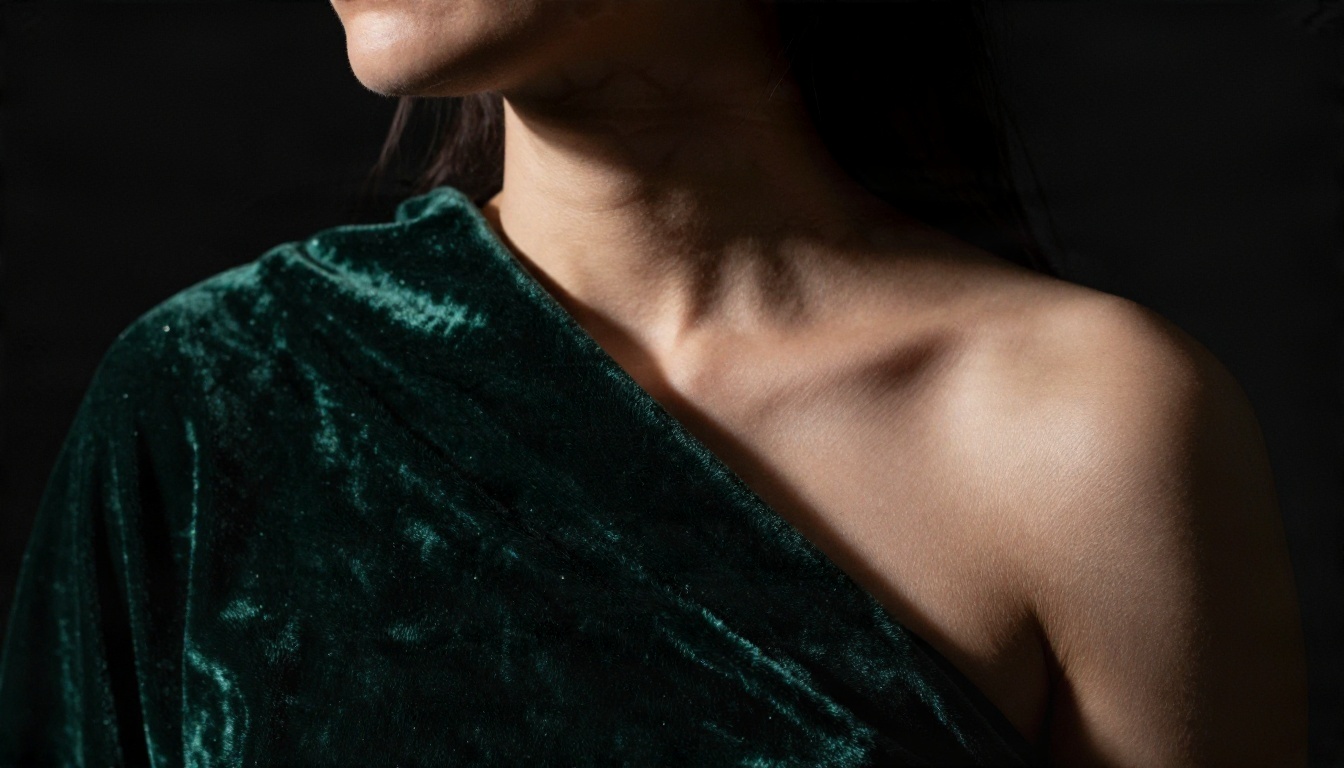
Tight crops are forgiving. Anatomy errors disappear, and texture takes over. A shoulder, a collarbone and a fold of dark green velvet against a black background look like a Dutch master painting. Ask for 105mm f/2, strong side light from the left and visible skin pores.
Writing the prompt itself
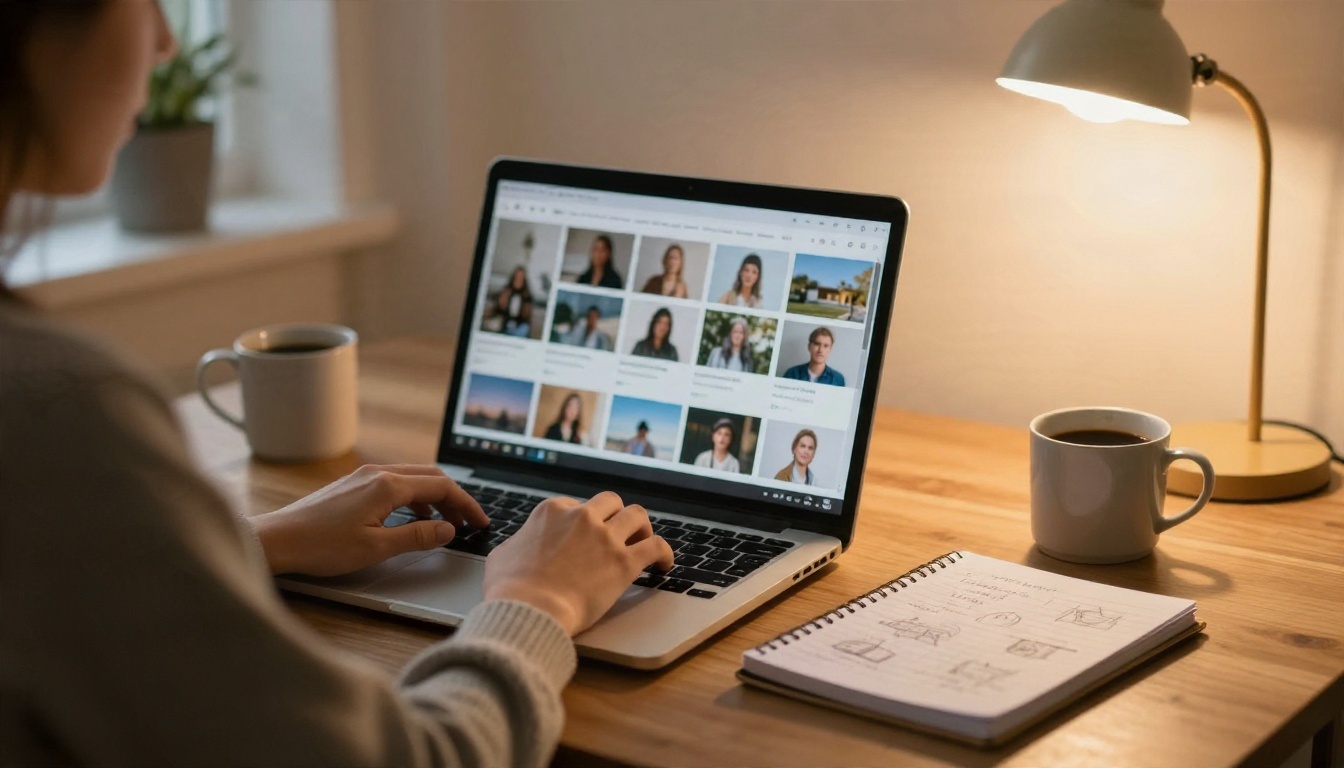
Most of the work happens at the keyboard. Keep a notebook of prompts that gave good results and reuse the structure. Small edits, like changing a light direction from left to right or swapping a lens, often make a bigger difference than adding new descriptive words.
How to Use Seedream 4.5 on PicassoIA
Seedream 4.5 is the model I would reach for first when making fine art figure studies. Here is the process from empty prompt box to final image.
Step by step
- Open the model page. Go to the Seedream 4.5 page on PicassoIA.
- Write your prompt. Follow the structure: subject and pose, environment, light direction, lens, texture, film stock.
- Choose 16:9 for landscape scenes or 3:4 for portraits and boudoir work.
- Pick the highest resolution available for anything you plan to print.
- Generate and compare. Run at least four variations, because small random differences in pose and light matter.
- Refine in the editor. Take your best result into PicassoIA Image Editor Pro to adjust drapery, background or lighting.
- Upscale if needed for large format prints.
Parameter tips
| Setting | Recommended | Reason |
|---|
| Aspect ratio | 16:9 or 3:4 | Fits editorial and portrait layouts |
| Prompt length | 50 to 80 words | Enough detail without confusing the model |
| Lighting words | One main source | Multiple sources make flat images |
| Lens | 50mm to 105mm | Natural proportions, soft backgrounds |
| Film stock | Kodak Portra 400 | Warm skin tones and fine grain |
💡 Tip: Name a single lighting direction in every prompt. "Light from the left" is far more reliable than "beautiful lighting."
Common Mistakes to Avoid
Most disappointing results trace back to the same handful of errors.
Over-describing the body
Long lists of anatomical details confuse models and cause strange proportions. Describe pose, light and fabric instead. Let the composition do the work.
Ignoring hands and feet
Hands are still the hardest part. Tuck them out of frame, rest them on a surface, or hide them in drapery. A hand holding a sheet edge or resting on a windowsill usually renders cleanly.
Mixing styles in one prompt
"Oil painting, photograph, cinematic, studio, film still" will give you muddy output. Pick one look and commit to it. For photorealism, stay with lens, light and film stock vocabulary.
Skipping the edit pass
A single small fix, like cleaning a background or adjusting a shadow, can turn a good image into a great one. Image Editor Pro handles this in seconds, and because it is unlimited you can keep trying.
Safe and Responsible Use
Figure art comes with a few simple rules that protect you and other people.
- Only create imagery of adults. Every example here shows adult subjects, and your prompts should too.
- Never use a real person's likeness without consent. That includes celebrities, coworkers and anyone whose photo you did not take with permission.
- Keep it non-explicit. Fine art, glamour and boudoir imagery gets better results and wider acceptance than explicit work.
- Label AI images when you publish them. Galleries, clients and platforms increasingly expect it.
- Check where you plan to publish. Social platforms, print shops and marketplaces each have their own content rules.
💡 Tip: If you plan to sell prints, keep a record of the prompt, model and settings used for each image. It makes licensing questions easy to answer later.
You now have the full workflow: pick a capable model, write a prompt like a photographer, refine the result, and keep the content tasteful and consensual. The best way to improve is to generate. Start with a single scene, say a silhouette behind a paper screen or a draped linen study by a window, and rewrite the prompt five times, changing only one detail each time. You will see quickly what each word does.
Open Seedream 4.5 on Picasso IA for your first image, bring it into the Image Editor Pro for unlimited refinements, and try Z Image Turbo when you want fast variations. For every other option, from 4K generators to editing tools, browse the full catalog at picassoia.com/en/all-models and build the gallery you have been imagining.


