Type "nude generator no login" into a search bar and you will get a wall of tools that all promise the same thing: instant adult images, zero signup, zero cost. Some deliver a blurry preview and then ask for a card. Others hand you one image and lock the rest behind a timer. A few are decent. This article sorts the real from the bait, shows you the prompts that produce tasteful, photorealistic glamour results, and lays out the limits you should expect before you waste an evening on a tool that was never going to work.
A quick note on scope. Everything here is about adults and fictional people, and about non-explicit, artistic imagery: boudoir, swimwear, silhouettes, sheets and soft light. That is the kind of output that holds up on quality, and it is also the kind that platforms can serve without constant blocks.
What "No Login" Really Means
The phrase sounds simple. In practice it covers three very different situations, and mixing them up is how people get frustrated.
Anonymous but Capped
Some sites let you generate without an account, but they track you by browser or IP address. You get a handful of images per day, then a wall. This is the most common model, and it is fine for a quick test. It is useless for any real project.
Free Preview, Paid Result
The second type lets you type a prompt with no signup and shows you a low resolution, watermarked or blurred output. The sharp version costs money. Nothing about this is illegal, but it is a funnel, not a free tool.
Signup Hidden Behind a Button
The third type says "no login" in the ad, then asks for an email after the first image. If the tool gives you real, repeatable output, that tiny step is a fair trade. A single sign in often buys you better models, higher resolution and saved history, which anonymous pages cannot offer.
💡 Reality check: No tool can promise perfect privacy just because it skips a login form. Assume prompts may be logged. Never type real names, photos of real people or anything you would not want stored.
The Trade-Off in One Table
| Access type | Typical daily limit | Resolution | Watermark | Best for |
|---|
| Anonymous page | 3 to 10 images | Low to medium | Often | Quick tests |
| Free preview, paid full | 1 sharp image | Blurred or small | Yes | Nothing serious |
| Free with sign in | Higher or unlimited | Medium to 4K | Rarely | Actual projects |
What a Nude Generator Can Make Safely
Here is where expectations need an honest reset. Mainstream, well-run image models are tuned to avoid explicit sexual content. Tools that skip that filter exist, but they are often the same ones that produce distorted anatomy, stolen faces and sketchy data handling. For most readers, the better target is tasteful, implied, photographic work.
Artistic Implied Versus Explicit
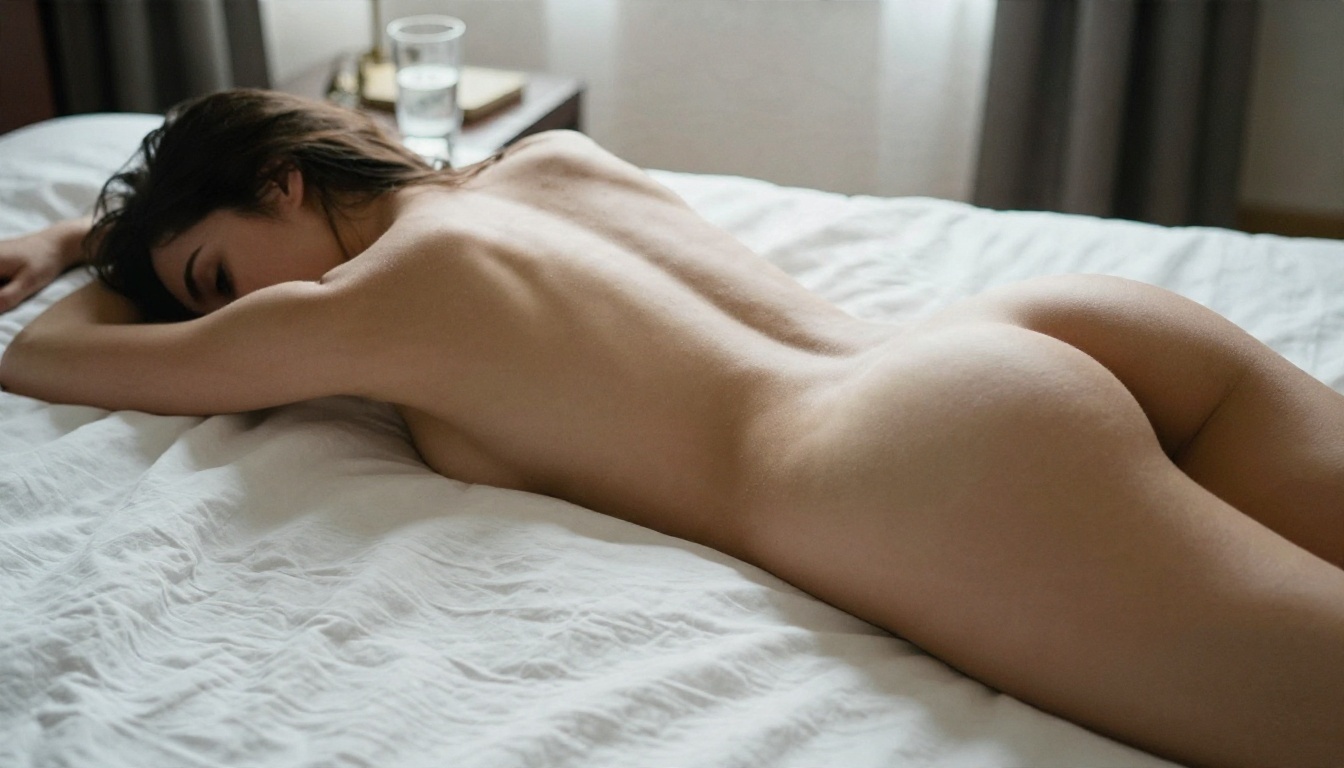
Think of how a glamour magazine or a boudoir photographer works. A bedsheet draped across a back, a silhouette behind a sheer curtain, bare shoulders in window light. The viewer sees mood, skin and shape without anything graphic. That is the lane where AI models are strongest, because lighting, fabric and posture are things they render very well.
Adults and Fictional People Only
Two firm lines, and they are not negotiable:
- Only adult subjects. Describe your subject as an adult woman or adult man, with an age range that is clearly adult.
- Only invented people. Never upload or describe a real person, celebrity or acquaintance to generate intimate imagery. That is a consent problem and, in many places, a legal one.
If a tool lets you break those lines without friction, treat that as a red flag about the tool, not a feature.
Why Photoreal Beats Cartoon Styles
Photoreal output ages better. Pores, flyaway hair, linen creases and uneven light read as authentic, while overly smooth skin screams "AI" within a second. If you want images that look like real photographs, you need prompts that think like a photographer.
Prompts That Give Photoreal Results
A prompt is not a wish list. It is a short photography brief. Good ones follow the same order every time: subject, setting, light, lens, texture.
The Five Part Formula
- Subject and pose: "adult woman seated on the edge of a bed, wrapped in a cream sheet, glancing toward a window"
- Setting: "sunlit loft bedroom, whitewashed brick, dried lavender on the nightstand"
- Light: "soft golden morning light from the left, gentle rim light on shoulder"
- Camera: "85mm f/1.8, shallow depth of field, eye level"
- Texture and grain: "natural skin pores, linen creases, subtle film grain, Kodak Portra 400 palette"
Lighting Words Worth Using
Lighting does most of the work in glamour imagery. A few phrases that reliably change the result:
- "Window light from the left" gives soft shadow and dimension.
- "Golden hour backlight" adds a warm rim around hair and shoulders.
- "Warm tungsten lamp" produces a cozy, intimate feel indoors.
- "Overcast diffused daylight" keeps skin tones even and flattering.
Texture Words That Kill the Plastic Look
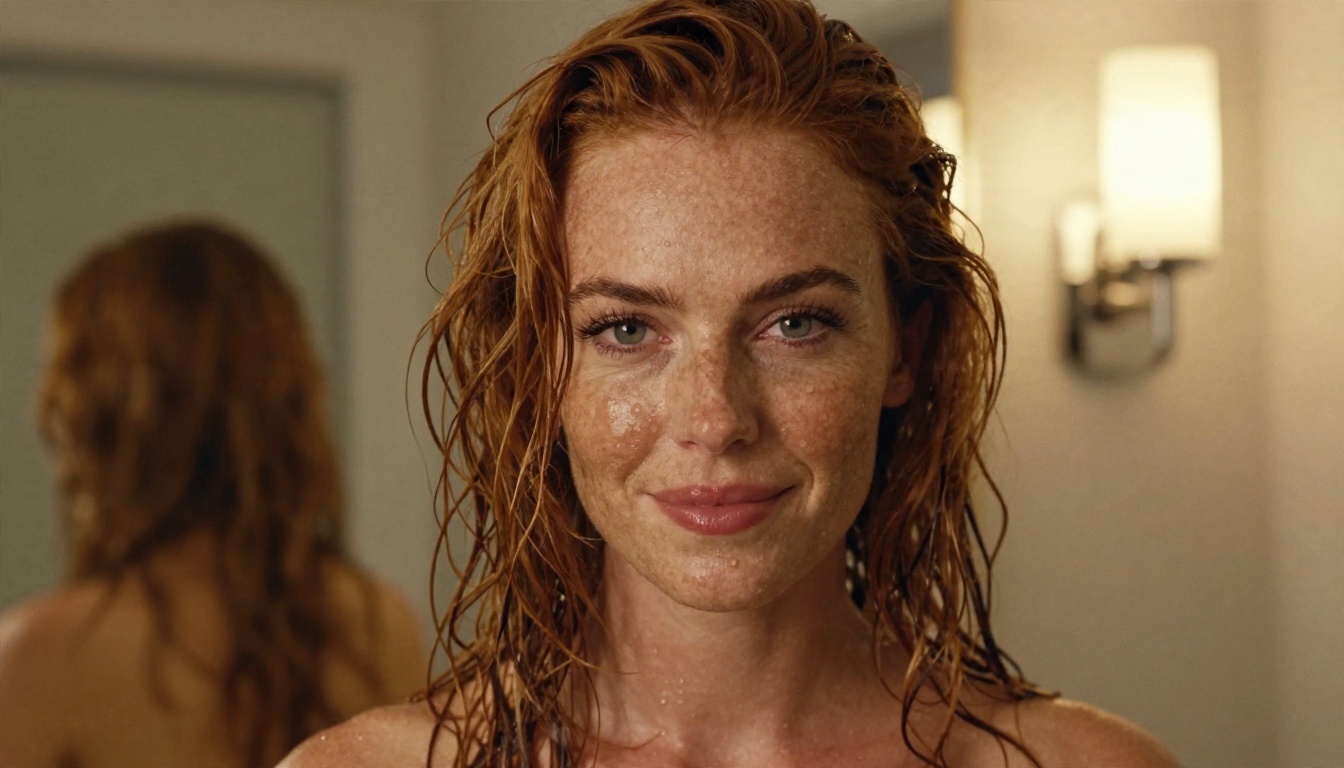
Add phrases like "visible skin pores," "peach fuzz catching light," "fabric creases," "water droplets on collarbone" and "slight film grain." These push the model away from the waxy, airbrushed finish that gives AI images away.
Camera Angle Cheat Sheet
| Angle | Prompt phrase | Mood it creates |
|---|
| Low angle | "shot from below, looking up" | Confident, powerful |
| Overhead | "three quarter overhead view" | Intimate, editorial |
| Eye level close up | "85mm portrait, eyes in focus" | Personal, direct |
| Wide aerial | "drone style shot from above" | Scenic, relaxed |
| Over the shoulder | "glancing back over her shoulder" | Playful, candid |
Silhouettes and Sheer Fabric
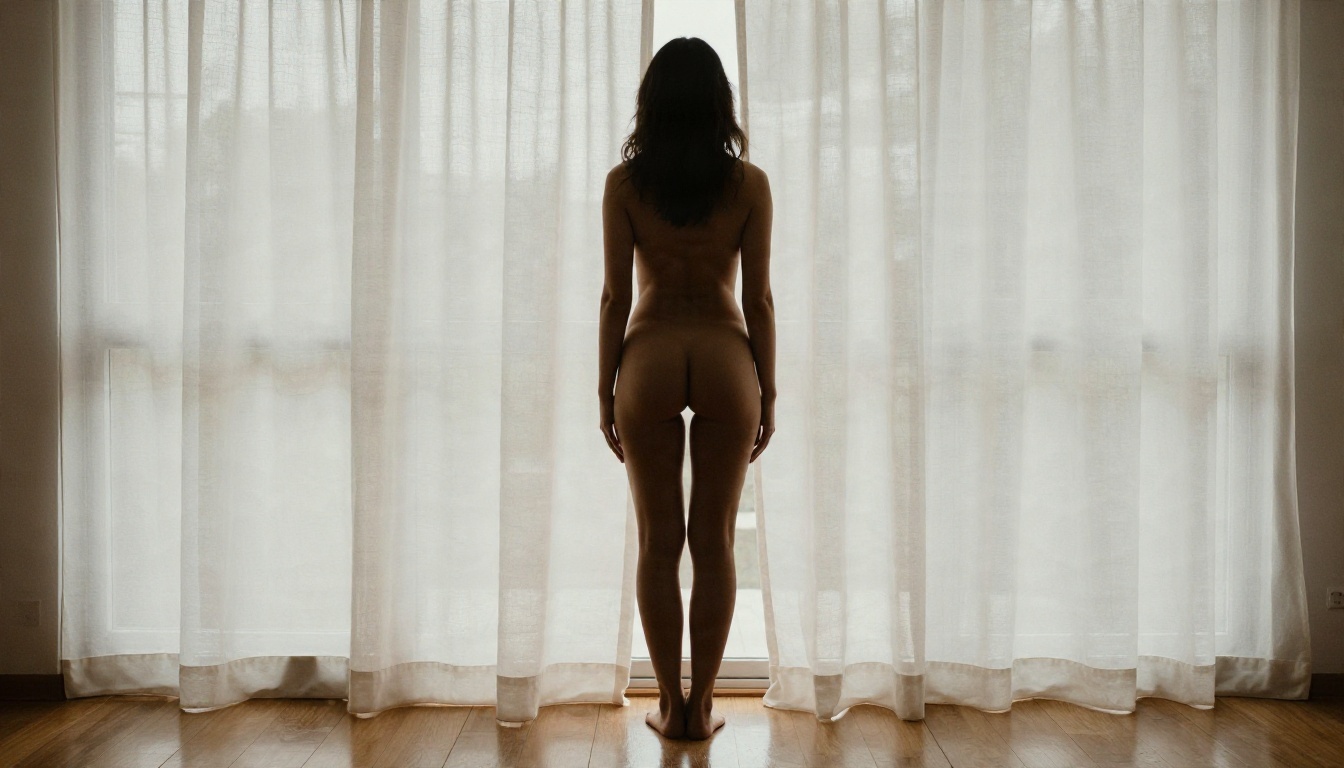
Silhouettes are one of the smartest tricks for tasteful adult art. A subject standing behind a sheer white curtain, backlit by a big window, shows an outline and nothing more. It looks artistic, it passes moderation far more often, and it often looks better than anything literal.
Fabric as a Storytelling Tool
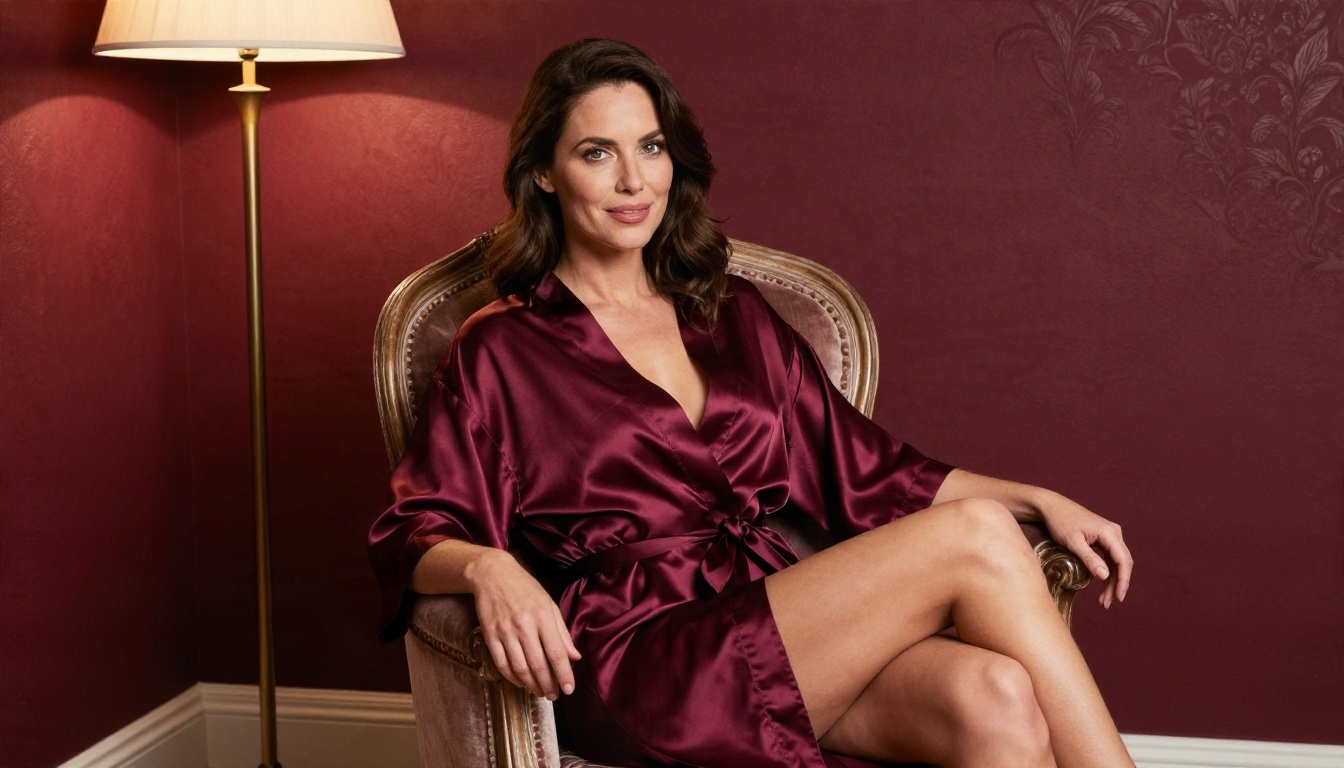
Satin, linen, silk and velvet each carry a different feel. Satin catches highlights and feels glamorous. Linen is soft and morning-like. Velvet is moody and dim. Name the fabric and the lighting together, such as "burgundy satin robe, warm lamp from the left," and the model builds the scene around it.
Swimwear and Beach Scenes
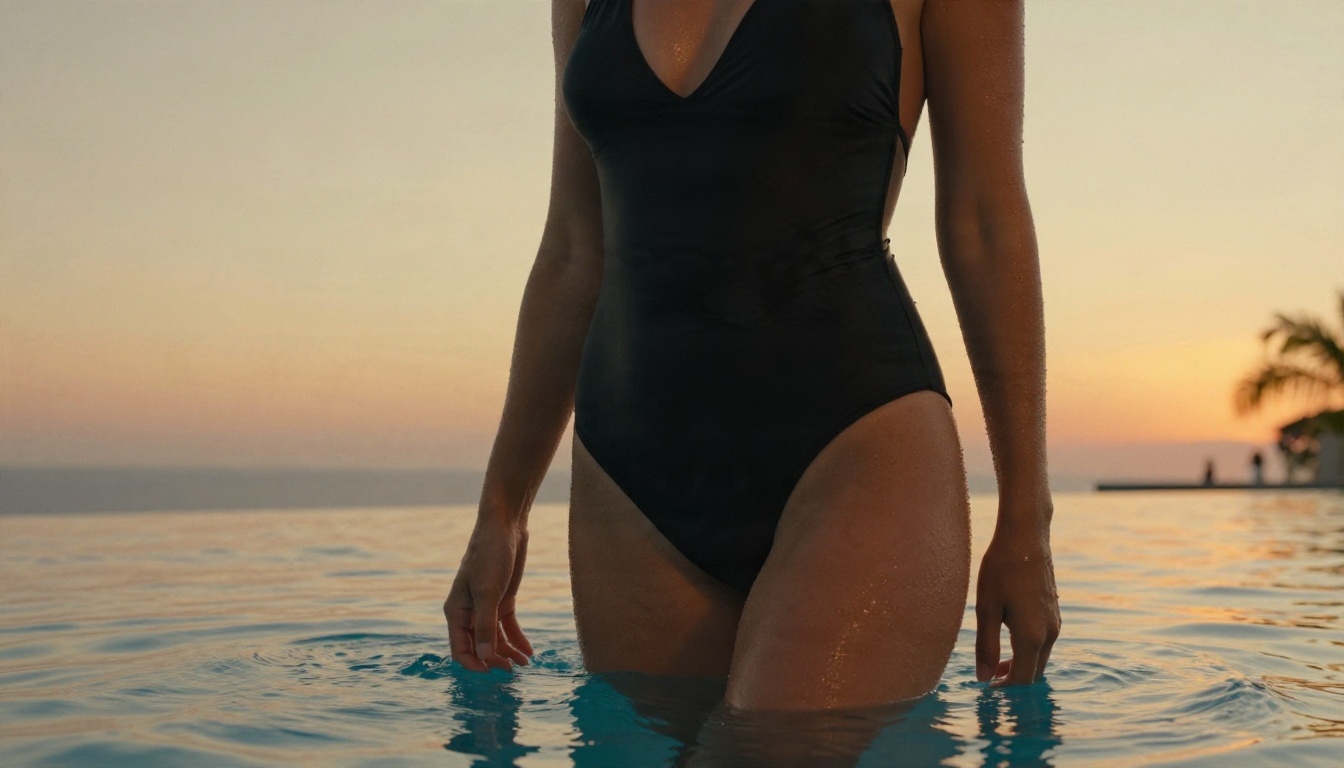
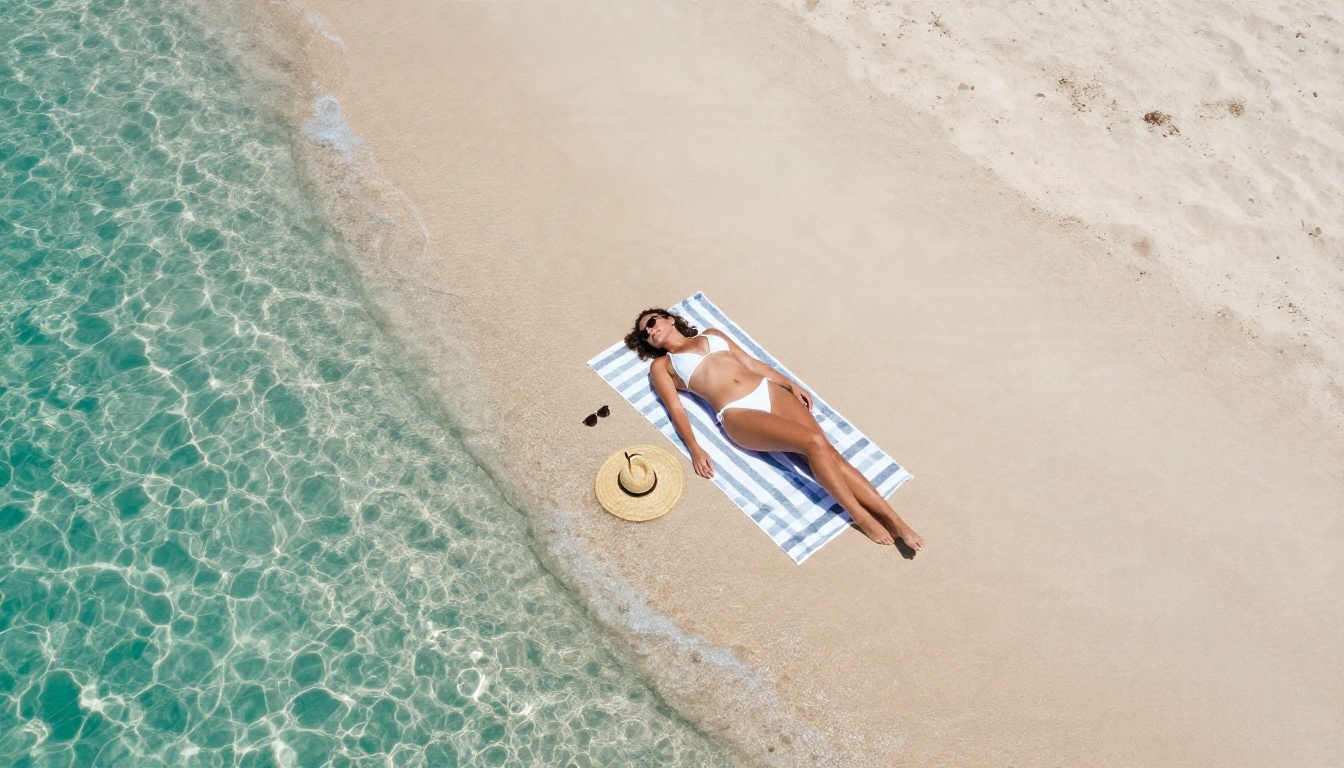
Swimwear is the easiest entry point. Bright daylight, real sand, turquoise water and a simple pose give the model plenty of reference to draw from. Results are consistent and almost never blocked.
Free Limits to Expect
Free access always has a price somewhere. Here is where the cost usually hides.
| Limit | What it looks like | How to handle it |
|---|
| Daily image cap | "You have used all free credits" | Space out sessions or pick a tool with no cap |
| Resolution | 512 or 768 px outputs | Run a super resolution pass afterward |
| Watermarks | Logo across the corner | Choose a tool with clean output |
| Queue time | Waiting minutes per image | Use fast models such as Z Image Turbo |
| Prompt filters | Blocked or blurred results | Rephrase toward implied, artistic wording |
| Inconsistent faces | A different person every run | Reuse the same description and a fixed seed |
The Moderation Wall
Even good tools block some prompts. If an image fails, do not hammer the same words. Change the framing: swap a revealing outfit for a robe, add a sheet, or shift to a silhouette. When one of my own test prompts was rejected, a satin robe version of the same scene passed on the first try, and honestly looked more elegant.
Quality Versus Quantity
Ten mediocre images are worth less than two sharp ones. A single well-built prompt on a strong model beats a dozen rushed attempts on a weak one.
How to Use Seedream 4.5 on PicassoIA
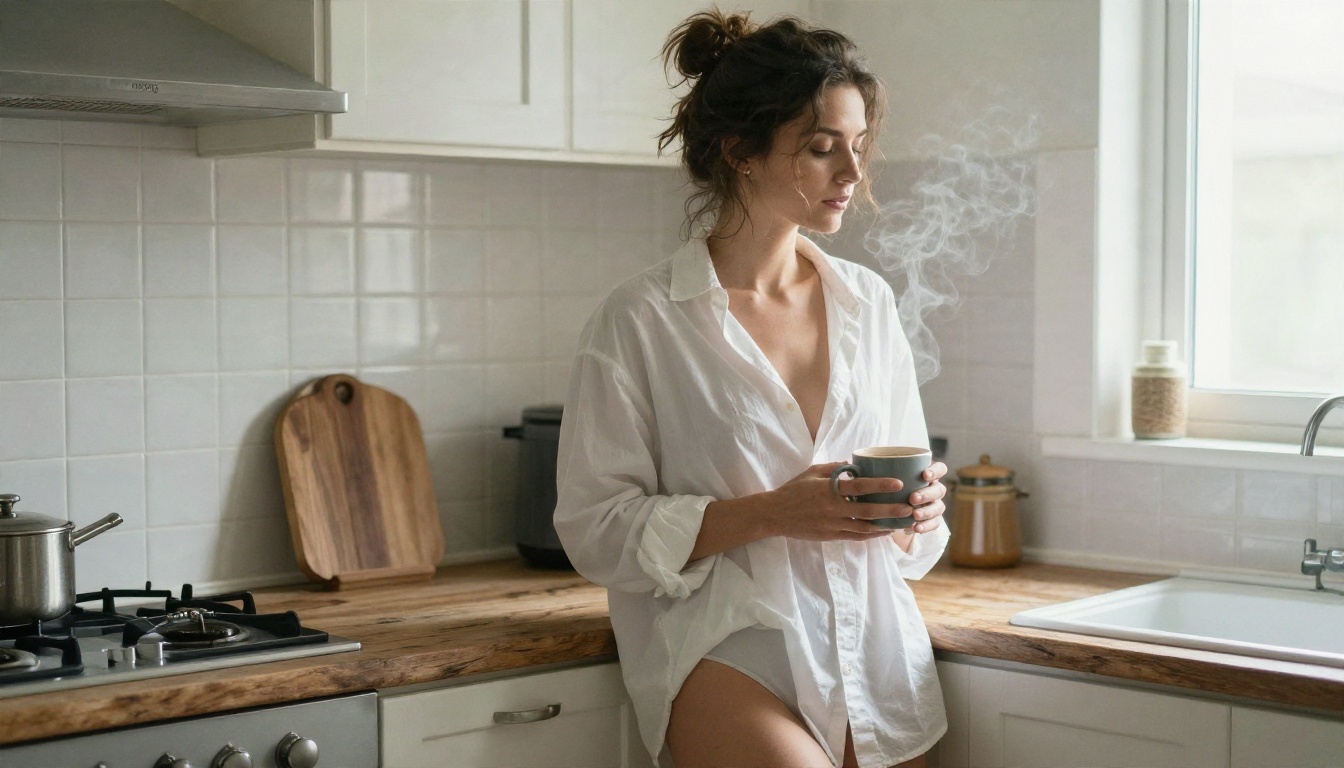
For adult aesthetics with photographic realism, Seedream 4.5 is the model to start with. It handles skin, fabric and light with a level of detail that most free generators cannot match, and it follows long, structured prompts closely.
Step by Step
- Open the Seedream 4.5 page on PicassoIA.
- Paste a prompt built with the five part formula above.
- Set the aspect ratio. 16:9 works well for scenic and editorial shots, 3:4 for portraits.
- Pick the highest resolution available for the final render.
- Generate, review, then adjust one element at a time (light, pose or lens) rather than rewriting everything.
Parameter Tips
- Keep prompts between 60 and 120 words. Shorter ones get generic results, longer ones get ignored in the middle.
- Put the subject first, lighting second. Seedream 4.5 weighs early words more heavily.
- Name the film look. Phrases like "Kodak Portra 400, subtle grain" push it toward analog warmth.
- Avoid contradictions. "Bright midday sun" and "dim moody lamp" in the same prompt confuse the output.
💡 Sample prompt: "Adult woman seated sideways on a rumpled white linen bed, wrapped in a cream sheet, bare shoulders, soft golden window light from the left, whitewashed brick wall, 85mm f/1.8, shallow depth of field, natural skin pores, subtle film grain, Kodak Portra 400."
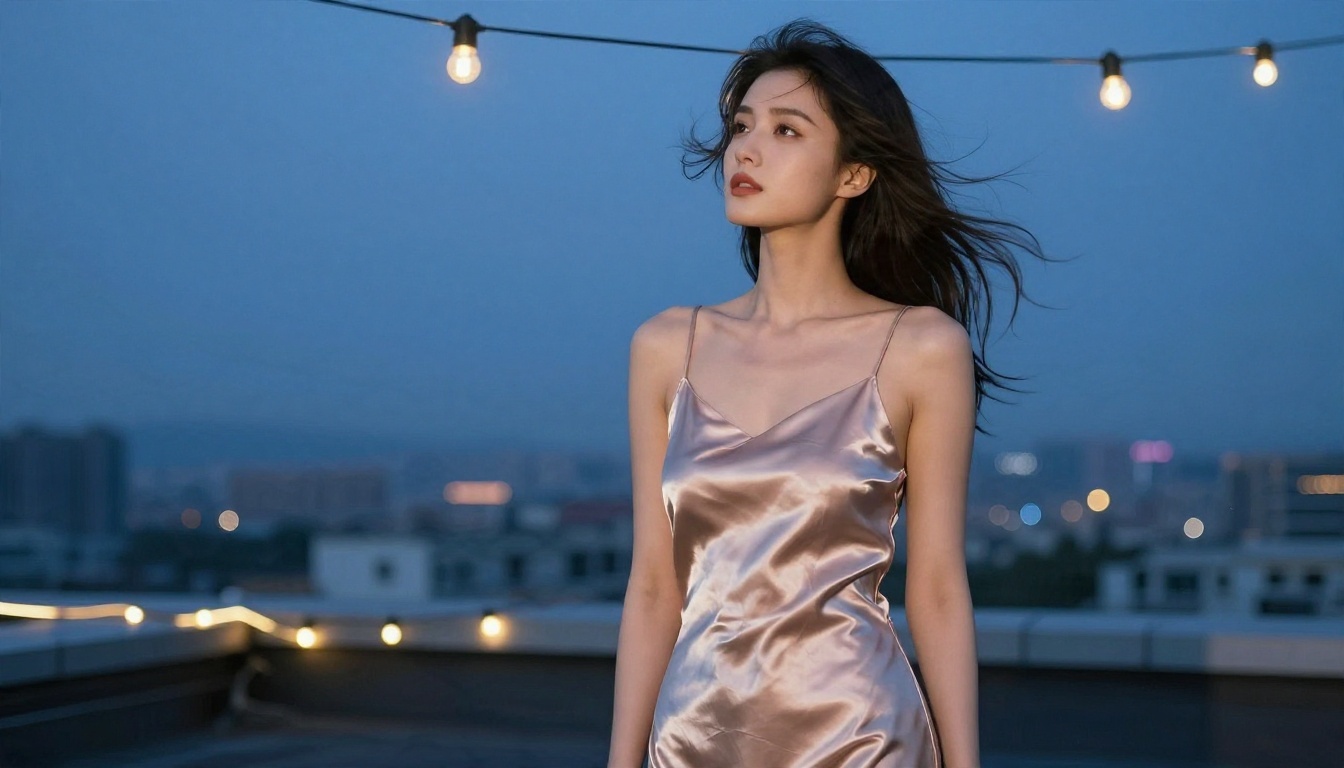
Image Editor Pro for Unlimited Edits
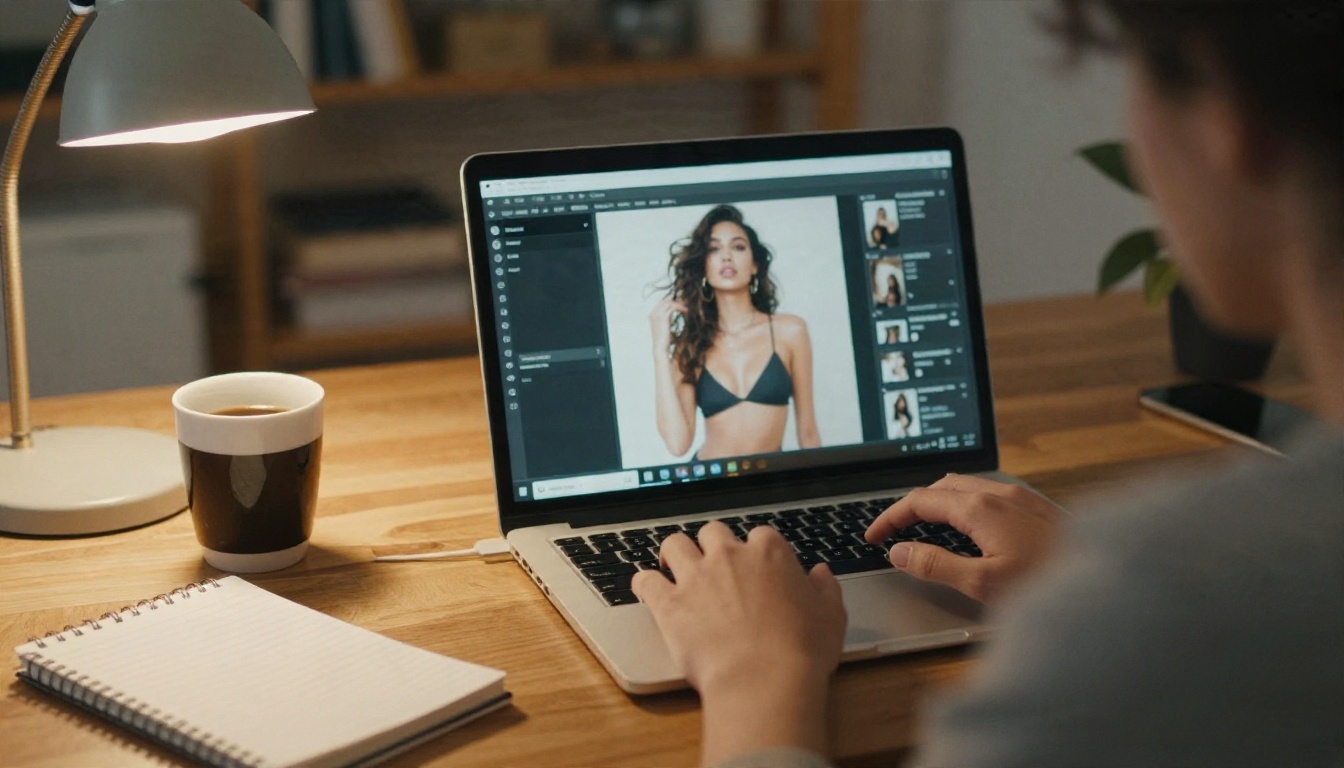
Once you have a base image, the real finishing work starts. PicassoIA Image Editor Pro is built for exactly that, and it offers unlimited generations, which matters when you are iterating on light, outfit or background.
What It Is Good At
- Outfit and fabric changes: swap a robe for a slip dress without rebuilding the scene.
- Background swaps: move the same subject from a bedroom to a rooftop.
- Cleanup: fix small artifacts in hands, hair edges or fabric folds.
- Style matching: keep a consistent look across a set of images.
A Simple Workflow
- Generate a base image in Seedream 4.5.
- Open it in Image Editor Pro.
- Describe one change at a time, such as "change the robe to cream silk."
- Repeat until it looks right, then upscale if needed.
Because there is no counter ticking down, you can afford to experiment, and that is where the best images come from.
Other Models Worth Trying
No single model wins every scene. These are good second options, each with its own strength.
When to Switch
- If skin looks too smooth, try Flux Dev for a more natural finish.
- If you want a quick draft of ten variations, run them on Z Image Turbo, then polish the best one elsewhere.
- If you need to edit an existing picture, Nano Banana Pro handles targeted changes well.
You can browse the entire catalog of image models at picassoia.com/en/all-models.
Common Mistakes to Avoid
Most failed attempts come from the same handful of errors.
Writing Vague Prompts
"Sexy woman on a bed" gives you a generic, plastic result. A prompt without light, lens and texture leaves every choice to the model, and the model picks the most average option.
Ignoring the Background
A beautiful subject in a messy, unclear room looks cheap. Name the room, the materials and one or two props, such as a ceramic cup or a woven rug.
Chasing Explicit Output
Pushing a model toward explicit content usually produces warped anatomy, blocked requests and wasted time. The tasteful, implied route gives better images with far less friction.
Trusting Any Site With Personal Uploads
If a "no login" site asks you to upload a photo of a real person, close the tab. Beyond the consent issue, you have no idea where that image ends up.
Skipping the Resolution Step
A good image at 768 pixels still looks soft on a modern screen. Run a final upscale pass before sharing or printing.
Make Your Own Images Today
You now have the prompt formula, the limits to watch for and the models that handle adult glamour work with photographic realism. The fastest way to see the difference is to try it: open Seedream 4.5, paste the sample prompt above, then refine the result in PicassoIA Image Editor Pro with as many iterations as you like.
Change one detail per run: the light, the fabric, the lens. In an hour you will have a personal set of tasteful, photoreal images and a feel for what works. When you want to try other engines, the full lineup is waiting at picassoia.com/en/all-models.


