Type "nude image app" into a search bar and you get a messy mix of results. Some are generators that create glamour, boudoir and fine art portraits of fictional adults. Others are "undress" tools that edit photos of real people, and those are the ones making headlines, drawing lawsuits and getting pulled from app stores. The difference matters, because it decides whether an app is a creative tool or a liability.
This article sorts through the options in plain language. You'll see what free apps actually deliver, which online tools run in a browser, how pricing is built, what the rules look like in 2027, and how to produce tasteful, suggestive, non-explicit images of adult characters with models that don't flinch at mature themes.
💡 Quick answer: If you want attractive adult-style imagery without risk, skip the photo-editing "undress" apps entirely. Use a text-to-image model that generates original people from a prompt. You keep control, nobody's privacy is violated, and the quality is far better.
What a Nude Image App Really Is
The phrase covers three very different product types, and mixing them up is the most common mistake people make when comparing tools.
Three Types of Apps
| Type | What it does | Risk level | Worth using? |
|---|
| Text-to-image generators | Create new, fictional people from a written prompt | Low | Yes |
| Photo editors with mature modes | Change outfits, poses and lighting on images you own | Medium | Yes, with your own photos |
| "Undress" or nudify apps | Alter a real person's photo to remove clothing | Very high | No |
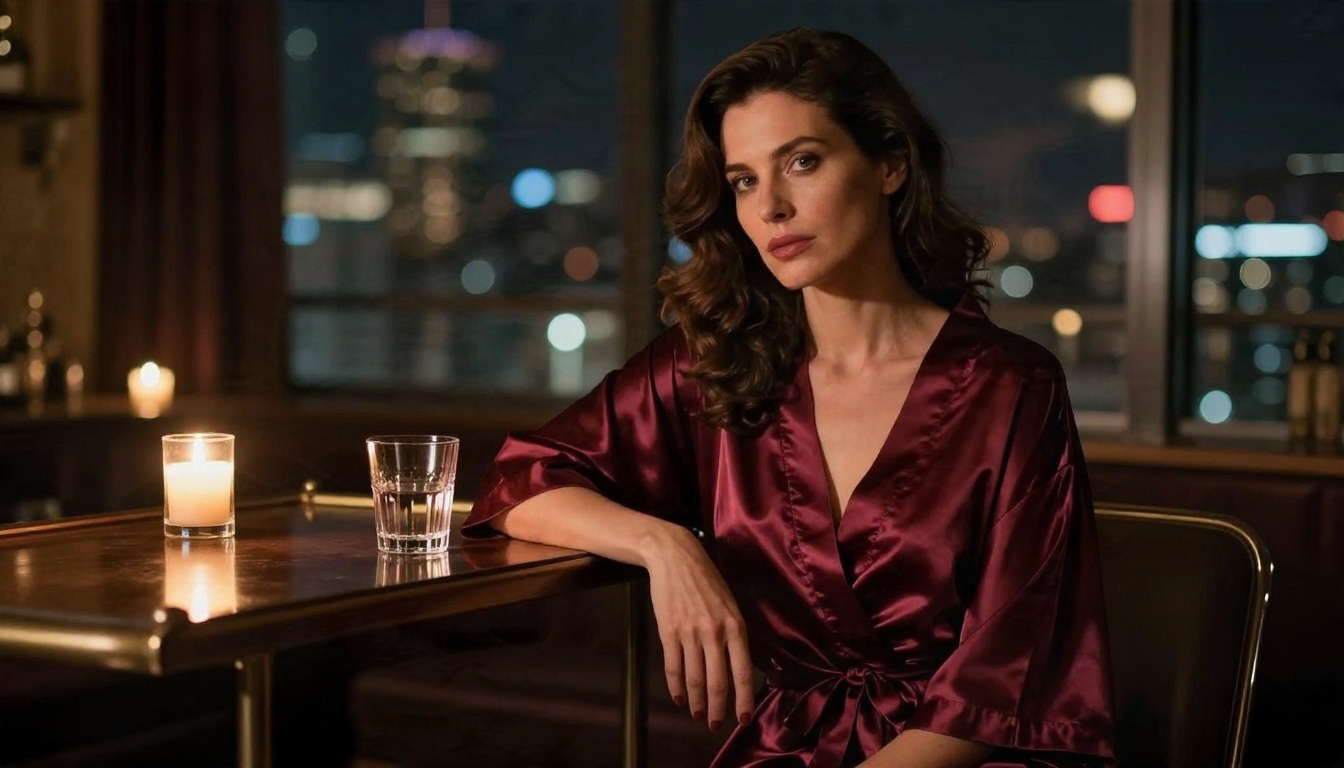
The first group is where all the creative value lives. A generator doesn't need anyone's photo. You describe a scene, say a woman in a silk robe by a sunlit window, and the model builds it pixel by pixel. The output is a fictional adult, which sidesteps the consent problem entirely.
The second group is fine when the photo is yours, or of someone who has clearly agreed. The third group is the one to avoid, and the reasons go well beyond ethics, as you'll see in the legal section below.
Why Search Interest Keeps Growing
Image models got sharp, fast. Skin texture, fabric folds and lighting now look like real photography, so more people want to try mature or glamour content for creative projects: boudoir portfolios, character art for stories, fashion concepts, mood boards and adult-oriented content for platforms that allow it. At the same time, mainstream apps keep tightening their filters, which pushes users toward whatever promises "no restrictions." That gap is exactly where scammy and risky apps thrive.
Free AI Apps: What You Actually Get
"Free" is the most abused word in this category. Almost every app that advertises a free nude image generator follows the same script: a small taste of the product, then a wall.
How Free Tiers Work
Most free plans use one or more of these limits:
- Credits: a handful of generations per day or per week, then nothing until you pay.
- Blurred results: the image generates, but you see a blurred or low resolution preview until you subscribe.
- Watermarks: the file is clear but stamped, and removal is a paid feature.
- Queue delays: free users wait in line behind paying ones, sometimes for minutes.
- Resolution caps: small outputs that look soft when you zoom in.
Safety researchers who tested nudify-style apps in 2026 reported the blurred-preview trick in particular: the "locked" image sat behind a subscription, while the thumbnail shown in the app was visible anyway. That tells you a lot about how these products treat their users.
💡 Tip: A trustworthy free tier gives you a few clean, full resolution generations with no tricks. If an app needs your card before it shows you anything, close it.
Red Flags in Free Apps
Some warning signs show up again and again:
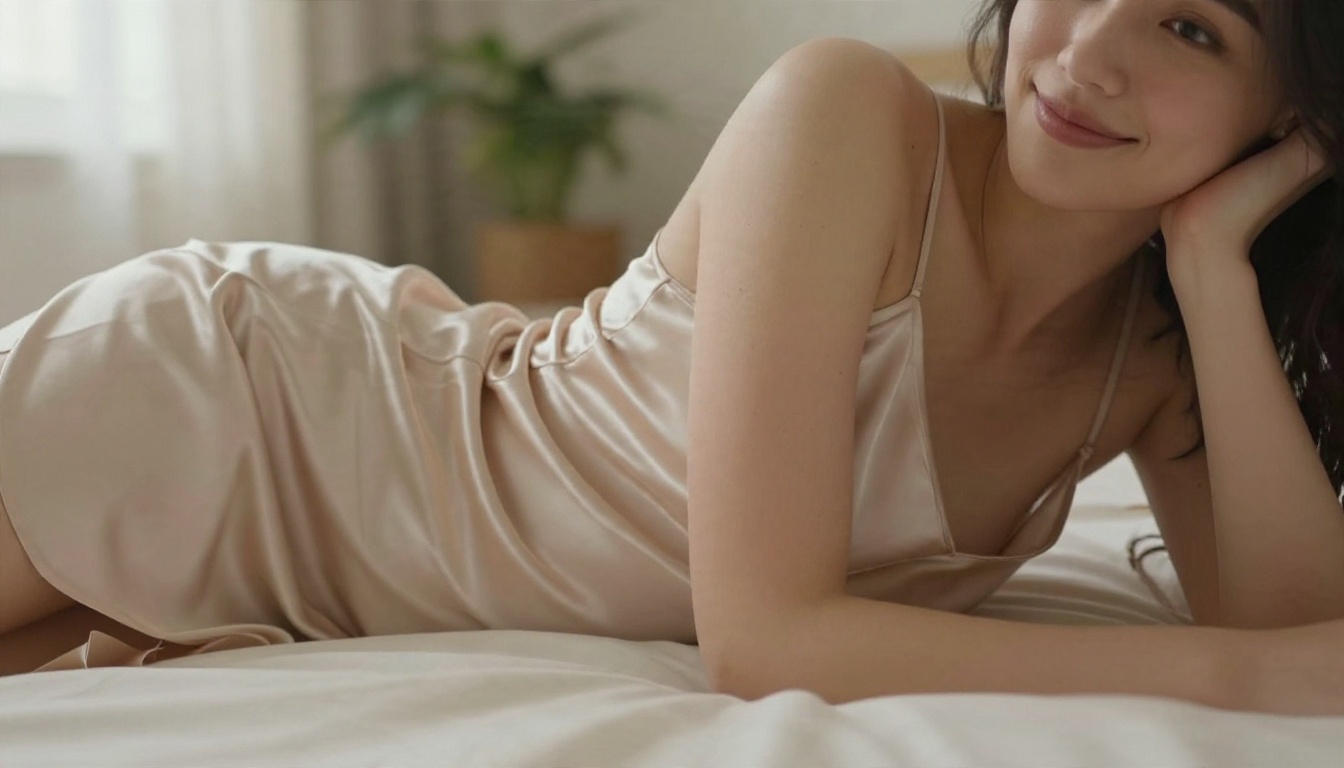
- Permissions that make no sense. A photo generator that wants your contacts, microphone and location is collecting more than it needs.
- No company name, address or support page. Anonymous operators are common in this niche.
- Subscription traps. Weekly auto-renewing plans with tiny cancellation links are standard. Charges often run weekly, not monthly, which makes the true cost much higher than the headline price.
- Upload-only workflows. If the only thing the app does is take a real person's photo and edit it, it's an undress app, whatever it calls itself.
- Fake reviews. Perfect ratings with generic comments and no developer replies.
Online Options Without Installing Anything
You don't need an app at all. Browser-based tools skip the install, avoid the permission problem and usually deliver better image quality because they run bigger models on server hardware.
Browser Generators
A browser generator gives you a prompt box, a few settings and a gallery. You type what you want, pick an aspect ratio, and get results in seconds. The best ones let you choose between several models, so you can switch if one blocks your prompt or produces stiff results.
What to check before you pay for anything:
- Does it show clean full resolution output on the free plan?
- Can you pick the model yourself?
- Is there a clear policy about adult content and real people?
- Can you cancel in one click?
Photo Editors
Editors are useful when you already have a photo, ideally one of yourself, and want to change the outfit, background, lighting or mood. You paint over the area you want to change, describe the new result, and the model blends it in. This is inpainting, and it's much safer and more flexible than the one-click "undress" approach, because you stay in control of every change.
Good editors also handle outpainting (extending the canvas), object replacement, and restoration of noisy or damaged photos. For glamour work, that means you can fix a distracting background or relight a portrait without starting over.
The Real Cost of Pricing Plans
Pricing in this niche is rarely transparent. I couldn't find reliable, comparable price lists across apps, which is itself telling: plans change often, regional prices differ, and many apps hide the real number until after the trial. What you can compare reliably is the structure of the pricing.
Typical Pricing Models
| Model | How it works | Watch out for |
|---|
| Weekly subscription | Small charge every week, auto-renews | Adds up to far more than a monthly plan |
| Monthly subscription | One charge per month, usually with a generation cap | Caps hidden in fine print |
| Credit packs | Pay once for a fixed number of images | Credits that expire, failed images that still cost credits |
| Free trial to paid | Trial converts automatically | Cancellation buried in settings |
| Unlimited plan | Flat fee, no cap | "Unlimited" that slows down after heavy use |
Hidden Costs to Spot
The headline price isn't the only cost. Look for these:
- Failed generations that burn credits. If the model blocks a prompt or returns a broken image, you shouldn't pay for it.
- Upsells for resolution. HD or 4K behind a second paywall.
- Privacy cost. Free apps that run on ads and data collection are paid for with your information. In this niche, that data is sensitive.
- Account risk. Apps can disappear or get removed from stores, taking your credits and gallery with them. Several nudify apps were pulled or challenged in 2026.
💡 Rule of thumb: Pick the plan where the cost per usable image is lowest, not the plan with the biggest discount banner.
Consent Rules and Legal Risks
Nothing in this article works without this section. The legal ground around nudify tools shifted a lot in 2026, and it keeps moving.
Why Undress Apps Are Under Fire
Regulators and cities moved on these apps during 2026. In Europe, lawmakers reached a political agreement in May to explicitly ban nudification apps, framing them as a clear red line, though details of how the rules apply are still being worked out. In the United States, San Francisco's city attorney sent demands to Apple and Google over apps that create non-consensual nude images, and Apple has since said these apps break its App Review rules and tightened its policy wording. In the UK, AI-made intimate images of real people can fall under intimate-image abuse laws.
The harm is real. Non-consensual fake nudes are used for harassment, blackmail and humiliation, and victims are often private individuals, including teenagers. That's why platforms and lawmakers treat the category so harshly.
Rules for Safe Use
Follow these without exception:
- Adults only. Never generate anything involving minors or characters who look like minors. No exceptions, ever.
- No real people without consent. Don't upload or imitate a real person's face or body for mature content. Celebrities, coworkers, exes and classmates are all off limits.
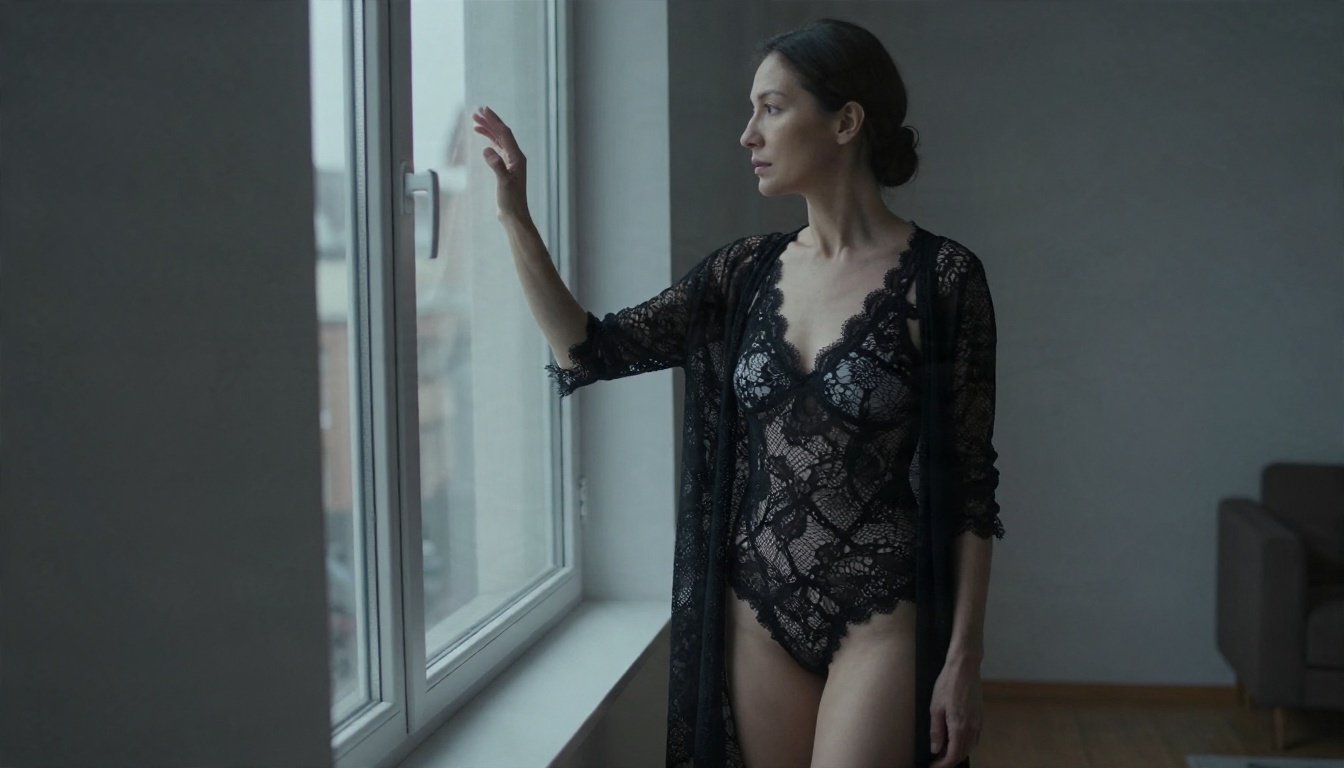
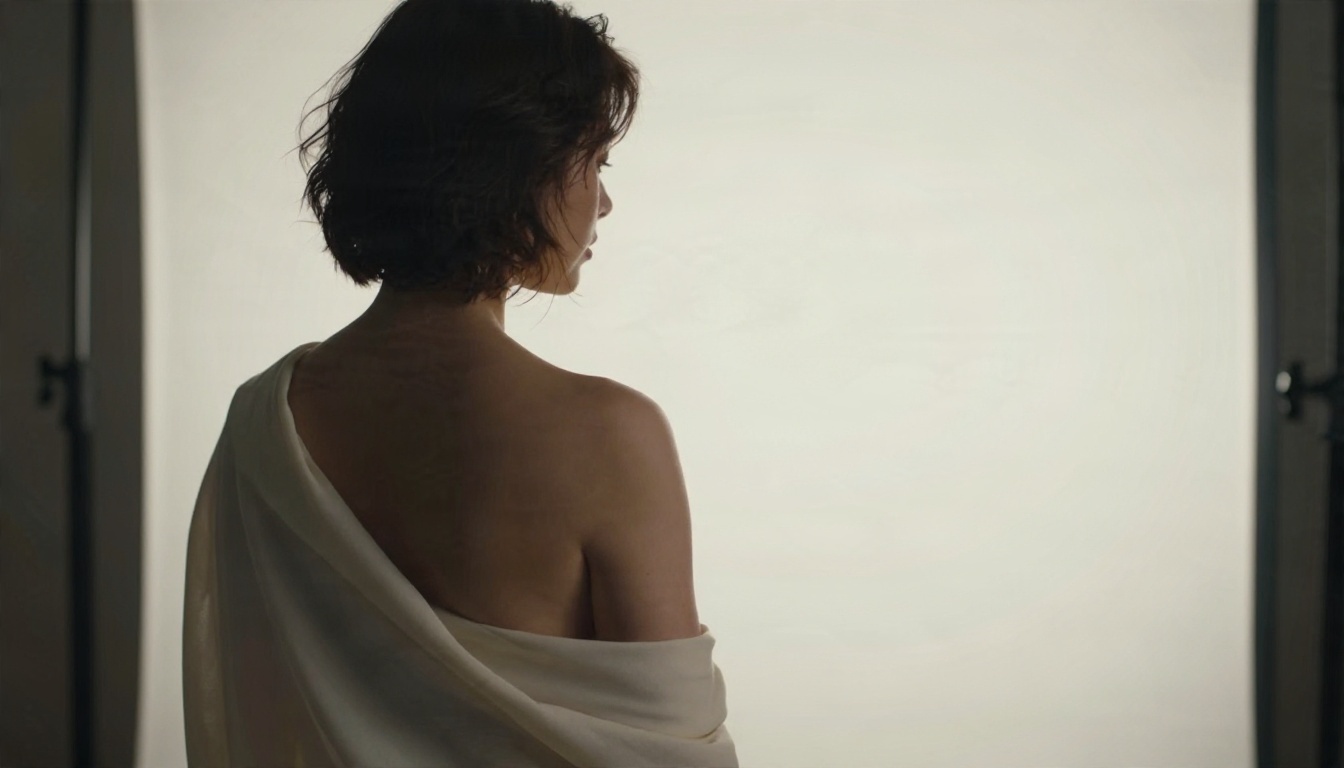
- Keep it non-explicit. Suggestive, glamour and artistic work (swimwear, lingerie, silk robes, fine art silhouettes) is a strong, shareable style that most platforms accept.
- Check where you publish. Each platform has its own adult-content policy. Read it before you post.
- Use fictional subjects. A prompt-based generator that invents the person removes the consent issue at the source.
Best Models for Tasteful Adult Images
If you want glamour, boudoir or fine art imagery, model choice matters more than the app wrapper. Several models on PicassoIA handle mature themes without the constant refusals you'll hit elsewhere. Here they are in the order I'd try them.
Seedream 4.5 First
Seedream 4.5 is the first model to try for this kind of work. It produces sharp, photographic skin, believable fabric and natural light, and it follows detailed prompts closely, so a description of a silk robe, window light and a particular lens comes out looking like what you wrote. It also outputs high resolution images, which matters when you want to print or crop.
Why it works well for glamour portraits:
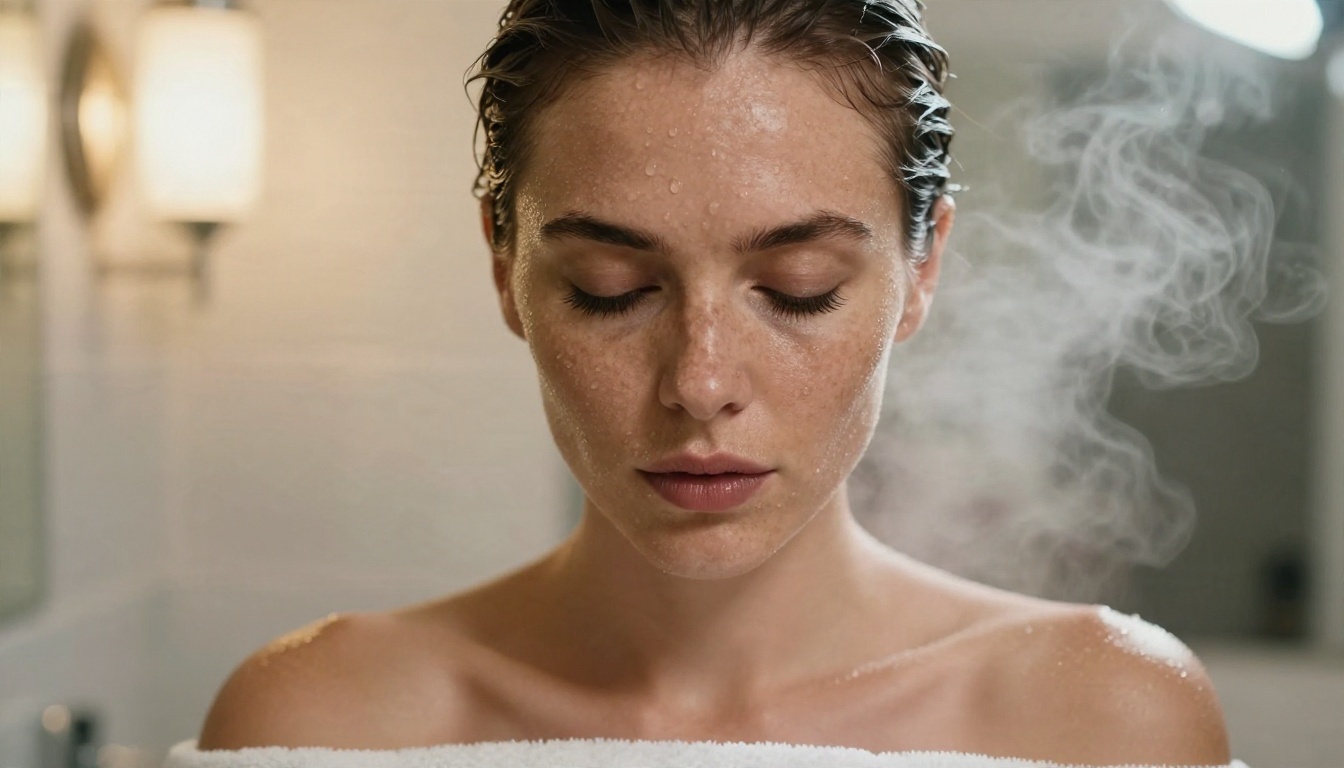
- Realistic skin texture with pores, freckles and soft highlights.
- Strong prompt following for outfits, poses and settings.
- Clean lighting that looks like a real studio or window setup.
- Fast generation, so you can run many variations in minutes.
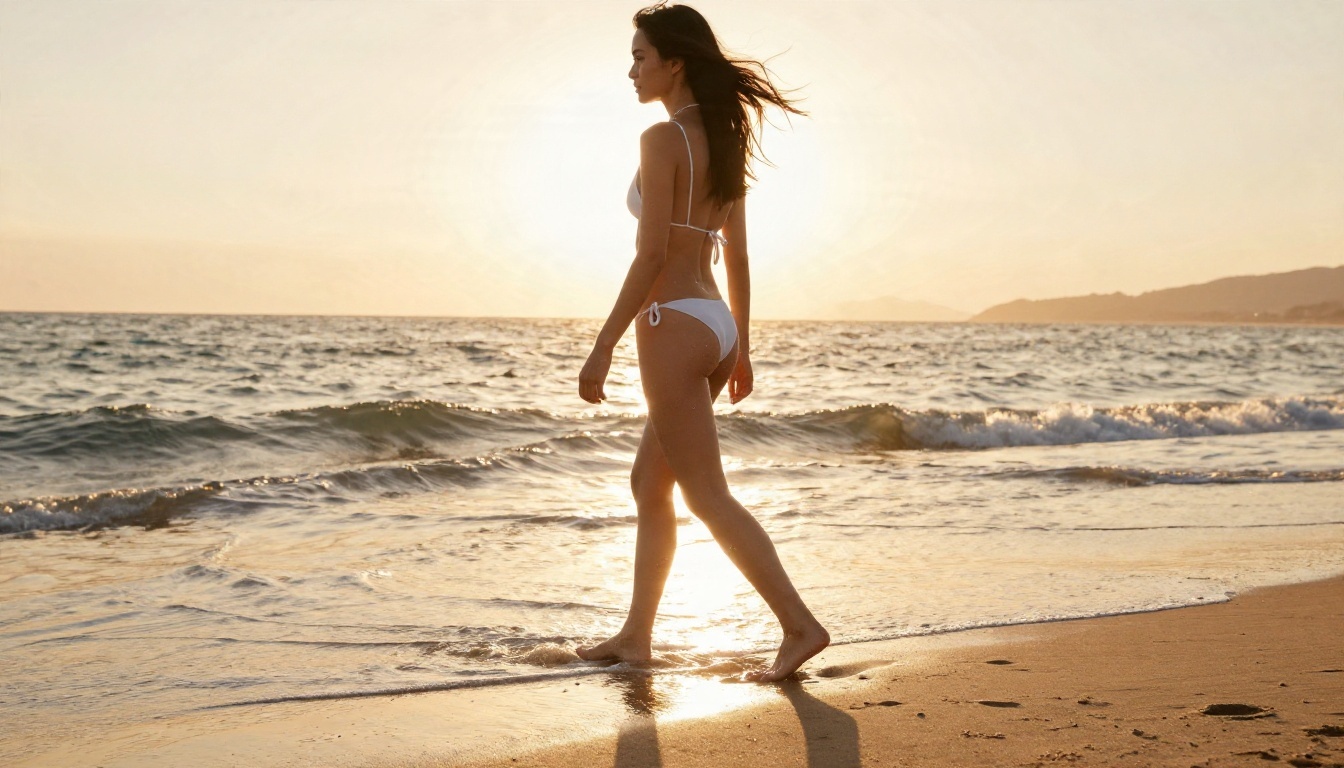
Image Editor Pro and Others
PicassoIA Image Editor Pro is the one to pick when you need to edit an image rather than generate from scratch, and it offers unlimited generations, which removes the credit anxiety that plagues most free apps. Use it to change outfits, adjust lighting, swap backgrounds or refine a result from another model. It's also uncensored for non-explicit adult themes, so you won't hit constant blocks on swimwear or boudoir prompts.
Two more models worth keeping in your rotation:
- Z Image Turbo is built for speed. Use it when you want to test ten prompt ideas quickly and keep the best.
- Flux 2 Pro gives you excellent realism and works from text or reference photos, so it suits more polished editorial looks.
💡 You can browse every available model at picassoia.com/en/all-models and switch between them in seconds if one doesn't give you the look you want.
How to Create Glamour Images Step by Step
Here's a simple workflow using Seedream 4.5. The same steps carry over to the other models above.
Write the Prompt
A strong prompt has five parts, in this order:
- Subject and pose: "an adult woman in her late twenties sitting on the edge of a linen bed, relaxed half smile."
- Outfit: "ivory silk dressing gown over a cream camisole." Name the fabric, because textures sell realism.
- Setting: "bright loft bedroom, tall arched windows, sheer curtains, whitewashed brick."
- Light: "soft golden morning light from the left, gentle shadows."
- Camera: "85mm f/1.8 lens, shallow depth of field, Kodak Portra 400 film grain."
Add the word adult to your subject every time. It keeps the output clearly in the right category.
Pick the Right Settings
- Aspect ratio: 16:9 for wide editorial shots, 3:4 or 2:3 for portraits, 1:1 for social feeds.
- Resolution: go as high as the model allows, since you can always shrink later but can't add detail.
- Seed: once you like a result, keep the seed and change one word at a time to see exactly what each word does.
- Batch size: generate several variations per prompt. Even good prompts produce a few weak images.
Refine With Edits
Once you have a strong base image, open it in PicassoIA Image Editor Pro and polish it:
- Change a distracting background or fix a stray object.
- Warm up or cool down the lighting.
- Swap an outfit color without regenerating the whole scene.
- Fix small flaws such as hands, hair edges or fabric folds.
If a result looks soft, run it through a super resolution model to sharpen detail before you post or print.
💡 Prompt fix: If a model refuses or returns a blank result, don't push harder. Rewrite the prompt with more focus on outfit, mood and light and less on anything explicit. Suggestive photography almost always looks better when it hints rather than shows.
What Good Results Look Like
Strong glamour images share a few traits, and checking for them saves you from posting weak work.
- Skin looks like skin. You can see fine hair, pores and uneven tone. Plastic, airbrushed surfaces are the clearest sign of a weak model or a bad prompt.
- Light has a direction. Shadows fall one way, highlights sit where they should, and there's depth in the dark areas.
- Fabric behaves. Silk wrinkles, lace has holes, linen creases. If a robe looks painted on, regenerate.
- Hands are right. Count the fingers. It still catches people out.
- The scene makes sense. Furniture, windows and props sit naturally, with no melted objects in the background.

A quick comparison of approaches shows why prompt-based generation wins for most creators:
| Factor | "Undress" apps | Prompt-based generators |
|---|
| Needs a real person's photo | Yes | No |
| Consent risk | Severe | None, fictional subjects |
| App store and legal trouble | Frequent | Rare |
| Image quality | Often smeared and inconsistent | Sharp and controllable |
| Creative range | Narrow, one trick | Unlimited scenes and styles |
| Privacy risk | High | Low |
Start Creating Your Own Images
The best nude image app isn't an app at all. It's a good model, a clear prompt and a clear set of rules about who appears in your images. Fictional adults, suggestive but non-explicit styling, and a platform that doesn't hold your credits hostage will beat any free-trial trap on quality and peace of mind.
Open Seedream 4.5 on PicassoIA, paste in the five-part prompt from the workflow above, and generate a first batch. Then take your favorite into PicassoIA Image Editor Pro for unlimited edits, and try Z Image Turbo or Flux 2 Pro for different looks. The full lineup is waiting at picassoia.com/en/all-models, so pick a style, write a prompt and see what you can create today.