Type "nude video AI" into a search bar and you get a wall of sketchy sites, bold promises and pricing pages that hide the real number until checkout. Most people want something simple: an app that turns an idea into a stylish, sensual, adult-themed clip without a lecture, a watermark or a surprise bill. This article sorts the hype from the useful. You will see how the technology works, which tools are worth your time, what each pricing model really costs, and what tasteful results look like when the lighting, lens and pacing are done right.
One note before we start. Everything here is about fictional, consenting, adult subjects created from your own prompts, and about non-explicit glamour: swimwear, silk, implied artistic nudity, editorial mood. Tools that "undress" photos of real people are a different thing entirely, and we say plainly why you should stay away from them in the safety section.
💡 Quick answer: For adult-themed glamour, start with Seedream 4.5 for the still image, polish it in PicassoIA Image Editor Pro, then animate the result with a video model. That image-first workflow gives you more control than any one-click "nude video" app.
What Nude Video AI Really Means
The search intent behind the term
When people search this phrase, they usually fall into one of three groups. Some are curious creators who want to build sensual, boudoir-style content for a brand, a fictional character or a personal project. Some are comparing apps because they have been burned by paywalls. And some want a shortcut that, frankly, they should not take, namely altering photos of real people without permission.
The first two groups are well served by modern generators. The third group is the reason many platforms have strict filters, and the reason this article keeps its focus on original, fictional subjects.
What is realistic and what is not
AI video in 2027 is good, but it is not magic. A five to ten second clip can show believable hair movement, fabric drift, breathing, a head turn, soft camera motion and ambient sound. It cannot yet hold a consistent scene for minutes, and it still struggles with complicated hand interaction and fast body movement.
Here is what you can reliably expect:
- Smooth, slow motion: a robe settling, hair lifting in a breeze, a slow glance toward the camera.
- Convincing skin and fabric: pores, sheen, silk folds and linen texture hold up well at 720p and above.
- Short clips: most models cap out at roughly five to ten seconds per generation.
- Consistent mood: lighting stays coherent when the first frame is strong.
That last point matters most. The quality of your clip is mostly decided by the quality of your first frame.
How These Apps Actually Work
Nearly every "nude video AI" app is a thin interface on top of the same two steps. Knowing the steps lets you skip the markup and work directly with the models.
Step one: a strong still image
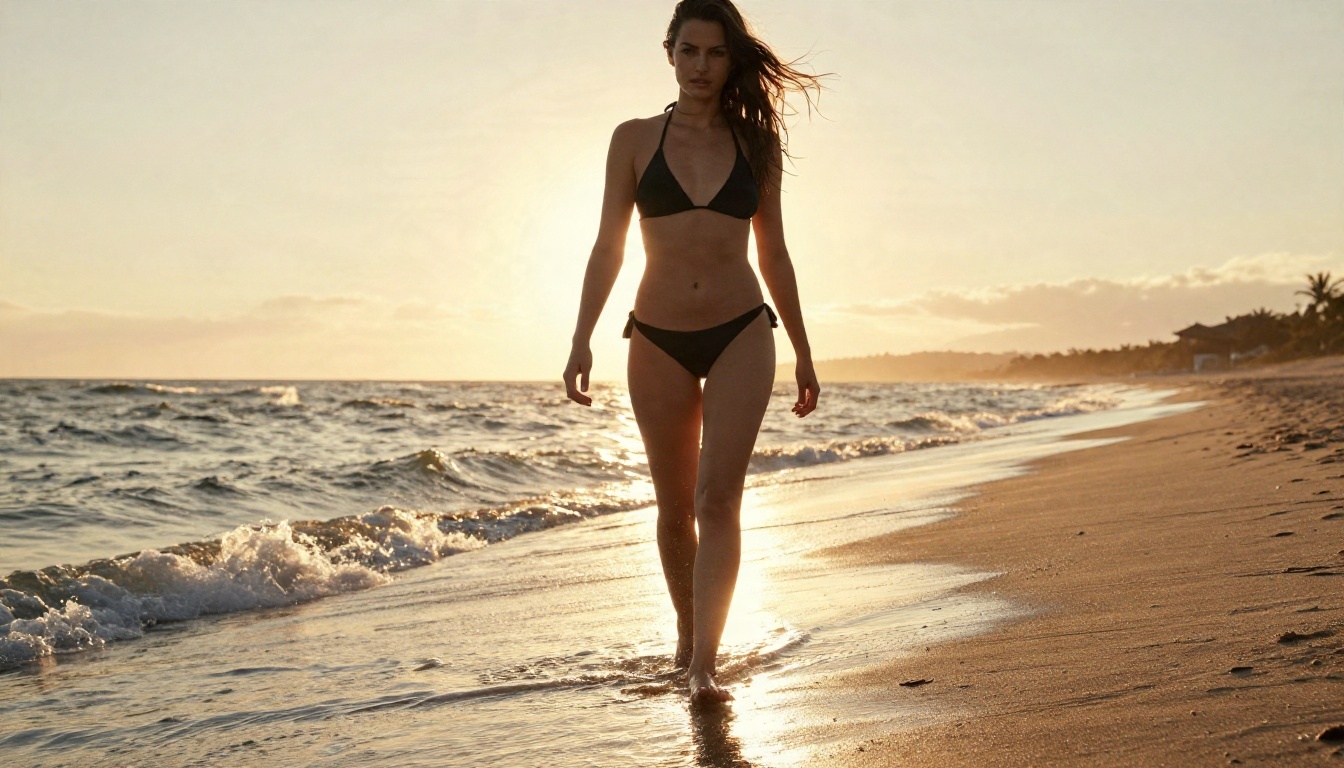
A text-to-image model builds the first frame. Prompt detail does the heavy lifting here: lens choice, light direction, skin texture, wardrobe and setting. A shot like the shoreline frame above comes from specifying a low angle, warm backlight and visible water droplets, not from a vague request for "a sexy beach photo."
Step two: image to video
An image-to-video model takes that still and animates it. You describe motion in plain language: "slow dolly in, hair lifts in the breeze, she glances over her shoulder." The model keeps the lighting and wardrobe from the still and adds movement. Some models also generate synchronized audio such as waves, room tone or soft music.
Why one-click apps disappoint
One-click apps skip your control over step one. They apply a default look, add a watermark, limit you to a handful of free tries and then push a subscription. Working in two stages costs a few extra minutes and gives you far better results.
Best Options for Adult-Themed Glamour
Not every model treats adult-oriented creative work the same way. Some block even a bikini portrait. Others are relaxed enough for sensual, editorial, implied-nude styling while staying non-explicit. Here is how the strongest options compare on PicassoIA.
| Tool | Best for | Output | Notes |
|---|
| Seedream 4.5 | Glamour, boudoir, swimwear stills | Up to 4K images | Lead choice for realistic skin and fabric |
| PicassoIA Image Editor Pro | Editing, restyling, unlimited tries | Edited images | Unlimited generations, no per-image anxiety |
| Seedream 4 | Fast 4K variations | Up to 4K images | Great for testing wardrobe and poses |
| Nano Banana Pro | Clean edits and detail | 4K images | Strong at following long prompts |
| Wan 3 | Cinematic motion | Video | Smooth camera movement |
| Hailuo 02 | Photo to video | 1080p video | Natural body and hair motion |
Seedream 4.5 first
Seedream 4.5 is where most of the work should begin. It handles skin texture, silk, wet hair and cinematic light with a level of realism that makes the later animation look better. It also gives you room for sensual, adult-oriented editorial styling that many mainstream generators refuse outright.
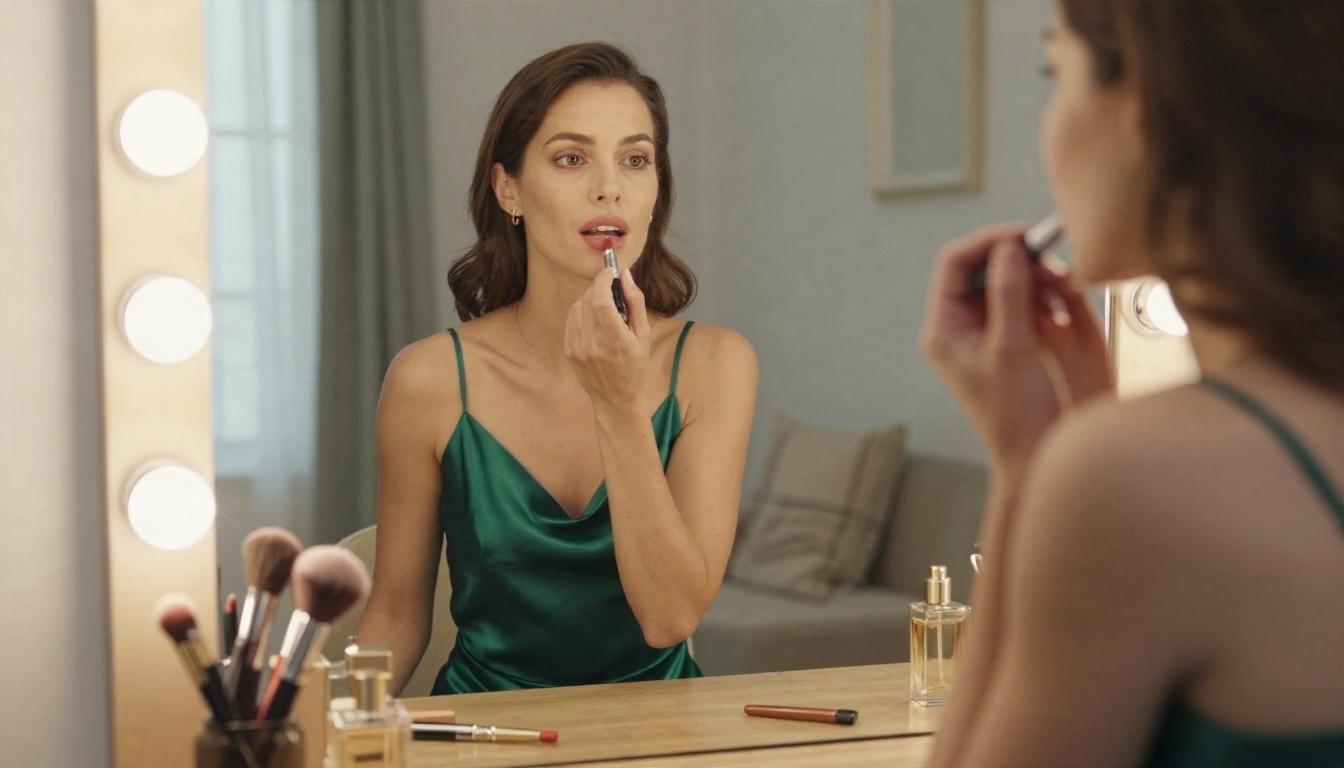
A frame like the vanity shot above is a good test of any model. It mixes warm bulb light and window daylight, includes a mirror reflection and has delicate fabric. Seedream 4.5 keeps all of those elements coherent.
PicassoIA Image Editor Pro second
PicassoIA Image Editor Pro is the tool you open after the first render. Change a wardrobe color, soften a background, relight a face, fix a hand. The big advantage is unlimited generations, so you can iterate twenty times without watching a credit counter. For anyone who has paid per attempt elsewhere, that changes how you work.
More models worth trying
Seedream 4 and Nano Banana Pro are useful second opinions. When a prompt gives you a near miss on one model, run it on the other. The differences in skin tone, light and pose handling can be surprising.
For motion, Wan 3, Hailuo 02, Kling v1.5 Pro, Veo 3.1 Fast and LTX 2.5 Fast are all worth testing. Be aware that video models usually apply stricter moderation than image models. Keep your clips suggestive and stylish: swimwear, robes, evening wear, implied rather than explicit.
💡 Tip: If a video model rejects your still, the problem is rarely the motion prompt. Adjust the wardrobe or framing in the image first, then try again.
Examples of Tasteful Results
Theory is easy. Here is what the output actually looks like when the prompt is specific. Every image in this article is non-explicit, photorealistic and built on the same formula: subject, setting, light direction, lens, texture.
Poolside and summer
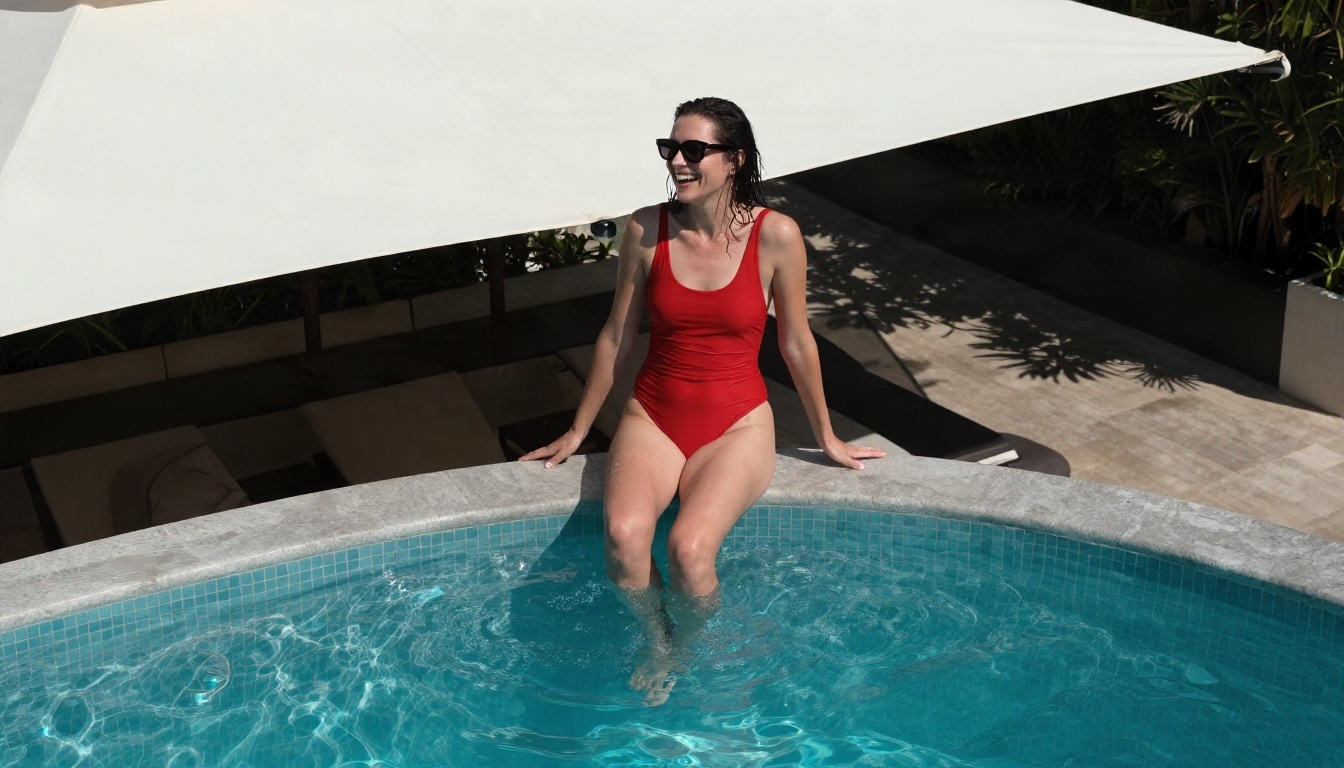
A high three-quarter angle, a red swimsuit and glittering water ripples give you an energetic, sunlit frame. This kind of still animates beautifully: the water moves, the hair shifts, the awning casts shifting shadow.
Soft and intimate
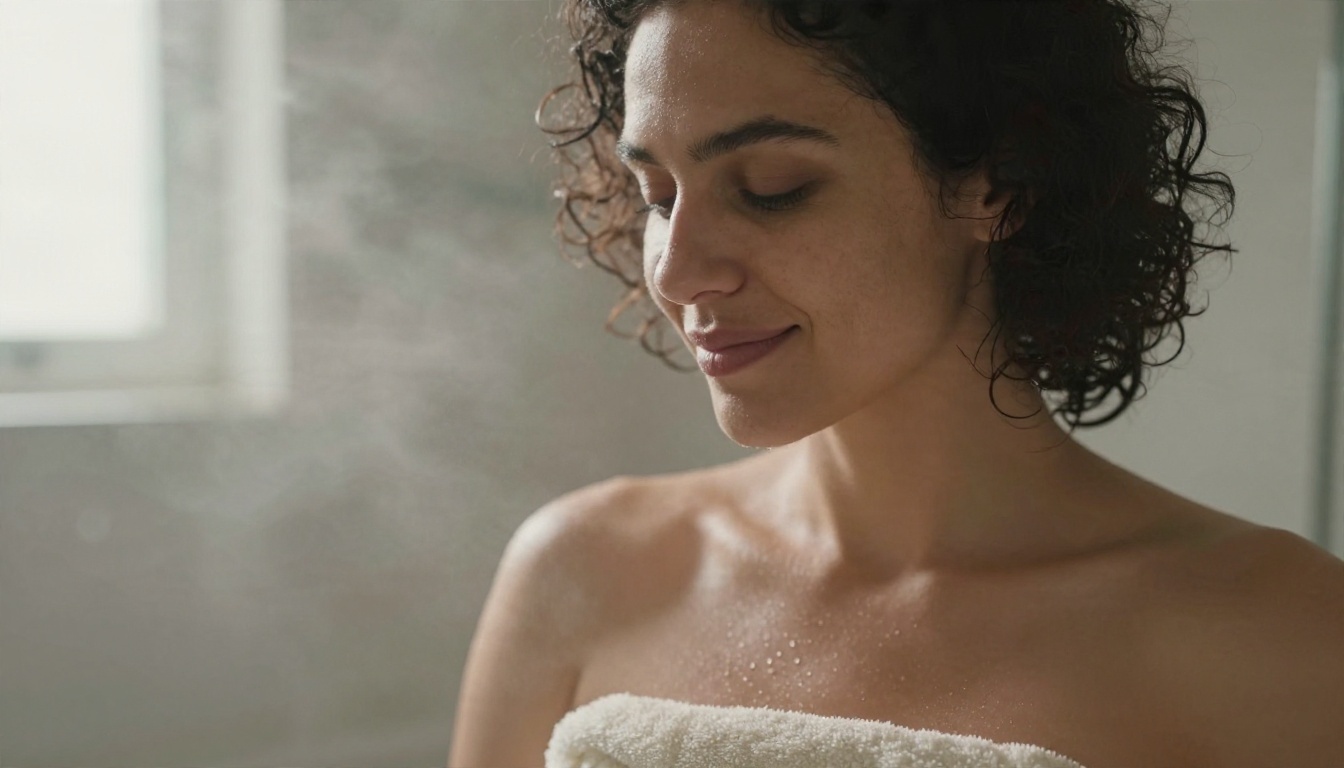
A tight portrait on a 105mm lens, warm side light and beads of water create intimacy without anything explicit. Steam is a gift for image-to-video: the model can add gentle drifting haze for free.
Moody and cinematic
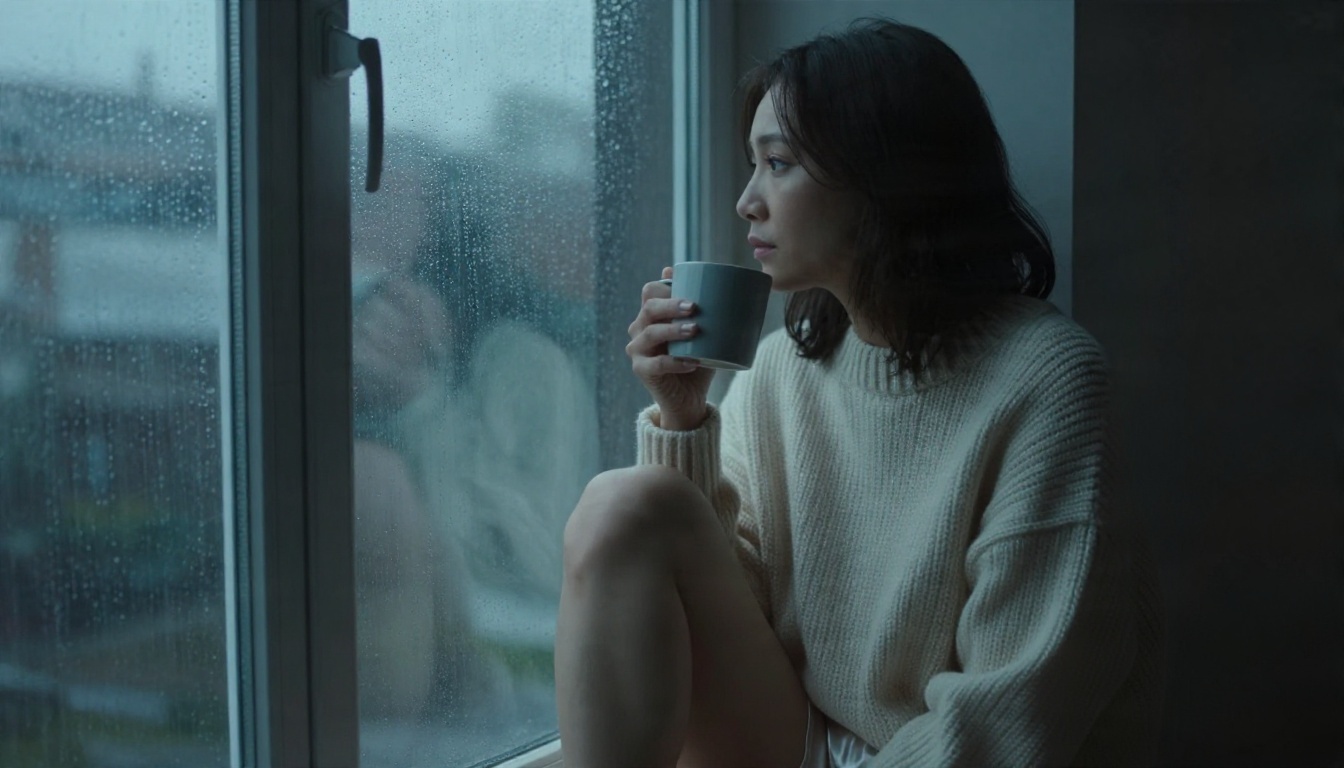
Cool window light, raindrops on glass and a thoughtful pose set a completely different tone from the pool. Contrast like this shows why a strong still beats a generic template: you choose the emotion.
Evening elegance
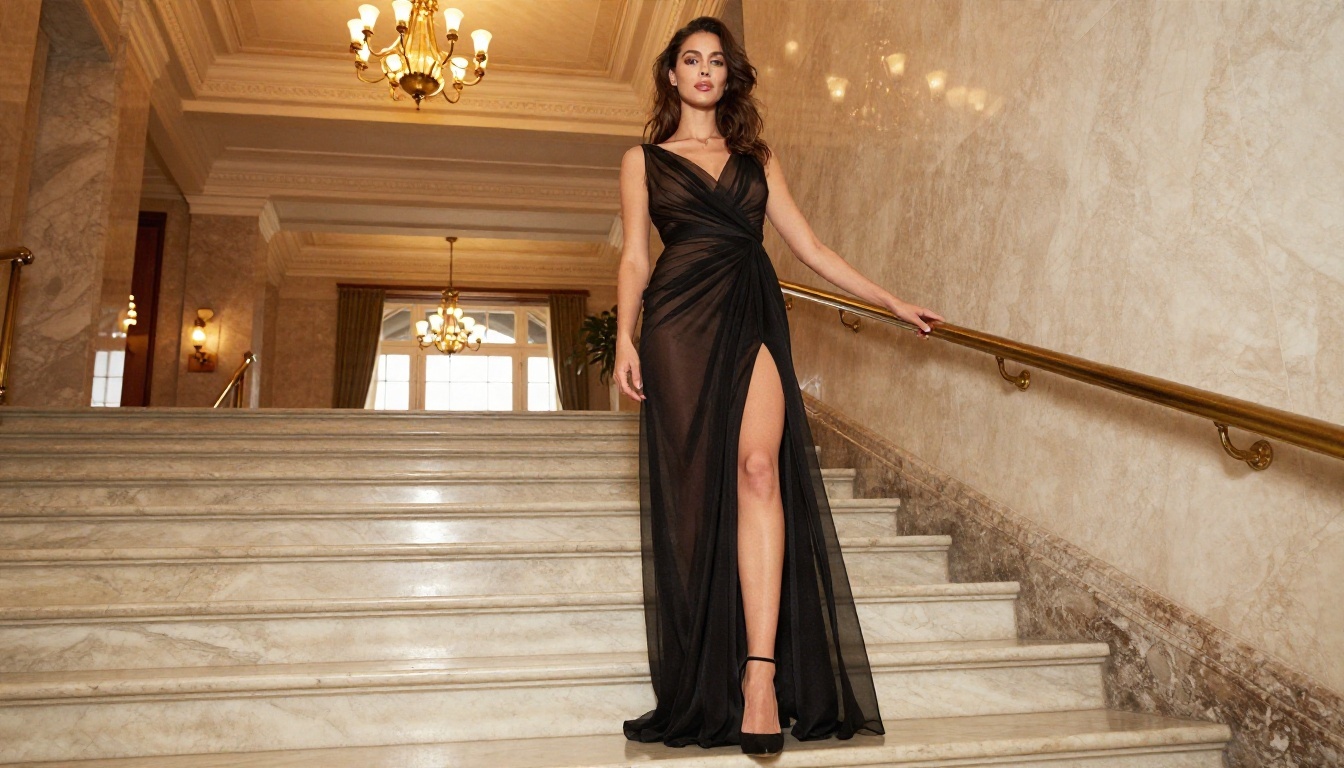
A low angle, chandelier light and flowing tulle suit slow tracking motion. In video form, the dress trails behind each step and the camera drifts upward.
Golden hour on the water
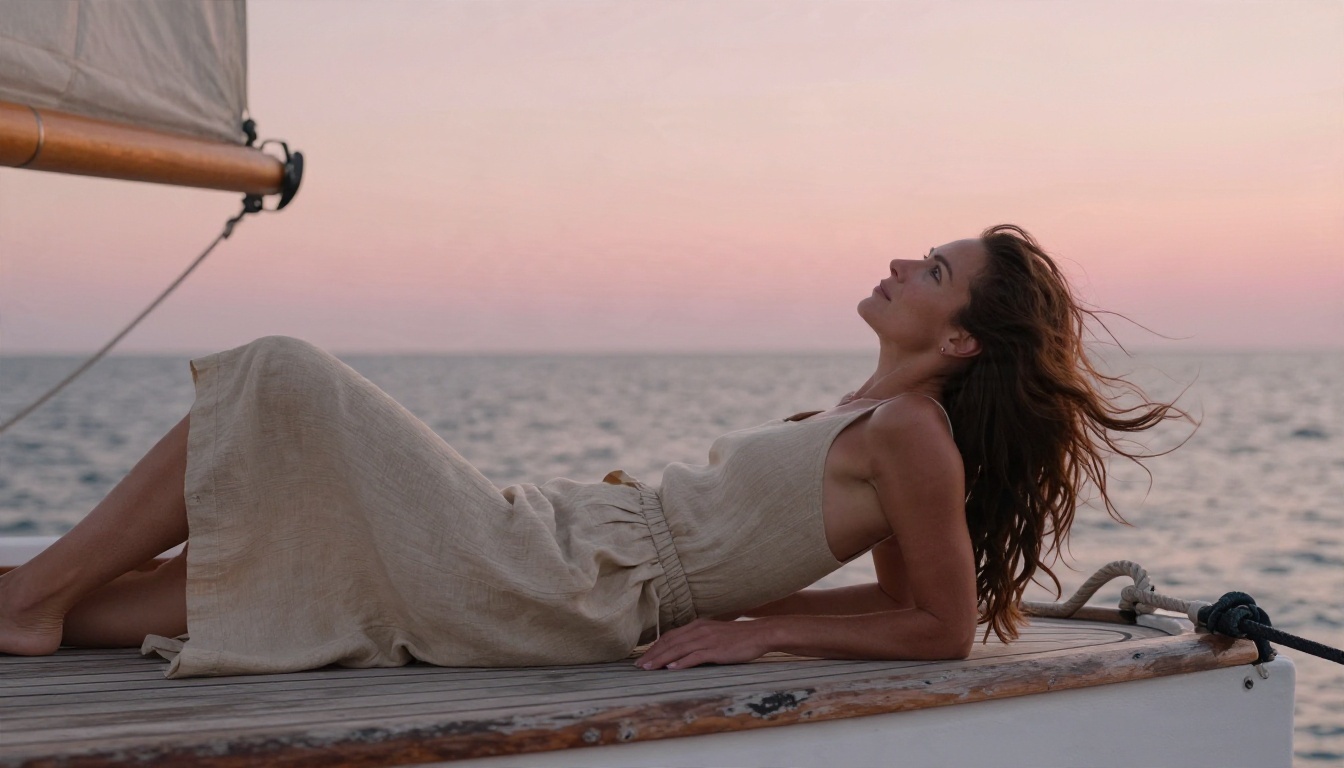
Sunset backlight is the most forgiving light for skin. If you are new to the workflow, practice here first.
The Real Cost of Pricing
Pricing is where "nude video AI" apps earn their reputation. The sticker price rarely matches what you pay in practice. Rather than quote numbers that change monthly, here is how the main models work and where the traps sit.
Four pricing models you will meet
| Model | How it works | Hidden catch |
|---|
| Free trial | A few generations, often watermarked | Limits hit before you finish a project |
| Credit packs | Pay per generation, video costs more | Failed or blocked renders can still burn credits |
| Monthly subscription | Flat fee, fixed allowance | Unused allowance rarely rolls over |
| Unlimited plan | One price, no counter | Often slower queues or capped resolution |
Hidden costs to watch
Look beyond the monthly fee. Watermark removal is sometimes a separate charge. Higher resolution can cost double. Retries add up quickly, and because AI output is a bit random, you should budget for five to ten attempts per good clip.
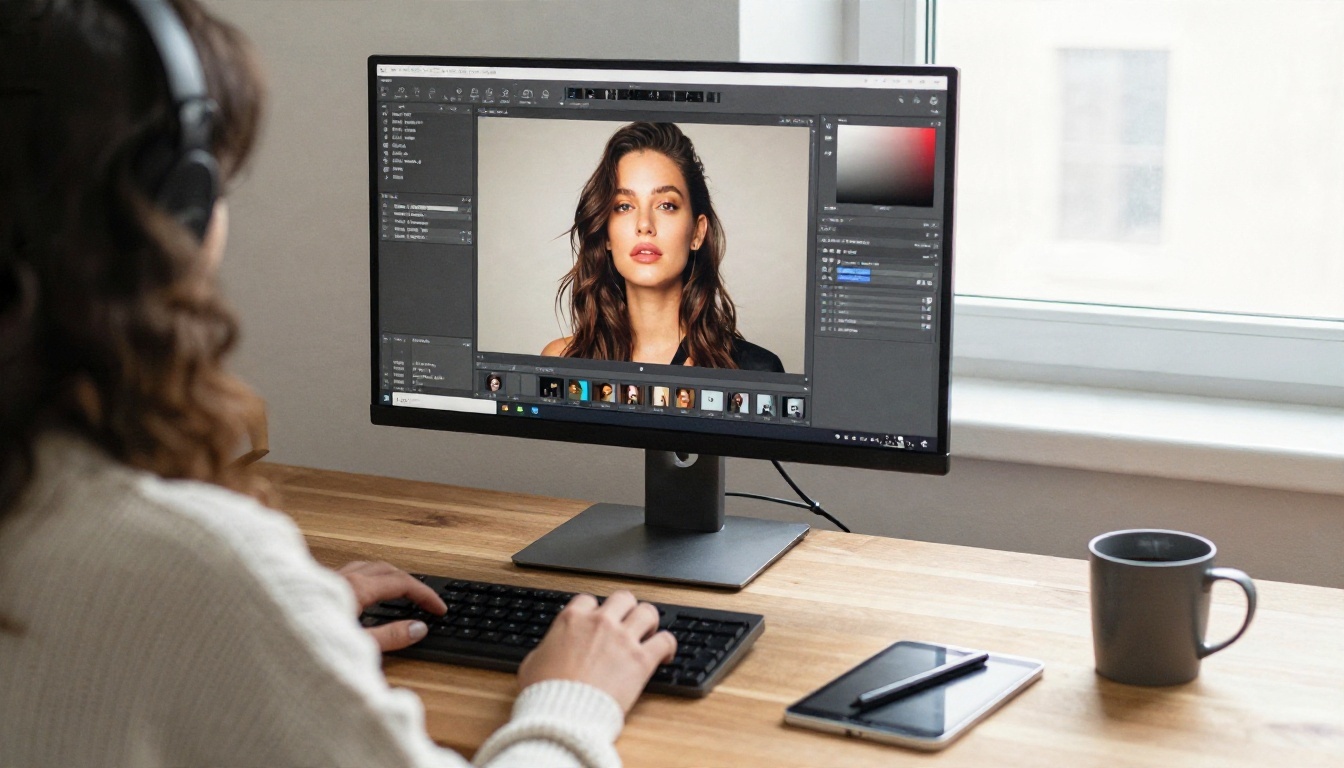
This is why unlimited image generation matters. With PicassoIA Image Editor Pro, the expensive part of the workflow, trying variations on the still, costs nothing extra. You only spend video credits once you already love the first frame.
💡 Budget rule: Spend your retries on images, not on video. A bad still costs you seconds. A bad clip costs you credits.
How to Make a Glamour Clip on PicassoIA
Here is the exact workflow, from blank prompt to finished clip.
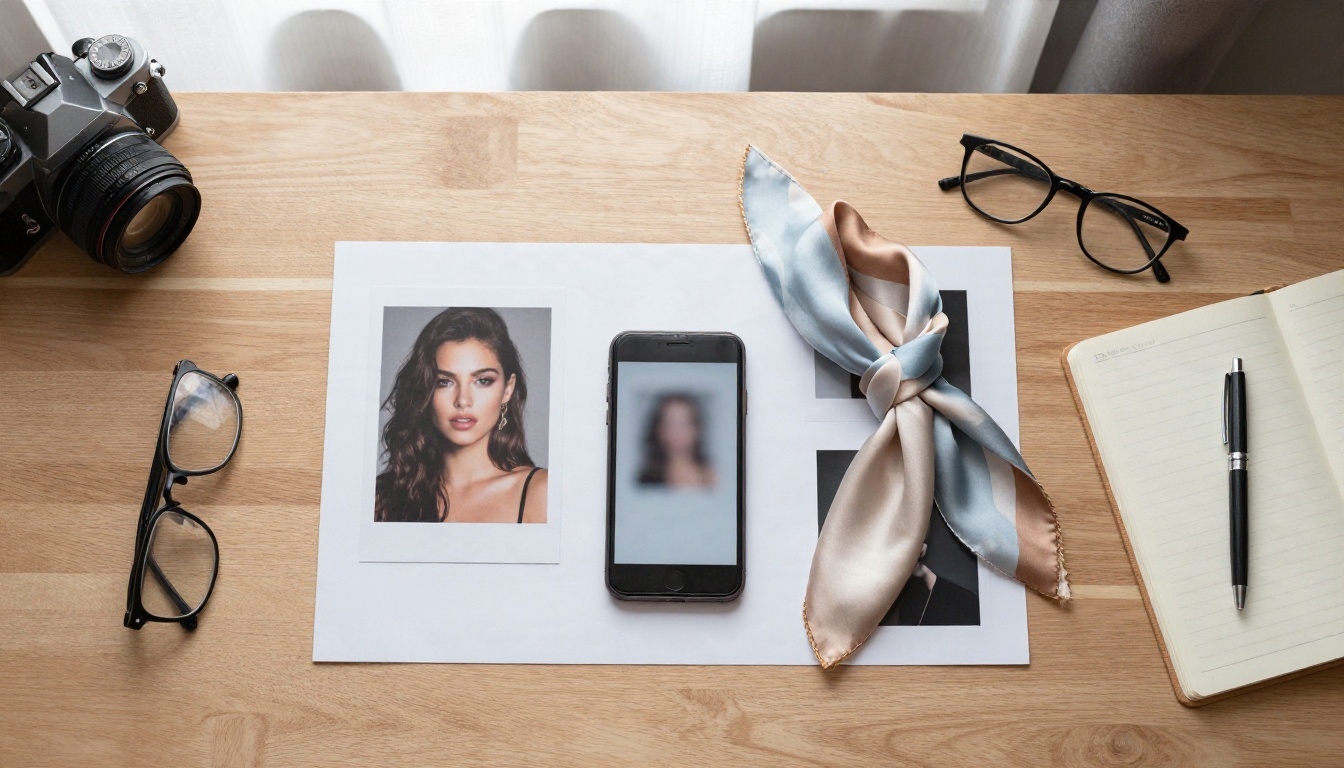
Step 1: Write a photographic prompt
Open Seedream 4.5 and write like a photographer, not like a tag collector. Include these five parts:
- Subject and pose: "adult woman reclining on linen sheets, looking at camera."
- Setting: "sunlit boutique hotel suite, sheer curtains."
- Light: "soft golden window light from the left, gentle rim on the shoulder."
- Lens: "85mm f/1.4, shallow depth of field."
- Texture: "visible pores, silk folds, subtle Kodak Portra 400 grain."
Step 2: Pick a 16:9 frame
Set the aspect ratio to 16:9 so the video matches the still. Generate four to six versions and keep the one with the best face, the cleanest hands and the most natural light.
Step 3: Refine in Image Editor Pro
Open the winner in PicassoIA Image Editor Pro. Adjust wardrobe color, tidy the background, soften harsh shadows. Because generations are unlimited, run as many passes as you need.
Step 4: Animate with a video model
Send the final still to a video model such as Wan 3 or Hailuo 02. Describe motion in chronological order:
- Start: "She rests on one elbow, silk robe still."
- Middle: "Hair lifts slightly in a breeze, she turns her head toward the lens."
- Camera: "Slow dolly in, shallow focus holds on her eyes."
- Light: "Warm morning light shifts gently across the sheets."
Step 5: Upscale and finish
If a clip looks soft, run it through a super-resolution or video upscale model on the platform. Add ambient sound or music if the video model did not already include it.
💡 Prompt tip: Keep motion small. One head turn and one camera move beat five simultaneous actions. Subtle movement looks expensive, frantic movement looks fake.
Safety and Consent Rules
This is the part many "nude video AI" pages skip, and it is the most important.
Never use real people without consent
Do not upload photos of an ex, a coworker, a classmate or a celebrity and ask a tool to remove clothing or place them in an adult clip. Creating intimate imagery of a real person without their consent is harmful, and in a growing number of countries it is a crime with real penalties. Platforms ban accounts for it, and victims can have the content removed through takedown processes.
The safe approach is simple: generate fictional adults from text prompts, or use your own likeness for your own projects.
Keep it non-explicit and adult
Every subject you create should be clearly an adult. Describe an age in the prompt, such as "woman in her late twenties," and never create anything ambiguous. Stay with glamour, swimwear, lingerie-style and implied artistic styling. That keeps your work usable on more platforms and keeps the models cooperating.
Know where you can publish
Social networks, ad platforms and app stores each have their own adult-content rules. Read them before posting, label adult work properly, and keep a record of how each piece was created. If you plan to sell prints or run a subscription page, check the host's policy on AI-generated adult imagery first.
| Do | Do not |
|---|
| Create fictional adult characters | Edit photos of real people without consent |
| Label AI-generated work | Pass AI images off as photography of a real person |
| Stay suggestive and non-explicit | Push models toward explicit content |
| Check platform rules before posting | Assume every site allows adult work |
Mistakes That Waste Credits
A few habits separate smooth projects from frustrating ones:
- Starting with video: a weak still gives a weak clip. Always perfect the image first.
- Vague prompts: "sexy woman on beach" gives you a generic result. Add lens, light and texture.
- Too much motion: long action lists confuse the model. Pick one subject movement and one camera move.
- Ignoring hands: check fingers in the still before you animate. Fixing them in the editor is free, fixing them after video is not.
- Skipping the upscale: a soft 720p clip can look much sharper after a super-resolution pass.
Start Creating Your Own
The best "nude video AI" workflow is not a single app. It is a short pipeline: a sharp prompt in Seedream 4.5, unlimited polishing in PicassoIA Image Editor Pro, then a careful animation pass with a video model. You keep control of the look, you avoid paying for failed attempts, and you stay on the right side of consent.
Pick one of the scenes above, rewrite the prompt in your own style and see what comes out. Try a sunset deck, a rainy window or a marble staircase. Change the lens, shift the light, test a different wardrobe. When you are ready to see what else is available, browse the full catalog at picassoia.com/en/all-models and build your own set of glamour images and clips today.


