You typed "Offlinecreator Com" into a search bar because you wanted something specific: an NSFW-friendly image generator that doesn't nickel-and-dime you, doesn't lecture you, and doesn't make you wait in a queue. Fair. The trouble is that the AI image space changes monthly. Free plans shrink, credits expire, and a tool that felt generous in spring can feel stingy by autumn. This article lays out what to look for in an alternative, what these tools tend to cost, how online options compare with anything you install, and which generators deliver the best results right now.
One honest note before we go further. I could not confirm the current plan details for Offlinecreator Com itself, so I won't invent a price list for it. Open its pricing page and read the numbers yourself. Everything below is about the category: free tiers, paid tiers, and what you get for your money.

Why People Look for Alternatives
Nobody searches for alternatives to a tool that works perfectly. The reasons usually fall into five buckets:
- Credit walls: a free plan that gives you a handful of generations and then asks for a card.
- Content filters that overreach: a prompt for a swimsuit editorial gets blocked as if it were something else.
- Queue times: free users wait while paying users skip the line.
- Quality ceilings: faces look plastic, hands look wrong, skin looks airbrushed to death.
- Install friction: "offline" tools often need a strong GPU, a big download and an afternoon of setup.
That last point matters for the name. Anything branded around working "offline" suggests local generation, and local generation has real trade-offs. You get privacy and no per-image fee, but you pay in hardware, storage and troubleshooting time. If you only want a few good images a week, an online generator is usually the faster route.
💡 Quick test: before committing to any generator, run the same three prompts on it: a close-up portrait, a full-length beach shot, and a low-light indoor scene. Faces, hands and fabric reveal the quality gap in minutes.
Free NSFW Generators: What You Actually Get
"Free" is the most abused word in this niche. There are four common versions of it, and they feel very different in daily use.
The Daily Credit Model
You get a small batch of credits every day. It's fine for casual use, and terrible for iteration. Good images rarely come from the first attempt, so five credits can disappear before you land one keeper.
The Watermark Model
Unlimited or generous generations, but the output carries a logo or a resolution cap. Useful for testing prompts. Not useful if you plan to post the results.
The Filtered Free Tier
Free generations work, but only for safe content. Anything suggestive gets blocked or blurred, and the upsell appears at exactly that moment. Several mainstream models behave this way by design, so check the rules before you invest time in prompting.
The Truly Open Option
A small number of services allow suggestive and glamour content with few limits. These are rare, and they tend to ask for payment sooner or later. When you find one that holds up, it's worth keeping.
| Free model | Typical limit | Best for | Watch out for |
|---|
| Daily credits | 3 to 20 images per day | Casual testing | Runs out mid-iteration |
| Watermarked output | Many images, low resolution | Prompt practice | Unusable for posting |
| Filtered free tier | Safe content only | General art | Blocks swimwear and glamour prompts |
| Open access | Varies, often capped | Glamour and boudoir style | Quality can vary a lot |

The Real Cost of Paid Plans
Paid NSFW-capable generators cluster around a few price points. Based on what I found while researching this topic, monthly plans for this kind of tool often land somewhere between roughly ten and thirteen dollars, sometimes billed yearly for a lower headline number. Lifetime deals have also appeared at around thirty to forty dollars for certain generators, usually as limited promotions. Treat those figures as a rough range, not a quote. Listings disagree with each other, and prices move.
What Drives the Price
Three things push the cost up or down:
- Credits versus unlimited: a cheap plan with 200 credits can cost more per keeper than a pricier plan with no cap.
- Resolution: 4K output costs more compute, so it often sits behind a higher tier.
- Commercial rights: some plans allow posting and selling your images, others only allow personal use.
How to Compare Plans Fairly
Divide the monthly price by the number of images you realistically keep, not the number you generate. If you keep one image in six, a "600 credits" plan really gives you 100 usable pictures. That number is the one to compare.
💡 Rule of thumb: an unlimited plan beats a credit plan the moment you generate more than about 20 images a week.
Online Options vs Local Install
The word "offline" in the name nudges people toward a local setup. Here's the trade in plain terms.
| Factor | Online generator | Local install |
|---|
| Setup time | Seconds | Hours |
| Hardware | Any browser or phone | Strong GPU, lots of storage |
| Privacy | Depends on the service | Stays on your machine |
| Per-image cost | Free tier or subscription | Electricity only |
| Model updates | Automatic | Manual downloads |
| Speed | Often a few seconds | Depends on your card |
A local setup makes sense if you generate hundreds of images a day, want total control and already own the hardware. For everyone else, an online generator wins on convenience, and the best ones now match local quality.
When Local Still Wins
If you want to train a custom look on your own photos, or you need zero data leaving your computer, local is the right call. Plan for a learning curve, though, and for regular troubleshooting when drivers or dependencies change.
When Online Wins
If you want a result in under a minute, on a laptop or a phone, with no install, online wins every time. Fast iteration is also easier because you can run a prompt, adjust one word and run it again without waiting on a slow card.
The Best Alternatives on PicassoIA
Offlinecreator Com has no page on PicassoIA, so I won't pretend otherwise. If your goal is glamour, swimwear and boudoir-style images without a credit meter, these are the models to try today, in the order I'd test them.
1. Seedream 4.5
Seedream 4.5 is the first model I'd open. It produces sharp, photographic output with convincing skin texture, natural fabric and clean hands, and it handles suggestive glamour prompts without the constant blocking you get from heavily filtered tools. It's fast, too, which matters when you're iterating. Seedream 4.5 is my top pick for anyone leaving a credit-limited generator.
2. PicassoIA Image Editor Pro
PicassoIA Image Editor Pro is where the "no meter" idea becomes real. It offers unlimited generations, so you can run twenty variations of a pose or an outfit without watching a counter drop. It also edits: you can upload an image, change the clothing, the location or the lighting, and keep the rest. For the credit-wall problem described earlier, this is the direct fix.
3. Z Image Turbo
Z Image Turbo is built for speed. Use it for fast drafts when you're testing prompt wording, then move the best prompt to a slower, sharper model for the final render.
4. Flux 2 Klein 9B Base LoRA
Flux 2 Klein 9B Base LoRA suits people who want a defined look. LoRA support lets you push a consistent style across a set of images, which is handy for a recurring character or a themed series.
5. Nano Banana Pro
Nano Banana Pro is strong at editing and at keeping a subject consistent from one image to the next. It's useful for refining a finished shot, though check its content behavior with your own prompts before you rely on it for suggestive work.
| Model | Best use | Speed | Link |
|---|
| Seedream 4.5 | Photographic glamour, first pick | Fast | Open |
| PicassoIA Image Editor Pro | Unlimited generations and edits | Fast | Open |
| Z Image Turbo | Quick prompt drafts | Very fast | Open |
| Flux 2 Klein 9B Base LoRA | Consistent styled sets | Medium | Open |
| Nano Banana Pro | Editing and consistency | Medium | Open |
How to Get Similar Results on PicassoIA
Here's a working routine using Seedream 4.5 as the main generator and PicassoIA Image Editor Pro for unlimited refinements.
Step 1: Open the Model
Go to the Seedream 4.5 page and open the generator. No install, no GPU, and nothing to configure before your first image.
Step 2: Write a Photographic Prompt
Describe the shot like a photographer would. A strong prompt has five parts:
- Subject and pose: "a woman in a black two-piece swimsuit seated on a linen daybed"
- Setting: "sunlit villa terrace, turquoise sea behind"
- Light: "golden hour sun from camera left, soft bounce fill"
- Camera: "85mm lens, shallow depth of field, eye-level"
- Texture and film: "visible skin pores, silk sheen, Kodak Portra 400 grain"
Short prompts give generic results. Specific light and lens language gives you pictures that look photographed instead of generated.
Step 3: Set the Frame
Choose a 16:9 ratio for landscape scenes like beaches and terraces, and a vertical ratio for full-length fashion. Pick the highest resolution the model offers for your final render.
Step 4: Iterate in Small Steps
Change one thing per run. Swap the light, then the pose, then the outfit. If you change everything at once you won't know which edit helped.
Step 5: Refine in Image Editor Pro
Once you have a strong base, send it to Image Editor Pro. Fix a hand, change the location, adjust the lighting, or try a different outfit. Because generations are unlimited there, you can afford to be picky.
💡 Parameter tip: keep your negative language out of the main prompt. Describe what you want to see ("natural skin texture, relaxed hands") instead of listing what you don't.
Prompts That Work for Glamour
Here are patterns that reliably produce tasteful, attractive results.
Beach and Swimwear
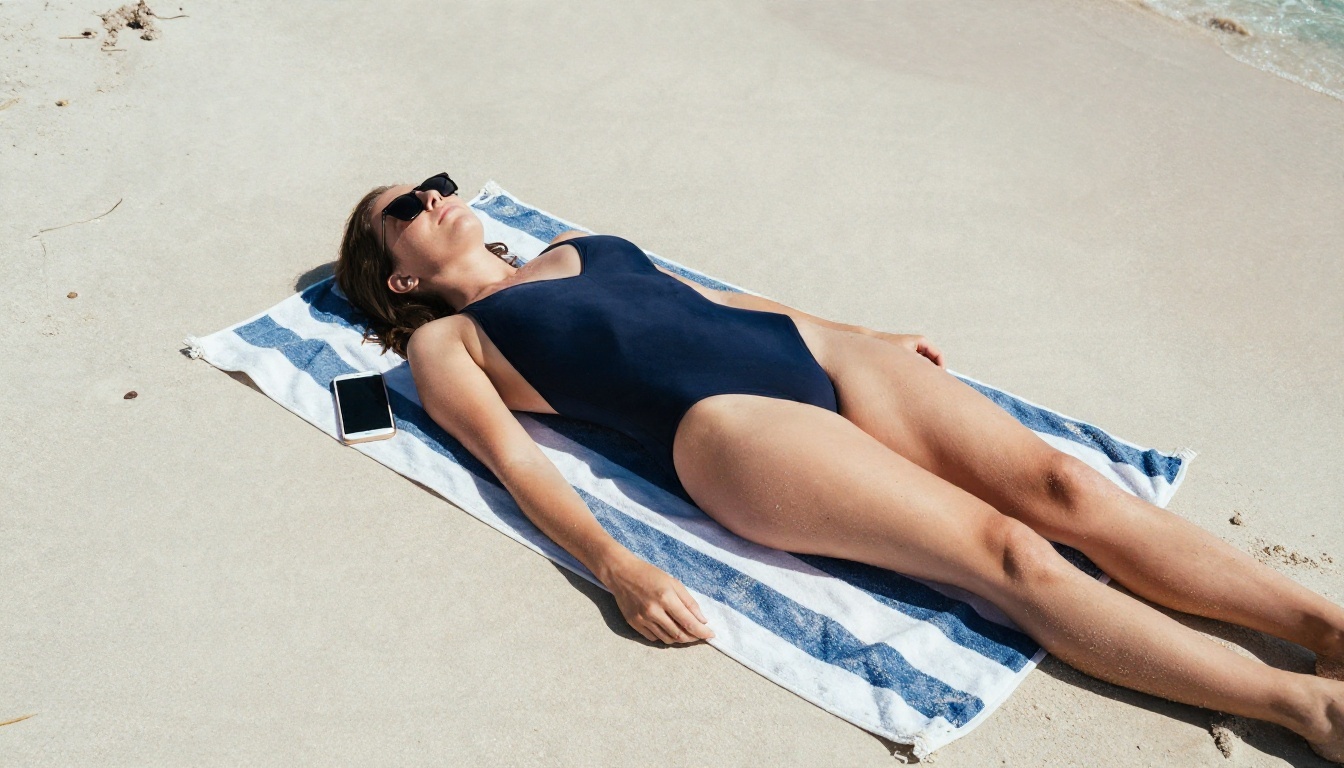
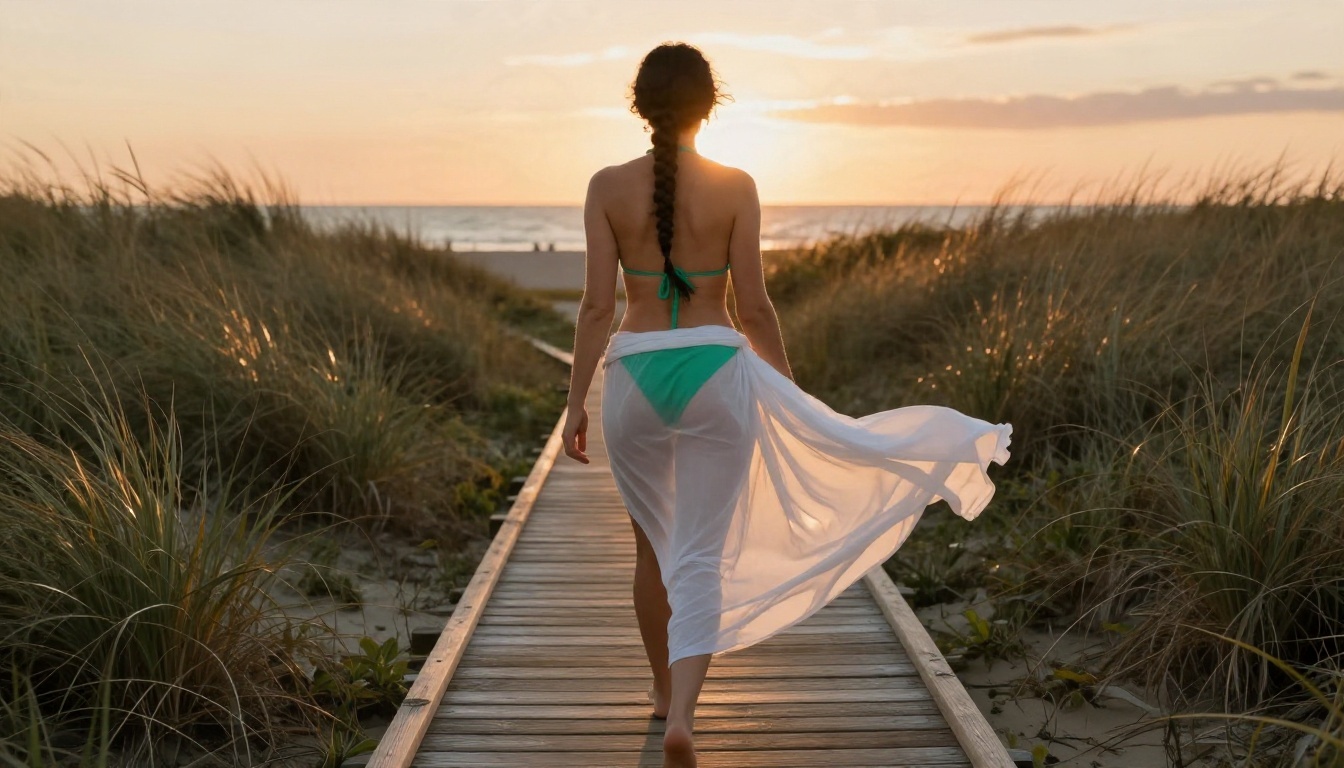
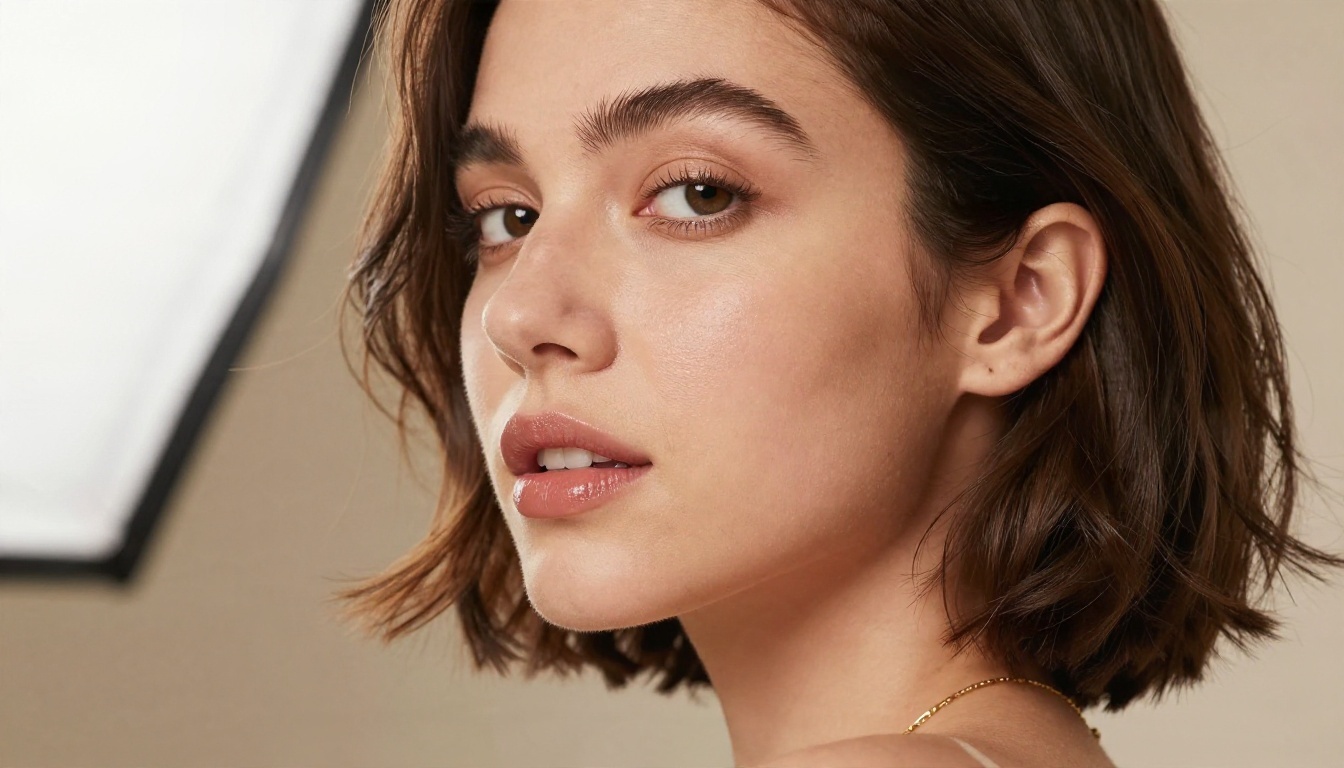
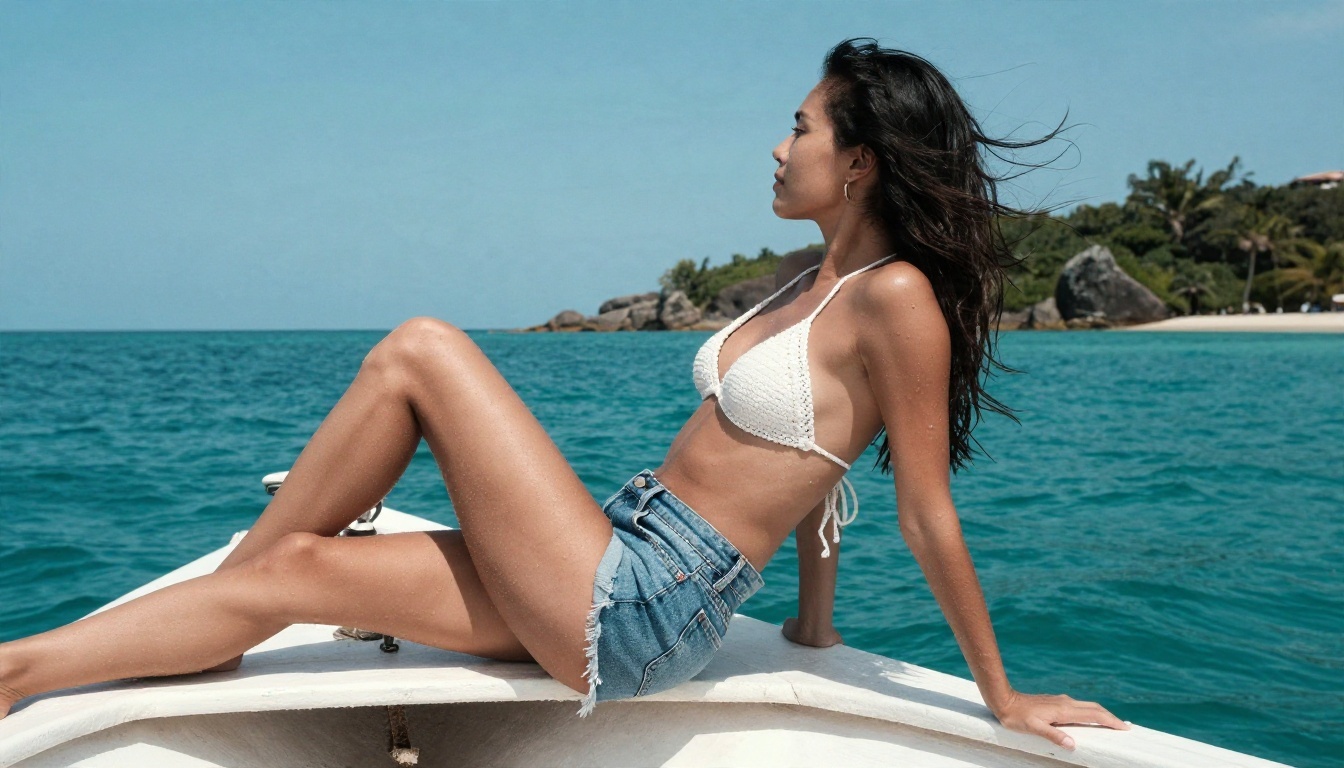
Use travel-photo language: "wet sand, midday sun, salt water droplets on skin, windblown hair, 35mm lens." Swimwear scenes are a safe area for most models and show off skin texture well.
Boudoir and Lifestyle
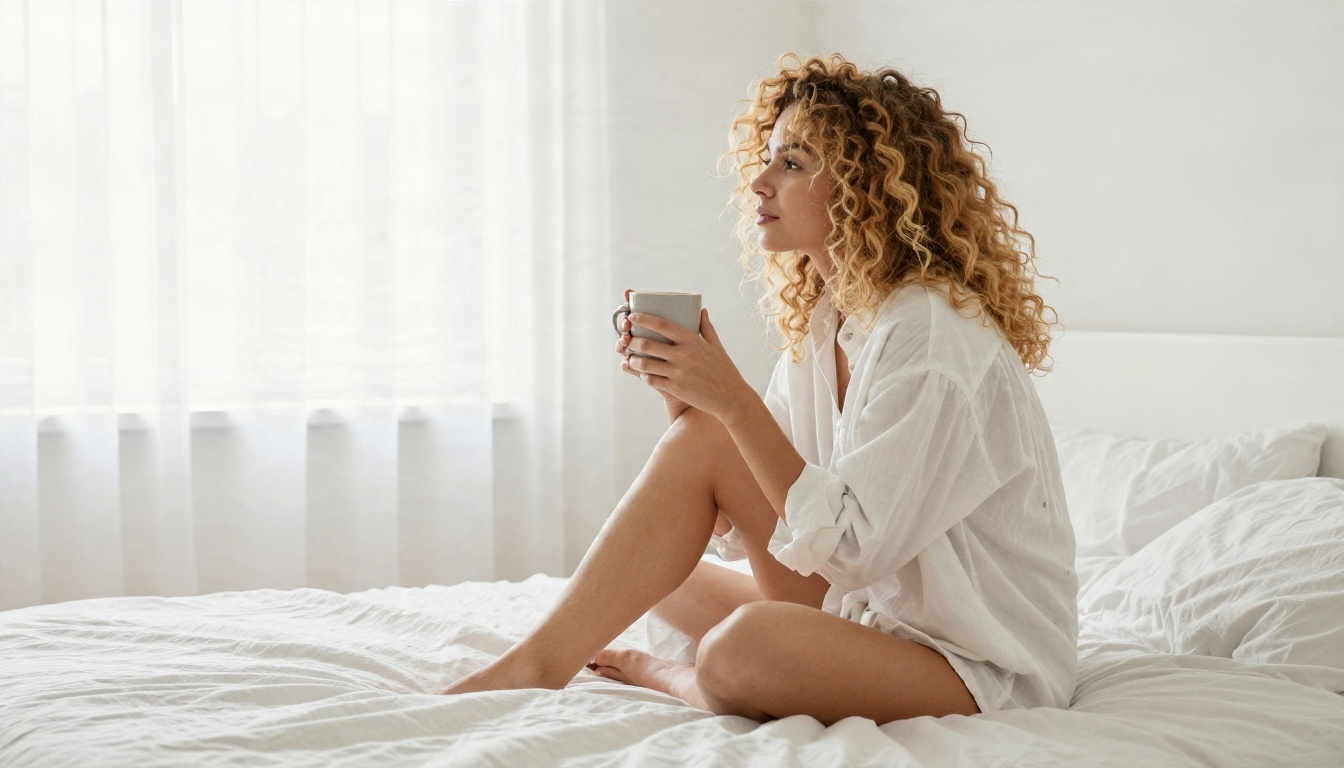
Think soft window light, linen sheets, and relaxed poses. "Oversized white shirt, morning light from the left, coffee mug, 50mm lens" produces an intimate feel without pushing into anything explicit. Light does most of the work in this style.
Fashion and Editorial
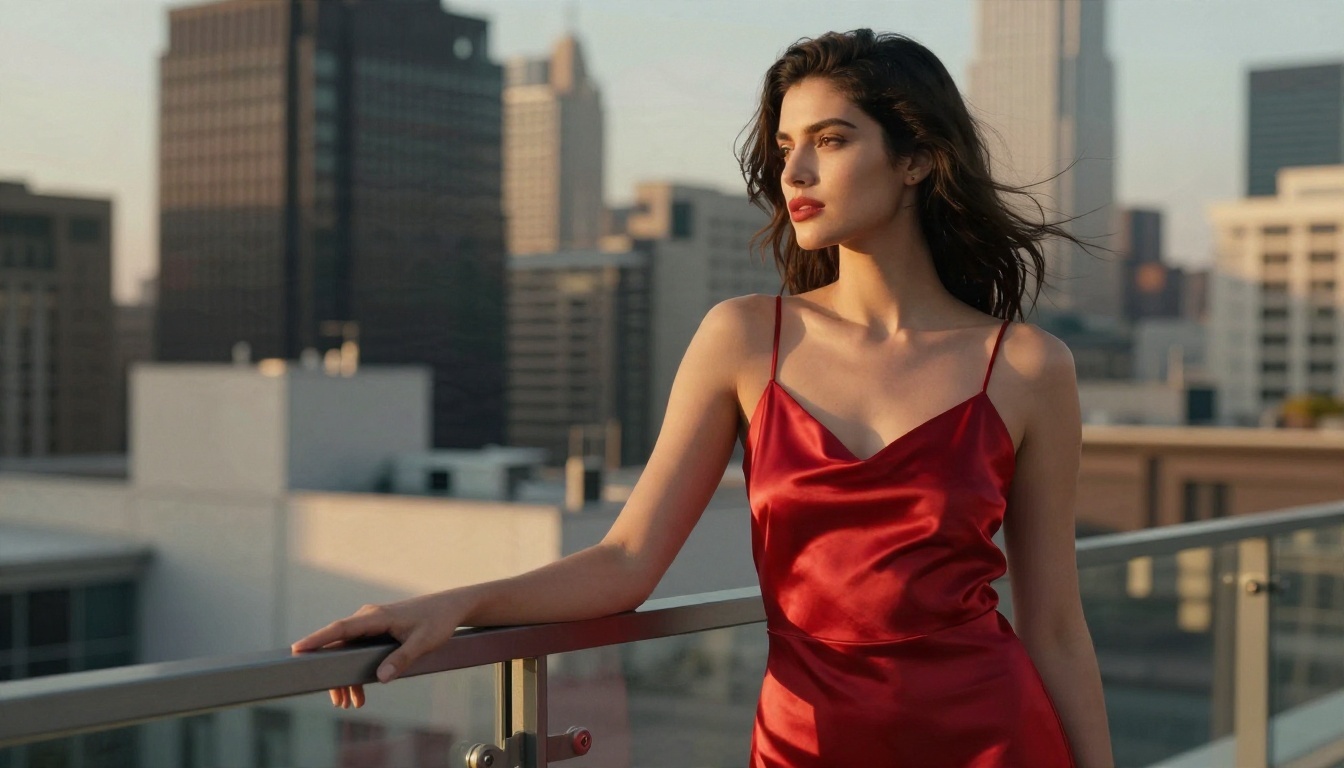
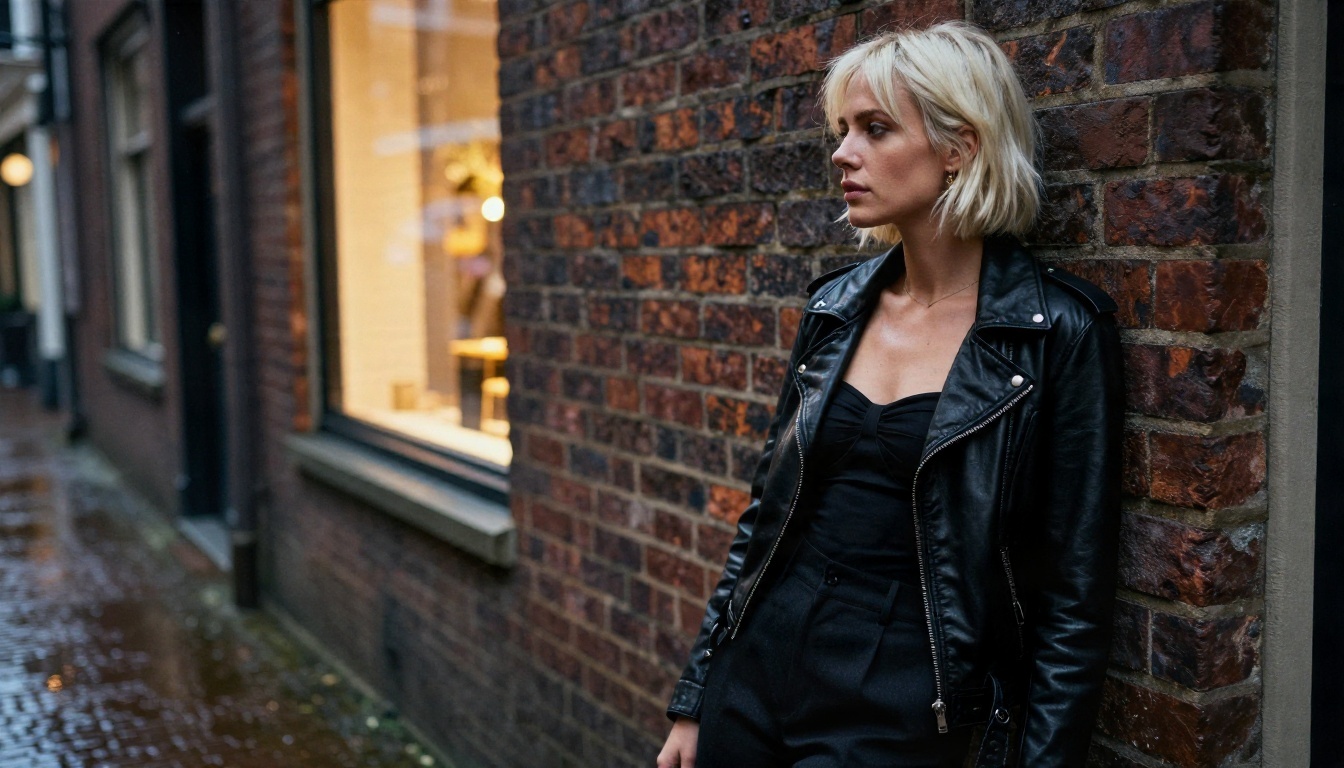
Streetwear and evening scenes look great with practical light sources: a shop window glow, a rooftop skyline, a rainy alley. Keep the camera angle varied, since low angles and tilted frames add attitude.
Five Mistakes That Waste Credits
- Prompting in one line. Vague input gets vague output, and you burn generations finding that out.
- Ignoring the lens. Without a focal length, faces can look distorted or flat.
- Skipping light direction. "Golden hour from the left" beats "good lighting" every time.
- Overloading the scene. Five props and three people confuse most models. Start with one subject.
- Judging a model on one image. Run at least five prompts before deciding a tool isn't for you.
Check the Rules First
Every service has its own content policy. Read it before you build a workflow around a tool, and keep your images within the rules of wherever you post them. Stick to adult, consenting-looking, fictional subjects, and never generate images that resemble a real person without permission.
Quick Picks by Situation
What To Do Next
If you came here because a credit meter or a filter got in your way, the fix is simple: switch to a generator that gives you room to experiment. Start with Seedream 4.5 for a first batch of photographic shots, then move to PicassoIA Image Editor Pro and iterate without limits.
Pick one scene from this article, a terrace at golden hour, a boat deck at noon, a window-lit bedroom, paste in the five-part prompt structure and see what comes back. Change one detail, run it again, and keep what works. If you want to compare more options, browse every model at picassoia.com/en/all-models and build your own shortlist. Your first strong image is a few minutes away on PicassoIA.