Most people searching for an OnlyFans AI tool expect a single app that builds a photo set, writes captions and posts it all for them. That app does not exist. What exists is a handful of image generators, editors and helpers that creators stitch together, and some of them are free. This article shows which ones are worth your time, which prompts give believable photos, what the results look like, and where the real limits sit.
💡 Quick answer: For free, photorealistic, suggestive but non-explicit sets, start with Seedream 4.5 for text to image and PicassoIA Image Editor Pro for unlimited edits. Then check the rules of the platform where you publish.
There Is No Official Button
OnlyFans itself is a subscription platform, not an image generator. There is no built-in "make me a photo set" feature. When people say OnlyFans AI tool they mean software used around the platform: something that creates or edits pictures, something that drafts text, and something that sharpens the final files before upload.
Searching for one tool that does everything usually leads to subscription traps. A better approach is to pick one strong image model and one editor, then keep your process simple.
Three Kinds of Tools
| Tool type | What it does | Typical cost | Where it fits |
|---|
| Text to image | Builds a new photo from a written prompt | Free tier or credits | Glamour, lifestyle, beach and studio looks |
| Image editor | Changes outfit, background, light or small flaws | Often free for basic use | Fixing hands, swapping a backdrop, color tuning |
| Upscaler | Adds resolution and clean detail | Free to cheap | Final export before posting |
Each category solves a different problem. Mixing them is where the quality jump happens, and we will come back to that in the workflow section.
Free Options That Actually Work
Free Tiers and Their Catches
Free generators are everywhere, and they almost always come with one of four catches: a daily cap, a watermark, slow queues or strict filters that block even a swimsuit photo. Before you commit hours to a tool, test it with three prompts of different types: a portrait, a full-body pool shot and an indoor low-light scene. If two out of three come back with warped hands or plastic skin, move on.
Other things worth checking in the first ten minutes:
- Resolution: Anything below 1080p on the long edge looks soft after compression.
- Commercial rights: Confirm you may use outputs in paid content.
- Filter behavior: Overly strict filters refuse harmless glamour prompts, which wastes your credits.
- Speed: More than a minute per image kills experimentation.

Unlimited Generation on PicassoIA
The most useful free feature for a high-volume workflow is not a bigger daily cap, it is having no cap at all. PicassoIA Image Editor Pro offers unlimited generations, so you can run thirty variations of a pose and pick the best two without watching a credit counter. It is fast, it handles outfit and background changes, and it is built for adult glamour work that stays suggestive rather than explicit.
For the first draft of a scene, Seedream 4.5 is the strongest starting point. It produces sharp, natural skin, clean fabric texture and convincing light, and it follows long prompts well. It is also quick, which matters when you iterate.
Other models worth testing for different looks:
- Z Image Turbo for very fast drafts when you want to try many ideas.
- Flux 2 Klein 9B Base LoRA for styled, consistent looks.
- Realistic Vision v5.1 for classic portrait realism.
- Nano Banana Pro for detailed 4K output and edits.
You can browse every option at picassoia.com/en/all-models.
Prompts That Produce Real Photos
The Prompt Formula
Photorealism comes from photographic language, not from adjectives like "beautiful" or "perfect." Use this order and you will get consistent results:
Subject and pose + outfit + environment + light direction + lens and angle + skin and fabric texture + film look
Skin texture and lens details are the two parts beginners skip. Without them, models default to a smooth, airbrushed look that readers spot immediately.
Five Prompts to Copy
Paste these into Seedream 4.5 and adjust the details. All five keep things suggestive and non-explicit.
1. Pool at golden hour
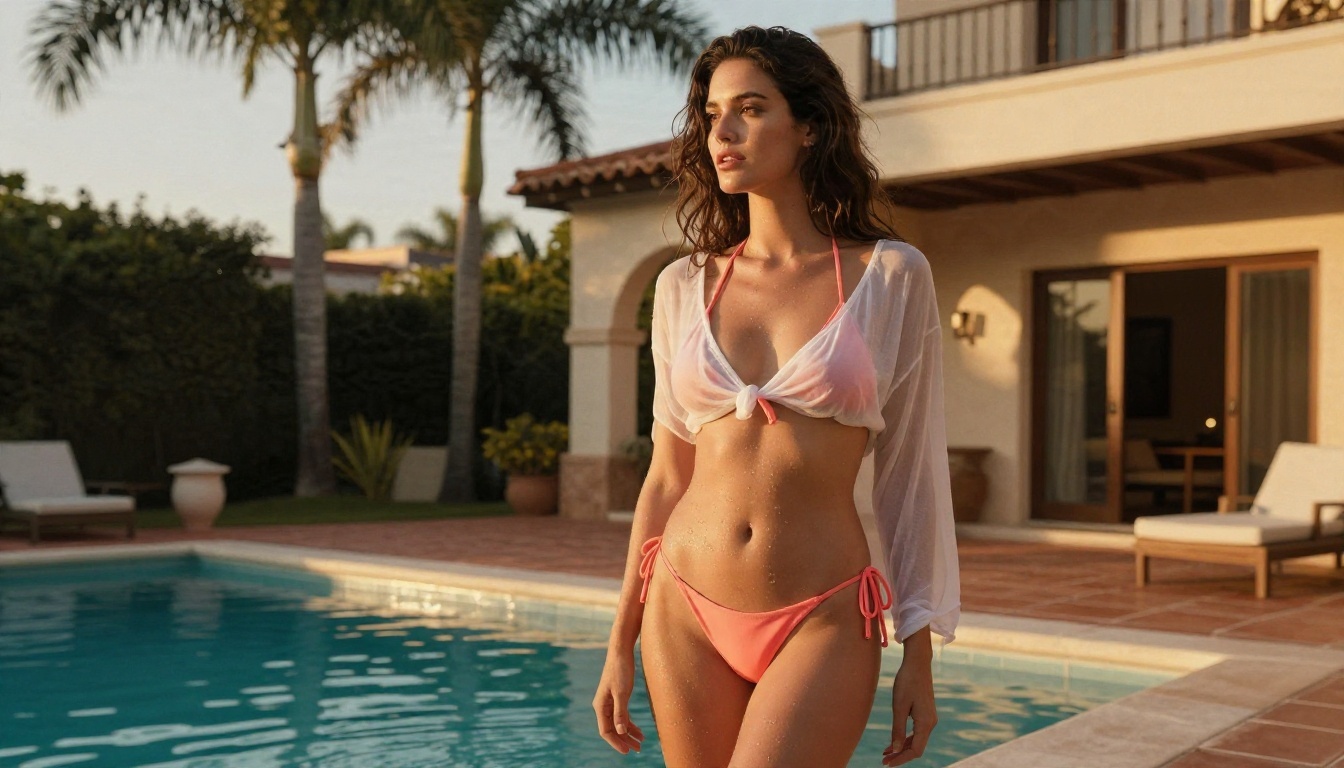
Adult woman in a coral bikini and sheer white cover-up at the edge of an infinity pool, terracotta villa terrace, palm trees, warm low sun from behind creating rim light, 35mm f/2 lens, slight low angle, water droplets on skin, natural skin texture, Kodak Portra 400 film grain.
2. Loft editorial
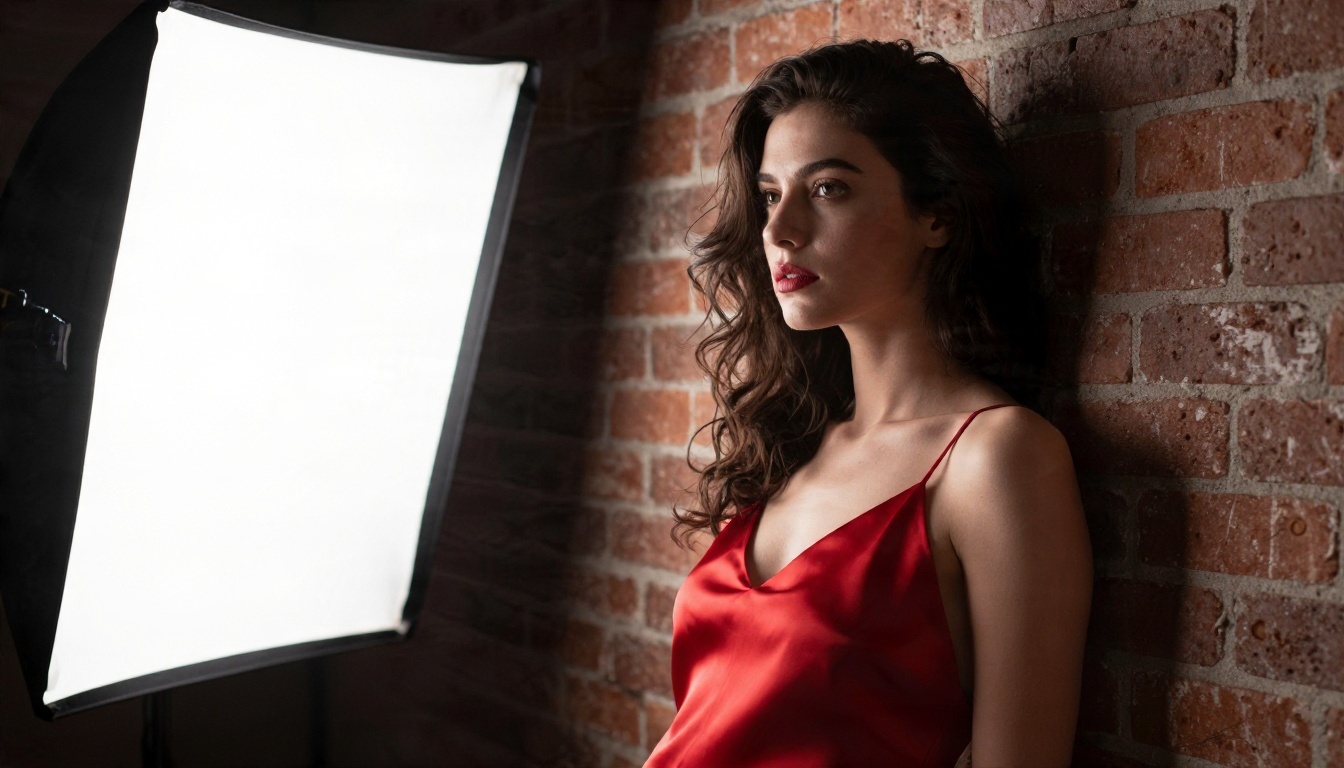
Woman in a red satin slip dress leaning on a brick wall, single softbox from the left, deep shadow on the right side of the face, 85mm f/1.4 lens, visible pores, matte lipstick, subtle grain.
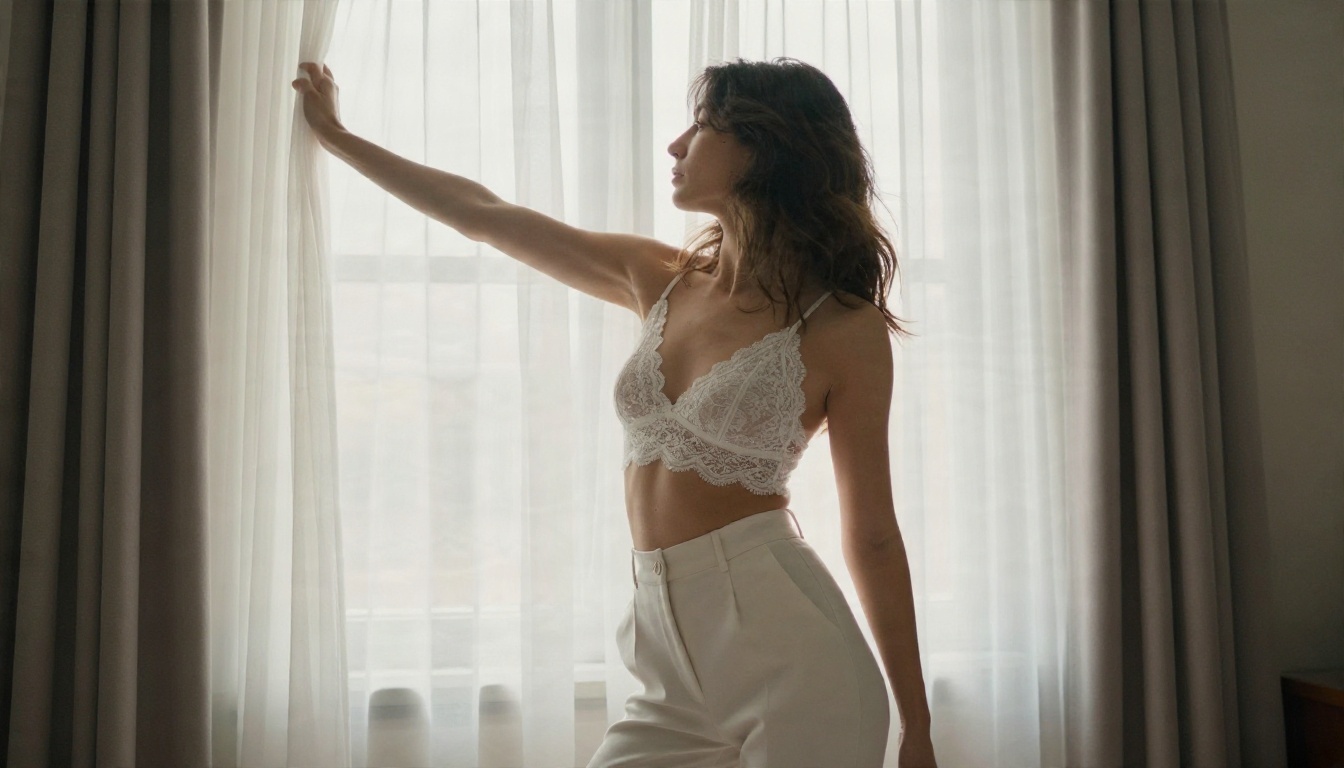
3. Morning window
Woman in a white lace bralette and tailored high-waisted trousers stretching beside a tall bedroom window, sheer curtains moving, soft backlight halo, 50mm f/1.8, shallow depth of field.
4. Vanity mirror
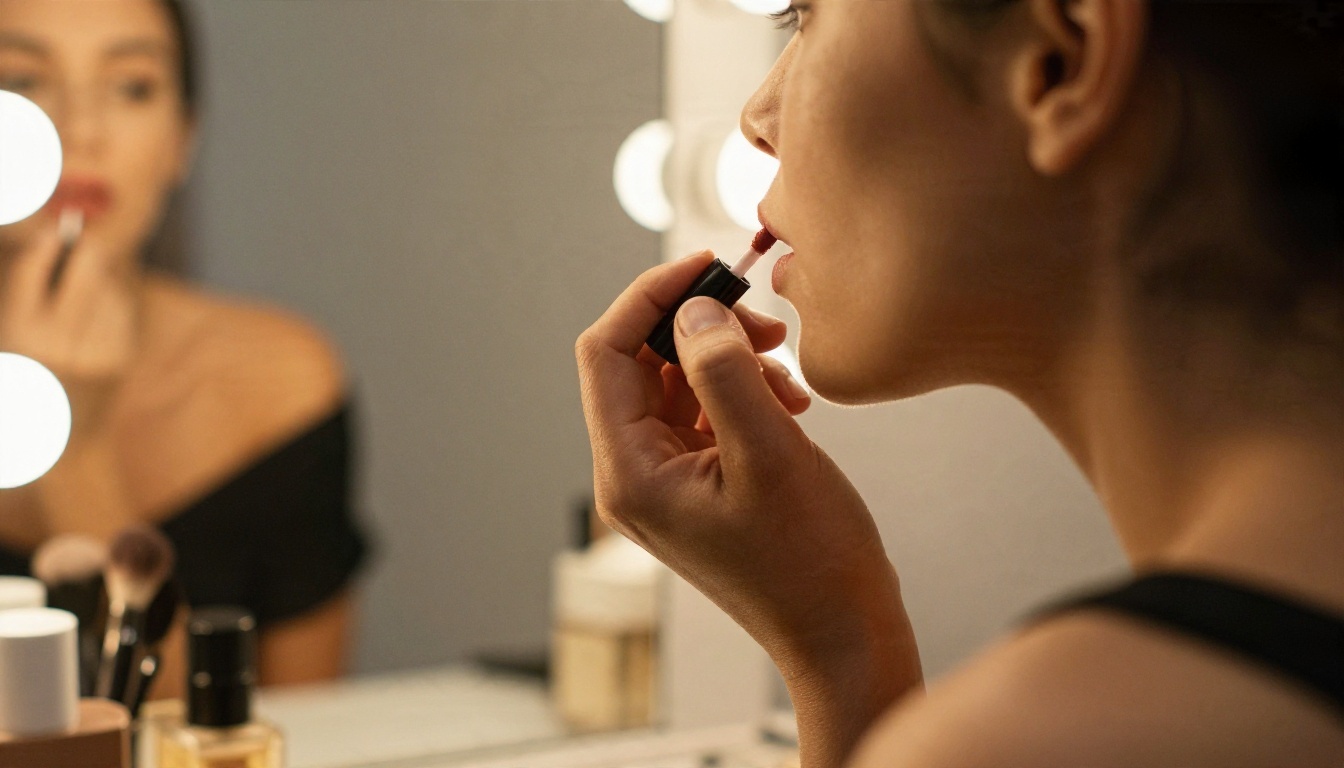
Side profile of a woman in an off-the-shoulder black top applying lip gloss at a vanity mirror with warm bulbs, 100mm f/2.8, detailed lip texture, warm tungsten light.
5. Beach at dusk
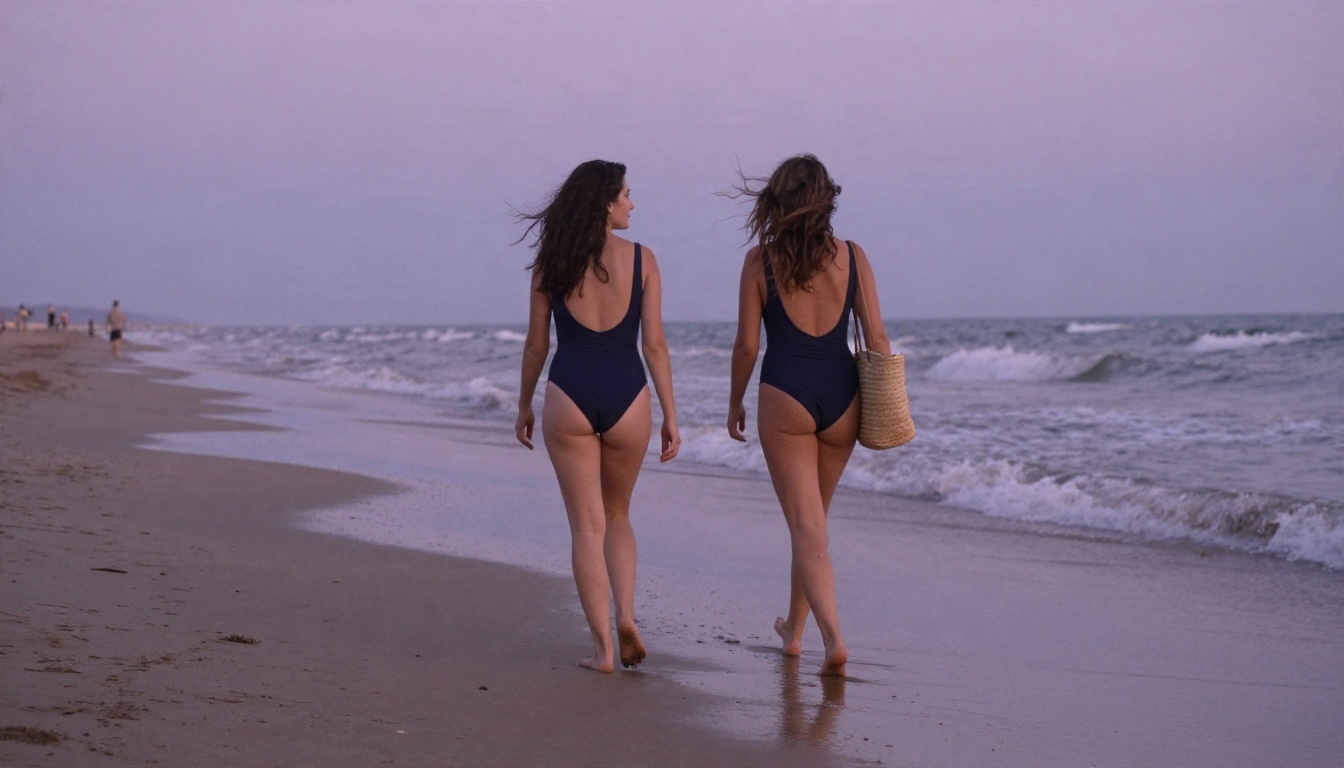
Woman in a navy one-piece walking along a quiet beach, wet sand reflecting a lavender sky, straw bag on the shoulder, 28mm f/2.8, wind in the hair, natural film color.
Words That Ruin Realism
Some words push every model toward fake-looking results. Avoid them:
- "Perfect skin," "flawless," "ultra smooth," which produce a waxy finish.
- "Hyper detailed 8K masterpiece," which often adds crunchy over-sharpening.
- "Digital art," "3D render," "illustration," which shift the image away from photography.
- Long lists of unrelated adjectives. Three strong visual details beat fifteen vague ones.
Add small imperfections instead: flyaway hair, a faint freckle pattern, creased cotton, a bit of film grain. Those are what the eye reads as real.
Examples You Can Aim For
Pool and Beach Sets
Water scenes are forgiving. Reflections and warm light hide small errors, and swimwear is the clearest example of non-explicit glamour. The beach shot below uses a low sun, wet sand reflections and a wide lens, which adds depth without any special trick.
Studio and Boudoir Style
Indoor sets depend on controlled light. A single window or softbox from one side, with a soft falloff into shadow, is the easiest way to get a premium look. Lace, silk and satin each need slightly different wording: silk has a sheen with soft folds, lace needs fine pattern detail, satin has sharp highlights.
Lifestyle Candids
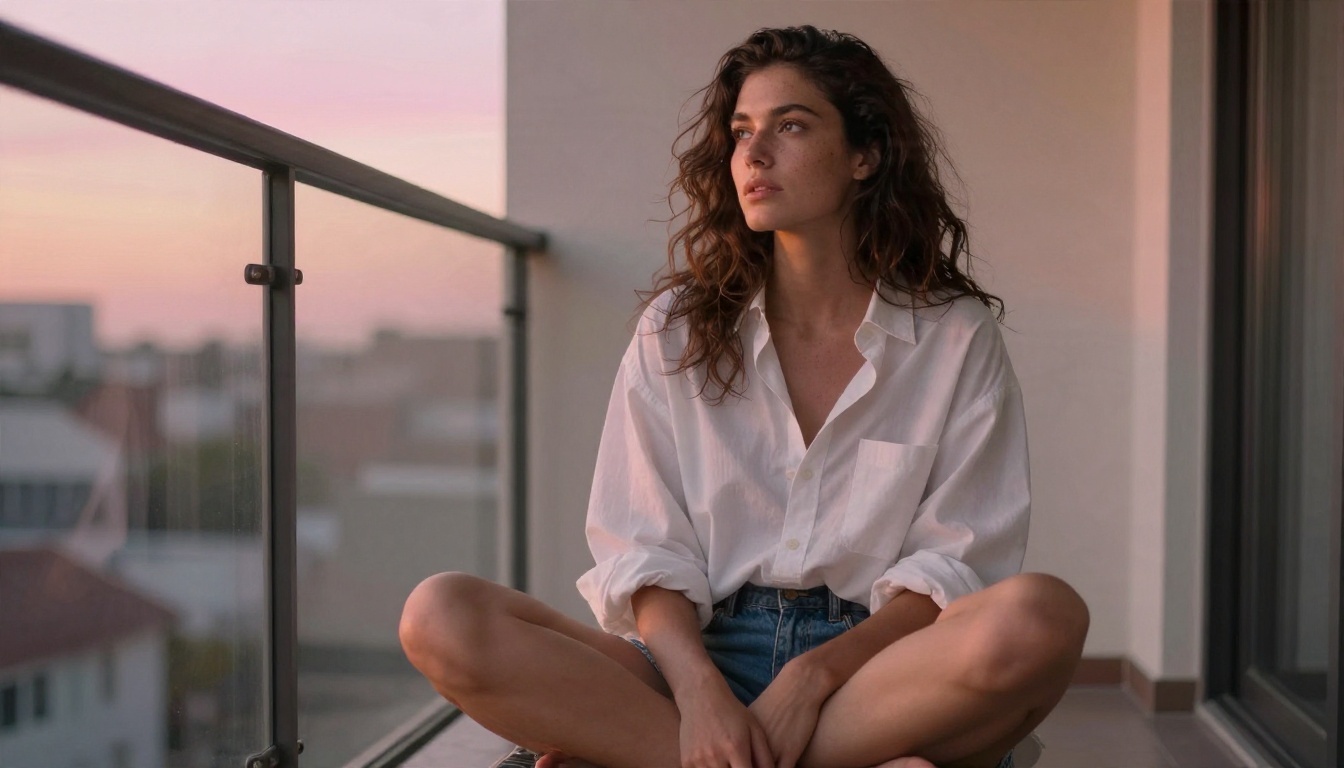
A set made only of posed glamour shots gets repetitive. Mix in candid frames: a morning balcony, a coffee, an oversized shirt. These feel more personal and give a set variety without extra effort.
Limits You Will Hit
Platform Rules
This is the part many tutorials skip. From what I could find in a quick check of recent reports, OnlyFans has tightened its stance on AI content in 2026. Several sources say AI-assisted content must be labeled, and that deepfakes, face swaps of real people and fully synthetic personas are banned. Other sources conflict on the exact wording, and a public petition from May 2026 asks for clearer disclosure rules, which suggests the picture is not settled.
⚠️ Treat all of this as unconfirmed. Read the current terms and help pages of any platform before you publish. Rules change, and an account suspension costs far more than an hour of reading.
Safe habits no matter where you post:
- Never create images of a real person without their clear consent.
- Never use someone else's face, and never imitate a celebrity.
- Label AI-assisted content when a platform asks for it.
- Keep every image strictly of adults.
Technical Weak Spots
Even the best models still stumble in predictable places:
| Weak spot | What goes wrong | Quick fix |
|---|
| Hands | Extra or fused fingers | Crop, or regenerate with hands out of frame or holding an object |
| Text and logos | Gibberish letters | Leave text out of the prompt, add later in an editor |
| Same face across a set | Face drifts between images | Reuse one reference image in an editor model |
| Jewelry and straps | Melted or asymmetrical details | Simplify the outfit |
| Mirrors | Reflection does not match | Use a small vanity mirror or avoid reflections |
There is also a hard content limit. Reputable generators, including the ones above, aim for suggestive and artistic results. Prompting for explicit material is outside what this article covers, and it is the quickest way to get blocked on most services.
A Workflow That Saves Hours
Draft Fast, Then Refine
Start with ten quick drafts in Z Image Turbo or Seedream 4.5. Choose the two strongest compositions, then rebuild them with a longer prompt for the final quality pass. Drafting short and finishing long is faster than writing a perfect prompt on the first try.
Edit Instead of Regenerating
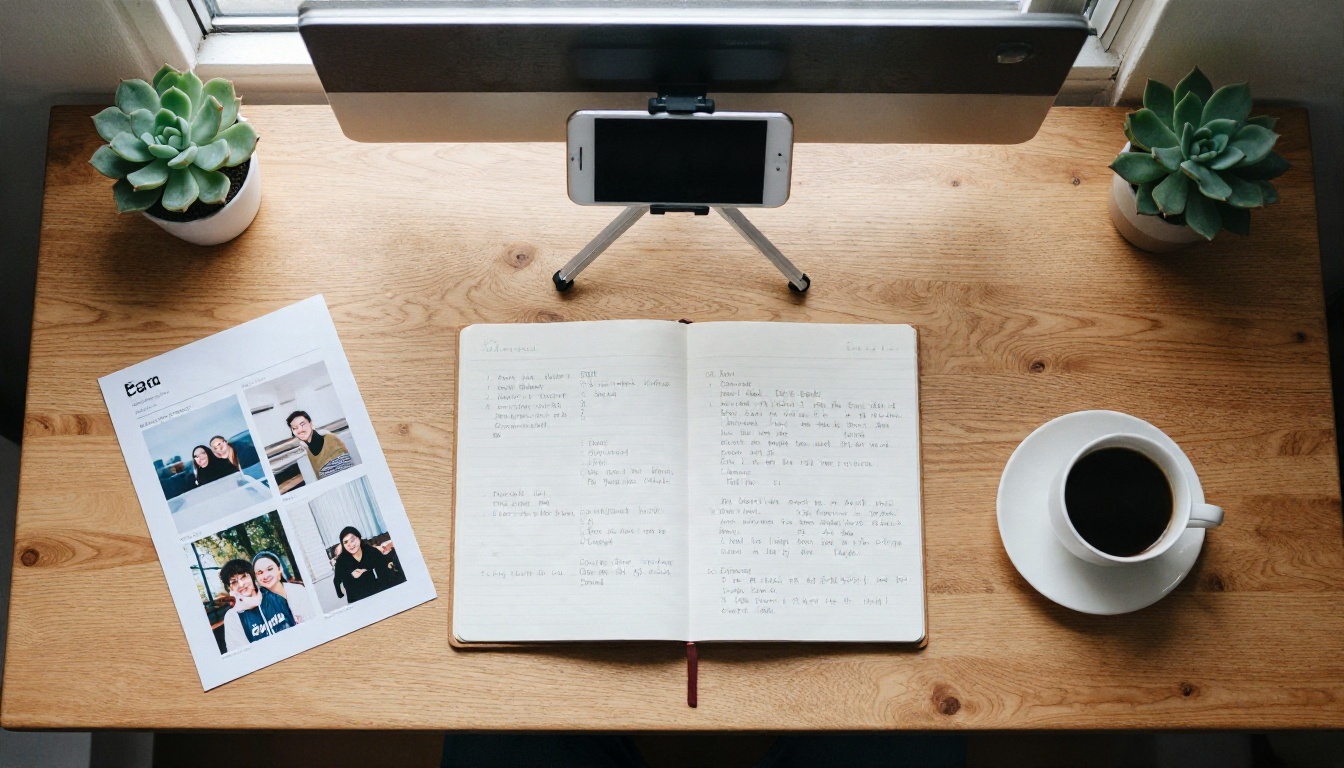
When an image is 90 percent right, do not start over. Open it in PicassoIA Image Editor Pro and change only what is wrong: swap the outfit color, replace a cluttered background, soften harsh light. Because generations are unlimited, you can test five versions of one fix and keep the best.
Review Like a Photo Editor
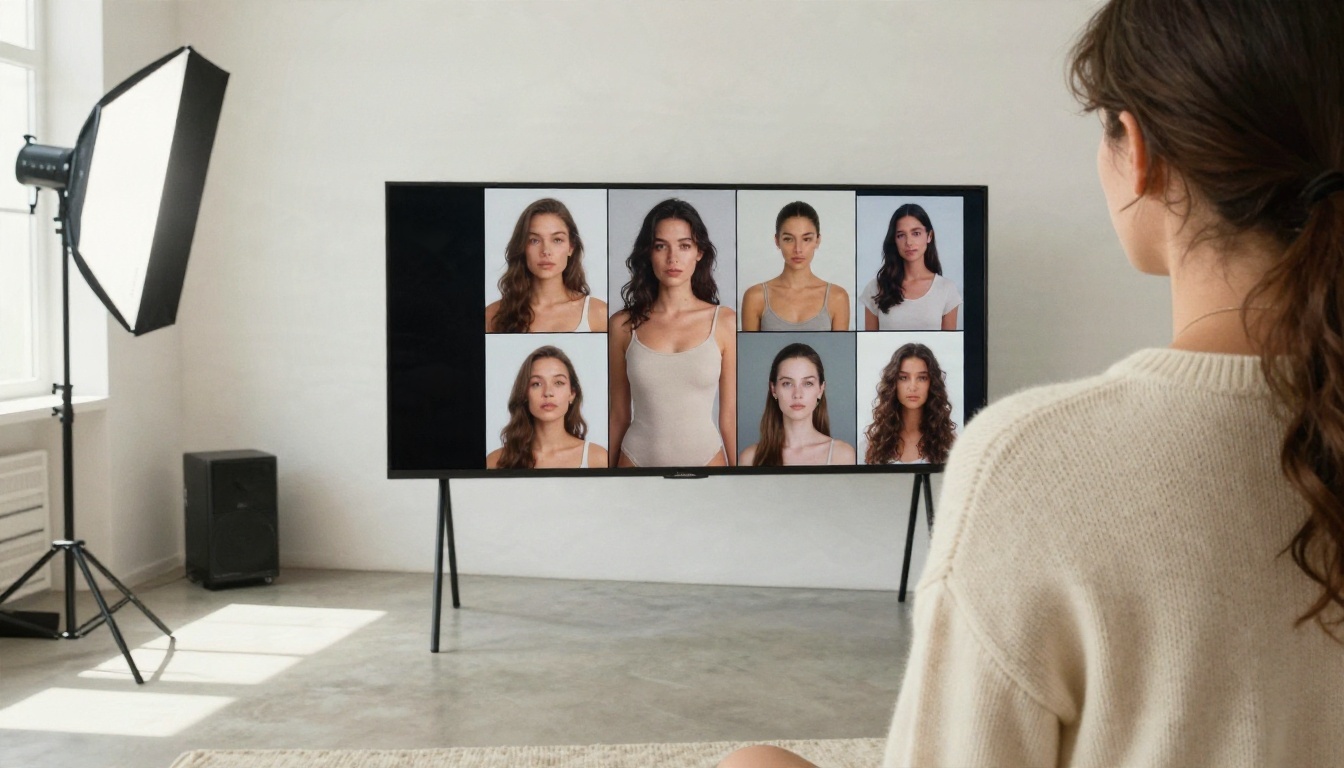
Look at a whole batch on a large screen before choosing. Check hands, ears, hairlines, fabric edges and background lines. Cut anything with even one odd detail. A tight set of six clean images beats twenty uneven ones.
Compare the Main Picks
Make Your Own Set Today
You now have the full picture: no magic app exists, free tools are good enough when chosen well, prompts built on light, lens and texture beat adjectives, and platform rules matter as much as image quality. The best next step is simple. Open Seedream 4.5, paste the pool prompt from above, change the outfit and location to your own idea, then refine the result in PicassoIA Image Editor Pro.
Run ten variations, keep the best three, and compare them against the examples in this article. Within an hour you will know which look suits you. When you want more styles, browse everything at picassoia.com/en/all-models and try your own ideas on PicassoIA.


