Most OnlyFans creators don't burn out on the creating. They burn out on everything wrapped around it: planning a week of posts, writing captions that don't sound identical, answering the same fan question for the fortieth time, and keeping the photo feed fresh when you can't shoot every day. That is the gap AI tools fill, and in 2027 there are far more of them than anyone has time to test.
This article sorts the noise. You'll get the main tool categories, what they cost, which parts you can do for free, prompts you can copy today, and the alternatives worth a look when a paid chatbot or agency feels like too much. Everything here stays on the safe side of adult content: suggestive, stylish, never explicit.

What Creators Actually Need
Before comparing tools, it helps to list the jobs. Almost every creator I see asking about "OnlyFans tools" is trying to solve one of five problems.
| Job | Time it eats | What AI can do |
|---|
| Photo and video variety | Hours per shoot | Generate extra scenes, outfits and locations |
| Captions and post copy | 30 to 60 minutes a day | Draft options in your voice |
| Fan messages | Often the biggest drain | Suggest replies or handle simple ones |
| Pricing and PPV planning | One long session a month | Organize tiers, bundles and promo timing |
| Promo on other platforms | Daily | Resize, rewrite and schedule teasers |
Notice that only the first row is about images. That matters, because the most expensive tools on the market bundle all five jobs together, and you may only need two.
💡 Tip: Write down which of the five jobs costs you the most hours this week. Buy or build a solution for that one first, not for all five.
Free AI Options That Work
You can cover a surprising amount of ground without paying anything. Free tiers change, and some are capped, but the categories below are reliable starting points.
Free image generation
AI image models can produce photorealistic scenes in a bikini, a silk robe or a glamour portrait without a photographer, a location or a ring light. The best ones are available inside PicassoIA, where Seedream 4.5 handles lifelike skin, fabric and lighting, and the PicassoIA Image Editor Pro lets you edit and iterate with unlimited generations. That unlimited part is the real value if you're testing dozens of poses and outfits per week.

Free caption and reply drafting
A general language model does 90 percent of what a niche "OnlyFans caption generator" does. On PicassoIA you can use GPT 5.6 Luna for fast, short replies, or Claude Sonnet 5 when you want longer posts that keep a consistent personality. Paste five of your best past captions, ask the model to describe your voice, then reuse that description as a standing instruction.
Free scheduling and planning
A spreadsheet, a calendar app and a notes file beat most dedicated planners for creators with fewer than a few hundred subscribers. Ask a language model to turn a rough idea ("beach week, three PPV drops, one poll") into a seven-day calendar, then paste it into whatever you already use.
💡 Tip: Free is fine for testing. The moment a tool sends messages to fans on your behalf, read its terms and the platform's rules first.
Prompts You Can Copy Today
Prompts are where most free tools win or lose. A vague prompt gives a stock-photo face. A specific one gives a photo that looks like it came off a real camera.
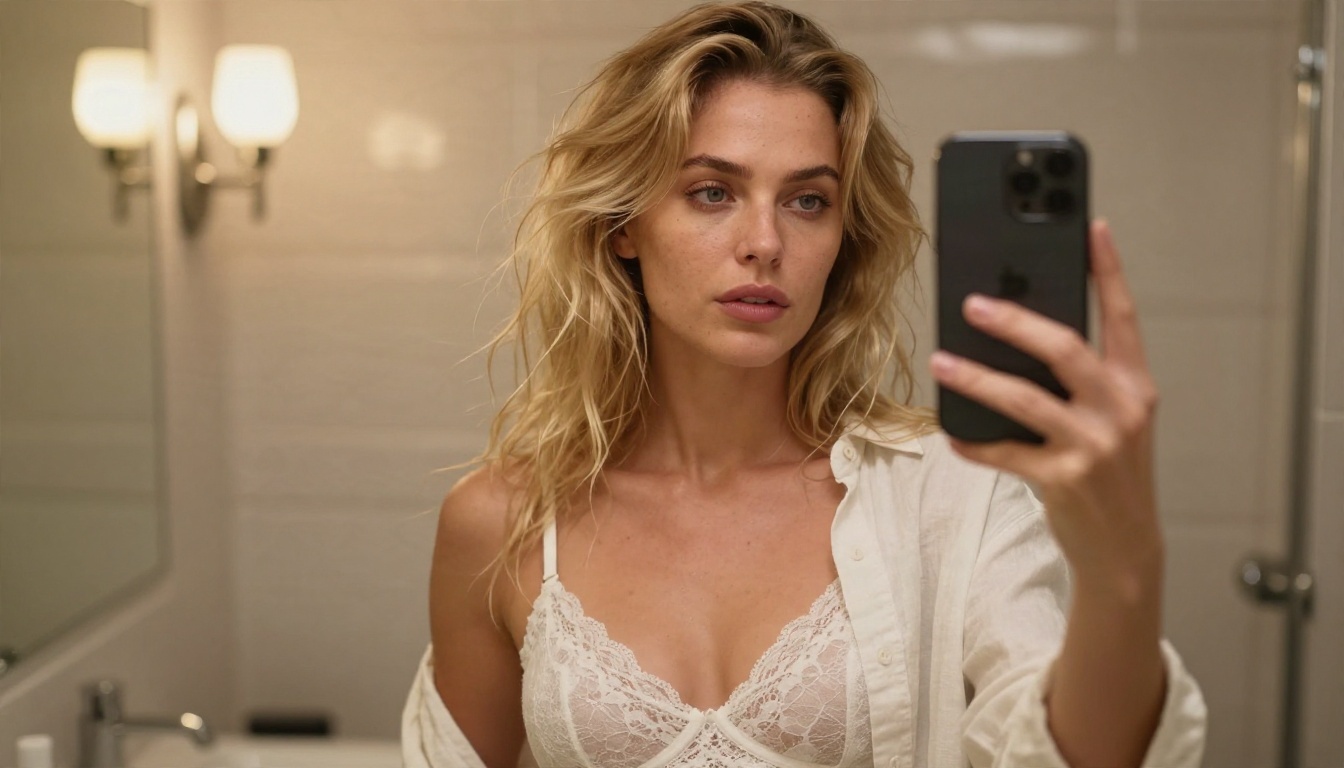
The anatomy of a good image prompt
Use this order: subject and pose, outfit, setting, light, camera, texture. Each part removes a guess the model would otherwise make.
- Subject and pose: "woman in her late twenties, relaxed half smile, looking toward camera"
- Outfit: "white lace bralette under an open linen shirt"
- Setting: "bathroom mirror with warm vanity bulbs, tiled wall"
- Light: "soft golden light from the left, gentle shadow on the right"
- Camera: "50mm lens, f/1.4, shallow depth of field"
- Texture: "visible skin pores, flyaway hairs, Kodak Portra 400 film grain"
Five prompts to paste
- Morning loft: "Candid photo of a woman in a champagne silk robe sitting on a linen bed, laptop beside her, golden window light from the left, 85mm lens, soft film grain, tasteful and non explicit."
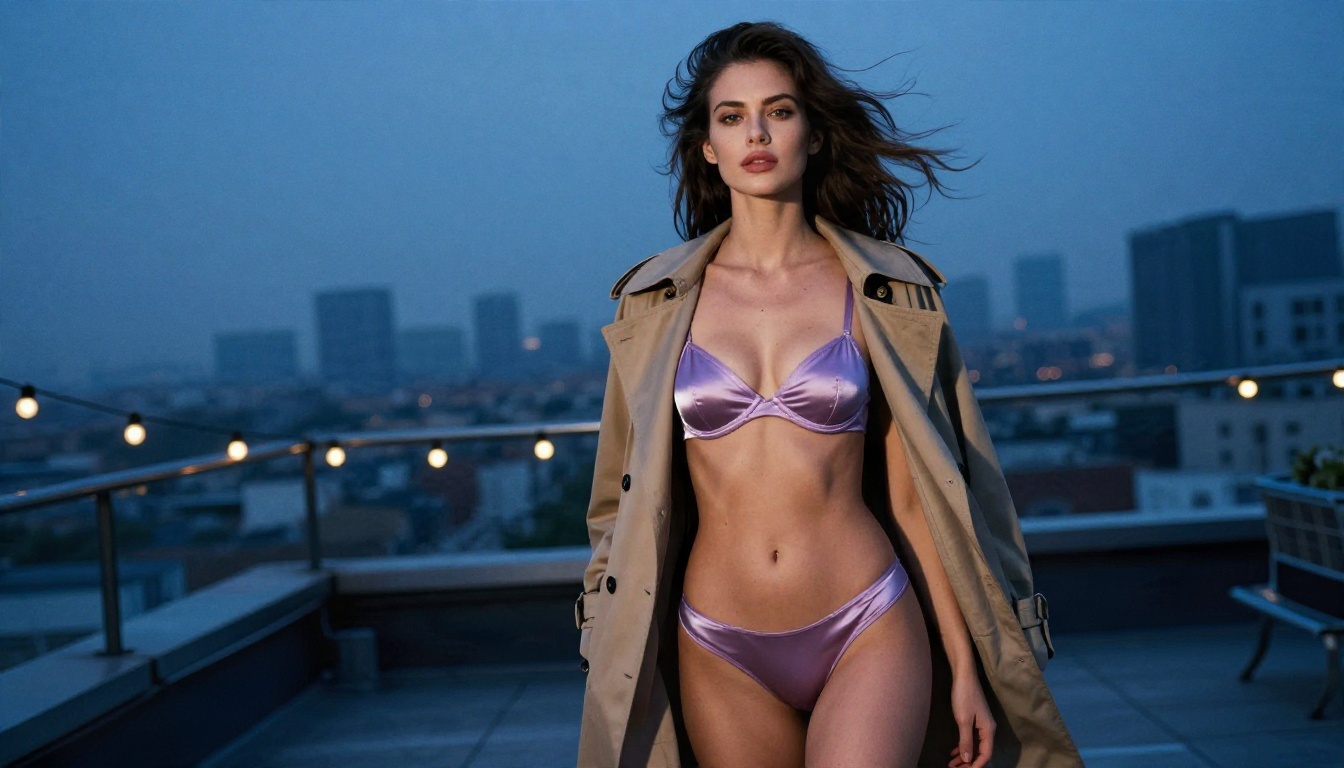
- Poolside glamour: "Woman in a red bikini on a white daybed beside an infinity pool at sunset, rim light on wet skin, 24mm lens, low angle."
- Cozy evening: "Young woman in an oversized cream sweater curled on a velvet sofa, warm lamp light, candles blurred behind her, 50mm lens."
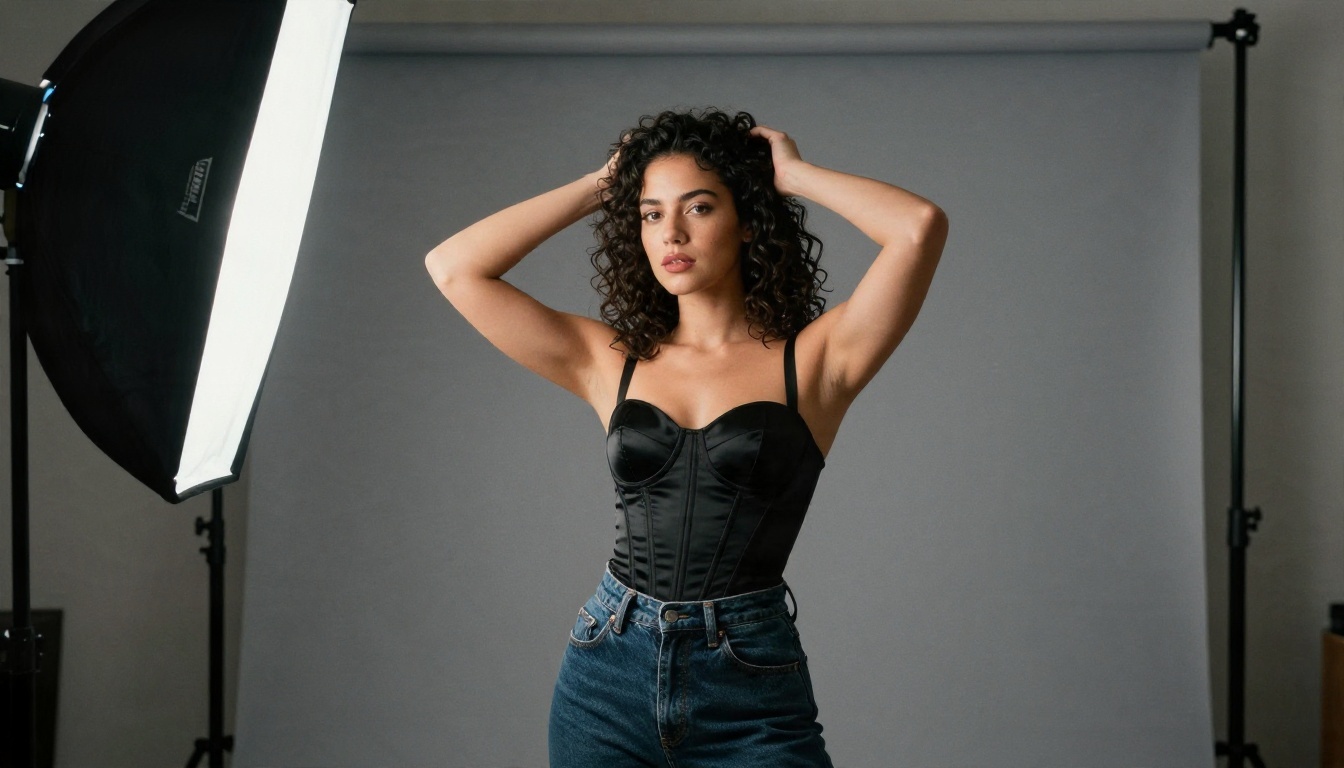
- Studio set: "Woman in a black satin corset top and jeans in front of a softbox, grey paper backdrop, camera on tripod in foreground, 85mm lens."
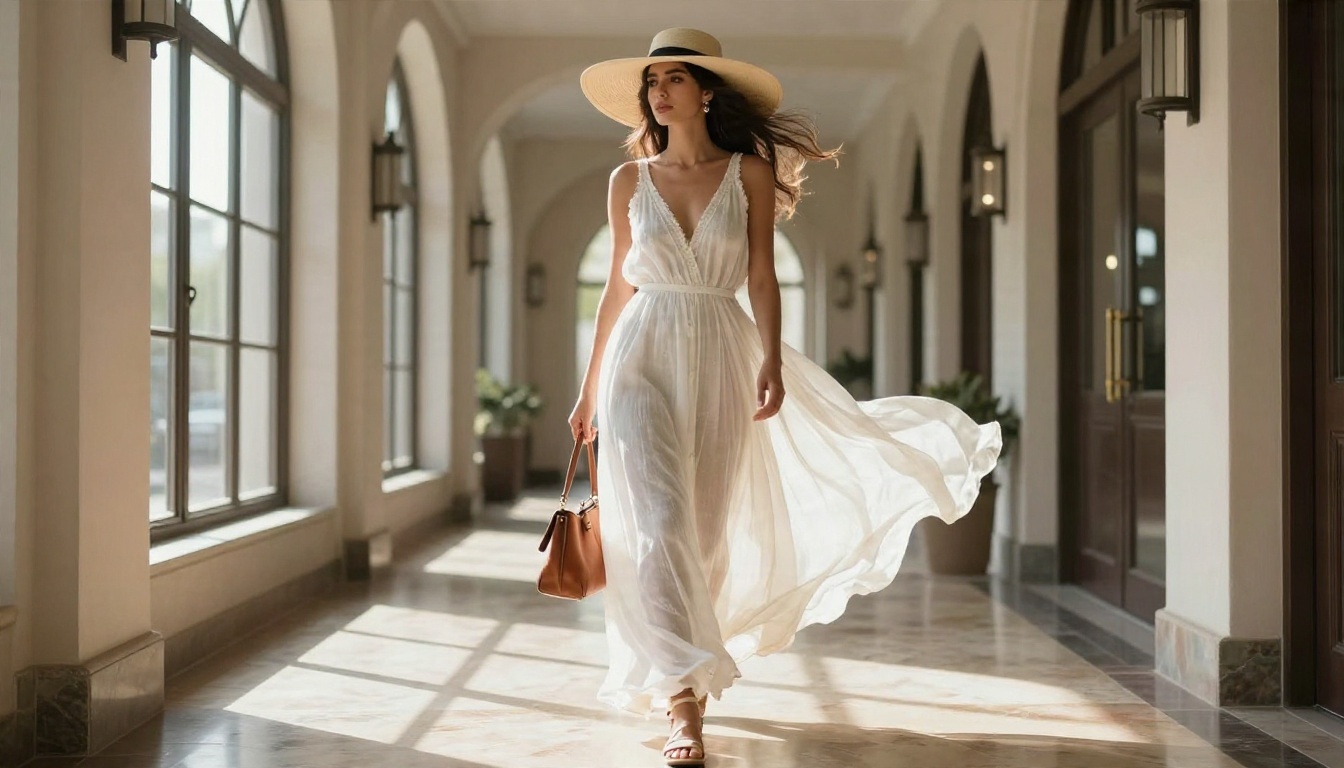
- Hotel corridor: "Elegant woman in a flowing white dress walking through a sunlit marble corridor, backlit, soft lens flare, 35mm lens."
Prompts for captions and replies
Text prompts work best when you give the model three things: your voice, the goal and a length limit.
- "Here are four captions I wrote. Describe my tone in three sentences."
- "Using that tone, write five captions for a poolside set, under 20 words each, one with a question for fans."
- "Rewrite this reply so it's warm, short, and doesn't promise anything I haven't offered."
💡 Tip: Keep a "voice sheet" in your notes. Paste it at the start of every session so the model never drifts into generic flirty copy.
How to Use Seedream 4.5 on PicassoIA
If you want photos that match the prompts above, this is the fastest route. Seedream 4.5 is the first model I'd reach for with glamour and lifestyle scenes because it holds skin texture and fabric detail well, and it doesn't blur the face when you ask for tight portraits.
Step by step
- Open the Seedream 4.5 page and choose a 16:9 ratio for banner and teaser images, or 3:4 for portrait feed posts.
- Paste a prompt built in the order above: subject, outfit, setting, light, camera, texture.
- Add one line of style guardrails: "photorealistic, natural light, film grain, no text, no logos."
- Generate three variations, not one. Pick the best and note which words helped.
- Send the winner to the PicassoIA Image Editor Pro for small fixes such as changing an outfit color, softening a shadow or swapping a background. Since generations there are unlimited, you can iterate as many times as you like.
Parameter tips
| Setting | Try this | Why |
|---|
| Aspect ratio | 16:9 or 3:4 | Matches banners or portrait feeds |
| Prompt length | 50 to 80 words | Enough detail without contradictions |
| Lighting words | "from the left", "golden hour" | Direction beats the word "beautiful" |
| Lens words | "85mm f/1.8" | Controls background blur |
| Negative guidance | "no text, no logos" | Keeps the frame clean for posting |
💡 Tip: Write your lighting direction first when a result looks flat. "Soft window light from the left" fixes more images than any other single phrase.
Other models worth testing
Different models have different strengths, so keep two or three in your rotation:
Some models are stricter about adult themes than others. If a prompt gets blocked, rephrase it toward fashion and lifestyle language (swimwear, lingerie campaign, boudoir editorial) rather than forcing the same wording again.
This is where creators get surprised. The base platform takes a fixed 20 percent of your earnings, and every extra tool stacks on top of that.

Typical price ranges
Prices change often and vendors describe their own plans in flattering ways, so treat the figures below as rough ranges from public listings, not quotes.
| Tool type | Typical monthly cost | What you get |
|---|
| Caption generators | Free to about $50 | Drafts, tone settings, templates |
| AI chat assistants | About $15 to $60 and up | Suggested or automated fan replies |
| Chat tools with revenue share | Low monthly fee plus a percentage of sales | Automation that earns on commission |
| Image and content tools | From roughly $50 to $60 | Photo sets built from a few reference pictures |
| Human chat agencies | Often a share of earnings | People who reply as you |
| General language models | Free to about $20 | Everything text-based, with setup effort |
Some chat vendors advertise a low entry price but add a percentage of the sales the AI generates. A $15 plan with a 5 percent cut can cost more than a flat $50 plan once you're earning well, so run the numbers at your real income, not the starting one.
Hidden costs to watch for
- Revenue share: Great when you earn little, expensive when you earn a lot.
- Message caps: "500 messages included" disappears fast during a busy promo week.
- Per-account fees: Running two accounts can double the bill.
- Lock-in: Some tools hold your fan data or message history inside their dashboard.
- Trial traps: Free trials sometimes need a card and renew on day eight.
💡 Tip: Before paying for any tool, set a break-even rule: "This must save me five hours or earn me an extra $100 a month, or I cancel."
Chat Automation: Use It Carefully
Fan messaging is the most tempting thing to automate and the easiest to get wrong. Fans pay for connection, and a reply that sounds robotic costs you subscribers faster than any missed post.

Where AI helps, where it hurts
AI is good at: first-draft replies, thank-you messages, welcome sequences and translating a message into another language. It's weak at: remembering a fan's birthday, reading mood, and handling anything emotional or personal.
A sensible split is to let AI draft and let you send. You read it, change one line so it sounds like you, and press send. That takes ten seconds instead of two minutes, and no fan feels they've been handed to a script.
Rules that protect you
- Check the current platform terms before using any tool that logs in to your account or sends on your behalf.
- Never let a tool invent promises, prices or personal details.
- Be honest if someone sincerely asks whether they are talking to you.
- Keep generated images clearly about fictional or consenting subjects, never a real person who hasn't agreed.
Some vendors suggest that disclosure labels for AI-made content may become required, and others warn that synthetic-sounding captions get flagged. These claims mostly come from marketing pages, so check the platform's own policy rather than trusting a sales page.
If the monthly bills are climbing, you can build a lean setup from general models at a fraction of the price.

The lean stack
When a paid tool is worth it
A paid platform makes sense when you already earn consistently, you have a clear bottleneck such as 200 messages a day, and the tool's pricing still works at your highest-earning month. Otherwise the lean stack gives you most of the benefit with no revenue share and no lock-in.
Video without a shoot
Short motion clips are good bait for social posts. Start with a strong still, then animate it with Wan 2.5 I2V Fast for a gentle hair movement or a slow camera push. For more cinematic results from a text description, Kling v3 Video is a strong pick.
A Simple Weekly Workflow
Here's a routine that fits in about three hours a week and replaces most of what paid bundles promise.
Monday: plan
Paste your voice sheet and last week's top posts into a language model. Ask for a seven-day calendar with three themes, one poll and two PPV ideas.
Tuesday and Wednesday: create
Shoot what you can with your phone. Fill the gaps with generated scenes from Seedream 4.5, then polish them in the Image Editor Pro. Keep the same hair color, outfit style and tone across a set so it feels like one shoot.
Thursday: write
Batch all captions in one sitting. Ask for three versions of each and pick the one that sounds most like you.
Friday: reply and review
Use AI drafts for replies, but read each before sending. Check your numbers: what earned, what didn't, what cost more than it saved.
💡 Tip: Review one tool per month. If you can't name what it saved you, cancel it.
Try It Yourself
You don't need a bundle, an agency or a monthly retainer to look professional. You need a clear voice, a few good prompts and a model that renders skin and light believably. Start with Seedream 4.5, polish the best results in the PicassoIA Image Editor Pro where generations are unlimited, then write the captions with GPT 5.6 Luna.
Pick one of the five prompts above, change the outfit and the location, and generate three versions right now. Then browse the full model list at picassoia.com/en/all-models to find the one that fits your style. Your first week of content could be ready before your coffee gets cold.


