Somebody tells you there is a free, open source version of Higgsfield, and you immediately picture cinematic AI video with zero monthly bill. Fair reaction. The reality is a bit more nuanced: the code is free, the studio can run on your own machine, but the generations still have to be paid for somewhere. This article breaks down Open Higgsfield AI: Free Access, Pricing, Prompts and Alternatives so you can decide in five minutes whether it fits your budget, or whether another route gets you to the same shots faster.
What Open Higgsfield AI Actually Is
Open Higgsfield AI is a community built, self-hosted studio for AI images, AI video and cinema style shots. Its project page describes it as a free studio you run yourself, the code is released under the MIT license, and generation is powered by a third party API called Muapi.ai. One popular fork on GitHub is not a standalone project: it descends from another open project called Open-Generative-AI and, at the time of writing, has been inactive since 9 April 2026.
That last detail matters. When you hear "open source," you expect an active community pushing updates every week. Here, the picture is patchier, so check commit dates before you build a workflow around it.
💡 Quick distinction: Higgsfield is the hosted commercial product with plans and credits. Open Higgsfield AI is a separate community project inspired by that kind of interface. I could not confirm any official link between the two, so treat them as different tools with different costs.
The Free Part
The free part is the software. You can download it, read the code, modify it and run it on your laptop or a small server. No license fee, no seat limit, no watermark added by the software itself.
The Part That Isn't Free
The studio does not ship with its own image or video model. It sends your prompt to an external API, and that API bills you per generation. A review of the project put it neatly: "free" is a relative term, because you pay in compute or in API calls. Current Muapi.ai prices were not available in my research, so confirm them before budgeting.
Free Access: What You Really Get
Let's separate three things people mean when they type "free" next to this tool name.
| What "free" means | True or false | Notes |
|---|
| Free to download the code | True | MIT license, you can modify and redistribute |
| Free to run the interface | True | Costs only your own electricity and hosting |
| Free generations | Mostly false | Images and videos route through a paid external API |
| Free commercial rights | Depends | Check the terms of whichever model provider you call |
| Free support | Limited | Community issues only, with slow response possible |
Free on the Hosted Higgsfield Side
If you were really asking about the hosted Higgsfield product, the free plan exists but is thin. Several 2026 comparisons list it at $0 with zero credits, which means you can look around but not produce much. One guide also reported that no card free trial appears on the individual pricing cards. Paid plans include commercial use, while the free plan does not.
Who Benefits Most From the Open Version
- Developers who want to read and change how a studio interface talks to model APIs.
- Agencies that want their own branded internal tool.
- Tinkerers comfortable with Node, environment variables and API keys.
- Privacy minded teams who want prompts stored on their own infrastructure.
If none of those describe you, the open version will cost more of your time than it saves in money.
Setup Reality Check
Self-hosting sounds simple until the first afternoon. You typically clone the repository, install dependencies, add an API key from the provider and start a local server. On a decent machine, that is a short job. The friction usually hides in four places:
- API keys and billing, since you need a funded account with the provider before the first render succeeds.
- Dependencies that drift, especially on a fork that has not been touched in months.
- Model availability, because the list of models in the interface only matters if the provider still offers them.
- No hardware shortcut, since generation runs remotely, so your GPU does not make renders free.
💡 Tip: A beefy graphics card helps only when you run open weight models locally. With an API powered studio, a modest laptop is enough, and the GPU sits idle.
Pricing: Open Version vs Hosted Higgsfield
Let me put real numbers next to each other, with the caveat that plan names and prices at Higgsfield changed several times in 2026. Sources disagree on some figures, so treat the table as a snapshot and check the official pricing page before paying.
| Plan | Typical monthly price | Credits per month | Commercial use |
|---|
| Free | $0 | 0 | No |
| Starter | About $19 (annual billing) | About 270 | Yes |
| Plus | About $47 annual, $59 monthly | About 1,200 | Yes |
| Ultra | About $99 annual, $129 monthly | About 3,000 | Yes |
| Open Higgsfield AI | $0 for the software | Pay per generation to the API | Depends on provider |
One source listed a different set of tiers, with a Basic plan around $9 for 120 credits and a Max plan near $59 for 1,800 credits. Because those credit counts do not match the other sources, I would not rely on them.
Credits Expire
Reports say unused credits do not roll over: they vanish at the end of each billing cycle. If you generate in bursts, for example a heavy week before a campaign launch and then nothing, a subscription wastes money. Pay as you go can be cheaper for irregular use.
Regional Pricing
Prices shown on the hosted site adjust to your country. A friend in another region may see a different number from you, which is another reason to avoid quoting a single price as gospel.

The Real Cost of "Free"
Run a quick scenario. Suppose you need 40 short clips and 200 stills for a product launch.
- Hosted subscription: You pick a plan, burn through credits, and may need an upgrade if clips use more credits than you expected.
- Open version with an API: You pay per render with no monthly floor, but you also pay with setup hours and maintenance.
- Browser based platform with many models: You pay once, test several models and pick the best result for each shot.
💡 Rule of thumb: If your time is worth more than $20 an hour, a four hour setup already costs more than a month of most entry plans. Self-hosting wins when you will run it for many months or need to customize it.
Prompts That Work for Cinema Style Shots
The interface is only a wrapper. Quality comes from the model behind it and the prompt you feed it. These patterns work whether you use Open Higgsfield AI or any other generator, and they are the same patterns that produce consistent results on the platforms listed later.
The Four Part Prompt Structure
- Subject and action: who or what, doing what.
- Setting: place, time of day, weather.
- Light and lens: direction of light, focal length, depth of field.
- Texture and grain: skin, fabric, film stock, atmosphere.
Portrait Prompt Example
"Medium close-up of a woman in a camel wool coat on a quiet cobblestone street, soft overcast light, windswept hair, natural skin texture with freckles, 85mm f/1.8 shallow depth of field, Kodak Portra 400 palette, fine film grain."

Notice what the prompt avoids: vague adjectives like "stunning" or "epic." The model gets concrete physical cues instead.
Camera Motion Prompt Example
Video prompts need movement described over time. Write them chronologically:
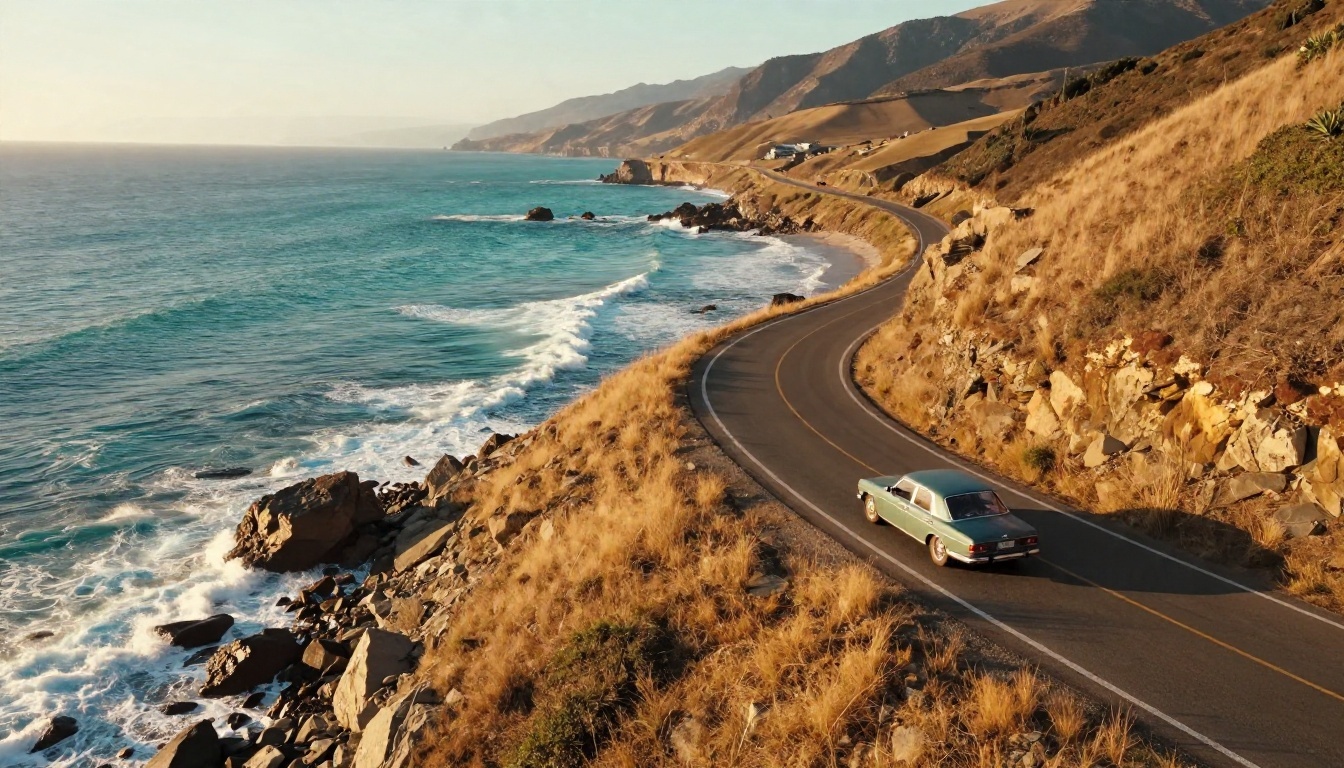
"A vintage sedan drives along a winding coastal cliff road at golden hour. The camera starts high above and slowly descends, following the car around a bend. Waves break on the rocks below, grass sways in the wind."
Product Shot Prompt Example
"Glass perfume bottle with a gold cap on a veined marble slab, a sprig of dried lavender beside it, soft window light from the left, 100mm macro lens, three-quarter high angle."

Common Prompt Mistakes
- Stacking too many subjects. Two characters and a crowd usually confuses the model.
- Skipping the light. Without a light direction, the output looks flat.
- Asking for text in the frame. Keep any lettering to one or two short words.
- Mixing styles. "Documentary realism" and "painterly fantasy" in one prompt fight each other.
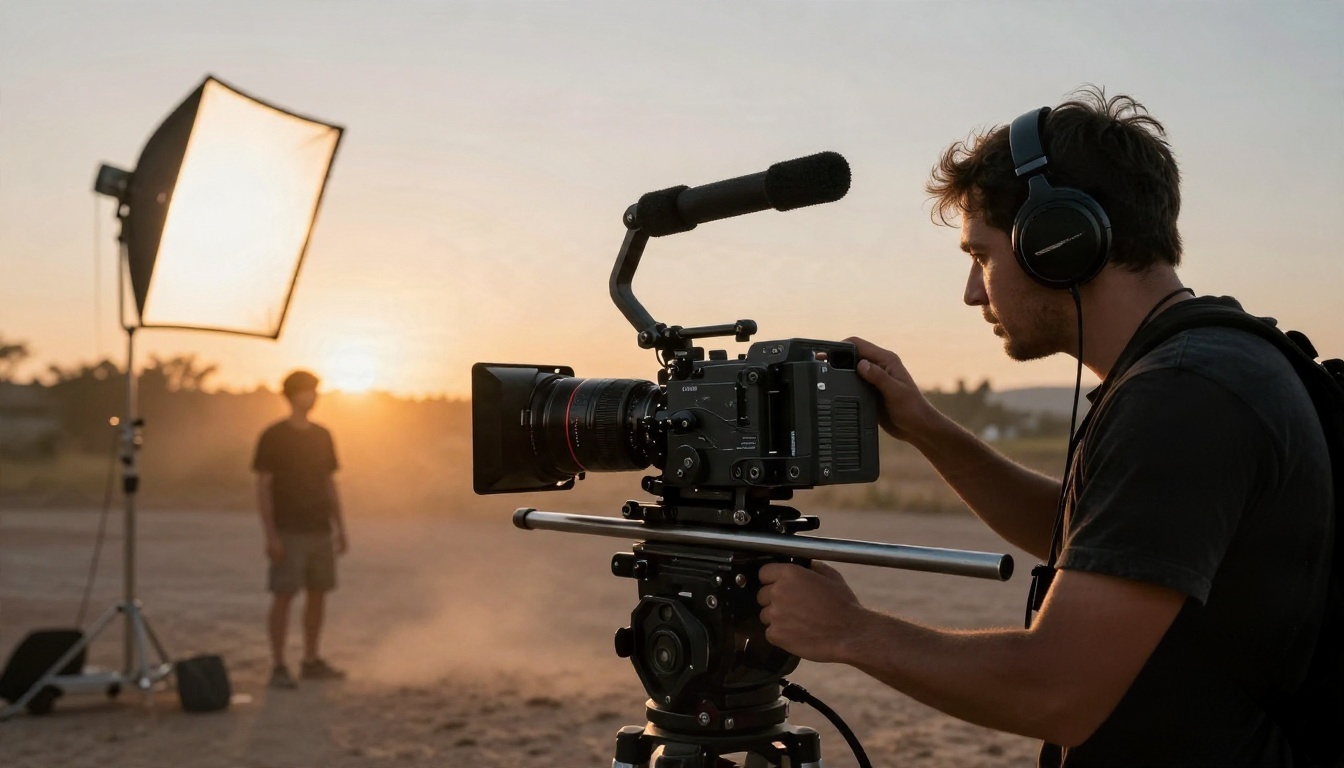
Cinema studio interfaces, including the ones that imitate Higgsfield's look, bundle camera presets such as dolly, orbit, crane and handheld shake. These are useful, but they are a thin layer. A camera move is ultimately a sentence in your prompt, and a strong video model follows that sentence if you word it clearly.
Here is a short vocabulary that works across most video generators:
| Move | Prompt wording | Best for |
|---|
| Dolly in | "slow dolly-in toward the subject" | Emotional close-ups |
| Orbit | "camera orbits slowly around the subject" | Product reveals |
| Crane up | "camera rises to reveal the landscape" | Establishing shots |
| Handheld | "subtle handheld movement" | Documentary feel |
| Static | "locked-off tripod shot" | Dialogue, calm scenes |
Build a Shot List First
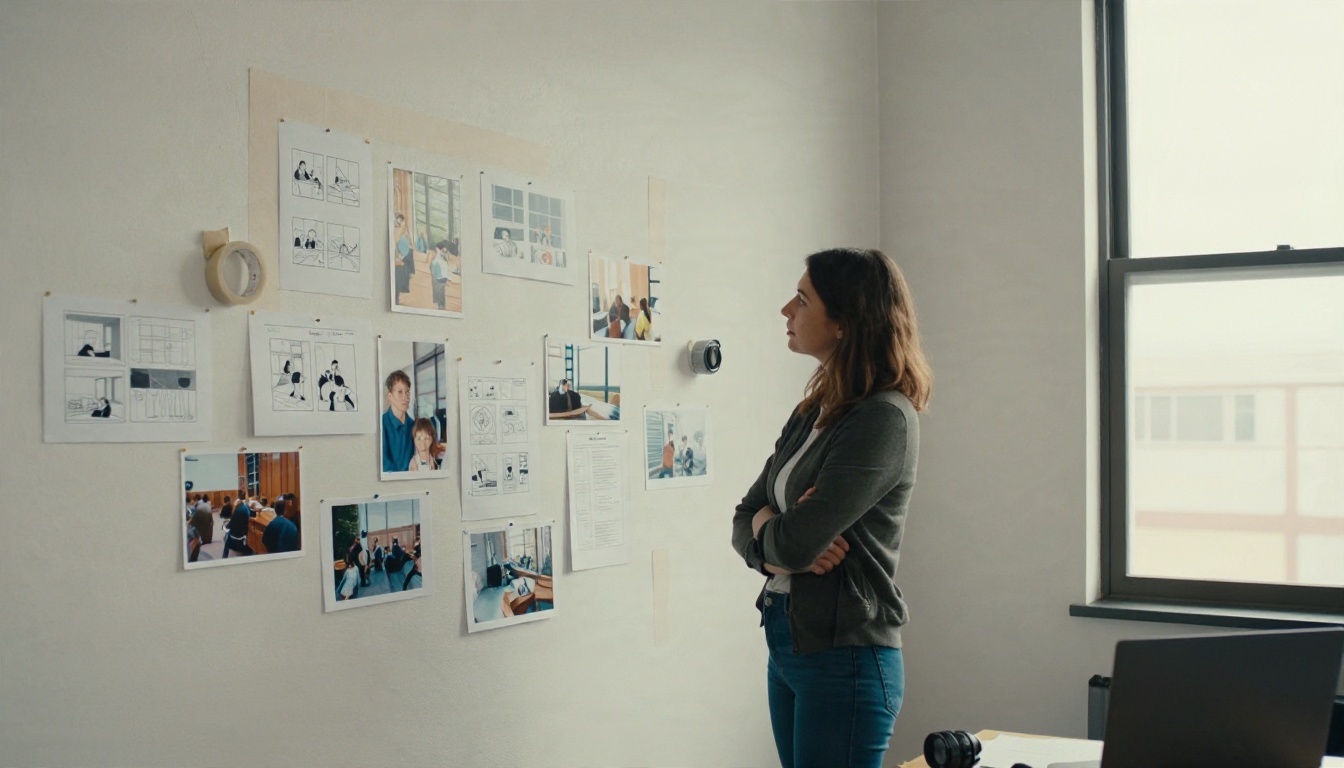
Before spending a single credit, sketch your sequence. A wall of storyboard frames saves money because you only generate the shots you need.
Alternatives You Can Use Today
If self-hosting sounds like a weekend you do not have, or credits expiring every month annoys you, these models are on PicassoIA and work from the browser. Open Higgsfield AI is not on PicassoIA, so these are alternatives for similar results, not a copy of that tool.
Kling v3 Video for Cinematic Motion
Kling v3 Video is the strongest pick for camera movement and character motion. It follows chronological prompts well, which matters for the dolly and crane moves in the table above. There is also Kling v3 Omni Video for 1080p output and Kling v3 Motion Control when you want a character to copy a reference movement.
Veo 3.1 Fast for Video With Sound
Veo 3.1 Fast turns text into 1080p video quickly, and its lighter sibling Veo 3.1 Lite generates clips with native audio, handy for dialogue or ambient sound.
Seedream 4.5 for Stills
Seedream 4.5 produces sharp 4K images from text. Use it for the portrait and product prompts above, then turn the best frames into motion.
Nano Banana Pro for Editing and Consistency
Nano Banana Pro is a good choice when you need to keep the same character or product across several frames, and Nano Banana handles quick edits.
How to Get Similar Results on PicassoIA
Here is a simple workflow built around Kling v3 Video, since cinematic motion is what most people want from a Higgsfield style studio.
- Open the model page. Go to the Kling v3 Video page and sign in.
- Write one shot per prompt. Use the chronological pattern: subject and starting pose, then the motion, then the camera move, then the light.
- Name the camera move in plain words. "Slow dolly-in" or "camera rises to reveal" beats generic phrases such as "cinematic."
- Start short. Generate a brief clip first, check motion and framing, and only then try longer or higher quality settings.
- Keep the style realistic. Mention natural light, lens length and film grain to avoid the plastic look.
- Iterate on one variable. Change only the camera move or only the light between attempts, so you know what caused the difference.
- Make the first frame with a still model. Generate a strong image with Seedream 4.5 or Nano Banana Pro, then animate it where the model page offers an image input.
💡 Parameter tip: Keep prompts between 40 and 80 words. Shorter prompts leave the model guessing, and longer ones tend to drop details near the end.
A Sample Prompt to Copy
"A woman in a camel coat walks along a quiet cobblestone street in soft overcast light. The camera starts at eye level, then slowly dollies backward as she approaches. Her coat moves in the breeze. Shallow depth of field, natural skin texture, fine film grain."
When to Pick Something Else
| Factor | Open Higgsfield AI | Hosted Higgsfield | Multi-model browser platform |
|---|
| Software cost | Free | Subscription | Pay as you go or plans |
| Setup time | Hours | Minutes | Minutes |
| Maintenance | You | Vendor | Platform |
| Model variety | Provider dependent | Vendor chosen | Many models side by side |
| Credit expiry | Per API terms | Monthly reset reported | Check plan details |
| Best for | Developers | Teams on one vendor | Creators who test models |
Who Should Pick What
- Pick Open Higgsfield AI if you enjoy tinkering, want your own branded studio and can handle updates yourself.
- Pick hosted Higgsfield if you want a polished interface and are happy with its model list and credit system.
- Pick a multi-model platform if the goal is the best shot, not loyalty to one tool.
Quick Answers to Common Questions
Is Open Higgsfield AI really free?
The software is free. Generations are not, since they go through a paid external API.
Is it safe for client work?
Check the license of the code (MIT) and, separately, the terms of the model provider you connect. The code license does not grant rights over generated output.
Is the project actively maintained?
Activity varies by fork. A popular fork was reported inactive since April 2026, so check the latest commit date before committing to it.
Can I get cinematic video without any setup?
Yes. A browser based platform with a video model like Kling v3 Video skips installs, keys and servers altogether.
Try Your First Prompt Today
You now have the full picture: the software is free, the generations are not, and hosted plans reset credits every month. The cheapest option is the one that matches how often you actually create. If you make a handful of shots a month, a browser platform with many models beats both a subscription and a self-hosted server.
Pick one prompt from this article, paste it into Kling v3 Video or Seedream 4.5, and change one detail at a time: the light, the lens, the camera move. Within a few attempts you will see which phrasing gives you the look you want. When you are ready to compare more models, browse everything at picassoia.com/en/all-models and build your own shot list.


