If you typed "Open Media Tools NSFW" into a search bar, you probably want three things: a way to generate adult glamour images without paying upfront, prompts that actually produce good results, and a tool that will not refuse a bikini photo because a filter panicked. That is a fair shopping list, and this article gives you a straight answer for each item.
One honest note first. A search for the exact name turned up no official product page, only listicles and marketing pages for assorted NSFW generators. So this article does not make claims about a specific tool called Open Media Tools. It treats the phrase as what it most likely is: a search for open, free, low-restriction media generators. Everything below applies to that goal, and everything on PicassoIA is real, linked and ready to test.
💡 Scope reminder: every example here is about non-explicit glamour: swimwear, lingerie, boudoir light, fashion editorials. All people depicted are adults, and the images shown were generated, not photographed.
A reality check on the name
When a brand name is vague, scammers and clone sites love it. Anyone can register a domain called "open media tools" and wrap a thin generator around a stolen model. Before you paste a prompt or upload a photo into a site you just found, look for a named model, a visible privacy policy, clear pricing and a real company behind it. If none of those exist, close the tab.
Plain text mentions of other products you may have seen, like Stable Diffusion front ends, ComfyUI setups or assorted "uncensored" web apps, all follow the same pattern: some are excellent, some are bait. The label alone tells you nothing.
What users actually want
Reading through the common questions around this topic, the wishes cluster into five groups:
- Free access with no card on file
- Fewer refusals on swimwear, lingerie and artistic nudity implied by pose and lighting
- Realistic skin and fabric, not plastic faces
- Prompt help, because a weak prompt wastes generations
- Speed, since nobody wants to wait four minutes for one image
Keep that list in mind. We will score every option against it.

Free NSFW Options That Exist
Free tiers and their limits
Hosted generators usually offer a free tier with a daily credit cap, lower resolution, a watermark or a queue that moves slowly at peak hours. That is a normal business model, and it is fine for testing. The trouble starts when a "free" site hides a hard limit behind a paywall at the exact moment you get a good result.
Before committing time, check three things: how many generations you get per day, whether output is full resolution, and whether the content policy is written down. A policy you cannot read is a policy that will surprise you.
Local open weights
The other free route is running open-weight models on your own computer. You pay nothing per image, and nobody filters your prompt. The price is paid elsewhere:
| Factor | Local open weights | Hosted platform |
|---|
| Cost per image | Zero after hardware | Free tier or flat plan |
| Setup time | Hours to days | Seconds |
| GPU needed | Yes, often 12 GB VRAM or more | No |
| Speed | Depends on your card | Fast, consistent |
| Updates | Manual downloads | Automatic |
| Risk of malware in downloads | Real, check every file | Low |
For most people, local setups are a hobby in themselves. If you enjoy tinkering, go for it. If you want a good swimwear portrait in the next two minutes, a hosted tool wins.
Hidden costs of "free"
Free tools often pay their bills with your data. Uploaded photos can be stored, reused or sold. Prompts may be logged. Accounts can be banned without notice when a filter changes. Never upload a photo of a real person without their consent, and never upload anything you would not want stored on someone else's server.
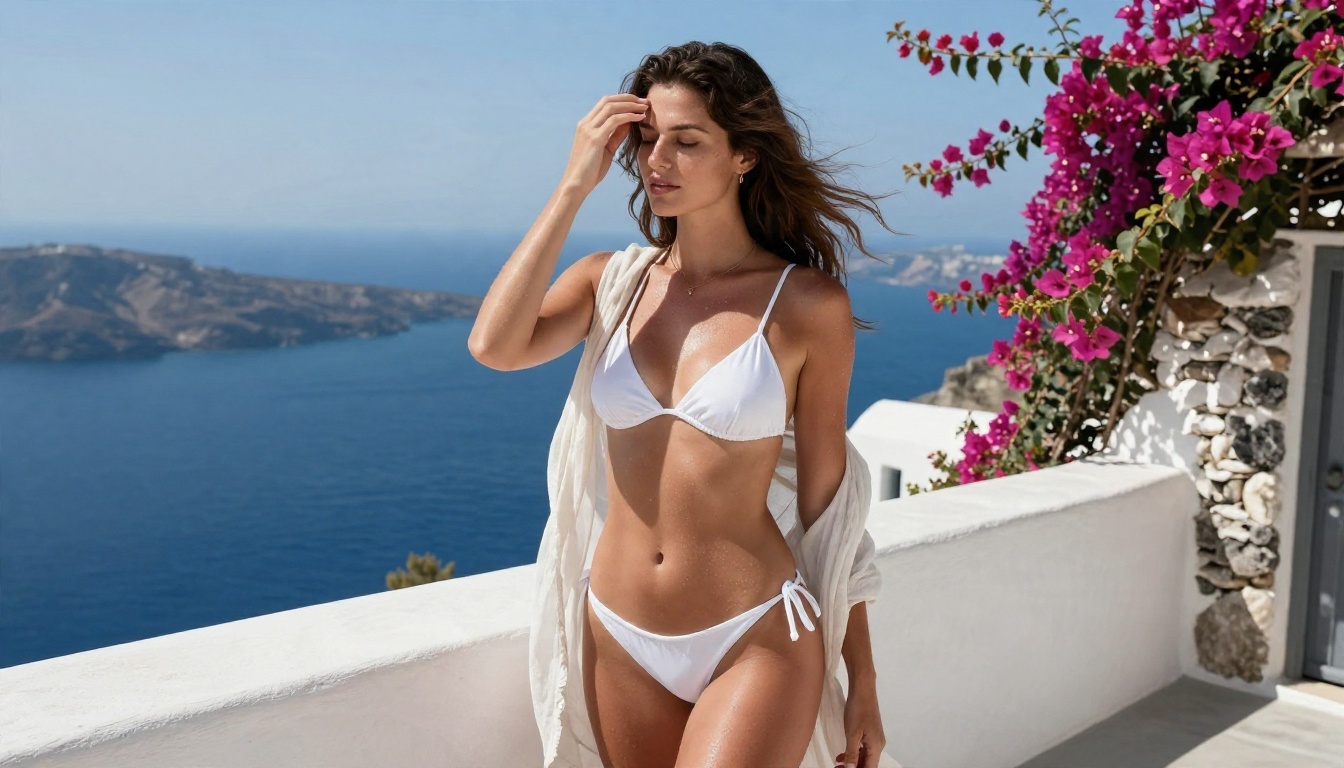
Prompts That Actually Work
A reliable prompt formula
Strong glamour prompts follow a fixed order. Think of it as a shot list you hand to a photographer:
- Subject and pose: who is in the frame and what they are doing
- Wardrobe: fabric, color, fit
- Setting: location, props, background
- Light: direction, time of day, softness
- Camera: lens, angle, distance, depth of field
- Texture and finish: skin detail, film stock, grain
A prompt like "sexy girl, beach" gives the model almost nothing to work with. A prompt like the next one gives it a clear picture:
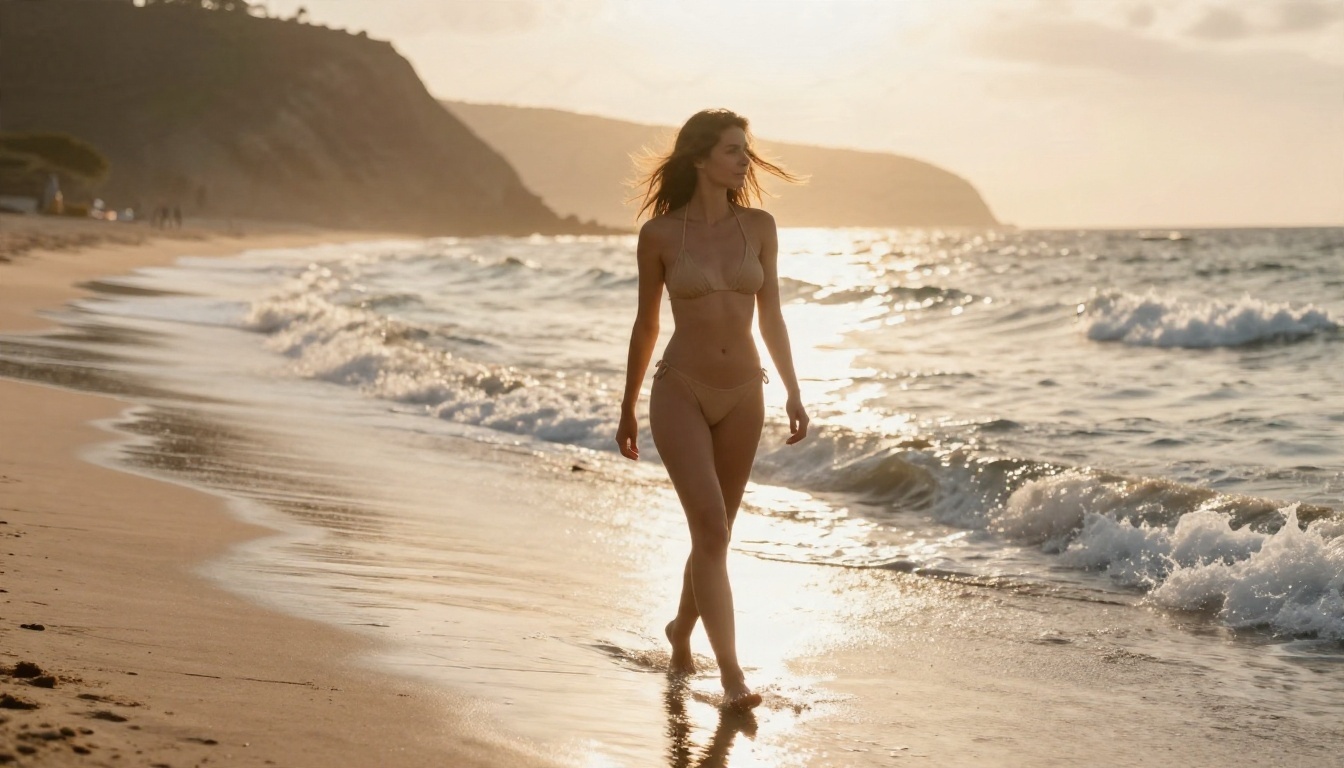
Adult woman in a sand-colored bikini walking along a wet shoreline at golden hour, small waves around her ankles, low sun backlighting her hair, 50mm f/2.2, wet sand reflections, natural skin texture, Kodak Portra 400 grain, RAW photograph.
Lighting and lens words
Light does most of the work in glamour imagery. These phrases reliably shift the mood:
| Look you want | Words to use |
|---|
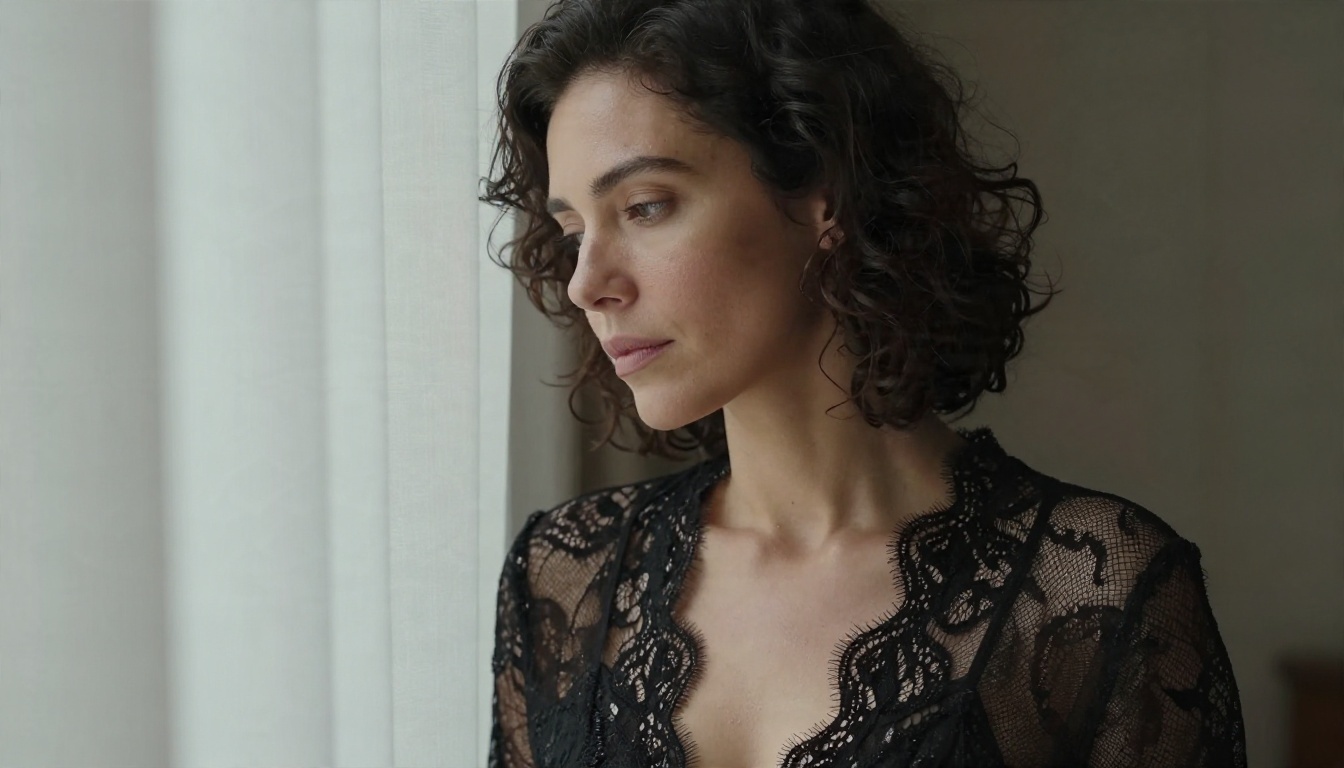
| Soft and intimate | window light from the left, diffused, sheer curtain |
| Warm and sunny | golden hour, low sun, rim light, backlit hair |
| Dramatic | single warm lamp, deep shadows, lifted blacks |
| Crisp summer | hard midday sun, sharp shadows, bright sky |
| Cinematic | tungsten sconces mixed with cool daylight |
For lenses, 85mm f/1.4 gives flattering portraits with creamy backgrounds, 35mm f/2 gives an environmental feel, and 24mm from a low angle makes poolside scenes feel spacious.
Wardrobe and setting ideas
Variety keeps a gallery from feeling repetitive. Try pairing these:
- Satin slip on white linen sheets, overhead view, morning light
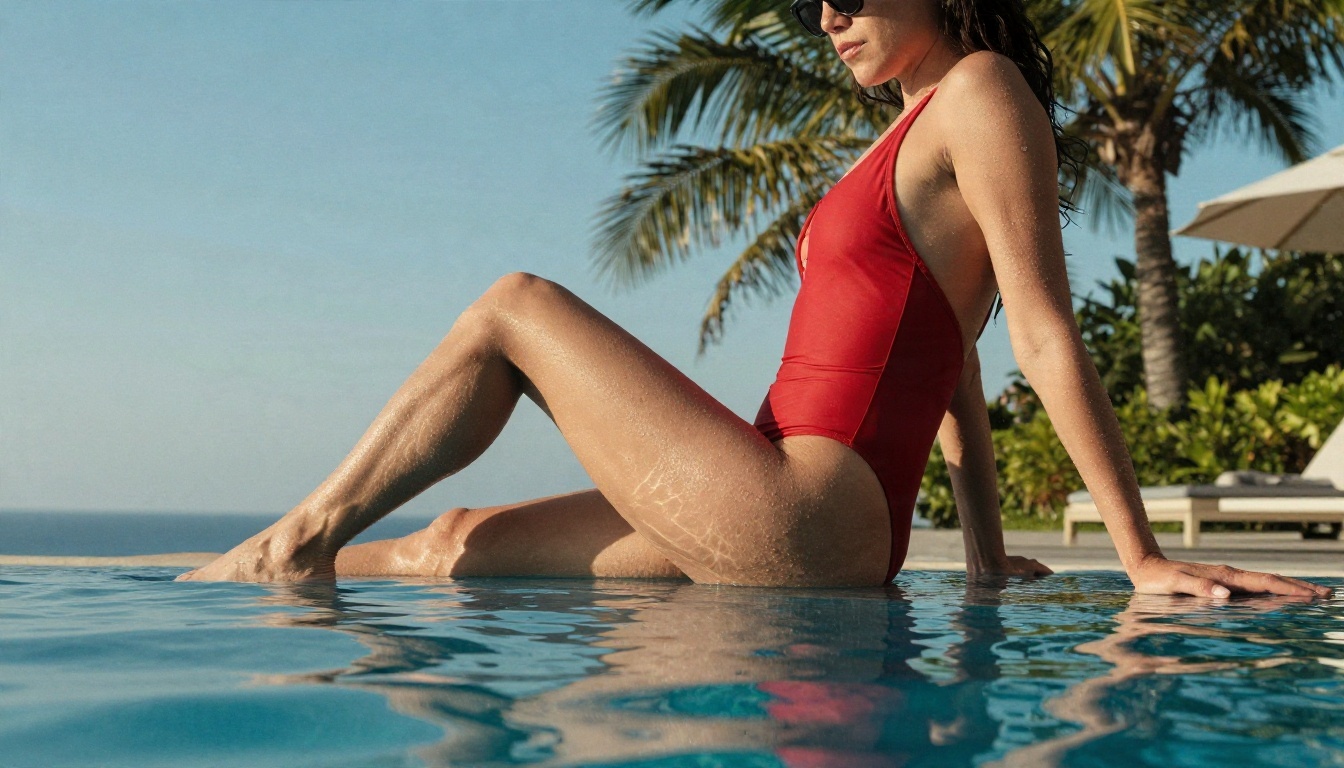
- Red one-piece at the edge of an infinity pool, low angle
- Black satin evening dress in a hotel corridor, one-point perspective
- Lace robe by a window, tight 85mm portrait
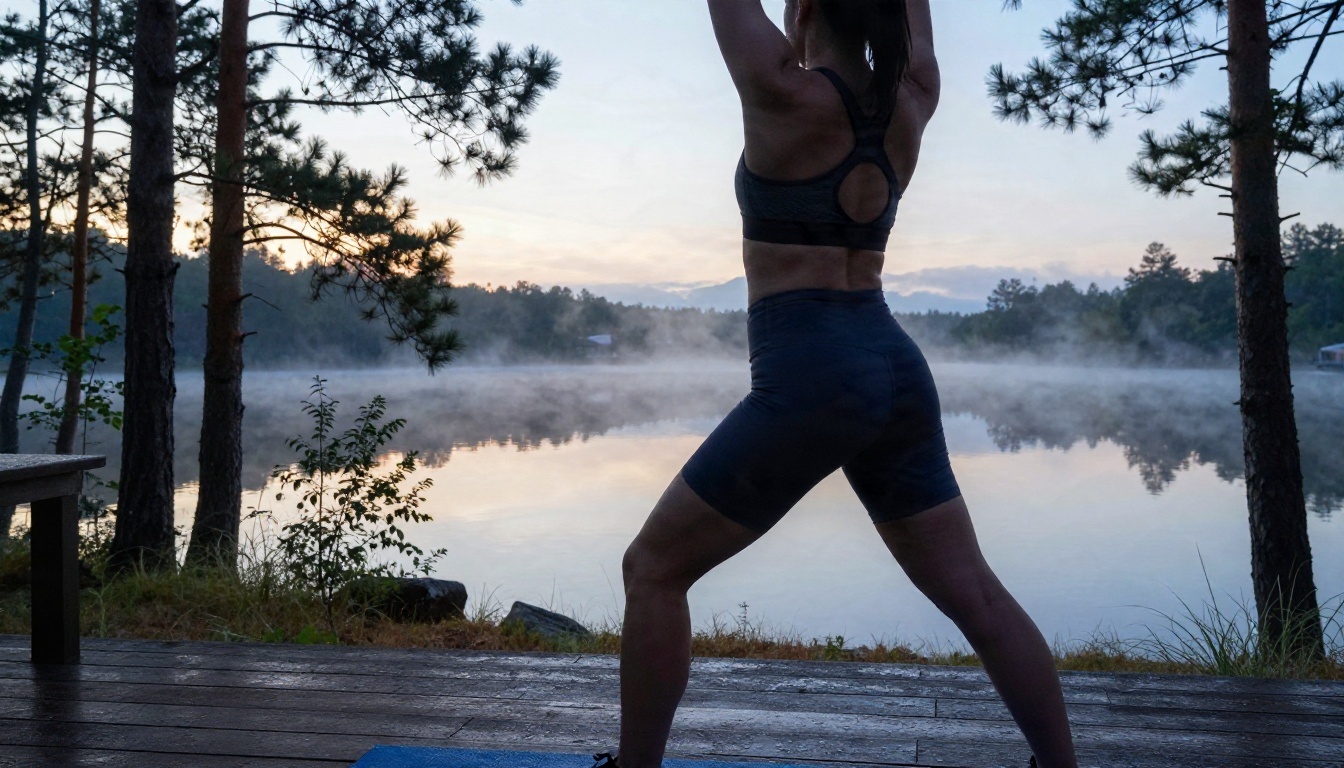
- Athletic set on a lakeside deck at dawn, cool backlight
Each pairing gives the model a mood, not only an outfit. That difference is what separates a flat image from one that feels like a magazine spread.
Uncensored Alternatives on PicassoIA
If you want fewer refusals without gambling on an unknown site, these models are on PicassoIA today. Open Media Tools itself is not on PicassoIA, so treat the list below as alternatives for the same job: for similar results today, try the following, in this order.
Seedream 4.5 first
Seedream 4.5 is the first model to try for adult glamour. It handles swimwear, lingerie and boudoir lighting without the constant refusals you hit elsewhere, and it is strong on skin texture, fabric weave and natural light. Prompts written with the formula above translate almost directly into finished images, with sharp detail at high resolution.
Best for: bikini portraits, editorial looks, close-up beauty shots.
PicassoIA Image Editor Pro
PicassoIA Image Editor Pro is the one to open when you want volume. It offers unlimited generations, which changes how you work: you stop rationing attempts and start iterating. Change a wardrobe color, swap a background, fix a hand, then run it again. For anyone coming from capped free tiers, unlimited runs are the biggest relief.
Best for: iteration, edits, building a full gallery in one session.
Z Image Turbo for speed
Z Image Turbo is built for quick turnaround. When you are testing ten prompt variations, you want results in seconds, not minutes. Use it to draft, then move the best prompt to Seedream 4.5 for a final render.
Best for: rapid drafts and prompt testing.
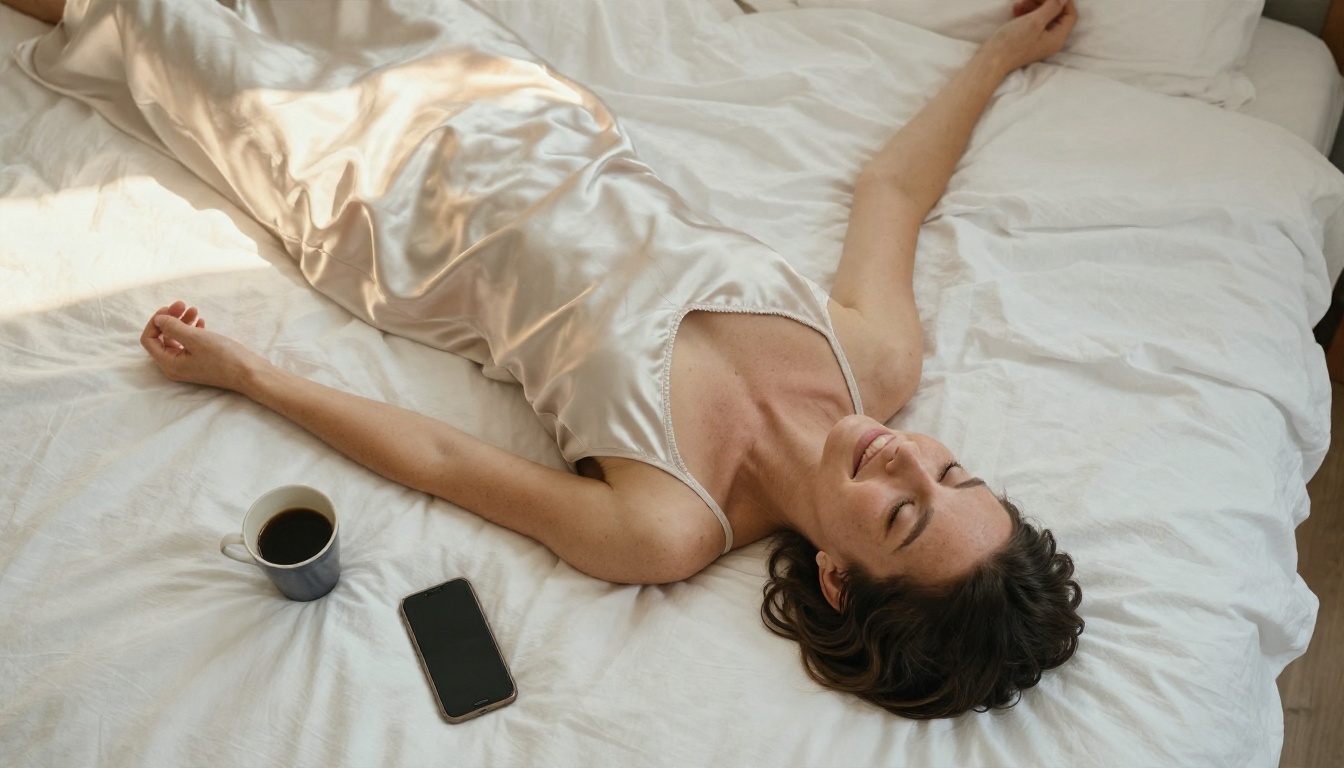
Quick comparison
How to Get Similar Results on PicassoIA
This walkthrough uses Seedream 4.5 as the main engine, since it is the strongest match for the realistic glamour look people expect from an open media generator.
Step by step
- Open the model page. Go to Seedream 4.5 and open the generator.
- Write the subject first. Start with "adult woman" plus a clear pose and outfit.
- Add the setting. One location, two or three props, nothing more.
- Name the light. Direction, time of day and softness. This is the single biggest quality lever.
- Add camera words. A lens such as 85mm f/1.8 and a film look such as Kodak Portra 400.
- Pick a landscape ratio. 16:9 suits editorial scenes. Use portrait ratios for full-length fashion shots.
- Generate and compare. Run two or three variations before changing the prompt.
- Refine in Image Editor Pro. Move the best result into PicassoIA Image Editor Pro for unlimited touch-ups.
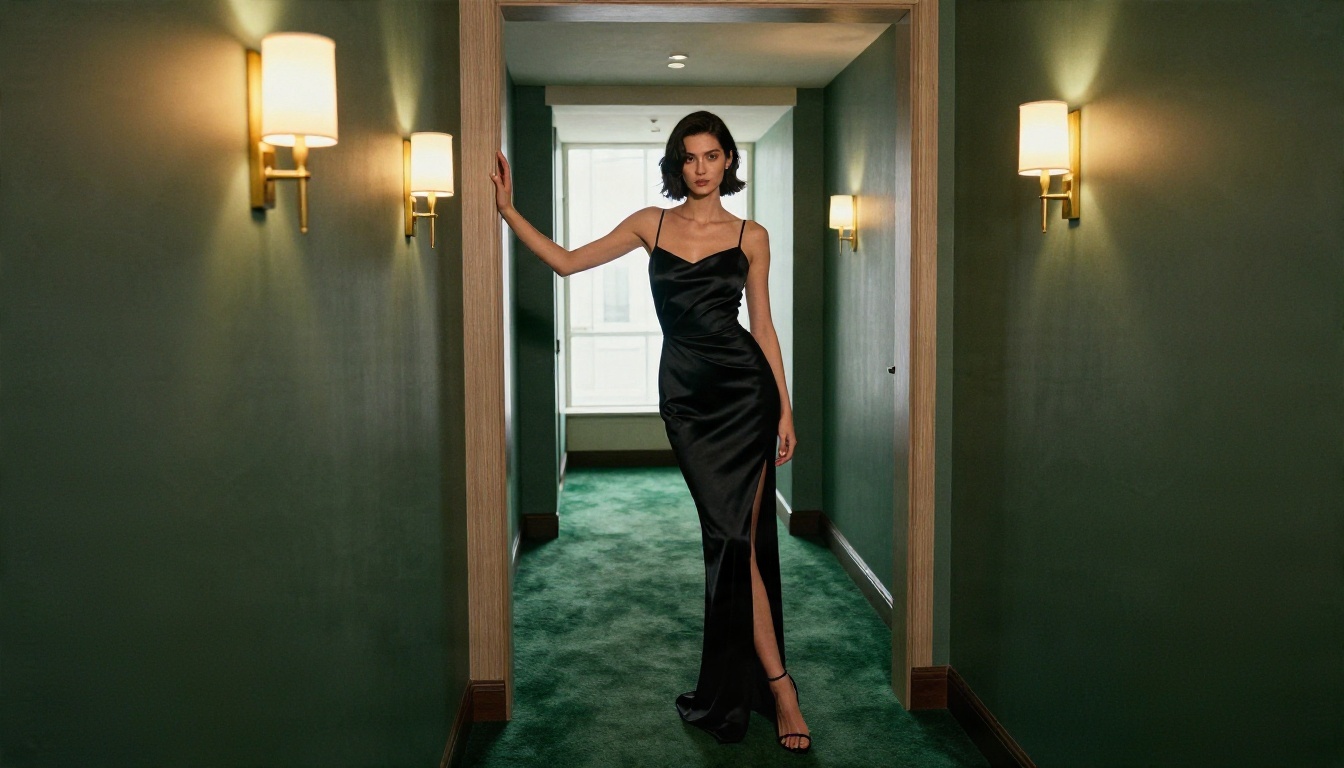
Parameter tips
- Keep prompts between 40 and 90 words. Shorter prompts leave too much to chance, longer ones start to contradict themselves.
- Describe texture. Words like "fine pores", "satin sheen" and "wet sand reflections" push realism up.
- Avoid style words that fight realism. Terms like "digital art" or "3D render" pull the result away from photography.
- Change one thing at a time. If you swap outfit, light and lens together, you will not know which change helped.
- Reuse your seed when a composition is right and you only want to tweak wardrobe.
💡 Quick win: save your three best prompts in a notes file. Reusing a proven structure beats starting from scratch every session.
Matching detail to the shot
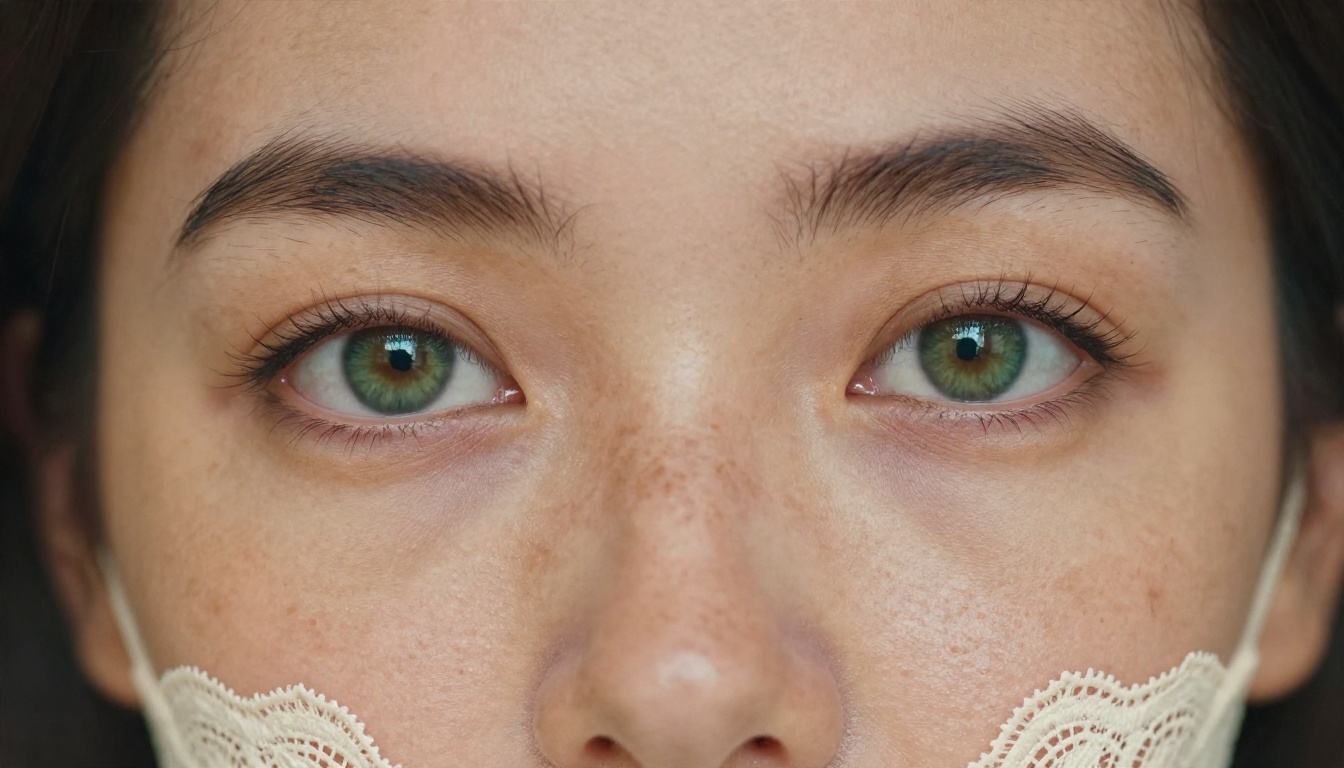
Close-ups reward macro-style language: "105mm macro, razor-thin focus on the eyes, visible skin pores, rim light." Wide scenes reward environment language: "24mm wide, caustic reflections, palm trees, clear sky." Match the lens words to the distance you want, and the model keeps skin and background proportionate.
Bringing Stills to Motion
Images are only half of what people want from a media tool. Animating a still is the other half, and it works best when the source image is already strong.
Wan 2.5 I2V Fast
Wan 2.5 I2V Fast takes a single image and adds believable motion: hair moving in sea wind, water rippling around ankles, a curtain shifting beside a window. It stays close to the source frame, so the face and outfit remain consistent.
A reliable motion prompt describes three things in order: what moves, how the camera moves, and what the light does. For example: "Hair lifts gently in the breeze, small waves roll in around her ankles, slow dolly-in, warm sunset light stays steady."
Alternative for longer clips
If you want to generate video straight from text, Wan 2.5 T2V Fast and LTX 2.5 Fast are both worth testing. Start with a still, though. A great still gives the video model a strong first frame, and results are far more predictable than text-only generation.
Mistakes That Waste Generations
Safety and consent first
Generate imaginary adults, not real people. Never use a photo of a real person without clear consent, and never create anything that looks like a minor. Beyond the legal risk, deepfake-style misuse harms real people. Platforms and laws are tightening around synthetic adult media, and keeping your work to original, fictional adults protects you and everyone else.
Prompt mistakes to avoid
| Mistake | Better approach |
|---|
| One vague line | Use the six-part formula |
| Five lighting styles at once | Pick one direction and one mood |
| Stacking ten adjectives | Describe fabric, skin and light concretely |
| Forgetting the camera | Add lens and distance |
| Asking for explicit content | Aim for suggestive, tasteful framing, which also renders better |
| Changing everything between runs | Alter one variable per generation |
Tool mistakes to avoid
Do not pay for a yearly plan on a site you found an hour ago. Do not download unknown checkpoint files from random forums without checking them. Do not assume "uncensored" means "safe": it only describes filters, and says nothing about privacy or reliability.
Try It Yourself
You do not need a mystery tool to make attractive, photorealistic glamour images. Pick one of the prompts from this article, paste it into Seedream 4.5, and compare the output to the images above. Then open PicassoIA Image Editor Pro and run as many variations as you like, since generations are unlimited. When one frame feels right, send it to Wan 2.5 I2V Fast and watch it move.
Want to see what else is available? Browse every model at picassoia.com/en/all-models, try a few side by side, and keep the ones that fit your style. The fastest way to build a good prompt is to run one, change one detail, and run it again.


