Open Sora 2.0 sounds like the dream: a free, open source video generator with weights you can download, a training recipe anyone can read, and output that its creators say competes with paid tools. Then you try to run it and meet the catch. It wants a stack of expensive GPUs, the hosted demo has a queue, and the clips stop after a few seconds.
This article sorts the marketing from the reality. You will see what the model is, what the numbers mean, how the online demo behaves, where the real limits sit, and which alternatives give you usable video in minutes instead of hours.
💡 Quick naming note: Open Sora is a community project from HPC-AI Tech. It is not OpenAI's Sora 2, even though the names look alike. They are separate models from separate teams.
What Open Sora 2.0 Actually Is
The Short Version
Open Sora 2.0 is an open source text-to-video and image-to-video model released in March 2025. It has roughly 11 billion parameters and produces clips at up to 720p and 24 fps. The team published the checkpoints, the inference code, and the distributed training pipeline, which is what makes it "open" in a meaningful sense. Most video models keep at least one of those three pieces locked away.
Its main selling point is efficiency. The developers reported a training bill of around $200,000 on 224 GPUs, which is small next to what closed labs are believed to spend. Their benchmark claims place it close to much larger models such as HunyuanVideo and the 30B Step-Video on VBench and human preference tests.
Who Built It and Why It Matters
The project comes from HPC-AI Tech, a company that sells GPU cloud time and training software. That context is useful. The open release is a real contribution to researchers, but it also shows off their infrastructure. Neither fact makes the model worse. It simply explains why the training cost is such a central part of the pitch.
For hobbyists, the value is different. You can read the code, fine-tune the model on your own footage, and run it offline without sending a single prompt to someone else's server.
Specs, Cost and What They Mean
Model Size and Output
Here is the snapshot, based on what the developers published at release:
| Feature | Open Sora 2.0 |
|---|
| Parameters | About 11B |
| Modes | Text-to-video, image-to-video |
| Resolution | Up to 720p class output |
| Frame rate | 24 fps |
| Typical clip length | Around 5 seconds in the demo gallery |
| Audio | None generated |
| Weights | Public download |
| Training cost (reported) | About $200,000 |
Treat the training cost as the developers' own figure rather than an audited number. It is still impressive, and it shows that strong video models no longer require a billion-dollar budget.
The Free Part Is Real, With a Catch
Free here means free to download. It does not mean free to run. Every clip you generate on your own machine costs electricity and GPU time, and if you rent a cloud GPU instead, you pay by the hour. Read the license in the repository before using output commercially, because open weights and unrestricted commercial rights are not always the same thing.
Running It Yourself
Hardware Reality
An 11B video model is heavy. At full quality you should plan for a high-memory data center class GPU, not a typical gaming card. Community builds and optimizations can squeeze it onto smaller hardware, but you trade speed, resolution or clip length to do it. Expect a single short clip to take minutes, not seconds, and plan for more when you push resolution.
A rough sense of the trade-off:
- Consumer 12 to 16 GB card: only with heavy offloading and lower resolution, and generation is slow.
- 24 GB card: workable for lower resolution tests, still slow at the top setting.
- High-memory cloud GPU: the comfortable route, billed hourly.
The Install Path
The typical workflow looks like this:
- Clone the project repository and create a clean Python environment.
- Install the pinned dependencies, including a matching PyTorch and CUDA build.
- Download the checkpoints from the model hub.
- Edit a config file for resolution, number of frames and sampling steps.
- Run the inference script with your prompt, or with a reference image for image-to-video.
None of this is hard for a developer. For a designer or marketer who just wants a clip for tomorrow's post, it is a wall. Version mismatches between CUDA, drivers and libraries eat more evenings than the model itself.
💡 Tip: If you do want to self-host, rent a GPU by the hour first. You will learn in one afternoon whether the output is worth building a permanent setup.
The Online Demo Experience

Hosted Demo Basics
For people who skip the install, a public demo exists on a community hosting platform. You type a prompt, optionally upload a start image, pick a few settings, and wait for a short clip. It is the fastest way to judge the model's style before you decide anything else.
I could not confirm any official numbers for daily quotas, queue rules or maximum settings on the hosted demo, so check the demo page itself for current limits. Community demos change often, and a setting that worked last month can vanish.
Queue and Quota Realities
Free community demos share a pool of GPUs. In practice that means:
- Waiting in line when many people are trying the model at once.
- Timeouts on longer or higher-resolution jobs.
- No guarantee of uptime, since the space can pause or restart.
- No privacy promise, so avoid uploading client footage or unreleased products.
A demo is perfect for a ten-minute test. It is a poor base for a content calendar.
The Real Limits
Clip Length and Motion
Short clips are the norm. Around five seconds is the length shown in the project's gallery, which is fine for a looping background or a single shot, but not for a scene with an arc. Complex motion is where open models still wobble: hands, crowds, fast camera moves, and objects that change shape between frames. Expect to generate several versions and pick the best one.
No Native Audio
Open Sora 2.0 produces silent video. If you need dialogue, ambient sound or music, you add it afterward with separate tools. Several commercial models now generate synchronized audio in the same pass, which saves a whole editing step.
Prompt Sensitivity
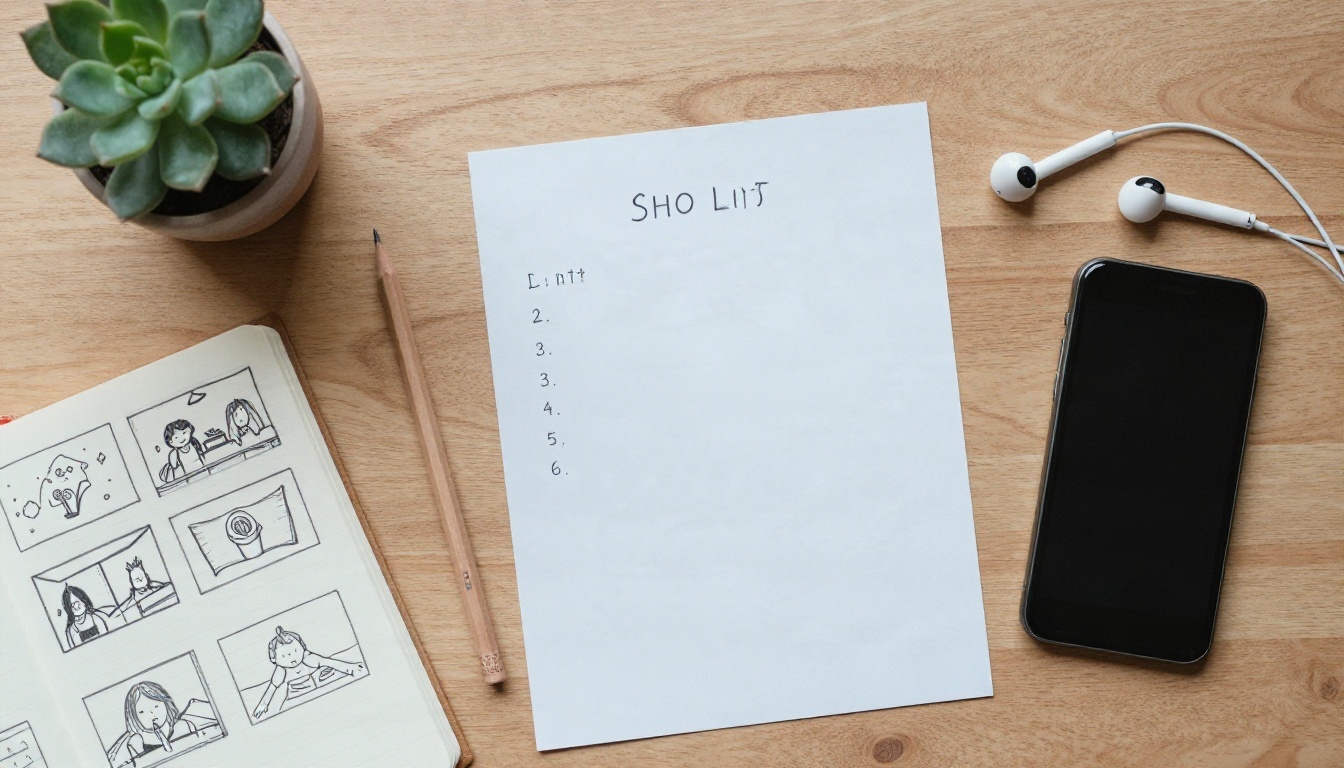
Open models usually reward long, concrete prompts and punish vague ones. A line such as "a woman walking" gives you a generic result. A line that names the lens, the light, the direction of travel and the mood gives you something you can use. Write your prompt like a shot list:
- Subject and action: who is doing what.
- Setting: where, and at what time of day.
- Camera: static, slow push-in, handheld, tracking.
- Light and color: soft overcast, golden hour, warm tungsten.
- Mood: calm, tense, playful.
Where It Fits Best
Open Sora 2.0 is strongest for research, experiments, fine-tuning and learning how video diffusion works. It is weaker for deadline work where you need long clips, sound, and predictable results on the first or second try.
Better Alternatives Today
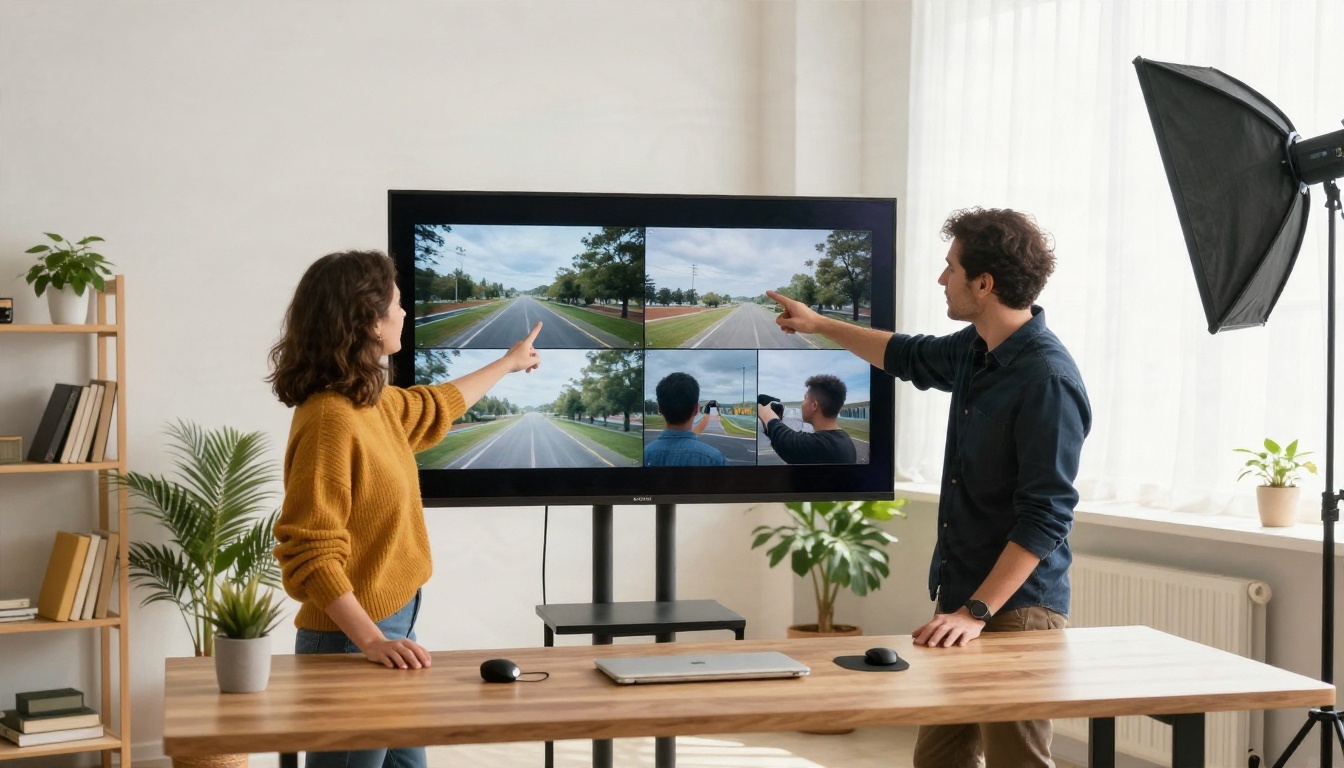
Open Sora 2.0 is not on PicassoIA, so there is no page to link for it. For similar results today, these video models are on PicassoIA and run in the browser with no GPU, no install and no queue of strangers ahead of you.
| Model | Best for | Standout |
|---|
| Wan 3 | Cinematic text and image-to-video | 480p to 1080p, up to 30 second clips |
| LTX 2.5 Fast | Quick drafts and iteration | Very fast generation |
| Sora 2 | Realistic scenes with sound | Synchronized audio |
| Kling v1.5 Pro | Smooth, polished motion | 1080p output |
Wan 3 for Open Source Feel
If you liked Open Sora because it comes from the open model world, Wan 3 is the closest in spirit. It handles text prompts and a single start image, supports negative prompts like many open pipelines, and goes up to 1080p and 30 seconds, far past the five-second ceiling you see in Open Sora demos.
LTX 2.5 Fast for Speed
LTX 2.5 Fast is built for iteration. When you are testing ten versions of a prompt, shaving the wait on each one adds up. Use it to find the shot, then re-render the winner on a heavier model.
Sora 2 for Sound
Sora 2 is OpenAI's model, and it is a different thing from Open Sora. Its advantage is synced audio in the same generation, which suits dialogue-free ads, social clips and mood pieces. For a higher-fidelity tier, Sora 2 Pro sits next to it.
Kling v1.5 Pro for Polish
Kling v1.5 Pro is a dependable pick for natural camera movement and clean 1080p output. It is a good choice for product shots and character clips where smoothness matters more than raw length.
How to Get Similar Results with Wan 3
Since Open Sora 2.0 is not available on PicassoIA, Wan 3 is the best stand-in for the same job: turning a prompt or a still image into a short cinematic clip.
Step by Step
- Open the model page. Go to Wan 3 on PicassoIA.
- Write the prompt. Use the shot list format from earlier: subject, action, setting, camera, light, mood.
- Add a first frame (optional). Upload a JPG, PNG, BMP or WebP under 10 MB if you want the clip to start from a specific image. When you provide one, the model uses the image's own aspect ratio.
- Pick the resolution. Choose 480p for quick tests, 720p for social posts, and 1080p for final delivery.
- Set the duration. The default is 5 seconds, which mirrors what Open Sora offers. Raise it when your shot needs room to breathe.
- Choose the aspect ratio. Use 16:9 for widescreen, 9:16 for vertical stories, or leave it on adaptive and let the model decide.
- Add a negative prompt. List what you do not want, such as "blurry, distorted hands, text, watermark".
- Generate, compare, repeat. Lock a seed once you like a result so you can change one variable at a time.
Parameter Tips
| Setting | Recommended starting point | Why |
|---|
| Resolution | 720p | Fast enough to iterate, sharp enough to judge |
| Duration | 5 seconds | Keeps motion coherent while you test |
| Prompt expansion | On for short prompts, off for detailed ones | Short prompts gain detail, long prompts stay exact |
| Seed | Fixed after a good run | Reproducible edits |
| Negative prompt | Short and specific | Long lists can flatten the style |
💡 Pro workflow: Generate a still frame first with a text-to-image model, check composition and lighting, then feed that image into Wan 3 as the first frame. You get far more control than a text-only prompt provides.
Who Should Pick What

Choose Open Sora 2.0 If
- You are a developer or researcher who wants to read, modify or fine-tune a video model.
- You already own or rent high-memory GPUs.
- You care about data staying on your own machine.
- You are happy with short silent clips and a lot of trial and error.
Choose a Browser Model If
- You need a finished clip today, not a working environment.
- You want 1080p, longer duration, or built-in audio.
- You make content on a schedule: ads, shorts, product demos, social posts.
- You would rather spend time on the idea than on CUDA errors.
A small shop owner filming a pottery clip has no reason to maintain a GPU server. A lab studying diffusion transformers has every reason to.
A Practical Mixed Workflow
Many creators land on a hybrid. Prototype the look in a fast model like LTX 2.5 Fast, render the final shot in Wan 3 or Kling v1.5 Pro, and keep an open model on the side for experiments. That way you are never blocked by one tool's limits.
Start Making Your Own Clips

Open Sora 2.0 deserves its reputation as a milestone for open video research. It proves that a lean team can train a serious model and share everything. For everyday creative work, though, the fastest route is the one that skips the setup.
Picasso IA puts Wan 3, LTX 2.5 Fast, Sora 2 and Kling v1.5 Pro in one browser tab. Write one prompt, run it on two or three models, and compare the results side by side. You can also pair them with text-to-image models to build the first frame, then animate it.
Pick a scene from your own project, write a shot-list prompt, and generate your first clip today. Browse everything available at picassoia.com/en/all-models and see which model fits your style.


