You can run an open source NSFW AI image generator on a home PC tonight, with no subscription, no upload queue and no one reading your prompts. The catch is real: you trade money for time, disk space and a graphics card. Some people love that trade. Others spend a weekend fighting Python errors and end up with a blurry portrait. This article lays out both paths honestly, so you can pick the one that matches your hardware and your patience.
We will go through what "open source" and "uncensored" actually mean for image models, what a local machine needs, how to install ComfyUI step by step, which free models are worth downloading, and where an online generator beats a local one. If you only want results today, jump to the online section. If you like owning your setup, start at the top.
What Open Source Really Means Here
Most people searching for an open source NSFW AI image generator mix up three different things. Separating them saves a lot of confusion.
| Term | What it means | Example |
|---|
| Open weights | The trained model file is public and you can run it offline | Flux Dev, Stable Diffusion checkpoints |
| Open source code | The software that runs the model is public | ComfyUI, Automatic1111 style interfaces |
| Uncensored | No safety filter sits between your prompt and the image | Depends on the app, not the model alone |
Here is the part most blogs skip. Image models do not have a chat-style refusal layer you can "remove". What changes is the training data, the community fine-tunes layered on top, and whether the app you use adds a filter. A base model trained on filtered data will draw skin awkwardly. A community checkpoint trained on photographic glamour and swimwear sets will not.
💡 Quick rule: "Open weights" gives you freedom to run offline. It does not guarantee good anatomy, good lighting or good taste. The checkpoint and your prompt decide that.
Rules Worth Following
Before any install, set boundaries. Generate only fictional adult characters. Never use a real person's face without their written consent. Never create anything involving minors, and never publish content that imitates a private individual. Running locally removes the filter, which means the responsibility sits with you. Keep your output tasteful, suggestive and non-explicit if you plan to post it anywhere public.
What Your PC Needs
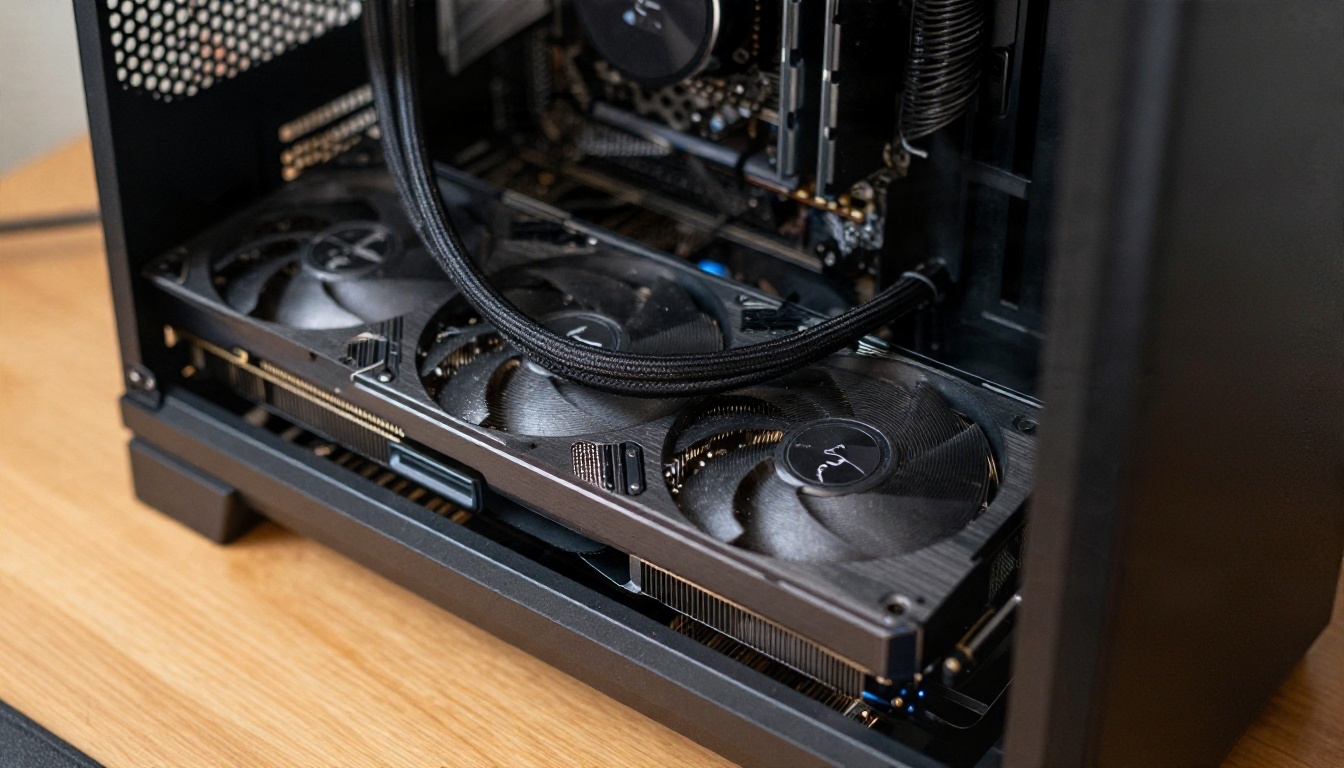
The graphics card matters more than anything else. Image generation leans on VRAM, the memory on your GPU, far more than on processor speed.
Realistic VRAM Tiers
These are working ranges from community experience, not hard limits. Quantized files and offloading can push some models lower, at the cost of speed.
| VRAM | What runs comfortably | Typical speed |
|---|
| 4 to 6 GB | SD 1.5 checkpoints, small SDXL variants with tricks | Slow, 30 to 90 seconds per image |
| 8 GB | SDXL checkpoints, small Flux builds with offloading | 15 to 40 seconds |
| 12 GB | SDXL with LoRAs, quantized Flux Dev | 10 to 30 seconds |
| 16 to 24 GB | Flux Dev at full quality, high-res upscales, LoRA training | 5 to 20 seconds |
You also want 32 GB of system RAM if possible, an NVMe drive with at least 100 GB free (models are huge), and a recent NVIDIA card. AMD and Apple Silicon work, but setup is rougher and some nodes break.
💡 Budget tip: A used 12 GB card often beats a new 8 GB card for this hobby, because bigger VRAM opens up newer models.
Software Basics
You need Windows or Linux, Git, Python 3.10 or 3.11, and up-to-date GPU drivers. If that sentence made you sigh, the online route further down will feel like a relief.
Install ComfyUI Step by Step
ComfyUI is the most flexible free interface for image models. It uses a node graph: boxes for loading a model, writing a prompt, sampling and saving. It looks intimidating for ten minutes, then it makes sense.
The Install Path
- Update your GPU driver and restart the PC.
- Download the portable ComfyUI build for Windows from the project's official repository, or clone it with Git on Linux.
- Extract it into a short folder path such as
D:\ComfyUI. Long paths with spaces cause odd errors.
- Run the launcher that matches your card. The first start installs dependencies and opens a browser tab.
- Install ComfyUI Manager, a community add-on that lets you install missing nodes with one click.
- Drop a model file into
models/checkpoints, refresh the page, and load the default workflow.
That is the whole install. No account is needed for the software itself.
Where Models Come From
Open weights are usually hosted on Hugging Face and Civitai. Always download files in safetensors format. Older pickle-based files can run arbitrary code when loaded, which is an easy way to infect your own machine. Check file sizes, read the comments on the model page, and prefer checkpoints with many downloads and recent activity.
Your First Image
Load a checkpoint, type a prompt, set the sampler, press queue. A reliable starting prompt for a tasteful portrait looks like this:
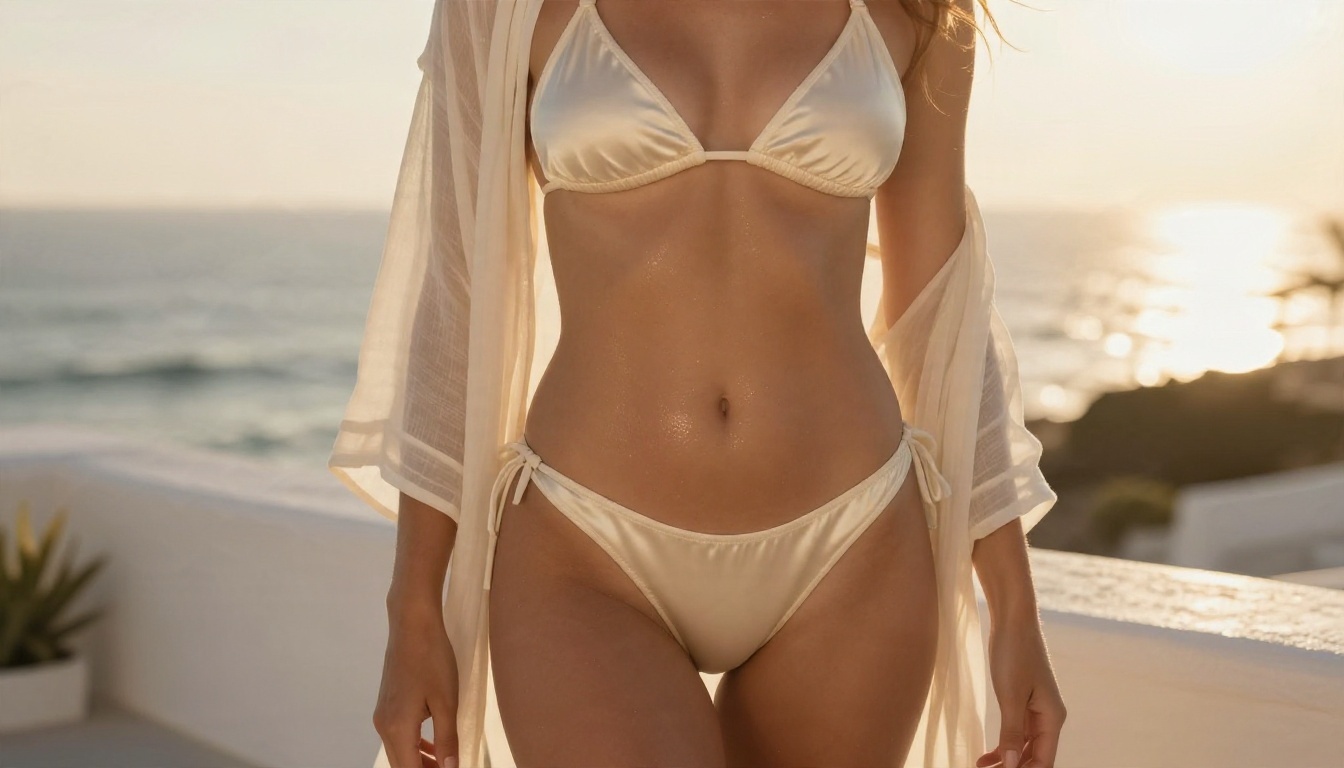
"Photograph of an adult woman in a cream satin bikini on a whitewashed terrace at golden hour, warm backlight, 85mm lens, shallow depth of field, natural skin texture, film grain."
Then add a negative prompt such as "cartoon, plastic skin, extra fingers, distorted hands, blurry, text, watermark" for older checkpoints.
Free Models Worth Downloading
The model matters more than the interface. Here are the families that people keep returning to, and the kind of output each produces.
SDXL Checkpoints
The SDXL family has the deepest ecosystem of community fine-tunes, LoRAs and ControlNet adapters. Photographic checkpoints in this family deliver strong skin and fabric at 8 GB of VRAM, which is why they remain the default pick for modest hardware. If you want to see how a fast SDXL variant behaves before installing anything, SDXL Lightning 4Step runs in a browser, and SDXL Multi Controlnet LoRA shows what pose control adds.
Best for: glamour portraits, swimwear, boudoir looks, lots of style LoRAs.
Weak spot: hands and text still slip, and prompts need tag-like phrasing.
Flux Models
Flux Dev is a 12 billion parameter model with open weights under a non-commercial license. It reads natural language prompts well, draws hands far better than older checkpoints, and produces convincing skin and light. The cost is VRAM and speed. Smaller Flux 2 Klein 4B Base was built for consumer hardware, and the Flux 2 Klein 9B Base LoRA and Flux Dev LoRA variants let you apply custom styles.
Best for: natural-language prompts, believable lighting, clean anatomy.
Weak spot: license limits on commercial use, heavy memory needs.
Stable Diffusion 3.5 and Older Favorites
Stable Diffusion 3.5 Large and Stable Diffusion 3 have open weights with community licenses, though the fine-tune scene around them is smaller. For retro photographic looks, Realistic Vision v5.1 is a long-standing SD 1.5 style checkpoint that runs on almost any card.
Fast Newcomers
Z Image Turbo is a speed-focused model that produces sharp photographic images in very few steps. Fine-tune support is still growing, so expect fewer ready-made LoRAs than SDXL has.
Quick Comparison
| Model family | VRAM comfort | Realism | Prompt style | LoRA ecosystem |
|---|
| SDXL checkpoints | 8 GB | High | Tags and short phrases | Huge |
| Flux Dev | 16 GB plus | Very high | Natural sentences | Growing fast |
| Flux 2 Klein 4B | 8 to 12 GB | High | Natural sentences | Early |
| SD 3.5 | 12 GB plus | Good | Natural sentences | Small |
| Realistic Vision v5.1 | 4 to 6 GB | Medium to high | Tags | Large |
Settings That Actually Help
Good settings beat longer prompts. These ranges work as a starting point and need tuning per checkpoint.
Sampling and Resolution
- SDXL: 25 to 35 steps, CFG 5 to 7, native size around 1024 by 1024 or 1216 by 832.
- Flux Dev: 20 to 30 steps, guidance 3 to 4, 1024 on the long side before upscaling.
- SD 1.5 style checkpoints: 25 to 30 steps, CFG 6 to 8, 512 by 768, then upscale.
Generate small, pick the best, then upscale. Rendering directly at huge sizes duplicates faces and stretches bodies.
Prompt Habits for Photoreal Results
- Name a camera and lens: "85mm f/1.8", "35mm documentary".
- Describe light direction: "soft window light from the left", "backlit at golden hour".
- Mention texture: "visible pores", "satin sheen", "lace weave".
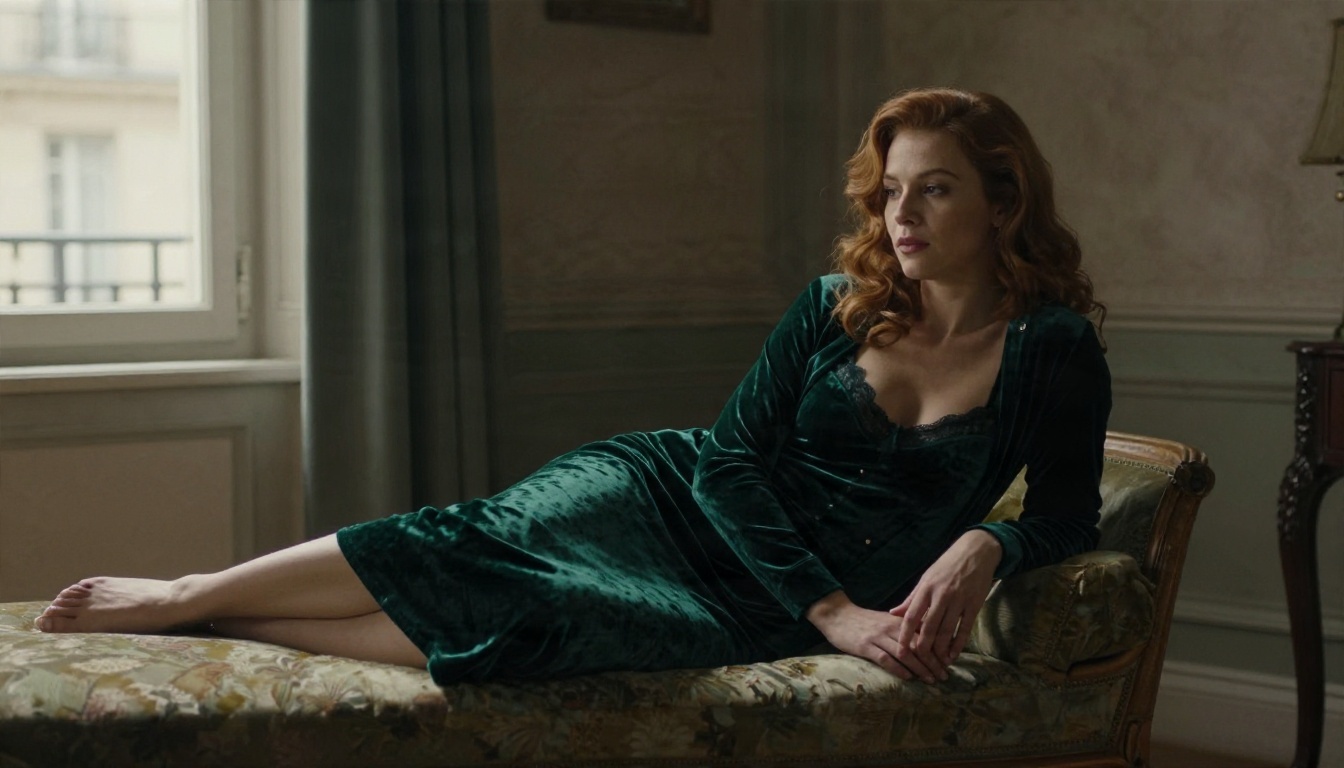
- Keep clothing and mood tasteful. Suggestion looks better than exposure, and it keeps your images shareable.
Fixing Hands and Faces
Use inpainting to redraw a small region. Mask the hand, rewrite the prompt for that area only, and run a short low-denoise pass. For faces, a detailer node can sharpen eyes without changing the character.
Keeping the Same Character
Consistency is the hardest part of any local workflow. Train a small LoRA on 20 to 40 images of one fictional character, or use a reference-based node. Training needs 16 GB of VRAM for comfortable Flux work, less for SDXL.
The Real Cost of Going Local
Free software is not the same as free results. Here is what the honest bill looks like.
| Cost | Local setup | Online generator |
|---|
| Hardware | 400 to 2000 USD for a capable GPU | None |
| Setup time | 2 to 10 hours the first time | Minutes |
| Disk space | 50 to 200 GB for models | None |
| Privacy | Excellent, nothing leaves your PC | Depends on the service |
| Speed per image | 5 to 60 seconds | Usually a few seconds |
| Maintenance | Updates break nodes now and then | Handled for you |
| Model variety | Anything you can download | Curated list |
If you generate a handful of images a week, the hardware rarely pays for itself. If you generate hundreds, train LoRAs and want zero external logs, local wins clearly.
Common Mistakes
- Downloading pickle files instead of safetensors.
- Mixing model families: an SDXL LoRA will not load on Flux.
- Skipping the upscale step, then blaming the model for soft detail.
- Copying giant negative prompts that fight the checkpoint.
- Running out of disk space halfway through a download.
Online Alternatives That Skip the Setup
Sometimes you just want the picture. A browser generator removes the driver, Python and VRAM problems, and the best ones now match or beat local output on realism.
Seedream 4.5 First
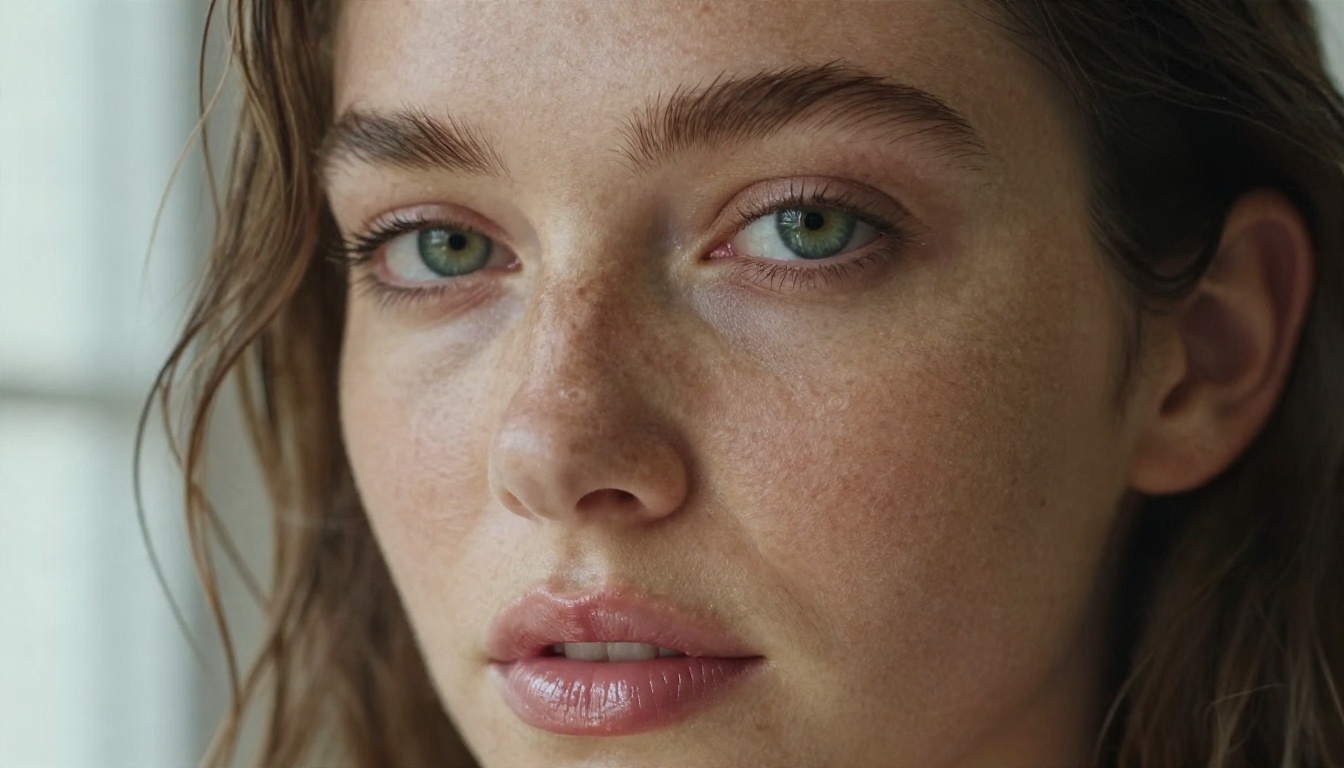
Seedream 4.5 is the model I would try before building any local rig. It produces sharp 4K photographic images, handles skin, fabric and light without much prompt tuning, and returns results in seconds. For suggestive glamour, swimwear and boudoir portraits, it gives a level of polish that takes a tuned SDXL or Flux workflow hours to approach.
How to use it on PicassoIA:
- Open the Seedream 4.5 page and choose text to image.
- Write a short natural-language prompt: subject, setting, light, lens.
- Pick a 16:9 or 3:4 ratio depending on whether you want a scene or a portrait.
- Generate, then reuse the same prompt with one change at a time (outfit, lighting, location) to keep control.
- Send your favorite result to the editor for fixes.
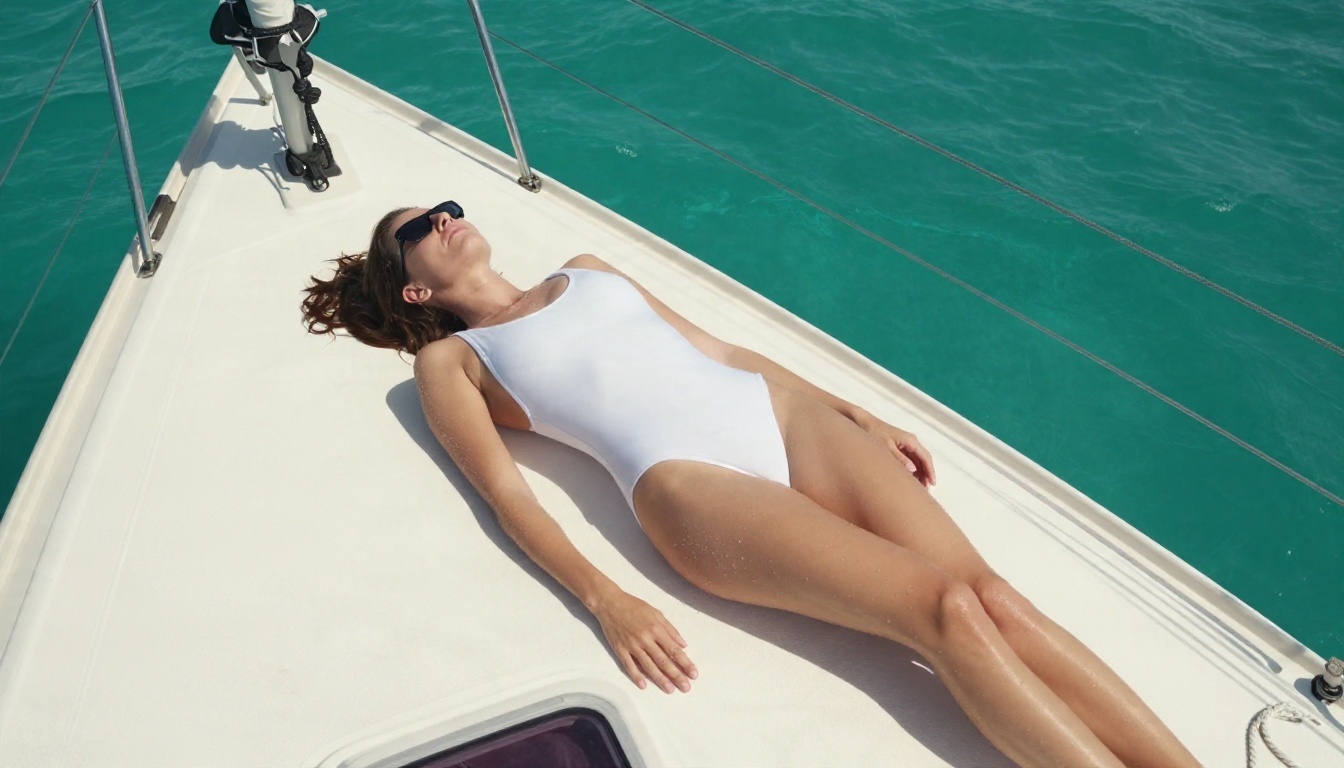
💡 Prompt tip: Seedream responds well to complete scene descriptions. "Woman in a white swimsuit on a teak sailboat deck, midday sun, 24mm lens, water droplets on skin" works better than a pile of tags.
PicassoIA Image Editor Pro for Edits and Volume
PicassoIA Image Editor Pro is built for unlimited generations and edits. That matters if you iterate a lot: change an outfit, adjust a background, fix a detail, then do it again without watching a counter. Think of it as the online version of inpainting plus variations, with no node graph to wire.
More Models Worth Testing
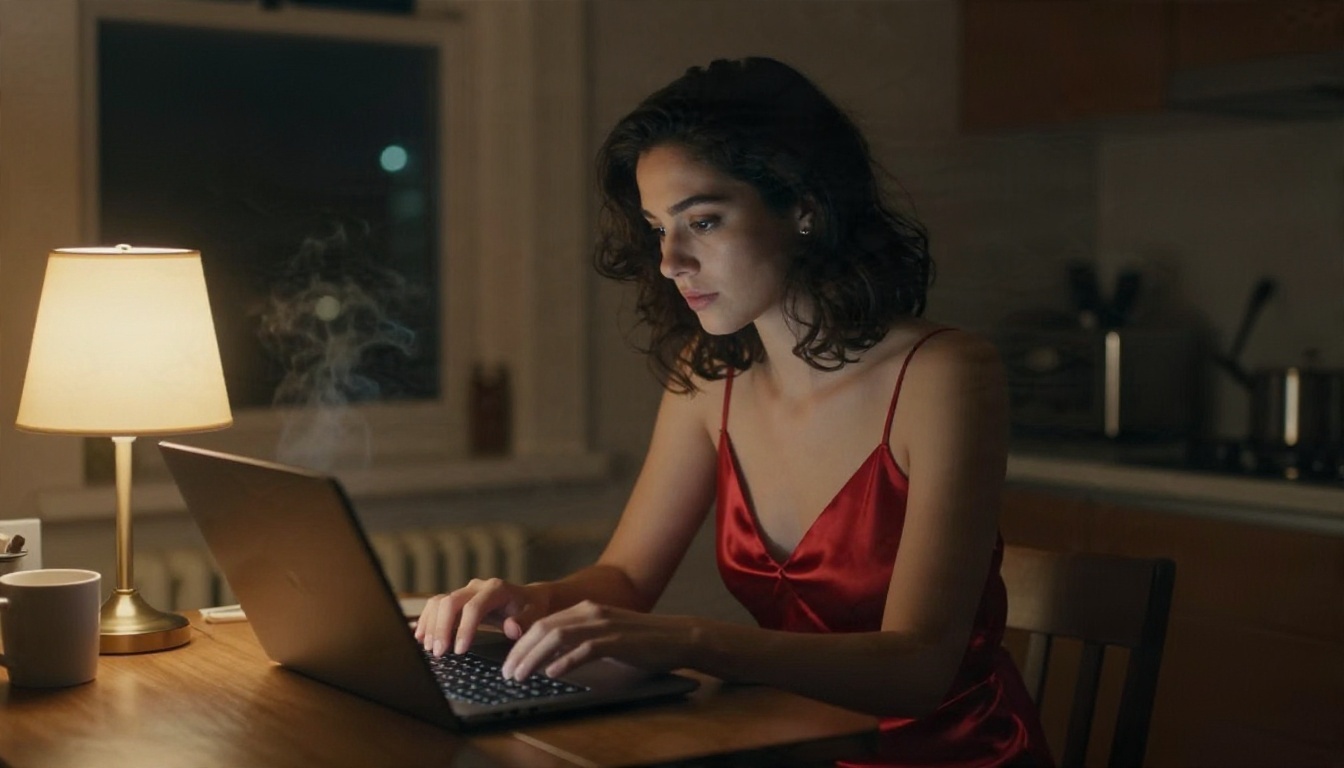
Online and Local Together
The smartest setup for many creators is a hybrid. Prototype looks, outfits and locations online in seconds. If you decide you need a custom character LoRA or fully offline work, build the local rig afterward, with a clear idea of what you want from it.
Which Route Should You Pick
Answer three questions.
- Do you own a GPU with 12 GB or more? If yes, a local install is a reasonable weekend project.
- Do you need offline privacy or custom LoRAs? If yes, go local.
- Do you mainly want strong images fast? Go online, start with Seedream 4.5, and use Image Editor Pro for edits.
| Your situation | Best starting point |
|---|
| Laptop, no dedicated GPU | Online generator |
| 8 GB desktop card | Local SDXL checkpoint, online for hard shots |
| 16 to 24 GB card | Local Flux plus LoRA training |
| Need volume and speed | Online, with unlimited edits |
| Strict offline requirement | Local only |
Try Your Own Images Today
You now have the full picture: what open weights mean, what hardware you need, how to install ComfyUI, which free models are worth the disk space, and where an online alternative saves a weekend. The fastest way to test your own ideas is to write one scene and run it through a few models side by side.
Open Seedream 4.5, then try PicassoIA Image Editor Pro for unlimited edits, and compare the output with whatever your local setup produces. Browse the full model list at picassoia.com/en/all-models for more photorealistic options, and keep your creations tasteful, fictional and adult.