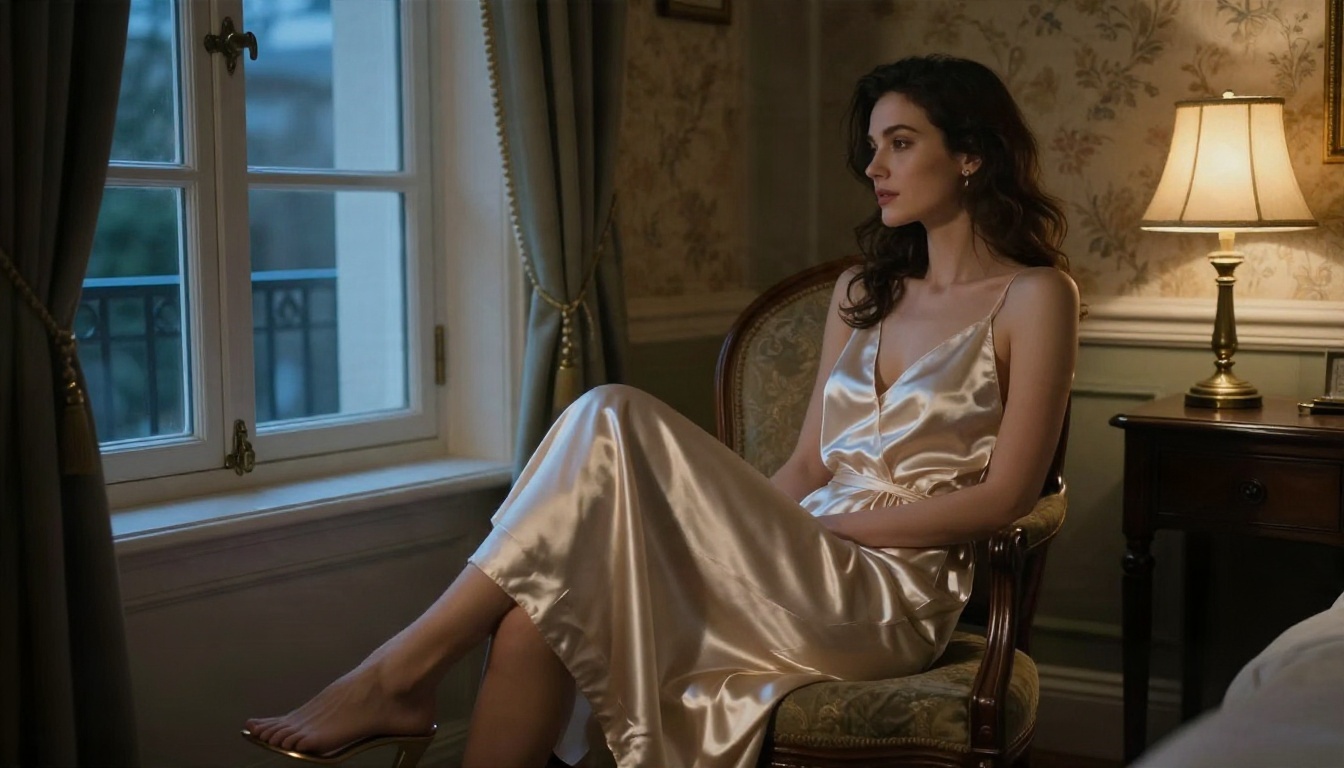
Most people searching for open source NSFW image generation models want the same three things: no paywall, no refusal messages, and pictures that look like real photographs instead of plastic dolls. That combination exists, but only if you pick the right model, write the prompt the right way, and set a handful of numbers correctly. Get any of the three wrong and you end up with waxy skin, melted hands and a lot of wasted GPU time.
This article walks through the open weight models that actually deliver suggestive, glamour style results, the free ways to run them, copy-ready prompts, and the settings table I wish I had on day one. Everything here stays on the tasteful side: swimwear, lingerie style editorial, boudoir lighting and fashion portraits. No explicit content, and no real people.
What "Open Source" Actually Means Here
Open Weights vs Open Source
Strictly speaking, almost none of the popular image models are open source in the software sense. They are open weight: the trained model file is public and you can download it, run it offline and fine tune it, but the training data and the full pipeline stay private. Licenses differ too. Flux Dev has a non-commercial license, Flux Schnell is Apache 2.0, and Stable Diffusion 3.5 uses a community license with revenue limits. If you plan to sell your images, read the license of the exact checkpoint you use before you do anything else.
💡 Quick rule: "Free to download" does not mean "free for commercial use". Check the license on the model page every time, especially for community fine tunes.
Why Run Open Models At All
There are three honest reasons people choose open weights for adult oriented glamour work:
- Control. You pick the sampler, the seed, the LoRA and the resolution. Nothing is hidden behind a slider.
- Privacy. On a local machine, prompts and outputs never leave your computer.
- Cost. After the hardware, every image is free. No credits, no daily caps.
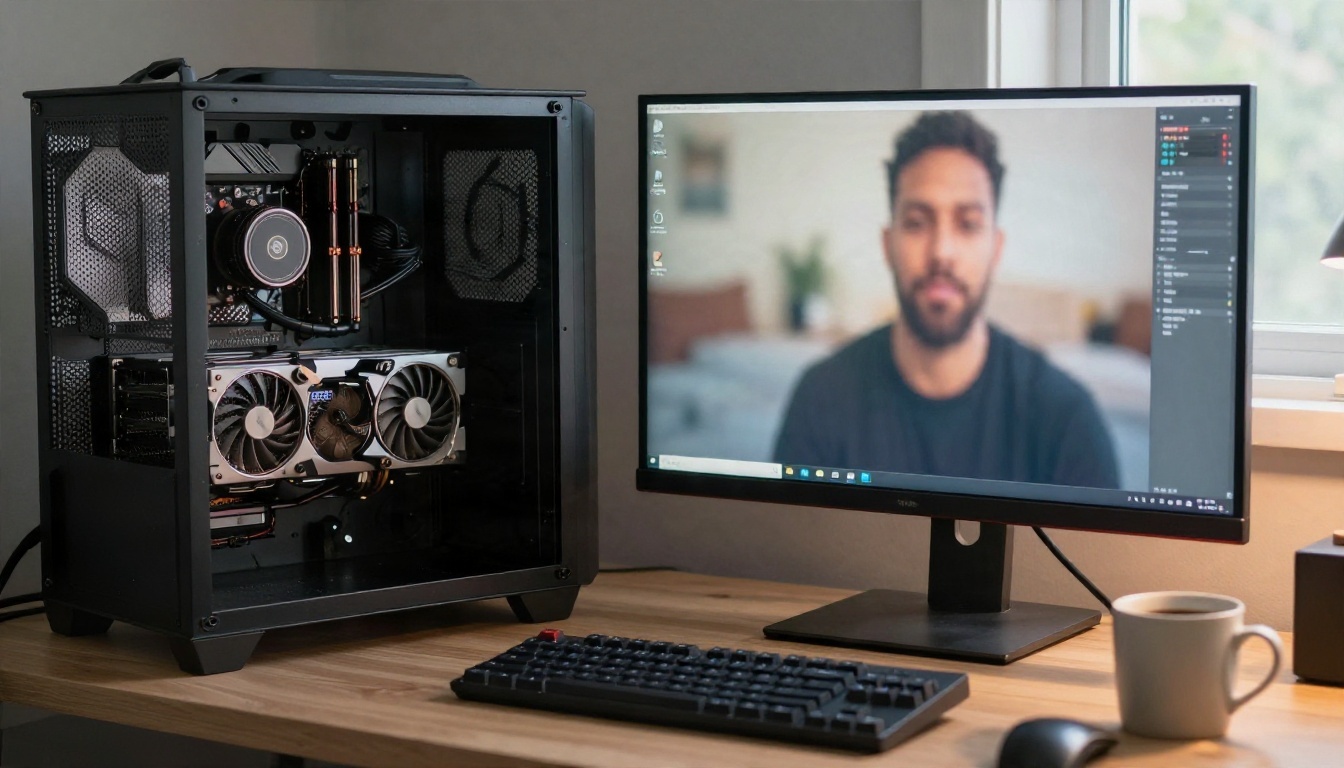
The tradeoff is setup time and hardware. A decent image needs a GPU with 8 GB of VRAM at the low end and 16 GB or more for the newest, largest models. If that sounds like a hassle, jump to the hosted section further down.
The Best Open Models Right Now
Not every open model is equally good at skin, fabric and body proportions. Here is how the main families behave for photorealistic glamour. Models marked with a link are available on PicassoIA, so you can test them in a browser before you commit to a local install.
You will also hear community names such as Pony Diffusion, Chroma and Juggernaut XL. Those are fine tunes or derivatives that live on community hubs, and they are not on PicassoIA, so this article refers to them by name only. Everything linked in the table can be tried without installing anything.
Flux Dev and Flux Schnell
Flux Dev is still the benchmark for believable skin. Pores, fine facial hair, uneven lip color and the way light rolls off a shoulder all come out natural, as long as you avoid the words that push it toward airbrushing. Anatomy, especially hands, is far more stable than older generations.
Flux Schnell is the distilled, fast sibling. It needs only about 4 steps, so it is ideal for testing a prompt idea before you spend minutes on a final render. If you want a custom look, both Flux Dev LoRA and Flux Schnell LoRA let you add a style or character file on top.
SDXL and Realistic Vision
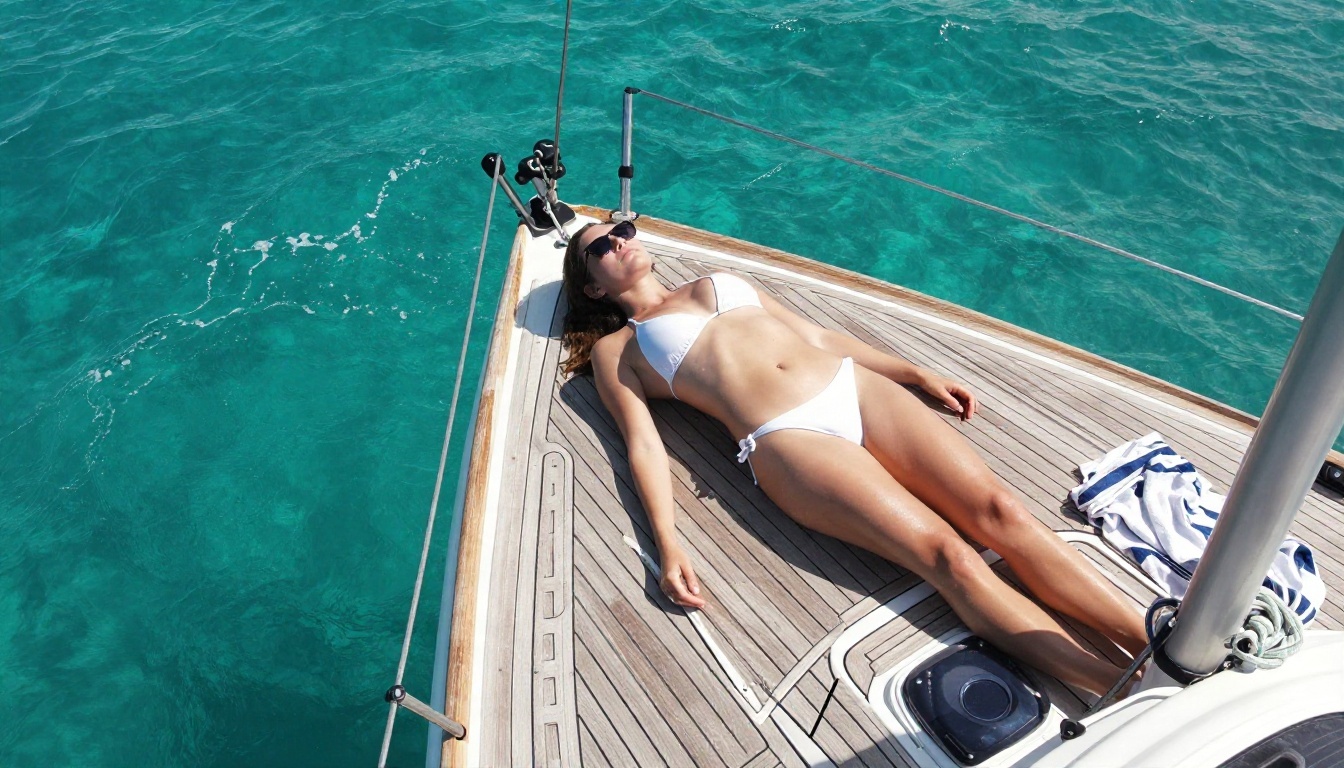
The SDXL family still has the largest ecosystem of community fine tunes, and that is its real strength. Thousands of LoRAs exist for fabrics, poses and film looks. SDXL Lightning 4Step gives you a quick result on modest hardware, and SDXL Multi ControlNet LoRA adds pose and structure control, which helps a lot when you want a specific body position without gambling on the seed.
Realistic Vision v5.1 is an older generation model, but it remains a favorite for a grainy, analog portrait feel and it runs on almost any graphics card.
Stable Diffusion 3.5
Stable Diffusion 3.5 Large follows long prompts better than SDXL and produces cleaner hands. If your machine struggles, Stable Diffusion 3.5 Medium is lighter, and Stable Diffusion 3.5 Large Turbo trades a little detail for speed. Its weakness is skin: left alone it can drift toward a smooth, slightly synthetic finish, so add film and texture words.
HiDream and Z Image Turbo
HiDream L1 Full is a large model with strong composition and detail. HiDream L1 Dev and HiDream L1 Fast are the lighter variants. Z Image Turbo is the surprise of the group: sharp, fast and surprisingly good at photographic faces for the compute it needs. For many people it is the best starting point.
Free Ways to Run Them
Local Install on Your GPU
The cheapest long term option is a local interface such as ComfyUI or Automatic1111 running on your own graphics card. The rough hardware ladder looks like this:
- 6 to 8 GB VRAM: Realistic Vision v5.1, SDXL variants, quantized Flux Schnell.
- 12 GB VRAM: Flux Schnell, SD 3.5 Medium, Z Image Turbo at normal precision.
- 16 to 24 GB VRAM: Flux Dev, SD 3.5 Large, HiDream L1 Full.
Download checkpoints only from the original model pages or well known community hubs, prefer the safetensors format, and never run a model file that asks you to execute extra code. A good habit: keep each model and LoRA in its own folder and write the license next to it.
Free Tiers in the Browser
If your hardware is weak, browser based tools remove the setup. Several of the models above can be tried directly on PicassoIA, which is useful for a different reason too: you can compare Flux, SD 3.5 and HiDream on the same prompt in ten minutes and decide which one is worth installing locally. That comparison alone saves hours of downloading 20 GB files you end up deleting.
Prompts That Actually Work
A Prompt Formula
The best glamour prompts read like a photographer's shot list, not like a tag pile. Use this order:
- Subject and wardrobe. Who, what they wear, what they are doing.
- Setting. Room, beach, balcony, studio backdrop.
- Light. Direction, quality, time of day.
- Camera. Lens, aperture, angle, distance.
- Texture and film. Skin detail, fabric sheen, grain, film stock.
💡 Tip: Name a real lens and a film stock. "85mm f/1.8, Kodak Portra 400, fine grain" does more for realism than ten adjectives like "ultra realistic" or "8K masterpiece".
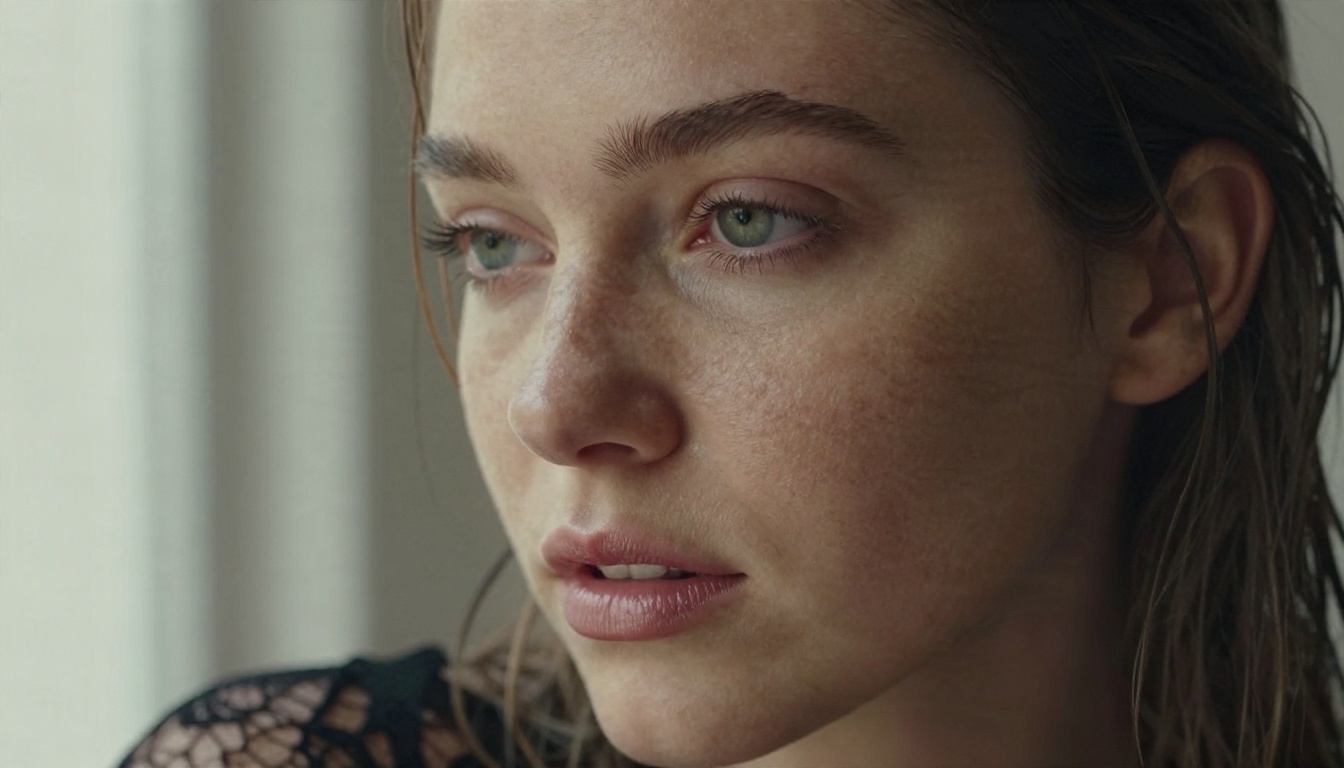
Words that quietly ruin skin: flawless, perfect skin, airbrushed, smooth, glowing, HDR. Replace them with visible pores, natural sheen, faint freckles, flyaway hairs.
Three Prompts to Copy
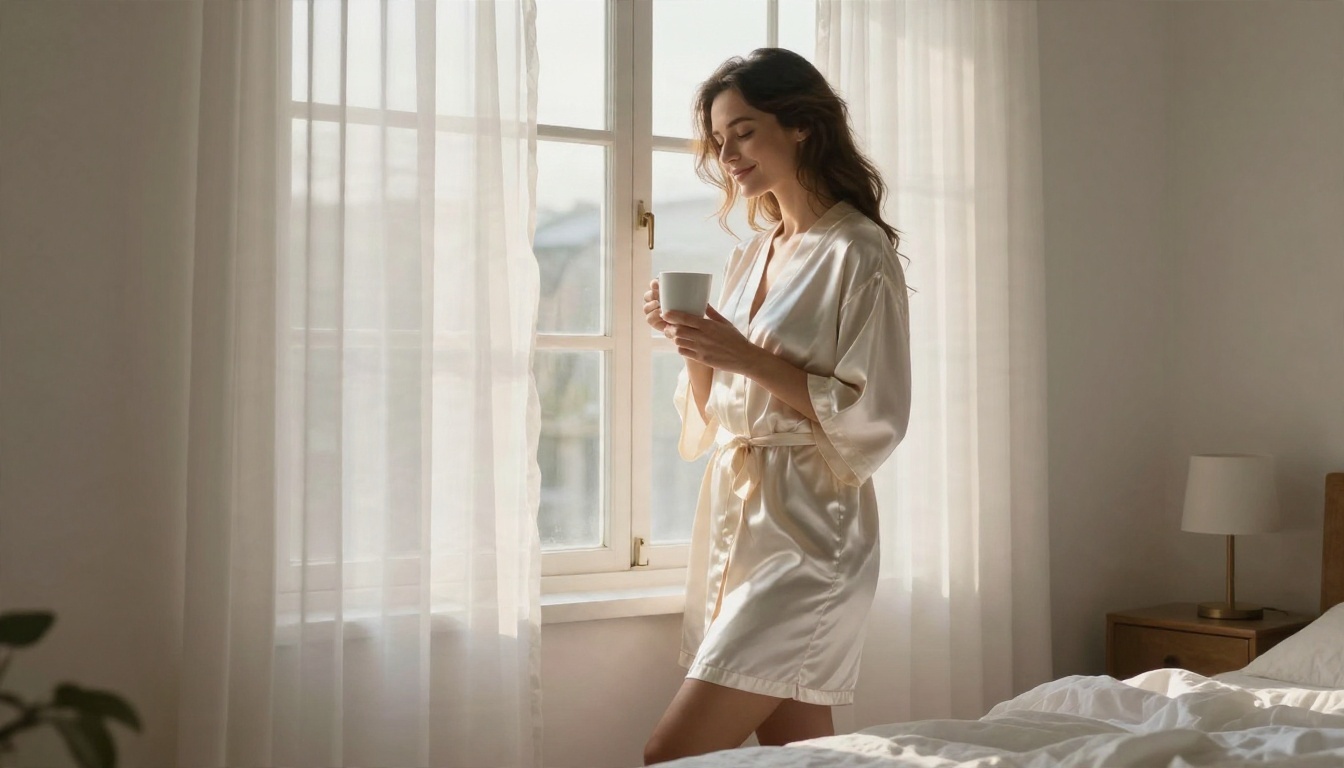
Morning window portrait
A woman in an ivory silk robe standing beside a tall bedroom window, holding a white coffee cup, relaxed sleepy smile. Soft golden light from the window on the right, sheer curtains glowing, rumpled linen bed behind. 50mm f/1.8, eye level, visible skin texture, silk sheen, Kodak Portra 400, fine grain.
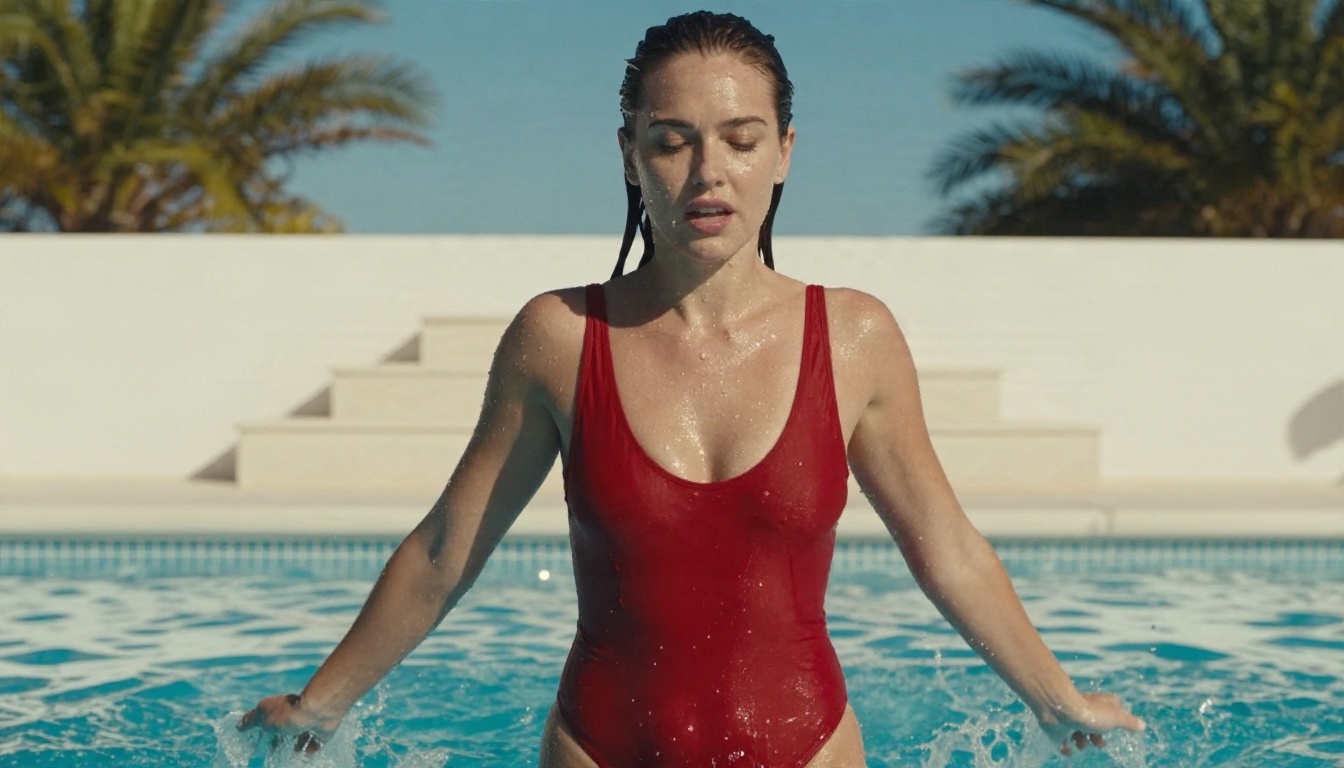
Poolside action shot
A woman in a red one piece swimsuit stepping out of a villa pool, water droplets on her shoulders, wet hair slicked back. Hard late afternoon sun from behind left, bright rim light, palm leaves and white stone steps. 35mm f/2.8, low angle, realistic water beads, natural color.
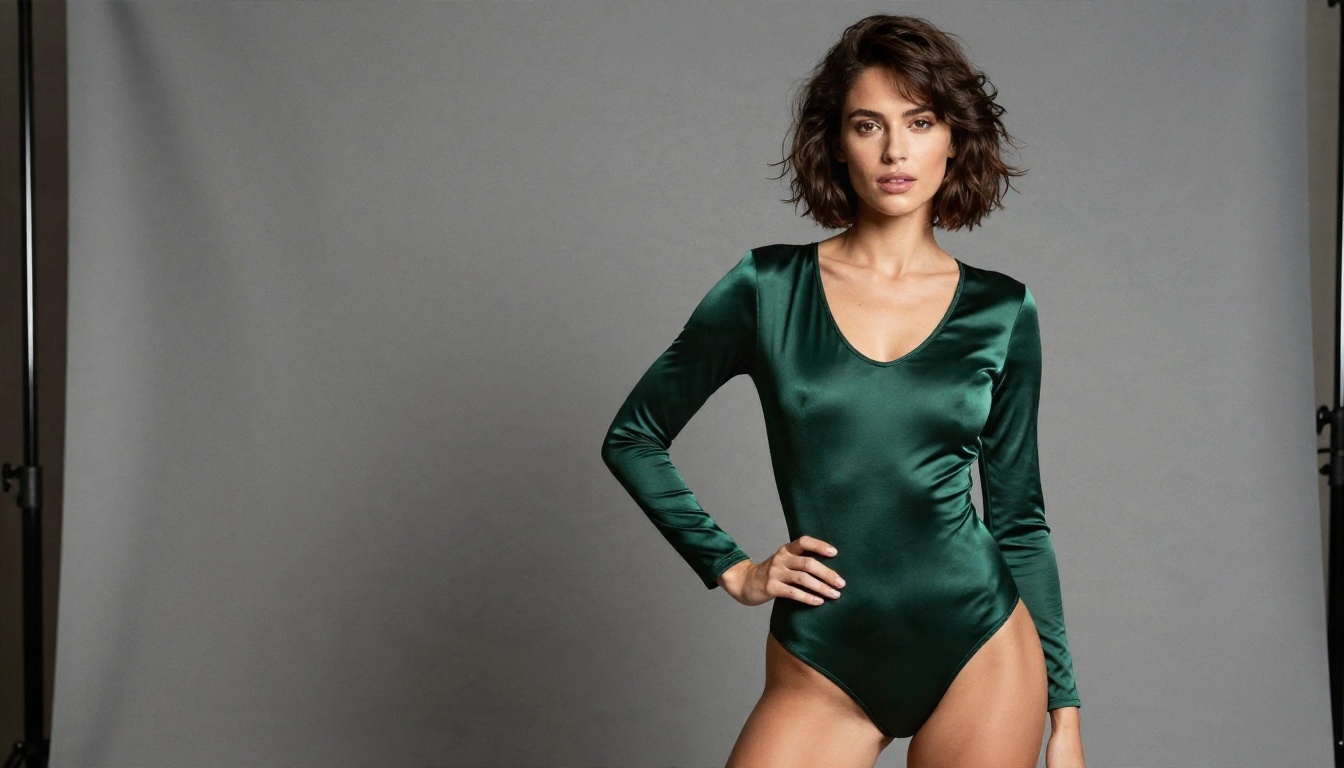
Studio glamour
A woman in a fitted dark green satin bodysuit against a warm gray seamless backdrop, one hand on her hip, chin lifted. Large softbox from camera left, clean shadow edge on the right, visible fabric sheen and skin micro texture. 85mm f/2.2, Kodak Portra 400 grain.
Settings That Change Everything
Steps, CFG and Sampler
Prompt strength (CFG) and step count behave differently on each family. Pushing numbers higher does not make the image better; it usually makes it burnt and plasticky.
| Model | Steps | CFG | Sampler | Notes |
|---|
| Flux Dev | 28 to 35 | 2.5 to 3.5 | Euler, simple scheduler | Higher CFG gives harsh contrast |
| Flux Schnell | 4 | 1 | Euler | Use for drafts |
| SDXL and Realistic Vision | 25 to 35 | 4 to 7 | DPM++ 2M Karras | Add a negative prompt |
| SD 3.5 Large | 28 to 40 | 3.5 to 5 | Euler | Long prompts work well |
| HiDream L1 Full | 35 to 50 | 4 to 5 | Model default | Slower, rich detail |
| Z Image Turbo | 8 or fewer | Low, model default | Model default | Fast and sharp |
Fix the seed while you tweak the prompt. Change one thing at a time. If you change the seed, the wardrobe, the light and the pose at once, you will never know what helped.
For SDXL and Realistic Vision, a short negative prompt is worth using: deformed hands, extra fingers, plastic skin, blurry, watermark, text. Flux models mostly ignore negative prompts, so describe what you want instead.
Resolution and Upscaling
Generate near the model's native size, about 1 megapixel for SDXL and Flux, then upscale. Asking an SDXL model for 2000 pixels straight away is the classic cause of duplicated limbs and stretched faces. A 16:9 render at roughly 1344 by 768 is a safe landscape size; for a vertical portrait use 768 by 1344.
After the base image looks right, run a super resolution pass at 2x. This sharpens eyelashes and fabric weave without changing the composition. If a hand or a face came out slightly off, inpaint only that region with a lower denoise value around 0.35 to 0.5 instead of regenerating everything.
Mistakes That Ruin Results
After a lot of failed renders, the same problems keep coming back:
- Stacking too many LoRAs. Three or more at full strength fight each other. Keep each between 0.5 and 0.8.
- Copying a prompt of 200 tags. On Flux and SD 3.5 this dilutes the scene. Write two or three clear sentences.
- Ignoring the light. If you do not say where light comes from, the model invents flat frontal light and the image looks like a passport photo.
- Using "ultra HD, 8K" as a quality spell. It adds an over-sharpened look. A lens and film stock work better.
- Skipping the seed. You cannot reproduce or refine a result you did not save.
- Using real people's names. Do not prompt for a likeness of a real person, and never depict anyone who is not clearly an adult. Keep every character fictional.
💡 Safety note: Only generate content that depicts fictional adults, and keep your outputs non-explicit if you plan to post them anywhere public.
When Hosted Beats Local
Local open weights are great until you want a good result in 30 seconds on a laptop. This is where hosted models make sense, and for glamour and suggestive photography two stand out on PicassoIA.
Seedream 4.5 in Your Browser
Seedream 4.5 is the first model I would reach for when I want photographic skin, believable fabric and clean anatomy with no tuning. It handles long, descriptive prompts and produces high resolution output, and it is far less restrictive than most hosted generators for swimwear, lingerie style and boudoir photography. Here is the quick workflow:
- Open the Seedream 4.5 page and paste one of the prompts from the section above.
- Keep the aspect ratio at 16:9 for landscape scenes or switch to portrait for full body shots.
- Describe light and lens in the prompt, exactly as in the formula. There is no need for CFG or sampler choices.
- Generate a few variations, keep the best, and change one detail at a time to refine.
- If you want a second opinion, run the same prompt through Flux Dev or Z Image Turbo and compare skin and hands.
💡 Newer is not always better for this topic. Seedream 5 Pro is a strong general model, but for adult oriented glamour prompts Seedream 4.5 is the one to start with.
Image Editor Pro for Fixes
PicassoIA Image Editor Pro is the tool for the second half of the job: changing an outfit, fixing a hand, shifting the background or adjusting the light on a picture you already like. It offers unlimited generations, so you can iterate as many times as you need without watching a credit counter. Upload your best open model render, describe the change in plain language, and repeat until the picture is right.
A practical combination is to draft ideas fast with Flux Schnell or Z Image Turbo, pick the best composition, then refine it with Image Editor Pro. You get the speed of a distilled open model and the finish of an editor.
Make Your Own Images Today
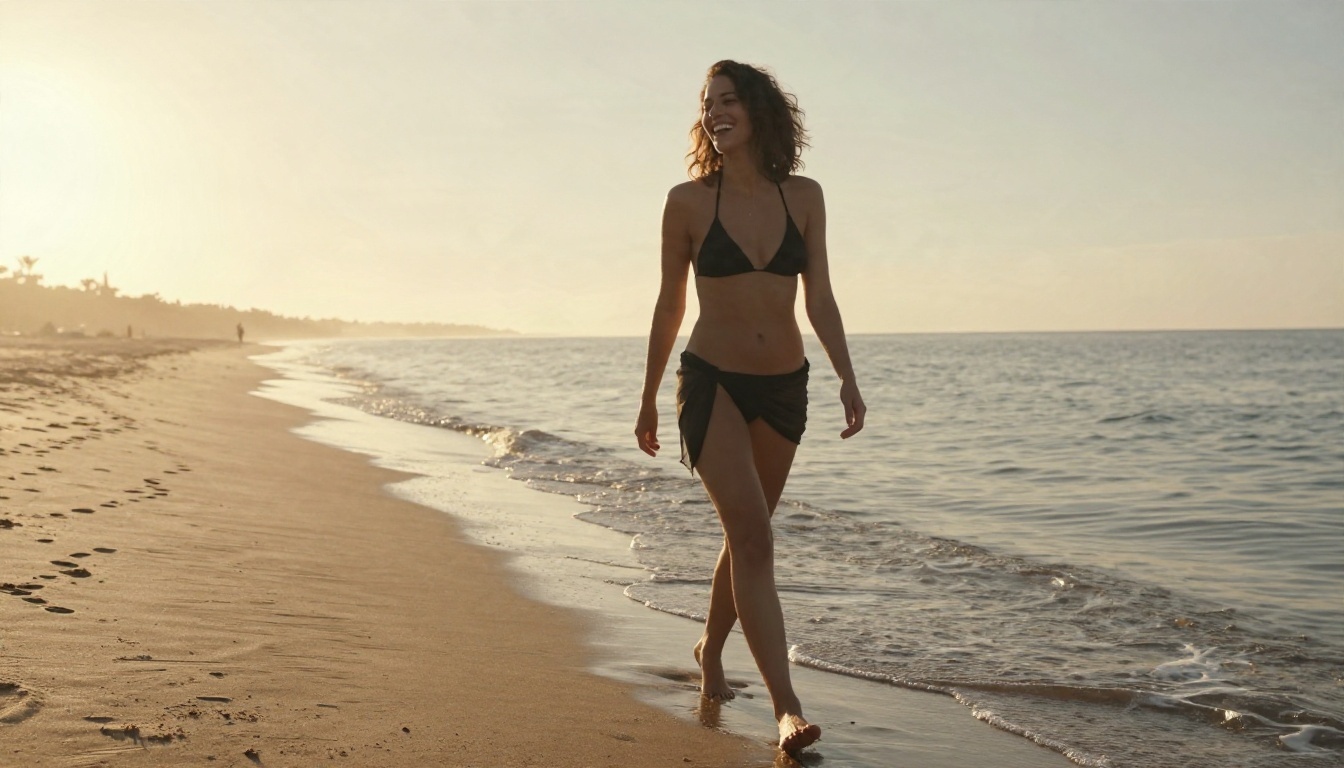
You now have the full picture: open weight models differ in hardware needs and license terms, prompts work best when they read like a photographer's brief, and a few settings (CFG, steps, resolution, seed) decide most of the quality. Start small. Pick one prompt from this article, run it on a fast model, change one variable, and compare.
If you would rather skip installs and VRAM limits, open PicassoIA and try Seedream 4.5 first, then polish with Image Editor Pro. To compare Flux, HiDream, Stable Diffusion and many more on your own prompts, browse everything at picassoia.com/en/all-models and see which one gives you the look you want.