Type "Opus 4.6 NSFW" into a search bar and you will find two very different stories. One says Anthropic bans sexual content outright. The other says the model wrote explicit scenes on request during independent tests. Both are partly true, and the gap between them is exactly why so many people are asking about free access, limits and workarounds. This article sorts the written rules from the reported behavior, shows what you can realistically do with Claude Opus 4.6, gives you example prompts that stay suggestive instead of explicit, and points you to alternatives that fit adult glamour projects far better.

💡 Quick answer: Anthropic's usage policy prohibits sexually explicit output. Reports from August 2026 say Opus 4.6 slipped past that rule in tests, but a loophole is not a feature, it can be patched, and it can put your account at risk. For suggestive writing and glamour visuals, there are cleaner routes below.
What Opus 4.6 Actually Allows
The first thing to separate is policy from behavior. They are not the same thing, and mixing them up is where most of the confusion starts.
The Written Policy
Anthropic's usage standards forbid using Claude to generate sexually explicit material. Coverage of the policy also mentions erotic chat and fetish content as out of bounds. As of the reports I found from August 2026, there was no verified-adult exception that switches this off for older users. If you are looking for an official "NSFW mode" on Opus 4.6, there is none that I could confirm.
That does not mean the model refuses everything romantic. Love scenes, tension, flirting, a first kiss, a fade to black: these live comfortably inside normal fiction. The line sits at explicit description.
What the Tests Showed
Several outlets reported that TechCrunch tested Opus 4.6 and got explicit text in 10 out of 10 direct requests, and that a multi-turn roleplay approach reproducibly worked on this model along with a couple of older ones. Anthropic's reported response was that sexual or romantic roleplay makes up well under 0.1% of conversations, and that adult-content cases do not point to broader weaknesses in higher-risk areas.
Treat those numbers as reported claims. Most of the coverage repeats the same original story, and behavior changes whenever a provider tightens its filters.
| Question | Short answer |
|---|
| Does the policy allow explicit content? | No |
| Did tests report explicit output anyway? | Yes, according to news coverage |
| Is there an official adult mode? | Not that I could confirm |
| Will behavior stay the same? | Unlikely |
| Is it a dependable tool for NSFW work? | No |
Free Access: What Is True
Searches for "free" usually come from people who want to try a top-tier model without a subscription. Here is the honest picture.
Official Pricing Signals
I found no free-tier or usage-cap details published for Opus 4.6 itself. The only pricing figure that surfaced was for the API, listed at roughly $5 per million input tokens and $25 per million output tokens, with the model described as a legacy release that was still active in late August 2026. Newer Opus models have since taken the headline spot, so expect Opus 4.6 to be treated as an older option.
Be careful with any site that promises "unlimited free Opus 4.6 NSFW." Those pages are usually reselling a shared key, harvesting logins, or running a different model under a borrowed name.

Using It on PicassoIA
Claude Opus 4.6 has its own page on PicassoIA, so you can test it in the browser without setting up an API account or writing code. Check the model page for the current access terms before you plan a long session, because credits and availability can change.
💡 Tip: Run a short test first. Ask for a two-paragraph slow-burn scene and see how the model handles tone. It costs almost nothing and tells you whether the style suits your project.
The Real Limits You Will Hit
Even in a best-case scenario, you will run into walls. Knowing them in advance saves time.
Refusals and Soft Fades
The most common outcome is not a flat refusal. It is a soft fade: the model writes the build-up beautifully and then cuts away, skips ahead, or switches to a summary. If your goal is explicit text, that will frustrate you. If your goal is atmosphere and chemistry, it is a feature.
Context and Output Caps
On PicassoIA the output ceiling defaults to 8,192 tokens per reply, roughly 6,000 words at most, and in practice most scenes come back much shorter. Long stories need chunking: write a scene, summarize it, and carry the summary into the next prompt.
Account and Policy Risk
Pushing a model against its own usage policy on a direct Anthropic account can lead to warnings or a suspended account. Even if a trick worked yesterday, a model update can break it tomorrow. Building a project around a loophole is a bad bet.
| Limit | What it means for you |
|---|
| Soft fades | Scenes end before they become explicit |
| Output cap | Long chapters need to be split |
| Patchable behavior | A prompt that worked last month may stop |
| Policy enforcement | Direct accounts can be flagged |
| Legacy status | Newer models get attention first |

Example Prompts That Work
These prompts aim for romance, tension and sensual atmosphere without crossing into explicit territory. They work because they give the model a scene to build rather than a boundary to test.
Romance and Slow-Burn Scenes
Prompt 1: "Write a 400 word slow-burn scene set in a rain-soaked Lisbon apartment. Two former rivals, both in their thirties, are forced to share a rooftop umbrella and a bottle of wine. Focus on eye contact, near-touches, and unfinished sentences. End on a lingering silence."
Prompt 2: "Describe a hotel bar encounter between a retired jazz singer and a younger photographer. Keep the tone sultry and literary, with sensory detail about perfume, candlelight and the sound of a piano. Fade to black at the door of the elevator."
Prompt 3: "Write a flirtatious text conversation between two adults planning a weekend trip. Make it witty, teasing and a little reckless, with no explicit content."
Character and Setting Work
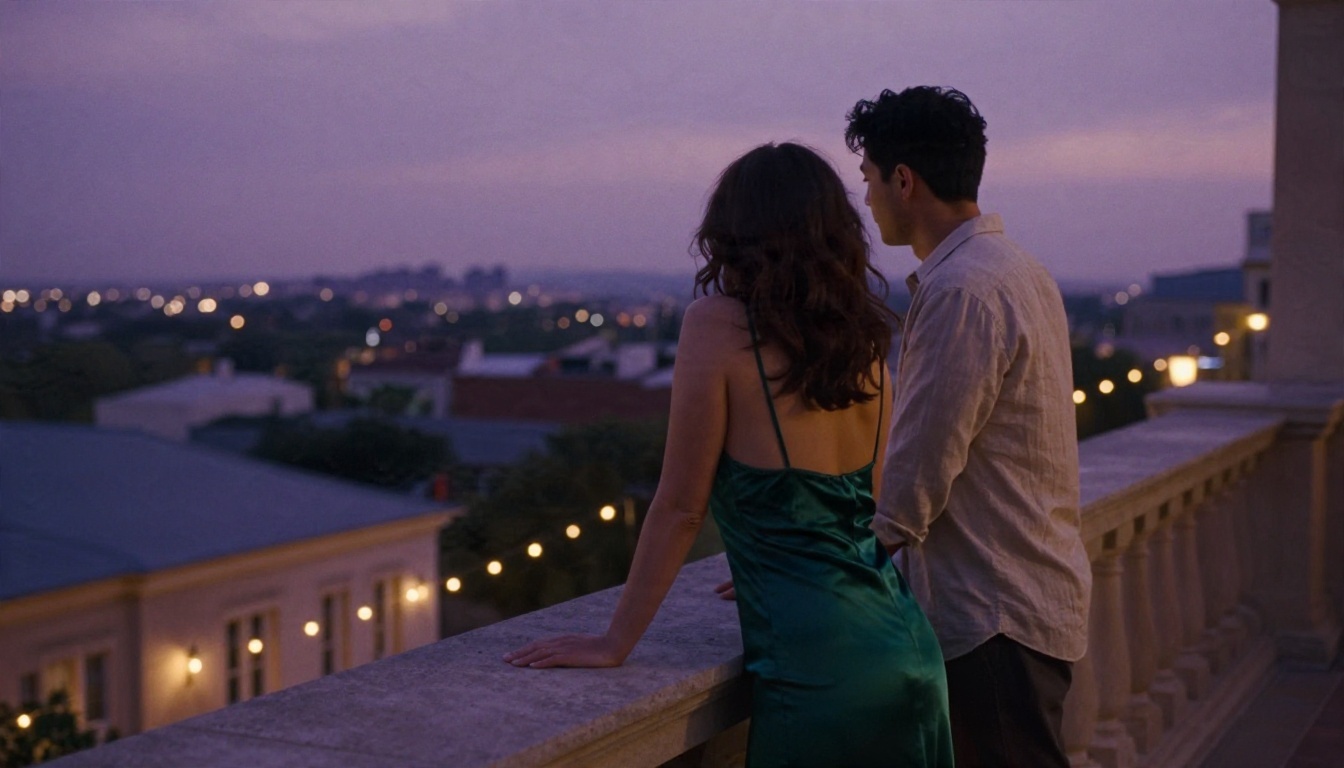
The model is strongest when you ask for supporting material, the things that make a sensual story feel real:
- Character sheets with habits, fears, voice and wardrobe.
- Setting descriptions such as a seaside villa at dusk or a candlelit supper club.
- Dialogue polish to make banter sharper and more natural.
- Mood boards in words that you can later feed to an image model.
Prompt 4: "Create a character profile for a confident 32 year old architect who writes love letters she never sends. Include voice, mannerisms, three recurring phrases and the perfume she wears."
Prompts That Stall
Some request styles reliably trigger the soft fade or a refusal:
- Direct requests for explicit anatomy or acts.
- Long multi-turn roleplay that keeps escalating.
- Instructions that tell the model to ignore its rules.
- Any scenario involving minors, non-consent or real people. Those are off limits everywhere, and they should be.
If a prompt gets stuck, rewrite it around emotion and setting instead of pushing harder. You will get better prose and keep your account safe.
How to Use Claude Opus 4.6 on PicassoIA
If you want to run the prompts above, here is the direct route with Claude Opus 4.6.
Step by Step
- Open the Claude Opus 4.6 page on PicassoIA.
- Paste one of the example prompts into the Prompt box.
- Optionally add a short System Prompt that sets the voice, for example: "You are a literary romance editor who writes sensual scenes with restraint."
- Leave Max Tokens at the default 8192 for long scenes, or lower it for short replies.
- Run the prompt, read the result, then refine with a follow-up that asks for more tension, a different setting, or a shorter ending.
Parameter Tips
| Setting | Recommended use |
|---|
| Prompt | Describe setting, characters and mood in two or three sentences |
| System Prompt | Set a persona and a style, such as "restrained literary romance" |
| Max Tokens | 8192 for chapters, 1000 to 2000 for single scenes |
| Image | Upload a reference photo and ask for a scene inspired by it |
| Max Image Resolution | Keep the default 0.5 megapixels to save time |
💡 Pro move: Upload one of your own glamour photos as the optional image and ask the model to write a short caption, backstory or magazine-style paragraph for it. Image input is supported, so the text and the visuals can match.
Alternatives for Adult Visuals
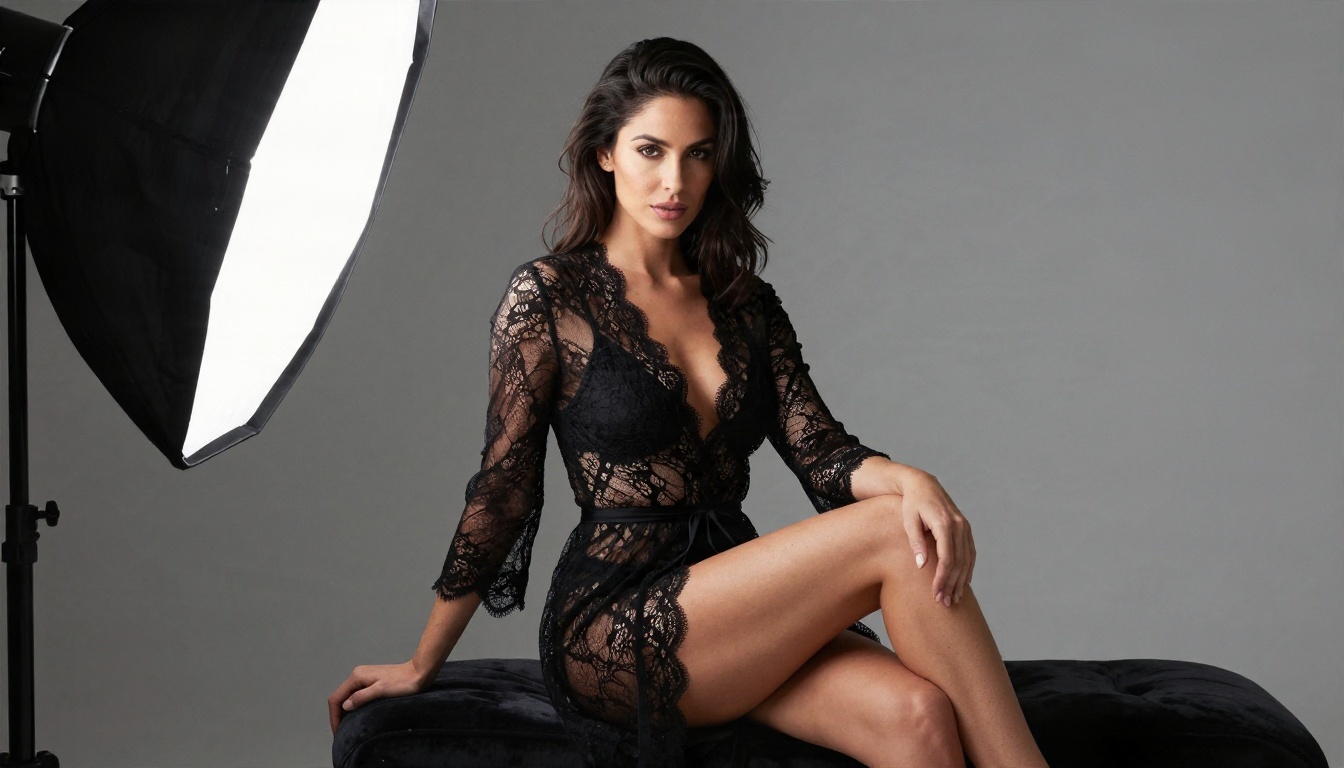
Here is the part many people miss: if your goal is attractive, suggestive adult content, text is usually the wrong tool. A language model is bound by a provider's policy, and Opus 4.6 is no exception. An image model gives you what you actually want to look at, and the right ones are built for glamour.
Seedream 4.5 First
Seedream 4.5 is the model to start with. It produces sharp, photorealistic 4K images with excellent skin texture, fabric detail and lighting, and it handles glamour, bikini, lingerie-style and boudoir scenes without the constant refusals that mainstream chat tools throw at you. It is also quick, so you can iterate on a look in minutes rather than hours.
Try a prompt like this: "Adult woman in a black lace bodysuit and sheer robe on a velvet chaise, studio softbox from the left, 85mm lens, visible skin texture, Kodak Portra 400 grain."
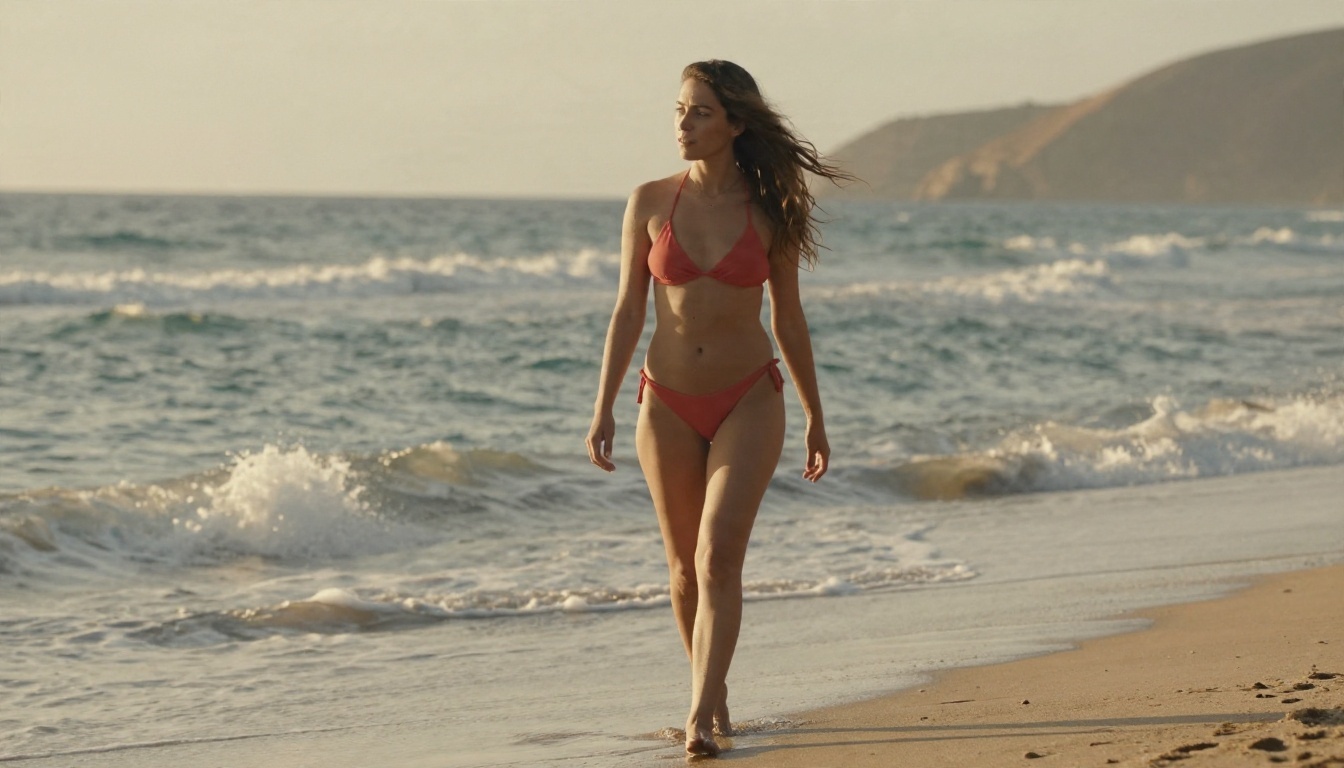
Image Editor Pro for Unlimited Edits
PicassoIA Image Editor Pro is the second stop, and its big advantage is that generations are unlimited. That matters for glamour work, where you rarely land the perfect frame on the first try. Use it to change an outfit, adjust the setting, fix a detail or try five variations of the same shoot without watching a counter.
| Tool | Best for | Why choose it |
|---|
| Seedream 4.5 | New glamour and bikini images | 4K detail, fast results, natural skin |
| Image Editor Pro | Edits and variations | Unlimited generations |
| Claude Opus 4.6 | Captions, stories, prompts | Strong writing, bound by usage policy |
Other Writers to Try
If you still want a text model, a few others sit on the same platform. Each has its own safety rules, so test them on non-explicit romance first:

Pairing Text With Images
The strongest workflow is not choosing one tool. It is using each for what it does best.
- Write the concept with Claude Opus 4.6: a character, a location, a mood, a wardrobe.
- Ask for a visual prompt that includes lens, light direction and texture details.
- Generate the image with Seedream 4.5.
- Refine with PicassoIA Image Editor Pro until the frame looks right.
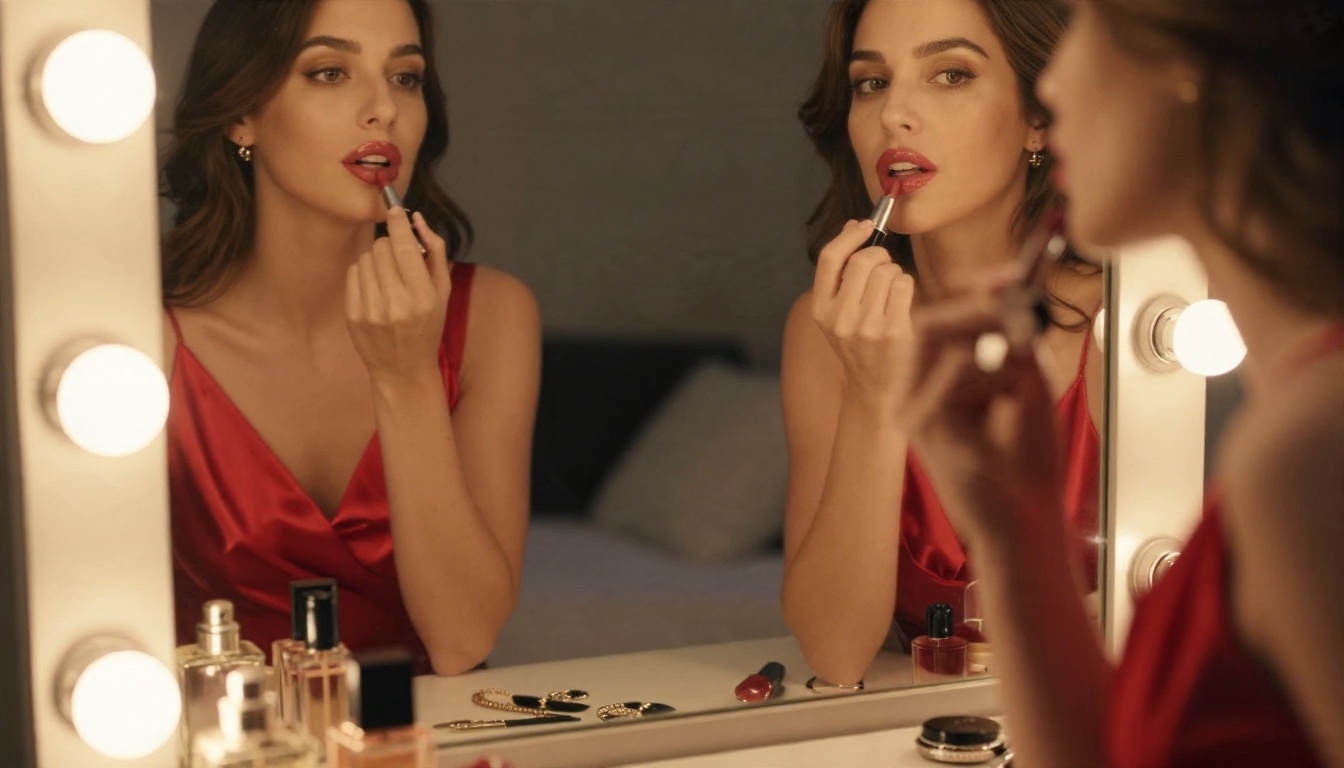
Prompt 5 (for the text model): "Turn this character into a photo prompt: a 30 year old woman in a red satin dress at a vintage vanity, warm bulb lights, 85mm lens, shallow depth of field, glossy lip texture, film grain. Keep it tasteful and photographic."
This keeps your creative control in the image tool, where it belongs, and uses the language model for what it does well: fast, vivid wording.
Common Mistakes
- Chasing loopholes. They break without warning.
- Trusting "free unlimited" sites. Many are scams or relabeled models.
- Using text for visual goals. If you want to see it, generate it.
- Writing vague prompts. "Something sexy" gives you nothing. Specific light, setting and wardrobe give you a result.
- Skipping the edit pass. Most great frames come from the second or third variation.
Which Route Fits You
| If you want... | Use... |
|---|
| Sensual short fiction | Claude Opus 4.6 with restrained prompts |
| Photorealistic glamour images | Seedream 4.5 |
| Endless variations and edits | Image Editor Pro |
| Character and mood writing | Any model from the list above |
Try Your Own Scenes Today
You now have the full picture: Opus 4.6 is a gifted writer, its policy bans explicit output, reports of a loophole are unreliable, and free access claims deserve suspicion. The smarter move is to use the model for what it does well and let an image tool handle the visuals.
Open Seedream 4.5, paste one of the prompts from this article, and see your first glamour frame in minutes. When you want to change the outfit, the light or the location, switch to PicassoIA Image Editor Pro and keep going with unlimited generations. For a full list of what else is available, browse picassoia.com/en/all-models and pick the model that fits your next idea.