You open the app for a quick chat. Twenty minutes later your credits are gone, the character has forgotten your name, and the "photo" she sent looks like a wax figure. That is the complaint behind most searches for Our Dream AI alternatives, and it is a fair one. People want a companion that talks well, remembers things, sends images that look like real photographs, and doesn't charge by the sentence.
This article sorts the options by what actually matters. We look at what Our Dream AI does well, which free uncensored AI girlfriend chat apps people compare it with, why image quality decides whether you stay or leave, and how to build the visual side yourself with photorealistic models and copy ready prompts.
💡 Quick take: chat apps are strongest at conversation and memory. Dedicated image models are strongest at realism and control. Many people end up using one of each.
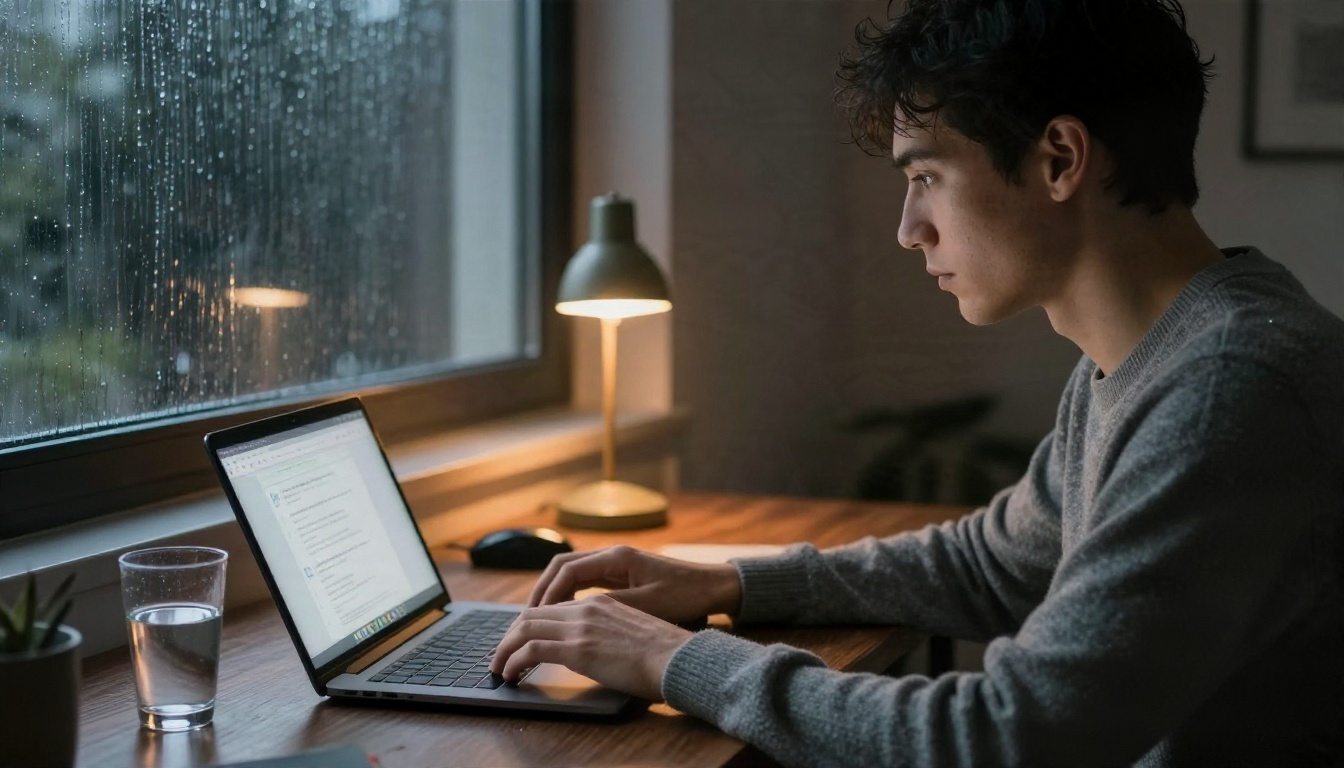
What Our Dream AI Does Well
Our Dream AI is an AI companion platform that bundles character chat with image generation. You create or pick a character, talk to her, and ask for pictures inside the same conversation. That combination is the reason it gets searched so often, and the reason people look for substitutes when one half of the package disappoints them.
Chat that stays in character
The appeal is simple: a persona with a name, a backstory and a tone of voice. Good companion apps keep that persona consistent across sessions, so a playful character stays playful on day ten. Reviewers who compare these apps usually test this first, by asking about something mentioned several messages earlier.
Images tied to the conversation
Asking for a selfie mid-chat feels natural, and it is a real convenience. The weak point is that built in generators tend to be tuned for speed and cost, not for peak realism. You get a recognizable character, but skin, hands and fabric often look softened.
Where users say it stalls
Across the review sites and forums, three complaints repeat. First, credit systems that drain quickly when you generate images and voice together. Second, memory that fades after a dozen or so messages. Third, image style drift, where the same character looks like a different person from one render to the next. Nothing here is unique to one product, but it explains why the alternatives market is so crowded.
💡 Pricing and feature lists in this category change often. Check each service's current terms before paying, and read its privacy policy before sharing anything personal.
Free Uncensored Chat Options Compared
Several names come up again and again when people compare companion apps: Candy AI, DreamGF, HeraHaven, CrushOn AI, SpicyChat and GirlfriendGPT. Most review sites that rank them are affiliate driven, so treat any "number one" label with suspicion. The table below reflects how each is commonly described, not a lab test.
| Option | Commonly described strength | Common complaint |
|---|
| Candy AI | Polished characters, voice and images | Costs climb when you add extras |
| DreamGF | Photoreal character customization | Mostly image focused |
| HeraHaven | Strong image options | Subscription needed for most features |
| CrushOn AI | Roleplay depth, community characters | Image quality varies |
| SpicyChat | Generous free text chat, huge character library | Quality depends on the character author |
| GirlfriendGPT | Simple chat, easy start | Fewer visual tools |
How to judge a chat app in ten minutes
Skip the marketing page and run your own test. Tell the character three specific facts about yourself, chat about something else for fifteen messages, then ask what she knows. Count how many facts survive. Next, ask for the same outfit in two different scenes and see whether the face stays the same. These two checks reveal more than any feature list.
Free tier traps to watch for
"Free" can mean a few different things. It may be a daily message cap, a one time credit pack, a watermark on images, or a text only mode with images locked. Decide which of those you can live with before you invest time in building a character, because moving a persona between apps is rarely easy.
Can one tool do everything?
Rarely. The apps that chat best seldom produce the sharpest images, and the best image models do not remember your conversations. That gap is the reason the rest of this article focuses on the image side, where you can get the biggest quality jump for the least effort.
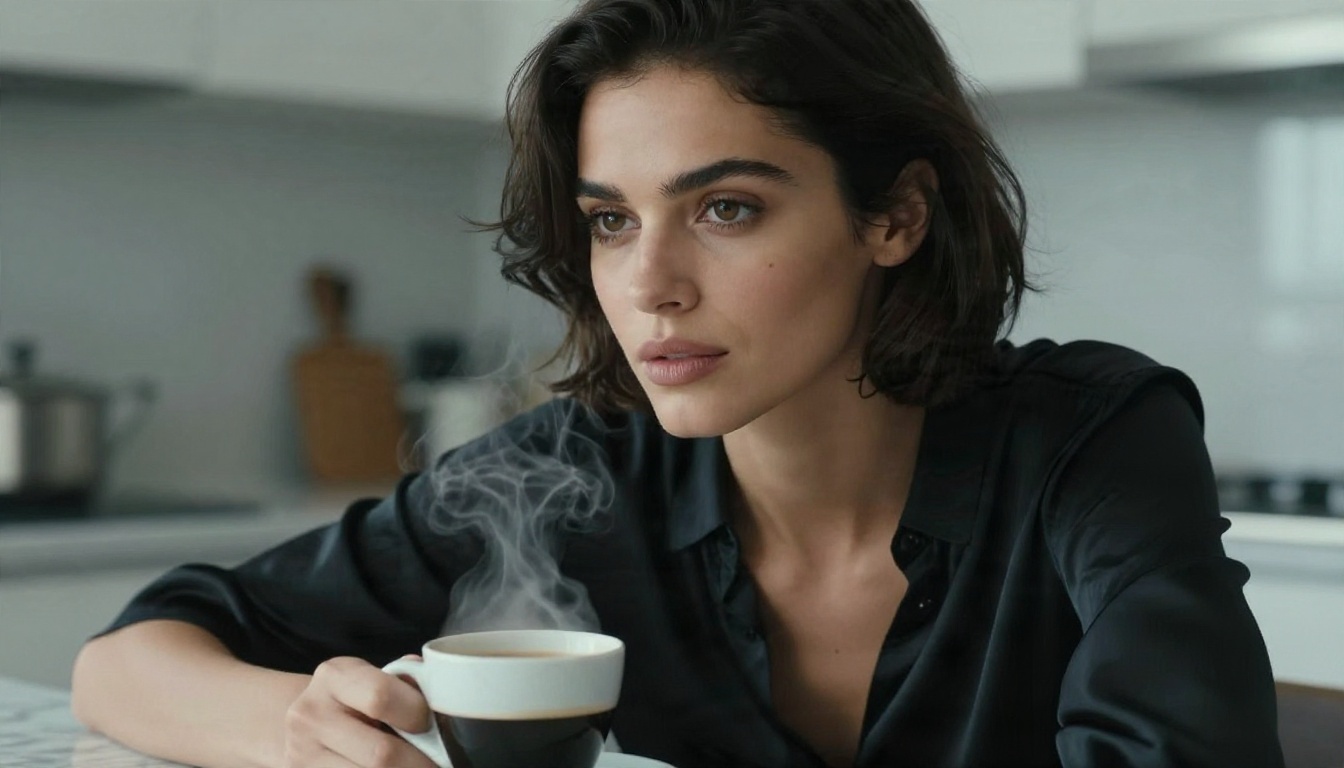
Why Image Quality Decides Everything
A companion you talk to every day is also a companion you look at every day. If the pictures look plastic, the illusion breaks quickly. Photorealism comes from small things that cheaper generators skip: pores and fine freckles on skin, individual strands of hair catching light, fabric weave, believable hands, and lighting that makes physical sense.
The five details that sell realism
- Skin texture. Real skin is not smooth. Look for faint pores, tiny beauty marks and uneven tone.
- Light direction. One clear source, such as a window on the left, beats vague "studio lighting."
- Lens language. Terms like 85mm f/1.8 produce believable depth of field and soft background blur.
- Film stock. A reference to Kodak Portra 400 and gentle film grain pulls output toward real photography.
- Environment clutter. Mugs, books, plants and throw blankets make a scene feel lived in.
Keep it tasteful and non explicit
Glamour, swimwear and boudoir style portraits are a legitimate photographic genre, and they are where uncensored friendly models shine without crossing into explicit territory. The images in this article stay in that lane, and the prompts below do too.
Best Image Models on PicassoIA
Our Dream AI is not a model on PicassoIA, and PicassoIA is not a chat companion app with built in personas. What it does offer is the image half, with models that are strong at realism and generous with adult leaning, non explicit glamour work. For similar visual results today, try these in order.
- Seedream 4.5: the first model to reach for. It produces sharp, high resolution portraits with convincing skin and fabric, and it follows long, detailed prompts well.
- PicassoIA Image Editor Pro: unlimited generations, which removes the credit anxiety that drives many people away from companion apps. It is also the tool for editing an existing image: change an outfit, swap a background, fix a hand.
- Nano Banana Pro: strong at keeping a character's face consistent across edits, which helps with the style drift problem.
- Z Image Turbo: very fast, good for drafting dozens of variations before you commit to a final render.
💡 For quick drafts, run Z Image Turbo. For the keeper, rerun the same prompt in Seedream 4.5. Then use Image Editor Pro for touch ups.
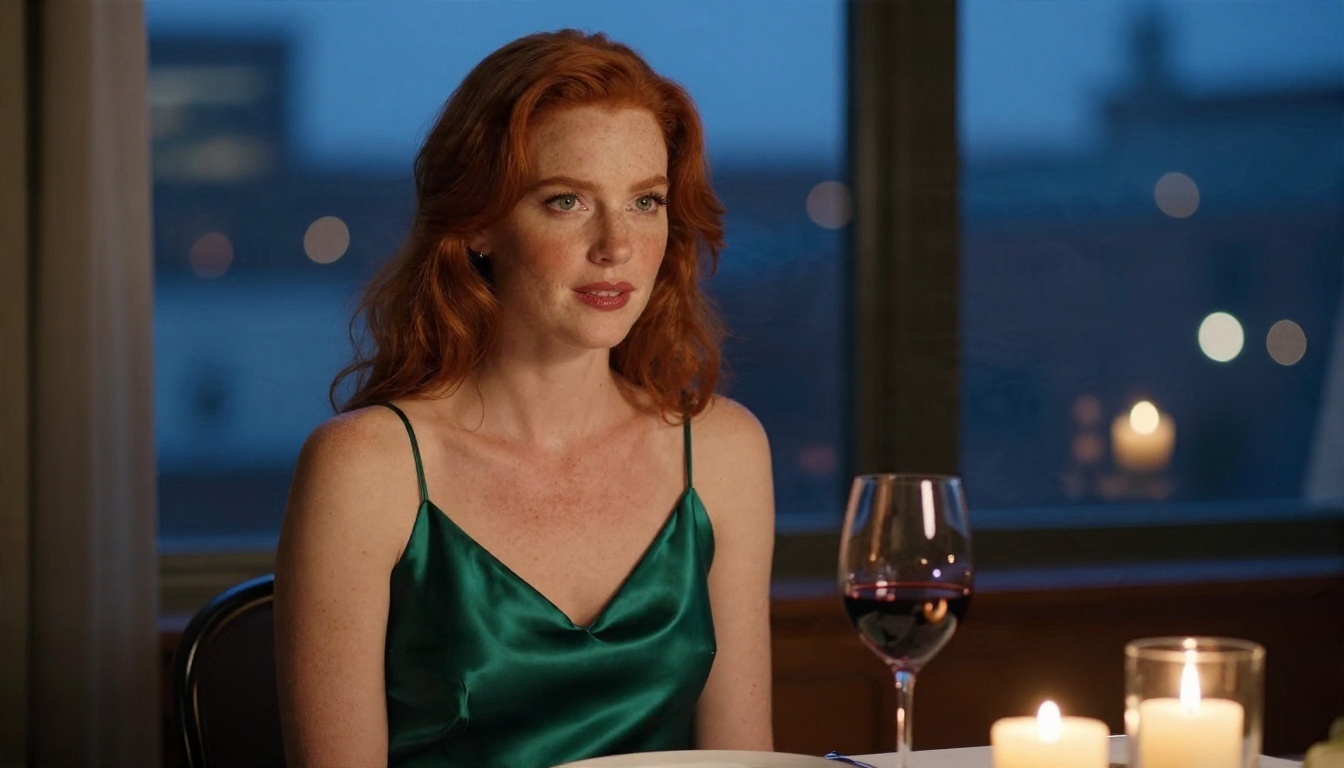
Why unlimited matters
Credit based apps punish experimentation. You hesitate before every render, so you never find the prompt that works. With unlimited generations you can try twenty angles, keep the best three and move on. That change in habit improves results more than any model upgrade.
Speed versus detail
Fast models are perfect for exploring poses and moods. Detail heavy models are better for final images you plan to keep. Treat them as two stages of one workflow, not competitors.
How to Get Similar Results on PicassoIA
This walkthrough uses Seedream 4.5 because it is the strongest first choice for photorealistic character images. The same steps apply to the other models listed above.
- Open the model page. Go to the Seedream 4.5 page on PicassoIA and open the generator.
- Write the subject first. Describe age range, hair, eye color and clothing in one sentence. Keep clothing tasteful and non explicit.
- Add the setting. Name the room or location and two or three props, such as a linen sofa, a ceramic mug and a potted plant.
- Set the light. State one source and one direction, for example "golden late afternoon sun from the left."
- Add the camera. Include a lens and aperture, such as "85mm f/1.8, shallow depth of field."
- Choose the ratio. Use 16:9 for scenes and 3:4 or 2:3 for portraits.
- Generate several versions. Run the prompt three or four times and pick the most natural one.
- Refine in Image Editor Pro. Open your favorite in PicassoIA Image Editor Pro and edit one thing at a time: a hand, a background, an outfit color.
Parameter tips that help
| Setting | Recommendation | Why |
|---|
| Aspect ratio | 16:9 for scenes, 2:3 for portraits | Matches how the photo will be viewed |
| Prompt length | 50 to 90 words | Enough detail without contradicting itself |
| Seed | Keep the same seed while changing one word | Isolates what each change does |
| Negative wording | Describe what you want, not what to avoid | Models respond better to positive descriptions |
Common mistakes
- Stacking styles. Asking for "cinematic, anime, oil painting, photo" in one prompt gives mush. Choose photography.
- Vague light. "Nice lighting" tells the model nothing. Name a source and a direction.
- Changing everything at once. Edit one variable per run, or you will never know what helped.
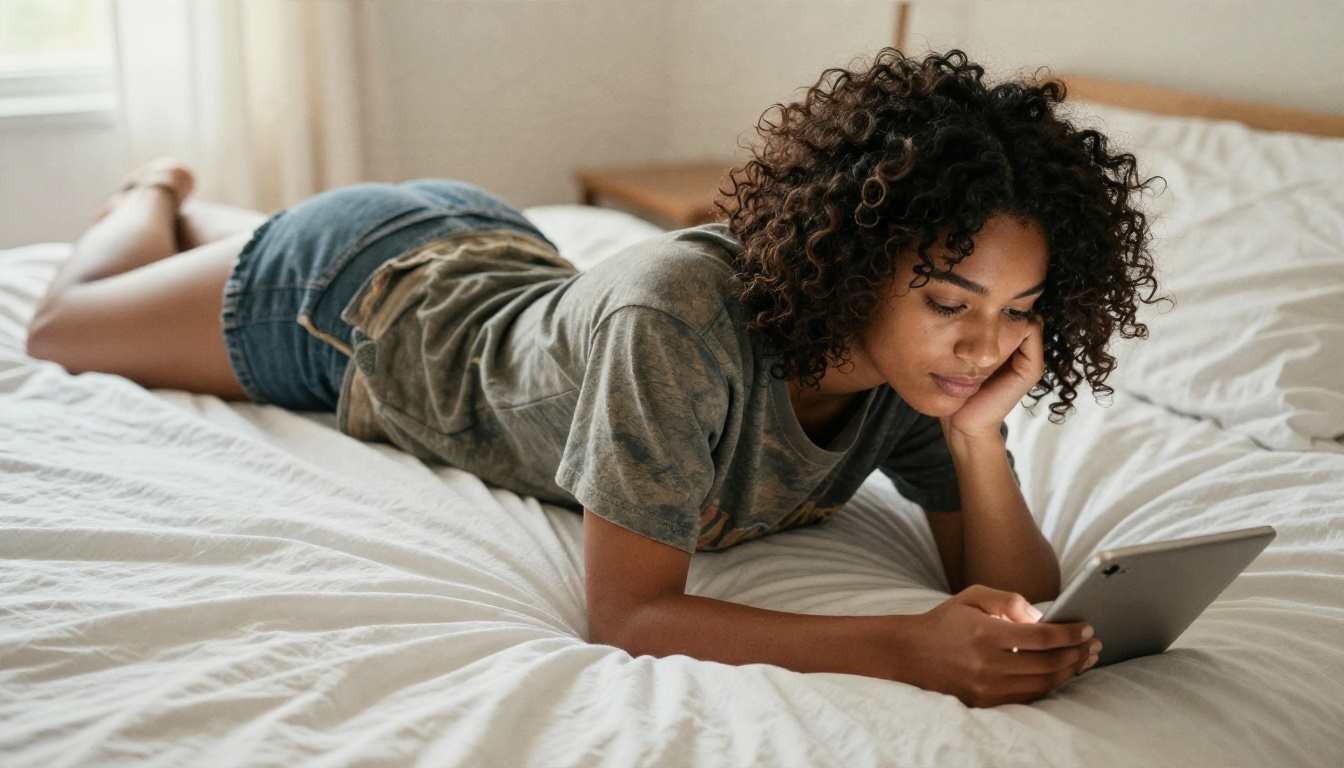
Prompts You Can Copy Today
Prompts are the other half of the equation, and they are what companion apps hide behind a button. Writing them yourself gives you control over the look, and these templates are a solid start. Swap the bracketed parts for your own character details.
Everyday lifestyle portrait
A young woman with [hair color and style] and [eye color], sitting cross-legged on a cream linen sofa in a sunlit loft, fitted white tank top and denim shorts, glancing at the camera with a teasing half smile, golden afternoon light from the left through tall steel-framed windows, visible freckles and natural skin texture, 85mm f/1.8, shallow depth of field, Kodak Portra 400 film grain, photorealistic.
Glamour and swimwear
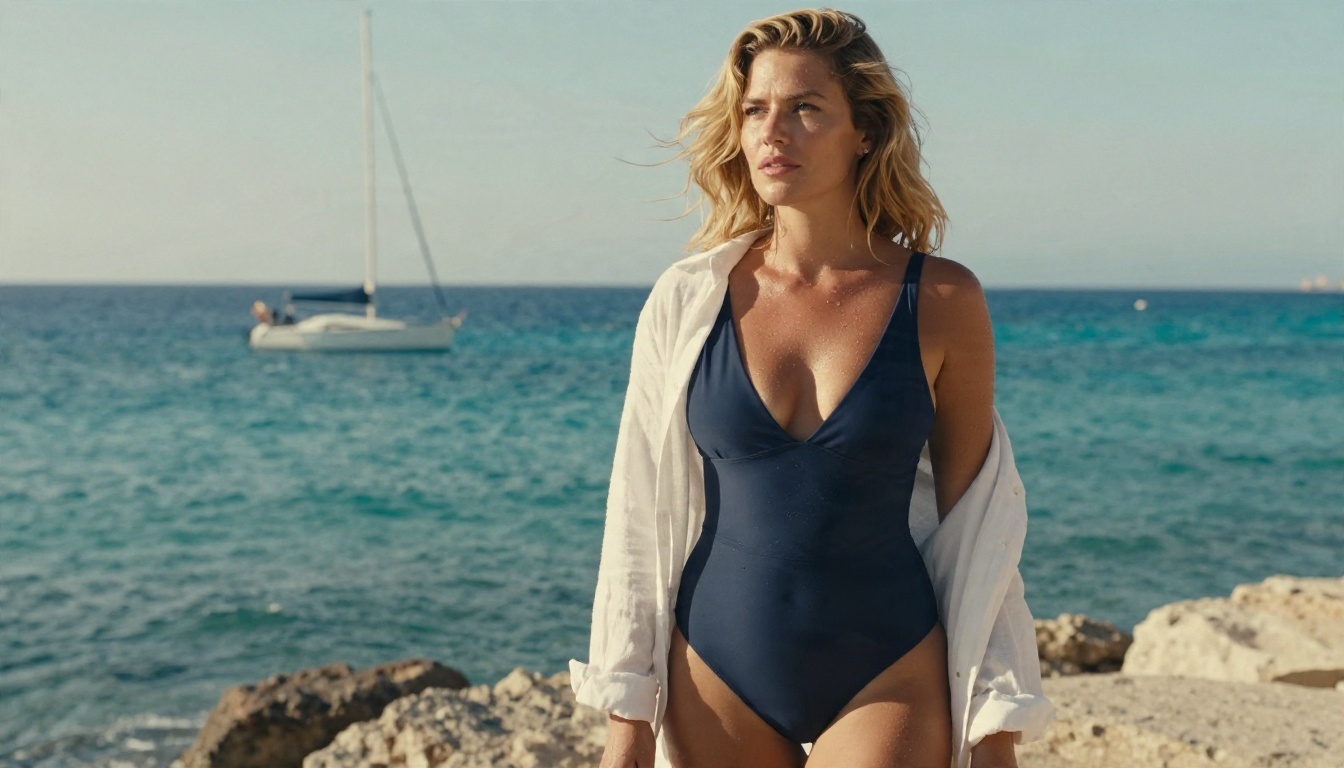
A confident woman with golden beach waves in a navy two-piece swimsuit and open white linen shirt, standing on a rocky Mediterranean terrace, hard late morning sun from the upper right, water droplets on skin, turquoise sea blurred behind, low angle, 35mm f/2.8, warm film tones, tasteful vacation photo.
Boudoir style, still tasteful
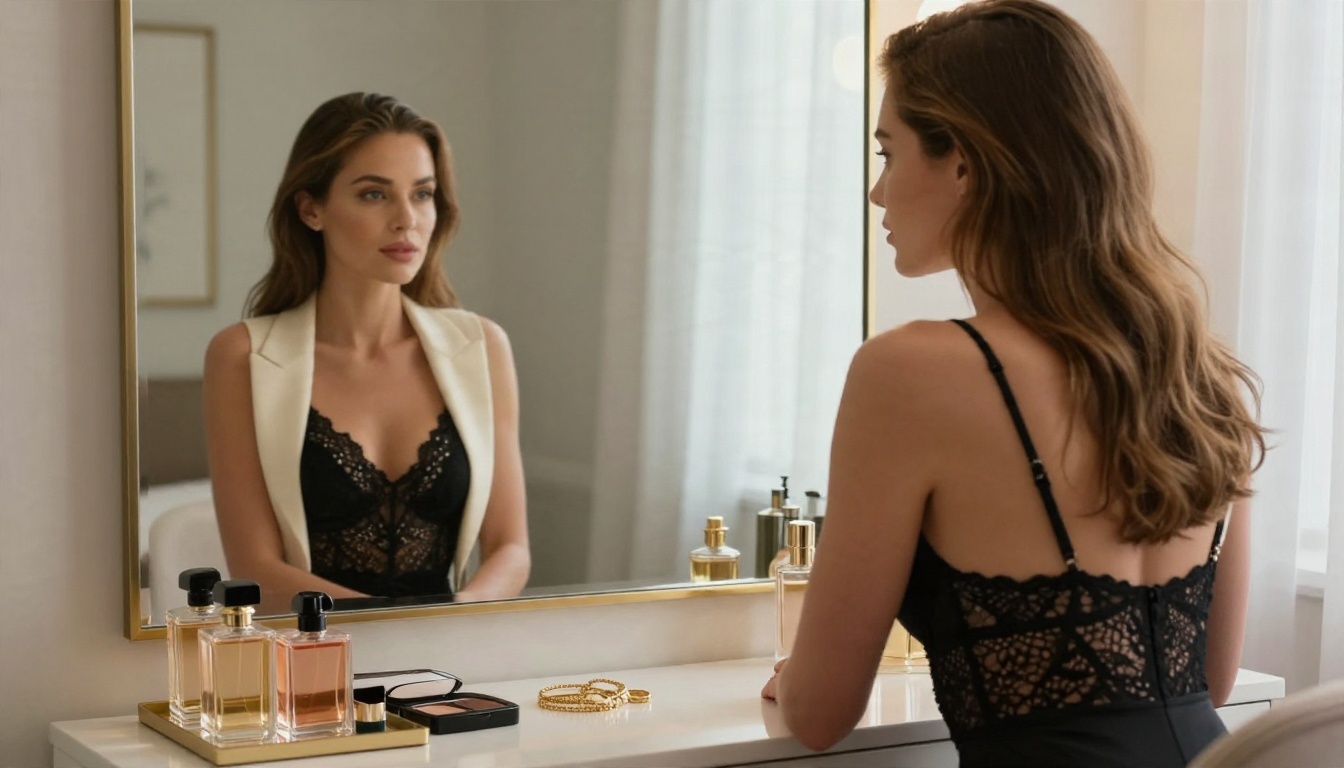
A woman with sleek honey-brown hair in a black lace-trimmed bodysuit under an open cream blazer, seated at a vanity in a boutique hotel room, soft diffused window light from the right, mirror reflection, perfume bottles and gold jewelry, 85mm f/2, subtle skin sheen, elegant and non-explicit.
Keeping one character consistent
Consistency is the hardest part of any AI girlfriend visual setup. Three habits help:
- Write a fixed character line. Reuse the exact same sentence for hair, eyes, freckles and age range in every prompt.
- Change only the scene. Swap the room, outfit and light while leaving the character line untouched.
- Edit instead of regenerate. When you like a face, use an editing model such as Nano Banana Pro to change the outfit or background without redrawing her.
Use a language model for character writing
Chat is the one area where PicassoIA is a helper rather than a replacement. Its large language models are good for drafting the written side of a character: a backstory, a speaking style, a list of interests, even batches of image prompts. Try Claude Sonnet 5, Gemini 3.5 Flash or GPT 5.6 Luna for that. Ask for ten prompt variations in a fixed format, then paste them into Seedream 4.5. These models follow their own content rules, so they suit character writing and prompt drafting, not unrestricted roleplay.
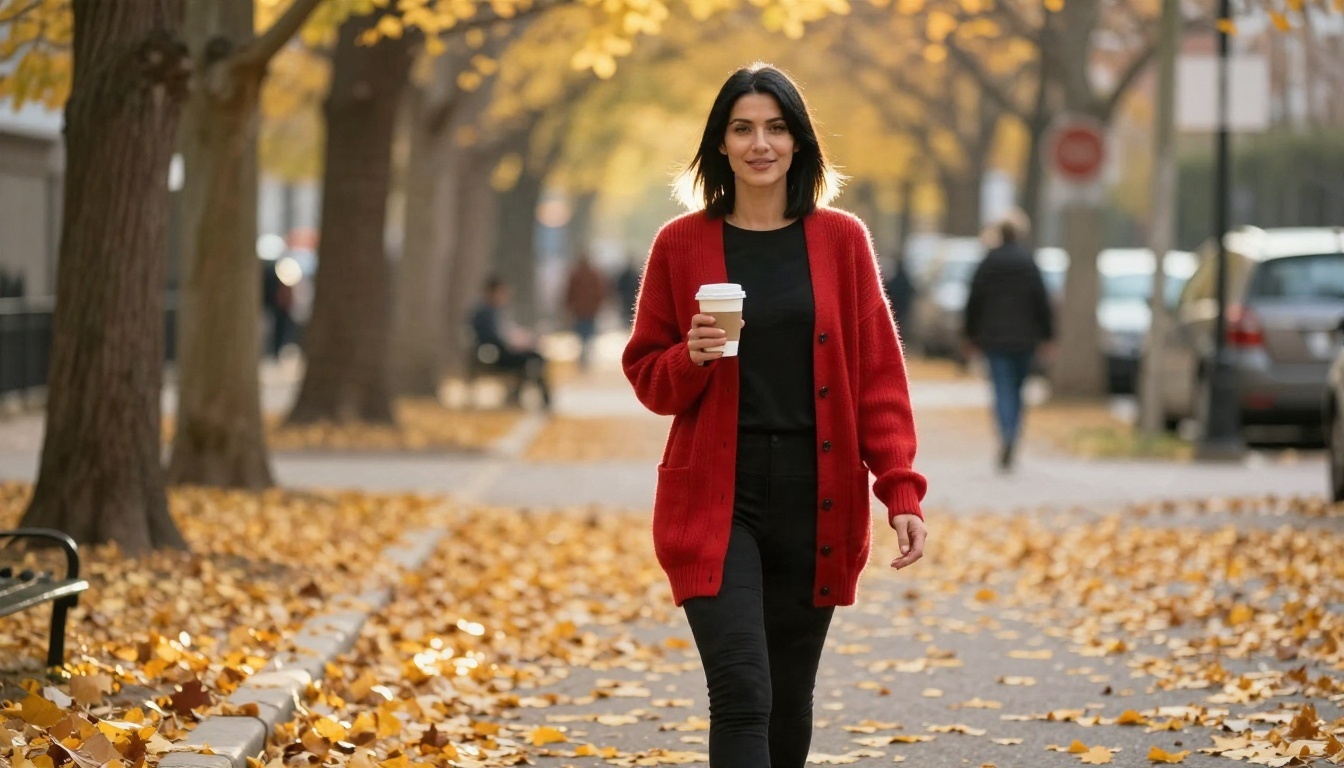
Privacy and Safety Basics
Companion apps collect intimate conversations, so a few habits matter more than any feature.
Protect your data
Use a throwaway email, skip real names and workplaces, and avoid sharing photos of real people. Read how each service stores chat logs and whether you can delete them. If a policy is vague, treat everything you type as permanent.
Keep it about fictional people
Generate images of invented characters only. Do not create realistic images of real, identifiable people without their consent, and never produce anything involving minors. Reputable platforms enforce this, and so should you.
Watch your spending
Set a monthly cap before you start. Subscriptions with add on credits are easy to overspend on, which is another reason unlimited image tools appeal to people who generate a lot.
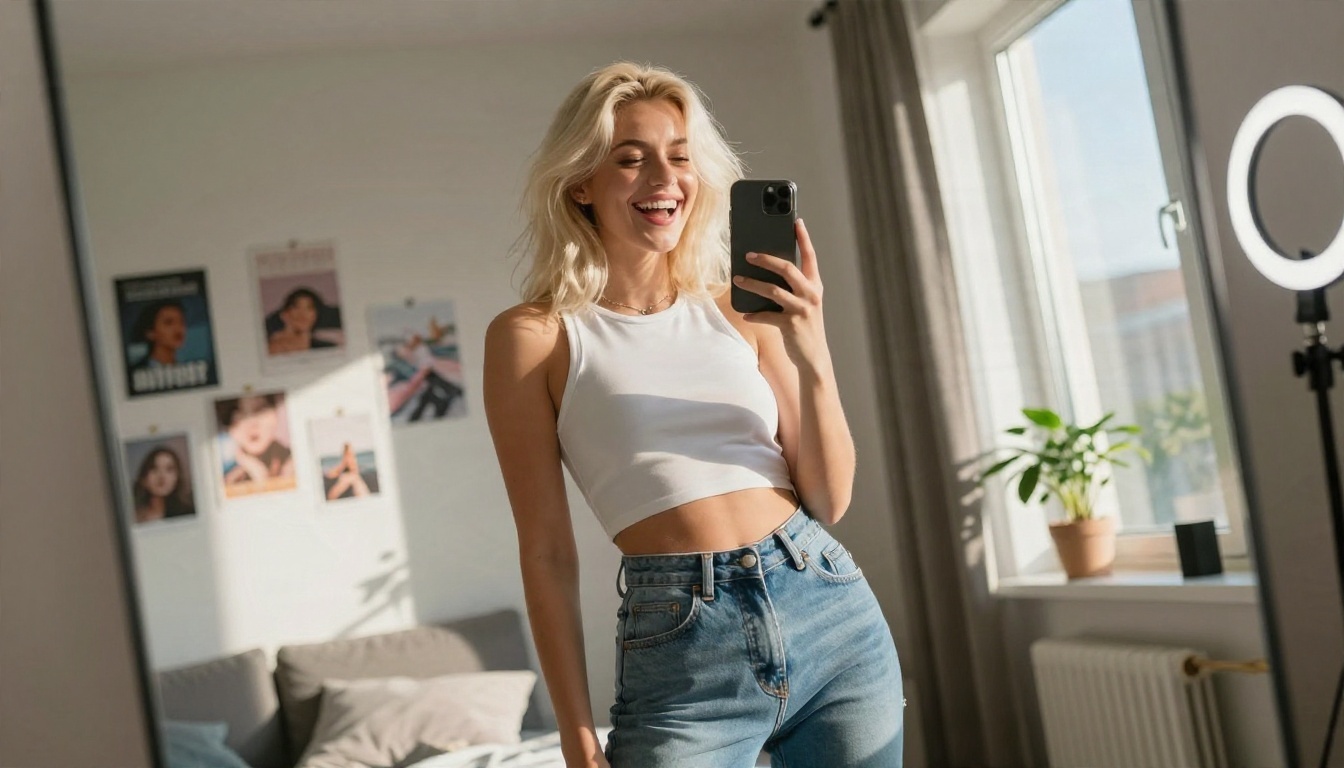
Make Your Own Companion Images
If you came here looking for an Our Dream AI replacement, the practical answer is a split setup. Pick a chat app that handles conversation and memory the way you like, using the comparison table and the ten minute test above. Then build the visual side where quality and cost are in your hands.
Start with Seedream 4.5 and one of the prompts from this article. Change a single detail, such as the light or the lens, and watch what happens. Move your best result into PicassoIA Image Editor Pro for unlimited edits, and use Z Image Turbo when you want a fast batch of ideas.
Ready to try it? Open Picasso IA, paste a prompt, and generate your first character portrait in under a minute. Browse every available model at picassoia.com/en/all-models and find the one that fits your style.


