People type "OurDream AI feed" into a search bar for one reason: they want to know what is behind the scroll before they hand over an email address or a card number. Is the feed open to everyone? Do the pictures look good enough to matter? And what happens to the price once the free messages run out? This article answers those questions in plain terms, shows what feed-style images look like, lays out the pricing figures reported so far, and points you to image generators you can use right now.
💡 Quick answer: OurDream AI is an AI companion and roleplay platform with a browsable feed of user-made characters. A free tier exists, but daily limits apply and the best features sit behind a paid plan. OurDream is not on PicassoIA, so later in this article you will find alternatives that are.
What the OurDream Feed Actually Is
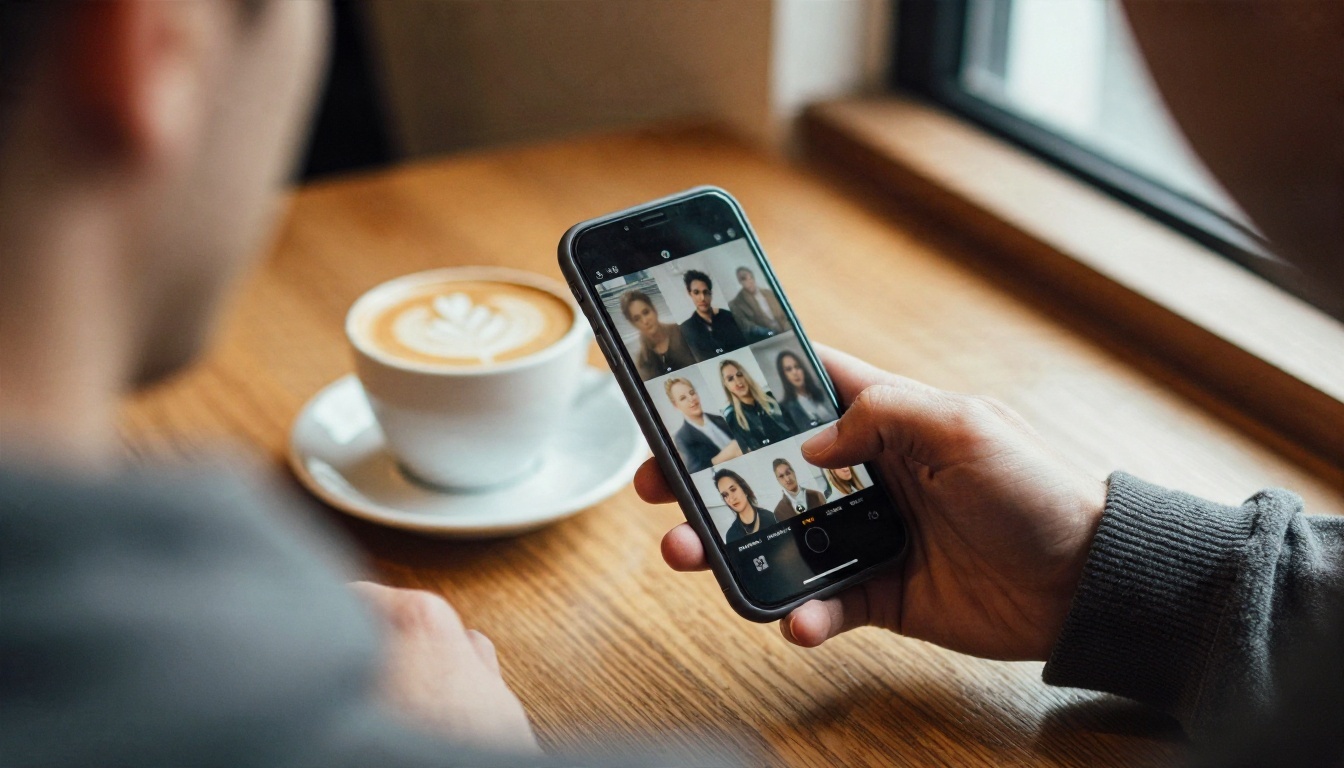
A Gallery of Shared Characters
The feed is the public front door of the platform. Instead of starting from a blank chat box, you scroll through a stream of characters and scenes that other users have built. Each card shows a portrait, a name, a short personality blurb, and tags. From there you can open a character and start a conversation, or use it as inspiration for your own creation.
Reports describe the feed as sortable by popularity, gender, style, and scenario tags. That sorting matters because it turns a huge pile of content into something you can actually browse. Think of it as a mix between a social app and a character catalog.
Who It Suits
The feed works best for three groups of people:
- Curious browsers who want to see what AI companions look like before committing.
- Roleplay fans who prefer picking a ready-made character over writing one from scratch.
- Image makers who use the feed as a mood board for styles, outfits, and settings.
If you only want pictures, a chat-first platform may feel like a detour. That is where dedicated image generators come in, and we will get to them shortly.
Is the Feed Free to Use?
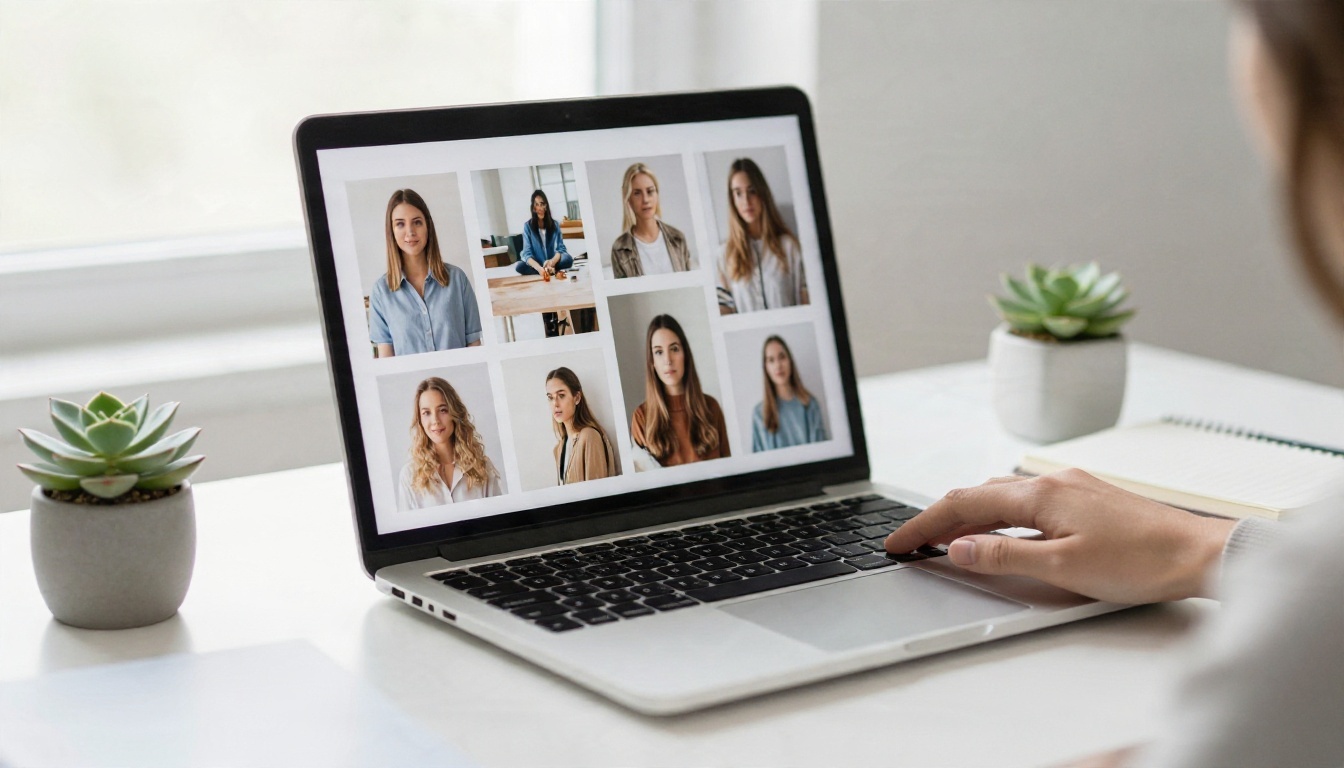
What the Free Tier Offers
Most reviews agree that there is a permanent free level rather than a short trial. The figures that appear most often are:
- Around 50 messages per day on the free plan.
- A small signup bonus of credits (often quoted as 55 DreamCoins).
- A few free image generations per day.
- Partial access to adult content, with the rest locked.
⚠️ Treat these numbers with care. Many pages that rank for this topic are affiliate or promotional sites, and they do not always agree with each other. Limits and bonuses can change without notice, so check the official site on the day you sign up.
Where the Paywall Shows Up
Browsing is the easy part. The friction begins when you try to do something with what you see. Typical walls include the daily message cap, locked image or media generation once your credits drain, and premium-only characters or scenarios. One review summed it up as fine for testing, but not enough for daily use.
I could not find a clear statement on whether browsing the feed itself requires an account. If that matters to you, open the site in a private window and see how far you get before a signup prompt appears.
Feed Examples You Will See
The feed leans on polished, portrait-style imagery: glamour shots, travel scenes, and casual street looks. To show the general look without copying anyone's character, here are three original photorealistic examples in the same spirit. They were made with an image generator, not pulled from any platform.
Glamour Portraits
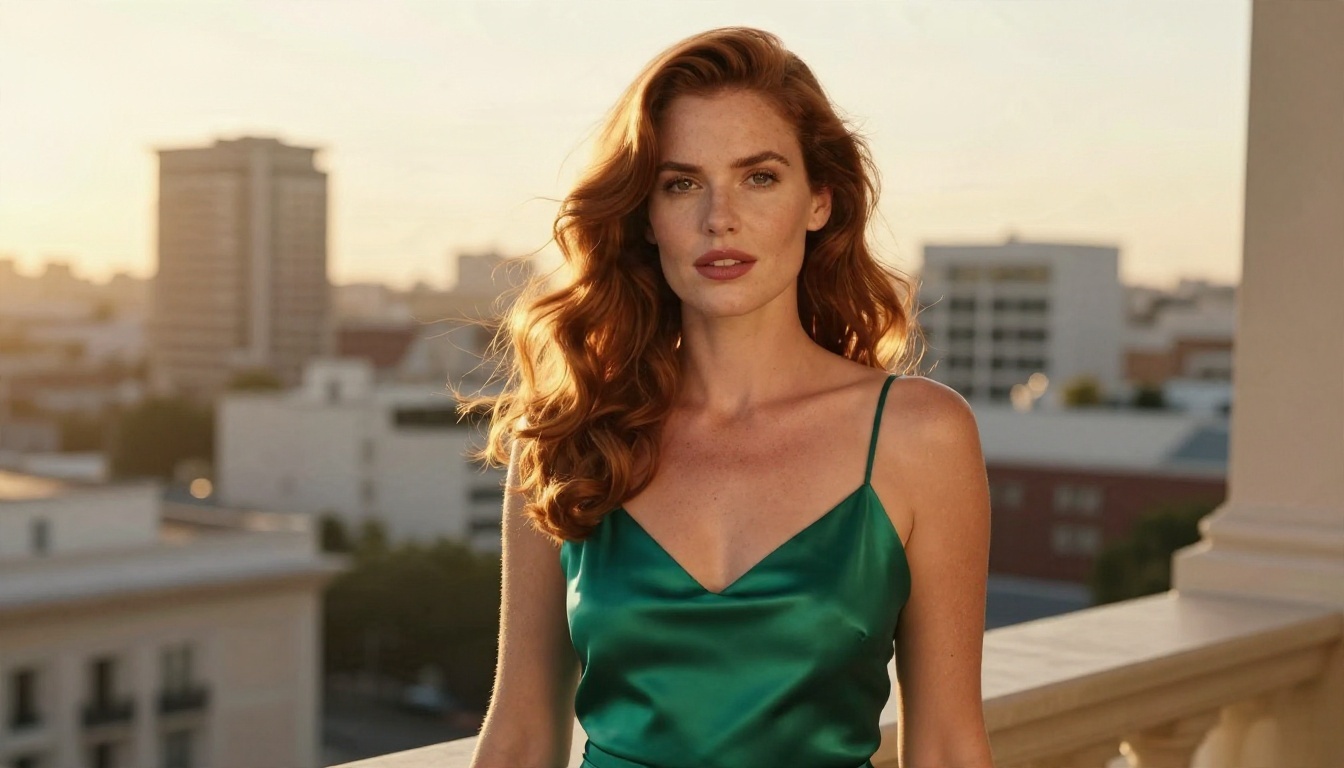
Glamour cards are the bread and butter of any companion feed. They favor warm backlight, shallow depth of field, and satin or silk fabrics that catch highlights. The trick that makes them look believable is restraint: natural skin texture, a few flyaway hairs, and honest shadows rather than airbrushed perfection.
Lifestyle and Travel Scenes
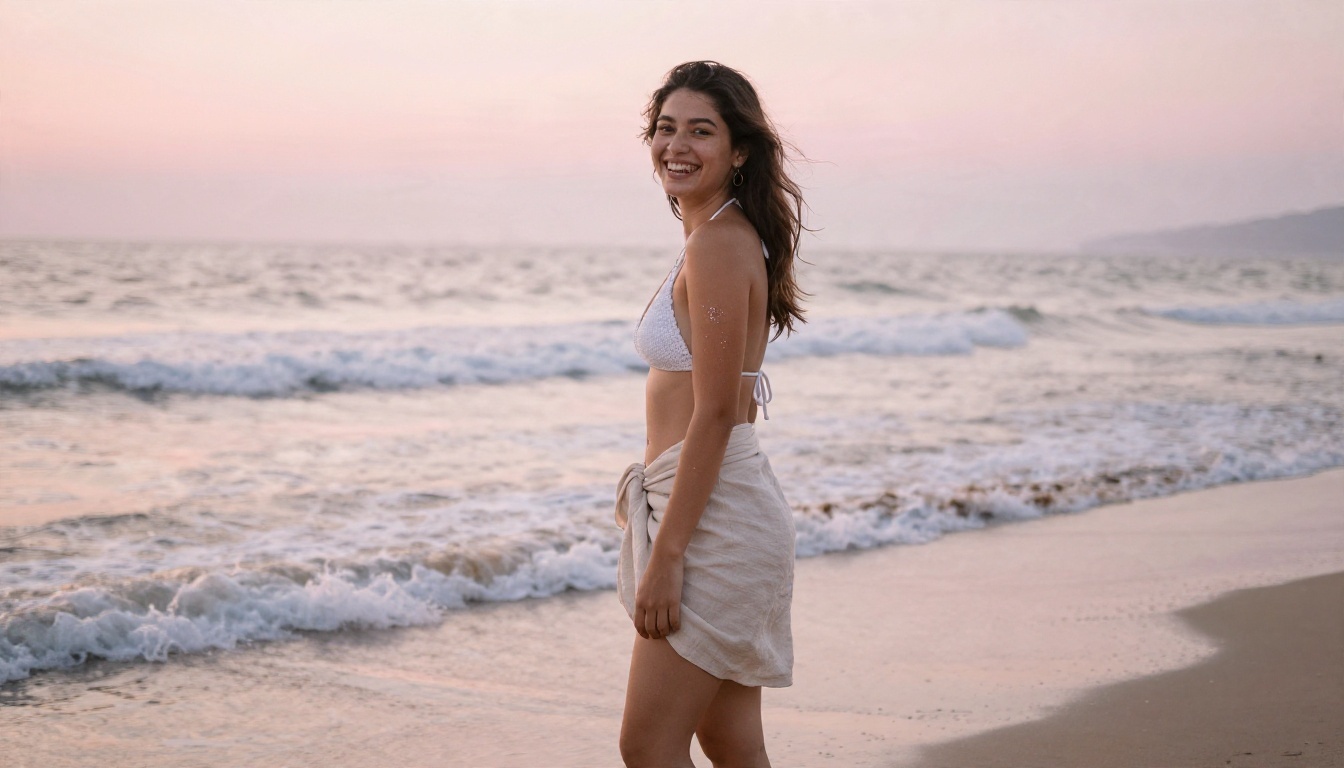
Beach mornings, hotel balconies, and rooftop evenings give a character a backstory in a single frame. Viewers read the setting first and the person second, so the background deserves as much attention as the face. Soft sunrise color, wet sand reflections, and a candid laugh do more work than any dramatic pose.
Street and Casual Looks
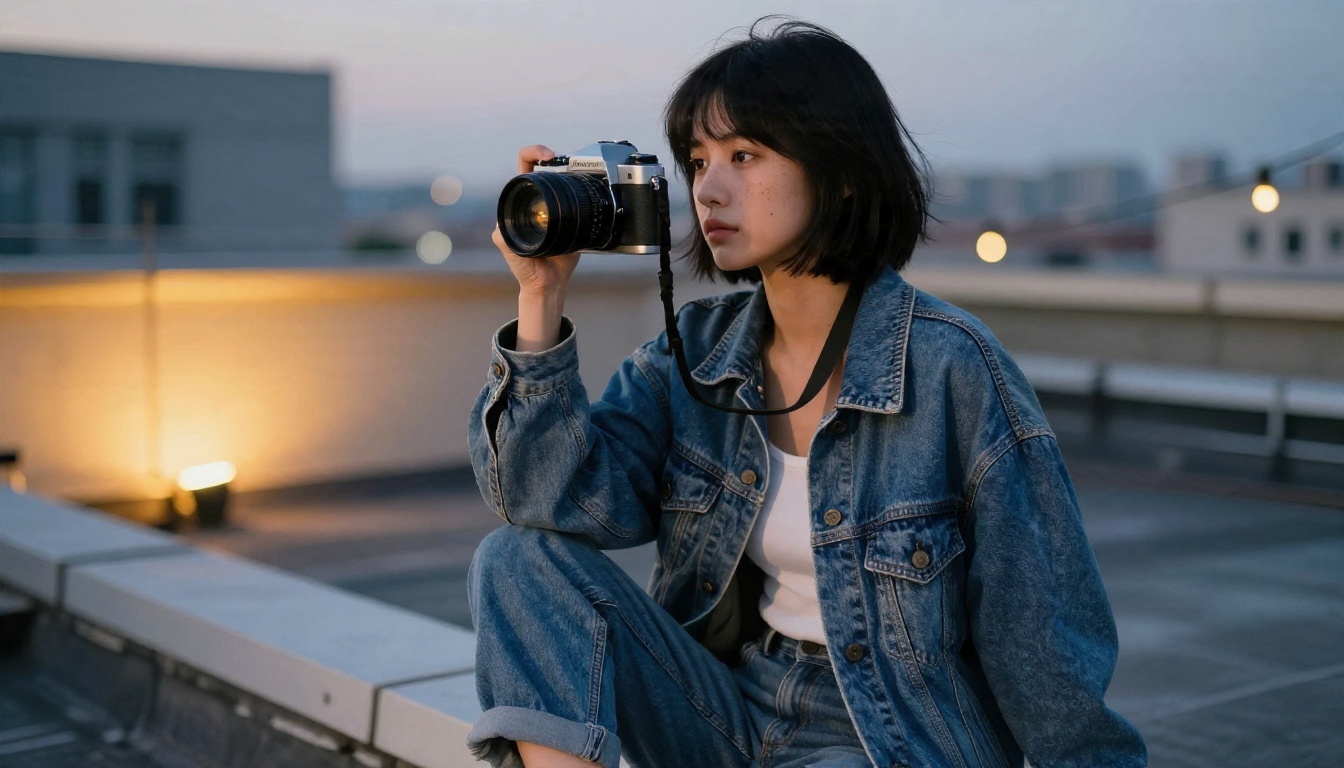
Not every card is glamorous. Casual outfits, vintage denim, and a film camera in hand signal a personality that feels lived in. These images tend to get more saves because they look like someone you might actually meet.
OurDream Pricing in Plain Numbers
Plan Comparison
Here is what recent pricing roundups report. Again, confirm on the official page before paying.
| Plan | Reported price | What you get |
|---|
| Free | $0 | About 50 messages per day, signup credits, limited daily images, partial adult access |
| Premium (monthly) | About $19.99 per month | Higher limits, wider media access, more characters |
| Premium (annual) | About $9.99 per month, billed around $119.88 per year | Same as monthly at a lower effective rate |
| Extra credits | Sold as DreamCoins | Used for image and media generation beyond plan limits |
Two details stand out. First, there is reportedly no formal trial, so the free tier is your test drive. Second, refunds are said to be non-prorated, which means canceling mid-term will not return the unused portion.
Cost Traps to Watch
💡 Tip: Do the math on credits before subscribing. A plan that looks cheap can climb quickly if you generate many images or videos on top of chatting.
- Annual billing looks like a bargain, but you pay roughly $120 upfront.
- Credit packs can stack on top of the subscription.
- Auto-renewal continues until you cancel, so set a calendar reminder.
- Affiliate reviews may overstate discounts. Trust the checkout page over a blog.
Alternatives You Can Use Today
OurDream is not on PicassoIA, and this article makes no claim that it will be. If what you want is the visual side, meaning realistic portraits, lifestyle scenes, and glamour photography, these models on PicassoIA do that job directly. The order below puts the strongest option for adult-leaning, glamour-style photography first.
Seedream 4.5 First
Seedream 4.5 is the model to start with. It handles skin texture, fabric sheen, and lighting direction with very little prompt effort, and it produces 4K output. For suggestive but tasteful glamour work, such as bikinis, satin dresses, and boudoir-style lighting, it gives the most photographic result of the group.
Image Editor Pro for Unlimited Runs
PicassoIA Image Editor Pro is built for people who iterate. You generate, tweak, and regenerate without watching a credit meter, which is the opposite of the pay-per-image feeling many platforms create. It is also strong for fixing small things in an existing photo: change an outfit color, swap a background, soften a harsh shadow.
Z Image Turbo for Speed
Z Image Turbo is the quick sketchpad. When you want twenty rough variations of a scene to see which direction feels right, speed matters more than perfection. Pick your favorite draft, then rebuild it in Seedream 4.5 for the polished version.
Flux 2 Klein for Consistent Styles
Flux 2 Klein 9B Base LoRA suits anyone who wants a recognizable look across many images, the way a feed has a consistent visual voice. Its LoRA support makes styled output easier to repeat.
How to Get Similar Results on PicassoIA
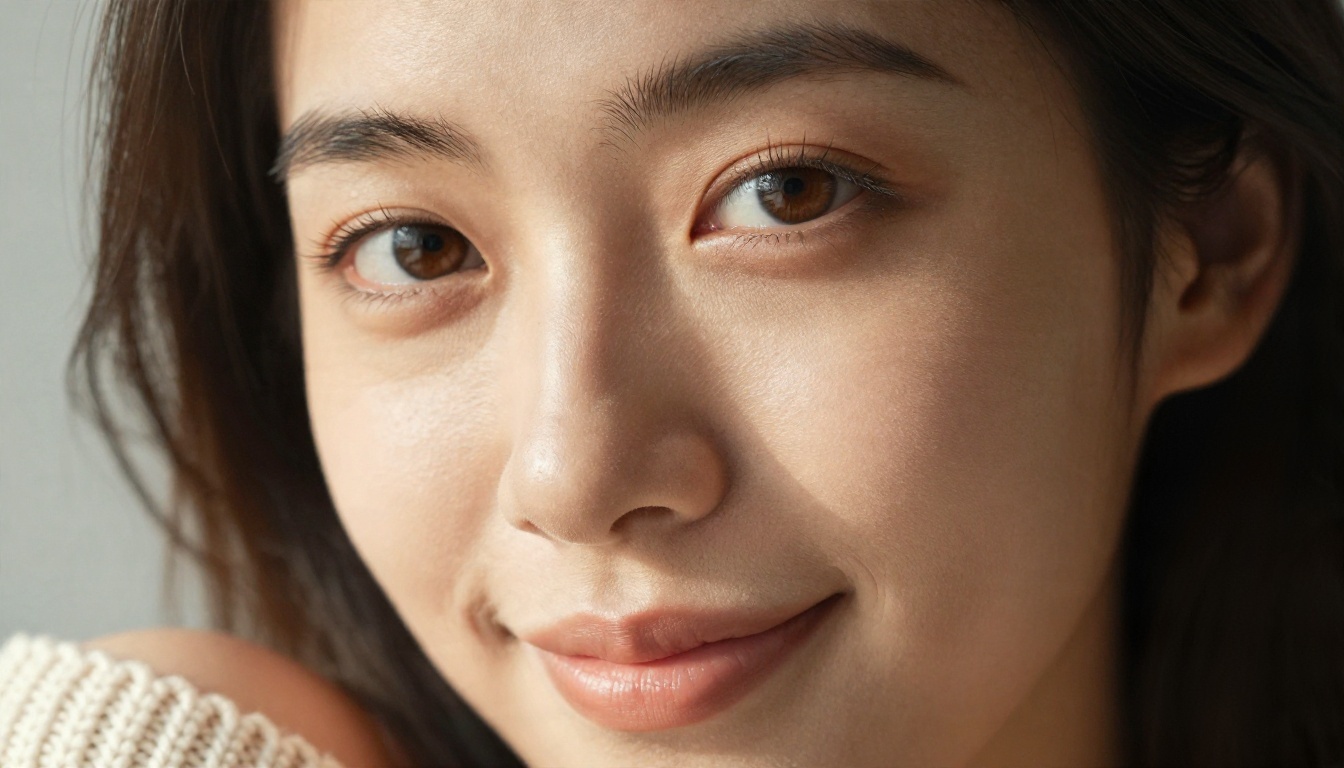
Since OurDream has no PicassoIA page, here is the closest workflow using Seedream 4.5, the model that gets you nearest to polished feed-style portraits.
Step by Step
- Open the model page for Seedream 4.5 and sign in.
- Write a subject line first. Who is in the frame, what they wear, what they are doing.
- Add the setting. Hotel balcony, sunrise beach, rooftop at dusk. One location only.
- Name the light. "Warm golden backlight from the left" beats "nice lighting" every time.
- Specify the lens. An 85mm f/1.8 look gives that soft, flattering portrait background.
- Set a 16:9 or 3:4 ratio, depending on whether you want a wide scene or a phone-style portrait.
- Generate, then refine. Change one detail per run so you can see what each edit does.
- Polish in Image Editor Pro if you want to adjust clothing, background, or color.
Prompt Tips That Work
💡 Formula: subject and pose, then environment, then lighting, then lens, then texture and film look.
- Ask for natural skin texture, such as fine pores and light freckles. This avoids the plastic look.
- Mention fabric behavior: satin sheen, linen creases, denim weave.
- Add film grain and a warm stock look for a believable photographic feel.
- Keep text out of the prompt unless essential. Models still stumble on lettering.
- Describe one mood. "Relaxed and intimate" works better than five conflicting adjectives.
A sample prompt: "Young woman in an emerald satin slip dress on a hotel balcony at golden hour, warm backlight, wavy auburn hair moving in a light breeze, 85mm f/1.4, visible skin pores, soft film grain, natural colors."
Privacy and Safety Basics
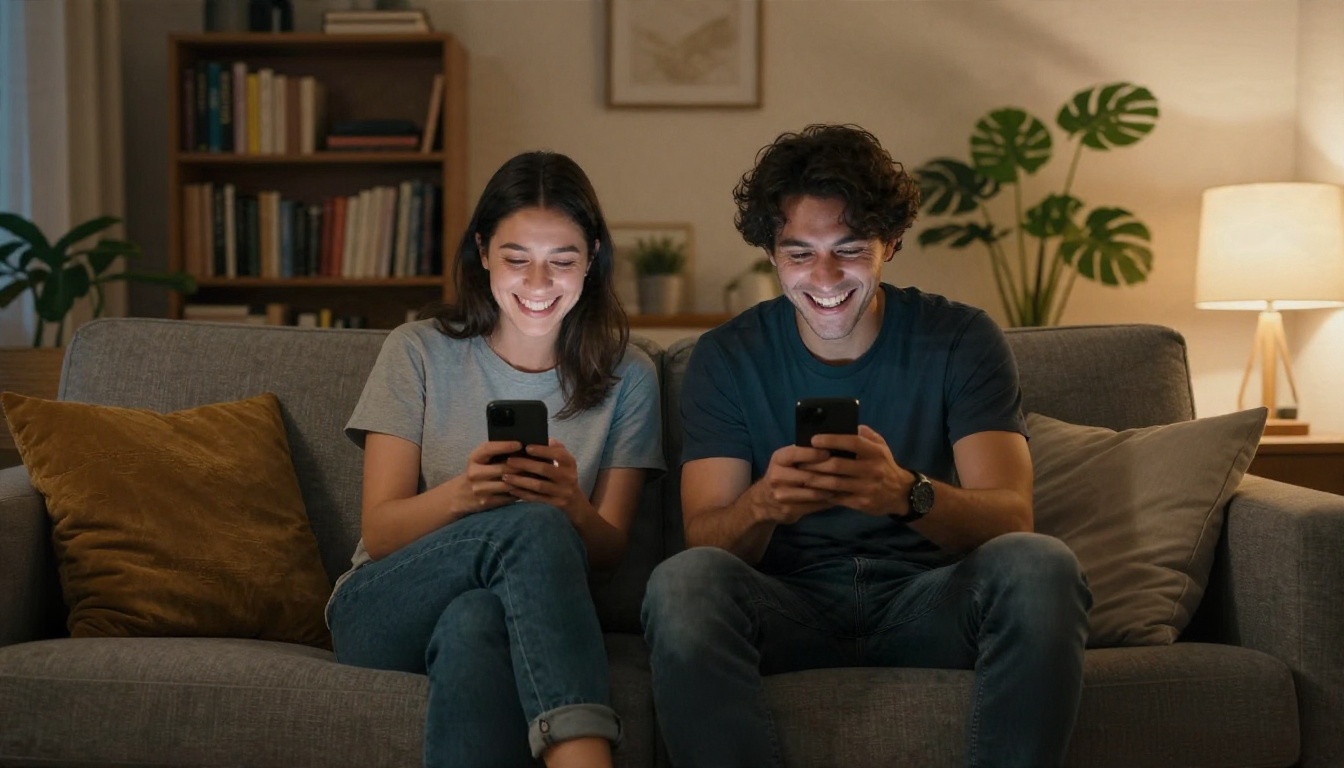
Companion platforms collect a lot: chat logs, preferences, payment details, and sometimes uploaded photos. Before you sign up for any of them, run through this short checklist:
- Use a separate email that is not tied to your work or banking.
- Pay with a method you can cancel easily, and check how to turn off auto-renewal.
- Skip uploading real photos of real people. Using someone's likeness without consent is wrong and can be illegal.
- Read what happens to chat history and whether you can delete your data.
- Keep content adult-only. Characters must always be clearly adults, and you should never create imagery of real people in compromising scenes.
The same rules apply when you generate images anywhere. Stay with fictional subjects, keep results tasteful, and treat other people's likeness with respect.
Pros and Cons at a Glance
| Pros | Cons |
|---|
| Easy browsing through a character feed | Daily limits on the free tier |
| Low barrier to start chatting | Credits and add-ons raise the real cost |
| Large variety of styles and scenarios | Non-prorated refunds reported |
| Ready-made characters save time | Many online reviews are promotional |
Try Your Own Images Today
If the feed made you curious about AI portraits, you do not need a chat subscription to make your own. Open Seedream 4.5, type the glamour or lifestyle scene you have been picturing, and see what comes back in seconds. Then bring it into PicassoIA Image Editor Pro for unlimited tweaks, or draft quick variations with Z Image Turbo.
The best way to judge any tool is to run your own prompt through it. Start with the sample prompt above, change the outfit, the location, and the light, and build a small set of images with a look that is yours alone. When you want to try other generators, browse the full lineup at picassoia.com/en/all-models.


