You typed "Perchance NSFW video" into a search bar because you want moving, suggestive, adult-leaning clips without a subscription. Fair enough. Perchance is free, it runs in a browser tab, and it asks for no account. The catch is that "free and instant" rarely means "good and consistent," and video is the hardest thing to get right for free. This article sorts out what Perchance realistically offers, where the walls are, and which online tools give you sharper results when the free route stalls. Everything here stays on the tasteful side: glamour, swimwear, and suggestive mood, never explicit material.

What Perchance Actually Is
A Free Generator Hub
Perchance is not one app. It is a hosting platform where people build small generators and publish them as web pages: random name lists, story prompts, character sheets, and a large batch of AI image generators. Anyone can fork a generator, tweak the text box, swap the backend, and republish it. That is why you will find dozens of near-identical pages with different names and slightly different results.
The upside is obvious. You open a page, type a prompt, and press a button. No login, no credit card, no email confirmation.
Where Video Fits In
Image generators are the platform's strength. Video generators exist, but they are a smaller corner of the ecosystem, and each one is built by a different creator on top of a different backend. Reviews of these pages describe short clips, variable motion quality, and performance that changes with server demand. Treat any claim of "unlimited, uncensored, studio quality video" with suspicion, because the page you land on decides everything, and that page can change tomorrow.
💡 Quick reality check: A Perchance generator is only as capable as the model and server someone wired behind it. Two pages with the same logo can behave completely differently.
Is Perchance NSFW Video Possible?
What the Community Generators Allow
Content rules on Perchance are not uniform. Some community generators filter prompts, some do not, and some switch behavior depending on the backend they call. I could not find a single authoritative statement of how the platform treats adult video across all generators, and most pages that rank for "Perchance NSFW" are keyword lists with no policy detail. So the honest answer is: sometimes, depending on the generator, and with no guarantee that it stays that way.
Why Results Vary So Much
Even when a page lets suggestive prompts through, you are rolling dice on at least four things:
- The underlying model. A weak model gives you melting hands and drifting faces.
- The backend load. Busy servers mean timeouts or lower-quality fallbacks.
- The prompt handling. Some pages rewrite your prompt silently.
- The page owner. They can add filters, remove features, or disappear.
That unpredictability is the real cost of free. You do not pay money, you pay time.
The Real Limits You'll Hit
Clip Length and Motion Quality
Free video tools almost always produce very short clips, often a couple of seconds, and the motion tends to be a slow zoom or a subtle shimmer rather than believable body movement. Hair, fabric, and water are the usual failure points. A bikini strap that changes shape mid clip or a face that morphs between frames is the classic tell.
Queues and Server Demand
When a free service is popular, you wait. Some days a generation takes seconds, other days the page hangs or returns an error. Because there is no account, there is usually no queue priority and no way to recover a failed run.
No Control Over Consistency
This one hurts glamour content most. If you want the same woman, the same outfit, and the same location across three clips, a no-account generator has no reference image input, no seed locking, and no editing step. Every run is a fresh stranger.
| Limit | What you see on free generators | Why it matters |
|---|
| Clip length | A few seconds | Hard to build a scene |
| Resolution | Often low, soft detail | Skin and fabric look smeared |
| Consistency | New face each run | No recurring character |
| Reliability | Timeouts, errors | Lost time |
| Control | Prompt only | No reference image, no editing |
| Longevity | Page may change or vanish | Workflow breaks without warning |
Free Options Worth Trying
Stay Inside Perchance, Carefully
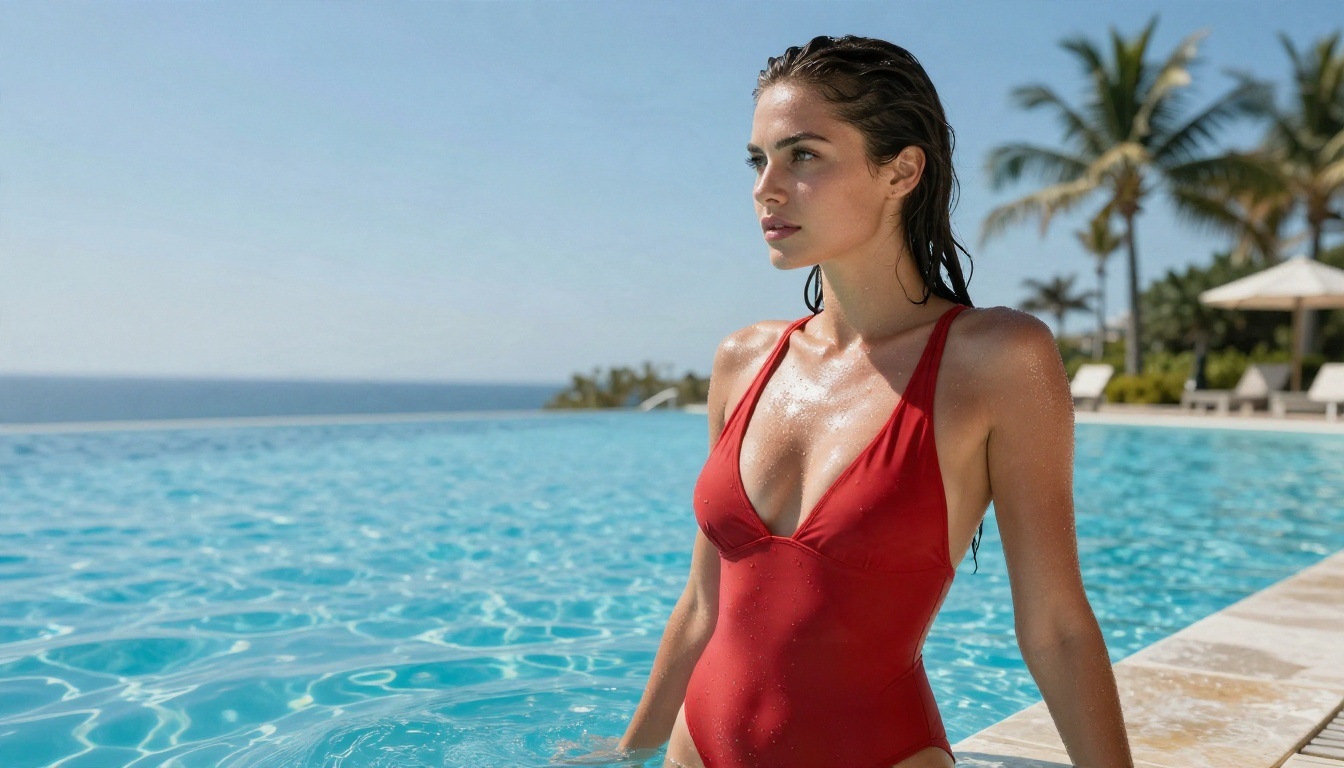
If you only want to experiment, open two or three different generators and compare. Keep prompts descriptive and non-explicit, such as "woman in a red swimsuit by a pool at golden hour, shallow depth of field." Save anything you like immediately, because there is no history and no guarantee you will find the same page again.
Run Open Weights Locally
If you own a powerful graphics card, open-weight video models can run on your own machine with no content filter and no queue. The trade-off is setup time, large downloads, and hardware cost. For most people this is a weekend project, not a quick fix.
Use Free Credits on Hosted Platforms
Many hosted platforms hand out trial credits or a limited free tier. That gives you cleaner interfaces, faster hardware, and reference image inputs. Check each platform's content policy before you spend an evening on it, because adult-leaning rules differ a lot from one service to the next.
💡 Tip: Whatever you pick, write down the exact prompt and settings for every clip you like. You will want to reproduce it later.
A Smarter Workflow: Image First, Then Motion
Here is the pattern that fixes most of the problems above. Instead of asking a video generator to invent a person, a pose, a setting, and a camera move all at once, split the job.
- Build one strong still image. Lock the face, outfit, lighting, and framing.
- Fix details in an editor. Adjust the pose, background, or styling until the still is right.
- Animate the still. An image-to-video model only has to add motion, not invent everything.
This is why image-to-video beats text-to-video for glamour work. The first frame is already approved, so the clip inherits the look you chose.
Better Alternatives Online
Perchance is not on PicassoIA, and it is not a single model, so there is nothing to link or compare model to model. What matters is the result you want. For sharper, more controllable suggestive imagery and clips today, these are the tools to try, in the order that makes sense for the image-first workflow.
Seedream 4.5 for the Base Image
Seedream 4.5 is the best starting point. It produces detailed 4K stills with believable skin texture, fabric, and lighting, and it handles suggestive adult-leaning prompts such as swimwear, lingerie-style glamour, and boudoir portraits without the heavy refusals you get from some mainstream models. It is also fast, which matters when you want to iterate five or six times on a pose before committing.

Image Editor Pro for Unlimited Edits
PicassoIA Image Editor Pro is where you polish. It offers unlimited generations, so you can keep refining without watching a credit counter. Change the outfit color, swap a background, soften a harsh shadow, or fix a small flaw, then send the result on to animation. Unlimited editing is the opposite of the one-shot lottery you get on a free generator page.
Image to Video Models for Motion
Once you have a locked still, pick a video model. Each has a different strength, and each has its own content handling, so test with a tasteful prompt first.
💡 Honest note: Video models can apply their own content rules, and these rules change over time. Keep your prompts suggestive and non-explicit, and expect that some models will be stricter than others.
Side by Side
How to Get Similar Results on PicassoIA
This is the workflow that replaces a Perchance NSFW video attempt with something repeatable. It starts with Seedream 4.5 and ends with an animated clip.
Step 1: Write a Photographic Prompt
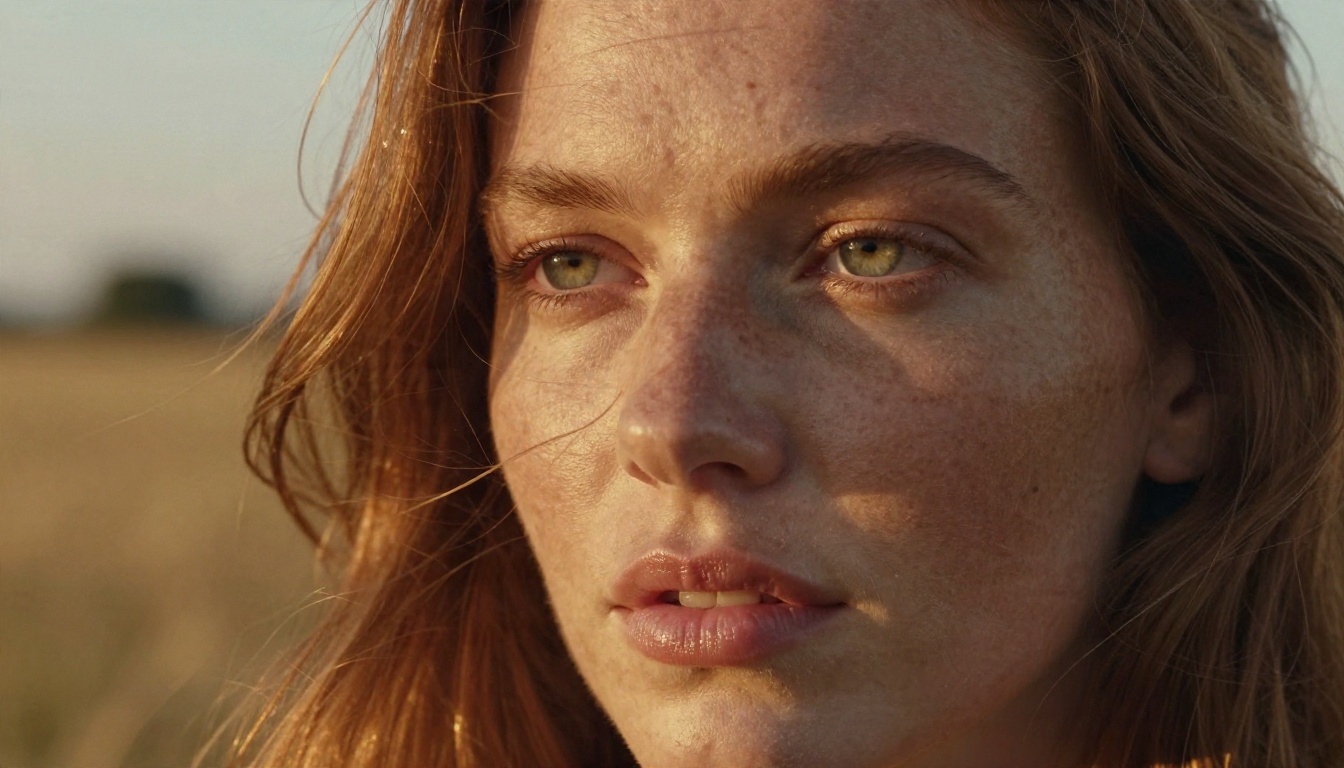
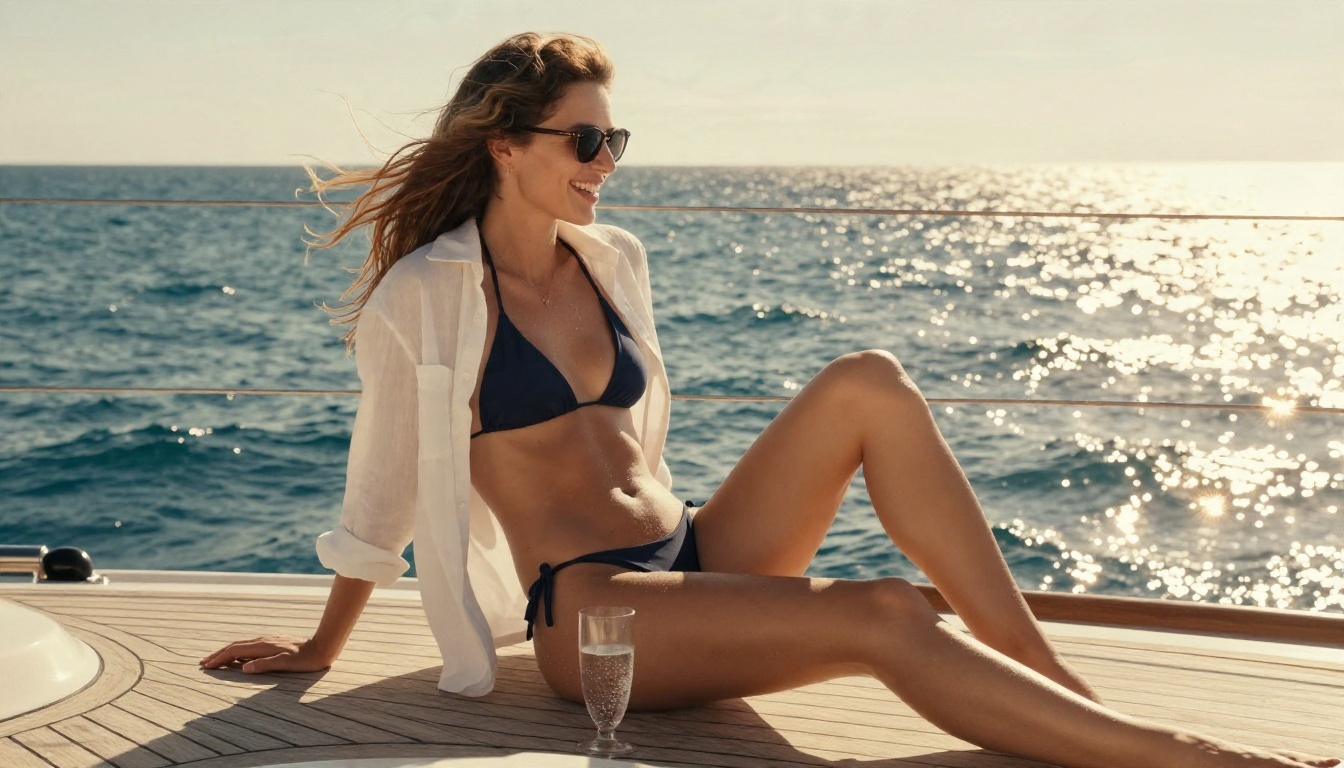
Open Seedream 4.5 and describe a real photograph, not a vague mood. Name the subject, the pose, the setting, the light direction, and the lens. For example: "woman in a navy bikini and open white shirt on a yacht deck, late afternoon golden sunlight from the right, 50mm lens, shallow depth of field, film grain." Photographic words like lens, grain, and light direction push the output toward realism and away from the plastic AI look.
Step 2: Generate Several Variations
Run the prompt four or five times and pick the strongest frame. Look at hands, strap lines, eyes, and edges where fabric meets skin. Those are the places that fail first, and they will fail worse once you animate.
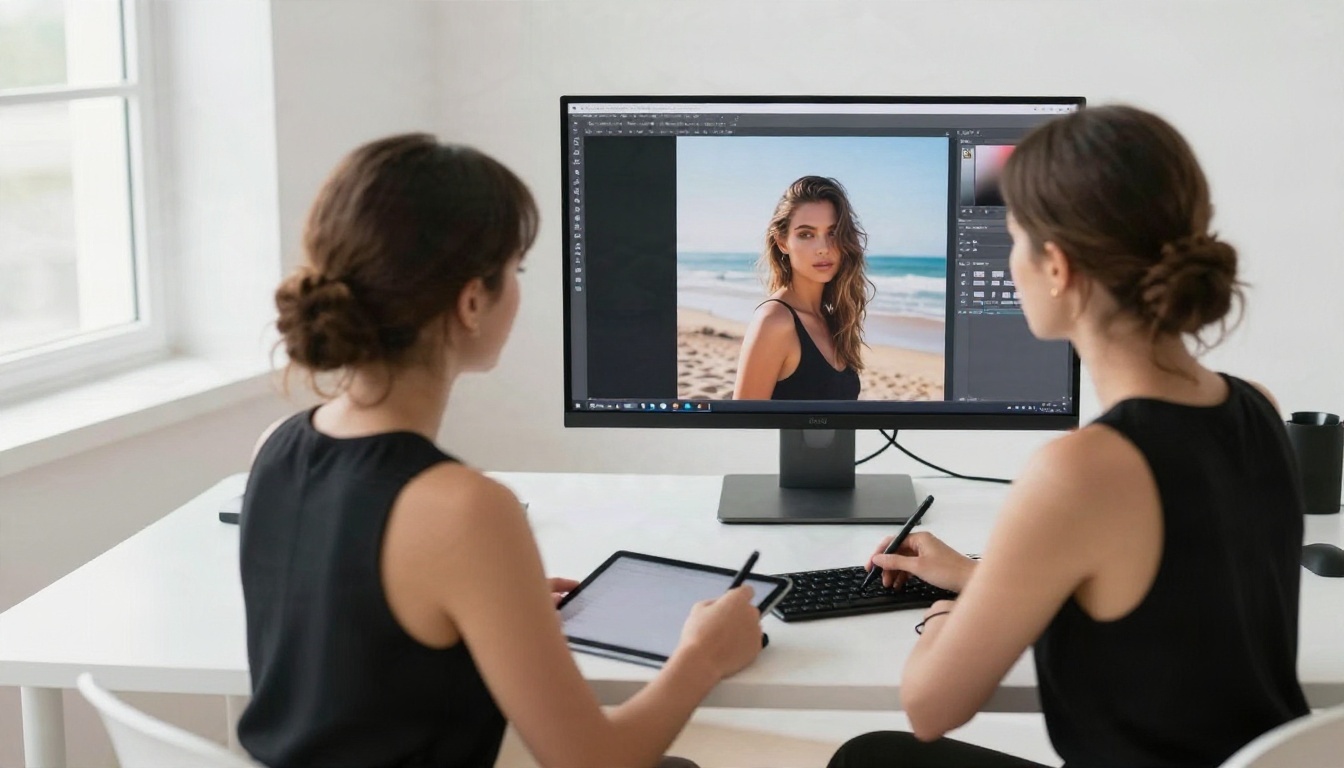
Step 3: Polish in Image Editor Pro
Send the best frame to PicassoIA Image Editor Pro. Because generations are unlimited, you can keep editing until the frame is exactly right: shift the background, adjust the outfit, clean up a shadow. A clean first frame is the most important input for good video.
Step 4: Animate the Still
Upload the finished frame to Wan 2.5 I2V or another image-to-video model from the list above. Describe only the motion: "hair lifts gently in a sea breeze, slow dolly in, sunlight glitters on the water." Do not re-describe the person. The image already carries that.
Step 5: Compare Two Models
Run the same still through a second model, such as Kling v2.5 Turbo Pro or Hailuo 2.3. Different models interpret motion differently, and the better one for your subject is usually obvious in the first viewing.
Parameter Tips
- Keep the motion simple. One camera move and one subject movement per clip.
- Prefer wind, water, and fabric. They animate convincingly and hide small errors.
- Avoid fast action. Rapid motion exposes anatomy mistakes.
- Use the same aspect ratio as the still. It prevents awkward cropping.
- Save your prompts. A short text file of what worked saves hours later.
Prompts That Work for Suggestive Glamour
Good prompts are specific about light and camera and quiet about everything else. Here are patterns you can adapt.
Poolside and Beach
"Woman in a black halter bikini on a linen daybed beside a rooftop pool, golden hour sunlight from the left, 85mm lens, shallow depth of field, visible skin texture, Kodak Portra 400 film grain."
Boudoir Mood
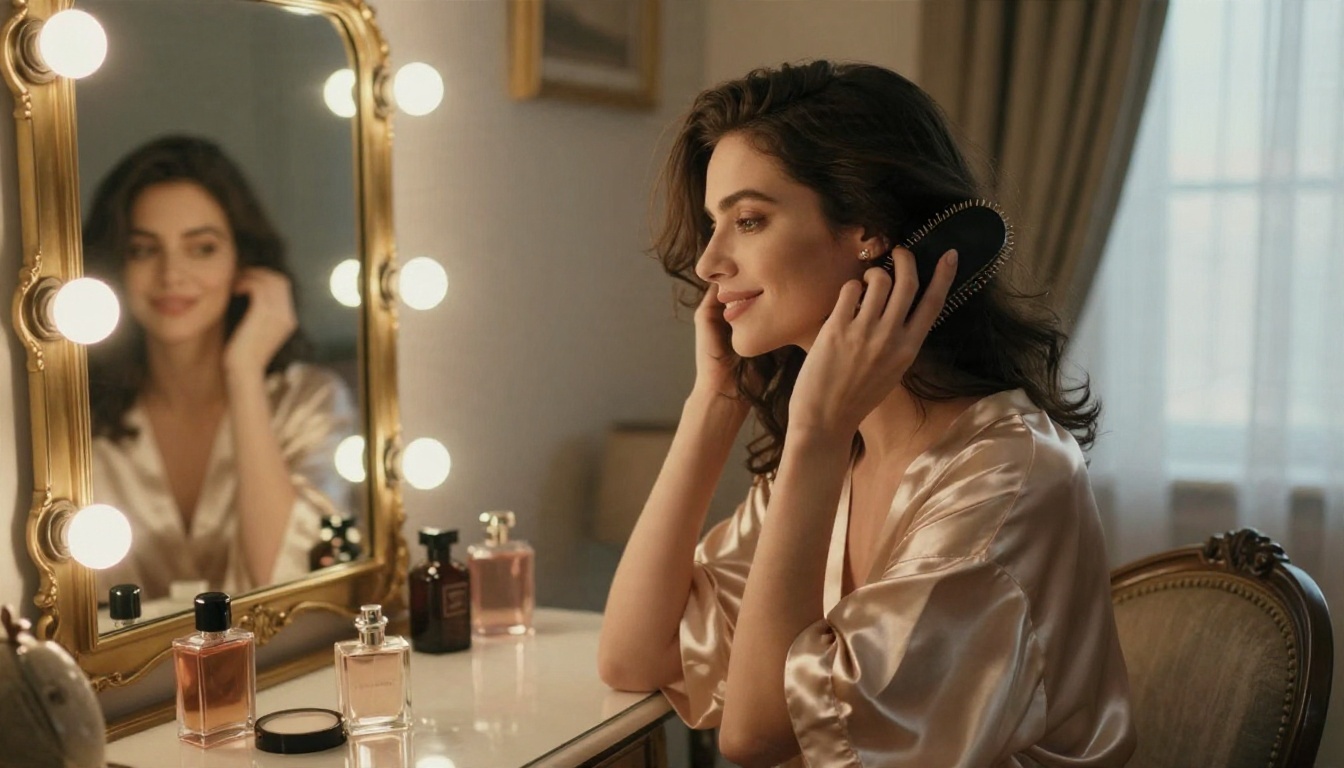
"Woman in a champagne satin robe at a vintage vanity mirror, warm bulbs plus window light from the right, shoulders bare, gold frame, silk sheen, 85mm lens."
Motion Prompts for Animation
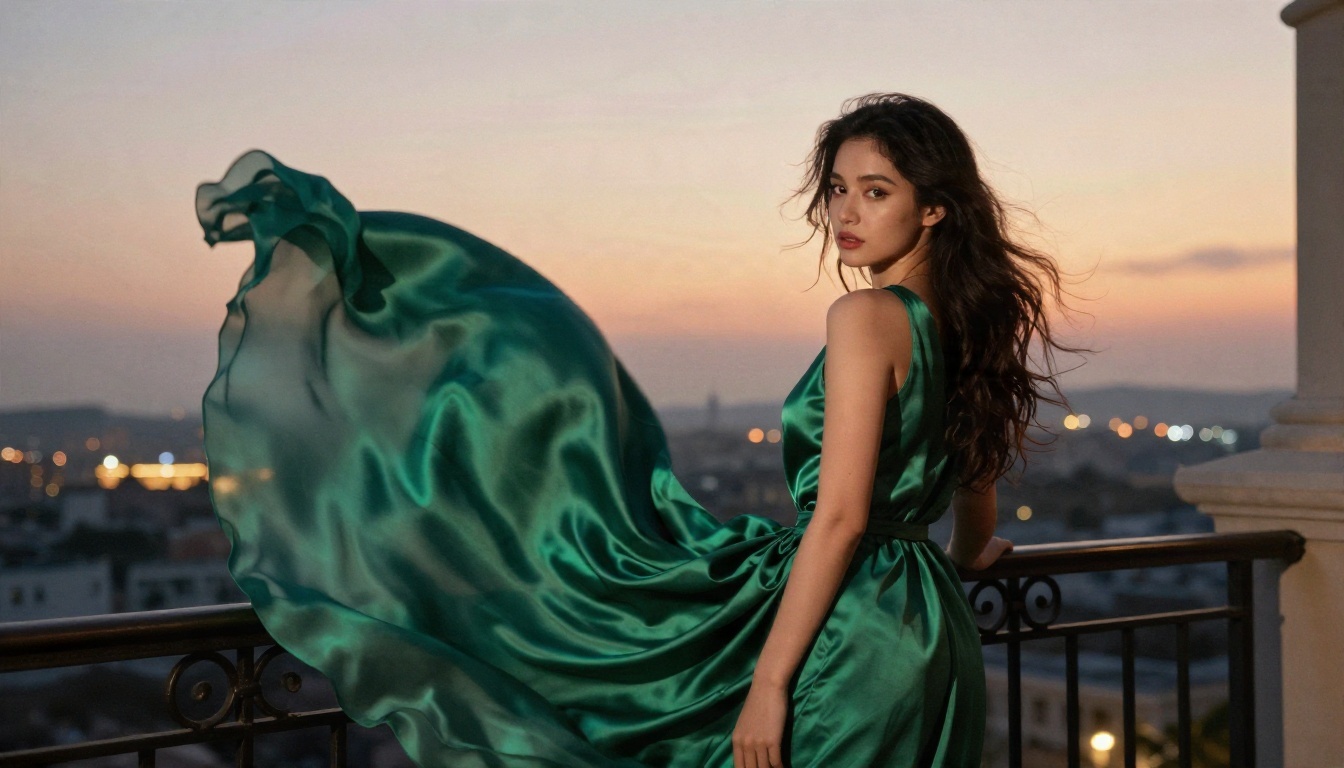
"Slow push in, her hair and the silk fabric drift in a gentle breeze, warm sunset rim light, soft city glow behind."
💡 Pattern to copy: subject and outfit, setting, light direction, lens, texture words. Five parts, one sentence.
Common Mistakes
- Stuffing the prompt with adjectives. "Stunning, gorgeous, perfect, ultra detailed" adds nothing.
- Describing motion in the still prompt. Keep stills still, and give motion to the video step.
- Skipping the edit step. Small flaws in the first frame become big flaws in motion.
- Changing three variables at once. Change one thing per run so you can see what helped.
When Perchance Still Makes Sense
Perchance is not worthless. For casual tests it is fine. If you want to see how a prompt behaves on a random free model, or you just need a quick throwaway image, it costs nothing and takes ten seconds. The problems start the moment you want a repeatable character, a decent resolution, or a clip you can post without cringing at the artifacts.
A fair way to split it:
- Use Perchance for: quick curiosity, brainstorming prompts, throwaway tests.
- Use a dedicated platform for: consistent characters, 4K stills, reference image animation, and anything you plan to publish.
Make Your Own Set Today
Free generators are a decent place to test an idea, but a Perchance NSFW video search usually ends in the same spot: short clips, soft detail, and a face that changes every run. The image-first route fixes that. Start with a detailed still in Seedream 4.5, polish it with unlimited edits in PicassoIA Image Editor Pro, and then give it motion with Wan 2.5 I2V, Kling v2.5 Turbo Pro, or Hailuo 2.3.
Pick one scene you actually care about, whether that is a poolside sunset, a yacht deck, or a hotel balcony at dusk, and run it through all three steps. You will see the difference in the first export. When you want to try other options, browse everything on picassoia.com/en/all-models and build your own favorite pipeline on Picasso IA.


