Somewhere around 11 p.m., a lot of people open an app and start talking to something that talks back. It remembers their dog's name, asks how the interview went, and never gets tired of the same story. That is the pitch of a personal AI companion app, and in 2026 it has grown from a novelty into a crowded category with very different promises, voices and price tags.
This article walks through what these apps actually do, how character customization works under the hood, why voice changes everything, what free plans really give you, and what you should expect to pay. It also shows how to assemble your own companion from chat and speech models, which is often cheaper and far more flexible than renting someone else's.

What a Companion App Does
A companion app is a chat product built around a persistent character. Instead of answering one question and forgetting you, it keeps a profile, a memory and a personality that stay consistent from one day to the next. You open it, and the same "someone" is there.
Underneath, almost every app runs the same basic recipe: a large language model for the conversation, a memory layer that stores facts about you, a character sheet that sets tone and backstory, and, increasingly, a text to speech engine that turns replies into audio.
Who Actually Uses Them
The audience is wider than the headlines suggest. People use companions for:
- Casual conversation after a long day, with no pressure to be interesting
- Language practice with a patient partner who corrects gently
- Creative roleplay and collaborative storytelling
- Journaling by dialogue, where the app asks follow-up questions
- Company for older adults who live alone and enjoy a daily chat
💡 A companion is a tool for conversation, not a replacement for people. The healthiest users treat it like a journal that answers back.
Chatbot vs Companion
| Feature | Plain chatbot | Companion app |
|---|
| Memory between sessions | Rarely | Core feature |
| Fixed personality | No | Yes |
| Voice replies | Optional | Often built in |
| Visual avatar | No | Common |
| Emotional tone | Neutral | Tuned to the character |
Customizable Characters Explained
The word "customizable" covers a huge range, from picking a face out of a gallery to writing a multi-page personality brief. Knowing the layers helps you judge what an app really lets you change.

The Four Layers of a Character
- Appearance. Name, age look, hair, clothing, sometimes a generated portrait.
- Personality. Warm, dry, teasing, calm, bookish. Better apps let you write this in your own words rather than ticking boxes.
- Backstory. Where the character grew up, what they do for work, what they care about. This gives conversations texture.
- Relationship frame. Friend, mentor, study partner, creative collaborator, or something closer. This sets the default tone.
Why Free Text Beats Sliders
Sliders such as "friendliness: 7/10" are easy to build and shallow to use. A written character brief gives the language model something concrete to imitate. Compare these two instructions:
- Weak: "Be kind and funny."
- Strong: "You are Marta, a retired ferry captain from Lisbon. You tease gently, tell short sea stories, and always ask one follow-up question before giving advice."
The second produces a voice you can recognize after three messages. That recognizability is what people mean when they say a companion "feels real."
Memory Is Part of the Character
A character who forgets your job every week feels like a stranger with a nice accent. When comparing apps, test memory directly: tell it three facts, close the app, come back the next day and ask about them. Most of the quality gap between cheap and expensive plans lives here, because longer memory costs more compute.
💡 Write down five facts you want any companion to remember, and use them as a repeatable memory test across apps.
Why Voice Changes Everything
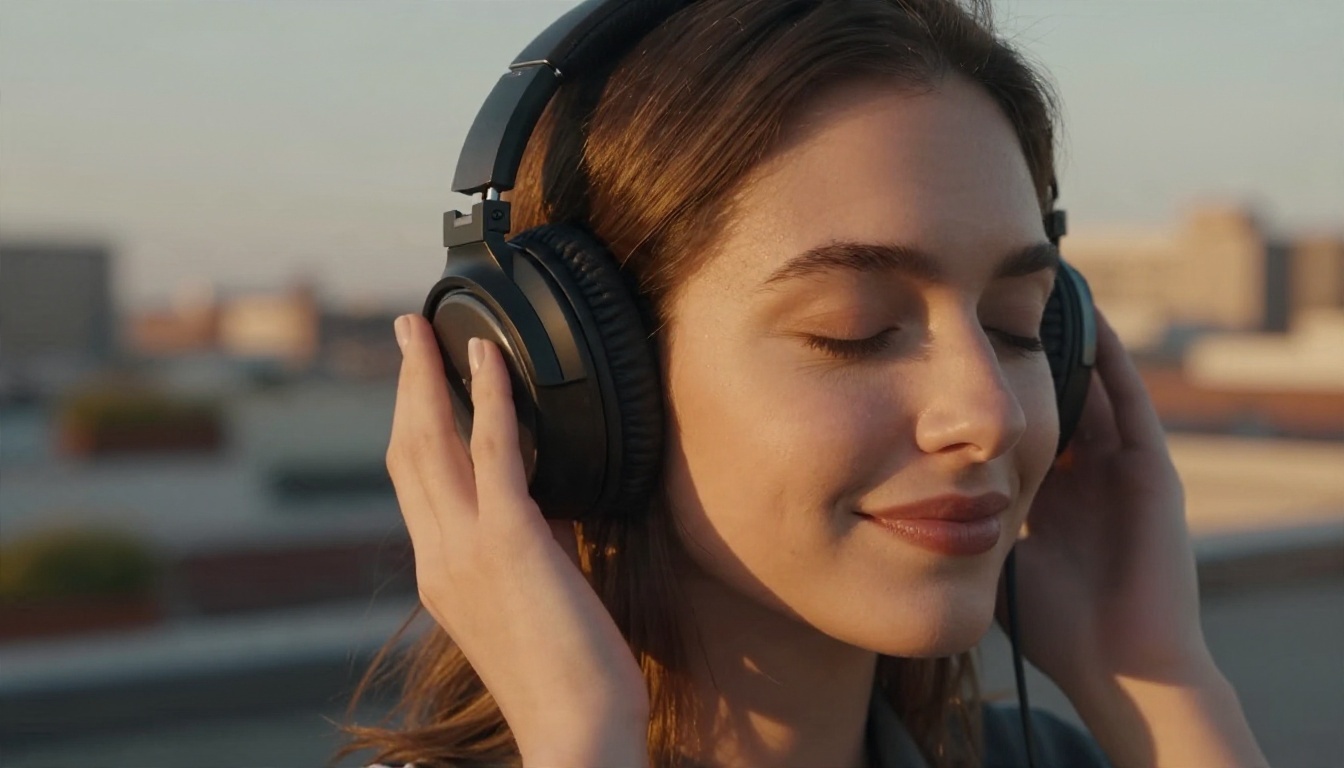
Text companions are intimate. Voice companions are immediate. Hearing a warm, well-paced reply triggers a different reaction than reading the same words, which is why voice is usually the first feature locked behind a paid plan.
What Makes a Voice Believable
- Latency. A reply that starts within a fraction of a second feels like conversation. A three-second gap feels like a phone call with bad reception.
- Prosody. Natural rhythm, pauses and emphasis matter more than raw clarity.
- Consistency. The voice must sound like the same person in every session.
- Language range. Multilingual voices let a character switch languages without changing identity.
Voice Models You Can Actually Use
If you want to build a companion voice yourself, several speech models on PicassoIA suit the job:
For a character who needs to answer quickly, a fast model such as Realtime TTS 1.5 Mini keeps the rhythm of a real exchange.
A Word on Voice Cloning
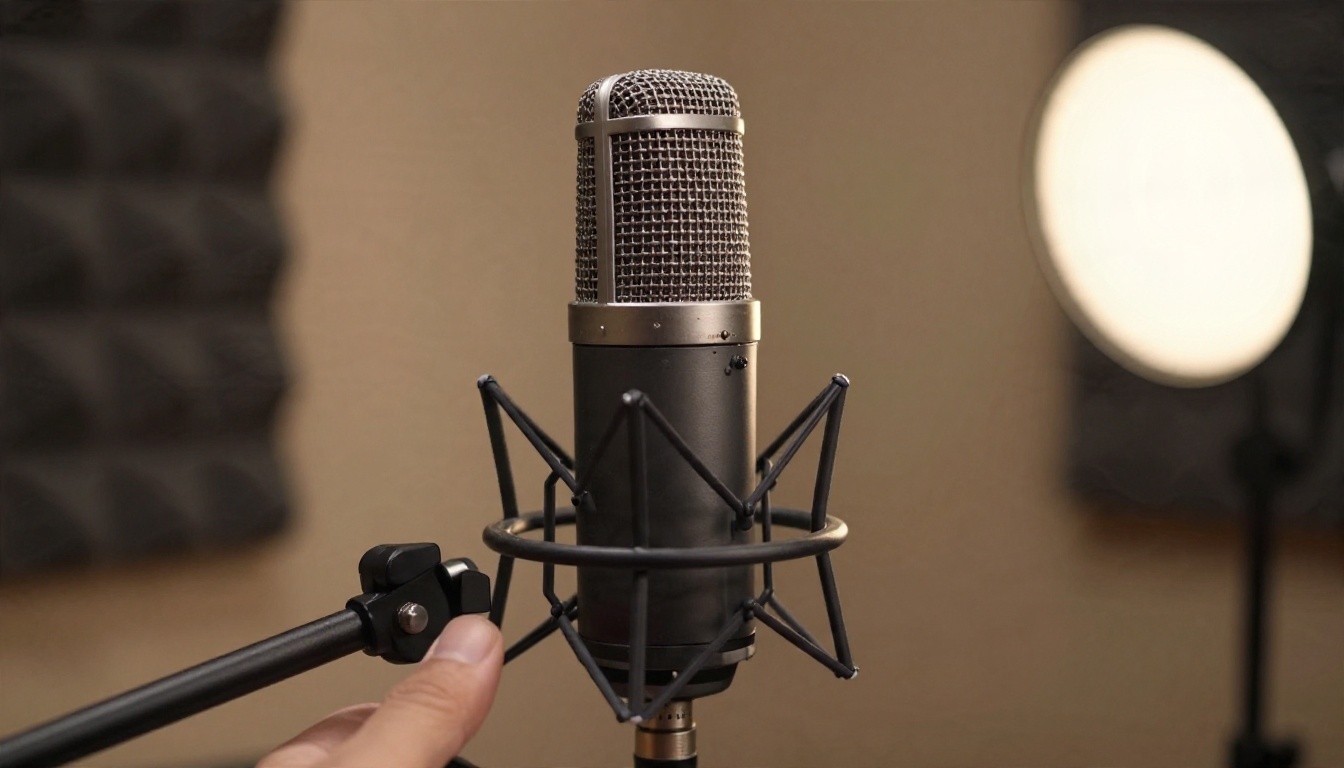
Cloning a voice is powerful and easy to misuse. Only clone a voice you own or have clear permission to use. Designing an original voice, as Qwen3 TTS allows, avoids the problem entirely and gives your character a sound nobody else has.
Free Plans, Honestly Described
Nearly every companion app offers a free tier, and nearly every free tier is designed to make you want the paid one. That is fair, as long as you know where the walls are.

What Free Usually Includes
- Basic text chat with a default or lightly customized character
- A daily or hourly message cap, or slower replies at busy times
- Short memory, so older details fade
- Ads in some apps
- A limited set of avatars and personalities
What Free Usually Withholds
- Voice calls and high-quality voice replies
- Long-term memory and detailed character editing
- Image generation of your character
- Priority access to the newest language models
- Ad-free chatting
The Free Plan Test
Spend three days on any free tier before paying. Ask yourself whether the character stayed consistent, whether the message limit interrupted real conversations, and whether the app nudged you toward upgrading at emotional moments. That last one is a design pattern worth noticing.
💡 Free plans change often. Several companion apps reshuffled their tiers in 2026, so check the current plan page inside the app before you decide.
The Real Cost of Subscriptions
Pricing is the part where sources disagree most, and it moves quickly. Based on recent reviews, here is the general picture. Treat these as ballparks, since exact numbers depend on region, billing period and promotions.

Typical Price Ranges
| Plan type | Typical monthly range | What you usually get |
|---|
| Free | $0 | Limited chat, short memory, caps |
| Entry subscription | About $5 to $10 | Faster replies, fewer limits, some voice |
| Mid tier | About $10 to $16 | Longer memory, better models, more customization |
| Premium | About $20 and up | Voice calls, images, top models, priority access |
Annual billing usually knocks a meaningful amount off the monthly rate, often bringing a mid tier closer to the price of one streaming service. Reviewers in 2026 reported spreads of more than $100 per year between popular apps for similar features, and some tiers were reshuffled or paused during the year, so a quoted price can be out of date within months.
Hidden Costs to Watch
- Add-ons. Some apps sell extra credits for images or voice on top of the subscription.
- Auto-renewal. Annual plans renew quietly. Set a calendar reminder.
- Feature drift. A feature you paid for can move to a higher tier later.
- Data tradeoffs. A cheap app may be funded by something other than your subscription.
Is Paying Worth It?
It depends on how you use it. If you chat for ten minutes a week, free is fine. If a companion is part of your daily routine, a mid tier with real memory is where the experience stops feeling like a demo. Premium makes sense mostly when voice calls are central for you.
Privacy and Healthy Use
Companions collect very personal information, so treat the privacy policy as part of the product.

Questions Worth Asking
- Are conversations used to train models, and can you opt out?
- Can you export or delete your chat history?
- Is there an age check, and how strict is it?
- What happens to your data if the company is sold or shuts down?
Several companion companies went through ownership changes and policy shifts in recent years, which is a good reason to avoid sharing anything you would regret seeing leaked.
Keeping It Healthy
Set a rhythm. A companion works best as one part of a social life, not the whole of it. If you notice you are canceling plans to chat with an app, step back. Good companions should leave you feeling more able to talk to people, not less.

Build Your Own Companion
Renting a ready-made app is easy. Building your own gives you control over personality, voice, memory and cost. You do not need to write software to prototype one: you need a chat model, a character brief and a voice.

Step 1: Pick the Brain
On PicassoIA, the large language model category covers a range of options:
Step 2: Write the Character Brief
Open your chosen model and paste a system-style prompt. A reliable template:
- Name and role. "You are Marta, a retired ferry captain."
- Voice and manner. Short sentences, gentle teasing, one follow-up question per reply.
- Boundaries. What the character will not do or claim, including that it is an AI if asked sincerely.
- Memory notes. A short list of facts about you that you paste at the start of each session.
Step 3: Add a Voice
Take the reply text and paste it into a speech model. Try Gemini 3.1 Flash TTS for a wide voice selection, or ElevenLabs v3 when you want more emotion. Keep these tips in mind:
- Use short paragraphs. Voice models pace better with natural sentence breaks.
- Write how it should sound: add commas and ellipses where a human would pause.
- Choose one voice and keep it. Switching breaks the illusion.
Step 4: Give It a Face
Companions feel more present with a consistent portrait. Generate a photorealistic image of your character using a text to image model on PicassoIA and reuse the same description every time. Keep the look natural: believable lighting, real skin texture, everyday settings.
💡 Save your character brief, memory notes and voice choice in one document. That file is your companion. You can carry it to any model.
Companion App vs Building Your Own
| Factor | Ready-made app | DIY on PicassoIA |
|---|
| Setup time | Minutes | An hour or two |
| Memory | Automatic, plan-limited | Manual notes you control |
| Voice choice | Preset voices | Pick any TTS model or design your own |
| Monthly cost | Subscription | Pay for what you generate |
| Customization depth | Depends on tier | Full control |
| Convenience | High | Moderate |
Neither route is better for everyone. If you want a polished daily habit with automatic memory, an app is simpler. If you care about owning the personality and the voice, building your own is more rewarding and often cheaper for light use.
Build Yours Today
A personal AI companion is only as good as its character, its memory and its voice, and all three are within reach. Start by writing a character brief you would be proud of, pick a chat model from the large language models collection, and give it a voice from the speech models listed above.
Then go one step further: generate a portrait, test a few voices side by side, and see which combination feels like someone you would actually want to talk to. Head to picassoia.com/en/all-models, open Picasso IA, and start experimenting. The first version will be rough, and by the third tweak it will start to sound like a person.


