You type a simple prompt for a woman in a swimsuit on a beach, and the generator answers with a policy warning. Or worse, it quietly hands back a blurry, over-smoothed face that looks like a plastic doll. That is the daily reality for anyone shopping for a photorealistic AI generator in 2027, and it explains why so many people search for "uncensored" tools in the first place.
This article sorts the noise. You will see what "uncensored" realistically means, which kinds of online tools and apps produce lifelike photos, what they cost, and where each one runs into a wall. Prices and caps shift constantly, so treat the numbers here as ranges and check each vendor before paying.
💡 Quick take: the best photorealistic results come from a strong image model plus a prompt written like a photographer's shot list. The tool matters, but the prompt matters just as much.
What "Uncensored" Actually Means
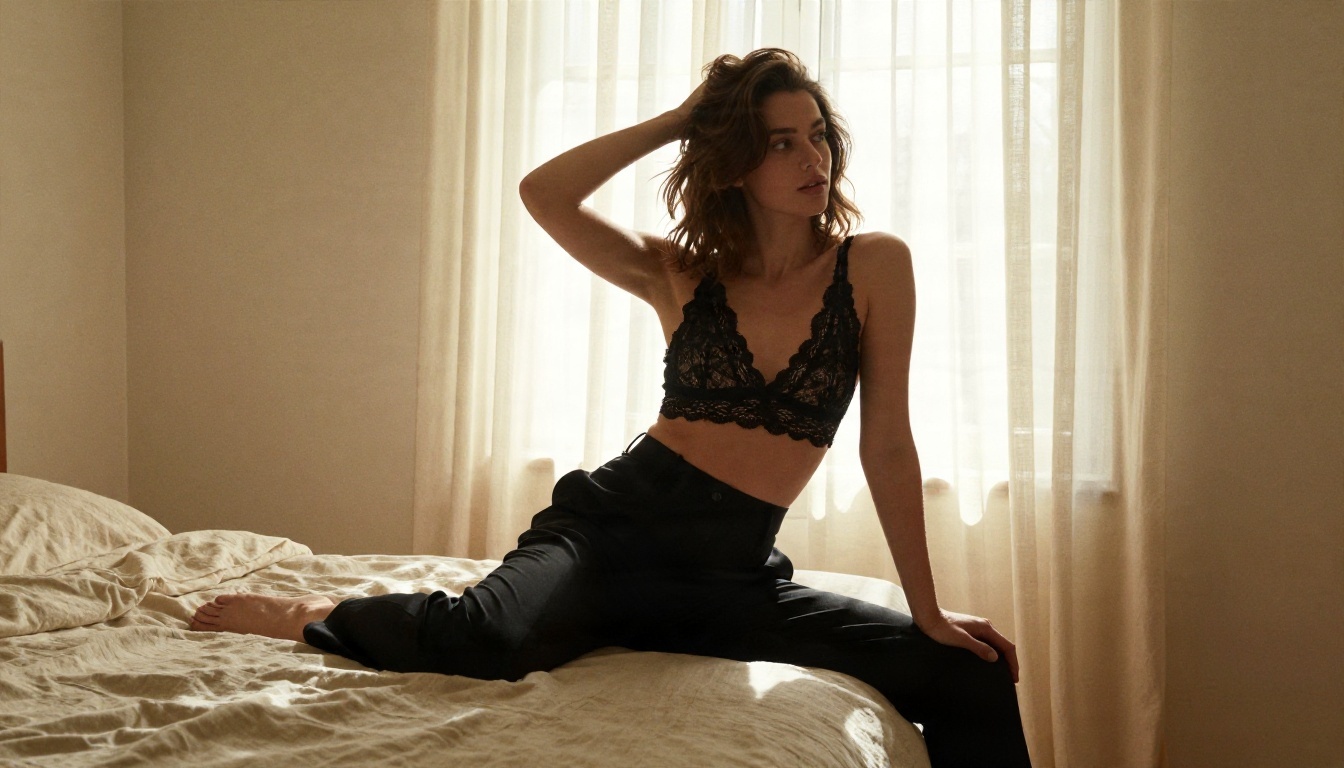
Most people who type "uncensored AI generator" are not hunting for anything extreme. They want a tool that stops refusing normal requests: bikinis, boudoir portraits, fashion lingerie campaigns, artistic figure studies, a tattoo on a bare shoulder. Mainstream assistants often block these by reflex.
Over-blocking, not anything goes
There is a big gap between a tool with sensible filters and one that flags everything. Sensible filters stop genuinely harmful material. Over-aggressive filters reject a swimsuit shoot because the word "bikini" appeared in the prompt.
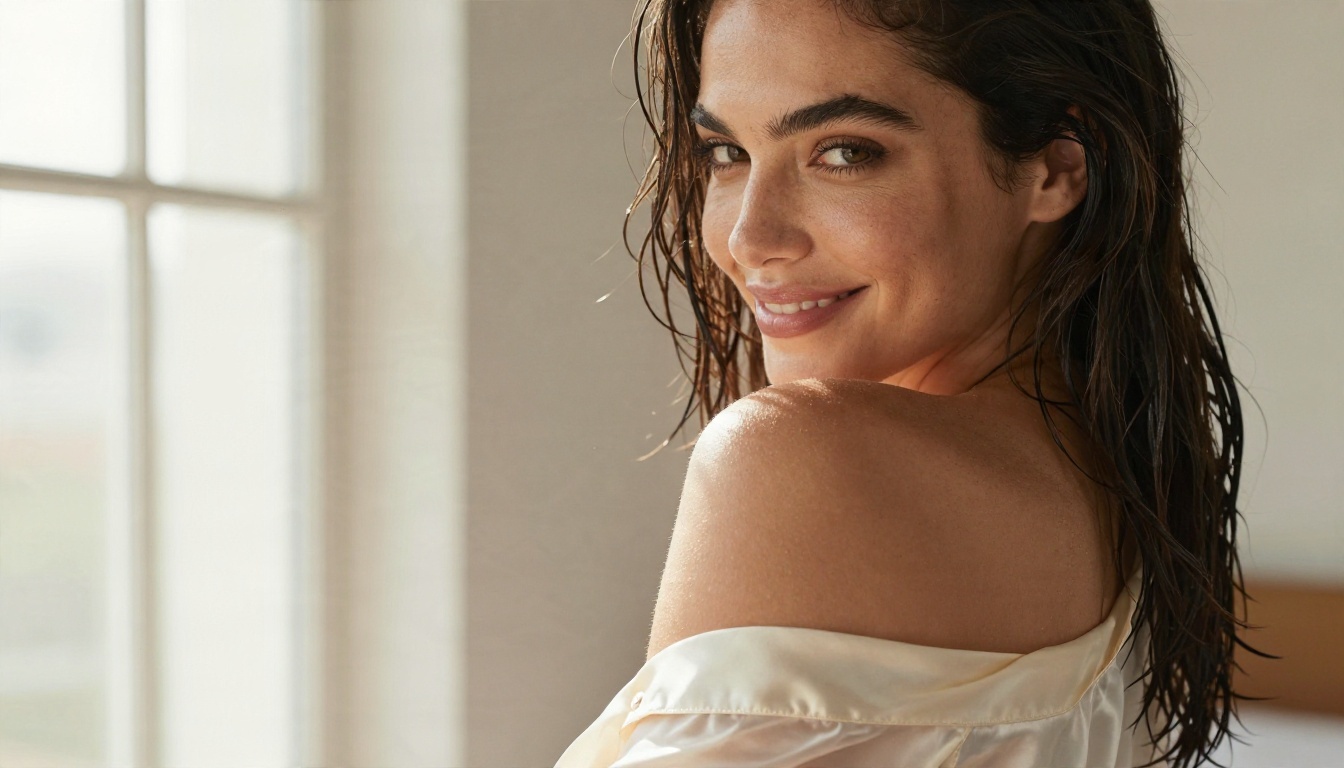
For this article, "uncensored" means fewer false refusals on glamour, swimwear and artistic work. It does not mean explicit material. Every example image here is suggestive at most and stays tasteful, and that is the sweet spot where the best photorealistic models perform.
Why filters differ so much
Every service picks its own risk tolerance. Big consumer chat products use the strictest settings because millions of casual users, including minors, sit on the same account system. Smaller specialist platforms and model hubs usually give you more room, since they serve creators who already know what they want.
| Filter style | Typical behavior | Who it suits |
|---|
| Strict assistant filter | Blocks swimwear, sometimes even romantic scenes | Casual users, workplaces |
| Moderate platform filter | Allows glamour and boudoir, blocks explicit | Creators, photographers, marketers |
| Open model hub | Few prompt-level blocks, you carry responsibility | Experienced users |
Browser-based generators are the easiest entry point. No install, no GPU, no setup. They fall into three groups.
Browser generators with big model lists
Platforms that host many models in one place let you switch engines when one fails. If a prompt gets refused or looks waxy, you re-run it on a different model in seconds. That flexibility is worth more than any single model's raw quality.
Chat assistants with image output
ChatGPT, Gemini and similar assistants now generate images inside the chat. They are convenient and the quality is high, especially for natural skin and believable lighting. The tradeoff is the strict filter, a small daily allowance on free plans, and less control over seeds, aspect ratios and batch runs.
Hosted open-weight models
Models from Black Forest Labs, Alibaba's Qwen team and others run on hosted services where you pay per image. You gain control and often looser prompt handling. You lose the polish of a consumer interface.
💡 Tip: if a tool offers a seed value, always save it. Reusing a seed with a slightly edited prompt is the fastest way to refine a good result instead of rolling the dice again.
App Options on Your Phone
Mobile is where many people actually create. The choices split into native apps and mobile browsers.
Native iOS and Android apps
App store generators are quick and friendly, but they tend to be the most restricted, because Apple and Google enforce content policies on every listing. Many also run on credit systems with aggressive upsells, weekly subscriptions and watermarks on free exports. Read the billing screen twice before you tap "start trial."
Browser tools on mobile
A web platform opened in Safari or Chrome sidesteps app store rules. You keep the same account and the same model list as on desktop, and you skip the install. For most people this is the better phone setup, particularly when the site lets you save the page to your home screen.
| Phone route | Pros | Cons |
|---|
| Native app | Fast, simple, push notifications | Strict filters, subscription traps, watermarks |
| Mobile browser | Full model list, fewer restrictions | Less polished touch interface |
| Chat assistant app | Great quality, easy prompts | Daily caps, tight filters |
The Real Cost of Photorealism
Pricing in this market is confusing on purpose. Three models exist, and you should know which one you are walking into.
Free tiers
Free plans exist almost everywhere, but the allowance is small. Chat assistants typically give a handful of images per day. Google's Gemini is often cited as one of the most generous free options, though free output may carry personal use limits. Leonardo-style platforms tend to add a watermark on free exports. Playground-style tools have offered a few images every few hours.
Free is perfect for testing prompts. It is a poor fit for a project that needs fifty usable shots.
Subscriptions
Subscriptions are the most common model. Midjourney has no free plan, with paid tiers starting around ten dollars per month. ChatGPT Plus sits at roughly twenty dollars per month and bundles image generation with everything else. Several mid-tier services advertise ladders from about ten dollars up to well over a hundred for heavy users.
Pay per image
Hosted model APIs charge per generation or per megapixel. A premium photorealistic model can cost around three cents per megapixel, which works out to a few cents per standard image. Light users save money this way. Heavy users, who might make hundreds of drafts a day, usually come out ahead on a flat plan.
| Pricing type | Typical range | Best for |
|---|
| Free tier | $0, a few images per day | Testing prompts |
| Subscription | About $10 to $30 monthly for most users | Regular creators |
| Heavy plans | $80 to $120 monthly | Agencies, daily volume |
| Pay per image | A few cents each | Occasional projects |
💡 Watch for this: "unlimited" often means unlimited in slow mode. Always check whether unlimited applies to the fast queue, to the top resolution, and to every model on the list.
Limits You Will Hit
Every photorealistic tool, free or paid, has ceilings. Knowing them in advance saves a lot of frustration.
Daily caps and queues
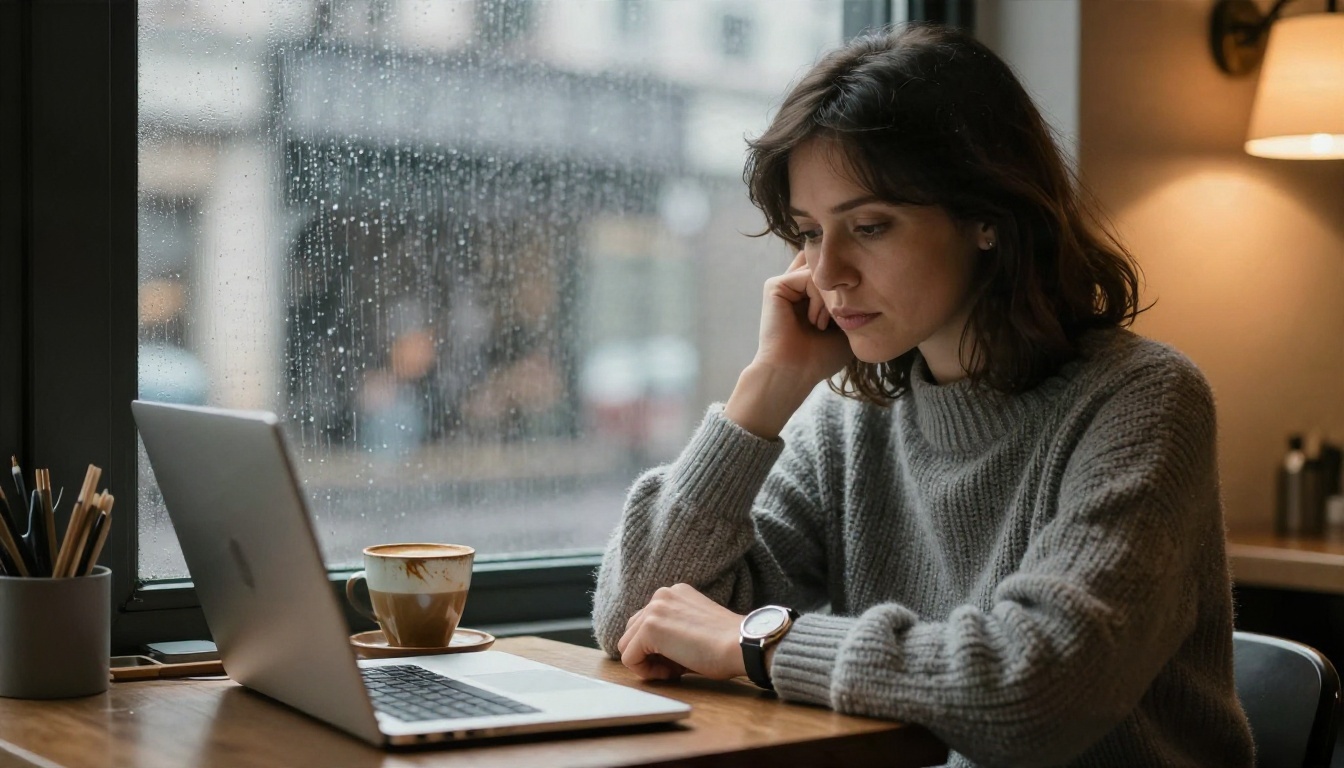
Free plans cap output per day, and busy hours mean waiting. A generator that takes ten seconds at night can take two minutes at peak time. If you work to deadlines, a tool with predictable speed beats one with a flashy but crowded interface.
Resolution and watermarks
Many tools output 1024 pixels on the long edge by default. Print work and big banners need more. Watch for watermarks on free exports, and for paywalls that gate 4K behind the top plan. An upscaler fills the gap well when the generator itself tops out low.
Hands, text and skin
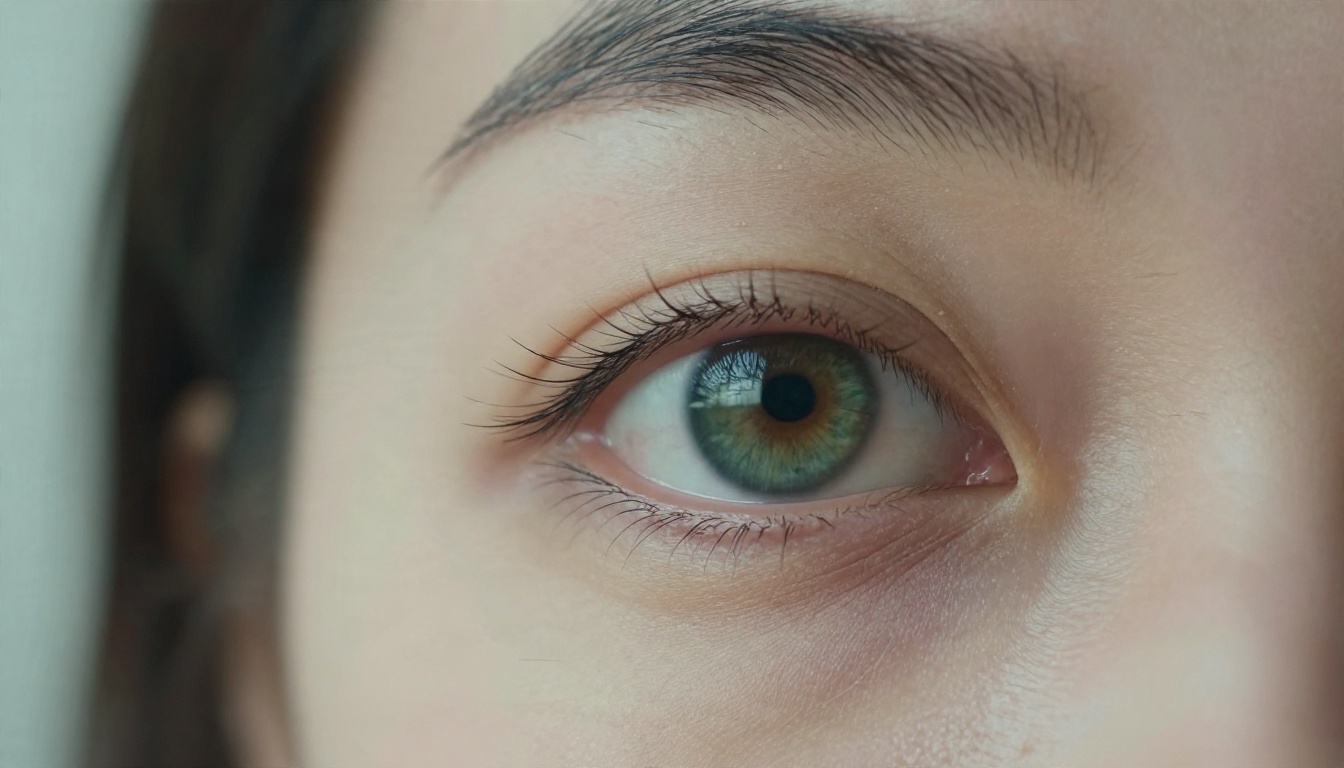
Even the best models still stumble in three places. Hands can grow extra fingers when the pose is complicated. Text inside the scene often turns to gibberish. Skin can look too smooth when the prompt says "perfect" or "flawless," because the model reads those words as a request for airbrushing.
The fix for skin is simple: ask for what real photographs have. Pores, freckles, tiny flyaway hairs, uneven tone, a touch of shine on the cheekbone.
Models Worth Using on PicassoIA
PicassoIA puts many photorealistic engines behind one account, so you can switch when a prompt gets refused or a face looks waxy. For glamour, swimwear and boudoir style work, start with the models below, in this order.
Seedream 4.5 first
Seedream 4.5 is the first model to try for lifelike people. It handles skin texture, fabric and lighting with a calm, photographic look instead of a glossy one, and it is permissive enough for tasteful glamour, beachwear and fashion shoots. It also produces sharp, high resolution output, which reduces the need for extra upscaling.
PicassoIA Image Editor Pro
PicassoIA Image Editor Pro is the best answer to the "limits" problem. It offers unlimited generations, so you can iterate as many times as you like without watching a counter. It is also quick, which matters when you are trying fifteen variations of the same shot. Use it to edit a render, change an outfit or fix a background, then keep going.
More picks in order
If the first two do not suit a particular prompt, these are the next stops:
- Z Image Turbo for fast, sharp drafts when you want to test many ideas quickly.
- Qwen Image 3 Pro for photorealistic scenes with strong prompt following.
- Nano Banana Pro for 4K output and image editing from a reference.
- Realistic Vision v5.1 for a classic lifelike portrait look.
- Flux 2 Klein 9B Base LoRA when you want styled results or custom looks.
💡 Note: Seedream 5 Lite blocks adult content, so it is not a good fit for glamour or boudoir work. Stay with the models above for that.
A Simple Workflow That Works
Good photorealism is a process. This is the loop that gives consistent results.
Write the prompt like a shoot
Skip adjectives like "stunning" and "perfect." Describe the photograph. Use this order: subject and pose, location, light direction, lens, texture details, film look.
A prompt that works well:
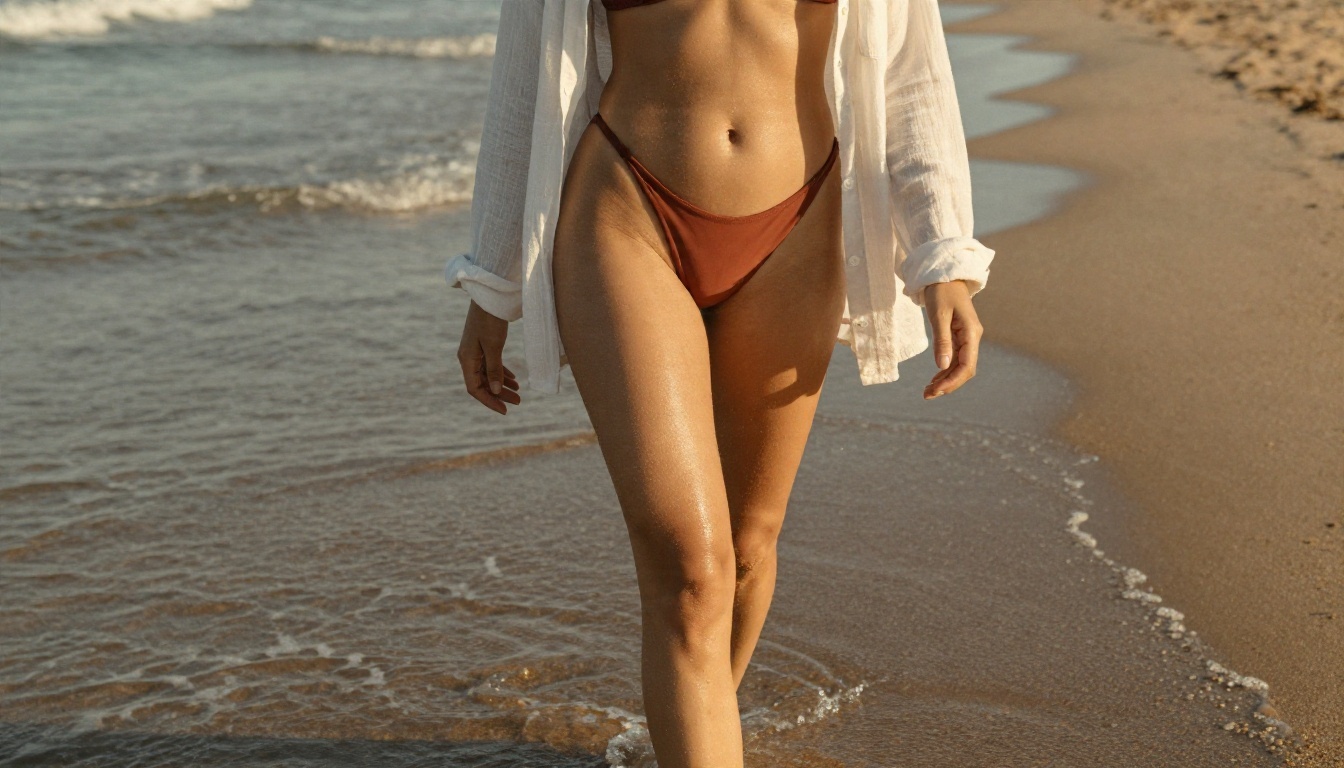
"A woman in a terracotta bikini and open white linen shirt walking along the shoreline, warm golden hour light from behind, 35mm f/2 lens, low angle, water droplets on skin, visible sand grain, Kodak Portra 400, fine film grain."
Notice how many words describe light and texture. That is deliberate. Those details tell the model to behave like a camera.
Fix and upscale
Generate a batch of four to eight drafts. Pick the best one, then use an editor to repair small problems such as a stray finger or a distracting object. PicassoIA Image Editor Pro handles this well. For print size, run the final image through an upscaler such as Clarity Pro Upscaler or Recraft Crisp Upscale.
Quick checklist before you export
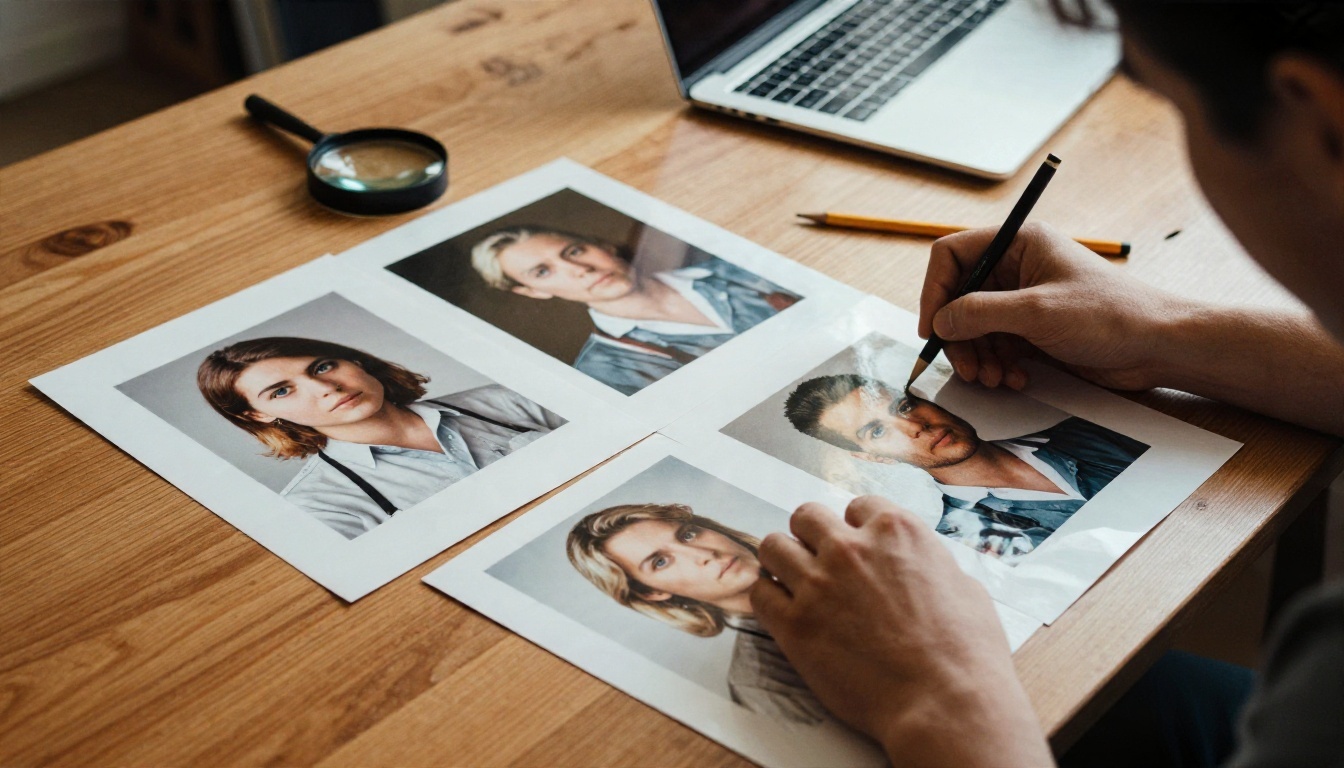
- Hands: five fingers, natural poses, nothing fused.
- Eyes: same gaze direction, catchlights match the light source.
- Skin: visible pores, no plastic sheen.
- Light: shadows fall the same way across the whole frame.
- Background: no melted objects or warped lines.
Which Option Fits You
Match the tool to how you work instead of chasing the biggest name.
If you only generate a few images a month, a free tier or a pay per image service is enough. If you make dozens a week, a flat plan or an unlimited editor pays for itself fast.
Try It Yourself
Reading about photorealism only goes so far. Open PicassoIA, pick Seedream 4.5, and paste in the beach prompt from the workflow section. Then switch to PicassoIA Image Editor Pro and push the result further with as many edits as you want. Change the light direction, swap the lens, try a different outfit, and compare the drafts side by side.
When you want to see everything on offer, browse the full catalog at picassoia.com/en/all-models. Your first lifelike image is probably one prompt away.


