A photorealistic image generator turns a sentence into a picture that your brain files under "photograph" before it has time to argue. Five years ago that sounded like a stunt. Today it is a normal Tuesday: a freelancer needs a hero shot, a shop owner needs a product mockup, a writer needs a face for a character, and none of them wants to book a studio. The good news is that you no longer need to pay to get there. The harder news is that most people still type "a beautiful woman, ultra realistic, 8k" and wonder why the result looks like a wax museum.
This article fixes that. You will see which kinds of free online tools are worth your time, how to write prompts that behave like a photographer's shot list, what real examples look like, and a short checklist for catching the tells that give AI images away.
What Makes an Image Photorealistic
Photorealism is not "more detail". It is the right amount of imperfection, delivered in the way a lens and a sensor would deliver it. Real photographs have a light source you can point at, a depth of field that falls off in a believable way, skin with pores and uneven tone, and background objects that are slightly out of focus rather than painted.
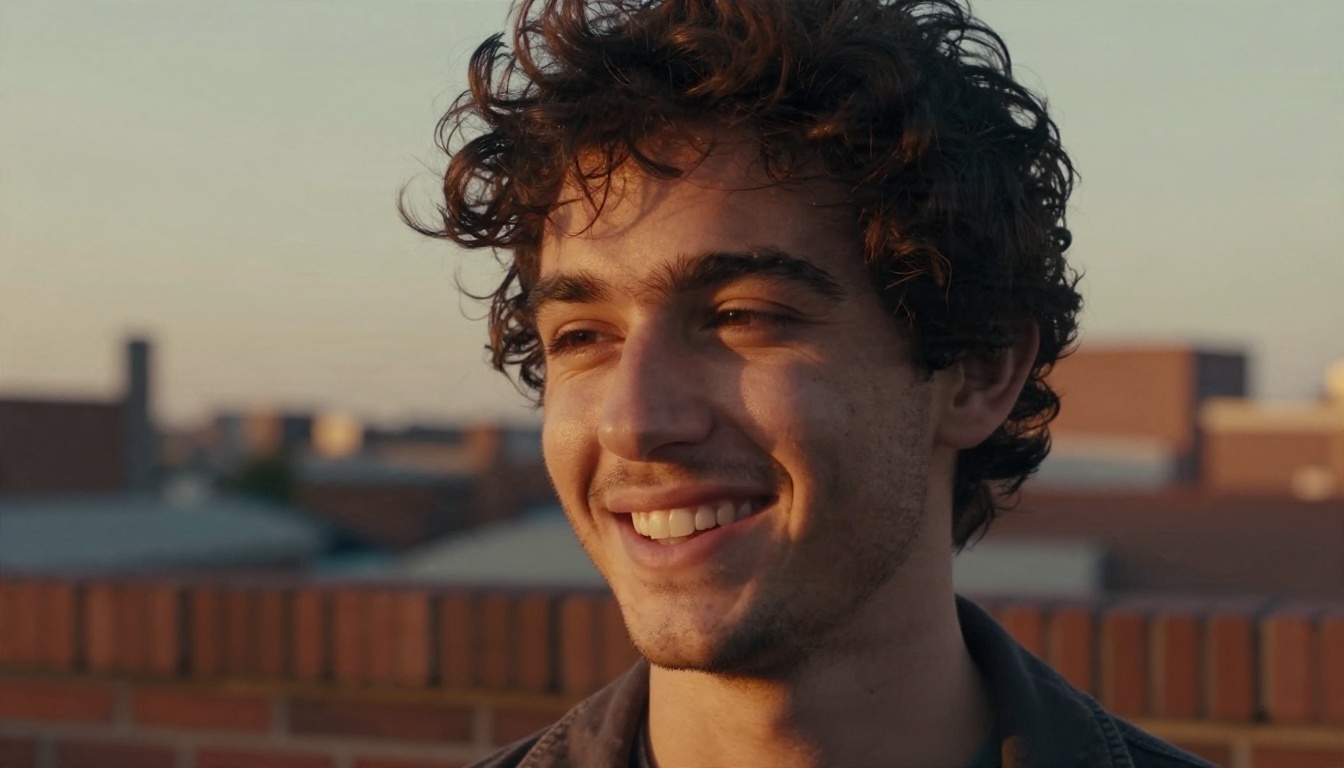
Look at the rooftop portrait above. Nothing in it is dramatic. The light comes from one side, the skin shows laugh lines and texture, and the skyline melts into soft blur behind him. That restraint is what reads as real.
The five signals your eye checks
Your visual system runs a fast audit on every image. It looks for:
- Light direction: one clear source, with shadows that agree with it.
- Skin and surface texture: pores, fabric weave, wood grain, scratches.
- Depth of field: sharp where the lens would focus, soft elsewhere.
- Color restraint: muted, film-like tones instead of oversaturated ones.
- Anatomical and physical logic: hands, reflections, text and shadows that make sense.
If a generator gets four of the five right, most viewers will believe the picture. If it fails on light or hands, they will not.
Why "8K" and "ultra realistic" often backfire
Those words are common in low-quality training captions, so they can nudge a model toward the glossy, over-sharpened look you are trying to avoid. A better approach is to describe what a camera and a photographer would actually do: the lens, the aperture, the time of day, the film stock. Specifics beat superlatives.
"Free" comes in a few flavors, and it helps to know which one you are dealing with. Some tools give a daily credit allowance. Some give a handful of free generations after sign-up. Some let you generate without limits but at lower speed or resolution. Treat each as a test bench: run the same prompt through several models and keep the one whose look you prefer.
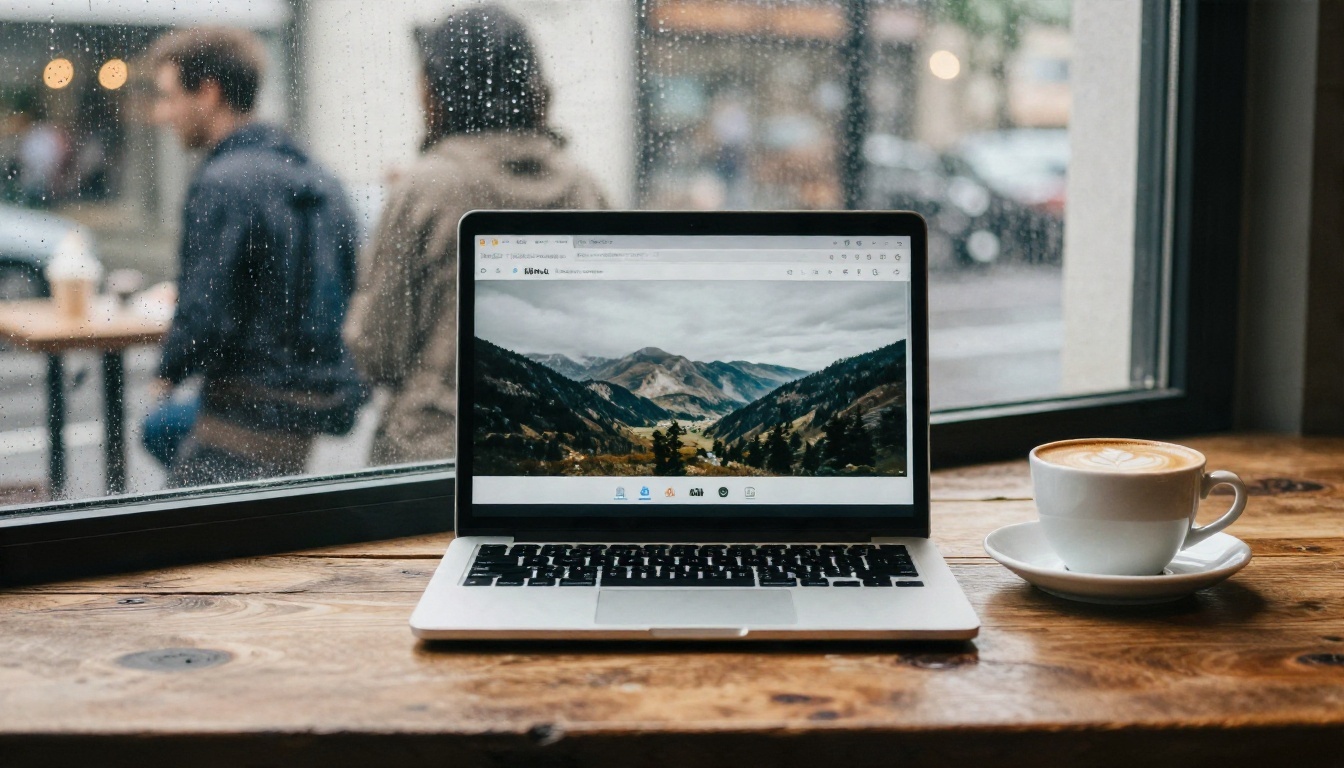
On PicassoIA you can run many of the strongest photorealistic models from one place, which makes side-by-side testing painless. Here is how the main options behave in practice.
| Model | Best for | Look and character |
|---|
| Imagen 4 | Clean everyday photos, natural color | Balanced, believable light, tidy detail |
| Imagen 4 Ultra | High-detail portraits and products | Fine texture, crisp edges |
| Seedream 4.5 | 4K images with strong skin and fabric detail | Rich, cinematic, very sharp |
| Flux Dev | Prompt-faithful photos with natural grain | Filmic, flexible, handles complex scenes |
| Flux 1.1 Pro Ultra | Large 4MP images | Raw, high-resolution realism |
| Nano Banana Pro | 4K generation and edits in one flow | Consistent, polished, good at keeping a subject stable |
| Qwen Image 3 | Photorealistic scenes with readable detail | Natural, neutral palette |
| Realistic Vision v5.1 | Lifelike people and portraits | Classic photographic skin look |
| Flux Schnell | Fast drafts and quick iterations | Speed first, decent realism |
Fast models for drafts, slow models for finals
Do not spend your best model's time on an unfinished idea. Run your first five or six variations with Flux Schnell or Imagen 4 Fast. When the composition and light feel right, move the same prompt to Imagen 4 Ultra or Seedream 4.5 for the final render.
💡 Tip: Keep a notes file with the exact prompt, model and seed of every image you like. Reproducing a good result a week later is far easier than rediscovering it from memory.
What to check before you commit to a tool
Before you settle on one generator, run this short test on each:
- A close-up face in side light, to check skin texture.
- A pair of hands holding an object, to check anatomy.
- A wet street at night, to check reflections and mixed lighting.
- A product on a plain surface, to check edges and shadows.
Four images will tell you more than any feature list.
Photographers think in a fixed order: who or what, where, how it is lit, and how it was shot. A good prompt follows that order. You are not writing poetry; you are filling out a shot list.
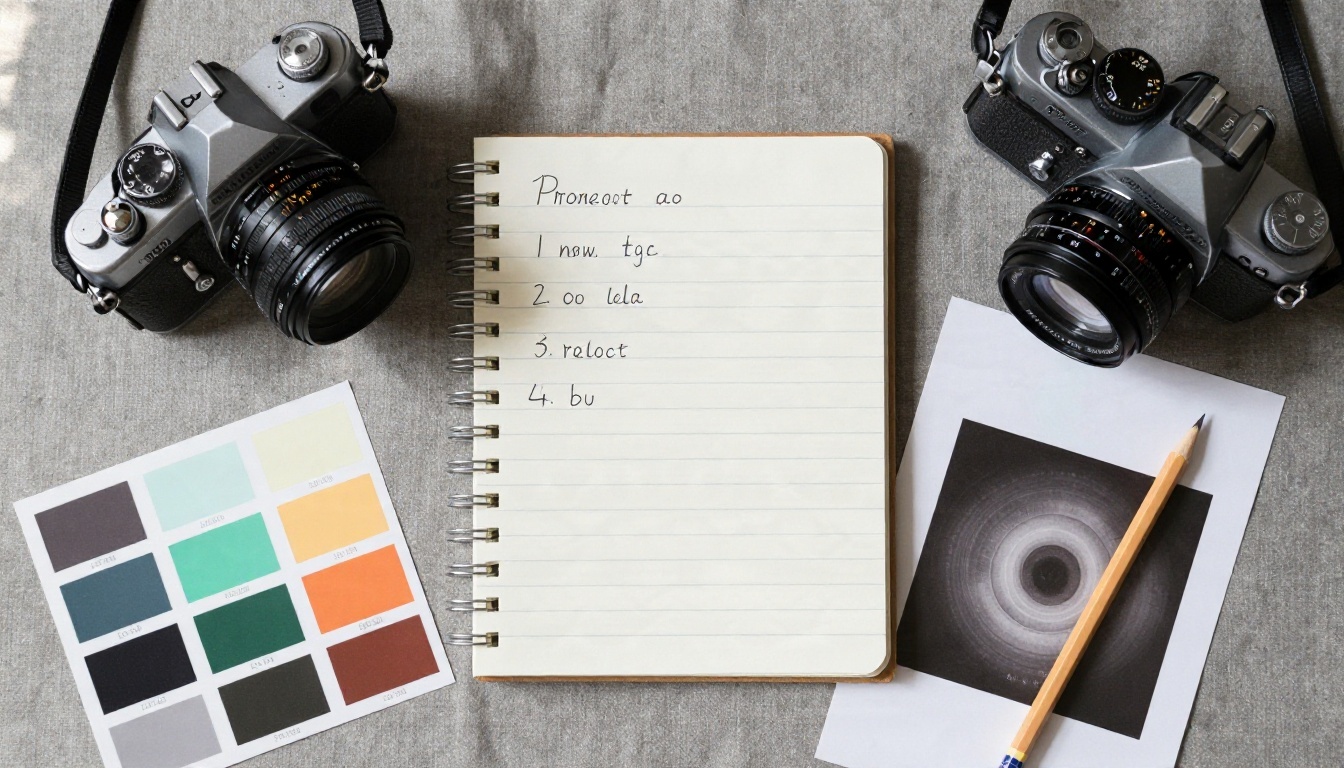
Subject, setting, light, lens
Use this skeleton and fill each slot with something concrete:
- Subject and action: "a baker in her fifties dusting flour over a wooden counter"
- Setting and props: "small stone-walled bakery, copper pans on hooks, steam from a tray of rolls"
- Light: "soft window light from the left, warm bounce from the counter"
- Camera and lens: "50mm f/1.8, shallow depth of field, slight film grain"
- Texture cues: "flour dust in the air, visible fabric weave, uneven skin tone"
Put them together and you get a prompt that reads like a brief, not a wish.
Words that push toward real photos
| Add this | Why it helps |
|---|
| "85mm f/1.8" or "35mm f/2" | Signals real lens behavior and background blur |
| "Kodak Portra 400" or "film grain" | Pulls color toward muted, photographic tones |
| "soft window light from the left" | Gives the model a single light source |
| "visible pores" or "peach fuzz" | Prevents the plastic skin look |
| "overcast daylight" | Produces gentle, flattering shadows |
| "candid" or "documentary" | Reduces posed, stock-photo stiffness |
Words that quietly ruin realism
Avoid "perfect", "flawless", "stunning", "masterpiece" and "hyper detailed". They tend to push the output toward smooth, airbrushed, over-lit results. Also avoid stacking contradictory lighting, like "sunset, studio softbox and neon", which usually yields a confused image.
💡 Tip: Write prompts in plain sentences. Long lists of comma-separated adjectives work worse on newer models than a clear, well-ordered description.
Real Examples You Can Reuse
Theory is cheap. Here are five scenarios with the prompt logic behind each, so you can adapt them to your own projects.
Portraits with real skin
Portraits are the hardest test, and the place where most generators slip into the uncanny valley. The trick is asking for imperfection and a close, believable lens.
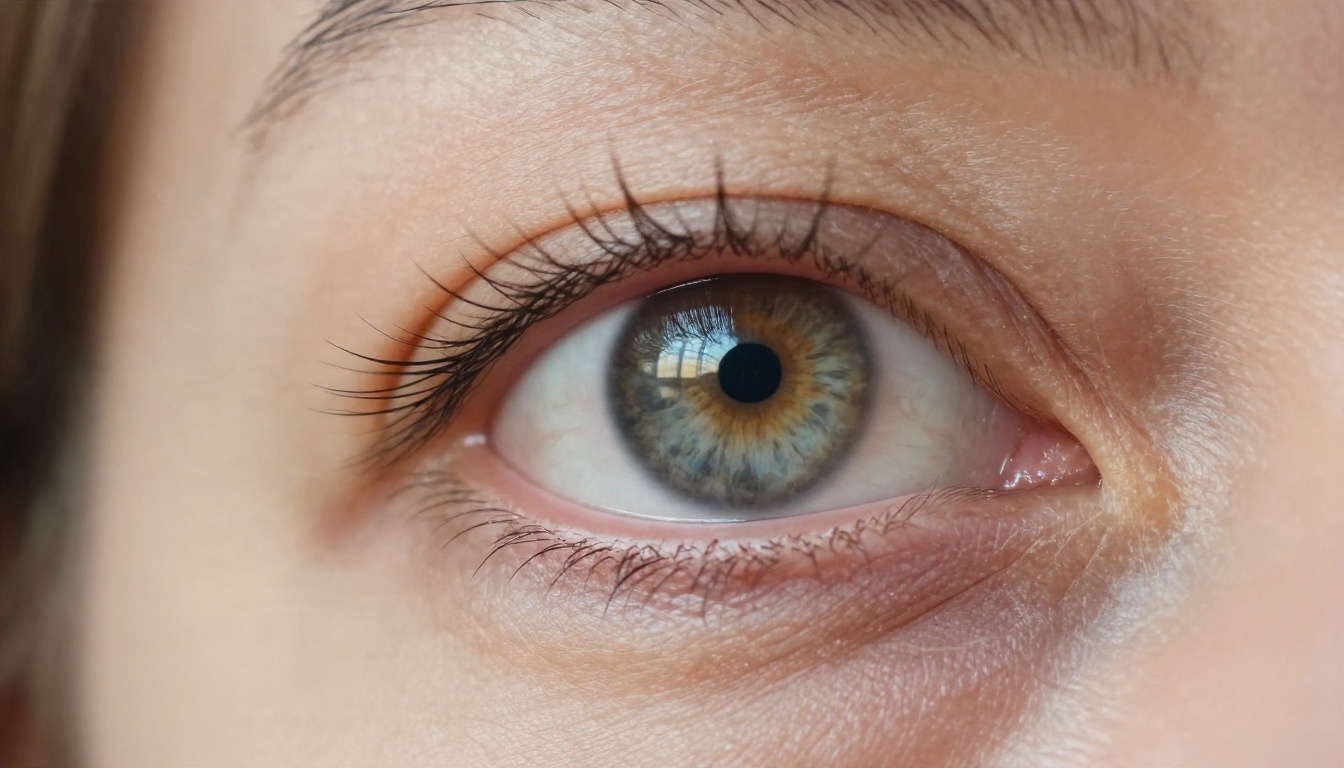
Prompt pattern: "Extreme macro close-up of an older woman's hazel-green eye, fine skin creases, tiny window reflection on the cornea, soft diffused daylight from the left, 100mm macro lens f/2.8, natural skin texture, film grain."
The window reflection in the eye is a small detail that sells the whole frame. Real eyes mirror their environment, and models that capture it earn trust immediately. For people-focused work, Realistic Vision v5.1, Imagen 4 Ultra and Seedream 4.5 are strong choices.
Landscapes with atmosphere
Landscapes are more forgiving because there are no faces to scrutinize, but they still fail when the light looks flat or the colors are too saturated.
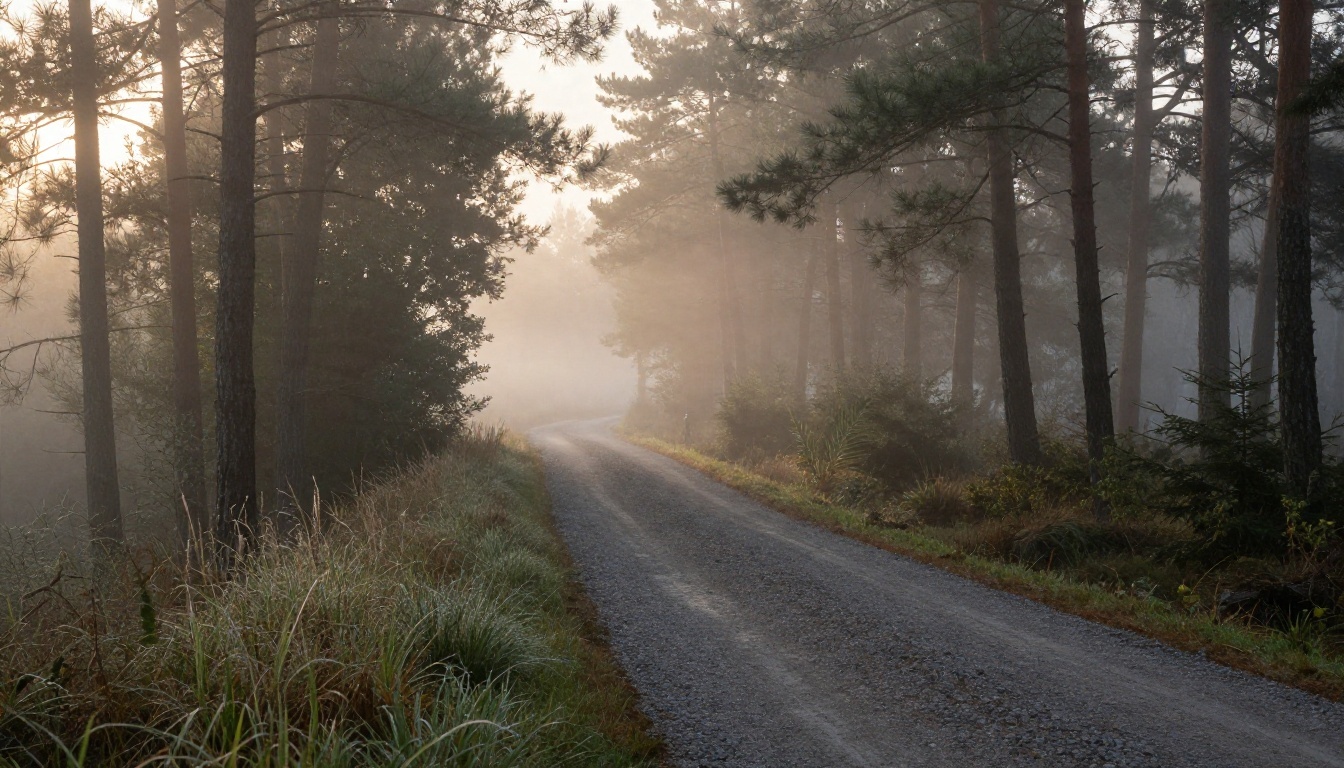
Prompt pattern: "Wide landscape of a misty pine valley at sunrise, narrow gravel road, low fog between trees, dew on grass in the foreground, soft golden light from the left, 24mm f/8, deep depth of field, muted natural color."
Notice the layers: foreground grass, midground road, background fog. Photographers build depth this way, and a prompt that names the layers gets you an image with real depth. Flux 1.1 Pro Ultra is a good pick when you want a large, detailed frame you can crop or print.
Product shots without a studio
Small businesses get the most immediate value here. A clean product image on a believable surface used to cost a day of studio time.
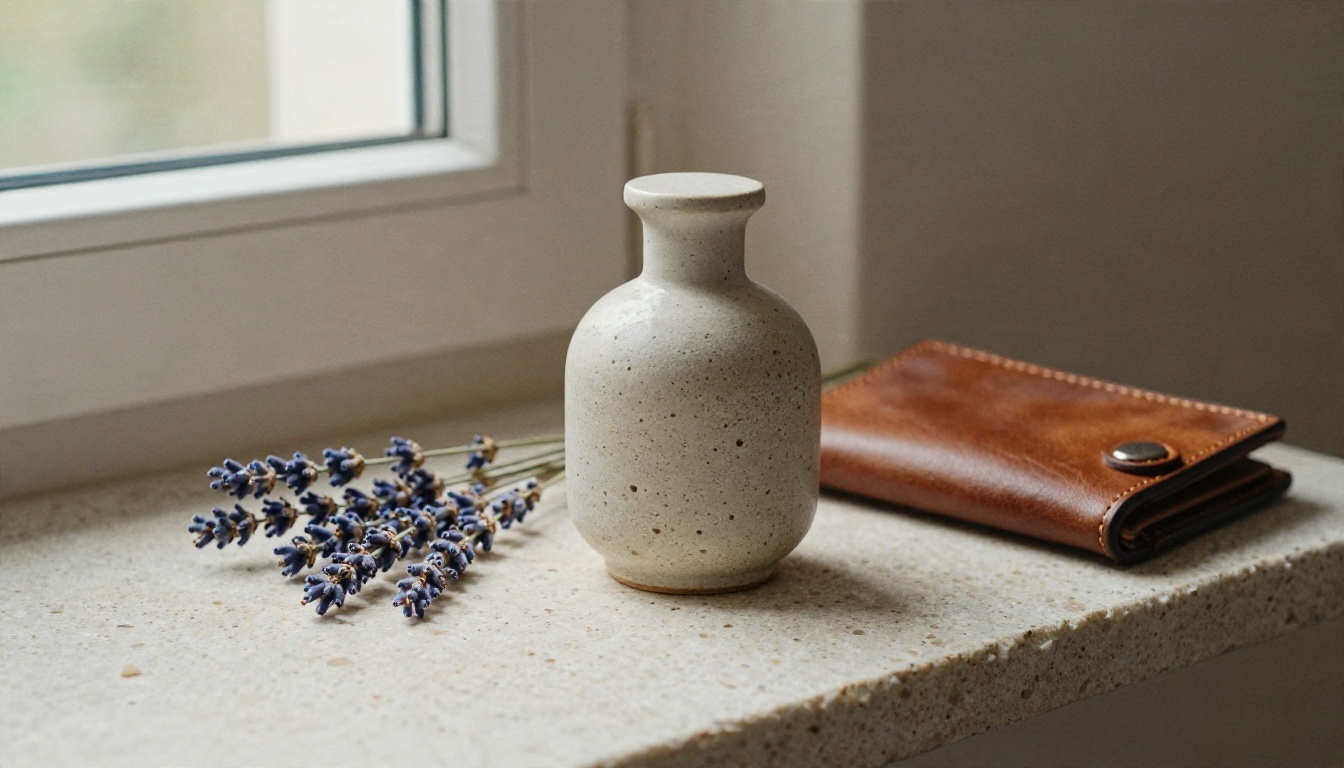
Prompt pattern: "Handmade ceramic perfume bottle and leather wallet on a travertine slab, sprig of dried lavender, soft window light from the right, 100mm f/4, three-quarter angle, visible stone pores and leather stitching."
The material words matter most: travertine, leather stitching, ceramic. Name the surface and the model will render the physical behavior of light on it. If you already have a product photo and only need a new background or a fix, Nano Banana handles generation and editing in one place.
Street scenes with mixed light
Night markets and rainy streets are a stress test: reflections, steam, warm bulbs and moving people all in one frame.
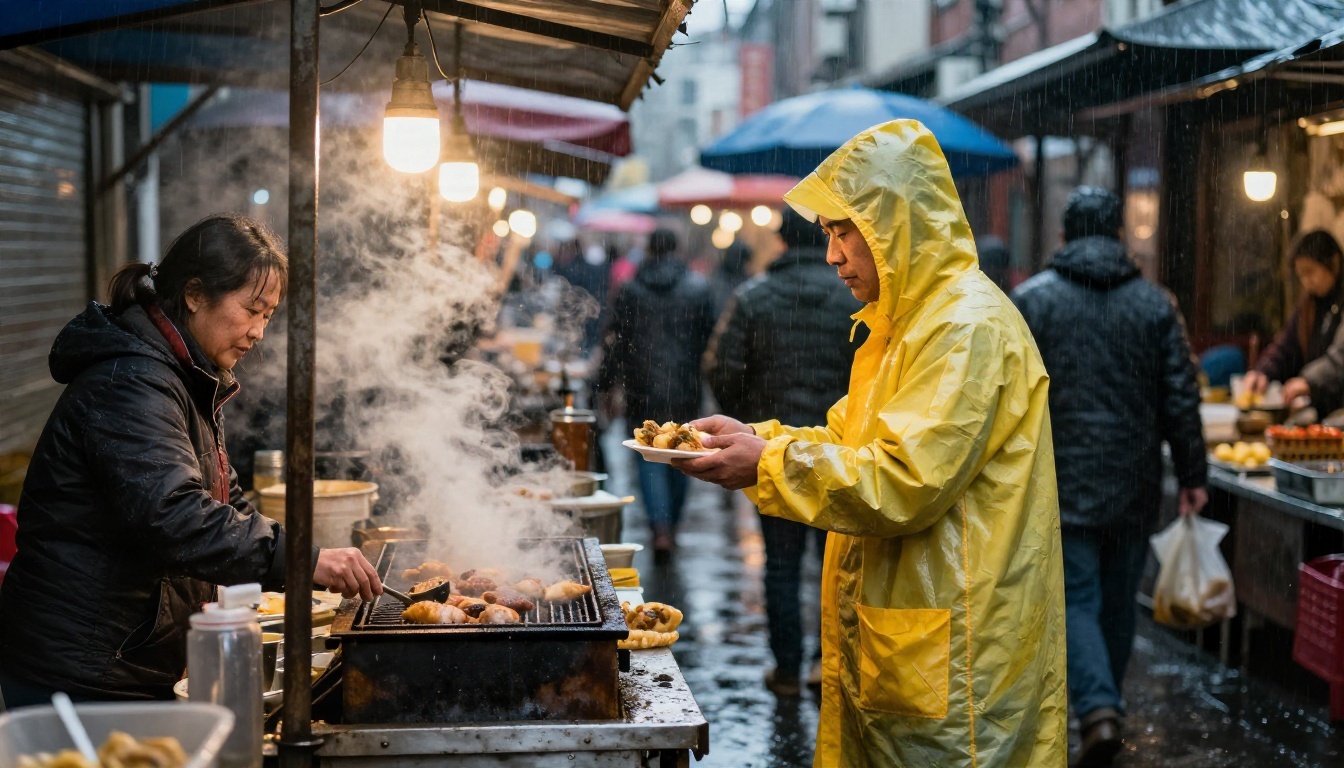
Prompt pattern: "Elevated street photograph of a rainy night market, vendor in a yellow raincoat handing food to a customer, warm incandescent bulbs reflecting on wet pavement, steam from a grill, 35mm f/1.8, available light."
The yellow raincoat gives the eye a color anchor against the warm, dim background. Small choices like this are what make a generated scene feel composed by someone who has stood on that street.
Lifestyle and candid moments
Couples, friends and family scenes are common in blog headers, ads and social posts, and they fail easily when the poses look rehearsed.
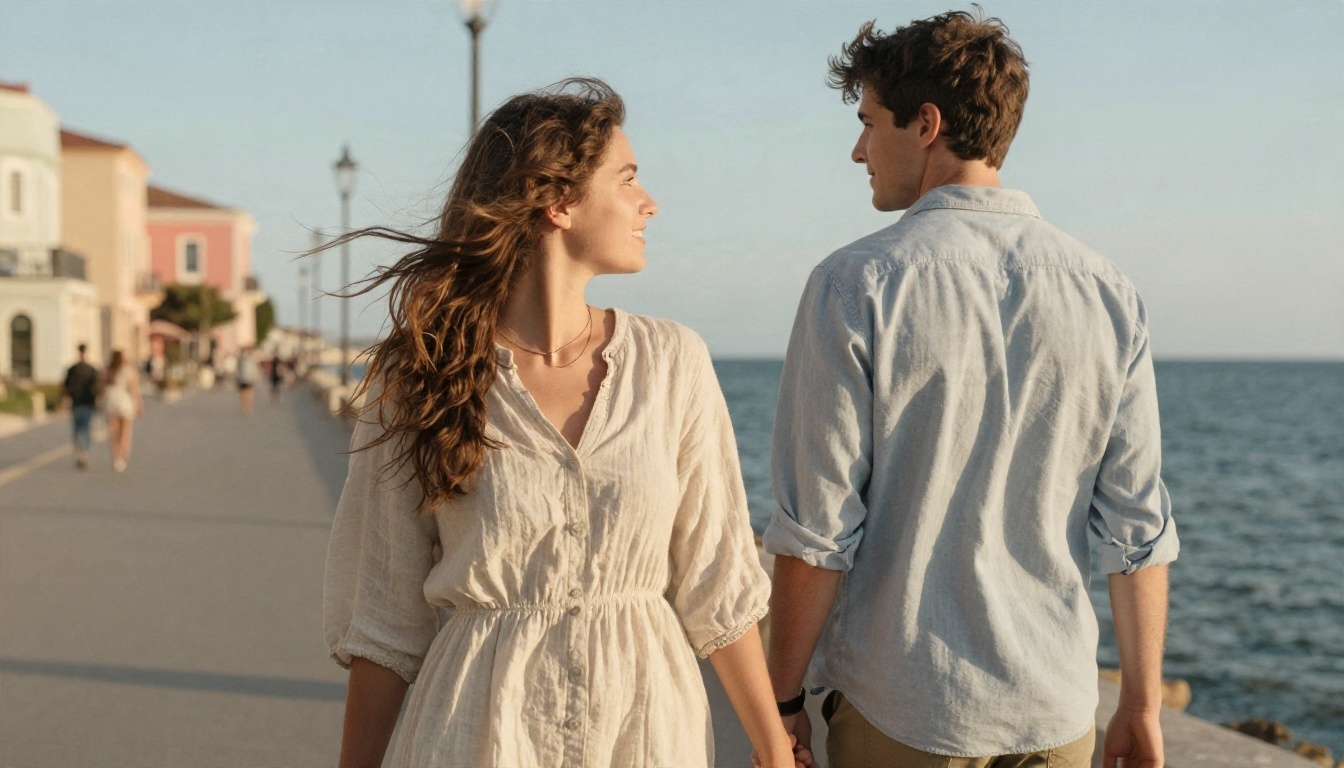
Prompt pattern: "Candid shot of a young couple walking along a seaside promenade, seen from behind at a low angle, wind in her linen dress, pastel buildings and calm sea blurred behind, warm late-afternoon light, 70mm f/2.8."
Shooting them from behind sidesteps the face problem entirely and adds a sense of story. It is a trick photographers use too: sometimes the strongest image is the one that does not show the face.
How to Spot a Fake Look
Even strong models leave fingerprints. Training yourself to see them lets you fix prompts faster, and it helps you judge images you find online.
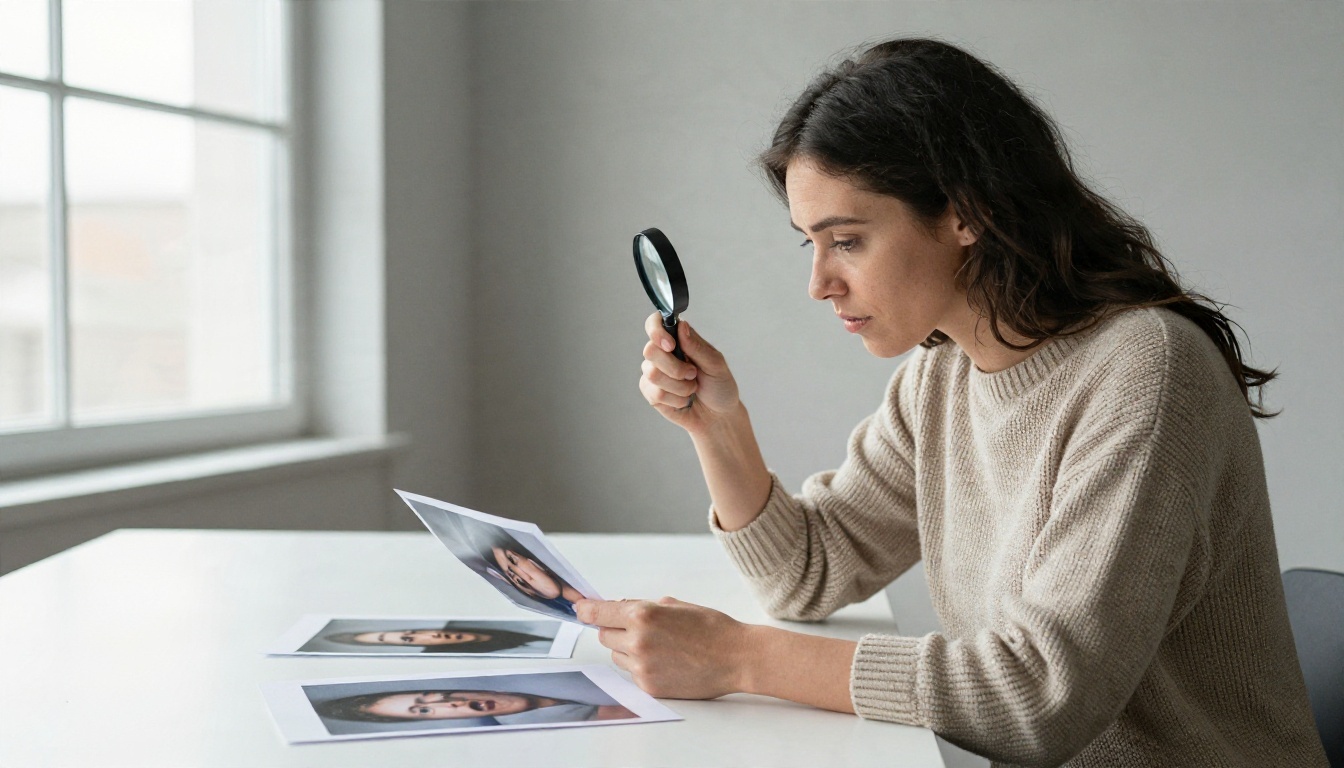
A ten-second inspection
Zoom to 100 percent and check these in order:
- Eyes: do both catchlights match the same light source?
- Hands and fingers: count them, then check the joints.
- Hair edges: real hair has stray strands; fake hair often has a clean outline.
- Teeth: uneven and slightly off-white is normal; a perfect row is a warning.
- Reflections and shadows: do they fall in the same direction?
- Background text: signs and labels often turn into nonsense characters.
- Jewelry and glasses: symmetry errors show up here first.
How to fix each problem
| Problem | What to try |
|---|
| Plastic skin | Add "visible pores, peach fuzz, uneven skin tone" and remove "flawless" |
| Flat light | Name one light source and a direction, such as "window light from the left" |
| Oversaturated color | Add "Kodak Portra 400, muted tones" |
| Strange hands | Hide them in pockets or props, or switch to a model such as Imagen 4 |
| Soft, low-detail result | Generate at higher resolution, then upscale |
| Garbled text | Remove text from the prompt and add it afterward in an editor |
💡 Tip: If one detail is wrong in an otherwise great image, do not regenerate everything. Use an image editing model such as Nano Banana Pro to fix the single problem area and keep the rest.
A Simple Workflow That Saves Time
You do not need a complicated pipeline. This sequence works for most projects, from a blog header to a product listing.
Step by step
- Write the shot list. Fill in subject, setting, light and lens before you open any tool.
- Draft fast. Generate six variations with a quick model like Flux Schnell.
- Pick a direction. Choose the composition and light that works. Ignore small flaws at this stage.
- Render the final. Run the prompt through a high-detail model such as Seedream 4.5, Imagen 4 Ultra or Flux Dev.
- Fix and finish. Edit single problem areas, then upscale if you need a print-size file.
- Save the recipe. Store the prompt, model and settings next to the image.
Settings that matter
- Aspect ratio: 16:9 for headers and video thumbnails, 4:5 for social feeds, 1:1 for product grids, 3:2 for a classic photo feel.
- Seed: lock it when you like a composition and want to change only a detail in the prompt.
- Resolution: start modest for drafts, go to the highest option for finals.
- Negative prompts: where the model supports them, list things like "plastic skin, extra fingers, blurry, watermark". Skip them on models that do not use them.
Match the model to the job
Using AI Photos Responsibly
Realistic images carry weight. A few habits keep you on the right side of trust and the law.
- Do not present generated people as real individuals. Never create a believable image of a real person doing something they did not do.
- Label images where context matters. News, testimonials, reviews and product claims deserve a clear note that the image is generated.
- Check usage terms. Each platform sets its own rules for commercial use, so read them before publishing client work.
- Avoid fake endorsements. An invented customer face next to a real quote can mislead readers.
Clear labeling costs nothing and protects your credibility.
Common Mistakes to Skip
A few patterns waste more credits and time than any technical issue.
Prompting for a look instead of a scene
"Cinematic masterpiece, dramatic" says nothing about what is in the frame. Describe a person doing something in a place. The mood follows.
Changing five things at once
If you alter the subject, light, lens and setting in one go, you will not know what helped. Change one variable per run.
Judging at thumbnail size
Everything looks real at 200 pixels. Zoom in before you decide.
Ignoring the model's strengths
A model that shines at portraits might struggle with architecture, and the reverse. Match the job to the tool using the table above instead of forcing one model to do everything.
Try Your Own Photorealistic Images
You have the formula, the examples and a checklist. What is left is practice. Open PicassoIA, choose a model from the list above, and paste in one of the prompt patterns from this article. Change the subject to something from your own life: your product, your street, your character. Then run the same prompt through two or three different models and compare the skin, the light and the background blur.
Start with a quick draft in Flux Schnell, refine the winner in Seedream 4.5 or Imagen 4 Ultra, and keep a note of the recipe that worked. Within an hour you will have a personal set of prompts that produce images you would be happy to publish. For more options, browse the full catalog at picassoia.com/en/all-models and see which other photorealistic models fit your style.


