You typed "Playground v3.5 Stable Diffusion" into a search bar, expecting a download button or a free web app. Here is the honest picture: a model called Playground v3.5 is not something I could confirm exists, and Playground's third generation model is not built on Stable Diffusion at all. That mix-up sends thousands of people down the wrong path every month. The good news is that the results you are chasing, sharp photorealistic images with strong prompt following, are easy to get today with the right model, the right prompt structure and a handful of settings.
This article sorts out the naming confusion, shows you what is free and what is not, gives you prompt formulas you can copy, and points you to four alternatives that run right now.
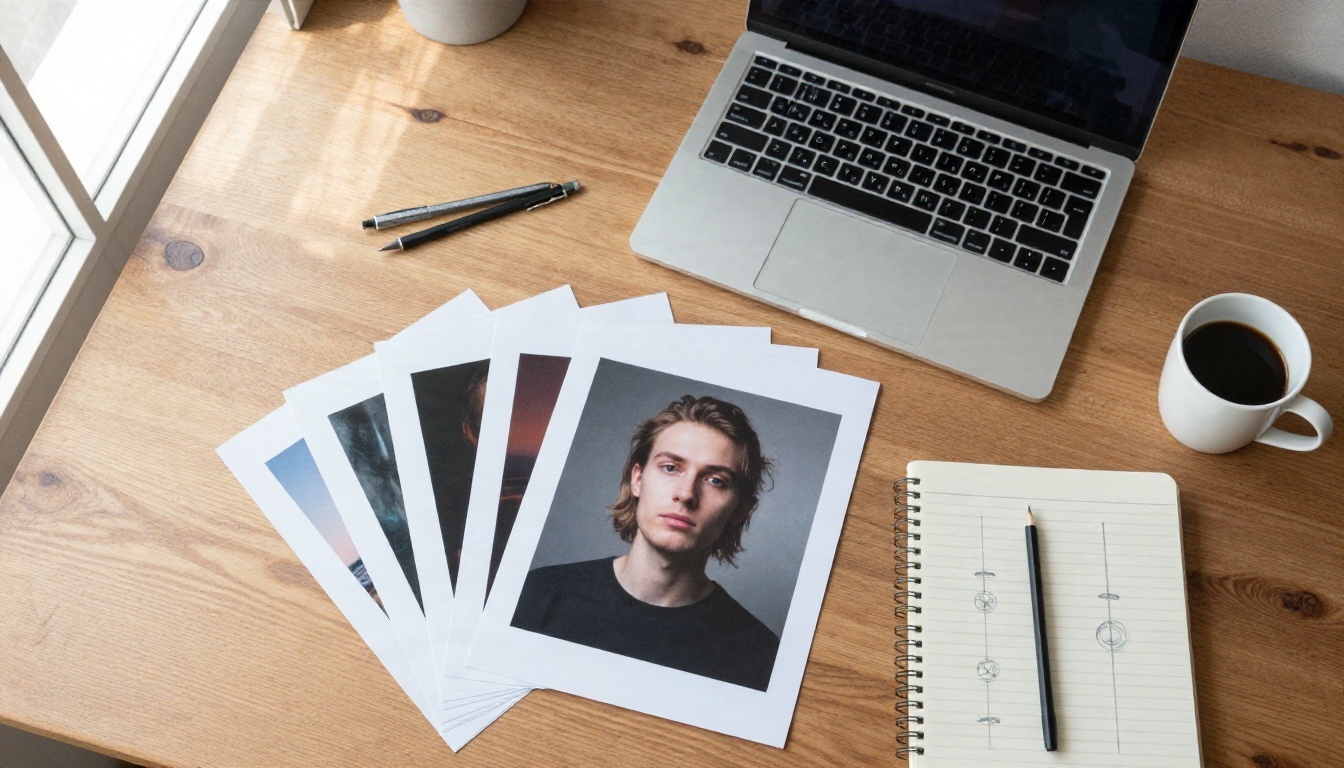
What Playground v3.5 Really Is
The naming mix-up
Three different things get blended together in this search:
- Playground v3, the third generation image model from Playground AI. It is proprietary and was pitched around prompt understanding and graphic design control.
- Playground v2.5, an earlier model with open weights, built to push aesthetic quality and photographic realism. It is based on the SDXL architecture, which is where the "Stable Diffusion" link comes from.
- Stable Diffusion 3.5, a separate family from Stability AI, with Large and Medium variants.
"Playground v3.5 Stable Diffusion" is most likely a blend of the second and third items. When I searched, I found no announcement, model card or release page for a Playground v3.5. If you saw it on a random listing site, treat it with suspicion.
💡 Quick test: if a site offers "Playground v3.5" with no model card, no release notes and no named company behind it, you are probably looking at a relabeled older model.
Is Playground v3 built on Stable Diffusion?
No. Playground v3 is described as the company's own model, trained from scratch. Playground v2.5 is the one with the SDXL lineage. Some review sites say the platform "uses Stable Diffusion" because the Playground website has offered both its own models and Stable Diffusion variants side by side. That is a menu of choices, not a shared engine.
Where Playground v3.5 stands
Playground v3.5 has no confirmed release, so I will not describe features, pricing or benchmarks for it. Playground v3.5 is not on PicassoIA, and there is nothing to link to. For similar results today, the alternatives later in this article are the models I would reach for first.
Free Online Access, Explained
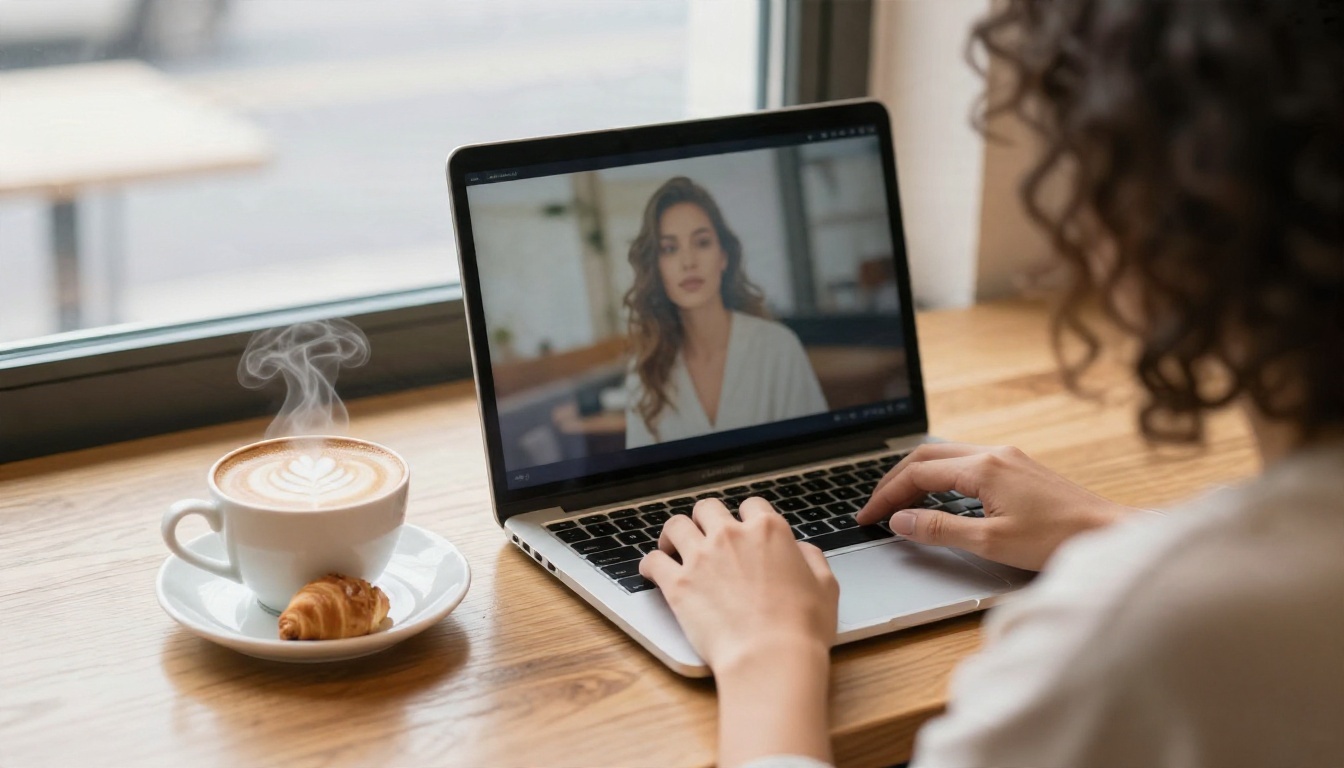
What "free" usually means
Free image generators almost always fall into one of three buckets:
| Free model type | What you get | The catch |
|---|
| Daily credit tier | A fixed number of generations per day | Newest models often sit behind a paid plan |
| Open weights | Download and run locally, no per-image cost | You need a GPU with enough memory and some setup time |
| Hosted open model | Browser based, no install | Queues, watermarks or resolution caps |
Third party reviews of Playground's own site disagree on the daily free limits. Figures from 50 images a day to several hundred show up, and some say the newest model needs a paid plan. Plans change often, so check the current numbers on the provider's page before you plan a project around them.
Running open models without a GPU
If your reason for searching was "free and online," the simplest route is a hosted model with open lineage. Playground v2.5 1024px Aesthetic is exactly that: the open Playground model, ready in the browser, with no local install and no driver headaches.
Free is not the same as unlimited
Watch for the trade-offs that come with free access:
- Resolution caps that force you to upscale later.
- Slow queues during peak hours.
- License limits on commercial use.
- Shared seeds that make reproducing a good result hard.
If you plan to sell prints, ship client work or publish a product page, read the license terms first. This matters more than the model name.
Prompts That Work
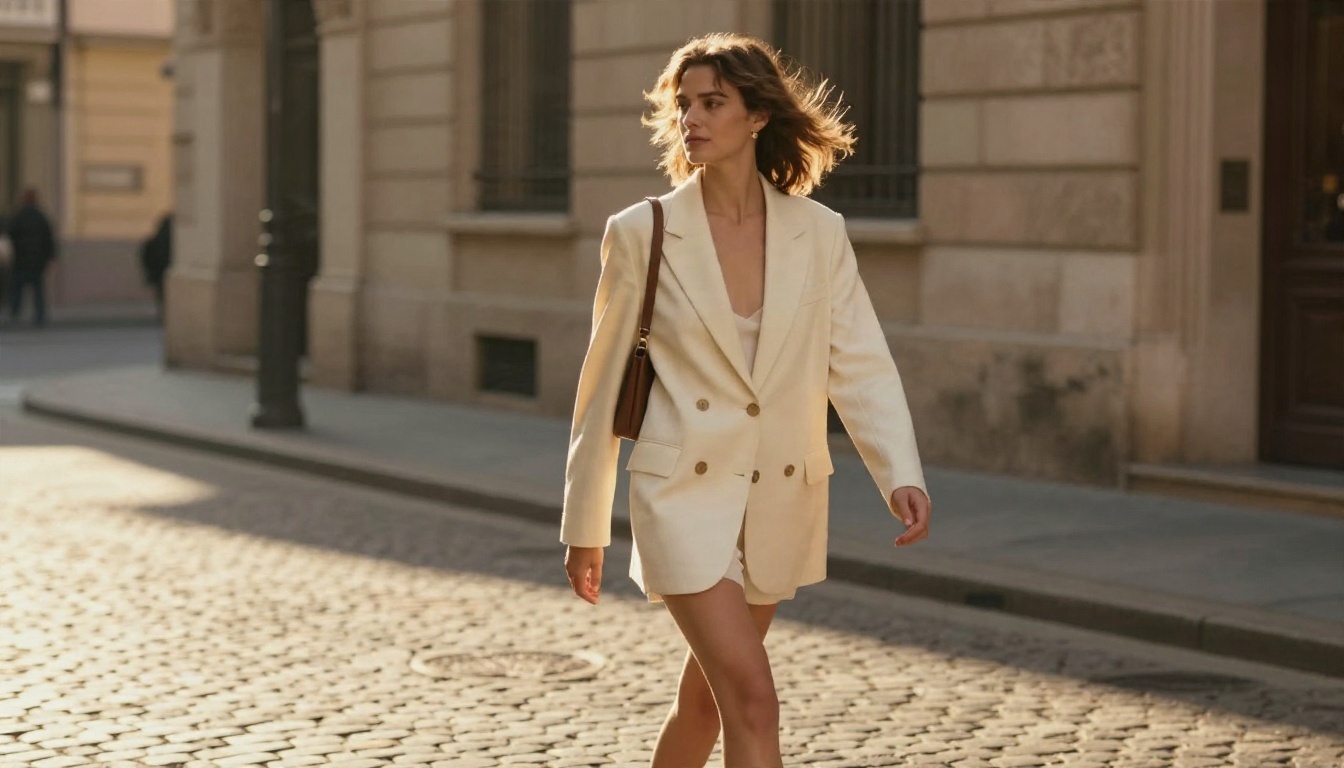
The five part prompt formula
Models in this family respond well to a predictable structure. Write your prompt in this order:
- Subject and action, for example "a woman in a cream blazer walking through a city street."
- Environment, for example "cobblestones, old stone buildings, golden hour."
- Light, for example "warm rim light from behind, soft shadows."
- Camera, for example "50mm f/1.4 lens, low angle."
- Texture and mood, for example "fabric weave, candid, film grain."
The image above came from exactly that order. Notice that the camera and light terms do more work than adjectives like "beautiful" or "stunning." Photographic vocabulary pulls the model toward photographic training data.
Portrait prompt example
A woman in her thirties with curly dark hair, sitting by a cafe window in morning light from the left, 85mm f/1.8 lens, shallow depth of field, visible skin pores and freckles, soft film grain, natural color.
Short, concrete and specific. You do not need a 200 word prompt for a good result, but you do need to name the light.
Character prompt example
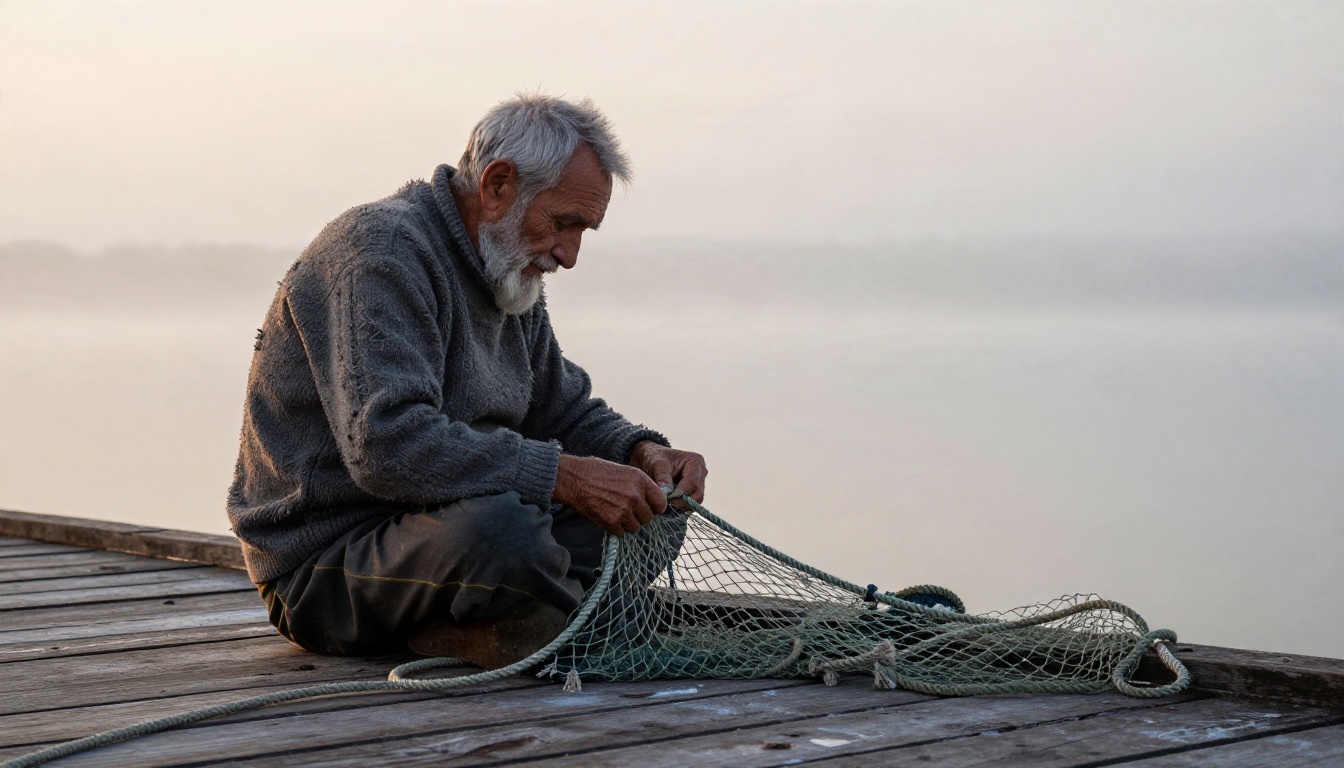
For characters, texture beats adjectives. "Deeply weathered skin, white beard, wool sweater with pilling, salt stained wood, soft overcast dawn light" gives the model physical details to render. "Old fisherman, cinematic, epic" gives it nothing to hold on to.
Negative prompts
Older SDXL based models like Playground v2.5 accept a negative prompt. A short list works better than a long one:
- blurry, low resolution
- extra fingers, distorted hands
- watermark, text, logo
- oversaturated, plastic skin
Newer models often ignore negative prompts or have no field for them. In that case, put the positive version in your main prompt: "sharp focus, natural skin texture, clean background."
Settings That Matter
Guidance scale
Guidance scale (often called CFG) controls how strictly the model follows your prompt. Playground v2.5 was released with a recommendation of a fairly low guidance value, around 3, which is lower than many SDXL users are used to. Push it to 7 or 8 and you tend to get oversaturated color and a harsh, crunchy look.
| Guidance value | Typical result |
|---|
| 2 to 3 | Soft, natural, sometimes loose on prompt details |
| 4 to 5 | Good balance for most photographic prompts |
| 7 and above | Strong prompt match, but harsh contrast and saturation |
Steps and sampler
Thirty to fifty steps is plenty for a standard diffusion model. More steps rarely add detail after that, they just cost time. Distilled models like SDXL Lightning 4Step are built for very few steps, so do not push those past their intended count.
Resolution and aspect ratio
Models trained around 1024 pixels give their best results near that size. Going far above it can produce duplicated subjects and odd compositions. Generate near the native size, then upscale. For wide hero images, 16:9 is a reliable choice.
Seeds
Lock the seed when you are testing prompt changes. If the seed changes along with the wording, you cannot tell which change caused the difference. Change one thing at a time: first the prompt, then guidance, then steps.
💡 Workflow tip: run four images with the same seed and four different guidance values. You will find your model's sweet spot in under two minutes.
Four Alternatives You Can Use Today
Playground v3.5 is not on PicassoIA, and neither is Playground v3. For similar results today, here are four models that are, each introduced as an alternative to the model you were searching for.
Playground v2.5, the closest relative
Playground v2.5 1024px Aesthetic is the nearest thing to what you were looking for. It is an older version, not v3 or v3.5, but it is the open Playground model that earned its reputation for vivid, photographic output. It suits portraits, lifestyle scenes and stylized photography.
Stable Diffusion 3.5 Large
If the "Stable Diffusion" half of your search is what you care about, try Stable Diffusion 3.5 Large. It follows long prompts well and handles complex scenes better than earlier SD generations. For a lighter, classic option, Stable Diffusion 3 is also available.
Seedream 4.5 for realism
Seedream 4.5 is a strong pick when you want high resolution output and convincing skin, fabric and light. It is the one I would test first for portrait and product work.
Imagen 4 Ultra for fine detail
Imagen 4 Ultra from Google leans toward clean, high detail images with accurate lighting. It is a good match for landscapes, interiors and still life.
Side by side
How to Get Similar Results on PicassoIA
The closest match to the Playground look is Playground v2.5 1024px Aesthetic. Here is a simple routine for it.
Step by step
- Open the Playground v2.5 1024px Aesthetic page on PicassoIA.
- Write your prompt using the five part formula: subject, environment, light, camera, texture.
- Set the image size near 1024 pixels on the long side, or pick a wide ratio like 16:9.
- Start with a guidance scale of about 3, then test 4 and 5.
- Use between 30 and 50 steps.
- Add a short negative prompt such as "blurry, watermark, distorted hands."
- Generate a batch, choose your favorite, and keep its seed.
- Change one setting at a time to refine.
Parameter cheat sheet
| Setting | Starting value | When to change it |
|---|
| Guidance | 3 | Raise to 5 if the prompt is being ignored |
| Steps | 40 | Lower to 30 for quick drafts |
| Size | 1024 pixels | Keep close to native |
| Negative prompt | Short list | Trim it if images look flat |
When to switch models
If you are fighting the model to get a long, multi part prompt right, move up to Stable Diffusion 3.5 Large or Seedream 4.5. Both read natural language descriptions with less coaxing.
Real Use Cases
Interiors and architecture
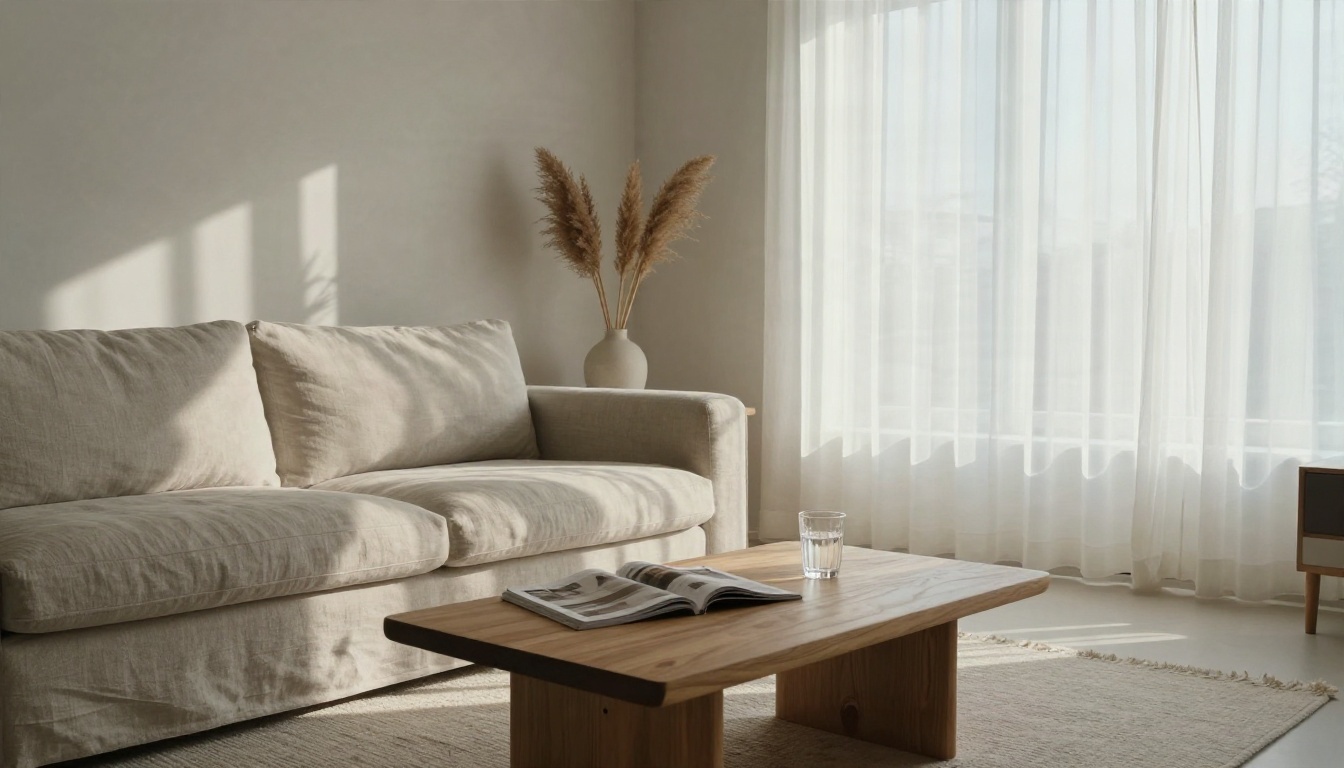
Interior mockups are a great test for any model. Specify the window position, the light direction and two or three materials, like linen, oak and plaster, and you will get believable rooms in seconds. Wide lenses, around 24mm, give the right feel.
Product mockups
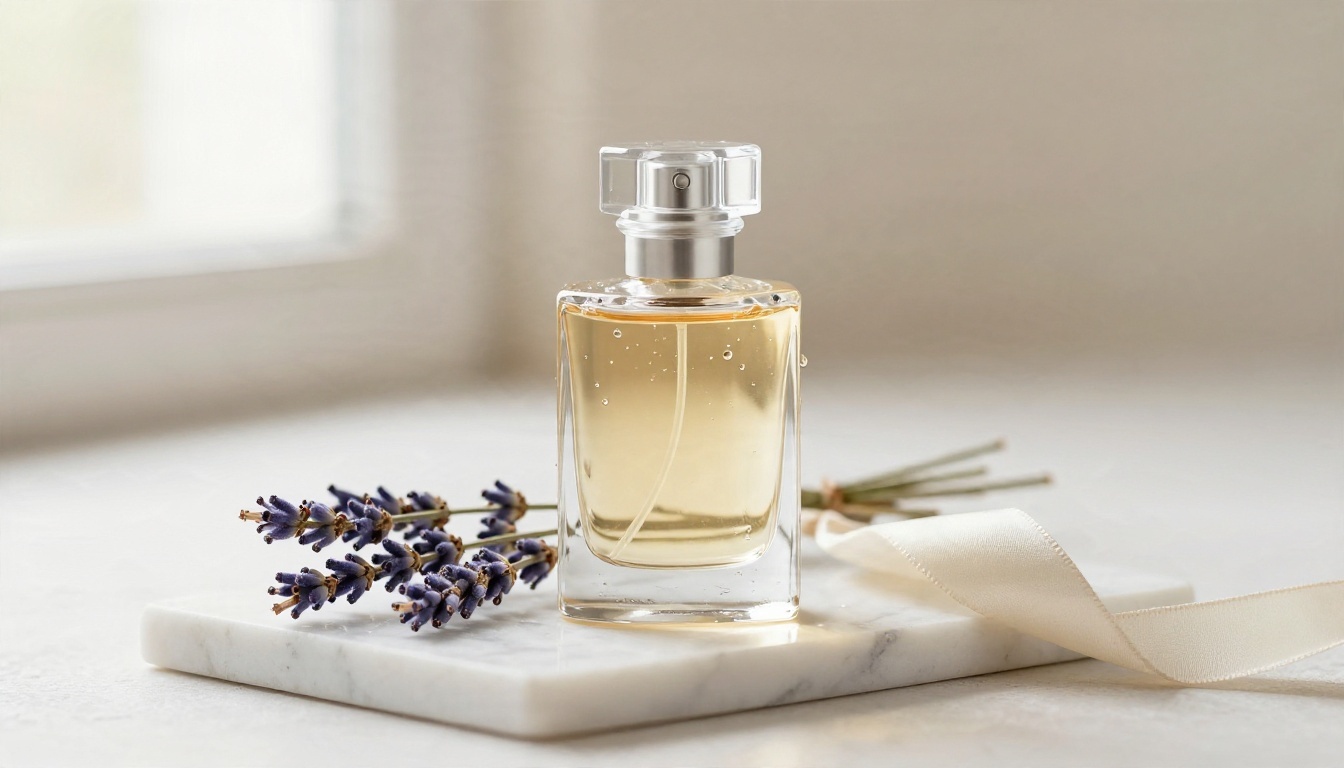
For product shots, name the surface (marble, linen, oak), the light (soft window light from the left) and the lens (90mm macro). Keep the background plain so the product reads clearly. Ideogram v4 Quality is worth a look when your image needs readable lettering on a label.
Landscapes and travel visuals
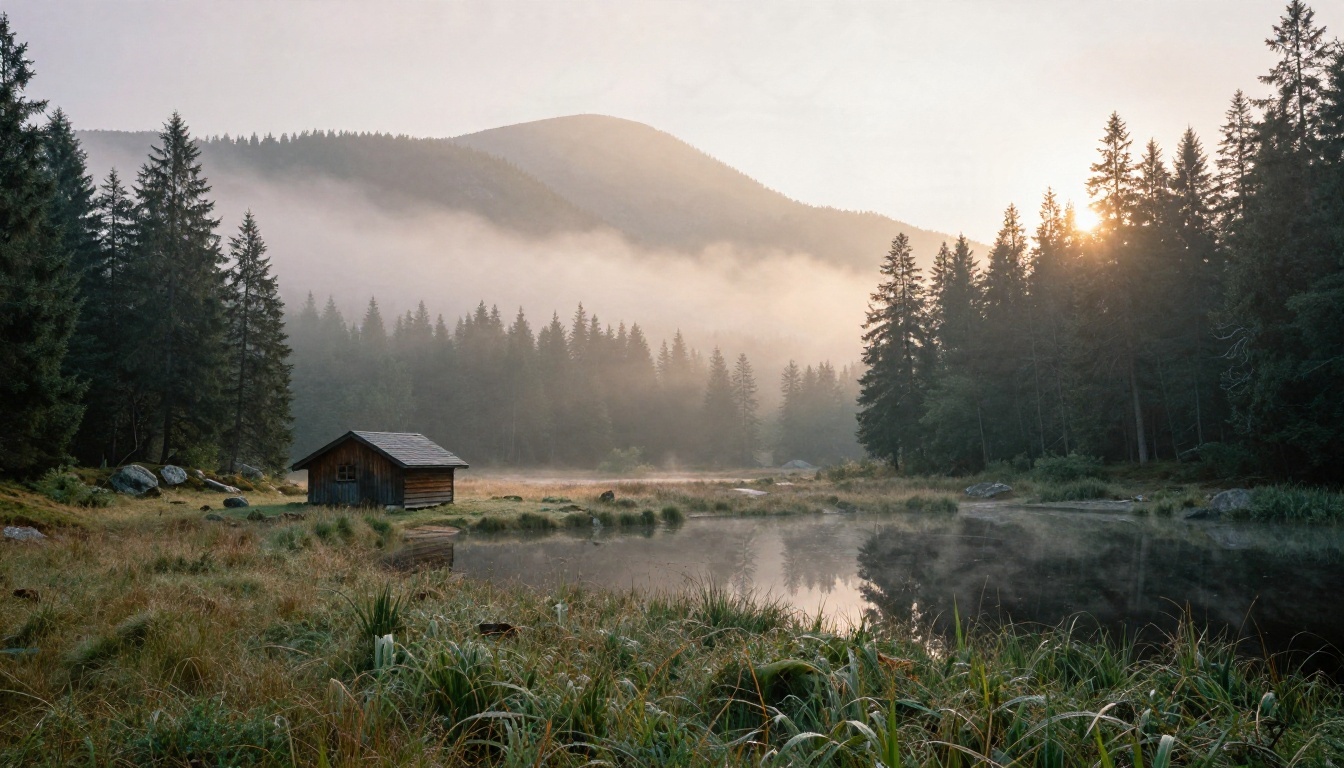
Landscapes reward patience with light. "Sunrise, layered fog, dew on grass, warm sun breaking over the ridge" gives a model clear atmospheric cues. Use a mid telephoto like 70mm to compress the layers of the valley.
Common Mistakes to Avoid
Stuffing the prompt
More words do not mean better results. Past about 60 to 80 words, models start ignoring details or mixing them. Keep each prompt focused on one scene.
Chasing version numbers
A higher version number does not guarantee a better image for your task. A well prompted older model often beats a badly prompted newer one. Test two or three models on the same prompt before you commit to a workflow.
Skipping the license check
Free to generate does not always mean free to sell. Check the terms of the specific model and platform you use.
Start Creating Your Own Images
You came looking for Playground v3.5 and found that the name points at a model nobody has confirmed. What you actually need is a model that reads your prompt well, a handful of sound settings and a place to test quickly. All three are within reach right now.
Open Playground v2.5 1024px Aesthetic on Picasso IA and run your first prompt with the five part formula. Then try the same prompt on Seedream 4.5 and Stable Diffusion 3.5 Large to see which one matches your taste. For the full lineup, browse all models on PicassoIA and build your own shortlist.


