You typed "Pleasur AI images" into a search bar because you want adult-style AI pictures that look like real photographs, and you would rather not pay before you know what you are getting. Fair. The trouble is that the information around this tool is thin: a few directory listings, some affiliate-style reviews, and almost no independent testing. So this article sorts out what is actually known, what is guesswork, and what you can do right now to get glamour, boudoir and swimwear images without handing money to a service you have not vetted.
You will get a plain look at pricing, a set of prompts that work on any serious photo model, a safety checklist, and a short list of alternatives that run today, including a full walkthrough with Seedream 4.5.
💡 Quick answer: Pleasur AI is not on PicassoIA. The only pricing listing I found says it has no free trial. If free and fast is your goal, the alternatives below are the better starting point.
What Pleasur AI Actually Is
Pleasur AI (sometimes written Pleasur.AI) is a web-based generator aimed at adult-oriented imagery. It sits in the same crowded corner as dozens of "no filter" image sites: you type a description, pick a style, and receive pictures of realistic people.
What it reportedly offers
From the listings available, the pitch is built on three claims:
- Privacy-first positioning, including talk of encrypted storage.
- Crypto payment support, with Bitcoin, Ethereum and Monero mentioned in one review.
- Subscription tiers, with the higher tier reported to unlock 4K downloads.
I could not find independent tests of image quality, and one of the reviews reads like an affiliate page, so treat its enthusiasm with caution. Anything beyond those three claims is marketing until you test it yourself.
Who searches for it
Most people landing on this keyword fall into one of three groups:
| Searcher | What they want | Best next step |
|---|
| Curious beginner | A free test before paying | Use a free-friendly platform first |
| Creator or designer | Realistic glamour or swimwear shots for mood boards | Pick a photoreal model with strong skin texture |
| Privacy-minded user | Control over what is stored and who sees it | Read the data policy before uploading anything |
Pleasur AI is not on PicassoIA, so I will not point you to it as if it were. I will just be straight about what is known and then show you where similar results are available right now.
Free Options: What to Expect
"Free" is the word that drives this search, and it is also where most of the confusion lives.
Pleasur AI pricing, as reported
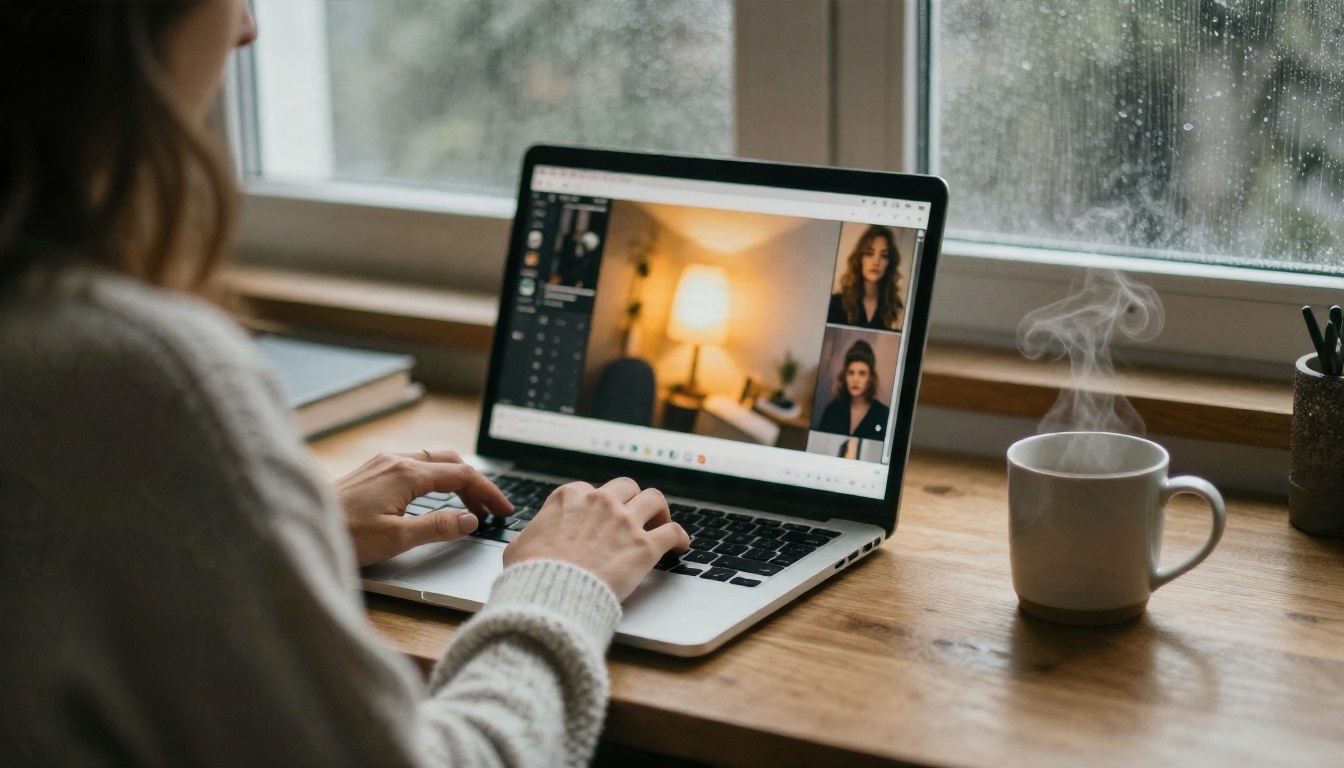
One directory listing says there is no free trial and no free sample. It lists a Gold plan around $19 per month and a Platinum plan around $27 per month, with Platinum adding 4K downloads, and it marks the refund policy as unavailable. Another review praises "unlimited generations" for paying members but never names a free allowance.
Prices and promotions change often in this niche, so check the live pricing page before you decide. If you see "free credits" advertised, read the fine print: they usually mean a handful of low-resolution images with a watermark.
Free paths that actually work
You do not need a subscription to produce attractive, non-explicit glamour photos. Here is how the realistic routes compare:
| Route | Cost | Strength | Weak spot |
|---|
| Subscription "no filter" sites | Monthly fee | Pre-built style menus | Unclear refunds, unclear data handling |
| Open-weight photo models | Free to try | Lots of control | Needs setup and patience |
| PicassoIA Image Editor Pro | Unlimited generations | Fast, flexible edits | You write your own prompts |
| Seedream 4.5 | Pay as you go | Excellent skin and fabric detail | Prompt quality matters |
The sweet spot for most people is a platform where you can generate unlimited variations, because adult-style prompts take several attempts to dial in. Paying per month for a tool you have not tested is the expensive way to find out your prompts need work.
💡 Tip: Treat any first session as a test. Run the same three prompts on two different tools and compare skin texture, hands and fabric before committing money anywhere.
Prompts That Give Realistic Results
The biggest difference between a waxy, obviously synthetic picture and a believable photograph is the prompt. Every serious photo model responds to the same logic: say what a photographer would say.
The five-part prompt formula
Build every prompt in this order:
- Subject and pose: who, doing what, wearing what.
- Setting: the room, beach or street, with two or three real objects.
- Light: direction, time of day, softness.
- Camera: lens length and aperture, such as 85mm f/1.8.
- Texture and film feel: skin pores, fabric sheen, grain.
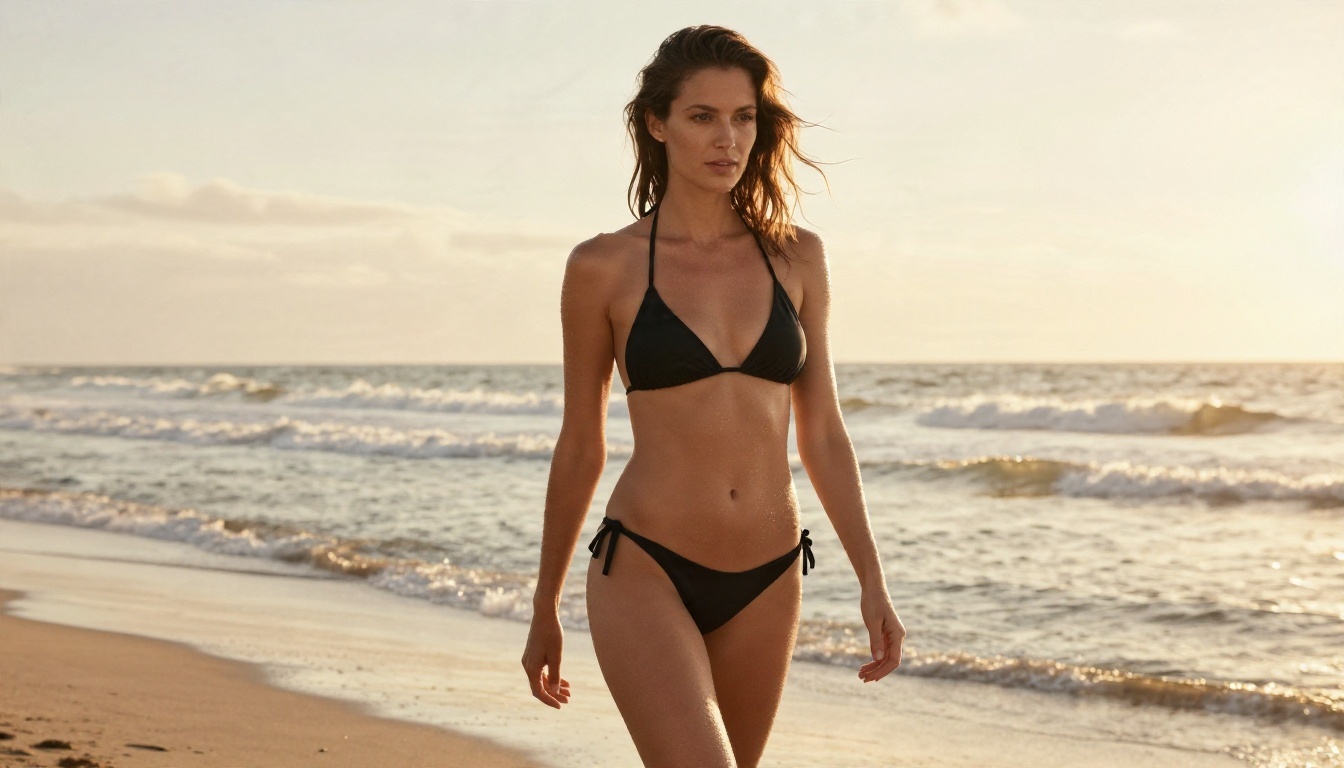
Here is a working example for the beach shot above: "Adult woman in a black bikini walking along an empty beach at golden hour, wet sand reflecting the sky, low sun from the right creating warm backlight, 70mm f/2.8 lens, natural water droplets on skin, fine film grain, Kodak Portra 400 palette."
Lighting and lens words that matter
Light does more for realism than any other word you type. These phrases consistently help:
- "Soft window light from the left" for flattering portraits.
- "Golden hour backlight with warm rim light" for outdoor glamour.
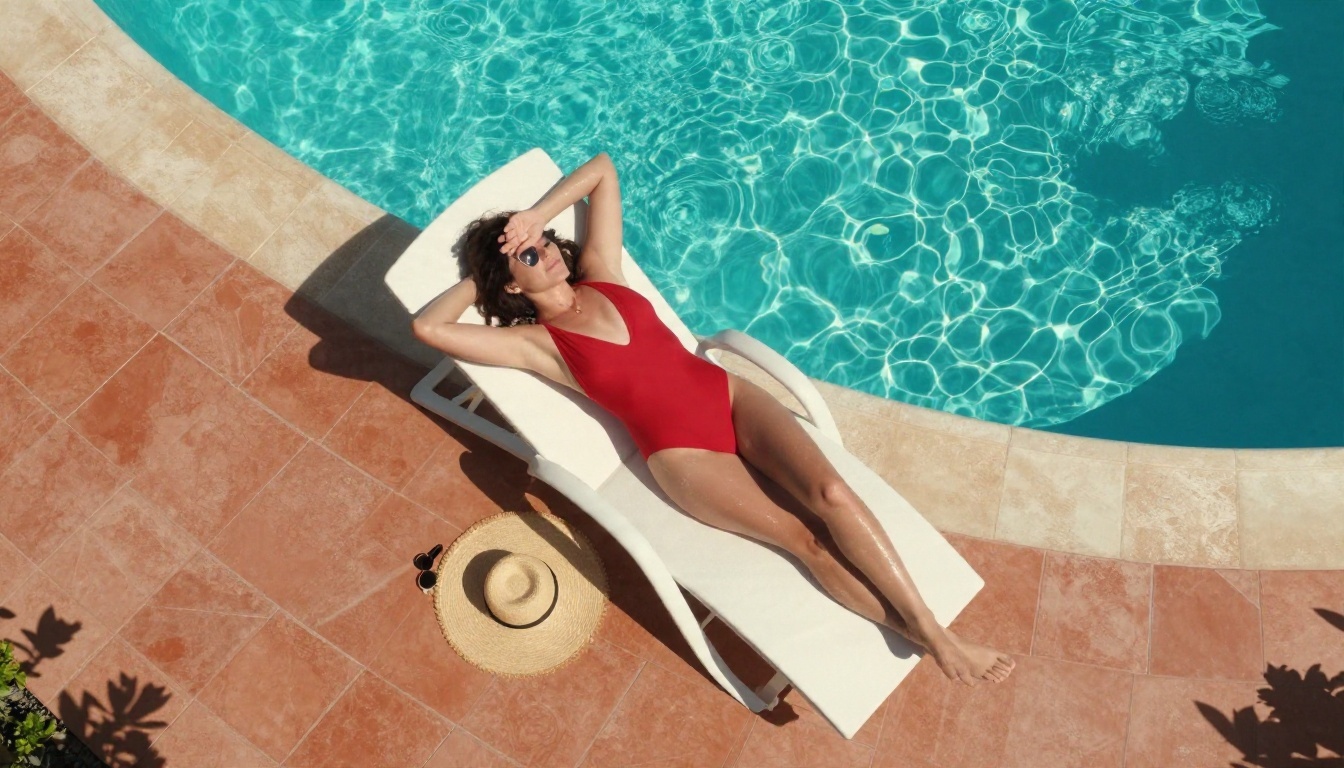
- "Overhead hard midday sun with crisp shadows" for pool and resort scenes.
- "85mm f/1.4, shallow depth of field" to separate the subject from the background.
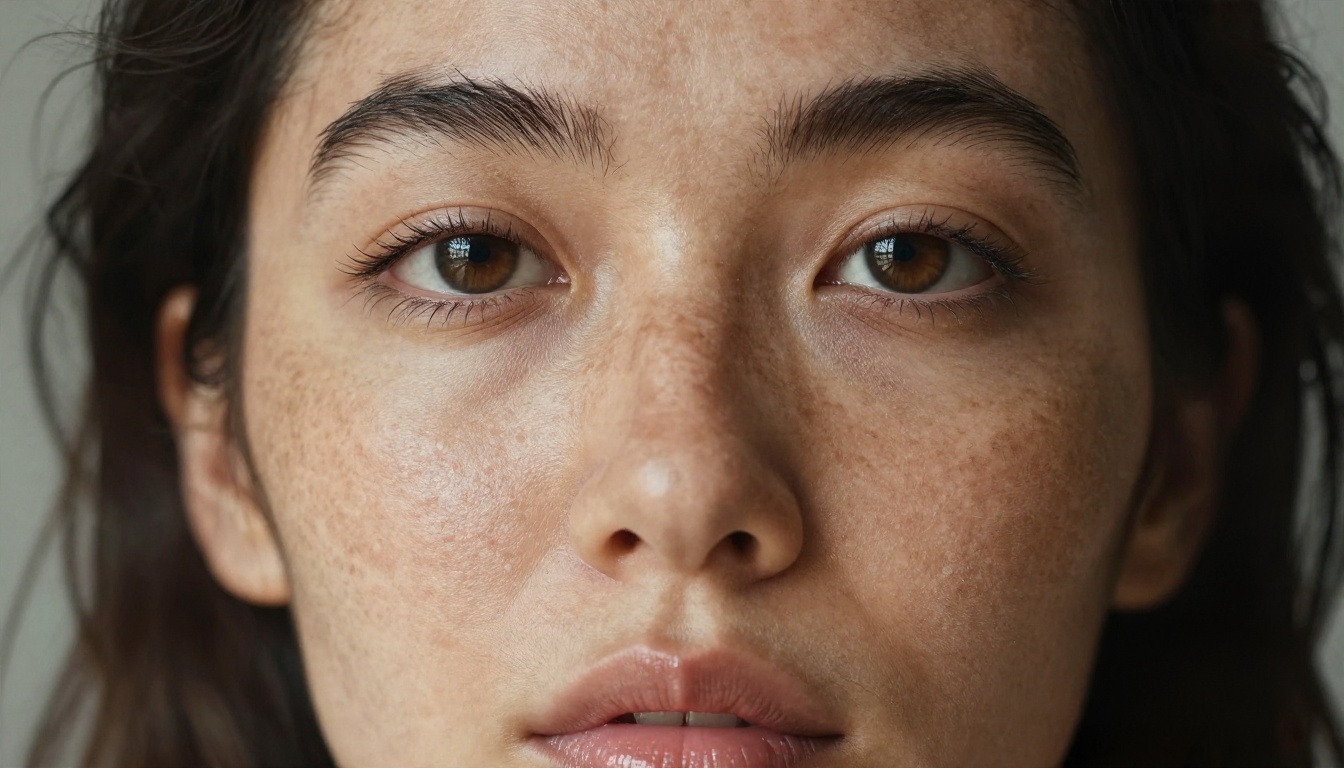
- "Visible skin pores, fine peach fuzz, natural freckles" to avoid the plastic look.
Prompt ideas by scene
| Scene | Outfit | Light | Lens |
|---|
| Beach walk | Bikini | Golden hour backlight | 70mm f/2.8 |
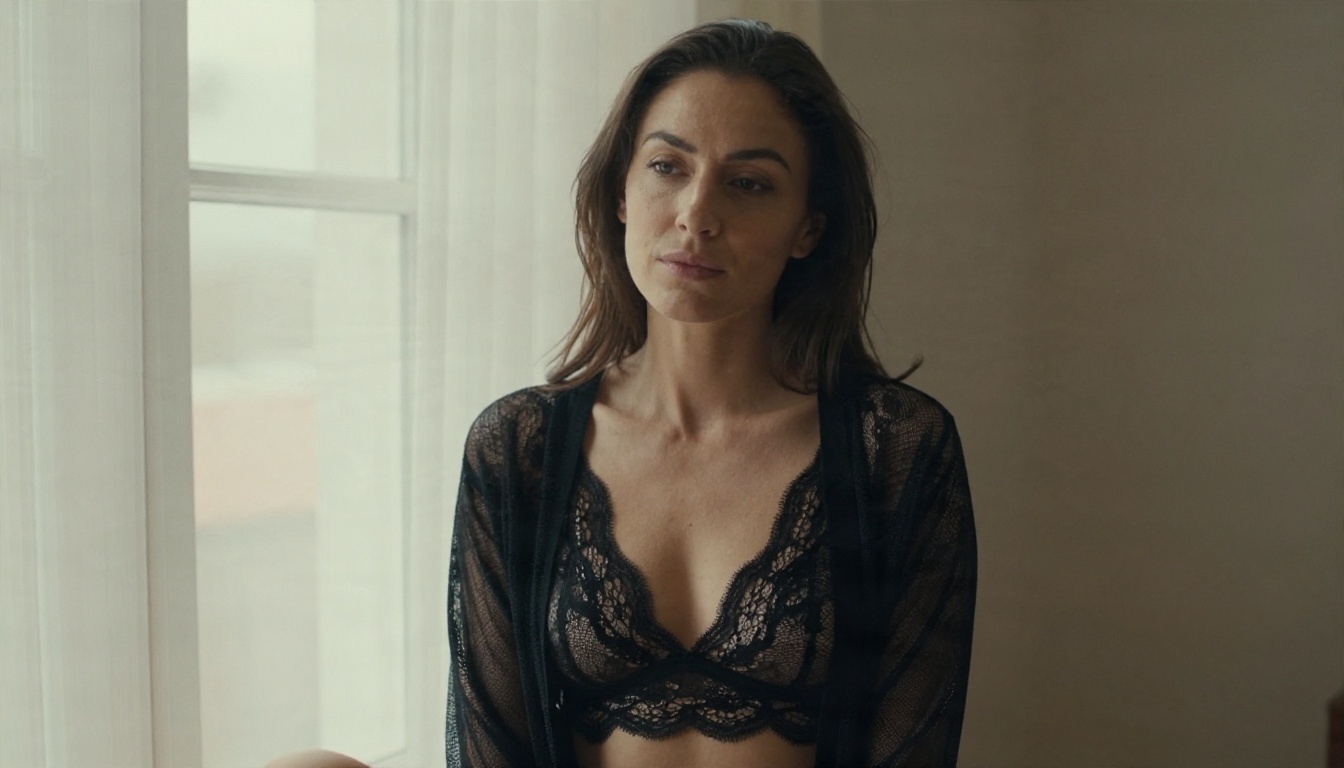
| Window portrait | Lace lingerie with cardigan | Soft diffused daylight | 85mm f/1.4 |
| Pool aerial | Swimsuit | Hard midday sun | 24mm from above |
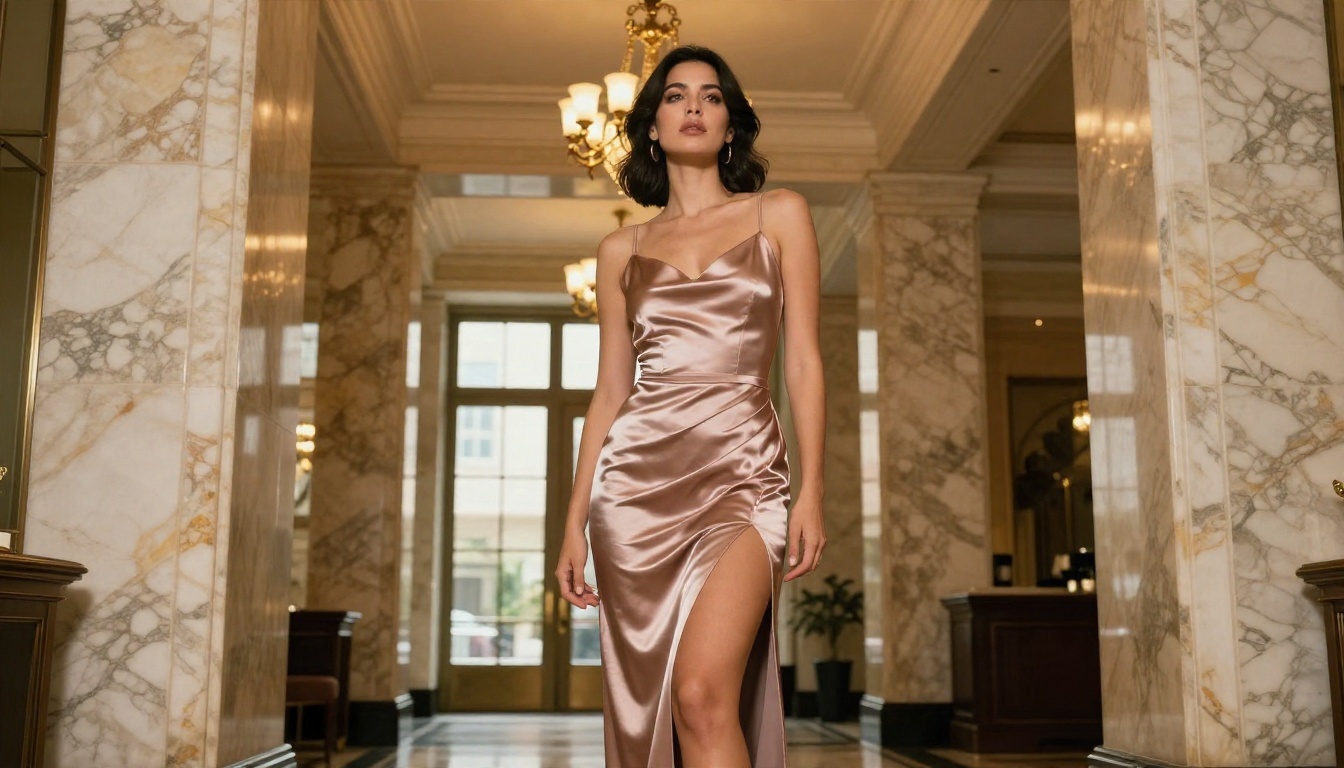
| Hotel lobby | Satin evening dress | Tungsten plus daylight | 35mm f/1.8 |
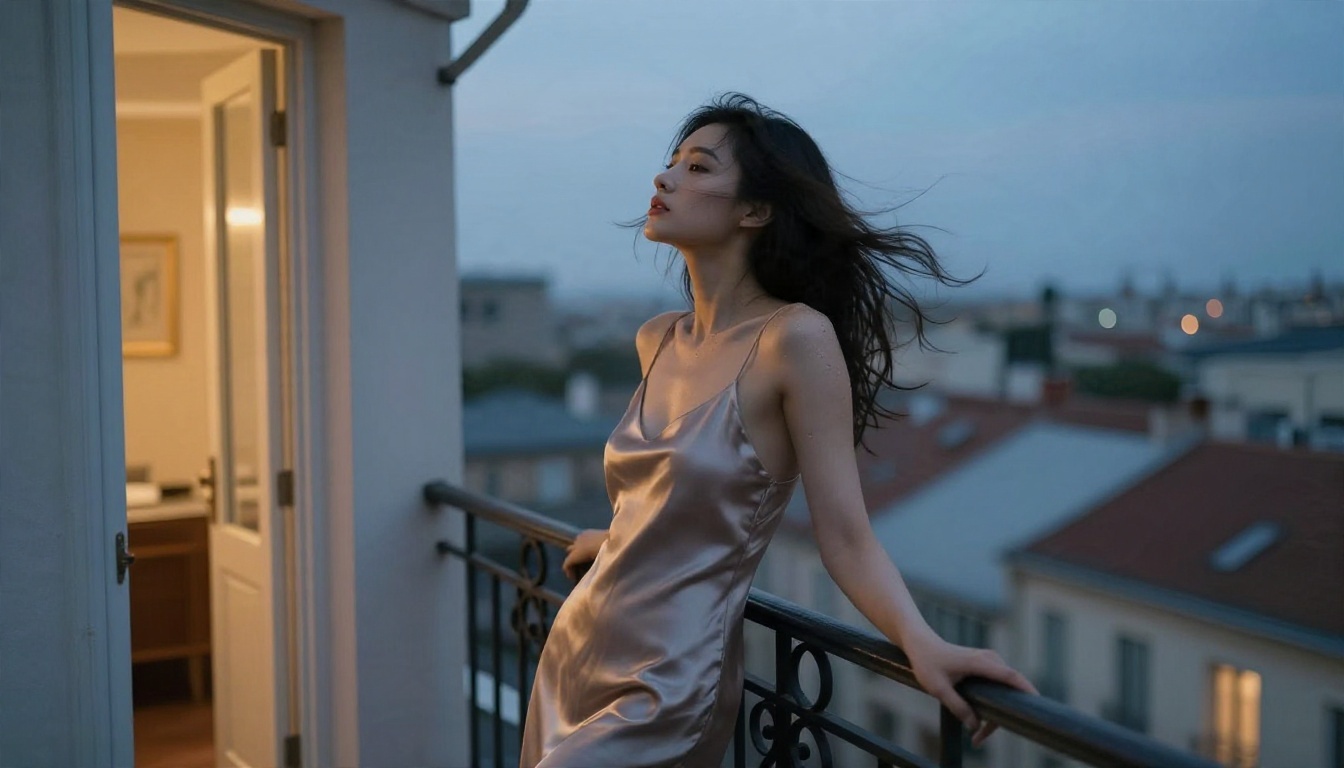
| Balcony at dusk | Silk slip dress | Blue hour with warm door light | 50mm f/1.6 |
💡 Tip: Always write "adult woman" or "adult man" and, if you like, a specific age range. It keeps the output clearly in adult territory and gives you more consistent faces.
Words to leave out
Skip "8K ultra HD masterpiece trending" style spam. Models do not read it as quality; they read it as noise. Spend those words on light, lens and texture instead.
Safety and Privacy Checks
Adult image generators handle sensitive material, so a few minutes of caution pays off.
Before you pay anyone
Run through this list before entering card or crypto details:
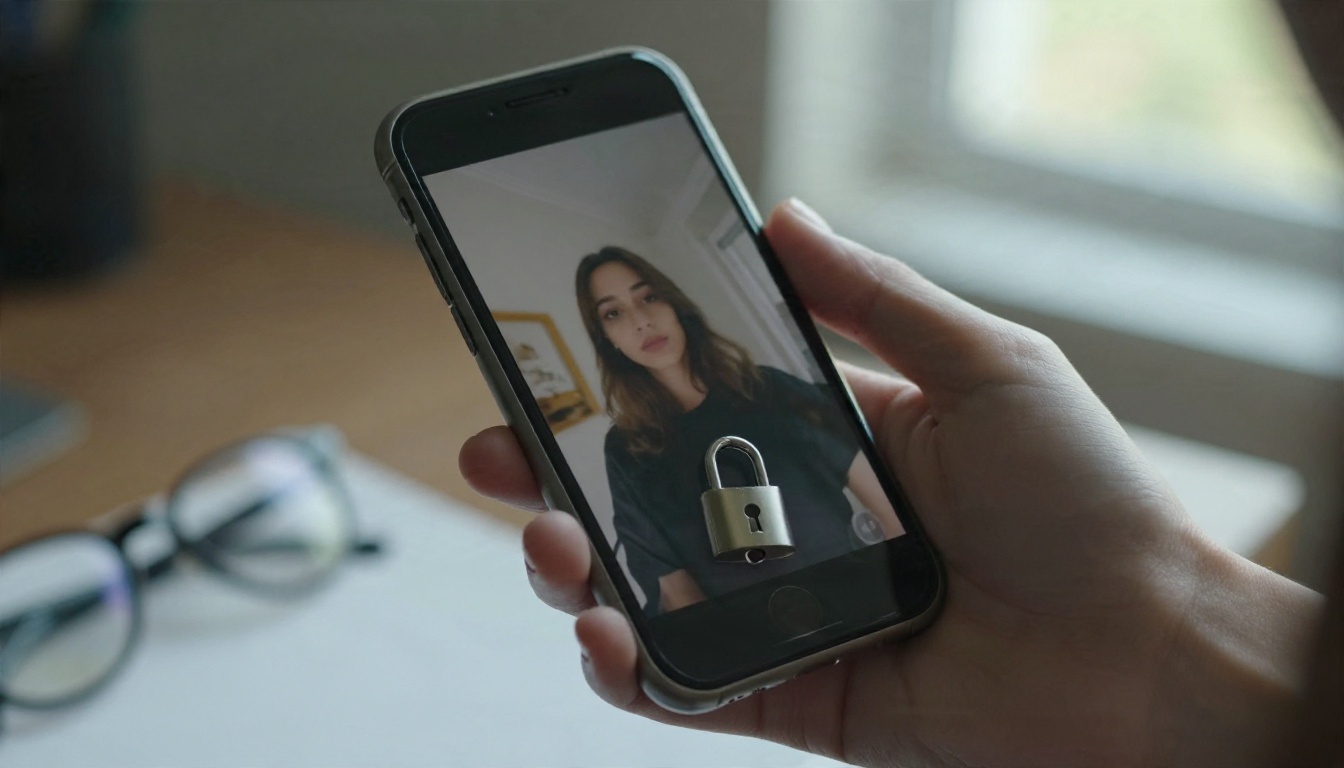
- Is there a clear data policy? Look for how long prompts and images are stored.
- Is there a refund policy? One listing marks it unavailable for Pleasur AI, which is a red flag in itself.
- Who runs it? A named company with a support address beats an anonymous site.
- Can you delete your account and history? If the answer is vague, assume no.
- Is billing discreet and cancellable? Recurring charges on obscure sites are a common complaint.
Crypto payments can add privacy, but they also make chargebacks impossible. That cuts both ways.
Consent and real people
This is the line that matters most. Never generate images of a real person without their consent, and never upload someone else's photo to place them in suggestive scenes. Beyond the harm to that person, it can break platform rules and, in many places, the law. Stick to fictional adults, invented faces and original characters.
Protecting your own files
- Use a separate email address for adult tools.
- Strip location data from any photo you upload.
- Avoid uploading pictures of your own face to sites you cannot vet.
- Keep downloads in an encrypted folder if the images are private.
Alternatives on PicassoIA
Pleasur AI is not on PicassoIA yet; for similar results today, these models are. They are listed in the order I would try them for glamour, boudoir and swimwear work.
Seedream 4.5 first
Seedream 4.5 is my first pick. It handles skin texture, silk, lace and soft window light better than most models, and it outputs sharp, high-resolution pictures. It is quick, so you can run a dozen prompt variations in a few minutes.
Image Editor Pro for unlimited runs
PicassoIA Image Editor Pro gives you unlimited generations, which is exactly what adult-style prompting needs. You can generate, adjust a detail, regenerate, and repeat without watching a credit counter. It also works as an editor, so you can fix hands, change an outfit or adjust a background in the same place.
Z Image Turbo for speed
Z Image Turbo produces sharp images in seconds. Use it for rapid drafts, then move your best prompt to Seedream 4.5 for the final render.
Flux Dev for natural light
Flux Dev is a strong photorealistic generator with a natural, film-like feel. It rewards detailed lighting and lens descriptions.
Realistic Vision for classic portraits
Realistic Vision v5.1 is a long-standing favorite for lifelike portraits. It is a good fit for close beauty shots and boudoir framing.
Side by side
How to Get Similar Results on PicassoIA
Here is the workflow I would use with Seedream 4.5 to get the kind of pictures people hope to find on Pleasur AI.
Step by step
- Open the model page for Seedream 4.5 and choose the text-to-image input.
- Write your prompt with the five-part formula: subject, setting, light, lens, texture.
- Pick a wide aspect ratio such as 16:9 for scenery-heavy shots, or portrait ratios for close-ups.
- Choose the highest resolution offered, since glamour shots live or die on skin and fabric detail.
- Generate, then compare. Create three or four variations and pick the best one.
- Refine the prompt. Change one thing at a time: the light, the lens or the outfit.
- Send the winner to Image Editor Pro to fix small flaws like fingers, straps or background clutter.
Parameter tips
- Keep prompts between 40 and 80 words. Shorter prompts leave too much to chance, and longer ones start to conflict with themselves.
- Name one light source. "Soft window light from the left" beats three competing light descriptions.
- Mention fabric by name. Silk, lace, satin and velvet each give the model a clear texture to render.
- Reuse a seed if the tool lets you, so you can change one word and see exactly what it did.
- Add a film stock such as Kodak Portra 400 for warmer, softer skin tones.
💡 Tip: Keep a note file of prompts that worked. A good base prompt with a swapped outfit or location gives you a consistent series in minutes.
A reusable base prompt
"Adult woman in her late twenties, [outfit], [pose], in [location] with [two real objects], [light direction] light, 85mm f/1.8, shallow depth of field, visible skin pores, fine film grain, Kodak Portra 400 palette, tasteful and non-explicit."
Swap the bracketed parts and you can create a whole set: beach, balcony, hotel, studio.
Common Mistakes to Avoid
Most disappointing results come from the same handful of errors.
Mistake 1: Paying before testing
Subscriptions feel cheaper than they are. If a tool has no free trial and no clear refund path, run your test prompts on a platform with unlimited or pay-as-you-go access first.
Mistake 2: Overloaded prompts
Fifteen adjectives about beauty do less than one sentence about light. If your result looks flat or fake, simplify the prompt and add a lens and a light direction.
Mistake 3: Ignoring hands and edges
Fingers, straps, jewelry and hair edges are where synthetic images give themselves away. Generate several versions and fix the best one in an editor instead of settling for the first.
Mistake 4: Skipping the privacy check
Adult content is exactly where data handling matters most. A one-minute look at the data policy and deletion options is cheaper than an awkward surprise later.
Realistic Looks for Every Mood
Once you have the workflow, variety is easy. Change the outfit, change the light, keep the structure.
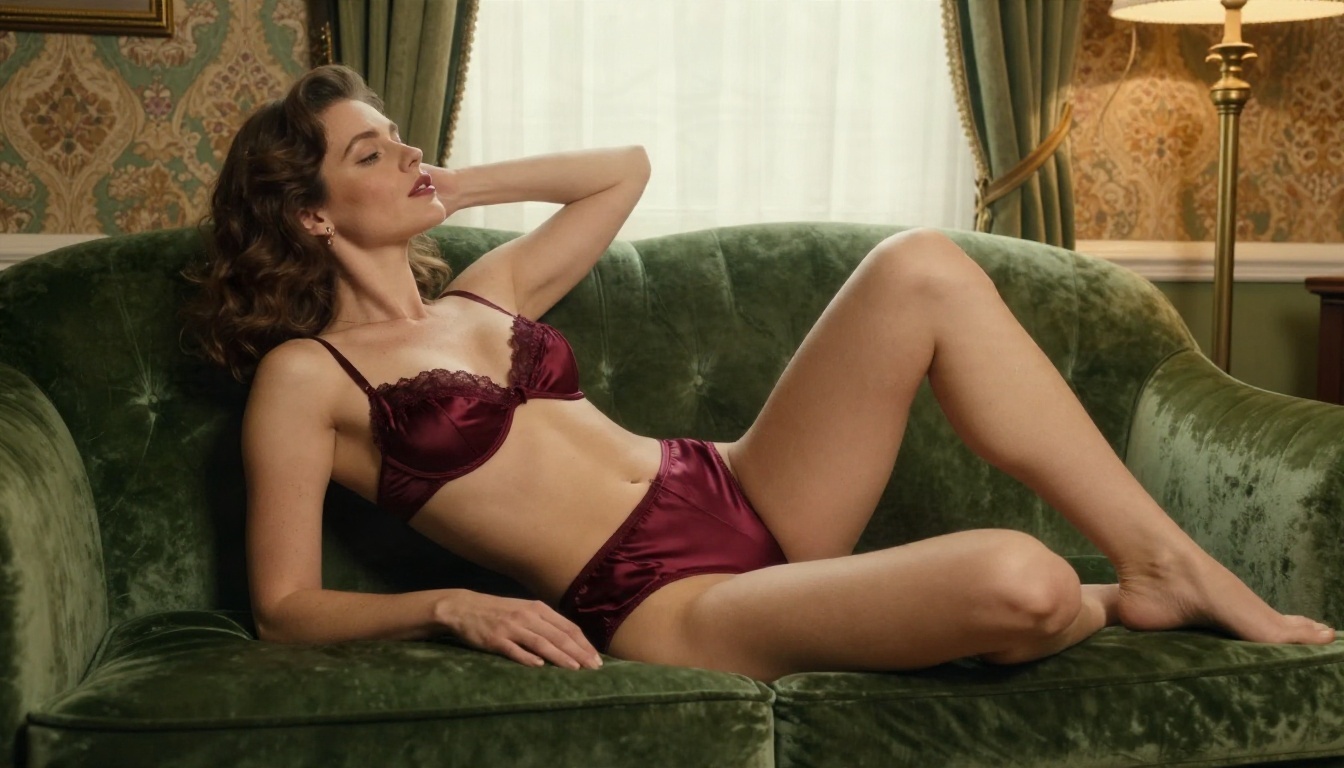
- Vintage glamour: velvet sofa, patterned wallpaper, warm retro grading.
- Soft boudoir: large window, sheer curtains, neutral walls.
- Resort and swim: hard sun, turquoise water, crisp shadows.
- Evening editorial: satin, marble, mixed warm and cool light.
Keeping everything suggestive rather than explicit is not only safer for sharing; it also tends to look more like a magazine photograph, which is what most people actually want.
Try Your Own Images Today
You do not have to sign up for an unproven subscription to get attractive, realistic glamour pictures. Start with Seedream 4.5 for polished final renders, then use PicassoIA Image Editor Pro for unlimited retries and quick fixes. Add Z Image Turbo for fast drafts, Flux Dev for natural light, and Realistic Vision v5.1 for portraits.
Copy the base prompt above, swap in your own outfit and location, and run five variations. You will know within ten minutes which style suits you. Browse every option at picassoia.com/en/all-models and start creating your own images with Picasso IA.


