Pony Diffusion has a strange reputation. Ask ten image-generation fans about it and you will hear ten different answers: "the anime model," "the NSFW model," "the one with the weird score tags," "the character model that actually knows my favorite characters." All of them are partly right. Pony Diffusion AI became one of the most downloaded community checkpoints because it does a few things better than almost anything else in its class, and it does them without a heavy content filter in the way.
This article lays out what Pony Diffusion is, how people use it for free online, what its NSFW output looks like, how characters and tags behave, and what to try when you want sharper, more photographic results. One thing up front: Pony Diffusion is not on PicassoIA. It is a community model, so everything about it below is described in plain text. For similar results today, the alternatives section points to models that are available on PicassoIA and need no setup.
What Pony Diffusion Really Is
Pony Diffusion is a family of text-to-image models trained by the PurpleSmartAI team and released through community hubs. It is built for characters: anime heroines, cartoon animals, anthropomorphic figures, stylized portraits and fan-favorite personalities. Where a general model tries to be decent at everything, Pony leans hard into character art and the tag vocabulary that art communities use.
The SDXL Roots of V6
The version most people mean by "Pony Diffusion" is V6 XL. It is a fine-tune of Stable Diffusion XL, trained on a very large collection of tagged images (the model card talks about millions of them). Because it sits on the SDXL architecture, it runs on ordinary consumer GPUs, works with the huge pool of SDXL LoRAs, and sits comfortably in common interfaces.
Its personality comes from the training data. Images were labeled with quality scores, content ratings and source styles, and the model learned to respond to those labels. That is why a prompt that starts with a string of "score" tags behaves so differently from a normal prompt.
What Changed With V7
Pony V7 switched foundations to the AuraFlow architecture. The pitch is better handling of natural language, multi-character scenes and longer prompts, so you can describe an interaction in a sentence instead of stacking tags. Based on what the developers have published, the quality tags that dominated V6 prompts are weaker in V7, and style control through tags is still being improved.
In practice, many creators still prefer V6 for its mature ecosystem of LoRAs and its predictable tag behavior. V7 attracts people who want more natural prompting. Both are community releases, so check the model card for current status and license terms before using results commercially.
💡 Quick take: V6 is the tag-driven workhorse with the biggest ecosystem. V7 is the newer, language-friendlier architecture that is still maturing.
Free Online Use: Your Real Options
"Pony Diffusion AI free online" is one of the most common searches around this model, and the honest answer is that free comes in three flavors.
Browser Generators With Free Credits
Several community image sites host Pony checkpoints and give new accounts a daily or signup allowance of free generations. You type a prompt, pick a sampler and click generate. There is nothing to install, which makes it the fastest route for a first test.
The tradeoffs are predictable: queues at busy hours, watermarks or low resolution on free tiers, and filters that vary from site to site. Some hosts block explicit prompts entirely, others allow them behind an age gate.
Running It Locally
If you own a GPU with around 8 GB of VRAM or more, you can download the V6 weights and run them in a local interface. This is truly free per image, private, and unfiltered, since no one sits between you and the model. The price is your time: installing a UI, downloading the checkpoint and the matching VAE, and tuning settings.
What Free Usually Costs You
| Option | Cost | Speed | Privacy | Filter level |
|---|
| Free browser credits | $0 with limits | Medium, queues | Low | Varies by site |
| Local install | $0 per image, GPU needed | Fast on a good card | High | None |
| Paid hosted credits | Small per-image fee | Fast | Medium | Varies |
💡 Tip: Whatever route you pick, never upload private photos of real people to a free host you know nothing about. Anything you send to a server may be stored.
This is where Pony feels different from every other model, and where newcomers get frustrated. Type "a girl in a garden" and the result looks flat. Type the right opening tags and the same idea suddenly looks polished.
Score, Source and Rating Tags
Pony V6 prompts normally begin with a score string such as score_9, score_8_up, score_7_up. These tell the model to aim at the top-rated slice of its training data. A single score tag on its own does little, so people stack several. A training quirk means the "up" suffix is mostly decorative, and you can ignore the detail.
After the scores come source tags that steer the style:
source_anime for anime-style artsource_cartoon for western cartoon lookssource_furry for anthropomorphic characters
Then come rating tags such as rating_safe, rating_questionable and rating_explicit. These control how suggestive the output is. If you want a clean, safe image, use the safe rating and put the explicit ones in your negative prompt.
A Prompt Skeleton That Works
Here is a structure that behaves well in V6:
- Score tags first
- Source tag and rating tag
- Subject and character (a name tag or a plain description)
- Clothing, pose and expression
- Setting and lighting
- Optional quality extras
Negative prompts matter too. Commonly used ones include worst quality, low quality, blurry, bad anatomy, extra fingers, watermark, text. Keep it short. A giant negative prompt often hurts more than it helps.
Settings Worth Copying
| Setting | Typical value for V6 |
|---|
| Resolution | 1024 x 1024, or 832 x 1216 for portraits |
| Steps | 25 to 35 |
| CFG scale | 5 to 7 |
| CLIP skip | 2 |
| Sampler | Euler a or DPM++ 2M Karras |
| VAE | The SDXL VAE recommended on the model card |
Change one setting at a time. If you shift CFG, steps and sampler together, you will never know which change helped.
NSFW Examples and Where Limits Sit
Pony's biggest draw is that it is permissive. The model was trained with a rating system that includes mature material, and it follows those tags. That is why it dominates adult-art communities and why many hosted sites put it behind an age check.
What Adult Output Looks Like
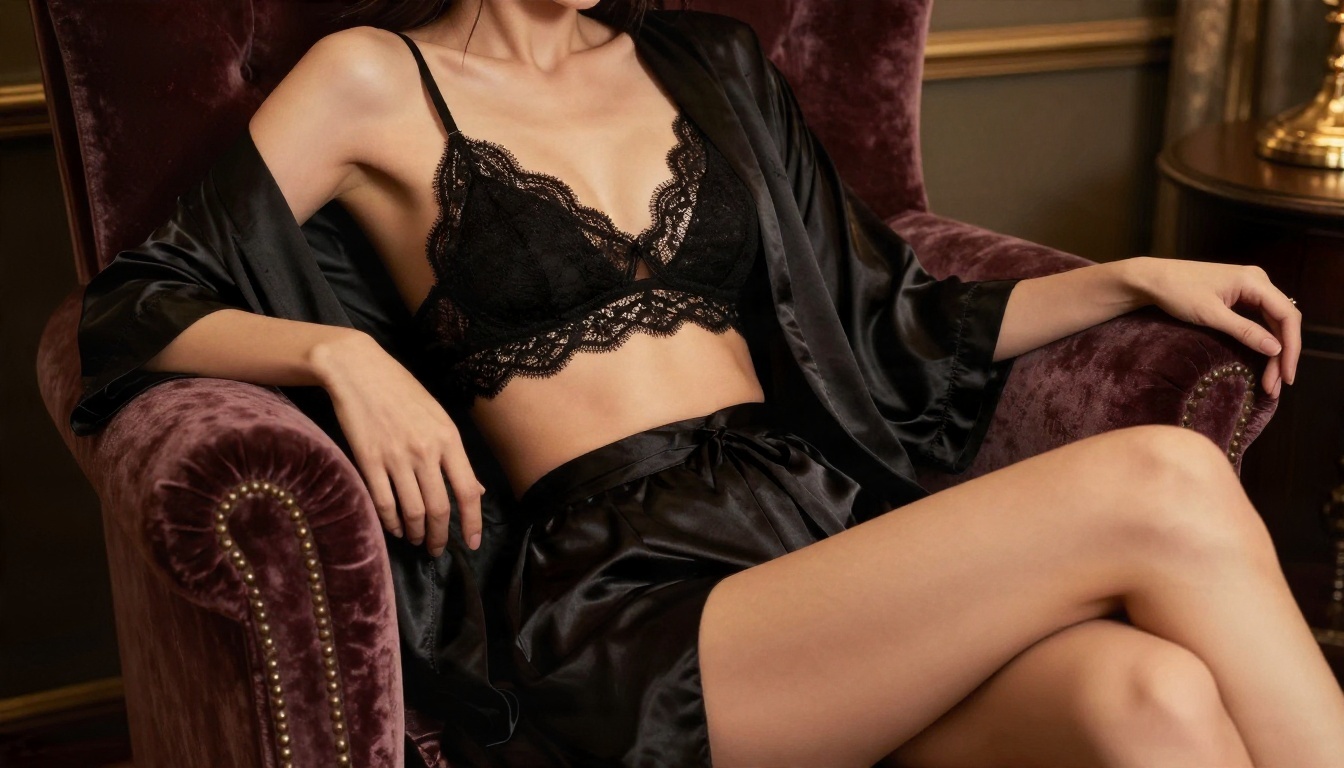
Typical NSFW-oriented results from Pony range from tasteful lingerie portraits and swimwear scenes to far more explicit pieces, depending on the tags and the checkpoint merge. This article keeps to the suggestive, non-explicit end: boudoir lighting, satin and lace, glamour posing. That is the style the sample images here show, and it is also what most people want for profile art, story illustrations and mood boards.
What you will notice about Pony's glamour output:
- Strong stylization. Faces, eyes and proportions follow anime or illustration conventions, not photography.
- Prompt obedience on clothing and poses. Specific outfits and gestures usually land on the first or second try.
- Occasional anatomy glitches. Hands and complex poses still need a fix pass or inpainting.
Boundaries Worth Respecting
A permissive model does not mean anything goes. Keep these lines firm:
- Only depict adults. No exceptions, no ambiguity in age descriptors.
- Do not create images of real people without their consent.
- Check the platform's rules and your local laws before posting adult images.
- Label adult content properly when you share it.
💡 Rule of thumb: If you would not be comfortable explaining the image and where it came from to the person depicted, do not make it.
Characters, Styles and Consistency
Characters are Pony's reason to exist. The training data carried a huge number of named characters from games, anime, comics and cartoons, so many of them can be summoned just by writing the name as a tag.

Character Tags and Their Limits
Writing a name works best for popular characters with many images online. Lesser-known ones come out as generic lookalikes. When a name fails, describe the traits instead: hair color and length, eye color, signature outfit and accessories. Mixing both (name plus two or three visual traits) improves accuracy.
A note on fan art: characters belong to their creators. Personal experiments are one thing, selling or monetizing franchise characters is another. Read the rules before publishing.
Keeping One Face Across Images
Consistency is the weak spot of nearly every diffusion model. Three habits help a lot:
- Reuse the same descriptive block at the start of every prompt, word for word.
- Lock the seed while changing only the pose or setting.
- Use a character LoRA, which is a small add-on trained on one character, if one exists.
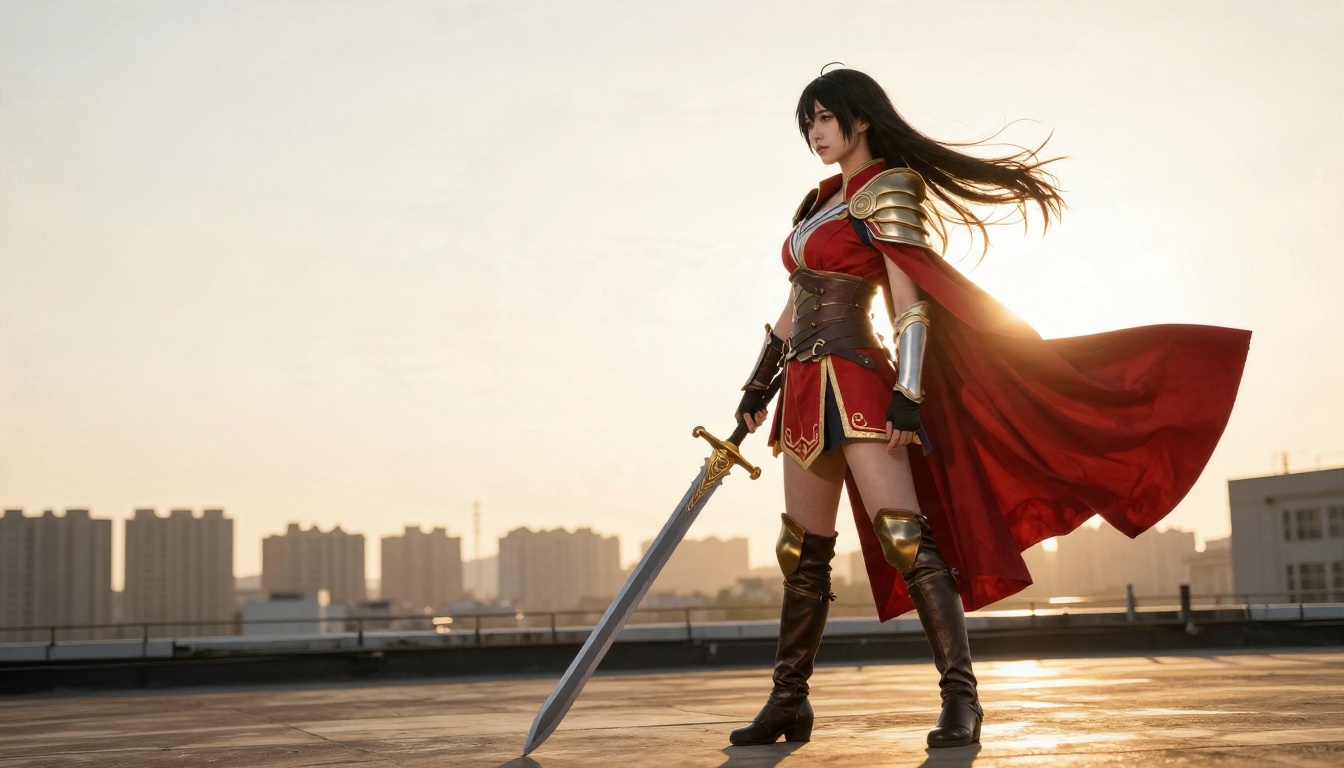
Cosplay photography is a useful reference here. Real cosplayers keep a costume consistent across dozens of shots, and photographing that way gives you reference material for how fabric, props and lighting should look.
Pony Diffusion Alternatives That Work Today
Pony is brilliant at stylized characters and weak at photorealism. If your goal is a portrait that looks like a real photograph, or if you do not want to install anything, a different model will serve you better. Pony Diffusion is not on PicassoIA yet; for similar results today, try these, all of which are available on the platform:
| Model | Best for | Why it fits |
|---|
| Seedream 4.5 | Sharp 4K portraits and glamour scenes | Lead choice for adult-leaning, tasteful imagery with strong prompt following |
| PicassoIA Image Editor Pro | Unlimited generations and edits | Uncensored, unlimited and fast, ideal for iterating on a look |
| RealVisXL v3.0 Turbo | Fast SDXL-based photorealism | Familiar SDXL behavior with a realistic finish |
| Flux 2 Klein 9B Base LoRA | Styled results with LoRA control | Closest to the "add-on" workflow Pony fans know |
The main advantage of these over a local Pony install is speed and simplicity. There is no checkpoint to download, no VAE to match and no GPU to buy. You write a natural-language prompt and get a result in seconds. Unlimited generation on Image Editor Pro also means you can run dozens of variations without watching a credit counter.
Natural language is the other difference. With Pony you speak in tags. With these models you simply describe the photograph: who is in it, what they wear, where the light comes from, which lens you imagine.
How to Get Similar Results on PicassoIA
Seedream 4.5 is the best place to start when you want Pony-style prompt obedience with photographic quality. Here is the workflow.
Step 1. Open the model page. Go to the Seedream 4.5 page on PicassoIA and open the generator.
Step 2. Write a descriptive prompt. Replace score tags with plain language. Instead of score_9, 1girl, red dress, write: "Adult woman in a fitted red dress, standing on a hotel balcony at sunset, warm side light from the left, 85mm lens, shallow depth of field, natural skin texture."
Step 3. Name the camera and light. Lens length, light direction and film stock act like the style tags you used in Pony. "Kodak Portra 400 grain" and "soft window light" are reliable.
Step 4. Pick the aspect ratio. Use 16:9 for scenes and banners, 3:4 or 2:3 for portraits.
Step 5. Generate several variations. Keep the subject block identical and change only the setting or pose, which gives you a consistent character across a series.
Step 6. Refine in Image Editor Pro. Send your favorite result to PicassoIA Image Editor Pro to adjust clothing, background or small details with a text instruction. Because generations are unlimited, you can keep trying until it looks right.
💡 Parameter tips: Write 40 to 80 words per prompt. Put the subject first, then the outfit, then the location, then the light and lens. Avoid contradictory instructions, such as asking for both "studio flash" and "candlelight."
Pony Prompt Habits That Carry Over
Not everything from Pony is wasted. These habits transfer well:
- Starting with the subject and keeping the order consistent.
- Reusing a fixed character block across a series.
- Changing one variable per generation to see what it does.
- Using a short negative prompt, or none at all.
Start Making Your Own Images
Pony Diffusion earned its place: nothing else matches its character vocabulary, its LoRA ecosystem or its relaxed attitude toward adult themes. It also asks a lot from you in return, with tag syntax, installs, VAE matching and anatomy cleanup. If stylized characters are your goal and you enjoy tinkering, it stays a strong pick. If you want photographic glamour, quick results and no setup, the PicassoIA models above get you there faster.
The best way to settle it is to run the same idea in both. Write a prompt once, generate it in Pony if you have it, then paste a natural-language version into Seedream 4.5 and compare. Then take the winner into Image Editor Pro and push it further with unlimited edits.
Ready to try? Open Seedream 4.5 or PicassoIA Image Editor Pro, type your first prompt and see what comes back. For more options, browse the full catalog at picassoia.com/en/all-models, pick a model that matches your idea and create your own images today.


