Pony Diffusion Uncensored: Examples, Negative Prompts and Free Online Options
Pony Diffusion has a loyal following, but its tag based prompts confuse newcomers. See real prompt examples, the negative prompts that actually clean up results, how rating tags steer content, and free online alternatives that deliver photoreal images without a local install.
Type "a woman on a beach" into Pony Diffusion and you will probably get something strange. Type score_9, score_8_up, score_7_up, 1girl, beach, sunset and the same model suddenly behaves. That one quirk explains why so many people search for Pony Diffusion uncensored setups, example prompts and negative prompts: the model is powerful, but it speaks its own language.
This article gives you that language. You will see how score tags and rating tags work, which negative prompts are worth using, how the "uncensored" label really works, and where to generate images online for free. Pony Diffusion is not on PicassoIA, so there is also a section on the PicassoIA models that give similar results today, especially if you want realistic photos instead of stylized art.
What Pony Diffusion Actually Is
Pony Diffusion V6 XL is a community model built on the SDXL architecture. It was trained heavily on tagged artwork, which is why it responds to short tag lists rather than flowing sentences. Out of the box it leans toward stylized and illustrated looks, and photoreal output usually needs extra LoRAs or merged checkpoints.
Its reputation as an "uncensored" model comes from the way it was trained and the way it is steered. There is no separate unfiltered mode. Instead, a set of rating tags tells the model how mature the output should be, and a set of score tags tells it how polished the image should look. If you leave both out, results are inconsistent.
💡 Quick note: Pony Diffusion is not on PicassoIA. This article describes it by name only. For similar results today, the models in the alternatives section below are the ones to try.
Why people search for "uncensored"
Most mainstream hosted generators block anything beyond mild content. Pony Diffusion, as an open weights SDXL model, does not ship with a built in filter when you run it yourself. That is the whole appeal. Whether a hosted website adds its own filter is a separate decision made by that website, which is why free online options vary so much.
Where it falls short
Plain English sentences often get ignored or half followed.
Realistic skin and hands need extra work.
Local use needs a decent GPU, and setup takes an evening.
Free online versions usually have queues, daily limits or watermarks.
Score Tags and Rating Tags
Think of these as the model's control panel. Everything else in your prompt is just subject matter.
Score tags
Score tags come first in the prompt. The long form is the one most people recommend, because score_9 on its own has a weak effect:
A quirk from training means the "up" suffix sits oddly on some of the tags, so the full string is used in practice instead of trying to be clever with shortened versions.
Rating tags
Rating tags set the content level. rating_safe pushes toward family friendly output. rating_questionable sits in the middle, and rating_explicit pushes toward adult content. They work in the positive prompt and also in the negative prompt, which is how you keep a prompt on the safe side by blocking the mature tags.
Tag type
Example
What it does
Score
score_9, score_8_up
Pushes toward higher quality output
Rating
rating_safe
Keeps content family friendly
Rating
rating_questionable
Allows suggestive material
Source
source_anime, source_cartoon
Sets the broad visual style
Subject
1girl, solo
Defines the subject count
Extras
looking at viewer, smile
Adds pose and expression detail
💡 Tip: Put score tags first, then rating, then source, then the subject. Order matters because early tokens carry more weight.
Prompt Examples That Work
Here are four prompt structures, from simple to detailed. They stay non explicit on purpose, because the structure is what matters. You change the rating tag to change the content level.
Example 1: Basic portrait
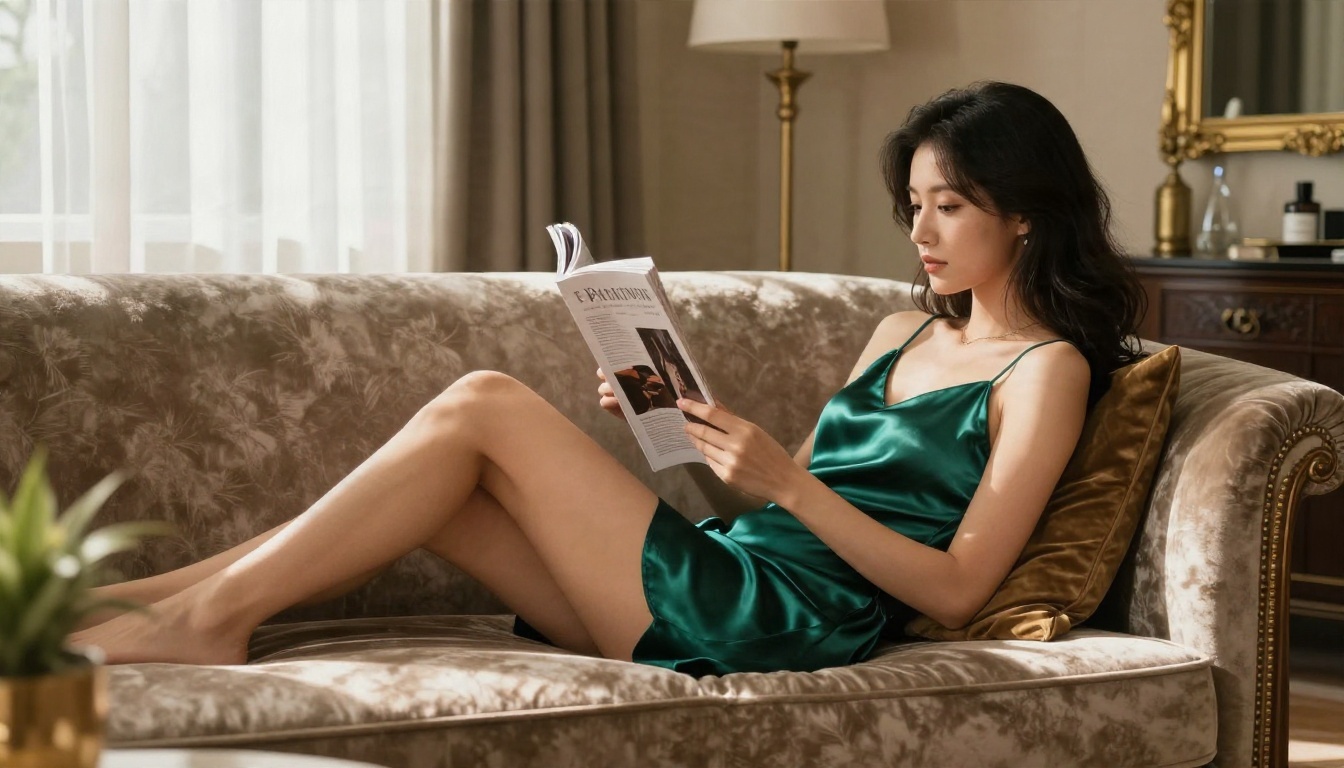
score_9, score_8_up, score_7_up, rating_safe, 1girl, solo, long dark hair, black dress, looking at viewer, soft smile, indoor, window light
This is the baseline. Notice there are no sentences. Each phrase is a single concept separated by commas.
Example 2: Beach and swimwear
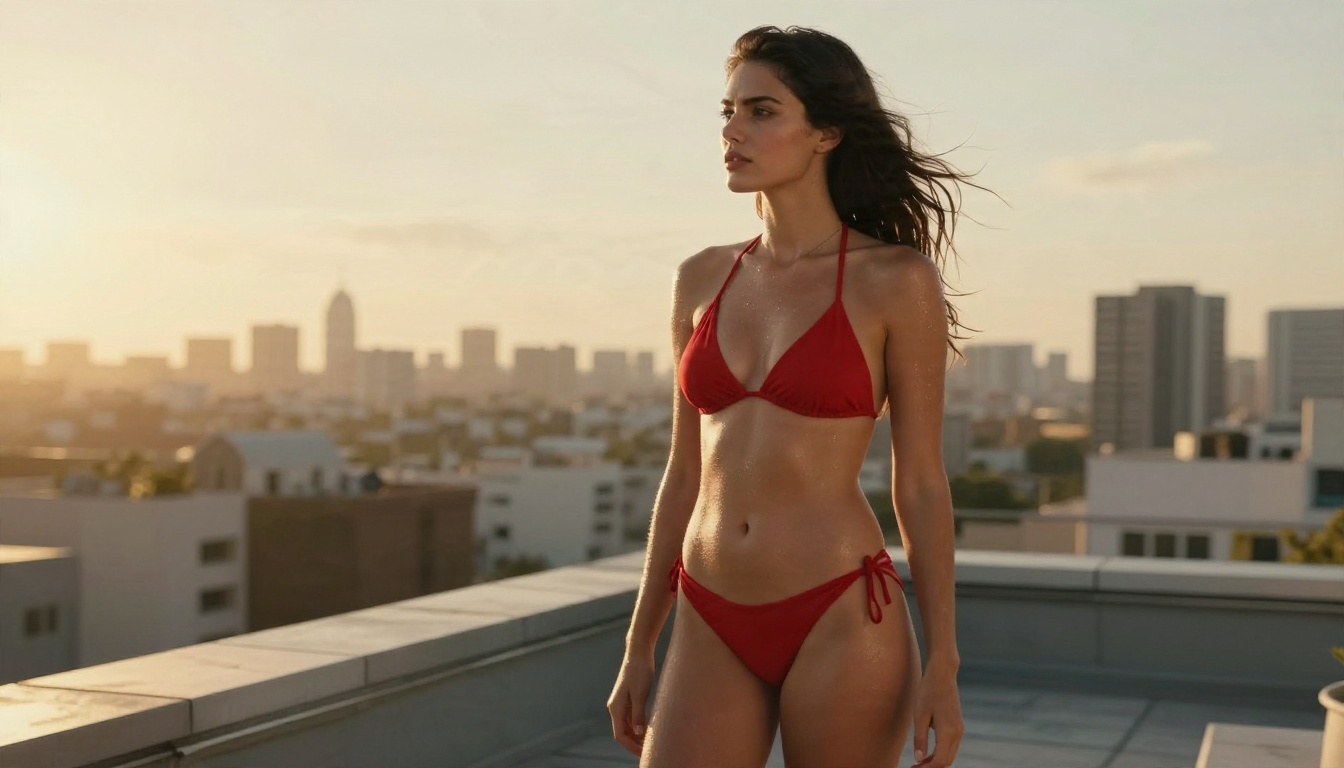
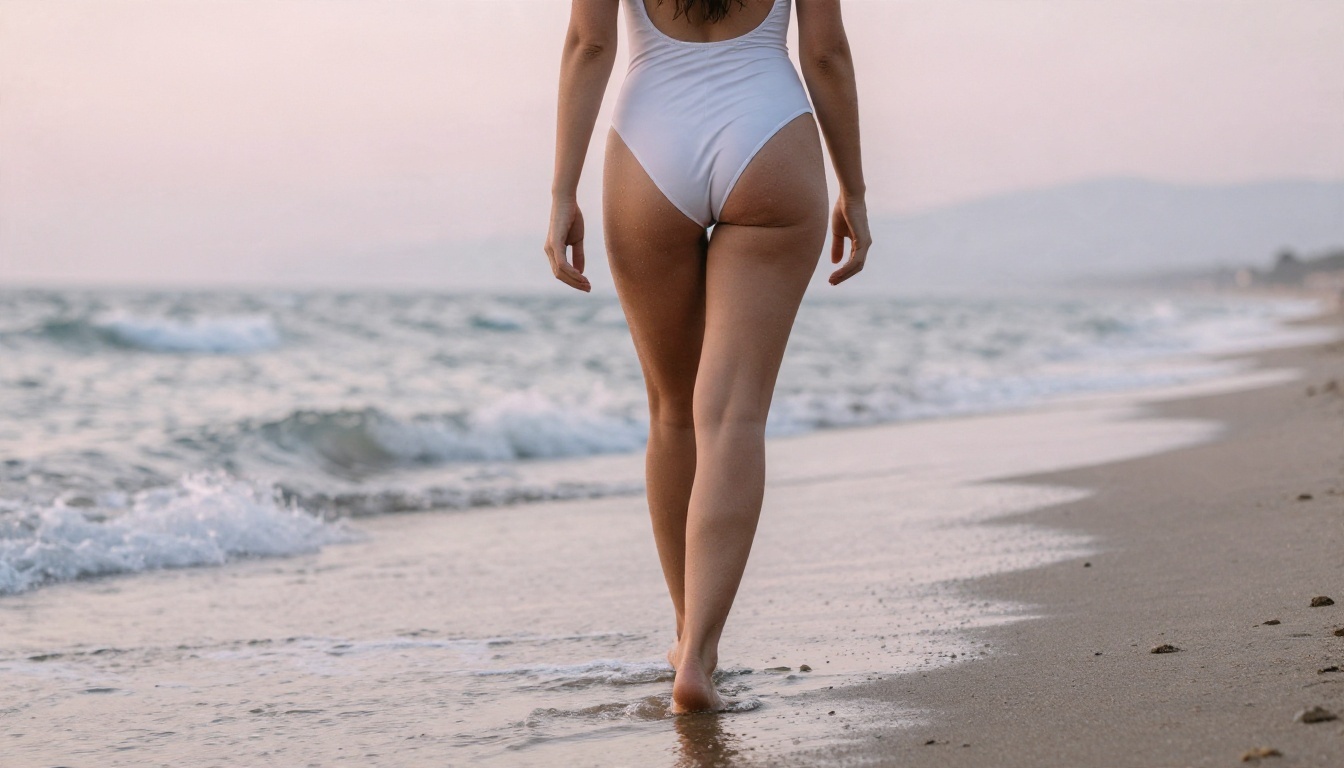
score_9, score_8_up, score_7_up, rating_questionable, 1girl, solo, red bikini, rooftop, golden hour, wind in hair, city skyline, from below
Camera terms such as from below, from above and close-up work well and give you control over framing.
Example 3: Photoreal attempt
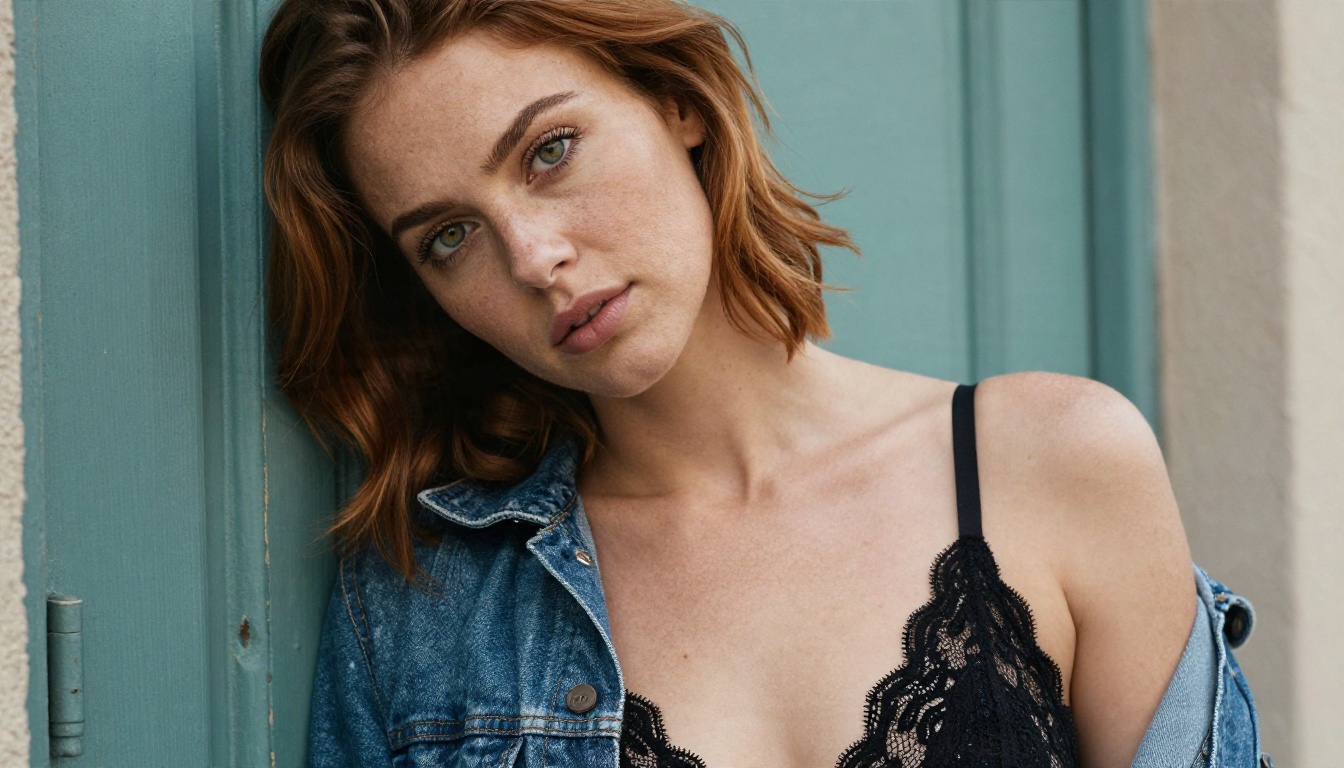
score_9, score_8_up, score_7_up, source_realistic, photo, 1girl, auburn hair, green eyes, denim jacket, alley, overcast light, film grain
Pony Diffusion is not naturally photoreal, so a tag like photo helps a little, but a realistic LoRA or merged checkpoint helps far more.
Example 4: Weighted detail
score_9, score_8_up, score_7_up, 1girl, (detailed eyes:1.2), (freckles:1.1), lace top, leaning on door, soft light, depth of field
Weights in parentheses push a feature up or down. Stay between 0.8 and 1.3, because stronger values tend to distort faces.
Negative Prompts That Help
The model's creator designed it to need fewer negative prompts than older Stable Diffusion models, so a short list works best. Long copy pasted lists of 80 terms often do more harm than good.
Putting the lower score tags in the negative prompt is popular, though it does not reliably remove poor images. Treat it as a gentle nudge.
Fixing common problems
Problem
Negative prompt to try
Positive fix
Extra fingers
extra fingers, fused fingers
Add detailed hands and lower CFG
Random text
text, watermark, signature
Shorter prompt
Muddy faces
blurry, low quality
Use a face detail pass
Wrong content level
rating_explicit
Add rating_safe up front
Cartoon look when you want photos
source_anime, source_cartoon
Add photo, realistic
💡 Rule of thumb: If a negative term does not change the result after two tries, remove it. A short negative prompt is easier to debug.
Settings that matter
Sampler: Euler a or DPM++ 2M Karras
Steps: 25 to 30
CFG scale: 5 to 7 (higher values burn the colors)
Resolution: 1024 by 1024 or a similar SDXL friendly size
CLIP skip: 2
Free Online Options
If you do not want to install anything, there are three common routes.
Hosted Pony websites
Several websites run Pony Diffusion checkpoints in the browser. They are the fastest way to test a prompt, but expect queue times, daily credit limits and sometimes their own content filters. Policies change often, so check the rules on each site before you spend time on it.
Notebooks and community spaces
Free notebook sessions and community demos let you run the model on a borrowed GPU. They work, but sessions time out, and the setup is fiddly for beginners.
Local install
If you own a GPU with 8 GB or more of memory, running the checkpoint locally gives you full control, no queues and no limits. The trade off is storage, updates and a learning curve around LoRAs and samplers.
Option
Cost
Speed
Control
Best for
Hosted Pony site
Free tier, limited
Queue dependent
Low
Quick tests
Notebook or demo
Free, time limited
Medium
Medium
Hobby use
Local install
Hardware only
Fast
Full
Heavy daily use
PicassoIA models
See below
Fast
High
Photoreal results
Pony Diffusion Alternatives on PicassoIA
Pony Diffusion is not on PicassoIA yet. For similar results today, especially when you want realistic, attractive photos rather than stylized art, these are the models to try, in the order I would use them.
Seedream 4.5 first
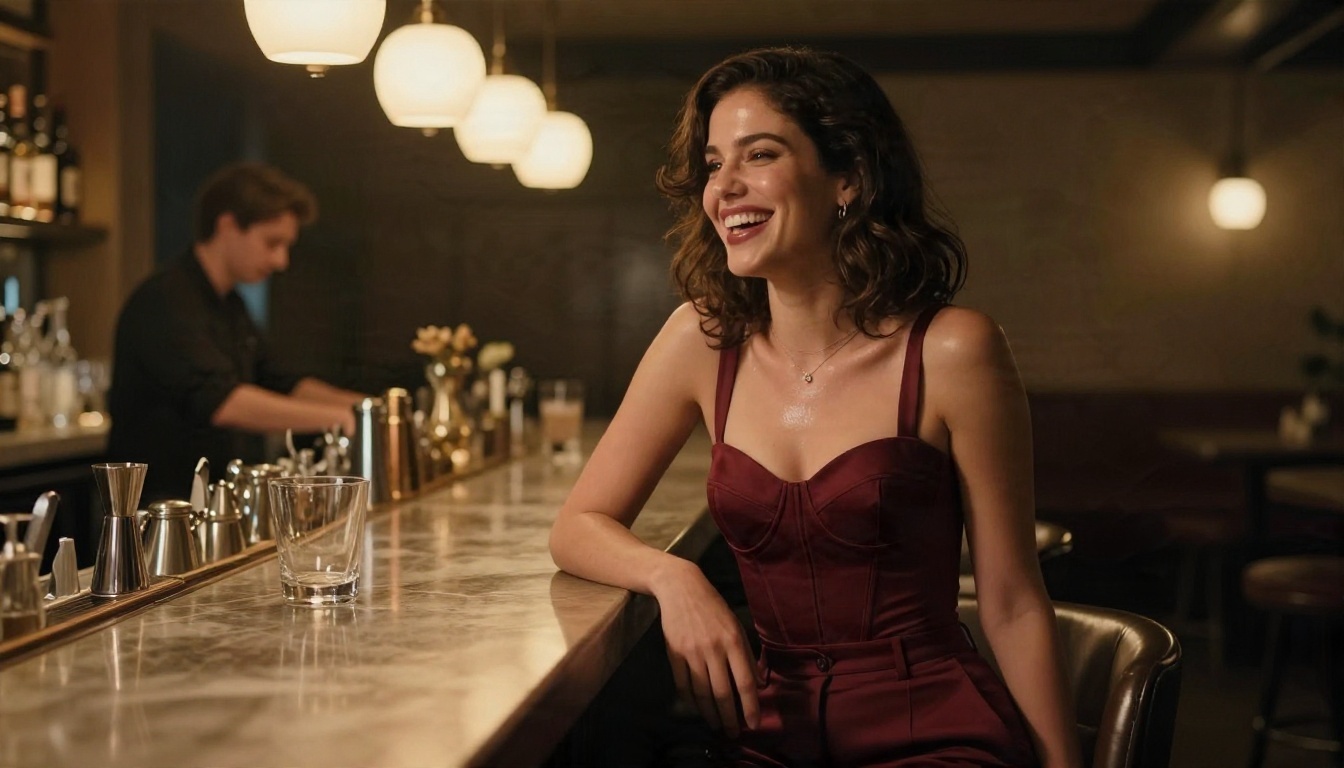
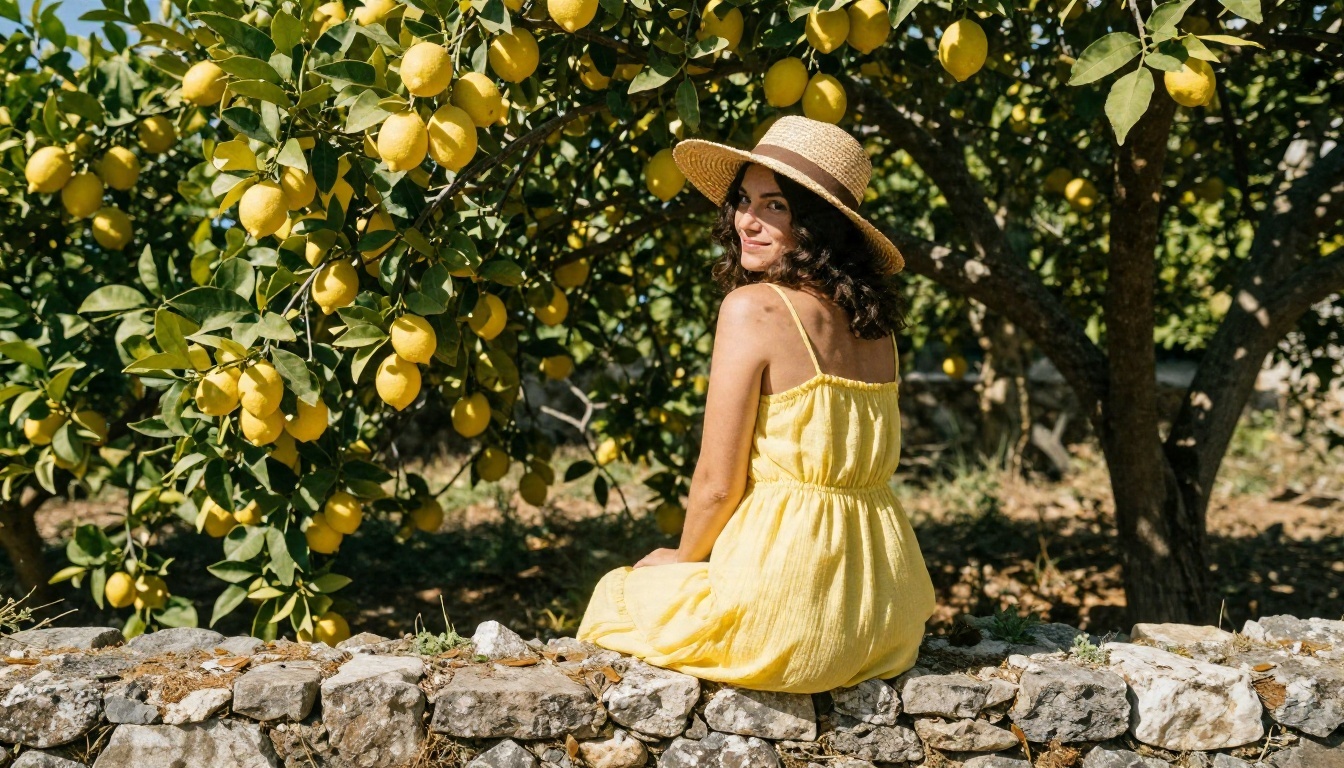
Seedream 4.5 is the first model to try. It reads plain English, so you skip the score tag ritual, and it produces sharp, photoreal glamour portraits, swimwear shots and fashion style images with natural skin texture. Output goes up to 4K.
PicassoIA Image Editor Pro for unlimited runs
PicassoIA Image Editor Pro offers unlimited generations, which is the biggest practical gap versus most free Pony sites with their credit caps. It is also strong for editing: change outfits, fix details or adjust a scene with a simple instruction.
Realistic Vision v5.1 for classic photo looks
Realistic Vision v5.1 is a long popular photoreal checkpoint from the Stable Diffusion family. It likes prompts closer to the tag style you already know, so it feels familiar if you come from Pony.
SDXL Lightning 4Step for speed
SDXL Lightning 4Step shares the SDXL base with Pony Diffusion and runs in four steps. It is the right pick for fast drafts when you are testing many prompt ideas.
score_9, score_8_up, 1girl, red bikini, rooftop, golden hour, from below
The Seedream version becomes:
A confident woman in a red bikini top and linen shorts standing on a rooftop terrace at golden hour, low angle, warm backlight, 35mm lens, realistic skin texture, film grain
Same idea, but written as a sentence with camera details. The score tags are gone because the model does not need them.
Parameter tips
Be specific about light. "Golden hour from the left" beats "nice lighting".
Name the lens. 35mm for scenes, 85mm for portraits.
Describe texture. Words like "pores", "satin folds" and "film grain" push realism.
Skip long negative lists. Describe what you want instead of what you do not.
💡 Pro tip: Generate three variations of the same prompt, change only the angle, and compare. Camera angle usually changes the result more than any other word.
Fixing Faces, Hands and Style
Whatever model you use, a few habits save time.
Hands
Hands remain the weak spot of diffusion models. Keep them simple in the prompt: holding a cup, resting on a wall, in a pocket. Complex gestures multiply errors. If a hand still fails, inpaint only that region instead of regenerating the whole image.
Faces
Close up shots give the model more pixels to work with on a face. For wide scenes, generate first, then run a detail or upscale pass. PicassoIA also has super resolution models for upscaling 2x to 4x, which sharpen eyes and skin without changing the composition.
Style drift
If your Pony results keep sliding toward cartoon, add source_realistic and put source_anime, source_cartoon in the negative prompt. If you switch to a plain English model, name the photographic style directly: "35mm film photograph, natural light, Kodak Portra 400".
Keep it consistent
Reuse the same seed and change one variable at a time. Consistent testing teaches you more in ten images than random changes teach you in a hundred.
Safety and Content Rules
A few rules apply everywhere.
Only generate adults. Never prompt for anyone who looks underage, in any model, on any site.
Never create images of real people without their consent.
Respect each site's terms. A hosted site can change its filter or its rules without notice.
Keep adult content on platforms that allow it, and keep it out of public feeds.
On PicassoIA, the examples in this article are all suggestive and glamour focused, with swimwear, lingerie style outfits and fashion shots, and none are explicit. That is the line that keeps your results usable almost anywhere.
Try Your Own Prompts Today
Pony Diffusion rewards patience: learn the score tags, keep negative prompts short, and steer content with rating tags. But you do not need a GPU or a tag dictionary to get great images. Take one of the prompts above, rewrite it as a plain sentence, and run it through Seedream 4.5. Then open PicassoIA Image Editor Pro and refine the result with unlimited generations. Try Realistic Vision v5.1 if you prefer the tag style, and SDXL Lightning 4Step when you want drafts in seconds.
Pick a scene, write the light and lens, and generate your first image on Picasso IA now. For every other model on the platform, browse picassoia.com/en/all-models.