Pony Diffusion V6 XL has a reputation for two things: it follows odd, specific prompts better than most SDXL checkpoints, and it punishes anyone who ignores its rules. Skip the score tags, forget clip skip, or load the wrong LoRA family, and you get muddy, flat images that make you wonder what the fuss is about. Follow the rules and the same model produces clean, expressive, highly controllable results. This article walks through the prompt structure, the VAE question, LoRA weights and the realistic options for free online use, then shows what to do when you want similar results without the setup headaches.
💡 Quick note on availability: Pony Diffusion V6 XL is an open weights checkpoint that people run locally or through third party hosted generators. It is not on PicassoIA, so you will not find a page for it there. Later in this article you will find alternatives that are on PicassoIA and work well for the same kind of work.
What Pony V6 XL Is
Origin and training
Pony Diffusion V6 XL is a fine-tune of Stable Diffusion XL created by the PurpleSmartAI team. It was trained on a very large, curated set of stylized artwork: anime, cartoon, furry and, as the name hints, pony themed images. The training captions were tagged with a quality ranking system and with labels for the source style and the content rating. That tagging is the reason the model behaves so differently from a plain SDXL base: it learned to associate certain tags with certain quality levels, and you are expected to use those tags.
Because it grew out of SDXL, it keeps the 1024 pixel native resolution, the two text encoders and the general memory profile of that family. A card with 8 GB of video memory can run it, and 12 GB or more makes life easier.
Where it fits today
Newer models have arrived since V6 shipped, and several of them need far less prompt engineering. Yet V6 XL stays popular for one simple reason: an enormous ecosystem of LoRAs, merges and prompt recipes was built on top of it. If you have a favorite character style or a pose LoRA, there is a good chance it was trained for Pony. That ecosystem is the real value, more than the base checkpoint itself.
A few honest limits worth knowing:
- The base model leans stylized. Photorealistic output usually needs a realism merge or a dedicated LoRA.
- It is sensitive to prompt order and tag spelling.
- Hands and text are better than old SD 1.5 models but still far from perfect.
- Content is not filtered by the checkpoint itself, so responsibility for what you generate sits with you and with the rules of whichever service you use.
Prompts That Actually Work
Score tags come first
The most repeated advice about Pony V6 XL is also the most important: open every prompt with the quality chain.
score_9, score_8_up, score_7_up
Each tag asks for images from a higher quality bracket of the training data. The "up" versions mean "this level and above". Community testing suggests that using score_9 alone often performs poorly because of how the tags were applied during training, so use the full chain rather than a single tag. Leaving the chain out entirely tends to give average, inconsistent results.
💡 Tip: Keep the chain at the very start of the prompt. Putting it after the subject description weakens it noticeably.
Source and rating tags
After the quality chain, add a source tag to pick the broad visual family:
| Tag | Effect |
|---|
source_anime | Anime style linework and shading |
source_cartoon | Western cartoon look |
source_furry | Anthropomorphic characters |
source_pony | Pony themed artwork |
Then add a rating tag. rating_safe keeps results suitable for general audiences, while the other rating tags move toward more mature output. If you publish or share what you make, stay with rating_safe unless you are certain the platform and your audience allow otherwise.
A prompt template that works
Here is a structure you can adapt:
- Quality chain:
score_9, score_8_up, score_7_up
- Source and rating:
source_anime, rating_safe
- Subject:
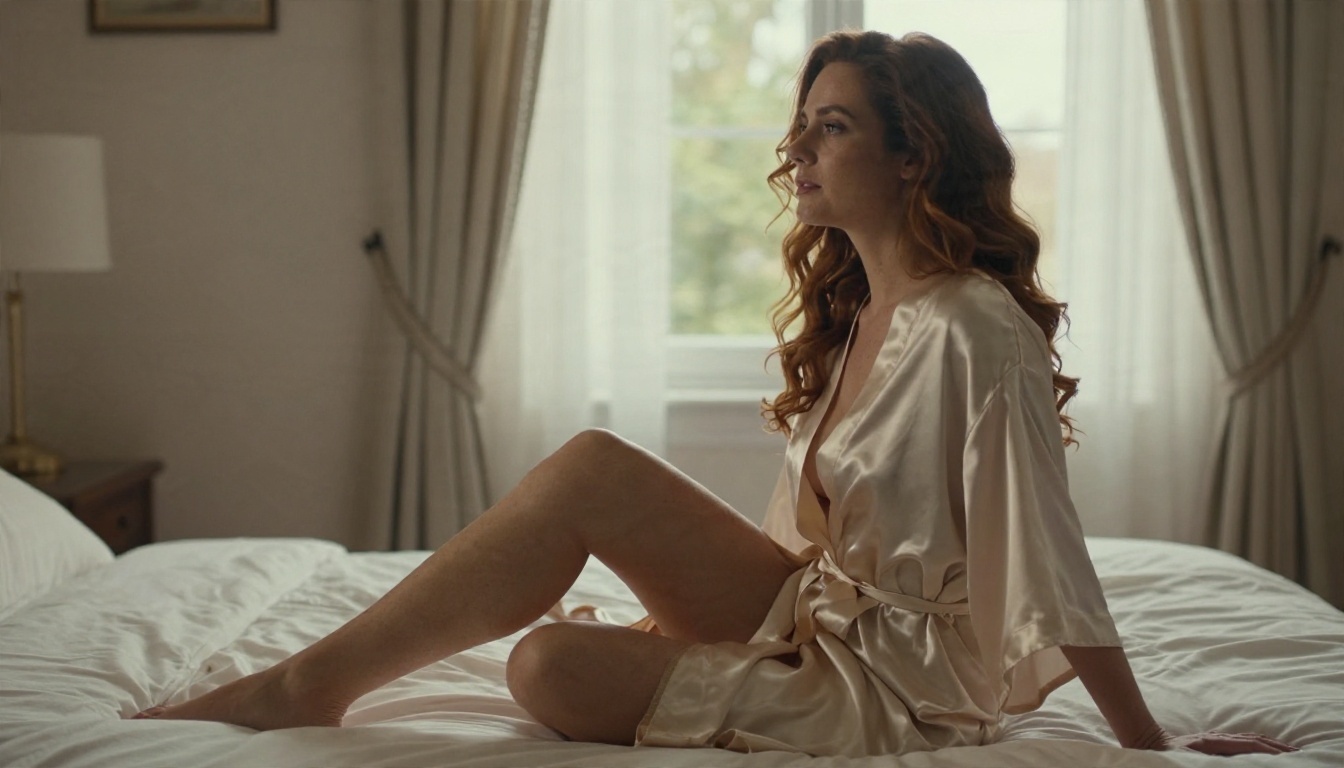
1girl, long auburn hair, green eyes, silk robe
- Action and pose:
sitting on bed, looking over shoulder
- Setting:
bedroom, morning light, window
- Style details:
soft shading, detailed background
A full example reads like this: score_9, score_8_up, score_7_up, source_anime, rating_safe, 1girl, long auburn hair, green eyes, silk robe, sitting on bed, looking over shoulder, bedroom, morning light, window, soft shading.
Pony responds to booru style tags (short, comma separated descriptors) better than to long natural sentences. That is a big difference from newer models, where sentences work best.
Negative prompts
A short negative prompt is enough. Something like score_6, score_5, score_4, low quality, blurry, bad anatomy, extra fingers, watermark removes the lower quality brackets and the usual defects. Long negative prompts piled up from old SD 1.5 days rarely help here and sometimes make images stiff.
VAE and Sampler Settings
Do you need a separate VAE?
This is where most online advice contradicts itself. Some tutorials tell you to download a special "Pony VAE". Others say there is no separate Pony VAE at all and that the standard SDXL VAE is the right one. In practice, most current checkpoints and hosted tools ship with a working VAE baked in, and the SDXL VAE is the safe choice when your interface asks you to pick one.
A simple rule: leave the VAE on Automatic first. Only change it if you see a problem.
Fixing washed out colors
If your images look gray, hazy or oddly desaturated, the cause is usually one of these:
- A mismatched VAE (for example an SD 1.5 VAE loaded by mistake).
- Missing clip skip 2, which is required for this model.
- A CFG value that is too low or too high.
Switching to the SDXL VAE and setting clip skip correctly solves most cases. In ComfyUI, clip skip 2 is set with the CLIPSetLastLayer node at the value -2. In Automatic1111 style interfaces it is a slider in the settings.
Settings that work
| Setting | Recommended value |
|---|
| Resolution | 1024 x 1024, or 832 x 1216 for portraits |
| Steps | 25 to 35 |
| CFG scale | 6 to 7 |
| Sampler | DPM++ 2M Karras or Euler a |
| Clip skip | 2 |
| Hires fix | Optional, 1.5x with 0.4 denoise |
Some creators push steps up to 50 or CFG to 9 or higher for specific merges. Treat those numbers as experiments, not rules. If you are unsure, start from the table and change one value at a time.
LoRAs for Pony V6 XL
Pony LoRAs versus SDXL LoRAs
A LoRA is a small add on file that nudges a model toward a character, outfit, pose or art style. The catch: a LoRA trained on a plain SDXL checkpoint often behaves badly on Pony, and the reverse is also true. Pony was trained so differently that its internal tags do not match standard SDXL. Always pick LoRAs listed as Pony compatible, and read the model page for the trigger words.
Some Pony LoRAs work fine without score tags, and some change how strongly the score tags matter. When a LoRA seems to ignore your quality chain, try lowering its weight rather than adding more tags.
Weights and stacking
A good starting point for most LoRAs:
- Load the LoRA at 0.6 to 0.8 strength.
- Generate four images with the same seed.
- Raise to 1.0 only if the effect is too faint.
- When stacking two or three LoRAs, keep the combined weight near 1.5.
💡 Tip: Style LoRAs and character LoRAs fight each other. Lower the style LoRA to around 0.4 when a character LoRA is active, or faces start to drift.
Common LoRA problems and quick fixes:
- Burned colors: weight too high, drop by 0.2.
- Generic faces: trigger word missing or misspelled.
- Broken hands after loading: reduce the weight, then raise steps by five.
Free Online Use

Hosted generators
Several third party websites let you run Pony Diffusion V6 XL in the browser. Most work on a credit system: a small daily or signup allowance, then paid credits. Free allowances, queue times and content rules change often, so read the current terms before you rely on any of them. A few things to check before you sign up:
- Does the site actually list V6 XL and not a merge using the same name?
- Can you pick the sampler, steps and clip skip?
- Are LoRAs available, and are they Pony compatible?
- Who owns the images you generate, and can you use them commercially?
Running it locally for free
Local use costs nothing beyond hardware and electricity. The checkpoint file is a few gigabytes, and tools such as ComfyUI and Automatic1111 style interfaces can load it. You get no queue, no credit limit and full control over LoRAs. The trade is setup time and a graphics card with enough memory.
| Option | Cost | Setup | Control |
|---|
| Hosted generator | Limited free credits | Minutes | Medium |
| Local install | Free after hardware | An hour or more | Full |
| PicassoIA models | Browser based | Minutes | High for prompts and editing |
How to Get Similar Results on PicassoIA
Pony Diffusion V6 XL is not on PicassoIA, but you can reach very similar goals with Seedream 4.5. It reads natural language prompts, so you skip the score tag chain, the clip skip rule and the VAE question entirely. That matters if you want results in a few minutes rather than an evening of setup.
Step by step with Seedream 4.5
- Open the Seedream 4.5 page on PicassoIA.
- Write the prompt as a short description: subject, outfit, pose, setting, light.
- Choose a landscape or portrait ratio that matches your plan.
- Generate, then compare the result against your idea.
- Change one detail at a time: the light, the lens, the mood.
Parameter tips that carry over from Pony habits:
- Keep the subject first, the way you would keep the score tags first.
- Name the light directly, such as "soft window light from the left".
- Swap booru tags for plain phrases: "long auburn hair" works the same as
long auburn hair, but now you can add "wearing a champagne silk robe, seated on a sunlit bed" without any tag syntax.
Editing with Image Editor Pro
When an image is close but not right, PicassoIA Image Editor Pro lets you adjust it with plain instructions, with unlimited generations. Change an outfit color, fix a background or restyle the lighting without starting over. It plays the role that inpainting and LoRA tweaking play in a Pony workflow, but with far fewer settings.
LoRA style control
If you like the LoRA workflow and want to stay close to it, SDXL Multi Controlnet LoRA brings LoRA and structure control into one SDXL based model, and Flux 2 Klein 9B Base LoRA offers LoRA based styling on a newer architecture.
💡 Tip: Prompts written for Pony do not copy across directly. Translate the tags into a sentence first, then add the lighting and lens details.
Alternatives on PicassoIA

Pony Diffusion V6 XL is not on PicassoIA yet; for similar results today, these models are good places to begin:
A few differences you will notice right away:
- No score tags. You describe what you want, and the model aims for quality by default.
- No VAE decisions. The pipeline handles it for you.
- Faster iteration. You spend your time on ideas, not on settings.
- Photorealism is easier. Pony leans toward stylized art, while these models handle camera language such as "85mm f/1.8, soft backlight" well.
If you need speed more than detail, SDXL Lightning 4Step produces images in four steps and suits quick drafts.
For a wider choice, browse the full catalog at picassoia.com/en/all-models.
Make Your Own Images Today
Pony Diffusion V6 XL rewards patience. Learn its score tag chain, keep clip skip at 2, choose Pony compatible LoRAs and stay near the settings in the table above, and it delivers expressive stylized work. If you would rather spend that time creating, PicassoIA gives you a faster path.
Here is a simple plan for your first session:
- Take one of your favorite Pony prompts and rewrite it as a short sentence.
- Paste it into Seedream 4.5 and generate three versions.
- Pick the closest one and refine it in PicassoIA Image Editor Pro.
- Save the prompt that worked, and reuse it as your own template.
Open PicassoIA, type the first idea that comes to mind, and see how far a single sentence can go. When you want more choices, the full list of models is waiting at picassoia.com/en/all-models.


