You download a fresh checkpoint, type a perfectly reasonable prompt, and get a smeared blob that looks nothing like what the community posts. That is the classic first hour with Pony Diffusion XL. The model is powerful, but it is also picky: it wants a specific prompt format, a specific setting, and a GPU with enough memory to breathe. This article covers what Pony Diffusion XL requires, what its output looks like, how it handles characters, and where you can get comparable results online without installing anything.
What Is Pony Diffusion XL?
Pony Diffusion V6 XL is a community fine-tune of Stable Diffusion XL created by the PurpleSmart AI team. It was trained on a large, curated set of stylized artwork: anime, cartoon, western comics, furry art and, as the name hints, pony characters. Unlike a general SDXL checkpoint, it was taught to follow a tagging system, which is why prompts for it look more like a list of labels than a sentence.
💡 Quick fact: Pony Diffusion XL is not on PicassoIA. Later in this article you will find alternatives that are, plus a walkthrough for getting similar results in your browser.
Why people use it
Three things made it popular. First, prompt adherence: when you ask for a specific pose, outfit or number of characters, it tends to deliver more reliably than older SDXL fine-tunes. Second, character knowledge: it recognizes a surprising number of cartoon and anime characters by name. Third, an enormous LoRA ecosystem: thousands of small add-on files extend it with new styles and subjects.
What it is not good at
It is a stylized model. Ask it for a documentary-grade photograph and you will usually get something that feels like a polished illustration. Hands are better than in early SDXL but still not perfect, and text inside images is unreliable. If photorealism is your goal, a different model family will serve you better, and we will get to those.

Pony Diffusion XL Requirements
Pony runs on the same engine as SDXL, so the hardware profile is the same. The author does not publish an official minimum, so the numbers below come from community testing and general SDXL experience.
GPU and VRAM
| Setup | VRAM | What to expect |
|---|
| Bare minimum | 6 GB | Works with low-VRAM flags, but generations run two to three times slower |
| Comfortable | 8 GB | 1024 x 1024 in ComfyUI without tiling |
| Recommended | 12 GB or more | Room for several LoRAs, hires passes and batches |
| Disk space | About 7 GB | The checkpoint file alone, plus space for LoRAs and a VAE |
An NVIDIA card is the smoothest path. AMD and Apple Silicon work, but setup takes more patience and speeds vary. System RAM matters too: 16 GB is a sensible floor, because loading the checkpoint and running a UI at the same time is hungry.
Software and files
You need a front end that supports SDXL. The common choices are ComfyUI, Automatic1111 and Forge. Beyond the checkpoint itself, plan for:
- An SDXL-compatible VAE, which most guides recommend for clean colors
- A text editor or tag helper for keeping prompt templates
- Optional LoRAs for characters and styles
⚠️ Check the license. Fine-tunes carry their own terms, and those terms may restrict commercial use or hosting. Read the model card on the page where you download it before you build anything on top of it.
Settings it expects
This is where most beginners fail. Pony produces poor images unless you set the following:
- CLIP skip 2 (some tools label it as -2). Without it, the model card warns you will get low-quality blobs.
- Euler a as the sampler, at around 25 steps.
- 1024 px as the base resolution, or another standard SDXL size such as 832 x 1216.
- CFG around 7 as a starting point, adjusted from there.
If your first results look broken, check CLIP skip before anything else. It fixes more complaints than any other single change.
Pony does not respond well to flowery paragraphs. It was trained on tags, and the most important ones describe quality.
The score chain
V6 XL expects a chain of quality tags at the start of the prompt:
score_9, score_8_up, score_7_up, score_6_up, score_5_up, score_4_up
Shorter versions such as score_9 alone still work, but the full chain is what the model was built around. Place it first, then describe your subject.
Source and rating tags
After the score chain, you can steer the overall look with source tags such as source_anime, source_cartoon or source_furry. They are optional but recommended, because they tell the model which part of its training data to lean on. Rating tags control how explicit the result is. For safe, general-audience images, use the safe rating tag and put the stronger ones in your negative prompt.
Example prompts
Here are three starting points. Keep them short, then add detail one tag at a time.
| Goal | Prompt skeleton |
|---|
| Character portrait | score_9, score_8_up, score_7_up, source_anime, 1girl, silver hair, green eyes, soft smile, upper body, city street, evening light |
| Action scene | score_9, score_8_up, score_7_up, source_cartoon, 1boy, red scarf, running, wind, rooftop, dynamic angle |
| Cozy interior | score_9, score_8_up, score_7_up, source_anime, cafe, window seat, tea, rain outside, warm lighting, no humans |
A short negative prompt such as score_4, score_3, score_2, score_1, blurry, deformed hands, text, watermark keeps the worst outputs away.
💡 Tip: Change one tag per generation while you learn how the model reacts. Changing five at once tells you nothing.
What Pony Diffusion XL Output Looks Like
The model's strengths show up in clean line work, saturated but controlled color, and confident composition. Typical results include single-character portraits, two-character scenes, full-body poses and simple backgrounds.
Where it shines
- Stylized portraits with consistent facial features across a batch
- Multi-character scenes where each character keeps a distinct outfit
- Expressive poses that older SDXL models flatten into stiff stances
- Flat and cel-style coloring, especially with a source tag
Where it struggles
- Photographic skin and lighting, which tend to look painted
- Legible text, signs and logos
- Fine anatomy such as hands holding small objects
- Very long prompts, where later tags get ignored
A practical workflow is to generate at 1024 px, pick the best of a batch of eight, then run an inpainting pass on any faulty hands or eyes. Upscaling comes last, because upscaling a flawed image only makes the flaws larger.
Characters and LoRAs
Characters are the reason many people install Pony in the first place.
Built-in character recognition
The model has seen a lot of fan art, so many well-known cartoon and anime characters can be triggered just by typing their name along with the score chain. Accuracy varies. Popular characters with distinctive designs come out well. Obscure ones drift: the hair color may be right while the outfit is invented. Describing the defining features (hair, eyes, outfit, accessories) next to the name raises your hit rate.
Adding a LoRA
When the base model fails, a LoRA fixes it. The usual steps:
- Download a LoRA trained for Pony or SDXL, not an older architecture.
- Place it in your LoRAs folder.
- Call it in the prompt with its trigger word and a weight around 0.6 to 0.9.
- Lower the weight if faces start to melt or the style overwhelms the scene.
Consistency across images
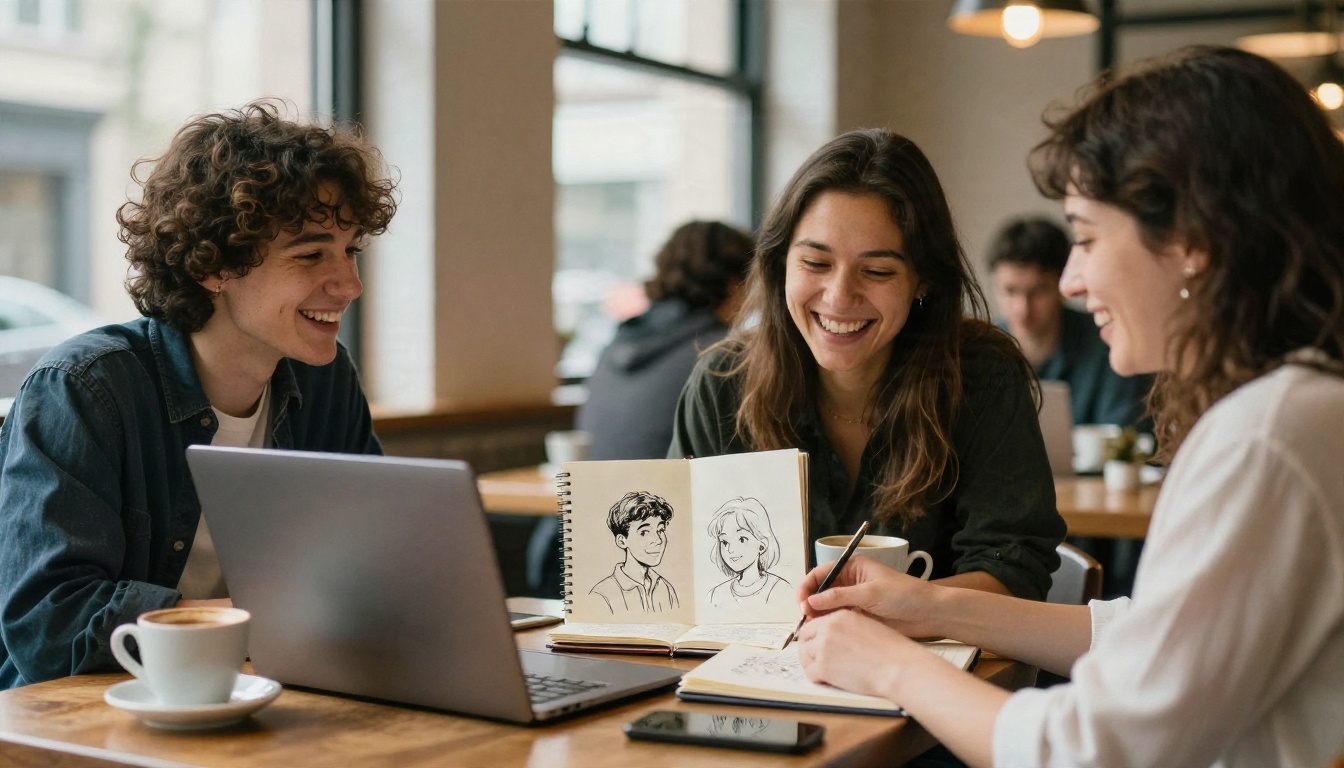
Keeping one character stable across many images is the hardest part. Reuse the same descriptive tags in the same order, fix the seed while you adjust the pose, and consider a character LoRA if you need dozens of shots. A reference image with an image-to-image or control setup helps as well.
⚠️ A note on content. Pony is known for being unfiltered, and that is a double-edged feature. Keep your own projects within the law and within the rules of any platform you publish on, and never depict real people in ways they have not agreed to.
Online Alternatives to a Local Install
Not everyone has a 12 GB card, and not everyone wants to maintain a ComfyUI setup. There are two ways around that.

Hosted Pony generators
Several community sites and cloud notebooks host Pony checkpoints. They remove the hardware barrier, but they come with limits: daily credit caps, queue times, changing content filters, and sometimes unclear licensing. Check each service's terms before you rely on it for work.
Models on PicassoIA
Pony Diffusion XL is not on PicassoIA yet. For similar results today, these four models cover the same task, which is turning a text prompt into a finished image:
| Model | Best for | Why consider it |
|---|
| Seedream 4.5 | Detailed, sharp results at high resolution | Follows natural language prompts, so no tag syntax is needed |
| PicassoIA Image Editor Pro | Generating and editing with unlimited runs | Lets you iterate freely, fix details and restyle an image |
| Proteus v0.3 | Anime-style character art | The closest match for the stylized look Pony fans want |
| SDXL Lightning 4Step | Fast drafts | Four steps per image, ideal for testing prompts quickly |
If you like the SDXL ecosystem but want layered control, SDXL Multi Controlnet LoRA adds pose and structure guidance. And if you want realistic faces and skin, Realistic Vision v5.1 is a better fit than any Pony checkpoint.
💡 Rule of thumb: If you want anime-style character art, start with Proteus. If you want the most detail and the simplest prompting, start with Seedream 4.5.
How to Get Similar Results on PicassoIA
Seedream 4.5 is the strongest all-round option for turning a character idea into a polished image, and you do not need to memorize a single score tag. Here is how to use it.

Step by step
- Open the model page for Seedream 4.5 and sign in.
- Write your prompt in plain language. Instead of
1girl, silver hair, green eyes, write: "A young woman with silver hair and green eyes, soft smile, standing on a rainy city street at evening, anime-inspired illustration style."
- Choose your aspect ratio. Use 16:9 for scenes, 3:4 or 2:3 for portraits.
- Generate a batch and pick the strongest result.
- Refine by changing one detail in the prompt, for example the lighting or the outfit.
- Fix or restyle the finished image in PicassoIA Image Editor Pro, which supports unlimited generations.
Parameter tips
- Be specific about style. Add phrases such as "cel-shaded anime" or "soft watercolor" to move away from the default look.
- Describe the character, not a name. Features like hair, eye color and outfit give more reliable results than a name alone.
- Keep one subject per prompt until you are comfortable, then add a second character.
- Use the same description for each new image to keep a character consistent.
When to pick Proteus or SDXL Lightning
If you prefer something closer to the tag-driven SDXL workflow, Proteus v0.3 responds well to short, comma-separated prompts. For quick experiments, SDXL Lightning 4Step returns images fast enough that you can test a dozen ideas in a few minutes.
Local or Online: Which One Fits?
Choose based on how you work, not on hype.
| Factor | Local Pony Diffusion XL | Browser-based models |
|---|
| Upfront cost | A capable GPU (8 to 12 GB VRAM) | None |
| Setup time | Hours of installing and tuning | Minutes |
| Prompt style | Score tags, CLIP skip 2 | Plain language |
| Customization | Thousands of LoRAs | Built-in styles, editing tools |
| Privacy | Everything stays on your machine | Handled by the platform |
| Speed | Depends on your card | Consistent and fast |
Go local if you already own the hardware, enjoy tinkering, and need a specific LoRA-driven style. Go online if you want results the same afternoon, work from a laptop, or care more about the image than the pipeline.
Three common mistakes
- Skipping CLIP skip 2. The most common cause of broken output.
- Writing prose. Pony wants tags. Seedream wants sentences. Do not mix the two.
- Stacking too many LoRAs. Two or three at moderate weights is plenty.
Start Creating Your Own Images
You now know what Pony Diffusion XL demands: roughly 8 GB of VRAM or more, CLIP skip 2, a score tag chain, and patience with LoRAs. You also know that the same kind of character art is within reach in a browser tab.
Pick one character idea and run it through Seedream 4.5 today. Then refine it in PicassoIA Image Editor Pro, and try the same prompt on Proteus v0.3 to compare styles. When you want even more options, browse every model at picassoia.com/en/all-models and see which one matches your style.


