Search for a porn video generator free no sign up and you will find hundreds of pages that promise instant results with no account, no card and no limits. Most of them deliver one of three things: a blurry five-second loop, a watermark bigger than the subject, or a pop-up asking for your email after all. This article sorts the real options from the bait, shows you where the limits actually sit, and gives you prompts you can paste today.
One boundary up front. Everything here stays suggestive and non-explicit: glamour, boudoir, swimwear, fashion and sensual mood. That is where AI video tools produce their best footage, and it is also where filters leave you alone. If you want explicit output, you will be fighting the tools and the law at the same time, and this page will not help with that.
💡 Short answer: a truly free, no-account, high-quality adult video generator barely exists. What does exist is a smart two-step workflow: build a strong still image first, then animate it with a video model. That route gives you better control than any one-click "no sign up" site.
What "Free, No Sign Up" Really Means
The phrase sounds simple, but it covers very different products. Before you click anything, it helps to know which kind of "free" you are looking at.

The Three Types of Free
| Type of free | What you get | What you give up |
|---|
| Instant demo, no account | One or two short clips per day | Heavy watermark, low resolution, long queues |
| Free tier with account | Daily or monthly credits | Email, sometimes a phone number, limits that reset slowly |
| Open weights on your PC | Unlimited clips once installed | A strong GPU, setup time, your own electricity bill |
Each has a place. The demo route is fine for testing a prompt idea. The account route is where most real work happens. The local route is for people who enjoy tinkering and own a graphics card with plenty of memory.
Why Sign-Up Walls Exist
Video generation is expensive. Every five-second clip burns real GPU time, and a service that gives it away with no account has no way to stop one person from sending ten thousand requests. A sign-up wall is the cheapest abuse control there is. It also lets a platform verify that users are adults, which matters a great deal for anything touching adult themes.
So when a site says "no sign up" for adult video, ask yourself how it pays for the compute. The honest answers are ads, a watermark that pushes you to upgrade, or data collection. The dishonest answer is that it does not, and the clip never arrives.
Red Flags to Spot Fast
- A "generate" button that sends you to a download page for a browser extension.
- A countdown that restarts every time you reload.
- A result that is clearly a stock clip, not something made from your prompt.
- No mention anywhere of age checks, content rules or how your uploads are handled.
If you see two of these, close the tab.
Online Options Compared
Think of the market as three layers. None of them is perfect, and the best choice depends on whether you value speed, quality or privacy most.
Browser-Only Demo Sites
These are the sites the keyword is really after. You type a prompt, press a button and wait. Quality is usually the weakest of the three layers, because the operator is running a small, cheap model to keep costs near zero. Expect clips of two to four seconds, 480p or lower, and motion that looks like a slow zoom on a still image. They are useful for one thing: checking whether a prompt idea makes sense before you spend credits elsewhere.
Free Tiers With Accounts
This is where the better models live. You register, confirm an email, and get a daily or monthly allowance. In exchange you get longer clips, higher resolution and fewer watermarks. Some platforms add native audio, so the clip arrives with ambient sound already attached. The trade is simple: a minute of setup for a far better result.
Open Weights Run Locally
Open video models have improved quickly. Run on your own machine, they have no sign-up, no daily cap and no one reading your prompts. The cost is hardware and patience. A decent clip can take several minutes on a mid-range card, and setup involves installing drivers, model files and a node-based interface. For privacy purists it is the only real "no sign up" answer.
💡 Tip: if you only want to test whether a concept works, use a demo site. If you want something you would actually post or keep, use an account-based tool or run locally.
The Limits You Will Hit
Every free option has ceilings. Knowing them in advance saves hours.
Length and Resolution
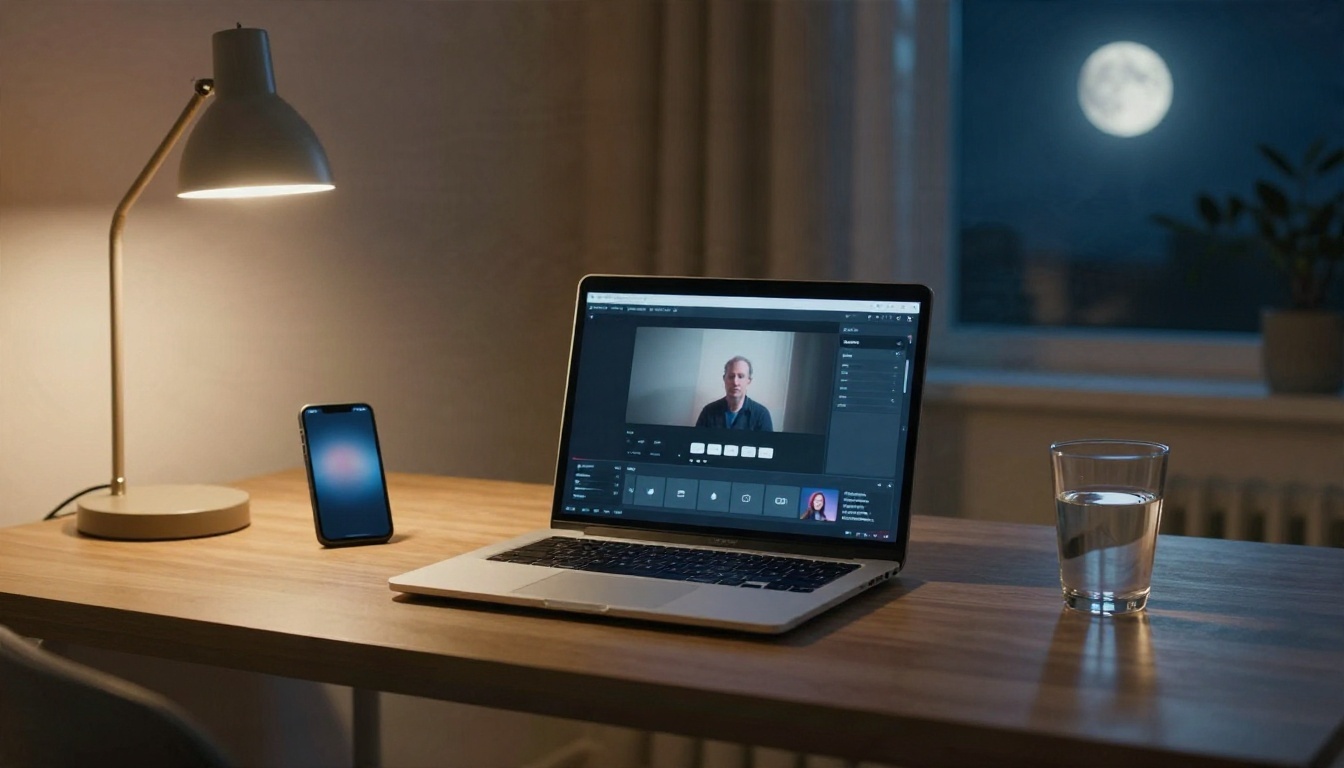
Free clips are short. Most land between three and ten seconds, and the best free-to-start options sit at the top of that range. Resolution tends to be 480p or 720p. If a tool advertises 4K on its free plan, check the fine print: it is often an upscale of a smaller render, which can look soft on faces and skin.
Watermarks and Queues
A watermark is the price of "free." Some are small corner logos. Others sit across the middle of the frame and make the clip useless. Queues are the other tax: at peak hours, free users wait behind paying ones. A "no sign up" tool with a twenty-minute wait is not faster than an account tool that renders in two.
Content Filters
This is the limit people underestimate. Most hosted video models refuse or silently soften anything that reads as explicit, and many are cautious even with swimwear and lingerie. Filters often act on specific words rather than on meaning. A prompt about a "white string bikini" may be blocked, while "flowing white beach dress at golden hour" renders without trouble and looks nearly as good.
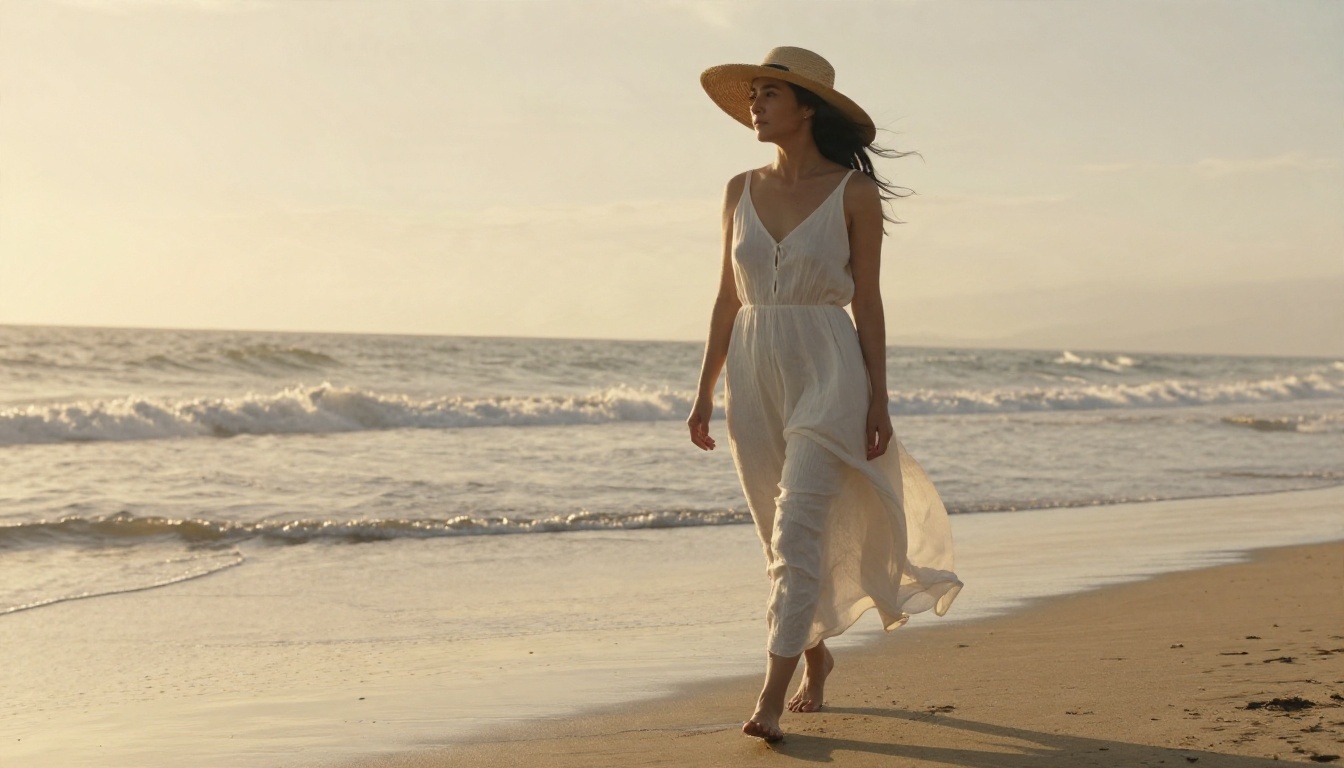
The practical lesson: describe mood, light and fabric, and let the viewer's imagination do the rest. That is also what separates amateur-looking output from something that resembles a magazine shoot.
Build Better Clips in Two Steps
The most reliable workflow is not a one-click generator. It is an image first, then motion. Starting from a still lets you fix the face, outfit, lighting and framing before any video credits are spent.
Start With a Strong Still
For the still, lead with Seedream 4.5. It produces sharp, photorealistic skin, believable fabric and natural light, and it accepts suggestive, adult-oriented glamour prompts that many mainstream image tools turn down. Write the prompt like a photographer's brief: subject, outfit, setting, light direction, lens.
Next, polish with the PicassoIA Image Editor Pro. It offers unlimited generations, so you can iterate on an outfit, a background or a pose as many times as it takes without watching a credit counter. That freedom is the real answer to the "free" in your search: the still is where most revisions happen, and revisions are what cost money elsewhere.
If you want other still-image options, Seedream 5 Pro and Qwen Image 3 Pro are both worth a test for portrait realism, though results on adult-leaning prompts vary, so run a short test before committing to one.
Animate the Still
With a final image chosen, pass it to an image-to-video model. These are the ones worth trying, in the order I would test them:
| Model | Best for | Notes |
|---|
| Seedance 2.5 Lite | Free and unlimited clips up to 10 seconds | The easiest place to start when you want length without a budget |
| Kling v3 Video | Cinematic camera moves and smooth body motion | Strong on fabric and hair movement |
| Wan 2.6 I2V | Faithful animation of a single photo | Keeps the face and outfit close to the source |
| Wan 2.6 I2V Flash | Fast drafts | Good for checking motion before a slower final render |
| Veo 3.1 | Native audio and natural ambient sound | Useful when the scene needs sound |
| LTX 2.5 Fast | Quick turnaround | Handy for testing many prompts quickly |
💡 Render a short draft with a Flash model first. When the motion looks right, re-run the same image and prompt on a higher-quality model for the final version.
Prompts That Actually Work
Good prompts for this niche read like a location scout's notes, not a wish list. The model needs light, material, motion and camera. It does not need anatomy.
Glamour Scene Prompts for Stills
Paste these into Seedream 4.5 or the Image Editor Pro, then adjust the details.
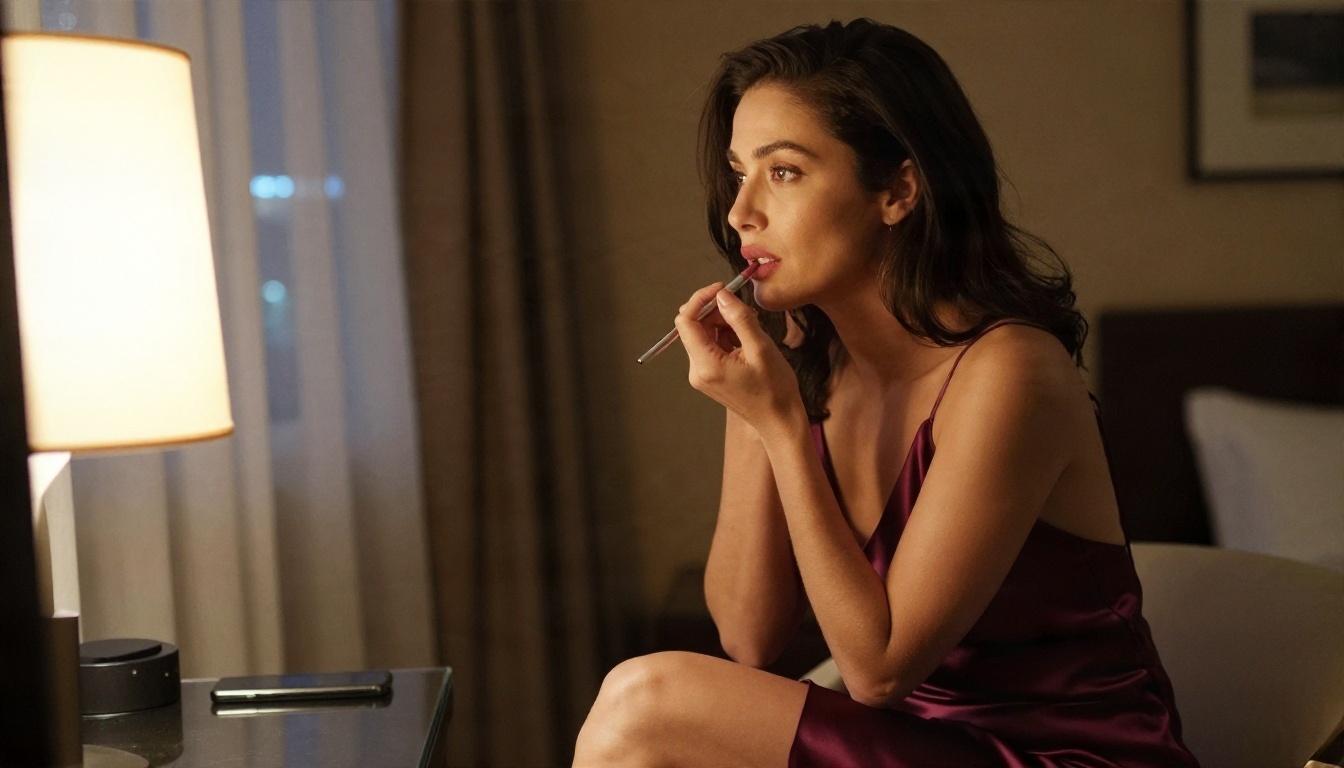
- Boudoir portrait: "Adult woman in her late twenties in a burgundy silk slip dress at a vanity mirror, warm tungsten lamp light from the left, 85mm f/1.8 lens, natural skin texture, Kodak Portra 400 grain."
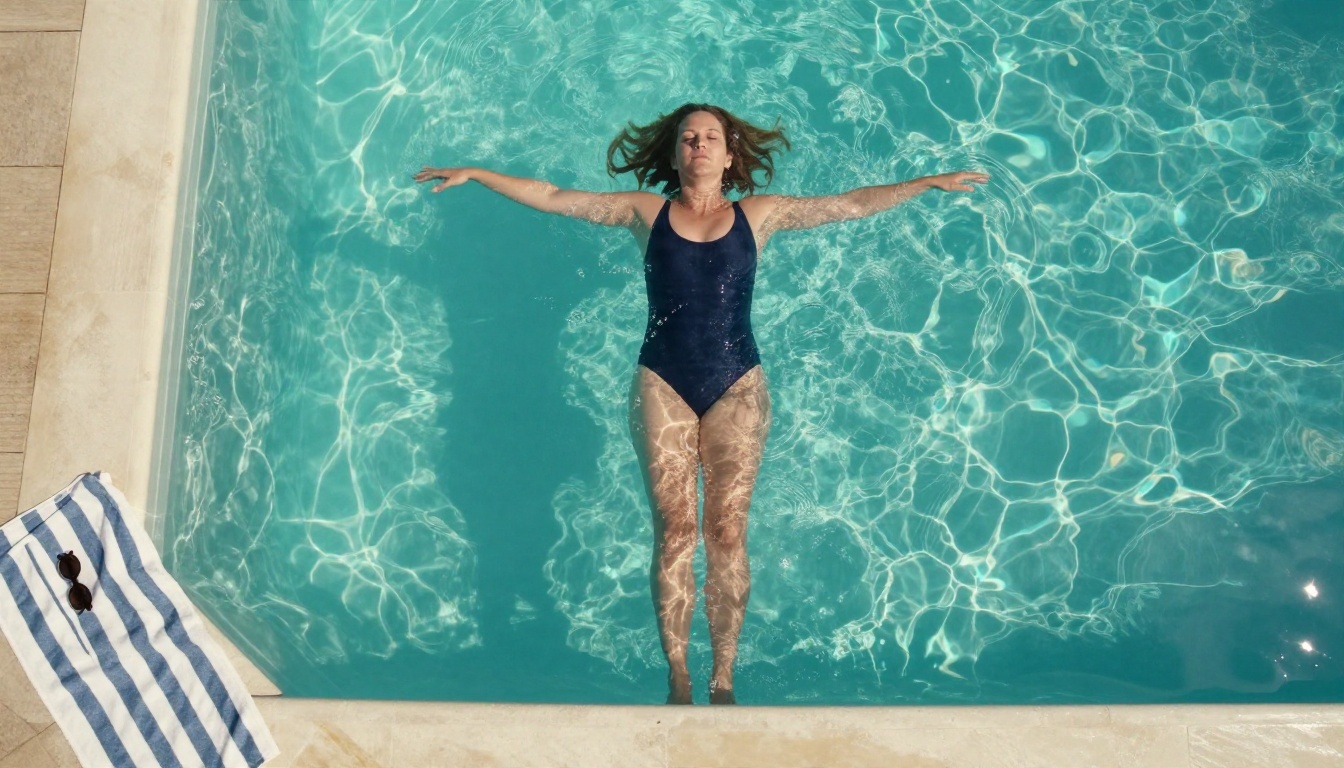
- Pool day: "Adult woman in a navy one-piece floating in a turquoise infinity pool, aerial view, hard midday sun, caustic light patterns, 24mm lens."
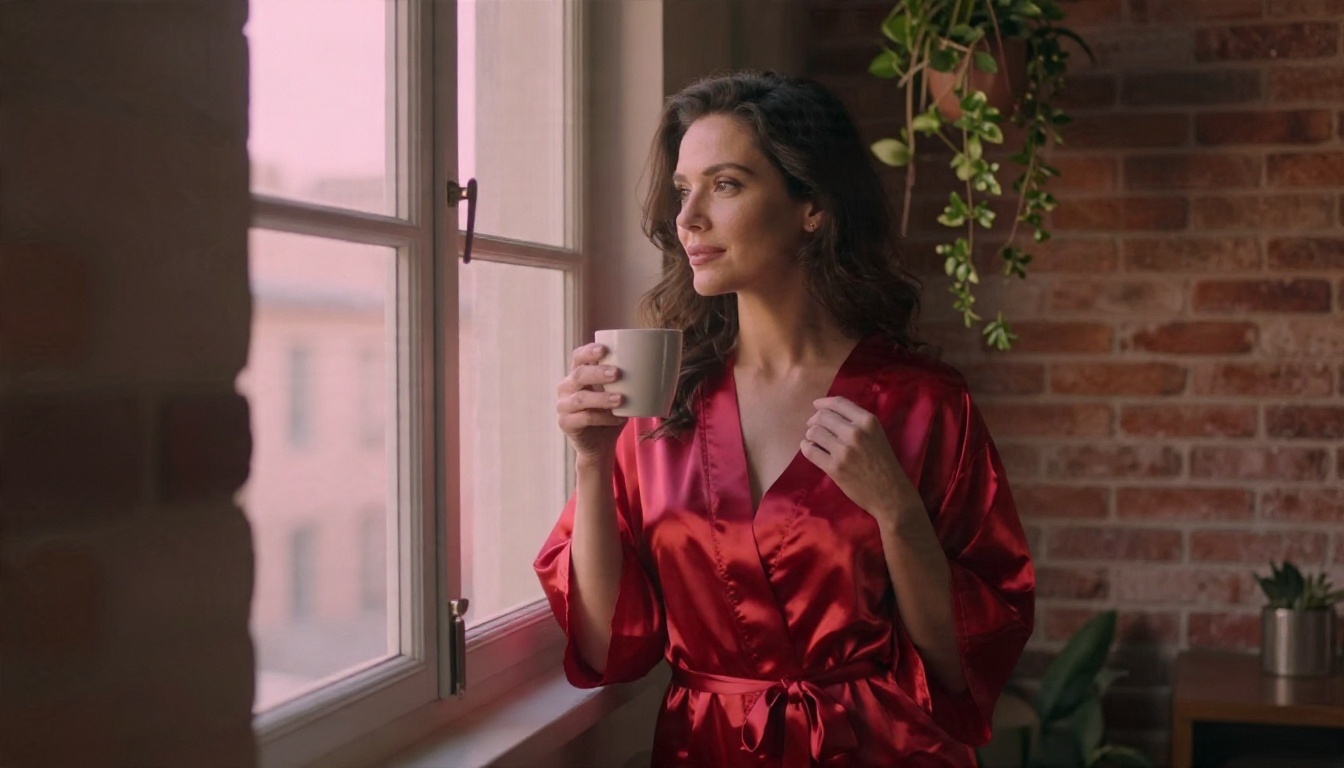
- Morning window: "Adult woman in a red satin robe leaning on a loft window frame at dawn, pink-gold light, exposed brick, 50mm f/1.4 lens."
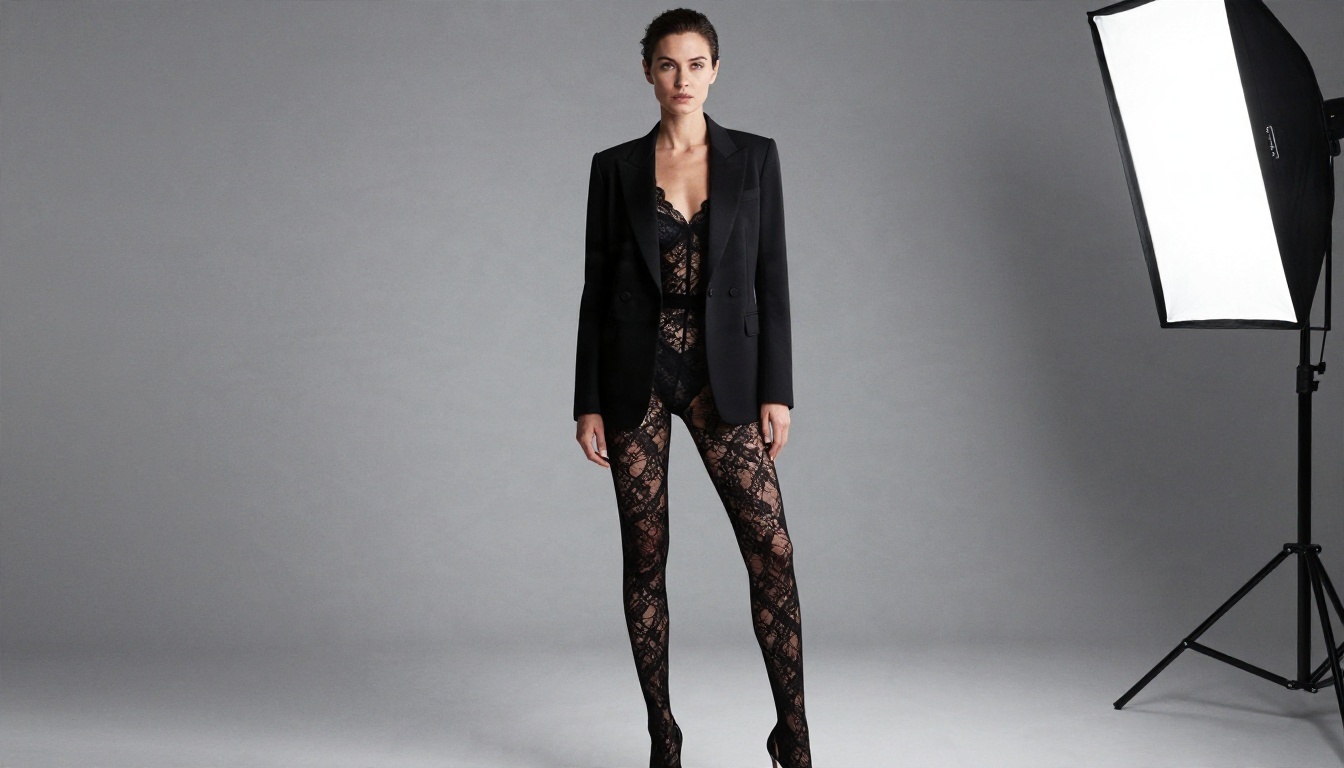
- Studio fashion: "Adult woman in a black lace bodysuit under a tailored blazer, grey seamless backdrop, softbox key light front-left, 70mm lens."
Motion Prompts for Video
Motion prompts should describe what moves, how the camera moves, and how long the beat lasts. Keep one idea per clip.
- "She turns her head slowly toward the camera and smiles, the silk robe shifts on her shoulder, slow dolly-in, warm morning light."
- "Gentle ripples spread across the pool as she floats, camera slowly rises overhead, sunlight shimmers on the water."
- "She lifts the coffee cup, steam curls upward, curtains move in a light breeze, static camera with a very slight push-in."
- "She steps forward from the backdrop and adjusts the blazer collar, soft focus pull from background to face."
Slow, small movements look the most real. Fast turns, dancing and hand-heavy actions are where AI video breaks down, with fingers merging or fabric flickering.
Words That Trigger Filters
Some terms cause refusals even when your intent is harmless. Swap them out:
| Instead of | Try |
|---|
| Very small swimwear terms | "Summer beach dress," "one-piece swimsuit," "sarong" |
| Direct body-focused words | "Elegant posture," "relaxed pose," "silhouette in window light" |
| Explicit action words | A mood word such as "intimate," "confident," "quiet" |
| Vague age words | A clear adult age, such as "woman in her late twenties" |
That last row matters more than any other. Always state a clear adult age in the prompt, and never write anything that suggests youth.
Rules You Should Not Bend
AI tools make this kind of content easy to produce, which is exactly why a few lines need to be fixed in advance.
Adults Only, Always
Every subject you generate must be an adult, clearly and plainly. That applies to the prompt, to any reference image and to the style of the result. Anything that looks or reads as youthful is off-limits, and platforms that detect it will ban the account. No tool, free or paid, changes this.
Never Use Real People
Do not upload a photo of a real person, whether a celebrity, a coworker or an ex, and ask for suggestive or adult video of them. That is a deepfake, and in a growing number of countries and US states it is illegal even if you never share it. It also does real harm to the person pictured. Stick to fictional, AI-created subjects.

Check Where Your Clips Go
Free tools often keep your prompts and outputs. Before you upload anything personal, look for a plain statement of how files are stored and for how long. If there is none, treat the site as public. Avoid reusing the same email and password you use for banking or work.
Try It Yourself on PicassoIA
The reality behind "porn video generator free no sign up" is that the best results come from a short pipeline, not a single button. Make a polished still with Seedream 4.5, refine it as many times as you like in the PicassoIA Image Editor Pro, then bring it to life with Seedance 2.5 Lite for clips up to 10 seconds or Kling v3 Video for a more cinematic finish. Access terms can change, so check each model page for the current free allowance and any account requirement before you start.
Here is a simple first session:
- Open Seedream 4.5 and paste the boudoir or pool prompt from above.
- Generate four variations, then pick the one with the most natural skin and light.
- Send it to the Image Editor Pro to adjust the outfit, background or color grade.
- Load the final still into Seedance 2.5 Lite and paste a short motion prompt.
- Render a draft, tweak the movement wording, and render again.
Pick one prompt, run it, and compare the result with what the demo sites gave you. When you want to try more tools, the full catalog is at picassoia.com/en/all-models.


