You typed a prompt, waited in a slow queue, and got a watermarked image with a banner asking you to upgrade. Sound familiar? That is the everyday reality of most free adult image generators, and it is exactly why so many people search for a PornX AI alternative that does not ration every render. This article lays out what PornX AI actually offers, where it frustrates users, and which tools on PicassoIA give you more freedom, more speed and sharper photorealistic results. You will also get prompt formulas you can paste straight into a generator.
A quick note on scope: everything here is about adult-friendly, non-explicit glamour: swimwear, lingerie styling, boudoir lighting, fashion editorials and sensual portraits of fictional adults. That is the zone where photorealism shines and where you can create without constant friction.
Why People Look for a PornX Alternative
PornX AI is a web-based generator aimed at adult content, and it gets decent ratings on review sites. Those same reviews, though, point to a familiar pattern of limits. Most of them come from affiliate-style pages, so treat the glowing scores with some caution.
Daily caps and slow queues
Reviews of the free plan describe a small number of daily generations and slower processing than paid tiers. If you are testing prompts, that cap disappears fast. A good portrait often takes five or six attempts before the pose, light and skin texture line up, so a handful of free renders is not a real workflow.
Watermarks and missing upscaling
Free listings mention watermarked outputs and no upscale option on the free plan. A watermark kills any image you wanted to use as a reference, a wallpaper or a character sheet. No upscaling means you are stuck with whatever resolution the free queue gives you.
Pricing that keeps changing
Paid prices reported across directories do not agree. One review lists a Silver plan around €9.99 per month with faster processing and higher daily limits, while another directory shows a Gold plan near $21 per month. When two sources disagree, check the live pricing page before you pay, and be wary of any tool that makes cancellation hard to find.
PornX AI Today: What Is Confirmed
Here is what I could verify from public reviews, and what I could not.
| Question | What reviews say | Confidence |
|---|
| Free plan exists | Yes, with limited daily generations | Medium |
| Watermark on free images | Reported by several listings | Medium |
| Upscaling on free plan | Not included | Medium |
| Paid price | €9.99 to about $21 per month, depending on source | Low |
| "Uncensored" claim | Promotional wording, no independent testing found | Low |
| Privacy and data handling | No independent information found | Low |
The takeaway: PornX AI is usable for a quick test, but the "uncensored" label is a marketing claim you cannot rely on, and the limits are real. If you generate often, you want a tool that does not count your attempts.
💡 Tip: Before committing to any generator, run the same three prompts on each one. Compare skin texture, hands, and how many tries you needed. That tells you more than any review score.
What a Good Alternative Needs
Before listing tools, here is the checklist I use. A real PornX AI alternative should beat it on every row.
| Requirement | Why it matters |
|---|
| No daily quota | You need room for trial and error |
| No watermark | Images stay usable anywhere |
| Photorealistic skin and fabric | Plastic skin ruins glamour shots |
| Fast generation | Iteration speed beats raw quality |
| Image editing, not just text to image | Fix outfits, backgrounds and lighting without starting over |
| Clear, fair content rules | You should know where the line is before you write a prompt |
The PicassoIA Alternatives, In Order
PornX AI itself is not on PicassoIA, and this article does not suggest otherwise. For similar results today, these four models are the ones to try, in this order.
Seedream 4.5 first
Seedream 4.5 is the model I reach for first when I want believable skin, natural light and clean 2K or 4K output. It accepts prompts up to 4,000 characters, so you can describe lighting, lens and fabric in detail. It supports nine aspect ratios, batches of up to 15 related images, and up to 14 reference images for consistent characters.
It also exposes a safety checker toggle. When that option is switched on, input moderation is relaxed so only illegal content is blocked. That is the kind of control that makes it a stronger pick than a generator with a fixed, opaque filter. Use it responsibly and keep your subjects as fictional adults.
PicassoIA Image Editor Pro for edits
PicassoIA Image Editor Pro is where the "no limits" part becomes concrete. There is no per-edit cap and no daily quota. You upload up to three reference images and describe the change in plain language: swap the swimsuit color, move the scene to a terrace, soften the lighting. Most edits finish in a few seconds, so you can run fifty variations in one sitting without watching a counter.
Z Image Turbo for speed
When you want rapid drafts, Z Image Turbo produces sharp images in seconds. Use it to test composition ideas before you spend time polishing a final version in Seedream 4.5. Think of it as your sketchbook.
Flux 2 Klein 9B Base LoRA for styles
Flux 2 Klein 9B Base LoRA is the one to pick when you want a consistent look across a whole set, such as a recurring fictional model or a fixed film stock feel. LoRA support makes style repeatable, which is what separates a random pile of images from a believable photo series.
How to Get Similar Results on PicassoIA
This walkthrough uses Seedream 4.5, the strongest all-round match for what people want from a PornX AI style tool.
Step 1: Open the model
Go to the Seedream 4.5 page and open the generator. No coding, no setup. You type a prompt and press generate.
Step 2: Set size and ratio
Choose 2K for fast iteration and switch to 4K only for the final render. For wide scenes such as beach, pool or hotel shots, pick 16:9. For portraits meant for phones, pick 9:16 or 3:4.
Step 3: Write a structured prompt
Use the five-part formula in the next section. Longer is fine. The model accepts up to 4,000 characters, and detail is what pushes results from "AI look" to "magazine look."
Step 4: Use references for consistency
If you like a face, outfit or pose, upload it in the image input field. Up to 14 references are accepted. Mention what to keep in the prompt: "same woman, same hairstyle, new location."
Step 5: Batch and pick
Set sequential generation to auto and raise the maximum number of images to get several related variations in one run. Then take your favorite into PicassoIA Image Editor Pro to fix small details such as strap color, background clutter or lighting warmth, without limits on how many edits you run.
💡 Parameter tip: Keep the seed fixed in the editor when you want a controlled A/B comparison. Change only one thing per run, such as the outfit, so you know exactly what caused the difference.
Better Prompts That Actually Work
The "better prompts" part of this topic matters as much as the tool. Most disappointing results come from short, vague prompts like "sexy woman on beach." A generator fills the gaps with generic choices, and generic means plastic.
The five-part formula
Build every prompt in this order:
- Subject and pose: who, what they wear, what they are doing
- Environment: where, with two or three physical props
- Light: direction, time of day, softness
- Camera: angle, lens, depth of field
- Texture and grain: skin detail, fabric, film stock
Lighting words that sell realism
Lighting does more than any other element. These phrases consistently improve photorealism:
- Soft window light from the left with gentle shadow falloff
- Golden hour backlight with a warm rim on the hair
- Warm tungsten bulbs mixed with cool dusk from a window
- Diffused overcast light with no harsh shadows
- Single softbox with a crisp shadow edge on the backdrop
Prompts to copy
| Scene | Prompt starter |
|---|
| Boudoir morning | Woman in an ivory silk robe on a rumpled white linen bed, golden morning light through shutters from the left, 85mm f/1.8, Kodak Portra 400 grain, visible skin pores |
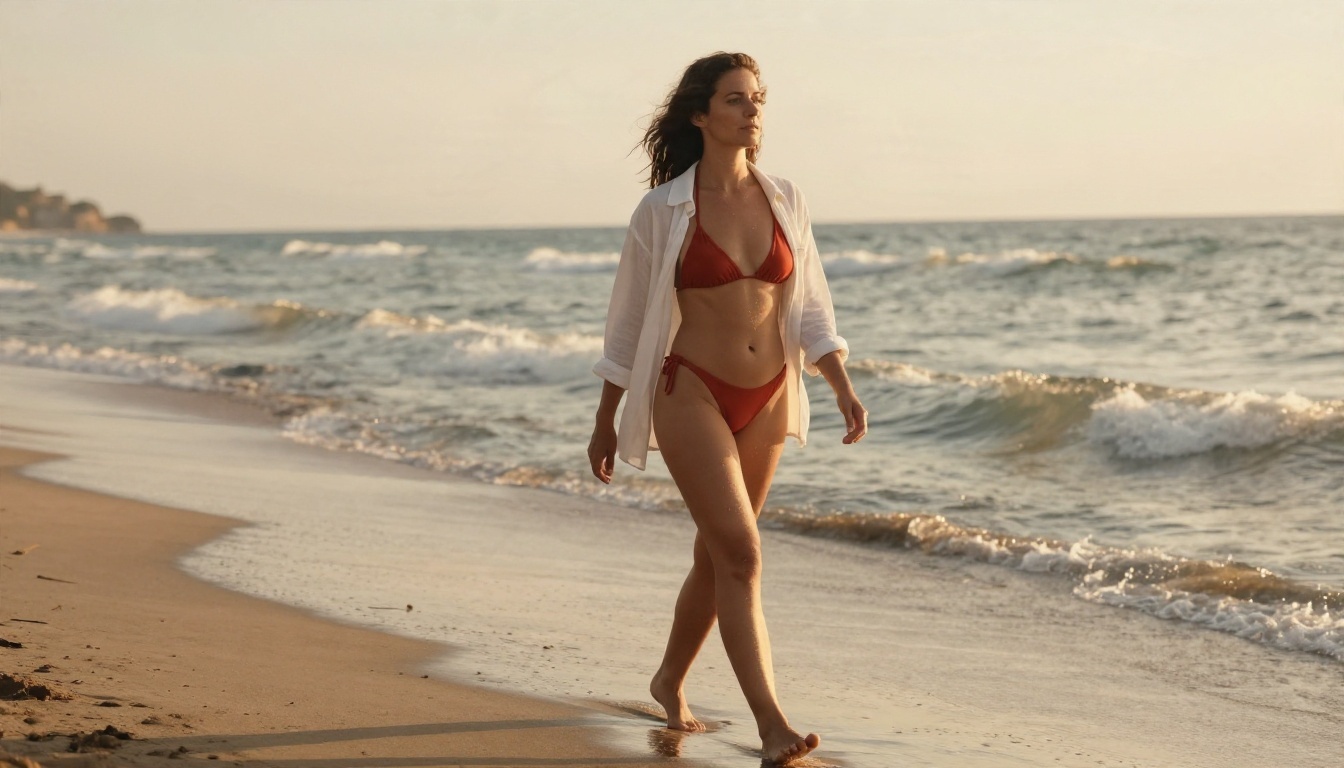
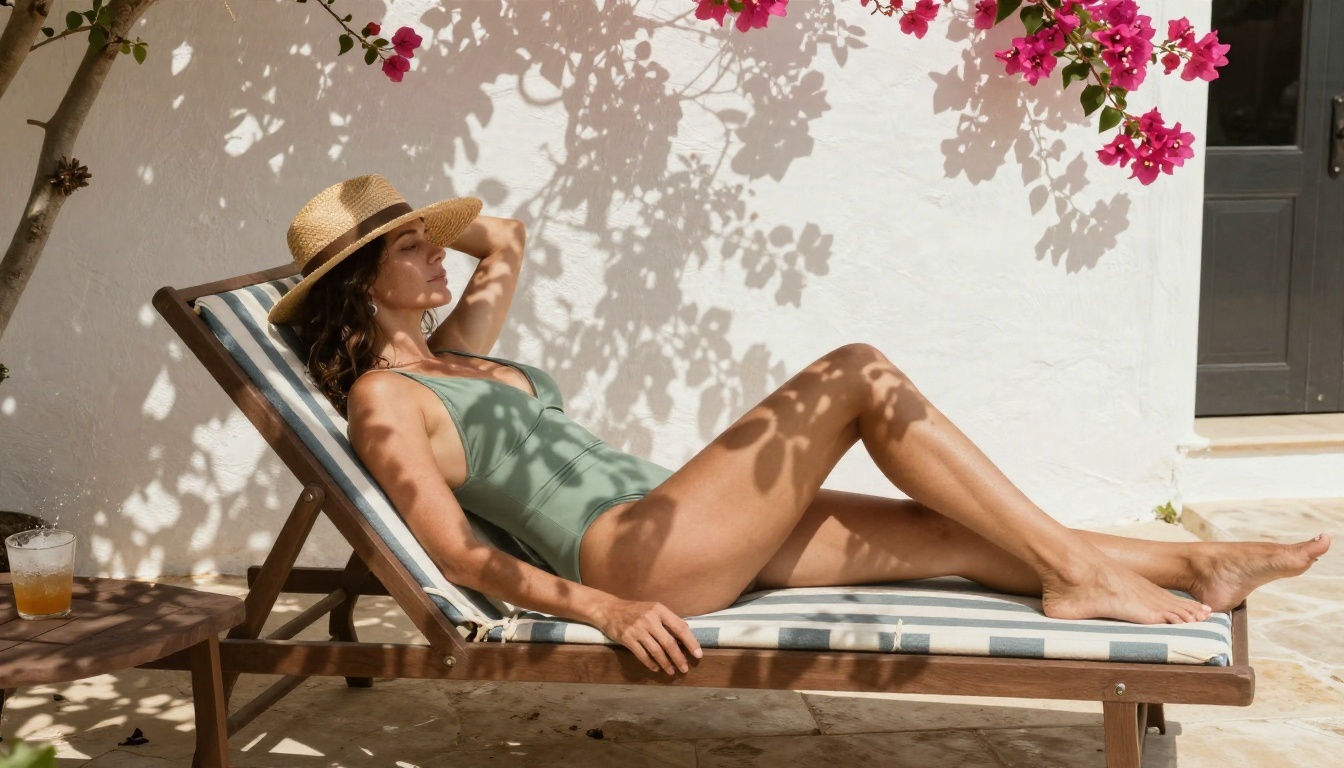
| Beach editorial | Woman in a terracotta bikini and open linen shirt on wet sand at golden hour, low angle, 35mm f/2, sea spray on skin, warm backlight |
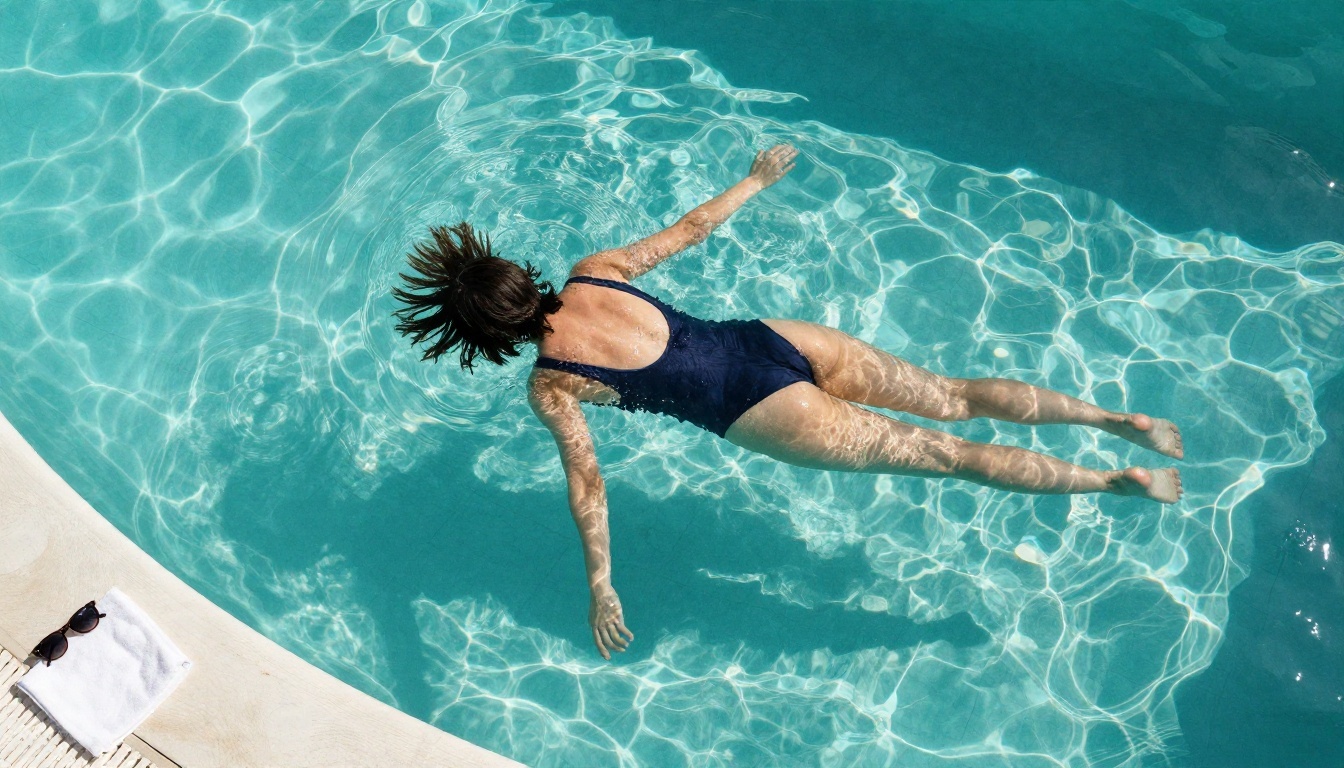
| Pool aerial | Woman in a navy swimsuit floating in a turquoise pool, overhead 24mm shot, caustic light patterns on the tiles, hazy midday sun |
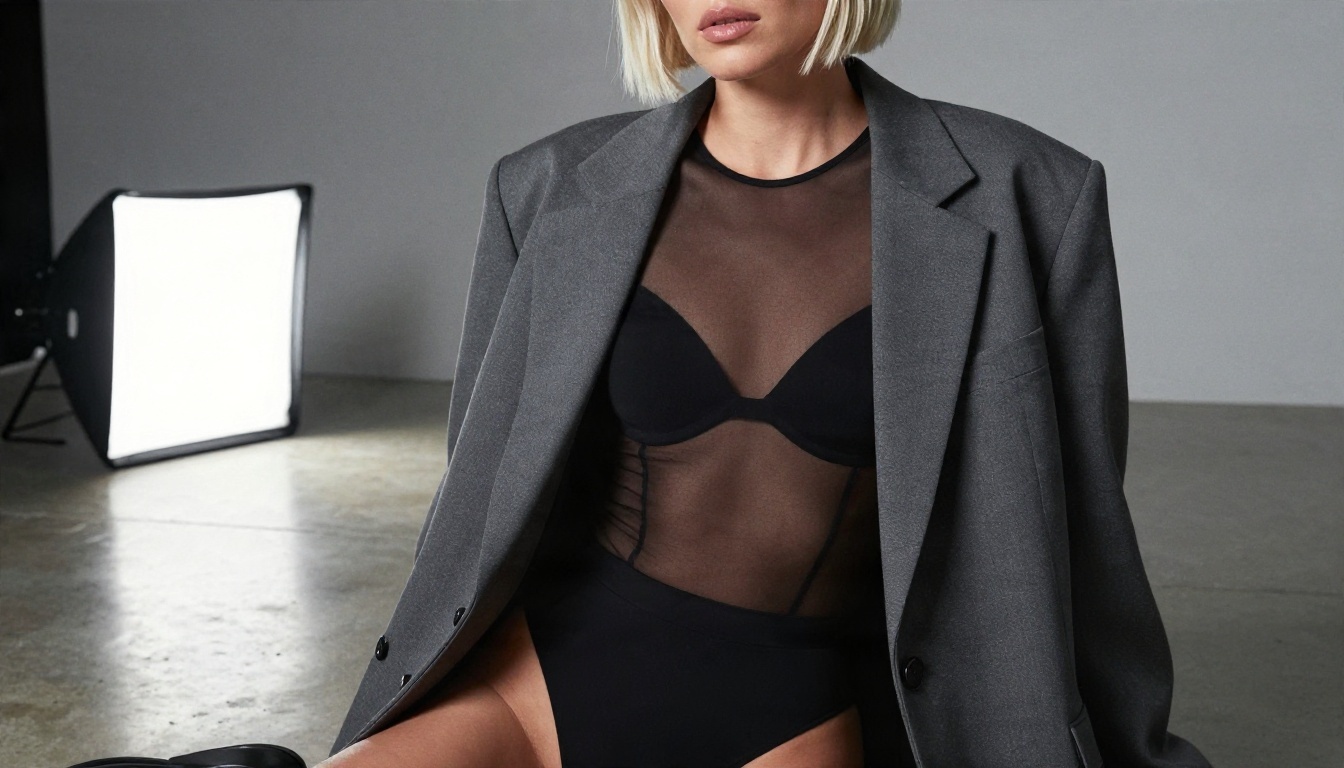
| Studio fashion | Woman with a platinum bob in a sheer bodysuit under an oversized blazer, softbox from the left, grey concrete backdrop, 70mm f/2.8 |
Mistakes to avoid
💡 Common mistakes: Stacking too many style words ("cinematic, epic, ultra detailed, masterpiece") instead of describing real light. Skipping the lens, which leaves depth of field random. Asking for flawless skin, which produces a waxy look. Ask for pores, freckles and peach fuzz instead.
Three more habits that cost people hours:
- Changing five things at once. Edit one variable per run.
- Ignoring hands and jewelry. Describe them simply or crop them out of frame.
- Never using a reference image. One good reference locks a face and outfit better than a hundred adjectives.
Free, Unlimited and Fast in Practice
Here is what the day to day workflow looks like once you drop the quota mindset.
Draft ten compositions in Z Image Turbo. Pick the two with the best framing. Render them in Seedream 4.5 at 4K with your full five-part prompt. Refine the winner in PicassoIA Image Editor Pro, where you can change outfits, location and light as many times as you like.
That loop would burn through a free PornX AI daily allowance before lunch. With no per-edit cap on the editor and fast generation on every model above, the limit becomes your time, not a counter.
| Workflow step | Tool | Typical goal |
|---|
| Draft | Z Image Turbo | Test poses and framing |
| Final render | Seedream 4.5 | 2K or 4K photorealism |
| Fix and vary | Image Editor Pro | Outfit, background, light |
| Consistent series | Flux 2 Klein 9B Base LoRA | Same look across a set |
Rules That Keep You Safe
Freedom works best with a few firm rules. These are not optional.
- Adults only. Every subject must be clearly an adult, and fictional.
- No real people. Never generate sensual images of a real person without their explicit consent. That includes celebrities, coworkers and exes.
- Keep it non-explicit. Glamour, swimwear, lingerie and boudoir styling sit in the zone where photorealistic AI looks best and stays shareable on most platforms.
- Label AI images. If you publish them, say they are AI generated. It protects you and builds trust.
- Protect your account. Use a unique password and avoid generators that ask for payment details before showing any output.
💡 Privacy tip: Do not upload photos of real private individuals to any generator. Stick with reference images you created yourself or that are clearly fictional.
Why this beats a single generator
A single locked-in tool means a single set of limits. Using several models, each chosen for a job, gives you speed where you need it, quality where it counts, and a free path to iterate. It is also easier to switch if one tool changes its pricing, which, going by the conflicting prices reported for PornX AI, happens often.
Make Your First Images Today
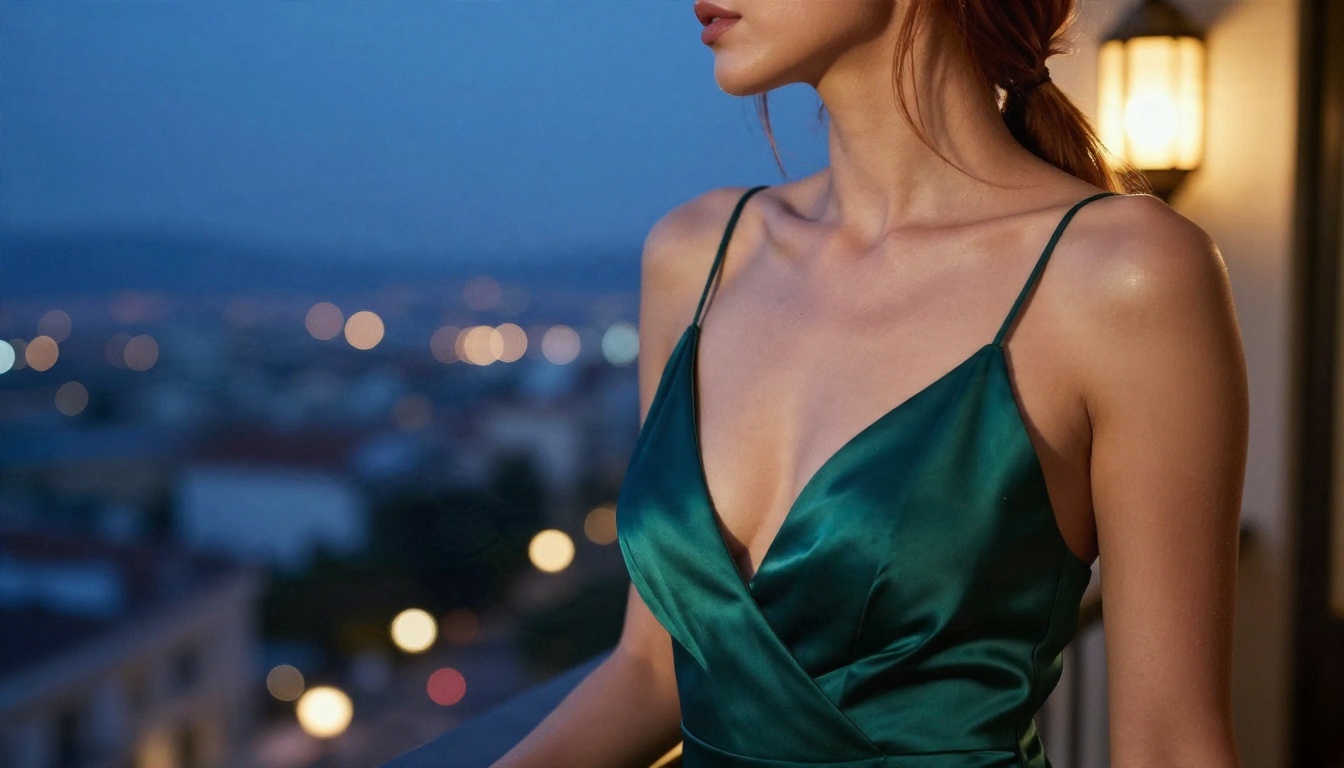
You do not need a subscription tier, a countdown timer or a watermark to produce sharp, photorealistic glamour images. Open Seedream 4.5, paste one of the prompt starters above, and set the ratio to 16:9. When the first result lands, send it to PicassoIA Image Editor Pro and change the outfit, the light and the location, as many times as you want.
Try the same prompt in Z Image Turbo for a fast draft, and in Flux 2 Klein 9B Base LoRA when you want a repeatable style. Save your best prompts, change one variable at a time, and build your own library.
Ready for more? Browse every image, video and editing model at picassoia.com/en/all-models and start creating your own images on PicassoIA now.


