You opened Promptchan AI, typed a prompt, and watched the gem counter drop faster than the image loaded. A few generations later the free allowance is gone, the next batch is locked behind a plan, and you are left wondering whether there is a better place to spend your time. There is. This article lays out what Promptchan AI offers, what its free tier and paid plans look like, where the limits bite, and which uncensored image generators give you more room to work with sharper, photorealistic output.
A quick honest note first: Promptchan is a third-party product. It is not on PicassoIA, and nothing here suggests you can use it there. What you will find are alternatives that are on PicassoIA, tested for the same job: turning a text prompt into a believable, attractive, non-explicit image without constantly running into a paywall or a refusal.
What Promptchan Actually Offers
Promptchan AI is a web-based image generator popular with people who want stylized characters, portraits and glamour content with fewer restrictions than mainstream tools. It has presets, a gallery, character options and a credit system. That mix is exactly why it shows up in so many searches, and also why people start hunting for alternatives after the first week.
Gems, not images
The platform runs on a virtual currency called gems. Every generation costs a number of gems that depends on quality, size and the features you switch on. That sounds flexible, but in practice it means you cannot easily predict how many pictures you will get from a plan. A single high-quality render can cost several times more than a quick draft, so a "monthly allowance" can vanish in one long session.

Where the free tier stops
Promptchan has a free tier with a small daily gem allowance. Third-party reviews describe it as limited, and they disagree on the exact figure, which is a useful warning on its own: the allowance changes, and the numbers you read online are often months old. Treat any specific daily number you see in a review as unverified and check the official pricing page before you plan around it.
What reviewers do agree on is the pattern. The free tier is enough to test the interface and make a handful of images. It is not enough for a real project, a batch of variations, or a steady posting schedule.
💡 Tip: Before you commit to any generator, run the same three prompts on each one and count how many tries it takes to get a usable result. Cost per good image matters more than cost per image.
The Real Cost of Free Plans
Free plans are never really free. You pay with time, with restrictions and with output quality. Here is what that looks like in practice for gem-based services.
Typical price ranges
Paid tiers on this kind of platform generally sit in a low monthly range, from a few dollars up to the high teens or more for top plans, depending on the month, the billing period and promotions. Reviews quote different numbers for the same plan names, so the safest reading is a range, not a fixed price. Annual billing is usually cheaper per month, while monthly billing keeps your exit easy.
| Cost factor | What to expect | Why it matters |
|---|
| Free daily allowance | Small, resets daily | Fine for testing, weak for projects |
| Entry paid plan | Low monthly price, limited gems | Runs out fast with high-quality renders |
| Top paid plan | Higher monthly price, more gems | Still capped, still gem-based |
| Extra gem packs | One-off purchases | Cost adds up if you generate daily |
| Quality upgrades | More gems per image | Quietly drains the balance |
Hidden costs people miss
The sticker price is only part of it. Three costs show up later:
- Retries. If the first output has odd hands or a melted face, you pay again for the redo.
- Upscaling and edits. Fixing a small detail often means another paid step instead of a free tweak.
- Lock-in. Your prompts, favorites and presets live inside one platform, so switching later feels expensive.
Daily Limits That Slow You Down
Limits are the main reason people search for Promptchan AI alternatives. A cap is not just a number. It changes how you work.
Queues and cooldowns
When your daily allowance resets, everyone else's does too, and free users are usually served after paying users. That means slower generation exactly when you want to move fast. If you are iterating on a concept, a long wait between attempts breaks your creative rhythm more than the cost does.
Resolution and watermark caps
Lower tiers commonly limit resolution, the number of images per request, or access to the best models. If you plan to print a poster, post a high-resolution portrait or send work to a client, a capped output size is a dead end. A good alternative should let you generate at high resolution from the start and fix details afterward without paying twice.
Best Promptchan Alternatives Today
Here are the options worth your time. Each one is on PicassoIA, so you can compare them in one place without juggling accounts and gem balances.
Seedream 4.5 first
Seedream 4.5 is the strongest starting point for photorealistic glamour work. It produces skin with real pores and soft highlights, handles fabric like silk, satin and linen convincingly, and keeps faces consistent across variations. It follows long, detailed prompts closely, which matters when you describe lens, light and mood. It also generates quickly, so you can test five versions of an idea in the time a gem-based platform makes you wait for one.

PicassoIA Image Editor Pro
PicassoIA Image Editor Pro is the answer to the limits problem. It offers unlimited generations, so there is no gem counter ticking down while you experiment. You can generate, tweak, regenerate and refine an image as many times as the idea needs. For anyone who left Promptchan because the allowance ran out mid-session, this is the biggest change you will notice. It is also fast, which keeps you in flow.
Other models worth testing
Once you have a feel for the first two, these are worth a look for specific jobs:
💡 Tip: Keep one prompt fixed and swap only the model. It is the fastest way to see which generator fits your taste.
Side by Side Comparison
Promptchan is not on PicassoIA, so the comparison below sets what gem-based platforms generally look like against the PicassoIA options. Check any current Promptchan figure on its own site, since plans change.
| Factor | Promptchan AI (typical) | Seedream 4.5 | Image Editor Pro |
|---|
| Pricing model | Gems, tiered plans | Credit based on PicassoIA | Unlimited generations |
| Free access | Small daily allowance | Available to try | Available to try |
| Photorealism | Varies by preset | Excellent | Very good |
| Speed | Slower on free tier | Fast | Fast |
| Detail control | Preset driven | Long prompts followed closely | Edit and regenerate freely |
| Best for | Quick stylized tests | Hero shots and portraits | High-volume experiments |

How to Get Similar Results on PicassoIA
Promptchan is not on PicassoIA yet, and this section does not claim otherwise. For similar results today, use Seedream 4.5 and follow these steps.
Step by step
- Open the Seedream 4.5 model page and start a new generation.
- Write your subject first: who, what they wear, what they are doing.
- Add the setting: room, beach, street, time of day.
- Add the light: "soft window light from the left" or "warm golden hour backlight" works far better than "nice lighting."
- Add the camera: "85mm f/1.8, shallow depth of field" nudges the model toward a photographic look.
- Set a 16:9 or portrait ratio that fits where the image will be used.
- Generate, pick the best result, then adjust one detail at a time and regenerate.
Prompt tips
- Describe texture. Words like "fine skin pores," "linen weave" and "satin sheen" push realism.
- Name a film look. "Kodak Portra 400, natural grain" gives warm, believable tones.
- Keep it tasteful. Suggestive and attractive images, such as swimwear, glamour and soft portraits, come out cleaner than anything that tries to push into explicit territory.
- One idea per prompt. Overloaded prompts produce muddled results.
Settings that matter
Use the highest resolution you need from the start, keep your seed when you like a composition, and change only the wording of a single phrase between runs. When you want to polish an image, send it to PicassoIA Image Editor Pro and iterate without worrying about a balance.
Uncensored Without Going Explicit
People searching for uncensored image generators usually want one thing: a tool that does not refuse a normal glamour or swimwear prompt because of an overcautious filter. That is reasonable. It is different from wanting explicit content, and the best results come from keeping that line clear.
What uncensored should mean
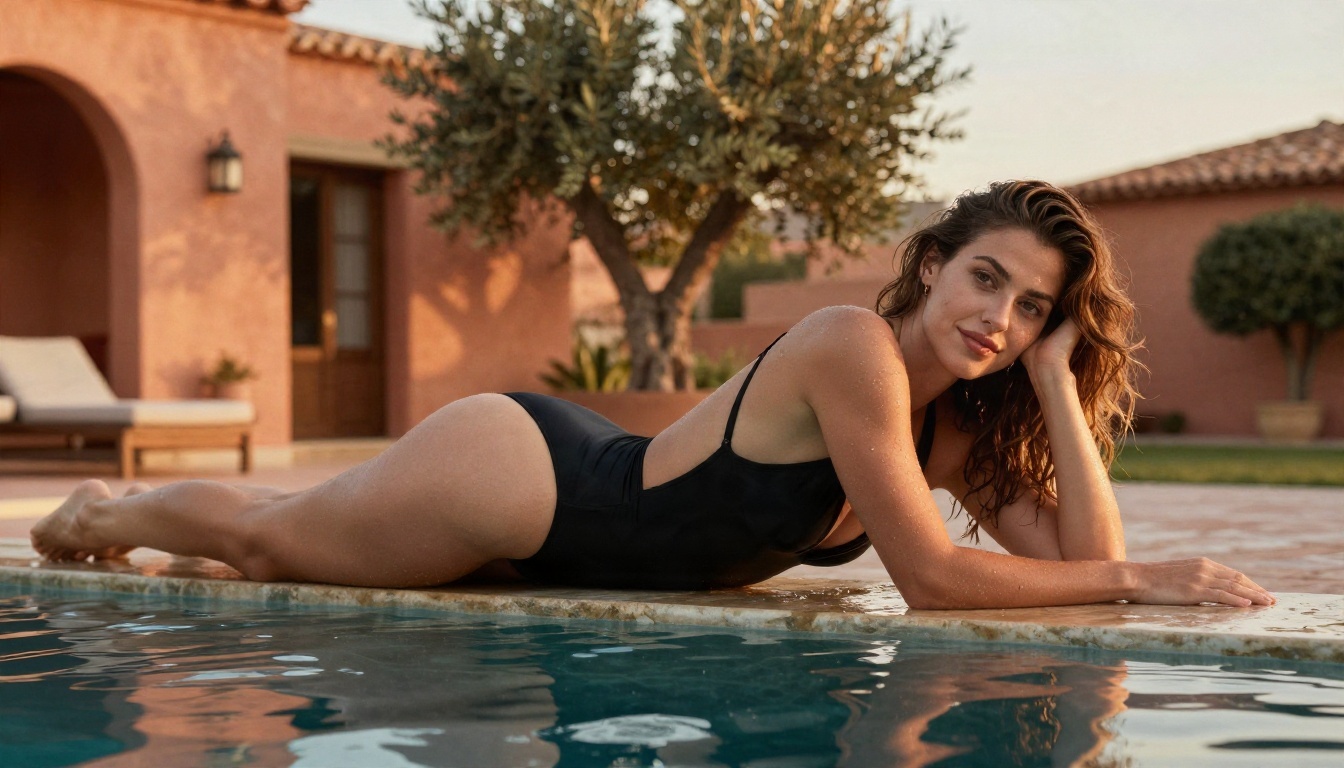
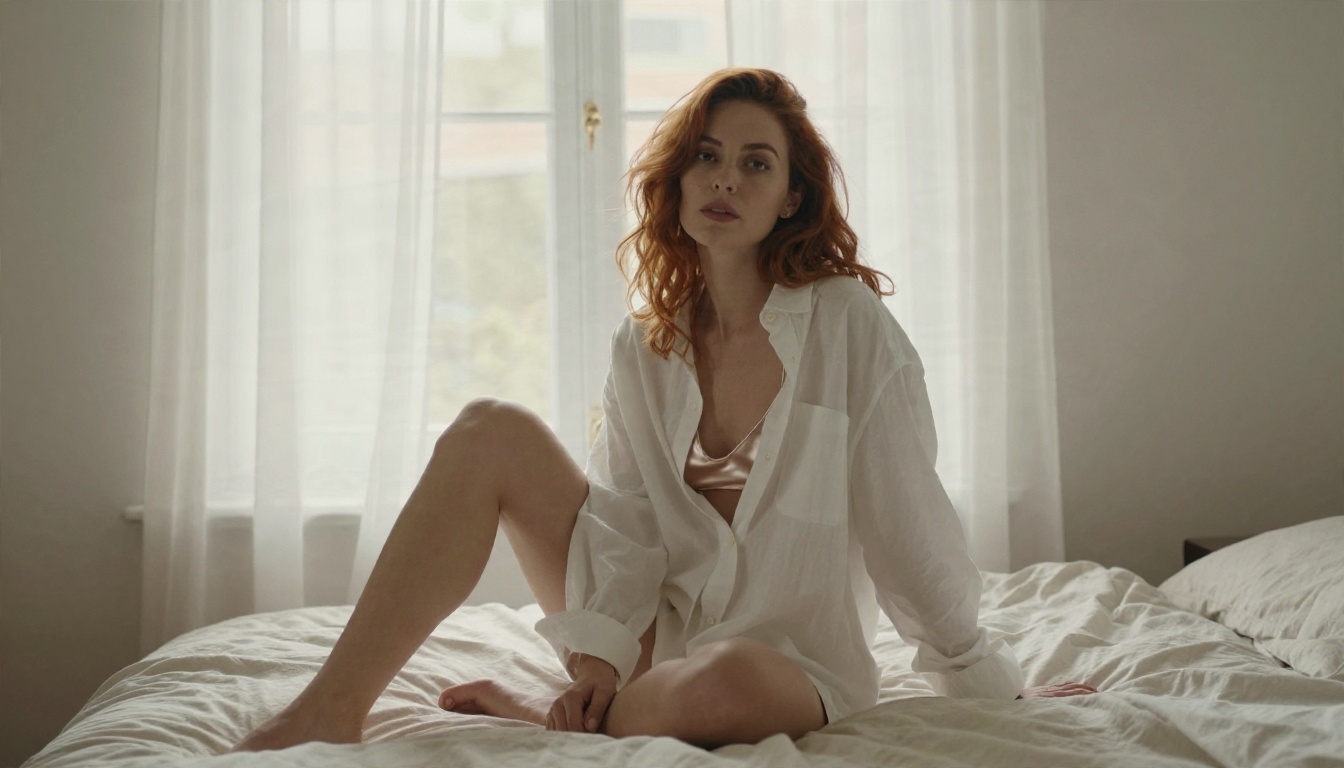
A useful uncensored generator lets you create beautiful, suggestive, adult-oriented imagery: bikinis, lingerie-style fashion, boudoir lighting, artistic portraits. It does not blur your prompt into something bland, and it does not lecture you for asking. Seedream 4.5 and PicassoIA Image Editor Pro both work well for this kind of attractive, non-explicit content, and that is why they lead the list above.
💡 Heads up: Some models are stricter by design. Newer lightweight versions may block adult themes entirely, so if a prompt is refused, switch to one of the models recommended here instead of rewording it five times.
Safety and consent
A few ground rules keep your work clean and safe:
- Only create images of fictional adults or people who have clearly agreed to be depicted.
- Never generate content involving minors or real people without consent.
- Keep results non-explicit, especially if you plan to share or publish them.
- Respect the rules of any site where you post.
These are not obstacles. They keep your account, your audience and your reputation safe.
Speed Changes How You Work
The biggest difference between a gem-based tool and an unlimited one is not price. It is behavior. When every attempt costs something, you hesitate, you reuse safe prompts and you stop after one decent result. When attempts are free and fast, you try bolder lighting, different lenses and odd compositions, and the best image usually comes from the fifteenth try, not the second.
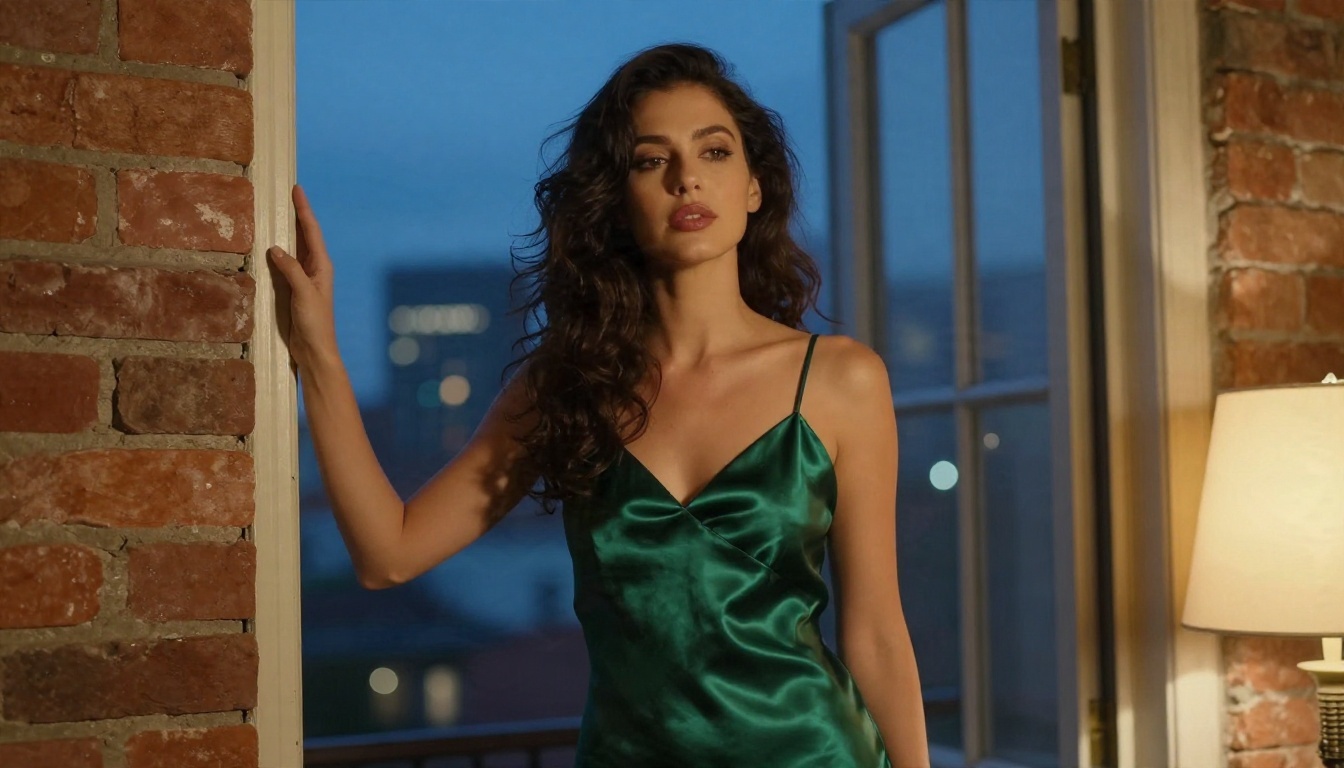
A practical routine looks like this:
- Draft ten ideas quickly with Z Image Turbo.
- Pick the two strongest concepts.
- Rebuild them in Seedream 4.5 with a long, detailed prompt.
- Refine the winner in PicassoIA Image Editor Pro.
- Upscale if you need print size.
That workflow would be painful on a platform that charges gems at every step. Here it is simply a good afternoon.
Behind the scenes of a good shot
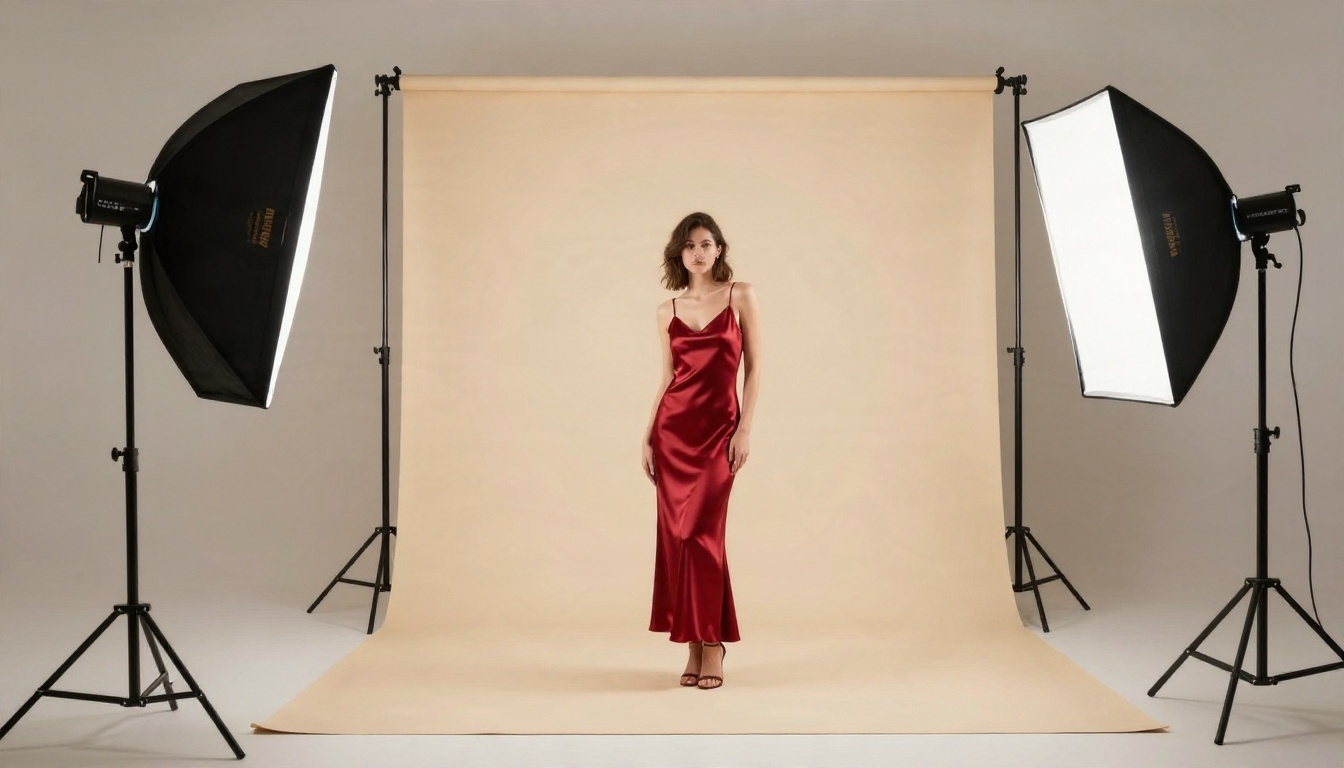
The same logic applies to the pictures themselves. A convincing glamour image is built the way a real shoot is built: a clear subject, a considered set, directional light and a lens choice. When you write prompts like a photographer briefing a crew, the output looks like it came from a studio.
Which One Should You Pick
If you want a short answer, here it is:
- You want the best single image: start with Seedream 4.5.
- You want no limits while experimenting: use PicassoIA Image Editor Pro.
- You want fast drafts: try Z Image Turbo.
- You want edits on an existing picture: try Nano Banana Pro.
- You want a film-style portrait: try Realistic Vision v5.1.
Promptchan AI remains a fair place to test an idea, especially if you like its presets. Just remember the gem system, the daily caps and the plan tiers decide how far you can go, and reviews disagree on the exact numbers, so check the official page before paying.
Try It Yourself
The fastest way to find out whether an alternative is better is to run your own prompt. Open Seedream 4.5, paste a prompt you already used elsewhere, and compare the skin detail, the light and the number of tries it took. Then take your favorite result into PicassoIA Image Editor Pro and push it further with no counter ticking down.
When you want to see every option side by side, browse the full list at picassoia.com/en/all-models, pick two or three models, and run the same prompt through each. Your own side by side test will tell you more than any review, and it costs you about ten minutes.


