Most bad AI videos are not a model problem. They are a prompt problem. A vague line like "a girl walking in a city" gives the model permission to guess everything: the camera, the light, the speed, the mood, even what "walking" looks like. Write the same idea as a short, directed scene and the same model suddenly looks like it has a cinematographer. This article gives you the formula, 12 free prompts you can copy right now, the settings that actually change your output, the real length limits you will hit, and a practical route for uncensored creative work that stays tasteful and non-explicit.
What a Good Video Prompt Looks Like
A video prompt is not an image prompt with the word "moving" added. An image is one frame. A video is a sequence, so your prompt has to describe change over time: who moves, how the camera moves, and what the light does while it happens.
The six-part formula
Almost every strong prompt can be broken into six pieces. You do not need all six every time, but the more you include, the less the model has to invent.
| Part | What it answers | Example |
|---|
| Subject | Who or what is on screen | A fisherman in a yellow raincoat |
| Action | What changes over the clip | Pulls a net onto the deck |
| Setting | Where and when | A small harbor at dawn |
| Camera | How we see it | Slow dolly-in at eye level |
| Light and mood | What it feels like | Cold blue mist, warm lantern glow |
| Style | The visual language | Documentary, 35mm film grain |
A prompt built from those parts reads like this: A fisherman in a yellow raincoat pulls a net onto the deck of a small boat in a quiet harbor at dawn. Slow dolly-in at eye level. Cold blue mist, warm lantern glow on wet rope. Documentary look, 35mm film grain.
💡 Tip: Write in the order the viewer would notice things. Subject first, then motion, then camera, then atmosphere. Models tend to weight the start of a prompt more heavily.
How long should a prompt be
For most current text-to-video models, 40 to 90 words is the sweet spot. Below 20 words you give up control. Above 120 words the model starts dropping details, and contradictory instructions (a "static shot" that also "sweeps across the city") confuse the result.
Use one main action per clip. A five-second clip can hold one clear beat: a turn, a pour, a step, a smile. If you ask for a car chase, a kiss, and an explosion in five seconds, you get mush.
12 Free Prompt Examples to Copy
Paste these straight into any text-to-video model, then swap the subject and setting for your own. Each one follows the six-part formula.
Cinematic and travel
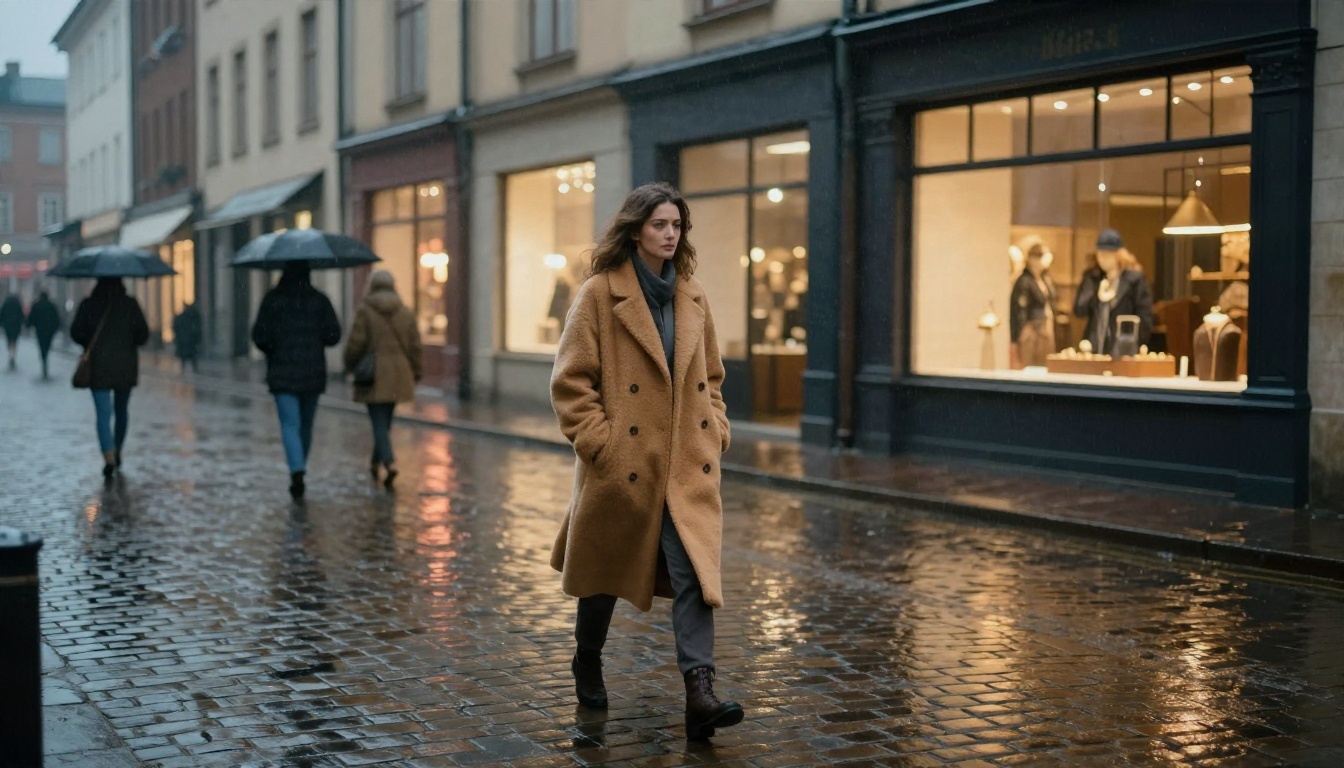
- Rainy street: A woman in a long camel coat walks away from camera down a rain-soaked cobblestone street at dusk. Slow tracking shot from behind at waist height. Warm shop windows reflect on wet stone, soft mist, distant umbrellas blurring past. Cinematic, shallow depth of field, film grain.
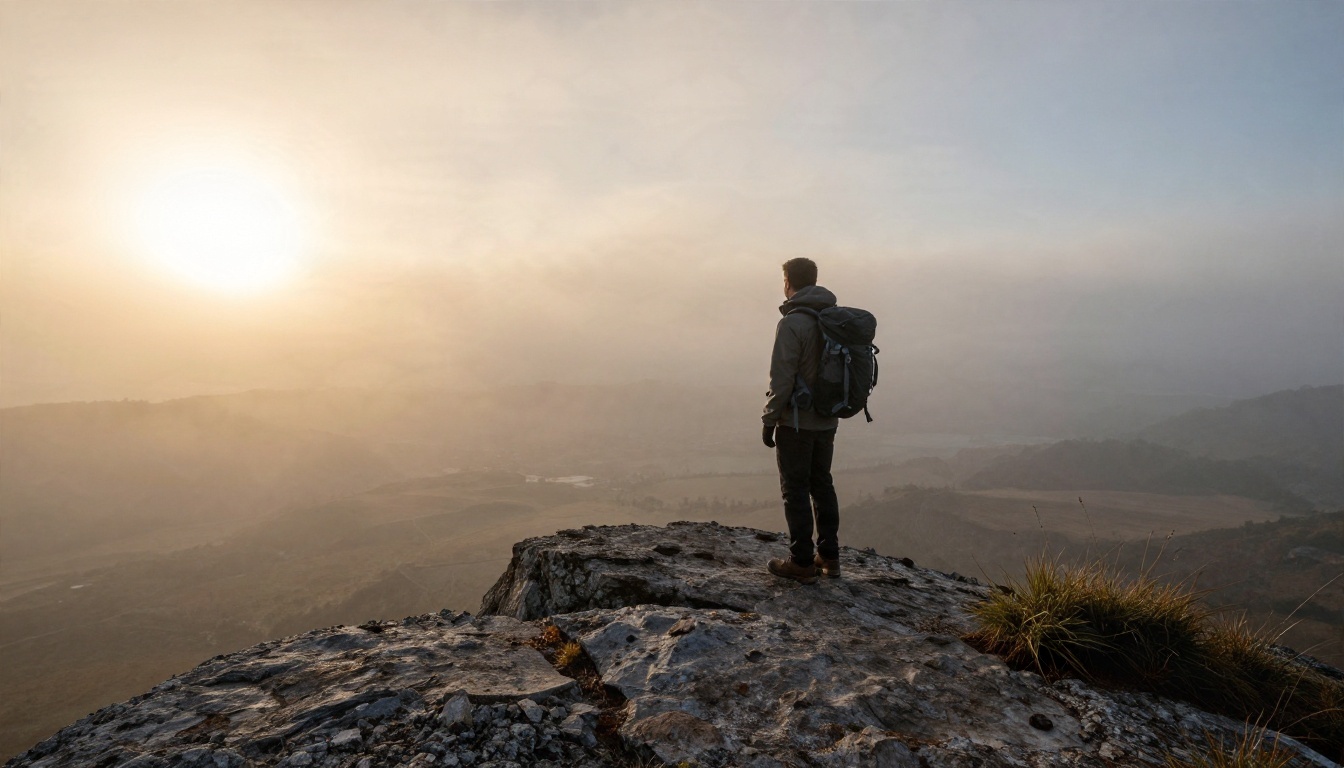
- Mountain sunrise: A lone hiker reaches the edge of a rocky ridge and looks out over a valley full of fog. Wide shot, camera slowly rises behind the hiker. Golden light breaks through the clouds from the left. Natural colors, calm wind sound.
- Night train: Interior of a quiet night train, a passenger rests their head near the window while city lights slide past in long streaks. Handheld, gentle sway, low warm cabin light, soft rail rhythm in the audio.
Product and food
- Coffee pour: Close-up of dark coffee pouring into a white ceramic cup on a wooden table, steam curling upward. Static macro shot, side light from a window on the left, slow motion, crisp texture on the crema.
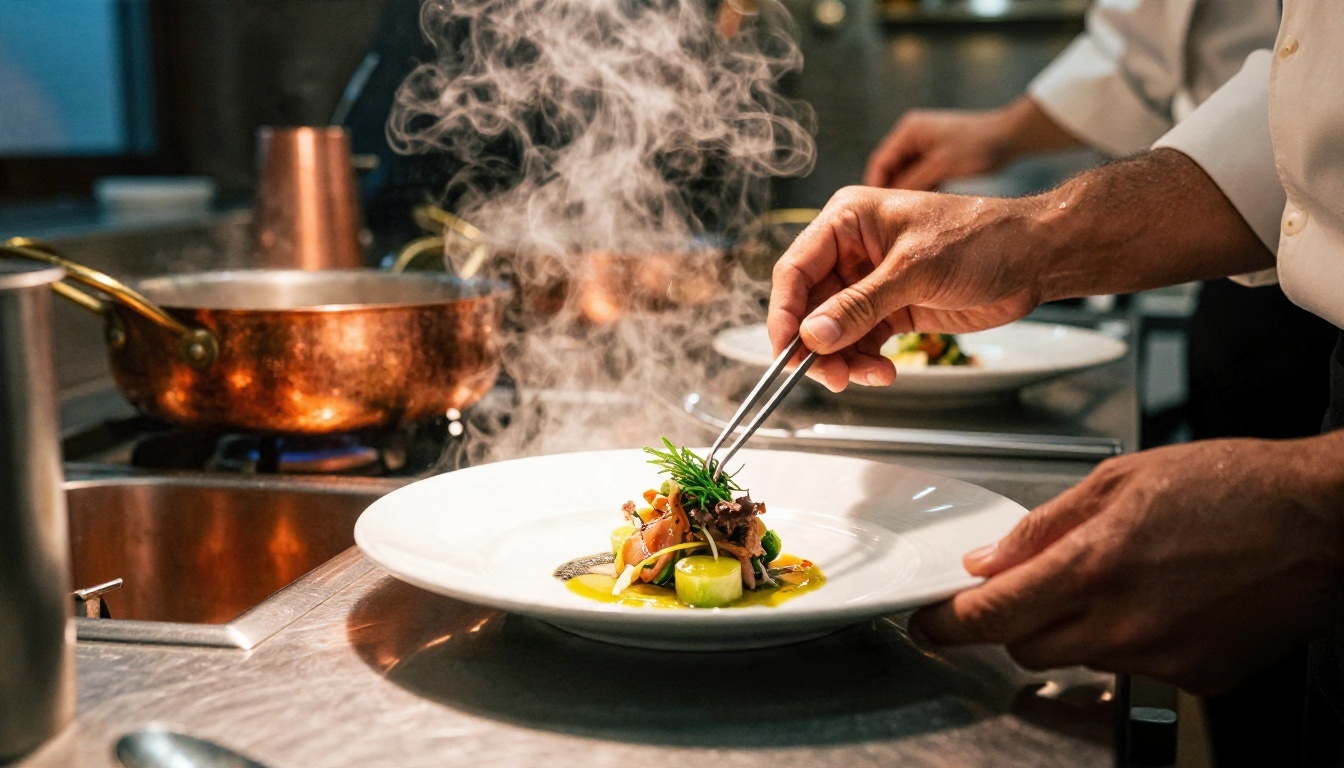
- Chef plating: A chef places a single herb leaf on a plated dish with tweezers in a busy kitchen. Slight dutch angle, slow push-in on the hands, steam rising, warm overhead light, stainless steel reflections.
- Watch reveal: A steel wristwatch rests on dark stone, light slowly sweeps across the dial and the second hand begins to move. Macro lens, slow lateral slide, deep shadows, subtle metallic reflections.
Portrait and glamour
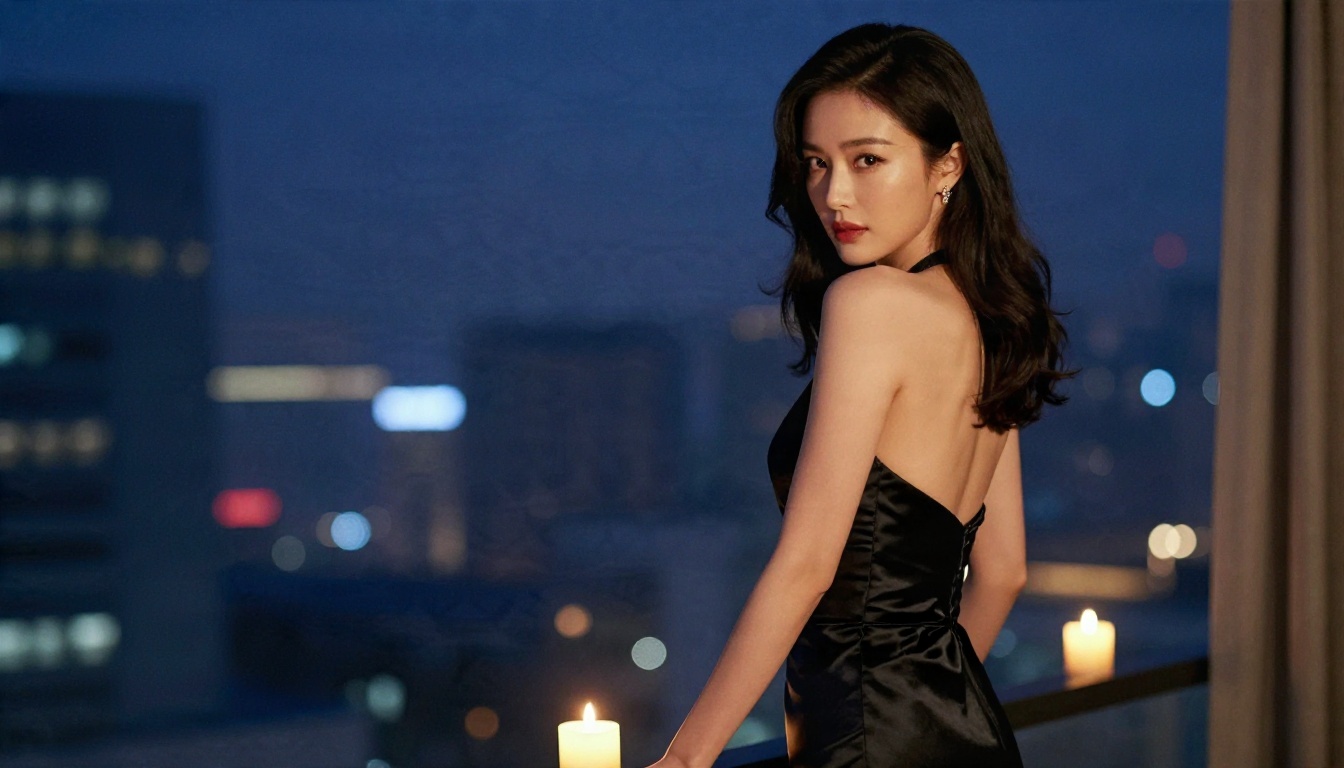
- Balcony portrait: A woman in an elegant black evening dress stands on a hotel balcony at night, glances over her shoulder and smiles. Slow orbit at chest height. Warm candlelight on one side, cool blue city glow on the other, silk fabric sheen.
- Beach walk: A woman in a white linen shirt and sunglasses walks along the waterline at golden hour, wind lifting her hair. Low-angle tracking shot, waves rolling over bare feet, warm backlight, natural skin tones.
- Studio fashion: A model in a structured emerald jacket turns slowly toward the camera against a gray seamless backdrop. Locked-off medium shot, soft key light from the right, subtle fabric movement, editorial look.
Nature and wide shots
- Forest light: Morning light filters through tall pine trees as dust floats in the beams. A deer steps out from the shadows and pauses. Slow pan right, long lens, soft haze, birdsong in the background.
- Ocean storm: Large waves hit a stone pier at sunset under dark clouds, spray rising high. Wide static shot, then a gentle push-in. Heavy contrast, deep orange horizon, loud wave audio.
- City timelapse feel: A busy crosswalk at blue hour, people crossing in both directions while headlights streak along the road. High angle, slow downward tilt, natural color, ambient traffic sound.
💡 Tip: If a prompt almost works, change one thing and run it again. Swap the camera move, then the light, then the action. Changing five things at once teaches you nothing.
Settings That Change the Result
A great prompt with the wrong settings still disappoints. These are the controls worth checking before every run.
Resolution
480p is for fast tests. 720p is the practical default for social posts, ads and web embeds. 1080p and 4K exist on some models, such as Wan 3 Prime and LTX 2.5 Fast, and cost more time per clip. A good habit: test the idea at low resolution, then rerun only the winner at high resolution.
Aspect ratio
Pick the ratio before you generate, not after. Cropping a 16:9 clip into vertical throws away most of your frame. Use 16:9 for YouTube and websites, 9:16 for Reels, Shorts and TikTok, and 1:1 for feeds. Mention the ratio in your composition too: "tall vertical framing" for 9:16.
Audio
Many current models generate native synchronized audio with the video. That means your prompt can describe sound: "soft rain on a window," "crowd murmur," "waves crashing." If you do not want any sound, say so, or mute the clip afterwards. Picasso IA Video renders each clip with synchronized audio at 24 frames per second.
Image to video versus text to video
Text to video gives you freedom but less control over how a face or a product looks. Image to video starts from a frame you already approved, so the first second matches your picture exactly. For products, characters and anything that must look consistent, start from an image.
| Setting | Best for | Watch out for |
|---|
| 480p | Fast tests | Soft detail on faces |
| 720p | Social, ads, web | Fine for most uses |
| 1080p / 4K | Client work, big screens | Slower, costs more |
| Native audio on | Dialogue, ambience | Unwanted music or noise |
| Image to video | Consistent subjects | Prompt must fit the image |
Length Limits by Model
Here is the part that surprises people: single AI video clips are short. Most models cap one generation somewhere between 5 and 15 seconds, and a few go well beyond that. The limit is set by compute cost and by how quickly motion quality falls apart over time.
Here is how the models on PicassoIA break down:
| Model | Typical clip length | Notes |
|---|
| Picasso IA Video | Fixed 5 seconds | Free and unlimited, 24 fps, native audio |
| Seedance 2.5 Lite | Up to 10 seconds | Unlimited for Elite and Infinite members, 480p and 720p |
| Seedance 2.5 | Up to 30 seconds | The long-form option in the Seedance family |
| Wan 3 | Short cinematic clips | Strong motion, check the model page for current options |
| Veo 3.1 Lite | Short clips with native audio | Good for dialogue and ambience |
| Grok Imagine Video 1.5 | Short image-to-video clips | Audio included |
Durations shift as models update, so always confirm on the model page before planning a long project.
How to get past the limit
You do not need a 30-second model to make a 30-second video. Professionals build longer pieces from short clips:
- Plan in shots. Write a shot list of 5-second beats instead of one long scene.
- Reuse the last frame. Take the final frame of clip one, use it as the starting image for clip two, and keep the prompt consistent.
- Cut on motion. Join clips where something moves (a turn, a door, a pan). The cut hides the seam.
- Keep the same settings. Same resolution, ratio, and style words across every clip.
💡 Tip: Shorter clips often look better. A model has less time to drift, so faces and objects stay stable. Ten sharp seconds beat thirty muddy ones.
Camera and Motion Words That Work
Models respond well to the vocabulary of film sets. These phrases give predictable results:
- Dolly in / dolly out: the camera moves toward or away from the subject.
- Tracking shot: the camera follows the subject sideways or from behind.
- Orbit: the camera circles the subject.
- Static, locked-off: no camera movement, ideal when the subject does the acting.
- Handheld: slight natural shake, good for realism.
- Tilt up / tilt down: the camera pivots vertically.
- Slow motion: useful for pours, hair, fabric, water.
Pick one camera move per clip. "Slow dolly-in" is clear. "Dolly in while orbiting and tilting up" is a coin flip.
For subject motion, use specific verbs: pours, turns, steps, lifts, glances, leans. Avoid vague ones like moves or dances, which can produce rubbery, repeating motion. Add speed words such as slowly, gently, or suddenly, because models often default to a hurried pace.
Uncensored Options That Stay Tasteful
A lot of people search for "uncensored" AI video because mainstream tools block anything remotely sensual: a swimsuit, a night-out dress, a glamour portrait. Over-aggressive filters ruin harmless creative work, and that frustration is real.
Be clear about what this means here: tasteful, suggestive, non-explicit content. Glamour, swimwear, boudoir-style portraits and fashion editorials are all fair territory. Pornographic or explicit material is not, and nothing in this article helps with it.
Start with the still image
The most reliable route to glamour video is to build the image first, then animate it. Image generation tends to be far more flexible than video generation, and a locked-in first frame means the video model has less room to refuse or distort.
- Create the base image with Seedream 4.5. This is the model to lead with for adult-leaning, glamour and swimwear imagery. It produces detailed, natural skin and fabric at high resolution.
- Refine it with PicassoIA Image Editor Pro. It offers unlimited generations, so you can change outfits, lighting, backgrounds and small details as many times as you like without watching a counter.
- Animate the result with an image-to-video model such as Seedance 2.5 Lite or Picasso IA Video, using a gentle motion prompt.
💡 Tip: Skip Seedream 5 Lite for this kind of work. It blocks adult content, so use Seedream 4.5 and Image Editor Pro instead.
What to ask for, and what to leave out
Prompts that tend to work: slow orbit around a woman in a black evening dress on a balcony, candlelight on silk, she glances over her shoulder. Describe mood, fabric, light and motion rather than anatomy. The best glamour footage is built from atmosphere, and it also happens to be the content that gets approved.
Leave out anything explicit. Beyond the rules, explicit prompts tend to produce worse video anyway: warped bodies, broken hands, and jittery motion.
For the full range of image and video models, including more options for creative work, browse picassoia.com/en/all-models.
How to Use Seedance 2.5 Lite on PicassoIA
Seedance 2.5 Lite is a good first model for prompt practice: it runs up to 10 seconds, supports both text and image input, and is unlimited for Elite and Infinite members. Here is the workflow:
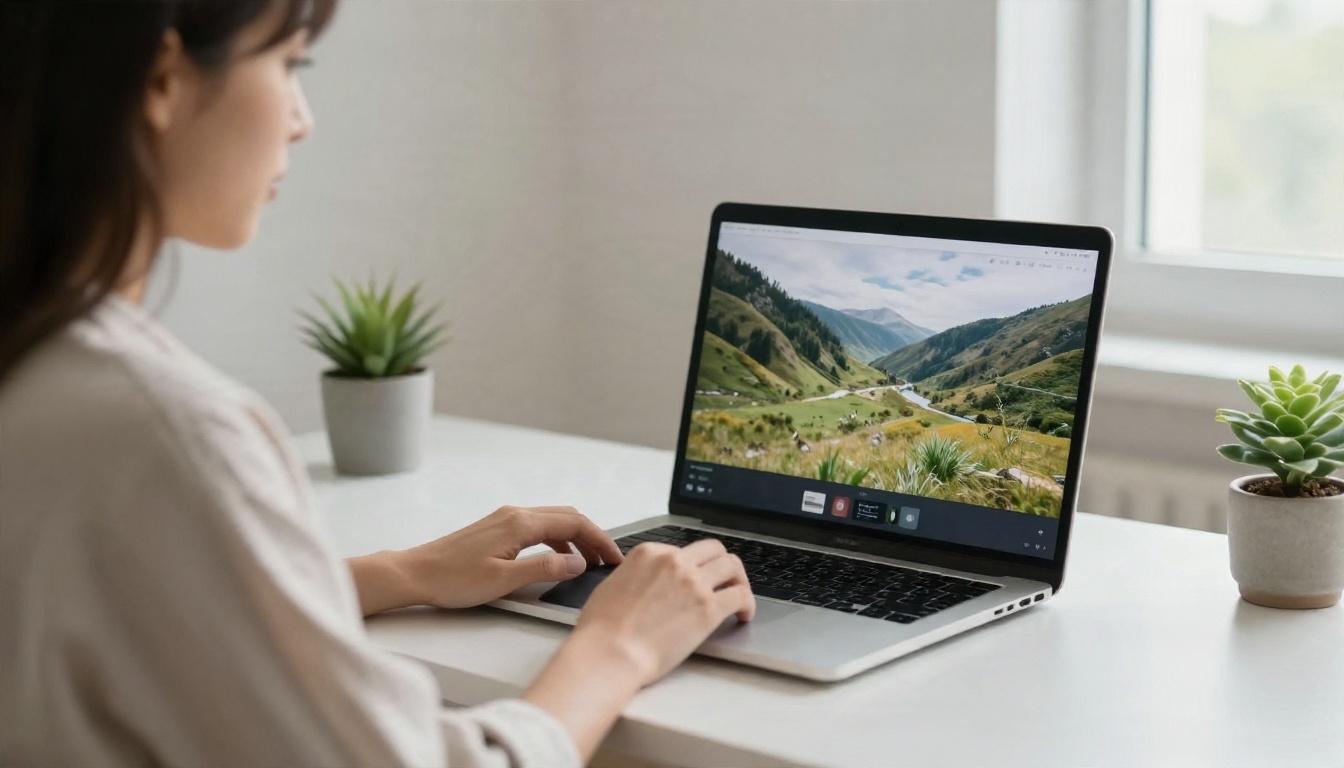
- Open the model page. Go to the Seedance 2.5 Lite page on PicassoIA.
- Choose text or image input. For a new idea, use text. For a consistent character or product, upload your approved still as the first frame.
- Paste your prompt. Start with one of the 12 examples above and replace the subject and setting.
- Set the duration. Pick 5 seconds for tests and 10 seconds only for shots with real action.
- Pick the resolution. Choose 480p for fast drafts and 720p for the version you plan to publish.
- Generate and review. Watch the clip twice: once for the subject, once for the background. Backgrounds reveal the errors.
- Change one variable and rerun. Adjust the camera move, the light, or the action word. Keep a note of what worked.
| Parameter | Recommended start |
|---|
| Duration | 5 seconds while testing |
| Resolution | 480p to test, 720p to publish |
| Prompt length | 40 to 90 words |
| Camera moves | One per clip |
| Input | Image for consistency, text for freedom |
If you want a fixed, no-fuss option, Picasso IA Video gives you 5-second clips at 24 fps with audio, and it is free and unlimited.
5 Common Mistakes That Waste Clips
- Stacking actions. "She runs, jumps, spins, and laughs" is four clips squeezed into one. Choose one beat.
- Contradicting yourself. A "static camera" and a "fast tracking shot" cannot both happen. Decide.
- Skipping the light. Without a lighting cue, models default to flat, generic brightness. Add "golden hour backlight" or "soft window light from the left."
- Writing a story instead of a shot. "She remembers her childhood and feels sad" cannot be filmed. "She pauses, eyes lowered, her hand resting on a faded photograph" can.
- Changing everything between runs. If you rewrite the whole prompt each time, you never find out what caused the improvement.
A quick pre-flight checklist
Before you press generate, run through this:
- Is there one subject and one action?
- Is there one camera move, or a clearly locked-off frame?
- Did I describe the light and the place?
- Did I choose the right aspect ratio and resolution?
- Did I say what the audio should be?
Start Writing Your Own Prompts
The fastest way to get good at this is repetition. Pick three prompts from the list above, run them on a free model, and change one variable each time. In an hour you will have a personal sense of how camera words, light, and verbs shape a clip.
When you want more range, try Wan 3 for cinematic motion, Seedance 2.5 for longer shots, Kling v2.1 for 1080p text-to-video, and Seedream 4.5 paired with PicassoIA Image Editor Pro when you want to design the perfect first frame. Open Picasso IA, paste a prompt from this page, and see your first scene come to life. All models are available at picassoia.com/en/all-models.


