You have two tabs open. One says Promptwise, the other says Higgsfield, and both promise cinematic AI video in a few clicks. The pricing pages use different credit systems, the free tiers hide the fine print, and neither tells you what happens when a prompt trips a content filter. This comparison puts the numbers, the limits and the video features side by side so you can pick one in ten minutes, or skip both for something less restrictive.
💡 Heads up on prices: AI platforms change plans and credit counts often. The figures below come from public listings and reviews gathered in late 2026, and they disagree with each other in places. Treat them as ranges and confirm on each official pricing page before you pay.
Quick Verdict First
If you only have a minute, this table sums up where each platform lands.
| Factor | Promptwise | Higgsfield |
|---|
| Entry price | Around $19 per month (reported) | Around $19 per month (reported) |
| Free access | Short trial reported, no lasting free tier confirmed | Limited models, no generation credits reported |
| Credits at entry plan | About 275 per month (reported) | About 270 per month (reported) |
| Strength | Video job completion on a low entry plan | Large model menu and fast social style video tools |
| Weak spot | Less public detail and fewer independent reviews | Credits burn quickly, expire each cycle |
| Uncensored output | Not marketed that way | Not marketed that way |
The short version: both sit in the same price bracket at the bottom, both run on credits, and neither is built for people who want fewer restrictions. The differences show up once you start generating.

Pricing Side by Side
Credit based pricing looks simple until you try to convert credits into finished clips. A single image might cost a handful of credits, while one short video with audio can eat dozens. That is why the monthly sticker price tells you very little on its own.

What Promptwise Charges
Third party listings describe a Starter plan at roughly $19 per month, or about $159 per year when billed annually, with around 275 credits each month. A seven day trial is mentioned in the same listings. Higher tiers exist, and reviews suggest the top plan becomes the cheapest per credit when billed yearly.
One thing worth knowing: some of the most positive coverage of Promptwise comes from sites tied to the team behind it. That does not make the numbers wrong, but it does mean you should weigh independent user feedback more heavily than promotional comparisons.
What Higgsfield Charges
Higgsfield has the larger paper trail. Reviews report an entry plan near $19 per month, a mid tier between roughly $47 and $59, and a top individual tier between $99 and $129, with discounts for annual billing. A business tier near $89 also appears in some lists. The entry plan is reported at about 270 credits, while the top tier reaches 3,000 credits or more.
The spread in those numbers comes from monthly versus annual billing and from plan changes over time. Always check the checkout screen rather than a review.
Credits Run Out Fast
This is the part people complain about most. A few patterns show up across both platforms:
- Unused credits expire at the end of the billing cycle, so you cannot stockpile them for a big project.
- Video costs far more than images, so a plan that feels generous for stills can disappear after a dozen clips.
- Retries cost credits too. If a generation misses the mark, you pay again to fix it.
- Premium models cost more per run than the default ones, sometimes several times more.
Here is a rough way to think about budget:
| Plan size | Credits per month | Approximate output |
|---|
| Entry (about $19) | 270 to 275 | A few dozen short clips or a few hundred images, depending on model |
| Mid tier | Roughly 1,000 to 2,000 | Weekly content for a small channel |
| Top tier | 3,000 or more | Daily production for a working creator |
These ranges are estimates. Real output depends on the model you pick, the resolution and whether audio is on.

Free Limits Compared
Search for "free" next to either name and you will find a lot of optimistic headlines. The reality is thinner.
Promptwise Free Access
I could not confirm a permanent free plan for Promptwise. What public listings mention is a short free trial attached to the Starter plan. That is fine for a test drive, but it is not a place to build a habit. If you need to generate something every week without paying, a trial will not carry you.
Higgsfield Free Access
Most sources agree on this: the free plan gives you access to a limited set of models and no generation credits. Reports also mention one job at a time for images and for video, and no commercial use rights. Short promotions come and go, including a 24 hour unlimited access offer that required a card at checkout, and occasional credit giveaways on social media that expire quickly.
Another detail that surprises people: "unlimited" offers usually apply only inside the platform's own website. Running the same models through an API or another tool spends credits as normal.
💡 Tip: Before you enter a card for any trial, set a calendar reminder for the day before it ends. Free trials that roll into paid plans are the most common source of surprise charges in this category.
Video Features Head to Head
Both platforms bundle several video models under one login, which is the real selling point. You pick a model, upload a first frame or type a prompt, and wait for a short clip.
Speed and Model Choice
Higgsfield leans into a broad menu of models and ready made camera moves, which suits short form social content where you want a dolly, an orbit or a punch in without writing a long prompt. Promptwise pitches itself on getting video jobs finished within a low priced plan, with a smaller public feature list.
What to check on either platform before paying:
- Which video models are included and which cost extra credits.
- Maximum resolution on your plan. Some tiers cap output below 1080p.
- Clip length. Most tools still generate short clips, usually five to ten seconds.
- Native audio. Some models add synchronized sound, others return silent footage.
- Commercial rights. Free plans often exclude them.
Editing and Control
Generating a clip is only half the job. You also need to trim, restyle, extend or fix it. Higgsfield offers built in effect presets and style controls. Promptwise has less public documentation on editing, so test it during the trial before committing.
The Uncensored Question
Here is where the comparison gets awkward. Hosted AI platforms apply content moderation. It protects the company, keeps payment processors happy and avoids legal trouble. I found no sign that either Promptwise or Higgsfield markets itself as uncensored, so expect blocked prompts around swimwear, lingerie, nudity implied by context and sometimes even harmless glamour portraits.
Why Filters Frustrate Creators
The complaint is rarely about explicit content. Photographers, fashion creators and artists run into walls with things like:
- A bikini shoot on a beach flagged as unsafe
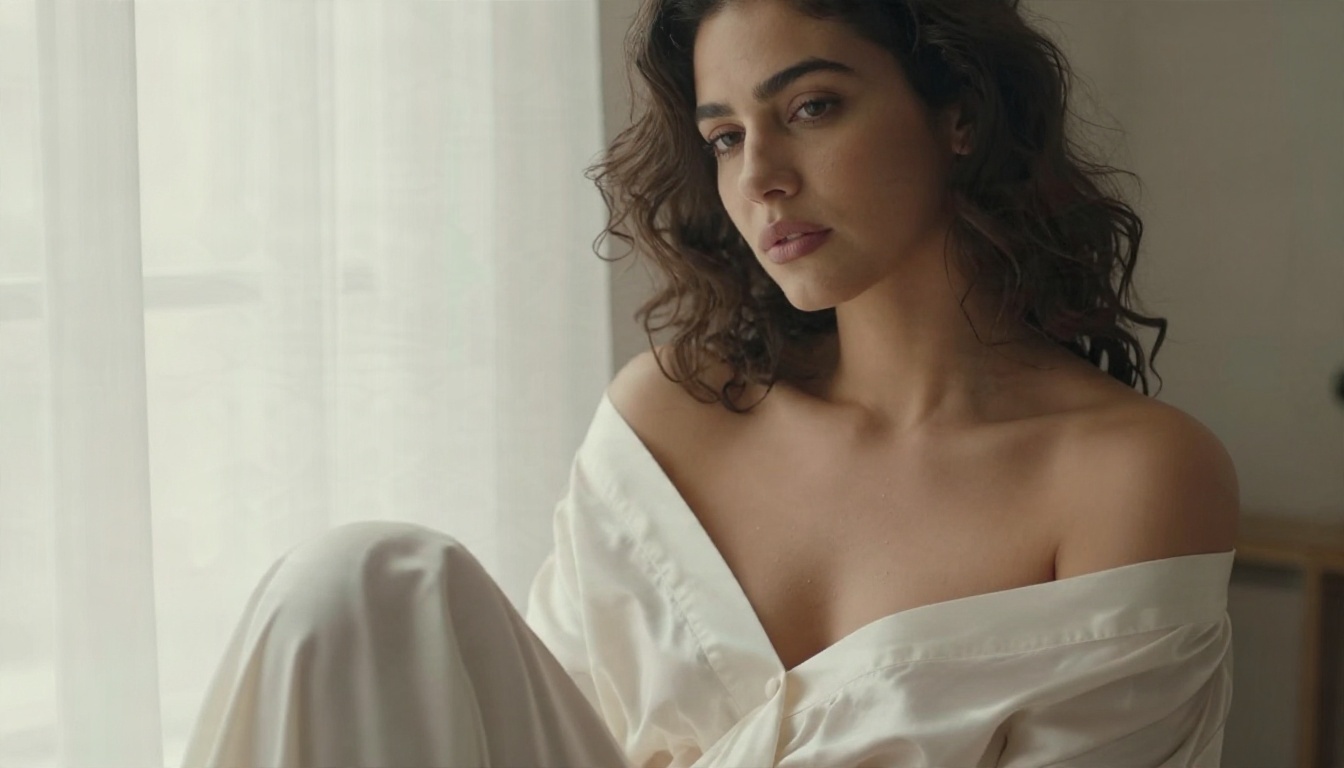
- A boudoir style portrait with soft window light refused outright
- A figure study that gets rewritten into something unrecognizable
- Credits spent on a blocked or degraded result with no refund
Credits spent on a refusal hurt twice, because the money is gone and the image never arrives.

Where Uncensored Alternatives Fit
Neither platform is designed for adult oriented work, and neither pretends to be. If your project involves glamour, swimwear or boudoir photography, you need a tool that treats those subjects as normal creative territory. These are the alternatives on PicassoIA worth trying first, in the order I would reach for them.
💡 Quick note: PicassoIA focuses on suggestive, tasteful, non explicit imagery. Think glamour and fashion, not pornography. That boundary keeps results attractive and usable.
Promptwise and Higgsfield are not on PicassoIA, so these four are the stand ins for similar results today. The two image tools are the heart of the setup, and the two video models turn those stills into motion.
How to Get Similar Results on PicassoIA
The cleanest workflow is to build your look as a still first, then animate it. Stills are cheap to retry, and a strong first frame gives any video model something solid to work from.
Start With Seedream 4.5
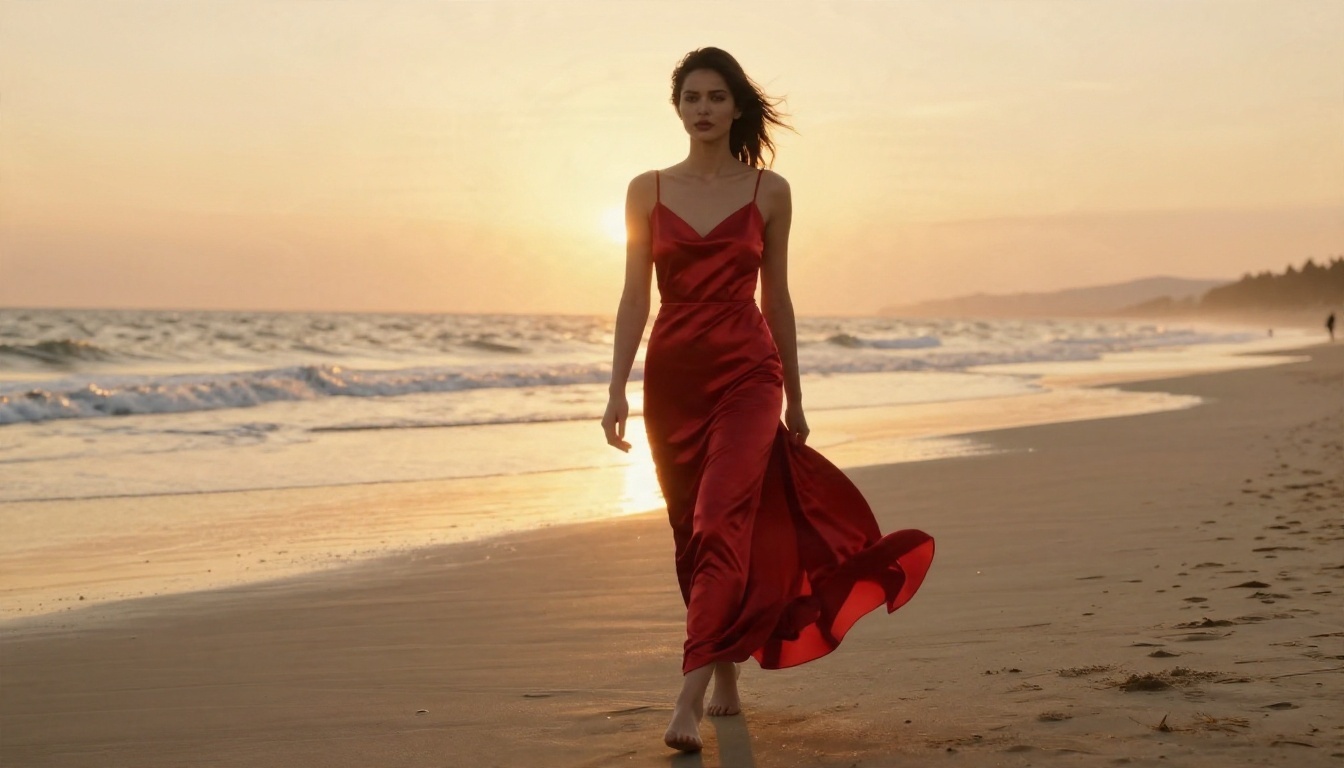
Seedream 4.5 is the strongest first stop for photoreal people, fabric and skin detail.
- Open the model page and choose a 16:9 ratio for banners and video first frames, or a vertical ratio for social posts.
- Write a prompt with five parts: subject and pose, setting, light direction, lens and camera angle, and texture details.
- Generate three to four variations and pick the one with the cleanest hands and face.
- Save the winner. It becomes your video source frame.
Write Prompts That Work
Short prompts give generic results. Use this pattern instead:
- Subject: "A woman in a white bikini with a linen wrap on a villa terrace"
- Light: "Midday sun from the upper left, soft fill from white walls"
- Lens: "85mm f/2, shallow depth of field"
- Texture: "Natural skin sheen, fine film grain, Kodak Portra 400 look"
- Mood: "Elegant, relaxed, non-explicit"
💡 Tip: Name the light source and the lens. Those two details do more for realism than any adjective like "stunning" or "beautiful".
Refine With Image Editor Pro
PicassoIA Image Editor Pro is where you fix what the first pass got wrong. Upload your Seedream image, then describe the change in plain words: swap the outfit color, soften the shadows on the face, move the background to a different location or clean up a small artifact. Because generations are unlimited, you can iterate ten times without watching a credit counter.
Move Into Video
Once the still is right, switch to motion.
- Open Wan 3 for a cinematic result, or LTX 2.5 Fast when you need a quick draft.
- Upload your still as the first frame.
- Describe the motion in order: what moves first, how the camera travels and what the light does.
- Keep the move simple. One slow push in or one gentle pan beats a long list of actions.
- Render a draft, then re-run with tweaks only if the motion looks off.
Example motion prompt: "The woman turns her head toward the sea as the breeze lifts the linen wrap, camera slowly dollies in, warm sunlight shifts across her shoulder."
Which One Should You Pick
Skip the hype and match the tool to your situation.

Pick Higgsfield if:
- You make short social clips and want preset camera moves
- You like switching between many models in one place
- You can live with credits that expire monthly
Pick Promptwise if:
- You want a low priced entry plan and plan to test the trial first
- Your needs are plain video jobs, not heavy editing
- You are comfortable with a platform that has less independent coverage
Pick neither if:
- Your work involves glamour, swimwear or boudoir imagery
- You are tired of paying for blocked results
- You want unlimited edits instead of counting credits
For that last group, the Seedream 4.5 plus Image Editor Pro pairing handles the still image side, and Wan 3 or LTX 2.5 Fast takes care of motion. You can see everything else on offer at picassoia.com/en/all-models.
Try It Yourself Today
Comparison pages only go so far. The fastest way to know whether a tool fits is to make something with it. Open Seedream 4.5, paste in the prompt pattern from above, and generate your first photoreal still. Then take it into PicassoIA Image Editor Pro and push it around until it looks exactly right, with no credit meter ticking in the corner.
When the still works, animate it with Wan 3 and see how far a single frame can go. Pick a subject you care about, a light you love and a lens you trust, then run the experiment. Your own results will tell you more than any pricing table can.


