You open a new AI image generator, type a prompt you have been polishing for a week, and the first thing you see is a credit counter ticking down. Three generations later, it is a paywall. Sound familiar? That is the daily reality of comparing Promptwise vs OpenArt, two platforms that look generous on the landing page and behave very differently once you start working.
This article puts the two side by side on the three things that actually decide whether you stay: pricing, free limits, and content filters. Then it covers an alternative for people who are tired of rationing prompts or having them blocked for no obvious reason.
💡 Quick note on accuracy: AI platforms rewrite their price lists constantly. The OpenArt numbers below reflect what was being reported in November 2026, and sources disagree on plan names. I could not confirm a published Promptwise price list, so I will not invent one. Always check the live pricing page before you pay.
The Short Answer First
If you are in a hurry, here is the shape of the decision.
| Question | Promptwise | OpenArt |
|---|
| Pricing model | Check the live pricing page, I could not verify current tiers | Monthly credit plans, reported from roughly $14 to $240 |
| Free access | Confirm on signup, terms change often | Reported as a short trial of about 40 credits for 7 days |
| Content filters | Moderated, rules vary by feature | Moderated, adult prompts commonly blocked |
| Best for | People who want a prompt-focused workflow | People who want many models in one dashboard |
| Weak spot | Limited public detail on limits | Credits burn quickly on premium models |
Neither is built for unrestricted creative work. That is not a criticism, it is a business reality: both platforms serve a broad audience, so both moderate output.

How Credit Pricing Really Works
Almost every mainstream generator sells credits, not images. That distinction matters more than the sticker price.
Credits Are Not Images
A credit is an abstract unit. One platform might charge a handful of credits for a draft image from a lightweight model and many times that for a 4K render from a premium one. So "4,000 credits" can mean hundreds of images or a few dozen, depending on what you pick.
Three things quietly drain a credit balance:
- Premium model choice. The best-looking models cost the most per render.
- Resolution and upscaling. Every extra step is another charge.
- Retries. Prompts rarely land on the first try. Plan on three to five attempts per keeper.
What OpenArt Charges
Based on the figures reported around November 2026, OpenArt sells tiered monthly plans. Sources do not agree on names or exact prices, so treat this as a ballpark.
| Tier (reported) | Approx. monthly price | Approx. credits | Notes |
|---|
| Starter | About $14 | About 4,000 | Personal use focus |
| Plus | About $34 | About 12,000 | Commercial use reported to start here |
| Pro | About $56 | About 24,000 | Heavier monthly volume |
| Wonder | About $240 | About 106,000 | For studios and power users |
Annual billing usually brings a discount, with some sources mentioning savings near half. Credits reset monthly, so unused balance generally does not roll over.
What About Promptwise?
Here I am going to be straight with you: I searched and could not confirm a current, published Promptwise price list that I would trust enough to print. Rather than guess, my advice is simple. Open their pricing page, check three things, and write them down:
- Credits or generations per month on the entry plan.
- Whether the free allowance refills or is a one-time trial.
- Whether commercial use is included and on which tier.
If any of those three is vague, assume the worst case until support tells you otherwise.

Free Limits: Trial or Real Free Tier?
The word "free" is doing a lot of work in this market. There are really three kinds.
| Type | What you get | Reality check |
|---|
| One-time trial | A fixed pile of credits, no refill | Fine for a test drive, useless for a project |
| Daily refill | Small allowance every 24 hours | Good for casual use, slow for real work |
| Genuinely open | No credit meter at all | Rare, usually tied to specific models |
OpenArt's Free Reality
Reported details point to OpenArt offering a limited trial balance, roughly 40 credits across 7 days, rather than a permanently refilling allowance. Some third-party pages still describe a "free forever" tier or a daily allotment, and those descriptions conflict. If you are planning around a free plan, verify it on a fresh account before you build a workflow around it.
Forty credits goes quickly. On a premium model, that could be a handful of images. Enough to judge quality, not enough to finish a client mockup.
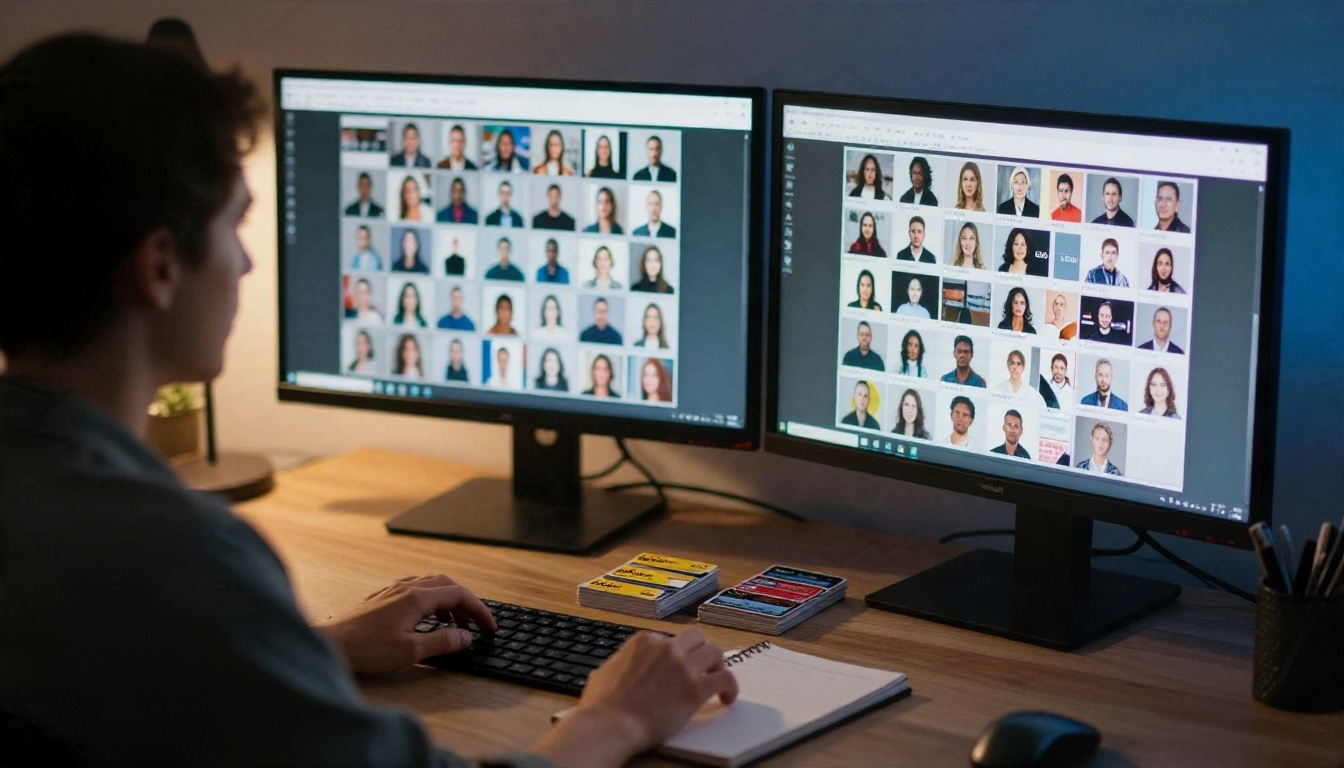
How to Test Any Free Tier in 15 Minutes
Do this before you commit to any platform:
- Create an account and screenshot the credit balance.
- Run one prompt on the best model available and note the credit cost.
- Run the same prompt on the cheapest model and compare.
- Try a prompt in your real use case, whether that is portraits, fashion, or product shots.
- Note how many attempts it took to get a usable result.
Divide your starting credits by the average cost per attempt. That is your real free allowance, and it is almost always smaller than the headline number.
Why Prompts Get Blocked
This is the part nobody puts in the pricing table, and it is often the real reason people go looking for an alternative.

Filters Are Broad on Purpose
Mainstream platforms run moderation on both your prompt and the generated image. Anything that looks like it might touch adult themes, swimwear, lingerie, or even stylish glamour photography can get flagged. The filters are tuned to avoid the worst case, which means they catch a lot of perfectly reasonable requests too.
Typical frustrations include:
- A fashion prompt blocked because of one ambiguous word.
- An image generated and then hidden after the output check.
- A credit charged for a result you never got to see.
- Inconsistent behavior: the same prompt passes on Monday and fails on Thursday.
💡 Pro tip: If a prompt fails, try rewriting it with neutral, photographic vocabulary like "editorial portrait", "golden hour", "swimwear campaign". It sometimes helps, but it is a workaround, not a solution.
The Cost of Being Blocked
A blocked prompt is not just annoying. If credits are consumed anyway, you are paying for a refusal. Over a month, with retries, that adds up to a real percentage of your plan.
For creators working on glamour, boudoir-style, swimwear, or fashion editorial content, the friction compounds. You end up spending more time negotiating with a filter than shaping an image.
Who Should Pick Which
Let me be useful and direct. Here is how I would choose.
Pick OpenArt If
- You want many models and tools in a single dashboard.
- Your content is clearly safe for work.
- You are happy to budget around monthly credits.
Pick Promptwise If
- Their pricing page confirms terms that fit your volume.
- You like a prompt-first workflow and have verified the free allowance.
- Your use case does not run into their filters.
Look Elsewhere If
- You are regularly blocked on fashion, swimwear or glamour prompts.
- You hate counting credits.
- You want to iterate dozens of times without watching a meter.
That last group is bigger than most reviews admit.

An Uncensored, Unlimited Alternative
If the filters and the credit meter are your real problems, the most practical fix is a platform built around fewer restrictions and no per-image anxiety. That is where PicassoIA fits.
Neither Promptwise nor OpenArt is a PicassoIA model, so this is a straight alternative, not a port. For similar photorealistic results today, here is the lineup I would reach for, in order.
Seedream 4.5 First
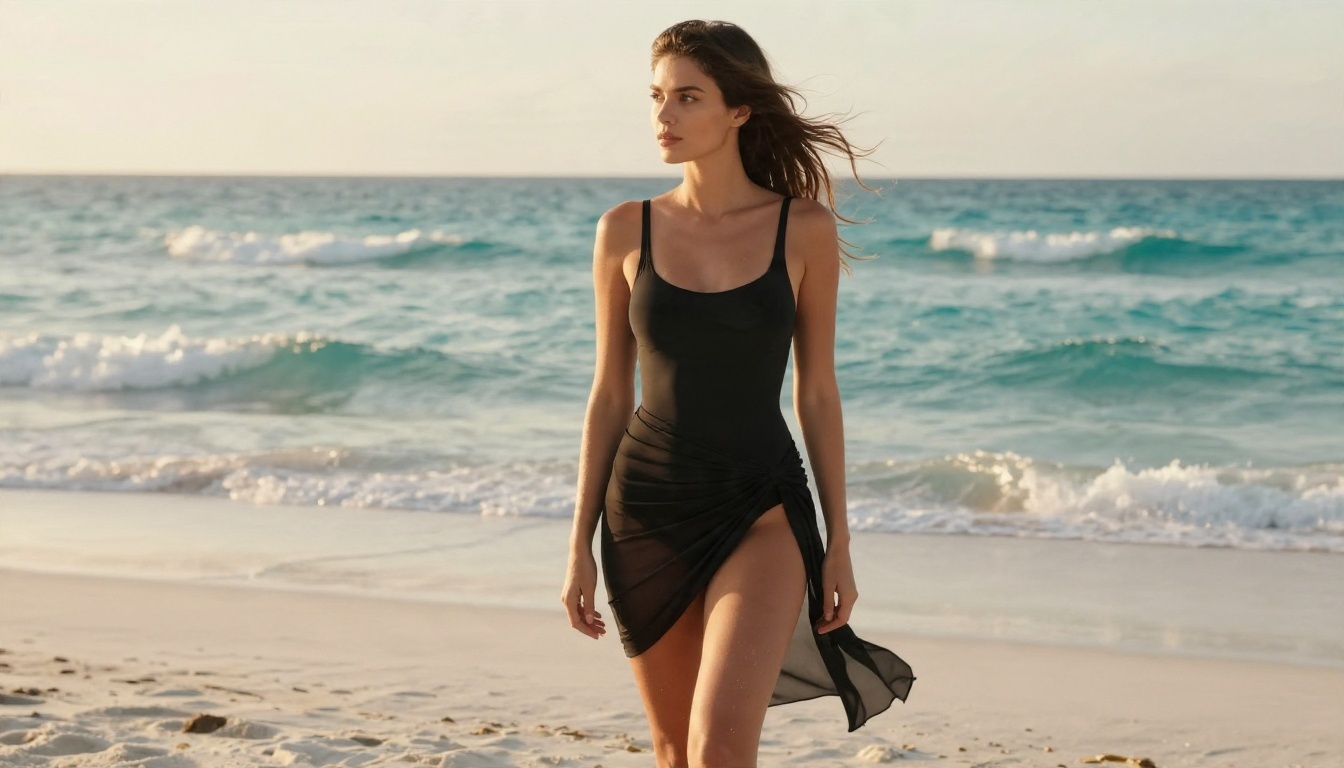
Seedream 4.5 is the model I would start with. It handles skin texture, fabric, and lighting with a photographic realism that holds up at 4K, and it is far more relaxed about glamour, swimwear, and fashion editorial prompts than the mainstream moderated platforms. For anyone who has been blocked on tasteful, attractive imagery, this is the quickest relief.
PicassoIA Image Editor Pro for Unlimited Runs
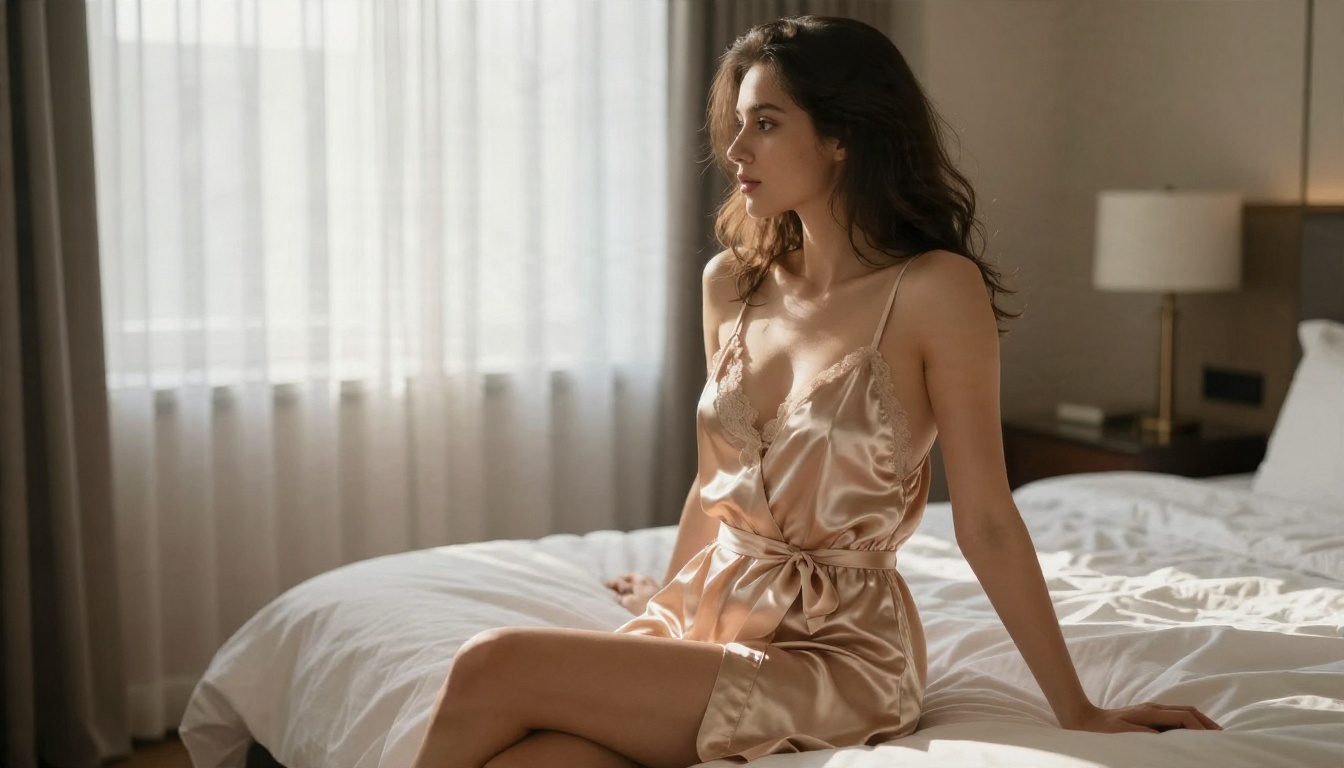
PicassoIA Image Editor Pro is the one that changes the economics. It offers unlimited generations, so retries stop costing you anything. That matters because good images come from iteration, and iteration is exactly what credit systems punish. It is also useful for editing an existing photo, not just generating from scratch.
Other Models Worth Trying
💡 Keep it tasteful: Content on PicassoIA still follows sensible boundaries. Think glamour, bikinis, boudoir lighting and fashion, beautiful and attractive, rather than explicit material. Within that range, you will hit far fewer walls.
Quick Comparison on Real Priorities
Here is how the three options line up on what most people care about.
| Priority | Promptwise | OpenArt | PicassoIA |
|---|
| Predictable cost | Verify on pricing page | Tiered credit plans | Unlimited runs with Image Editor Pro |
| Free-tier usefulness | Confirm on signup | Short trial reported | Free access to try models |
| Glamour and swimwear prompts | Moderated | Often blocked | Far more permissive |
| Retries without penalty | Depends on plan | Cost credits | Unlimited with Image Editor Pro |
| Photorealism | Model dependent | Model dependent | Strong with Seedream 4.5 |
How to Get Similar Results on PicassoIA
Here is a repeatable routine using Seedream 4.5, the lead model for this kind of work.
Step 1: Open the Model
Go to the Seedream 4.5 page and open the generator. No credit math to do first.
Step 2: Write a Photographic Prompt
Think like a photographer, not a prompt engineer. A reliable structure:
Subject and pose + environment + light direction + lens + texture details
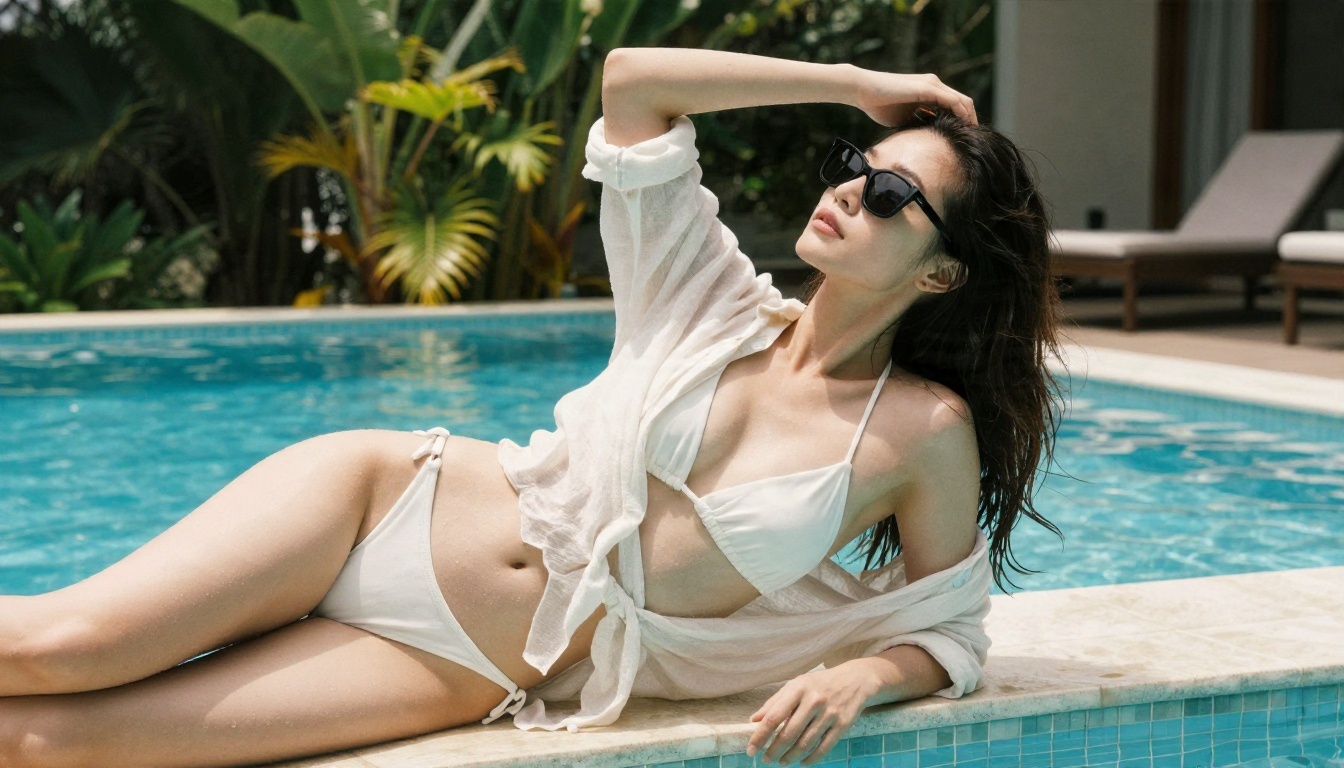
Example: "Woman in a white linen shirt and bikini on a villa terrace, afternoon sunlight from the upper left, 50mm f/2 lens at eye level, visible skin texture and water droplets, Kodak Portra 400 film grain."
Step 3: Set the Format
Pick a 16:9 ratio for banners and web, 9:16 for stories, 1:1 for feeds. Choose the highest resolution offered.
Step 4: Iterate, Then Refine
Generate a few variations, pick your favorite, then refine it with PicassoIA Image Editor Pro. Because runs are unlimited there, you can adjust wardrobe, background or mood as many times as needed.
Parameter Tips That Help
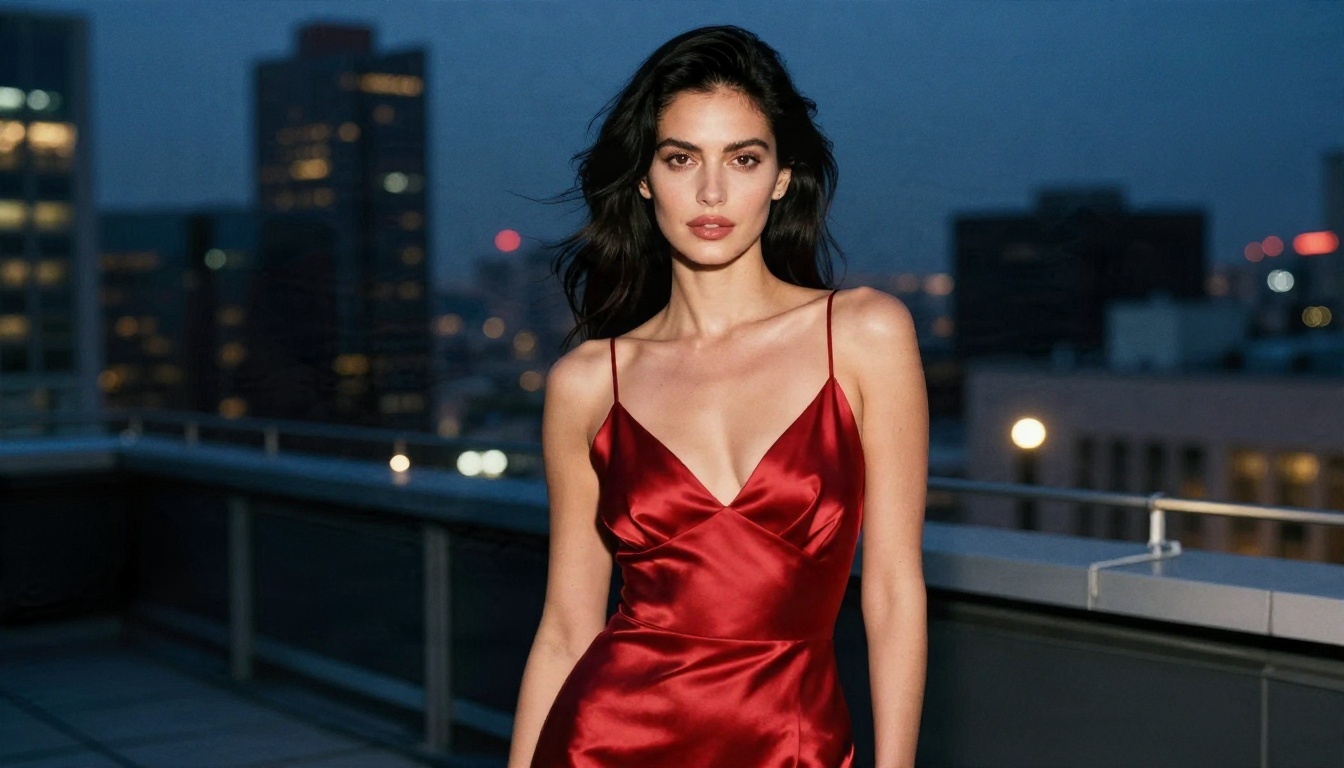
- Name the light. "Soft window light from the left" beats "good lighting".
- Name the lens. "85mm f/1.8" gives portrait compression and background blur.
- Add texture words. "Visible pores", "silk sheen", "linen weave" push realism.
- Avoid style stacking. One clear look beats five competing ones.
Prompt Habits That Save Money Anywhere
Whichever platform you end up on, these habits protect your balance and your patience.

Draft Cheap, Finish Expensive
Test your concept on a lightweight model first. Only switch to a premium render once the composition is right. On credit platforms, this alone can cut spending noticeably.
Keep a Prompt Notebook
Save prompts that worked, with the model and settings. Reusing a proven prompt beats rediscovering it with paid retries.
Change One Thing at a Time
If you alter the subject, light and lens together, you will not know what helped. Adjust a single variable per attempt.
Watch for Silent Costs
- Upscales and variations are charged separately on many platforms.
- Some features cost more than the base image.
- Blocked outputs may still consume credits. Check the terms.
Common Mistakes When Choosing
A few traps I see repeatedly.
- Comparing headline credits instead of cost per usable image. Always compute the real number.
- Trusting a free tier you never tested. Run the 15-minute test above.
- Ignoring the filter until you are blocked. Try your actual content on day one, not day thirty.
- Paying annually too early. Test monthly first, because plans and policies shift.
- Forgetting commercial rights. If you sell the output, confirm which tier allows it.
Make Your Own Images Today
Promptwise and OpenArt each have a place, and for clearly safe-for-work projects either might serve you well. But if your real frustrations are blocked prompts, vanishing credits and paying for retries, the better move is a platform designed around freedom to iterate.
Start with Seedream 4.5 for photorealistic glamour and fashion, then use PicassoIA Image Editor Pro to refine without limits. Try the same prompts that got blocked elsewhere and compare the results yourself. When you want to see everything on offer, browse the full lineup at picassoia.com/en/all-models, pick a model, and make something you could not make before.


