You typed "Qwen Edit uncensored" into a search bar because a normal edit came back blurred, refused or watered down, and now you want to know if a version without filters actually exists. Short answer: sort of, but not the way the forum threads make it sound. Community LoRAs and merged checkpoints for Qwen Image Edit do exist, and a few of them loosen the base model's behavior. They are also temperamental, hardware hungry and far weaker than the hype suggests. This article walks through what really works, what "free online" usually means, and which alternatives give you better portraits and glamour edits with far less friction.
💡 Quick take: There is no single official "uncensored Qwen Edit." The term describes unofficial LoRAs and community mixes. Results vary a lot, and hosted services nearly always keep safety filters on.
What "Uncensored" Means Here
Qwen Image Edit is an instruction-based photo editor from Alibaba's Qwen team. You upload a picture, type what you want changed, and the model rewrites the image. It handles text swaps, object replacement, pose changes and style shifts well. The base release, like most commercial image models, was trained to avoid explicit material, and many hosts add a second filter on top.
When people say "uncensored," they usually mean one of three things:
- A LoRA trained on adult or revealing imagery and attached to the base Qwen editor
- A community merge that bakes several such LoRAs into one set of weights
- A hosted tool that simply has its safety checker switched off
Each route behaves differently, and none of them is as simple as clicking a toggle.
The Base Model Is Not the Problem
A common mistake is blaming the editor for every refusal. Often the block comes from the website wrapping the model, not the model itself. The same weights can pass or fail depending on the host's checker. That is why two services running "Qwen Edit" can give you opposite results from the same prompt.
Why Filters Exist
Hosts filter for payment processor rules, legal exposure and app store policies. Editing a real person's photo into something intimate without their consent is also harmful, and in many countries it is illegal. If you work with real people, use only photos you own or have clear permission to edit. Everything in this article assumes consent and non-explicit, tasteful results.
Does Qwen Edit Uncensored Work?
Honest answer after reading through community reports and model pages: it works partially, and mostly locally.
One creator who trained an "uncensor" style LoRA for Qwen Image Edit called it experimental, and their own conclusion was blunt. A really good version probably needs a full adult-content finetune of the base Qwen image model first, which could then be extracted as a LoRA. Until that happens, small LoRAs are patching over a model that was never taught the material in the first place.
What the LoRAs Actually Do Well
- Loosen refusals on swimwear, lingerie style and glamour prompts
- Keep faces and outfits more consistent than a plain text prompt
- Handle simple clothing swaps on clean, well-lit photos
Where They Fall Short
- Anatomy drifts. Hands, proportions and skin texture often look off.
- Skin looks plastic. Fine pores and natural shading disappear.
- Prompts are fragile. A slightly different wording can undo the effect.
- Stacking breaks things. Combining two or three LoRAs often produces artifacts.
- Quality varies by version. A LoRA trained on one Qwen Edit release may behave poorly on the next.
A Reality Check Table
| Claim you see online | What usually happens |
|---|
| "Fully uncensored Qwen Edit" | Partial loosening, inconsistent results |
| "One click, no filter" | Hosted site still runs a safety checker |
| "Photoreal skin, perfect anatomy" | Plastic texture, odd hands, drifting faces |
| "Works on any photo" | Best on sharp, front-facing, well-lit images |
| "Free forever" | Free tier with queue, watermark or credit cap |
Running It Locally: The Real Cost
If you want the unofficial builds, you run them yourself. Community pages for Qwen Image Edit 2509 and 2511 mixes describe setups such as BF16 weights on a 10 GB graphics card paired with 64 GB of system RAM. That is a serious machine, and it works only with patience and lots of tweaking.
What You Need
- A GPU with at least 10 to 12 GB of VRAM, more for comfort
- 64 GB of RAM if you want full-precision weights
- A node-based workflow tool and the correct text encoder files
- Several large downloads, often 20 GB or more per setup
- Time to match LoRA strength, steps and guidance values
The Hidden Downsides
- Files from unknown uploaders can be mislabeled or poorly made. Download only from sources you trust.
- Every model update can break your workflow.
- Generation takes minutes per image on mid-range hardware.
- You carry all the troubleshooting yourself.
💡 Tip: If your machine cannot hold the full weights, quantized versions fit in less memory, but they trade away detail. Skin and fabric texture suffer first.
Free Online Options and Their Limits
This is where most searchers actually land. You do not want to build a workstation. You want a website. Here is how the free online landscape looks in practice.
General Qwen Editors With a Free Tier
Several hosting platforms offer Qwen Image Edit with LoRA support. Some give a free trial, a small credit pack or an account-based free plan. Pay-per-image pricing around a few cents per generation is common once credits run out. These services are designed for general editing, and their listings usually say nothing positive about adult content. Hosted LoRA runners often screen outputs with automated NSFW checkers unless the operator disables them, and most operators do not.
Community Spaces and Demos
Public demo spaces for Qwen editors come and go. They are slow during peak hours, frequently capped, and they change policies without notice. Treat them as a way to test a prompt, not as a workflow.
Sites Advertising "Uncensor" Models
A few sites list community "uncensor" or "nudify" workflows. Be careful. Many are credit traps, some demand uploads of personal photos, and the output quality tends to match the weak LoRAs described above. Never upload a photo of someone who has not agreed to it, and never upload anything you would not want stored on a server you do not control.
What to Check Before You Sign Up
- Does the content policy mention adult or mature content at all?
- Is there a clear price after the free trial?
- Are generated images stored, and for how long?
- Can you delete your uploads?
- Does the site require a photo of a real person to work?
Qwen Edit Models Available on PicassoIA
The "uncensored" builds are community-made and not on PicassoIA. What PicassoIA does host are the standard Qwen editors, which are strong tools for everyday photo work such as restyling, object swaps, relighting and reframing:
These are standard editors, so do not expect them to behave like an unofficial uncensored mix. If your goal is glamour, swimwear and boudoir style portraits, the models in the next section are a better fit.
Better Alternatives for Glamour Edits
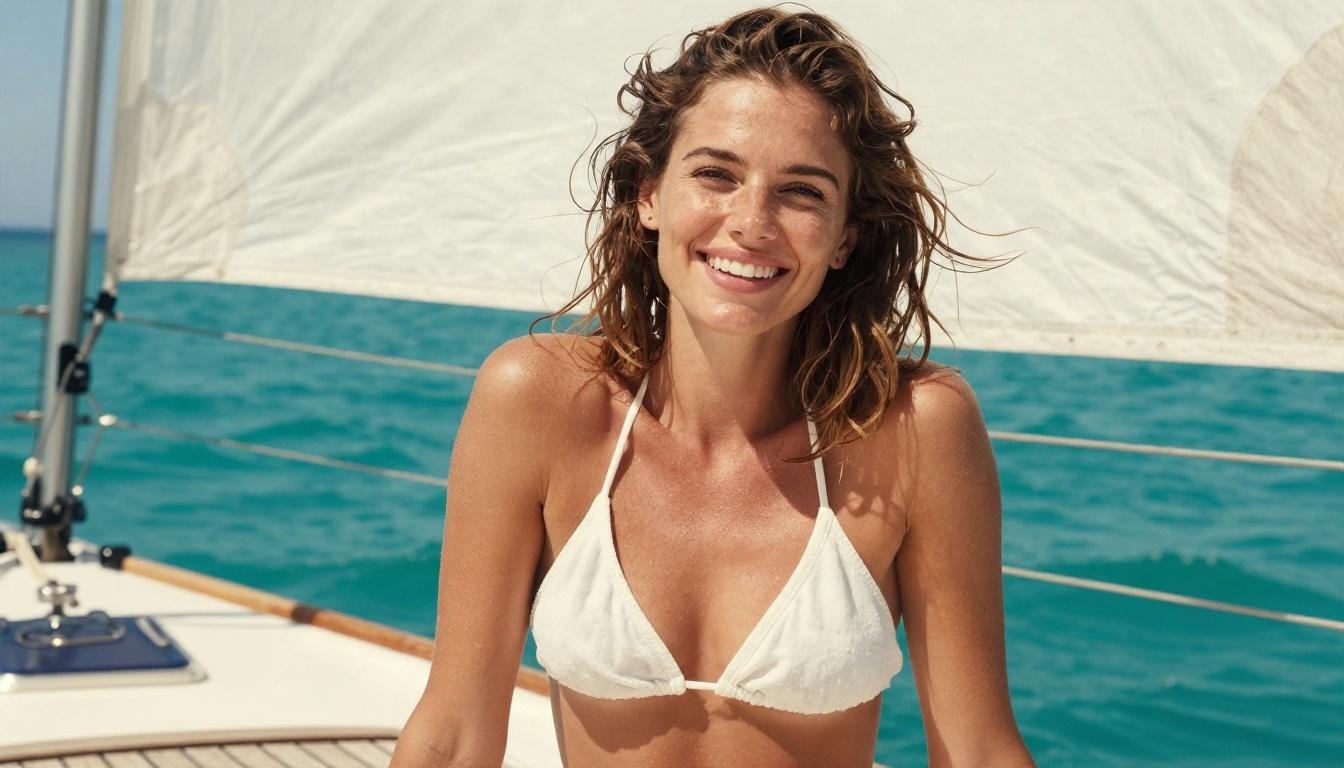
Qwen Edit uncensored is not on PicassoIA yet; for similar results today, try these alternatives. They produce more natural skin, steadier anatomy and cleaner light than the LoRA stacks above, and you skip the hardware problem entirely.
1. Seedream 4.5
Seedream 4.5 is the first model to try for suggestive, non-explicit adult-style imagery: swimwear, lingerie style portraits, boudoir light, beach glamour and evening wear. It renders skin with convincing texture, handles fabric sheen well and follows long prompts closely. It works in the browser and outputs high-resolution images quickly, so you can iterate several times in a few minutes.
2. PicassoIA Image Editor Pro
PicassoIA Image Editor Pro is built for editing photos you already have. Its big advantage is unlimited generations, which matters when a good edit takes six or seven attempts. You upload a photo, describe the change, and refine. There is no queue of credits to count, so you can test wording freely.
3. Qwen Image Edit Plus
Qwen Image Edit Plus is the closest match to the Qwen workflow you were searching for. It follows instructions precisely and keeps faces consistent across edits, which makes it ideal for outfit changes, backgrounds and lighting. Expect standard model behavior rather than loosened behavior.
4. Flux Kontext Fast and Nano Banana
Flux Kontext Fast is a quick instruction editor, and Nano Banana is a flexible generate-and-edit model with strong identity consistency. Both are handy second options when your first attempt misses.
Side by Side
| Option | Best for | Skin realism | Setup needed |
|---|
| Community uncensored LoRA | Experiments on a local PC | Often plastic | High |
| Free hosted Qwen editor | Basic edits, light testing | Good | None, but filtered |
| Seedream 4.5 | Glamour and swimwear imagery | Excellent | None |
| Image Editor Pro | Editing your own photos, unlimited tries | Very good | None |
| Qwen Image Edit Plus | Precise instruction edits | Very good | None |
How to Get Similar Results on PicassoIA
The simplest path uses Seedream 4.5 for generating a new scene and PicassoIA Image Editor Pro for refining a photo you own.
Step 1: Pick Your Starting Point
If you have no source photo, generate the scene from text with Seedream 4.5. If you want to alter an existing portrait of yourself or a consenting model, open Image Editor Pro and upload it.
Step 2: Write a Photographic Prompt
Describe the subject, outfit, setting, light and lens like a photographer would. Compare these two:
- Weak: "sexy woman at the beach"
- Strong: "woman in a white bikini and open linen shirt on a quiet beach at golden hour, warm backlight from the left, 85mm lens, shallow depth of field, natural skin texture, film grain"
Step 3: Control the Light
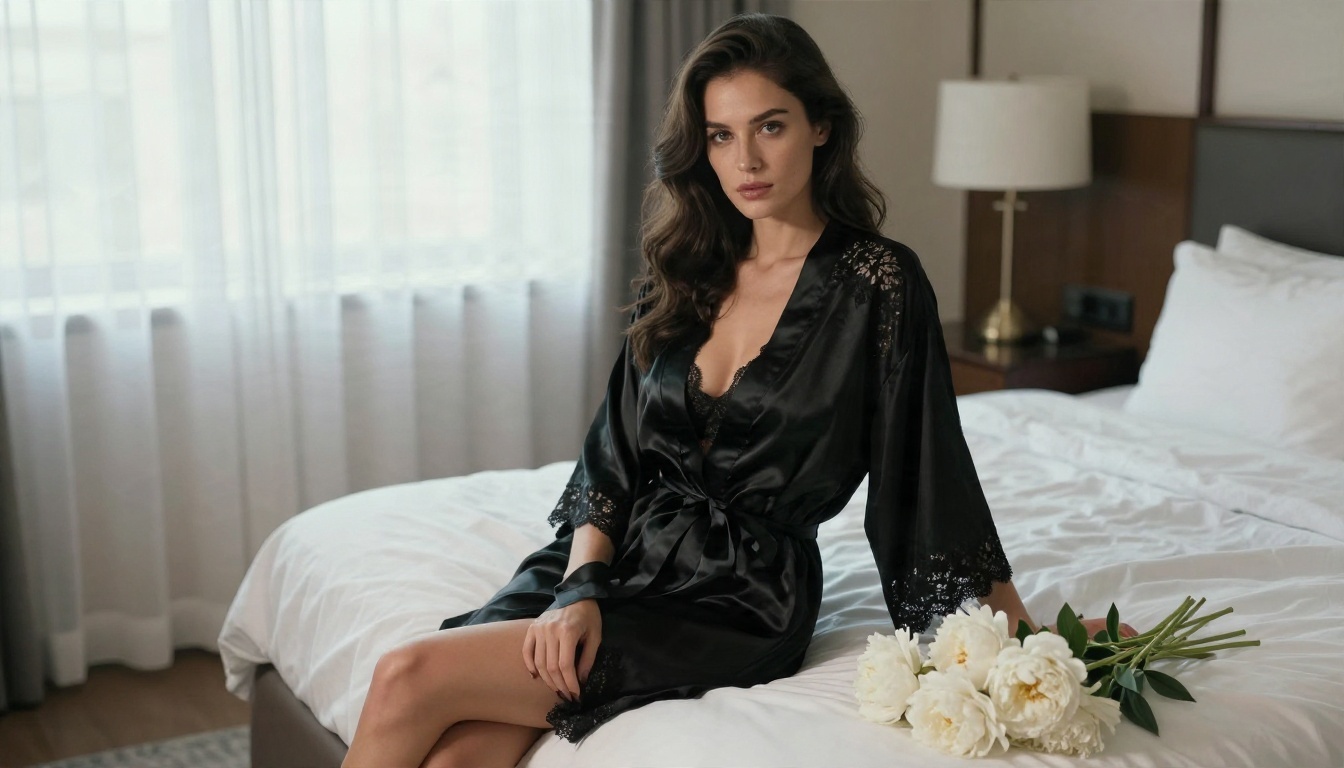
Light decides whether a result looks real. Name the direction, the time of day and the quality: "soft window light from the left," "low sun behind the subject," "overcast diffused daylight." Avoid vague words like "perfect lighting."
Step 4: Iterate in Small Steps
Change one thing per attempt: the outfit, then the background, then the light. With unlimited tries in Image Editor Pro, small controlled edits beat one giant prompt every time.
Step 5: Upscale and Clean Up
When you like a result, run it through a super resolution tool to sharpen detail, and use an inpainting tool for hands or small flaws.
💡 Parameter tip: Keep prompts between 40 and 80 words. Shorter prompts leave too much to chance, and longer ones start contradicting themselves.
Prompts That Give Better Edits
Whichever tool you pick, wording matters more than any setting. These patterns work across Qwen style editors, Seedream and Image Editor Pro.
For Outfit Changes
"Change her outfit to a deep red satin slip dress, keep the face, hair, pose and background unchanged, natural fabric folds, same lighting."
The phrase keep everything else unchanged protects identity and framing.
For Mood and Setting
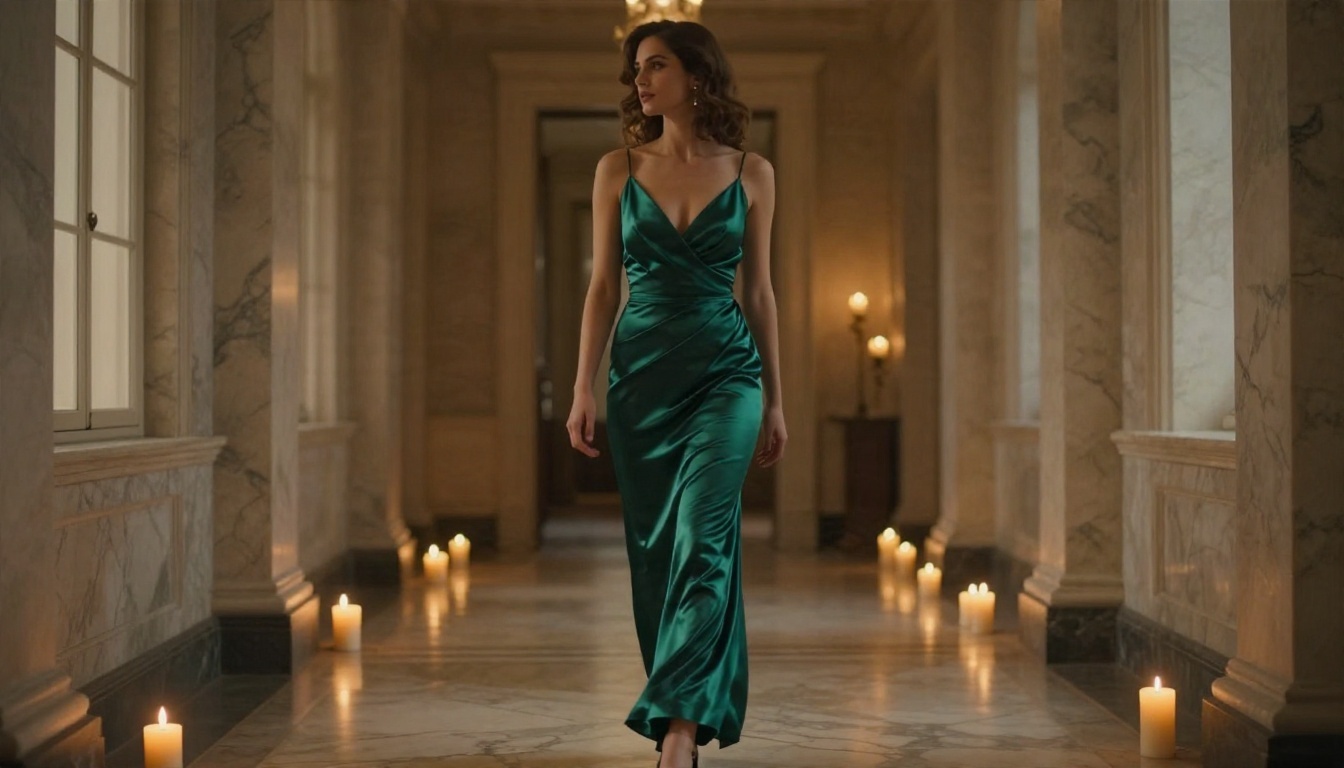
"Move the subject to a candlelit hotel hallway with polished marble floors, warm tungsten light, shallow depth of field, film grain."
For Fixing Plastic Skin
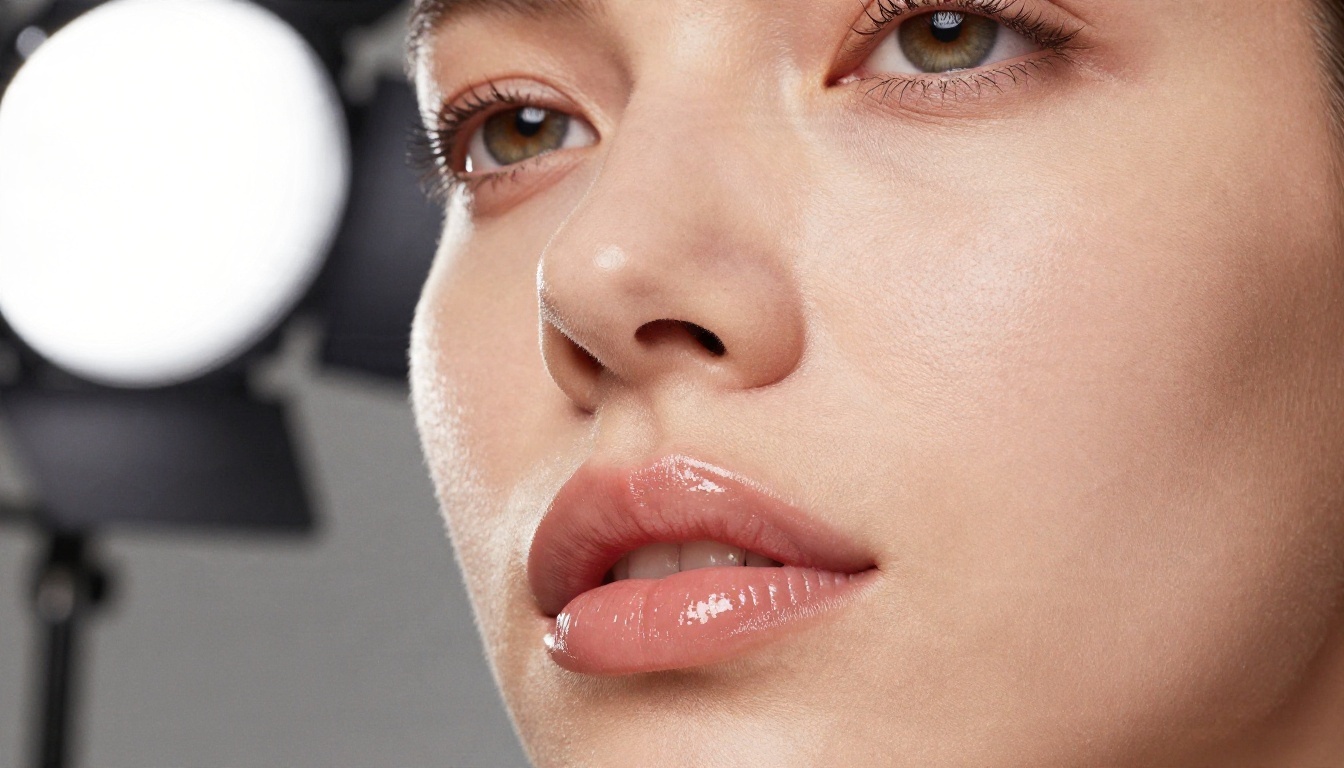
"Add natural skin texture with visible pores, fine peach fuzz and slight shine on the cheekbones, no smoothing, no beauty filter look."
Common Mistakes
- Asking for too many changes in one instruction
- Skipping the lighting description
- Using words that trigger refusals when a milder, descriptive phrase would do
- Forgetting to say what must stay the same
- Judging a model after a single attempt
Which Route Should You Pick?
Choose by what you actually need, not by the keyword that brought you here.
- You want the unofficial uncensored builds and own a strong PC: run a community mix locally, accept the inconsistent quality, and download only from trusted sources.
- You want a quick test with no install: use a free hosted Qwen editor, but expect filters and a capped free tier.
- You want convincing glamour or swimwear imagery: Seedream 4.5 is the faster, cleaner route.
- You want to edit your own photos again and again: Image Editor Pro, with its unlimited generations, removes the cost of trial and error.
- You want a Qwen workflow with strong instruction following: Qwen Image Edit Plus or 2511 on PicassoIA.

A Note on Responsible Use
Use your own photos or photos of people who have agreed. Do not create intimate edits of real people without consent. Keep results tasteful and non-explicit. These rules protect other people, and they also keep your accounts and projects safe.
Start Creating Your Own Edits
You do not need a 64 GB workstation or a pile of fragile LoRAs to get good-looking portraits and glamour images. Open Seedream 4.5 for a fresh scene, then take a photo of your own into PicassoIA Image Editor Pro and refine it as many times as you like. Try a swimwear shoot at golden hour, a boudoir portrait by a window, an evening dress in a candlelit hall, and compare the skin, fabric and light against what the uncensored LoRAs gave you.
Want more options? Browse the full catalog at picassoia.com/en/all-models, pick a model, write a photographic prompt and see how far a few good sentences can go.


