Qwen Image 2.1 NSFW: Prompts, Examples, Free Access and Limits
Qwen Image 2.1 arrived in September 2026 as a 7B open weights model, and everyone asks the same question: does it allow NSFW? Here is what the license, the hosted filters and community LoRAs really mean, with prompts, examples and working alternatives.
Qwen Image 2.1 landed in September 2026, and within days the search bar filled up with one question: can it make NSFW images? The honest answer is "it depends on where you run it." The weights, the hosted API, the license and the community add-ons all behave differently, and most blog posts blur them together. This article separates them, gives you prompts you can paste today, shows the kind of glamour and boudoir results worth aiming for, and points to models you can use right now without a license headache.
One rule before anything else: everything here is about suggestive, non-explicit, adults-only imagery: lingerie, swimwear, boudoir lighting, editorial glamour. Nothing on this page involves real people without consent, minors, or pornographic content, and none of it should.
What Qwen Image 2.1 Actually Is
Alibaba's Qwen team released Qwen Image 2.1 on September 20, 2026. It is a 7B parameter model that handles both text to image generation and image editing in one system. Public weights are available, which is why so many people assume it has no rules at all. That assumption is where the confusion starts.
Specs at a Glance
Feature
Qwen Image 2.1
Release date
September 20, 2026
Size
7B parameters
Tasks
Text to image and image editing
Reference images
Up to 10 per edit
Output
Up to 2K, native transparency supported
Weights
Public download
License
Qwen Research License (research and evaluation)
Commercial use
Needs a separate paid license
Two details matter for adult content. First, "open weights" does not mean "open source" in the permissive sense. Second, the research license limits what you can legally do with outputs in a business setting, no matter how the model behaves technically.
Why People Search for NSFW
Qwen models earned a reputation for clean skin texture, readable text and strong prompt following. Qwen Image 2.1 adds multi reference editing, so you can keep one character consistent across several scenes. For glamour, boudoir and swimwear creators, consistency is the hardest problem, which explains the interest.
💡 Quick note: Qwen Image 2.1 is not on PicassoIA yet. Related models from the same family are, such as Qwen Image 2512, but they are different versions with different behavior. Later in this article you will find alternatives that are available today.
Does Qwen Image 2.1 Allow NSFW?
No official Qwen or Alibaba page publishes a clear adult content policy for this release. Third party write ups say the release materials contain no acceptable use list and that the model cards skip safety sections. Treat that as "unspecified," not as "permitted."
Local Weights vs Hosted API
Reports from independent blogs describe two very different situations:
Downloaded weights: reportedly shipped without a built in safety checker. What happens depends entirely on your own setup and your own responsibility.
Hosted versions: the Alibaba Cloud API reportedly screens prompts and results, and returns a DataInspectionFailed style error when something is flagged. Other hosting providers apply their own filters on top.
So "Qwen Image 2.1 is uncensored" is half true at best. The model file may not refuse much, but the places most people actually use it often do.
Community LoRAs
LoRA adapters are small add on files that nudge a model toward a style or subject. Community builds for Qwen Image 2.1 already exist, including anime focused sets aimed at mature content. Quality varies a lot. One vendor test on the older 2512 version found that a LoRA at certain strengths produced results nearly identical to no LoRA, with no error message. If a LoRA seems to do nothing, that may be why.
Prompts That Work
Qwen models respond best to clear, structured descriptions, not keyword soup. Write like a photographer briefing an assistant.
The Five Part Formula
Subject and pose: who, wearing what, doing what.
Environment: the room, the street, the beach, with two or three concrete objects.
Light: direction, softness, time of day.
Camera: lens, angle, distance, depth of field.
Texture and mood: skin, fabric, film grain, atmosphere.
A weak prompt says "sexy woman in lingerie, beautiful, 8k." A strong prompt gives the model something to build.
Lighting and Lens Phrases
Lighting does most of the work in glamour photography, and it is the cheapest thing to change. Try swapping these in:
Goal
Phrase to try
Soft, flattering skin
"overcast window light from the right, soft shadow falloff"
Warm intimacy
"single brass lamp on the left, warm tungsten glow"
Sunny and playful
"golden hour sun flare from behind, gentle rim light on hair"
Editorial depth
"85mm f/1.8, shallow depth of field, creamy bokeh"
Film look
"Kodak Portra 400, fine film grain, subtle halation"
Real skin
"visible pores, subtle freckles, no retouching"
Ten Prompts to Paste
Each of these keeps things suggestive and non-explicit. Adjust names, colors and locations freely.
1. Hotel morning
An adult woman in a cream satin robe over a black silk camisole sits on the edge of an unmade white linen bed, sheer curtains moving in a breeze, warm golden morning light from the left window, 85mm f/1.8, Kodak Portra 400, fine film grain, visible skin pores
2. Paris armchair
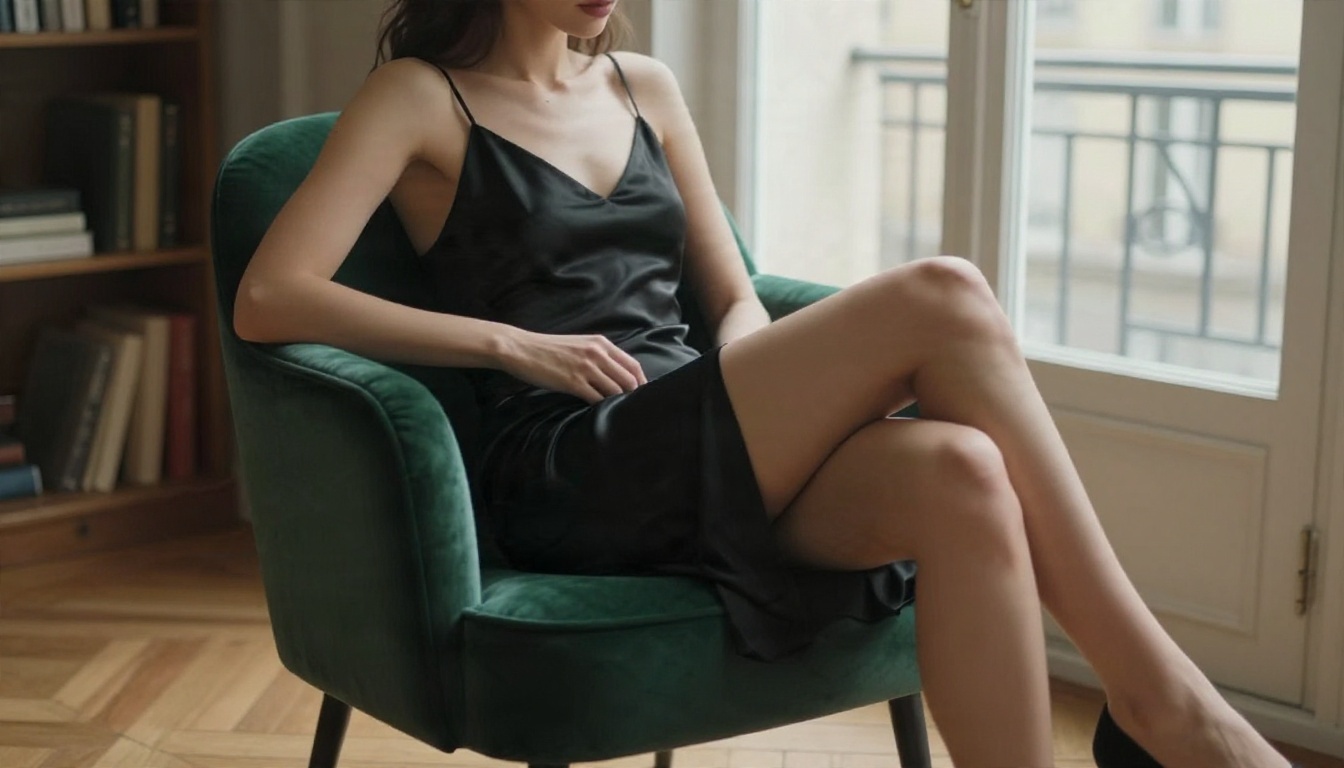
An adult woman in a black satin slip dress sits on a green velvet armchair beside a tall window, herringbone parquet floor, overcast daylight from the right, 50mm f/1.8, realistic fabric sheen, editorial boudoir
3. Beach golden hour
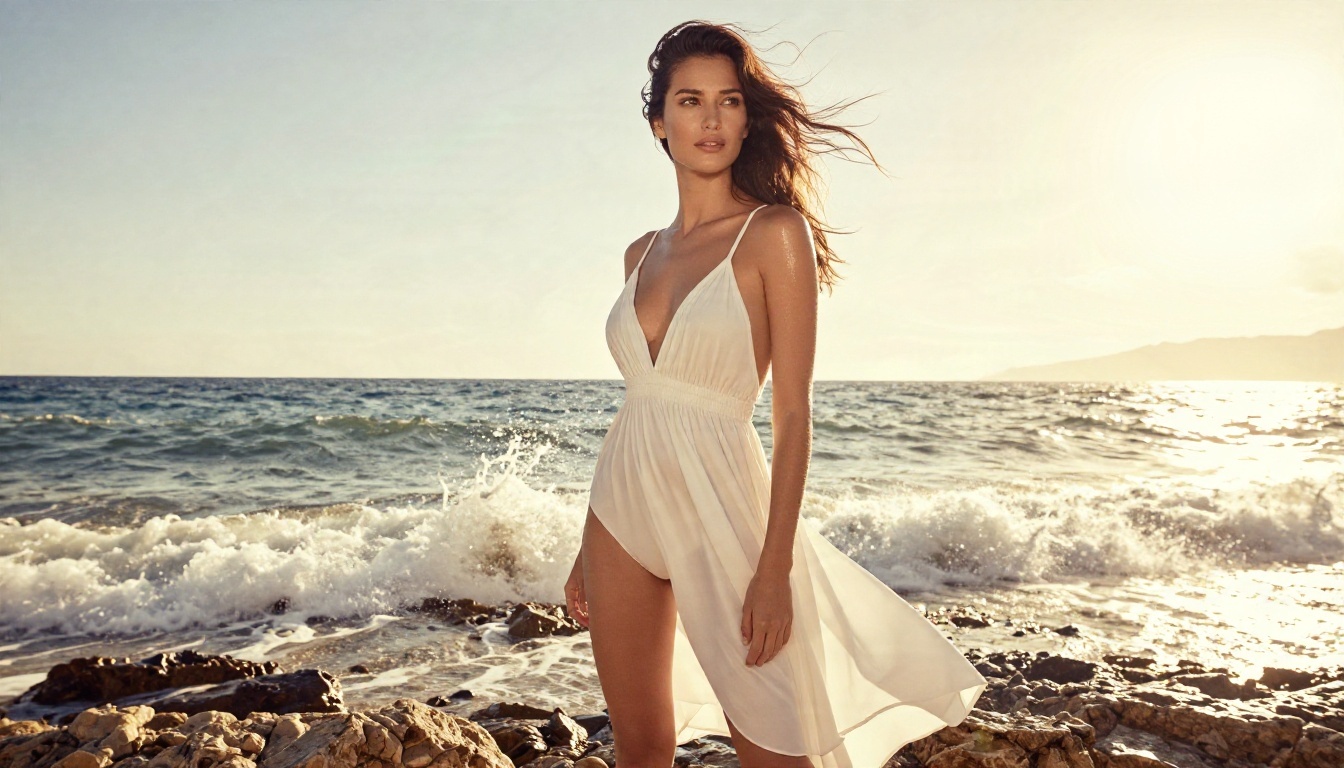
Low angle shot of an adult woman in a white sundress over a swimsuit on a rocky Mediterranean beach, waves behind her, sun flare from the right, 35mm f/2, warm film tones
4. Vanity mirror
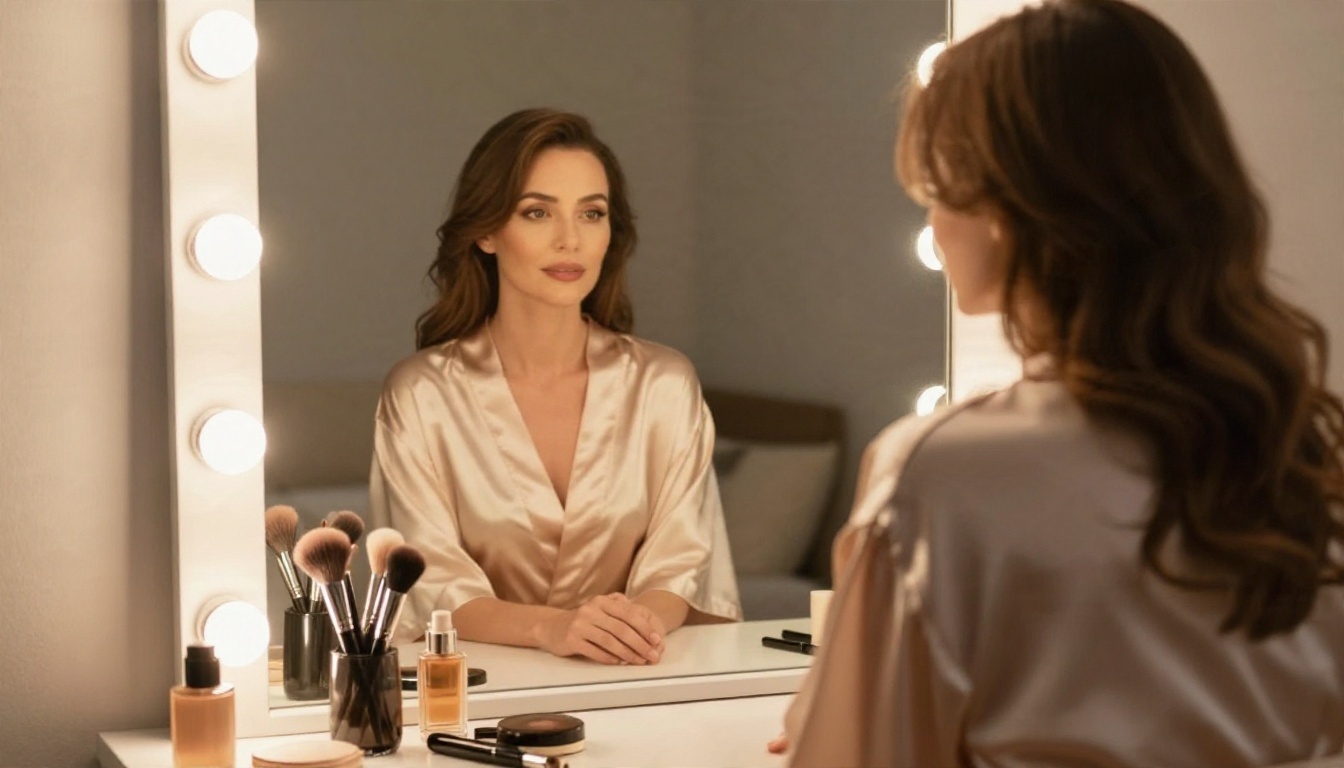
An adult woman in a champagne silk robe at a bulb lit vanity mirror, reflection visible, makeup brushes on the table, warm tungsten glow, 50mm f/1.4, intimate portrait
5. Cabin fireplace
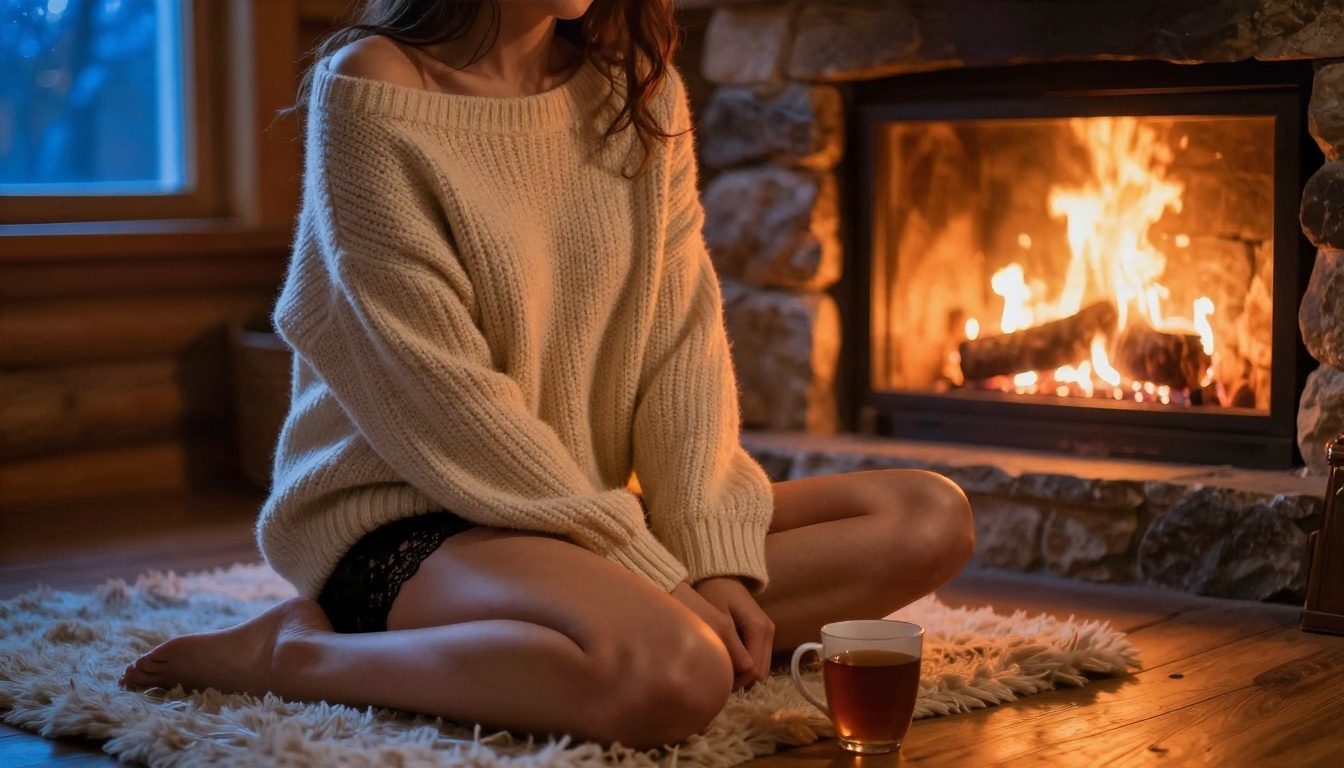
An adult woman in an oversized cream knit sweater sitting cross legged by a stone fireplace at night, orange firelight from the right, cool window light from the left, wool rug texture, 50mm f/1.8
6. Pool deck
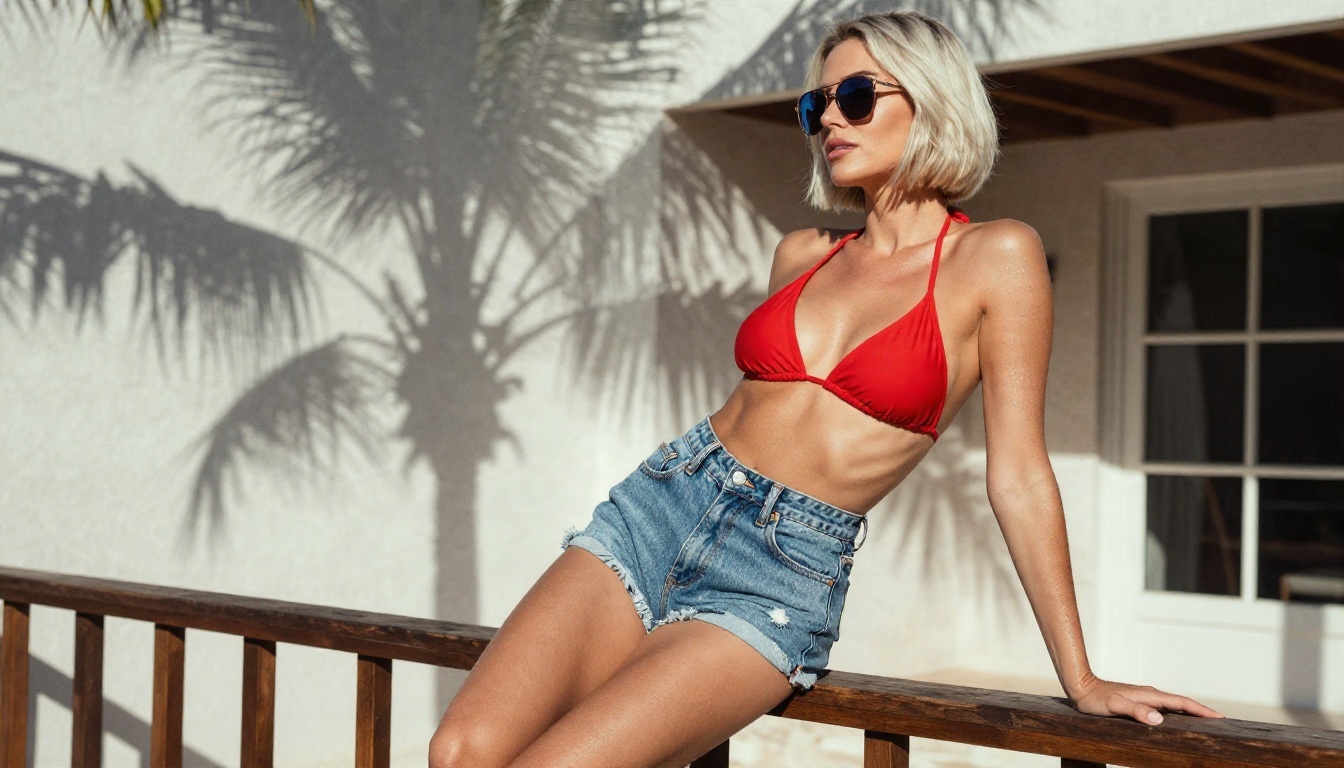
Candid side profile of an adult woman with a platinum bob in a red halter bikini top and denim shorts at a villa pool deck, palm shadows across her skin, hard midday sun, 70mm f/2.8
7. Overhead bedroom
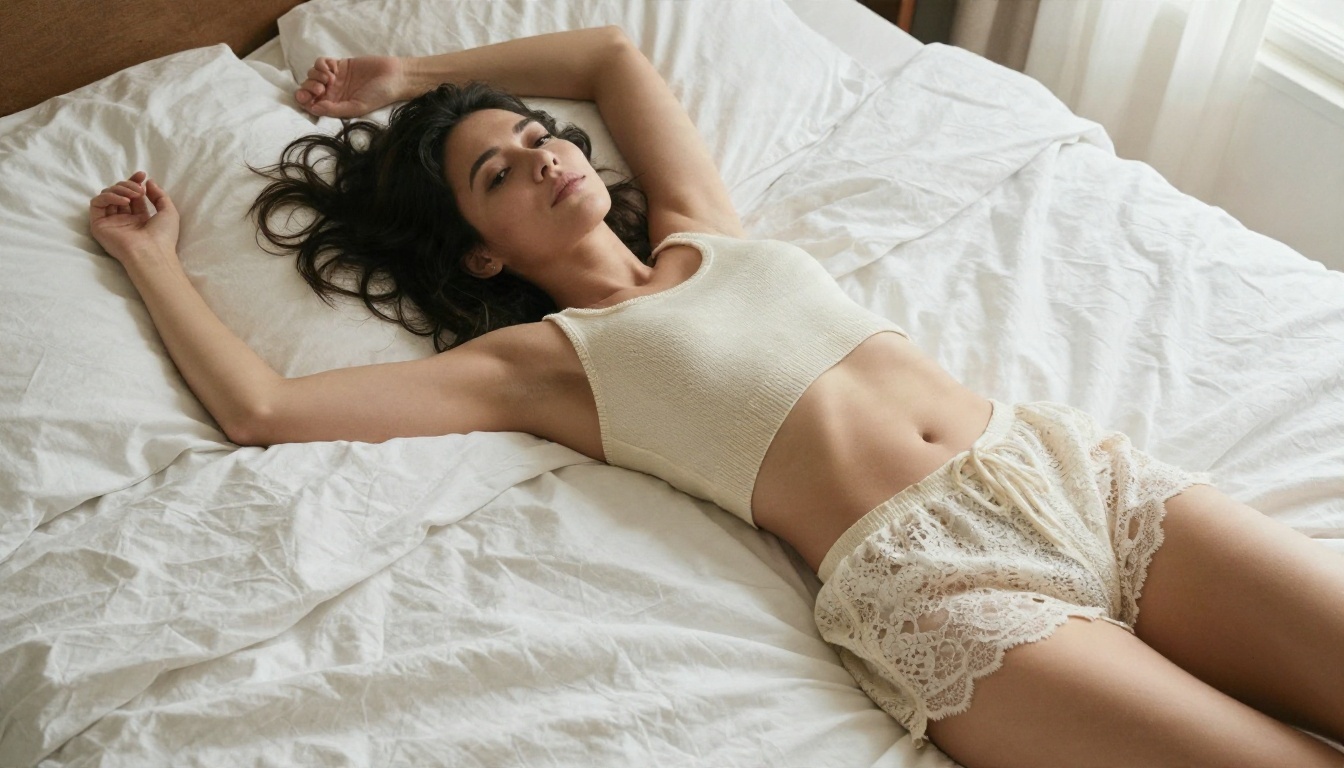
Overhead shot of an adult woman on a rumpled white bed in a cream crop top and lace shorts, dark hair across the pillow, soft morning window light, linen wrinkles in detail, 35mm f/2.8
8. Greek terrace dusk
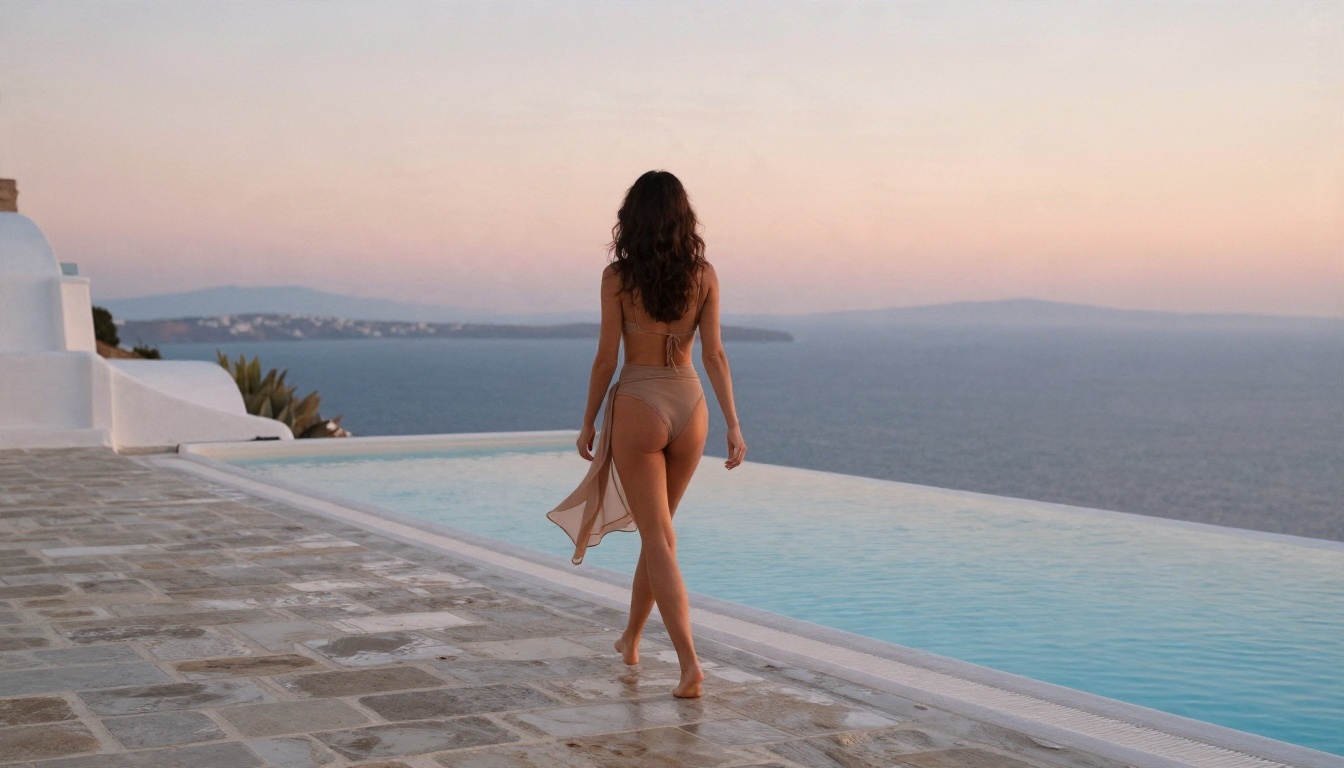
Wide shot of an adult woman in a tan swimsuit with a sheer sarong beside an infinity pool at dusk, whitewashed walls, pink and orange sky light behind her, 24mm f/2.8
9. Apartment portrait
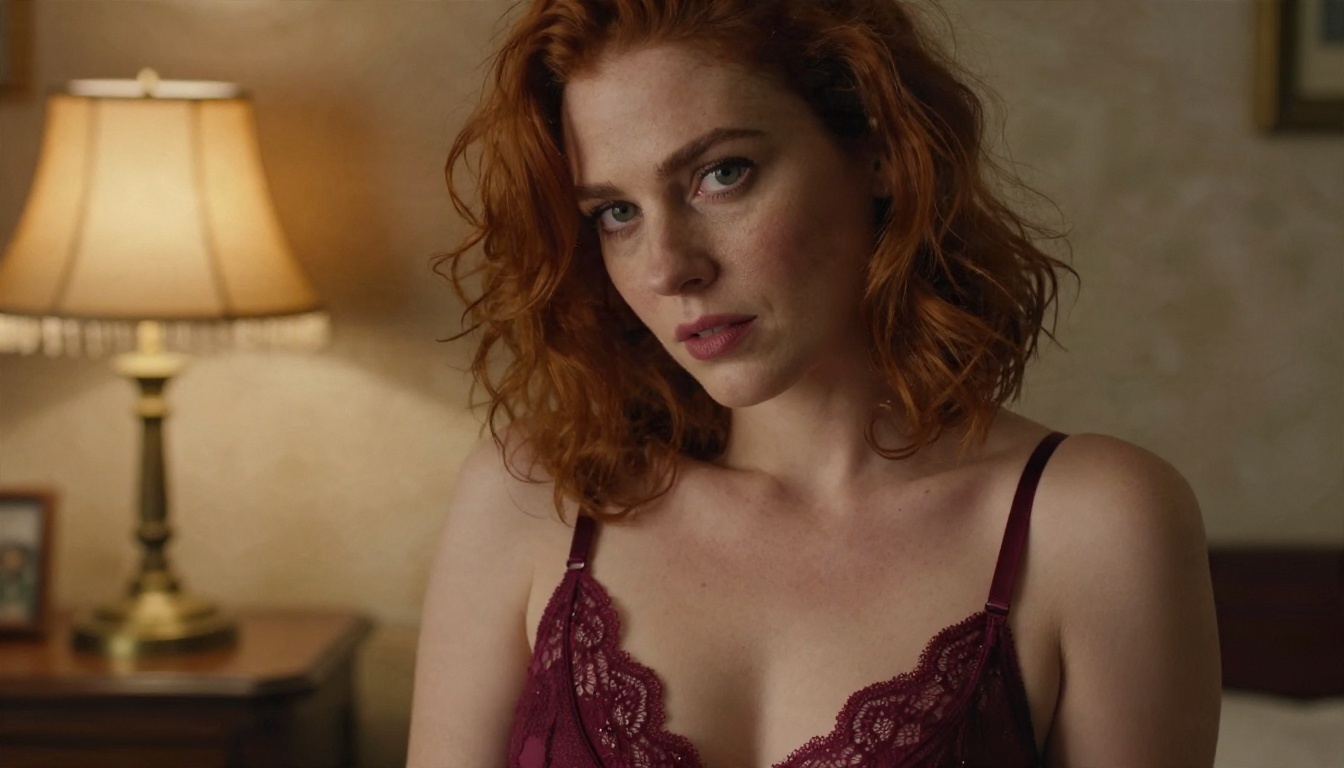
Close-up of an adult woman with auburn hair in a burgundy lace bralette looking over her bare shoulder, brass lamp glowing on the left, textured plaster wall, 85mm f/1.8
10. Quiet close-up
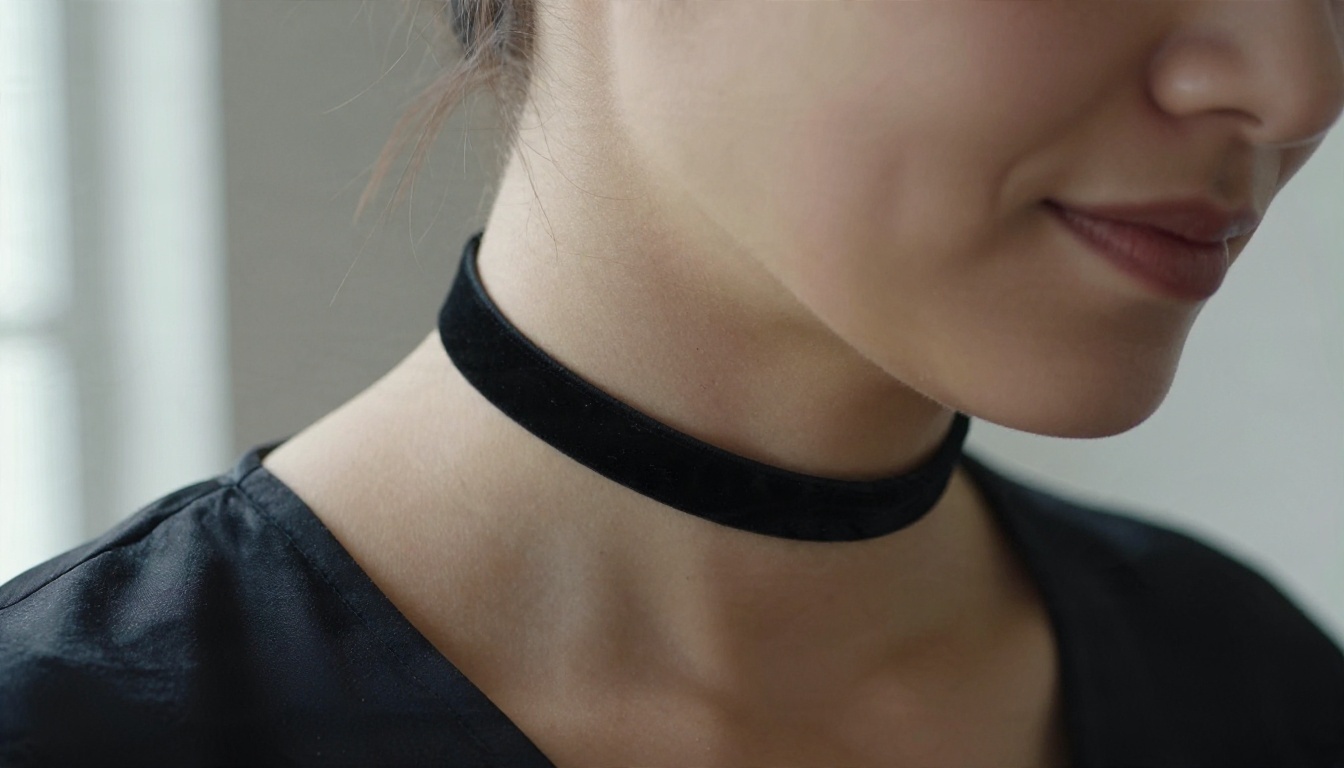
Tight portrait of an adult woman with a black velvet choker and a dark silk top, eyes lowered, window light from the left, fine baby hairs, tiny pores, 100mm f/2.8
💡 Pro tip: Always state "adult woman" or an explicit age range in the prompt. It keeps results consistent and avoids ambiguity, which matters on every platform that checks content.
Example Results to Aim For
Good glamour images share three traits: believable skin, motivated light and a setting that tells a small story. These are the kinds of results the prompts above are designed to produce.
Boudoir and Lingerie Looks
Boudoir work lives or dies on light and fabric. Satin needs specular highlights that look real, linen needs honest wrinkles, and skin needs pores. When a model smooths everything into plastic, the image reads as fake within a second.
Swimwear and Summer Scenes
Outdoor glamour is easier to get right because the sun does the lighting for you. Low angles, sun flare and wet skin sheen all add realism. Keep the frame busy with believable background detail like rocks, palm shadows or whitewashed walls.
Close Ups and Skin Detail
Tight portraits are the hardest test. Look at eyelashes, baby hairs along the temple and the soft shadow under the jaw. If those look painted on, the model is struggling.
Free Access and the License Catch
"Free" has two meanings here: free to download and free to use commercially. Qwen Image 2.1 only offers the first.
Ways People Run It for Free
Download the weights and run them locally. You need a capable GPU, and 7B is lighter than many rivals, but setup takes patience.
Try hosted demos or credit based endpoints. Several providers list Qwen LoRA endpoints, usually with a free trial or small credit pack. Their filters are their own.
Use community builds, such as quantized versions that shrink memory use. These are the same weights under the same license.
What the License Limits
The Qwen Research License limits use to research and evaluation. Selling prints, posting monetized content or using outputs in a product needs a separate commercial license from Alibaba. "Uncensored" quantized builds do not change this at all.
Real Limits to Expect
Limit
What it means for you
Research license
No commercial use without a paid license
Hosted filters
Flagged prompts return errors, not images
Hardware
Local runs need a strong GPU and some setup time
LoRA quality
Community adapters range from excellent to useless
Unclear policy
No official statement on adult content
Legal rules
Laws on adult imagery and real person likenesses still apply
The last row is the one people forget. Technical freedom is not legal freedom. Never generate images of real people without their consent, and never depict anyone under 18. Reputable platforms enforce both for good reason.
How to Get Similar Results on PicassoIA
If you want glamour and boudoir images today without wrestling with licenses or GPU drivers, Seedream 4.5 is the model to start with. It produces sharp images up to 4K, handles skin texture and fabric well, and follows long structured prompts closely, which suits the formula above.
Paste one of the prompts from this article into the prompt box.
Choose a 16:9 aspect ratio for wide editorial frames, or a taller ratio for portraits.
Generate, then compare the result against your intent: light direction, skin texture, background detail.
Change one thing at a time, such as the lens or the light, and generate again.
Keep the best result and use it as a reference for variations.
Parameter Tips
Be specific about light. "Warm lamp from the left" beats "nice lighting" every time.
Name the lens. "85mm f/1.8" nudges the model toward shallow depth of field and flattering compression.
Add texture words. "Visible pores," "linen wrinkles" and "satin sheen" pull results away from the plastic look.
Keep prompts between 50 and 120 words. Too short gives generic results, too long starts to contradict itself.
Avoid contradictions. Do not ask for both "harsh midday sun" and "soft candlelight" in one scene.
💡 Why this works: Seedream 4.5 rewards the same structured prompting that Qwen models like, so every prompt in this article carries over almost unchanged.
Alternatives on PicassoIA
Qwen Image 2.1 is not on PicassoIA yet. For similar results today, try these in order.
Seedream 4.5 First
Seedream 4.5 is the strongest all rounder for suggestive, photorealistic glamour. Fast, sharp and tolerant of mature themes within non-explicit limits.
PicassoIA Image Editor Pro
PicassoIA Image Editor Pro offers unlimited generations, which makes it ideal for iteration. When you are testing ten lighting variants of one scene, unlimited runs remove the cost anxiety. It also edits existing photos, so you can adjust outfits, backgrounds or lighting on a result you already like.
Z Image Turbo and Flux 2 Klein
Z Image Turbo is built for speed. It returns sharp images in seconds, so it suits rapid prompt testing. Flux 2 Klein 9B Base LoRA is the pick when you want styled results with LoRA support, the closest match to the community adapter workflow that Qwen users like.
Qwen Image 2.1 is a capable model with a murky adult content story, a research only license and filters that change from one host to the next. If you want to make glamour, swimwear and boudoir images without those obstacles, the quickest path is to open Seedream 4.5, paste a prompt from this page and change the light.
Start with the hotel morning prompt, then try the fireplace one. Swap the lens, shift the light from left to right, and watch how much a single phrase changes the mood. When you want unlimited retries, switch to PicassoIA Image Editor Pro and keep going.
Ready to try your own? Browse every image model at picassoia.com/en/all-models and create your first set today.