Type "random NSFW generator" into a search bar and you get a pile of sketchy sites, locked galleries and tools that ask for a credit card before you see a single result. The idea itself is simple, though. You want a machine that picks a subject, an outfit, a setting and a mood for you, then turns that mix into a glamorous, adult image in seconds. You don't need a shady website for that. You need a good prompt formula, a bit of randomness, and a capable image model.
This article shows you all three. You'll get a free prompt system you can roll like dice, 15 ready-to-paste prompts, real photorealistic examples, and a short list of online tools that handle adult-themed, non-explicit imagery without the usual friction.
💡 Scope note: everything here is about tasteful, non-explicit glamour: swimwear, boudoir, fashion editorial and suggestive mood. All subjects are fictional adults. No real people, no celebrities, no explicit content.
What a Random NSFW Generator Does
A random NSFW generator is really two parts glued together. The first part is a randomizer that assembles a prompt from pieces. The second part is an image model that turns the prompt into a picture. Most of the "magic" people notice comes from the second part, but the surprise, the "what will I get this time?" feeling, comes from the first.
The randomizer layer
The randomizer is nothing more than a set of lists. One list for wardrobe, one for location, one for lighting, one for camera angle. A script, a dice roll or even a spreadsheet picks one item from each list and joins them into a sentence. That's it. You can build one in five minutes with a notepad.
The image model layer
The model reads that sentence and paints pixels. A strong model handles skin texture, fabric, light direction and hands well. A weak one gives you waxy faces and melted fingers. That's why the choice of model matters far more than the randomizer.
Why "random" beats a blank prompt box
Staring at an empty prompt box is the real bottleneck. Most people type the same three ideas over and over. Randomness breaks that loop. It pushes you into combinations you wouldn't have tried: a sailboat deck at sunset, a vintage record shop, a rooftop at blue hour. Some of those combinations turn out to be your favorites.
Every good random prompt follows the same skeleton. Once you see it, you can build your own generator on paper, with no software at all.
Subject + Wardrobe + Setting + Light + Lens + Texture + Mood
Each slot has a job:
| Slot | What it controls | Example values |
|---|
| Subject | Age, hair, skin, pose | adult woman, late twenties, wavy chestnut hair, looking back over her shoulder |
| Wardrobe | The glamour factor | silk robe, satin slip, bikini, oversized shirt, sequin dress |
| Setting | Story and background | villa terrace, hotel bedroom, infinity pool, rooftop bar |
| Light | Mood and realism | golden hour from the left, tungsten lamp, frosted window backlight |
| Lens | Perspective and depth | 85mm f/1.8, 35mm f/2, 24mm aerial, 100mm macro |
| Texture | The "real photo" feeling | visible skin pores, fabric folds, water droplets, film grain |
| Mood | Emotional tone | relaxed, confident, playful, candid |
How to roll it like dice
Number each list from 1 to 6. Roll a die once per slot, or use any random number picker. Here is a real roll:
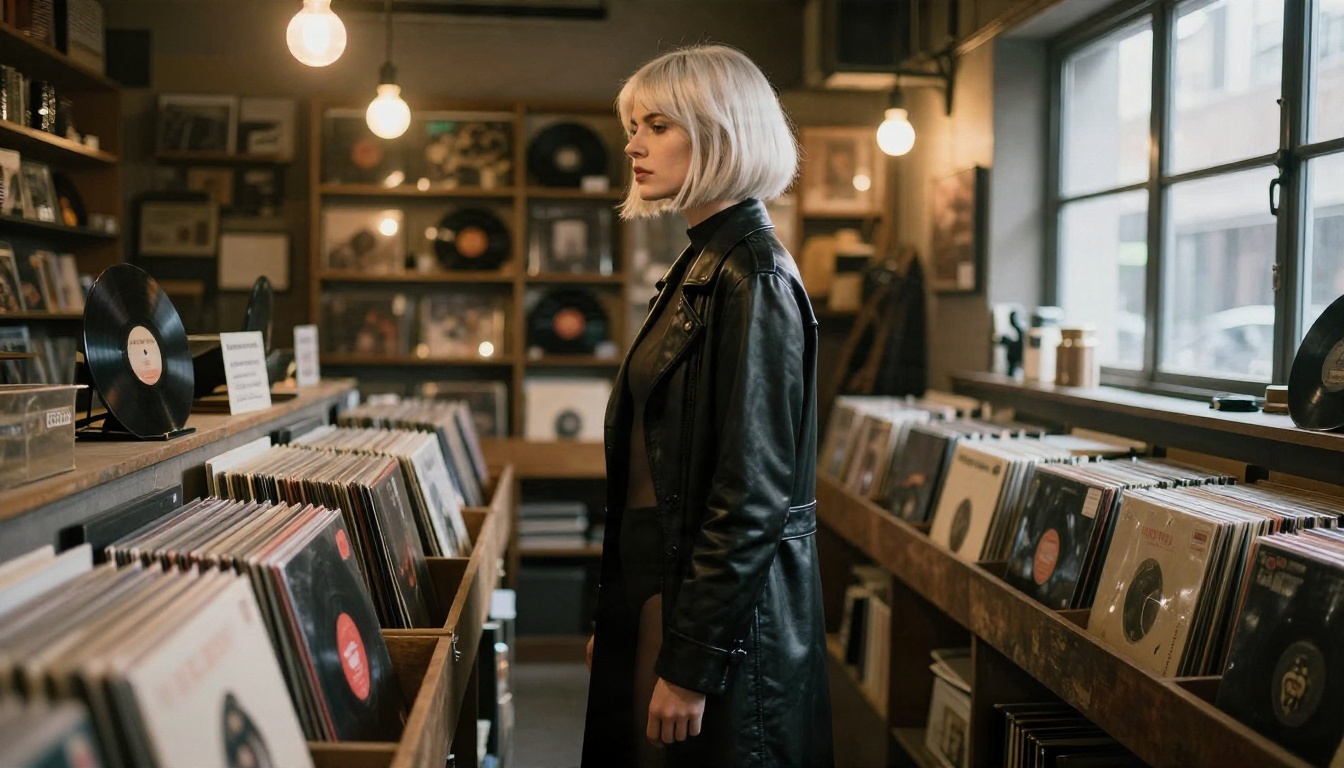
- Subject: 3 (adult woman, short platinum bob)
- Wardrobe: 5 (sheer bodysuit and leather coat)
- Setting: 2 (vintage record shop)
- Light: 4 (warm practical bulbs from behind)
- Lens: 1 (85mm f/1.8)
- Texture: 6 (leather grain, smoky air, film grain)
The sentence that falls out: adult woman with a short platinum bob in a sheer black bodysuit and long leather coat, standing in a dim vintage record shop, warm practical bulbs behind her, 85mm f/1.8, leather grain, smoky atmosphere, film grain. That's a full prompt and it took ten seconds.
💡 Tip: keep the lens and light slots specific. These two do the most work in making an image look like a photograph and not a painting.
Words that quietly improve realism
A few phrases pull an image toward photography every time:
- Kodak Portra 400, fine film grain, natural lens softness
- visible skin pores, fine flyaway hairs, subtle freckles
- 85mm f/1.8, shallow depth of field, creamy bokeh
- volumetric golden-hour light, soft rim light, natural bounce
Avoid stacking glossy buzzwords like "ultra HD masterpiece 8K trending". Models read them as a request for a polished, plastic look.
15 Free Prompts to Copy
Paste these straight into any text-to-image tool. Each one is built from the formula above and stays non-explicit.
Swimwear and beach
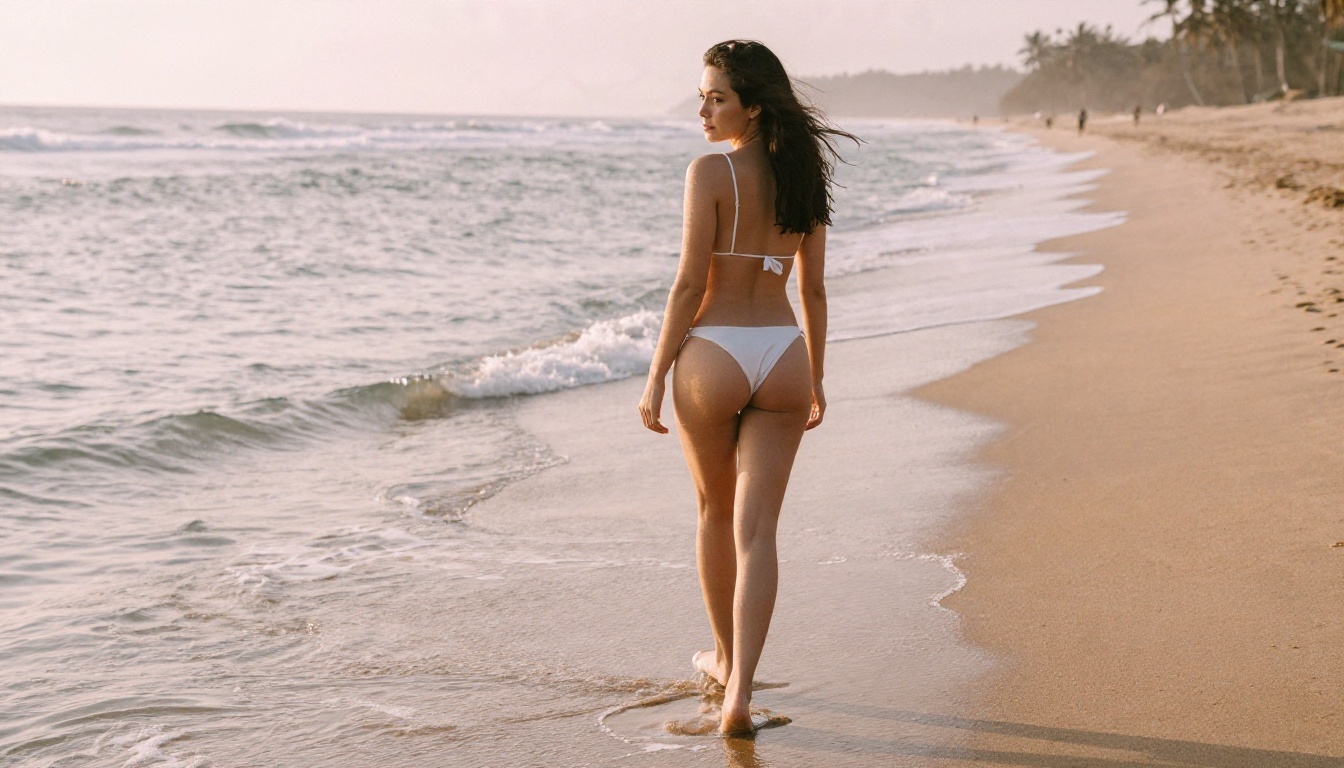
- Adult woman in a white string bikini walking a wet beach at sunrise, foam around her ankles, looking back over her shoulder, 35mm f/2, pink and gold light from the left, water droplets on tanned skin, Kodak Portra 400 grain.
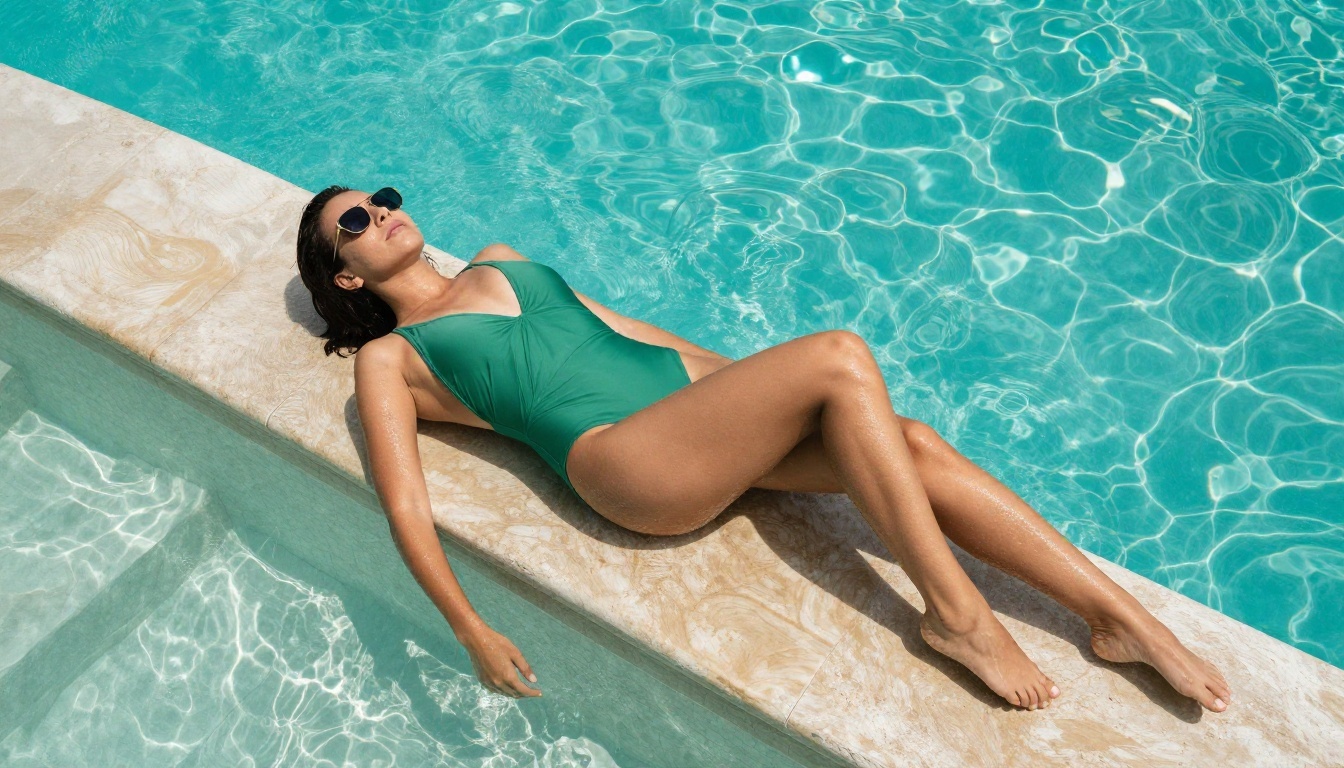
- Adult woman in a green high-cut one-piece on the edge of an infinity pool, legs in the water, sunglasses in her hair, aerial angle, 24mm, crisp midday sun, turquoise ripples.
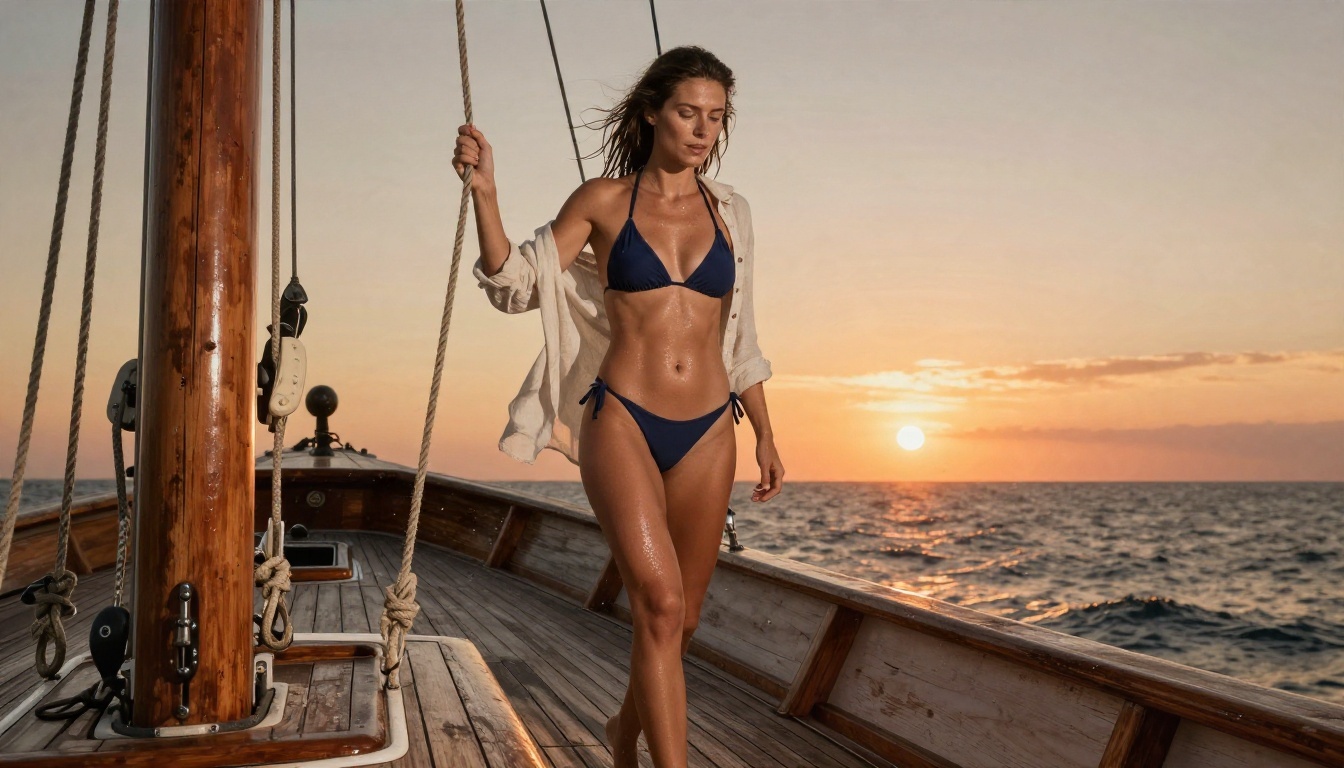
- Adult woman in a navy bikini and open linen shirt stepping off a sailboat at sunset, hand on the rigging, low angle, 28mm, orange backlight, sea spray.
- Adult woman on a villa daybed in black silk swimwear, golden hour from behind, 85mm f/1.8, rumpled linen, olive trees in soft focus.
- Adult woman sitting on a rocky shore in a terracotta bikini, wind in her hair, overcast soft light, 50mm f/2.
Boudoir and bedroom
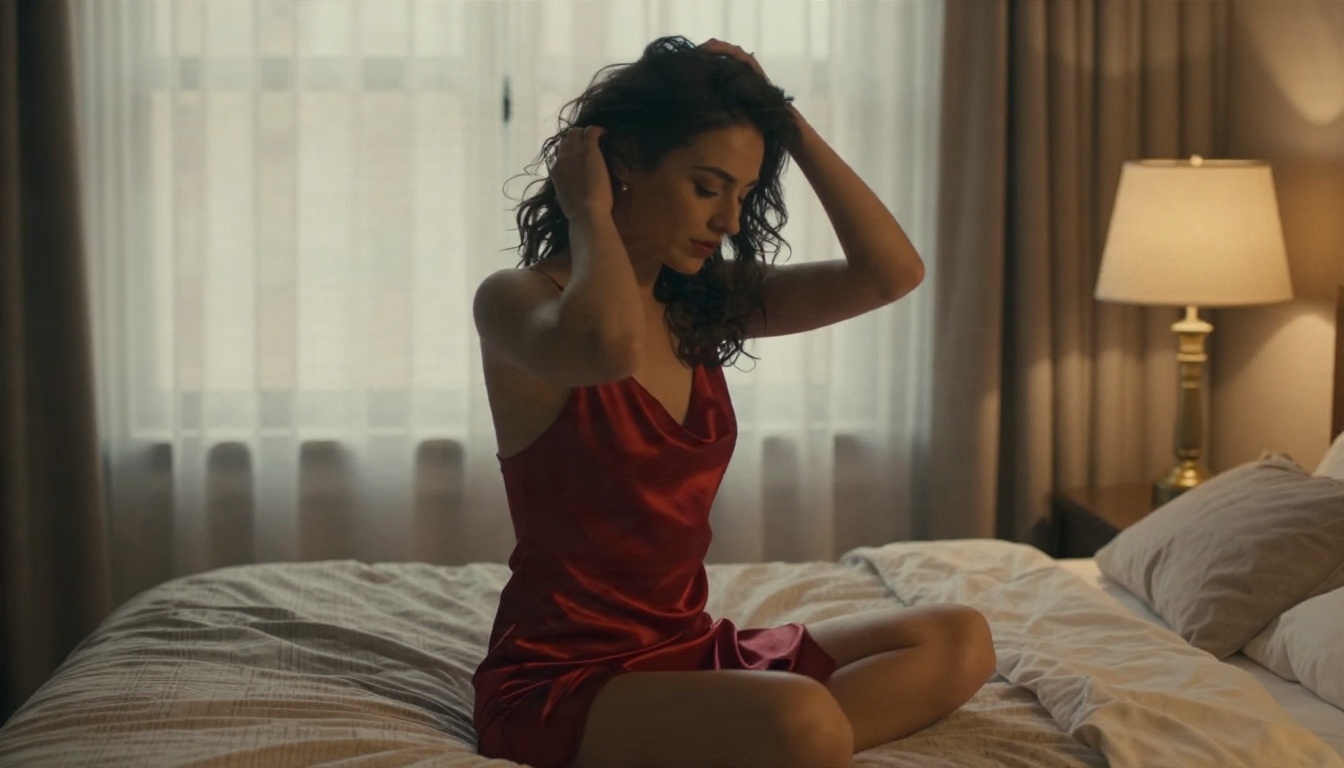
- Adult woman in a red satin slip dress on a hotel bed, tucking hair behind her ear, tungsten lamp and window light, 50mm f/1.4.
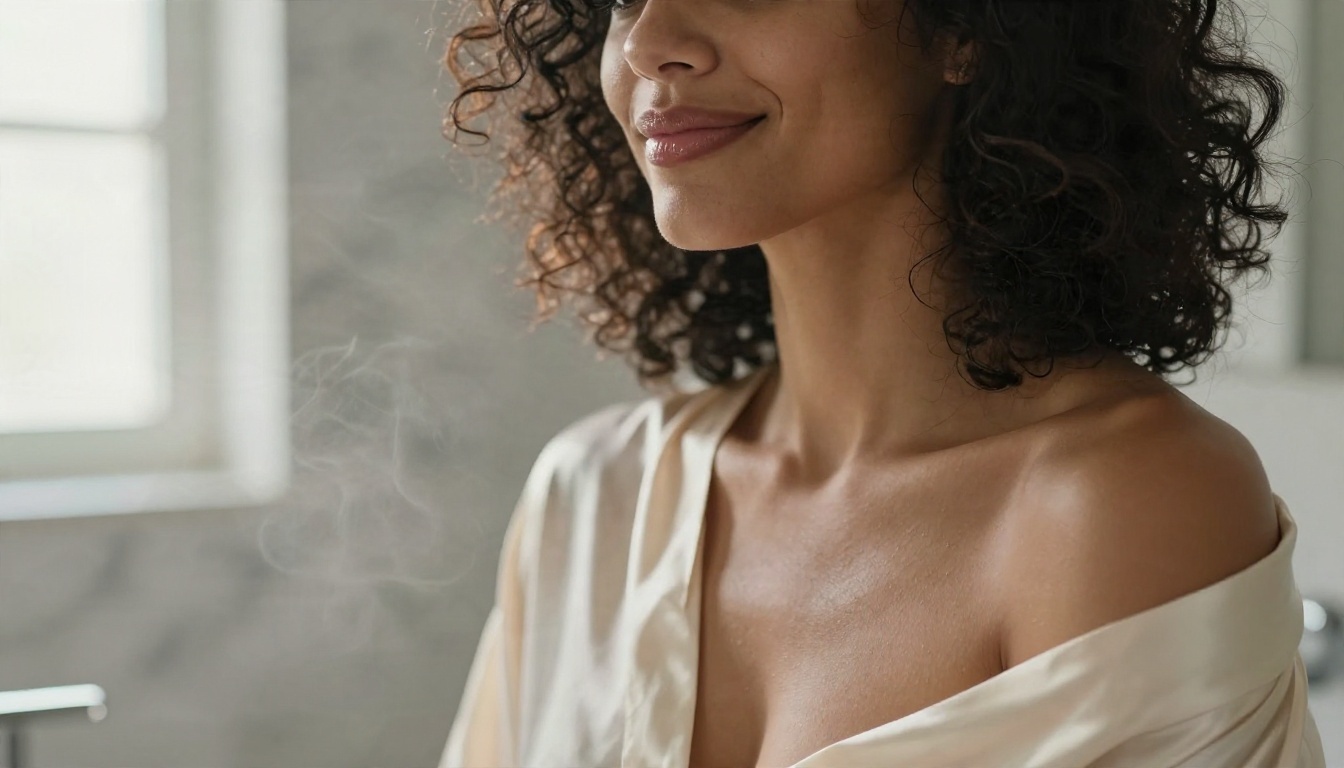
- Adult woman in a cream silk robe in a steamy marble bathroom, frosted window backlight, 100mm portrait lens, visible skin pores.
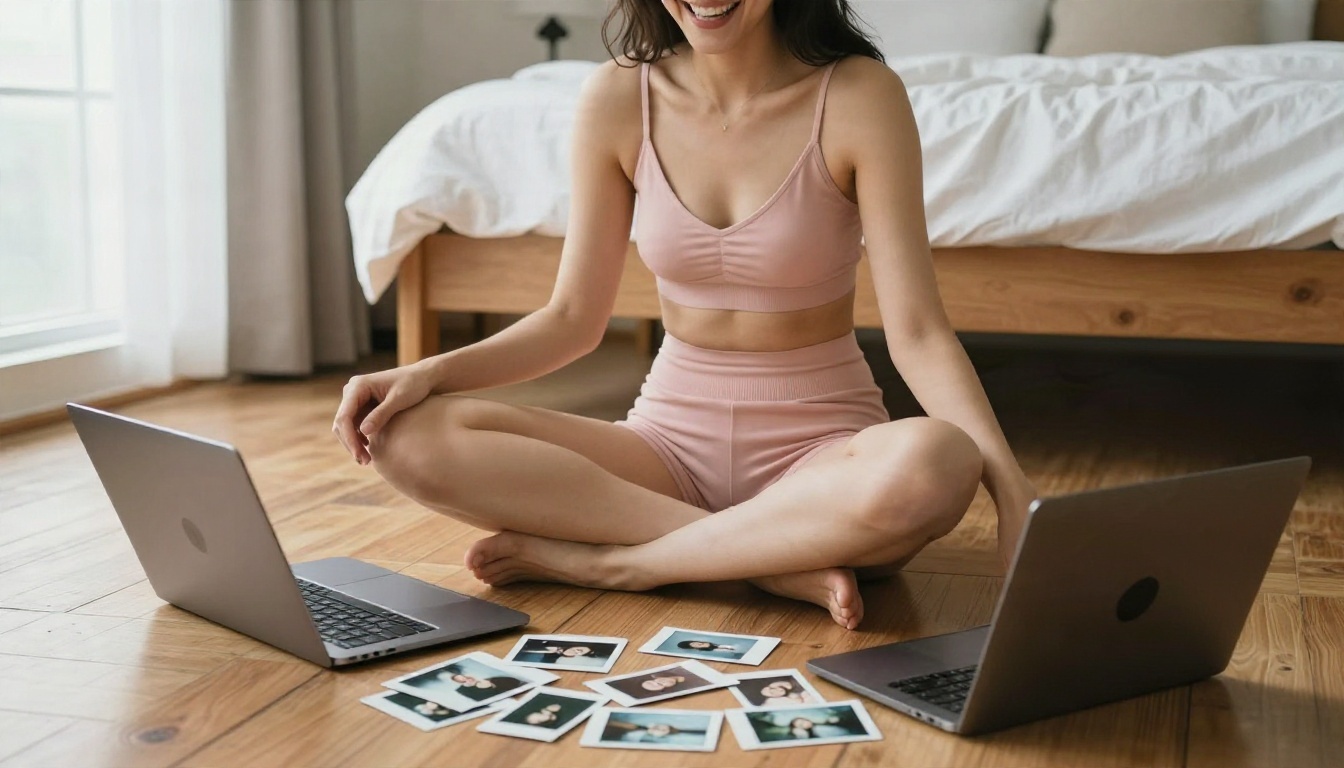
- Adult woman in a pastel bralette and high-waisted shorts on a bedroom floor with polaroids, overhead angle, soft morning light.
- Adult woman wrapped in a white bed sheet by a sunlit window, side light, 85mm f/1.8, fabric folds.
- Adult woman in a black lace bodysuit and long cardigan reading on a velvet sofa, warm lamp glow, 50mm.
Fashion and nightlife
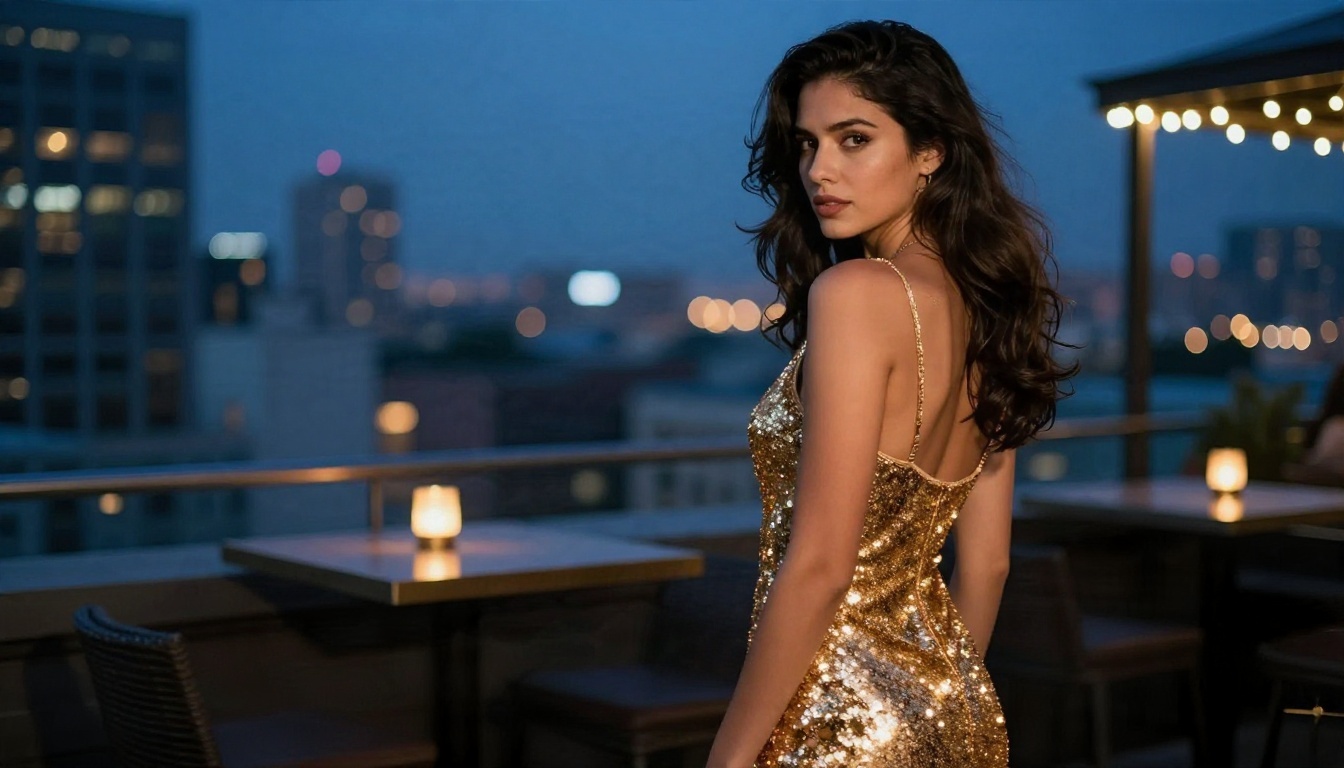
- Adult woman in a gold sequin mini dress, bare back to camera, rooftop bar at blue hour, string lights, 50mm f/1.2.
- Adult woman in a sheer bodysuit and leather coat in a vintage record shop, 85mm f/1.8, warm bulbs behind.
- Adult woman in an oversized white shirt and bike shorts at a loft window at dusk, high angle, blue evening light.
- Adult woman in a satin midnight-blue dress on a hotel balcony, city bokeh, 85mm, cool dusk light.
- Adult woman in a vintage swim set at a retro motel pool, flash photography look, 35mm, slight film grain.
💡 Remix rule: change only one slot per generation. If you change everything at once, you won't know which swap improved the picture.
Photorealistic Examples by Mood
Here are four moods that come up again and again when people roll a random generator. Each one has a different light recipe.
Soft and intimate
Close portraits live and die on backlight and skin detail. A frosted window behind the subject, a 100mm lens and a note about visible pores give you the "caught in a quiet moment" look. Steam, silk and marble add layers without adding anything explicit.
Bright and playful
Pool and resort scenes work best with hard midday sun and an aerial angle. Wet stone, water ripples and glossy highlights on skin sell the heat. Keep the color palette to two or three tones so the image doesn't look noisy.
Warm and candid
Not every adult image needs to be glamorous. A relaxed, laughing subject on a bedroom floor with printed photos around her feels personal and real. Daylight from a single window and a top-down angle keep it casual.
Night and city
Evening scenes need two light colors: a warm one on the subject and a cool one in the background. Rooftop bars, loft windows and hotel balconies give you that split without any extra effort.
The generator layer is trivial. The model is what you actually pay for in time and frustration, so here is where to point your prompts. All of these live on PicassoIA, and you can switch between them without making new accounts or hunting for new sites.
Seedream 4.5: the first one to try
Seedream 4.5 is the strongest starting point for glamour and swimwear work. It handles skin tone, fabric sheen and tricky light like backlit hair with very little prompt babysitting. It also follows long prompts well, which matters when your random roll produces seven ingredients at once. Output goes up to 4K, so the pores and fabric weave you asked for actually show up.
PicassoIA Image Editor Pro: unlimited tries
PicassoIA Image Editor Pro is the one to open when you want to roll the dice again and again. Generations are unlimited, which suits a random workflow perfectly: you can burn through twenty variations, keep the best two, and never watch a credit counter. It also edits, so you can generate an image and then change the outfit color or background in a follow-up instruction.
Z Image Turbo: speed rounds
Z Image Turbo returns sharp images in seconds. It is ideal when you are testing a new prompt slot and want fast feedback before you commit to a slower, higher-quality run.
Flux 2 Klein 9B Base LoRA: styled looks
Flux 2 Klein 9B Base LoRA is useful when you want a consistent styled look across a whole batch, for example every image carrying the same film-like color grade.
Qwen Image 3 Pro: clean realism
Qwen Image 3 Pro leans photorealistic and is good at believable light and natural textures, which makes it a solid fourth option when the others give you something slightly off.
A Simple Workflow That Works
Here is the loop that produces the best images with the least wasted effort.
Step 1: Roll the six slots
Use a die, a random number site or a spreadsheet formula. Write the full sentence down. Resist the urge to "fix" it. The odd combinations are the point.
Step 2: Run it in a fast model
Send the prompt to Z Image Turbo or PicassoIA Image Editor Pro. You are only checking whether the idea has potential.
Step 3: Keep one, change one
Pick the best result, then change a single slot: the light, the lens or the wardrobe color. Run again. Repeat two or three times.
Step 4: Finish in Seedream 4.5
Move your best prompt into Seedream 4.5 for the final high-detail render. Because you already refined the wording, you spend almost no time on trial and error at this stage.
Parameter tips that matter
- Aspect ratio: 16:9 for scenery and wide editorial, 3:4 or 2:3 for full-body portraits.
- Prompt length: 50 to 75 words is the sweet spot. Shorter loses control, longer starts to contradict itself.
- Negative habits: describe what you want, not what you don't. "Natural hands, five fingers" works better than a list of banned things.
- Seeds: when an image is close to perfect, lock the seed and change one word.
Common Mistakes to Avoid
Most disappointing results come from the same five slips.
- Too many wardrobe items. A bikini, a coat, a hat and a scarf in one prompt produces a confused outfit. Pick one hero piece and one supporting piece.
- No light direction. "Good lighting" tells the model nothing. Say "from the left," "backlit," or "tungsten lamp from the right."
- Plastic-skin words. Terms like "flawless" and "perfect skin" push images toward a waxy finish. Ask for pores, freckles and fine hairs instead.
- Ignoring the background. A blurry void looks fake. Add two or three concrete objects: a rattan table, olive trees, vinyl shelves.
- Skipping the lens. Without a lens, you get a generic perspective. A single "85mm f/1.8" changes the whole feel.
💡 Quick fix: if an image feels off and you can't say why, check lens, light direction and skin texture, in that order. One of the three is almost always missing.
Using Adult AI Responsibly
Even a tasteful, non-explicit workflow benefits from a few ground rules. They keep you out of trouble and keep the results better.
Stick to fictional adults
Describe invented adult subjects. Do not request real people, public figures or anyone you know. Likenesses of real people without consent are a legal and moral problem, and good tools block them anyway.
Keep it non-explicit
Glamour, swimwear, boudoir and fashion editorial give you a huge creative range. They also tend to look better than anything heavy-handed, because suggestion leaves room for light, fabric and mood to do the work.
Mind where you share
Even tasteful adult imagery belongs in places that allow it. Check the rules of any platform before you post, and keep files private if you are unsure.
Respect the people behind the training data
Image models learned from photography. Treat the output as inspiration and a creative tool, not as something to pass off as a specific photographer's work.
Roll Your First Batch Today
You now have everything a random NSFW generator offers, without the sketchy sites: a seven-slot prompt formula, 15 prompts to copy, and a workflow that goes from rough idea to polished render in minutes.
Start simple. Roll the six slots, paste the sentence into PicassoIA Image Editor Pro and run it ten times with no credit anxiety. Pick your favorite, then take that prompt to Seedream 4.5 for the final, high-detail version. If you want to try other looks, browse the full catalog at picassoia.com/en/all-models and swap models without changing your prompt.
Open Picasso IA, roll a die, and see what your first random combination looks like.


