Replica NSFW Pics: Free AI Generator, Prompts, Examples, and Online Alternatives
Searching for Replica NSFW pics usually ends in a dead end, because the app limits adult content. This article shows what it allows, which free AI generators make suggestive photoreal images, prompts you can copy, example shots, and the best online alternatives.
You opened the app, asked your AI companion for a photo, and got a polite refusal or a blurry selfie in a hoodie. That is the usual story behind every search for Replica NSFW pics. People want attractive, suggestive, believable images, and the app they already use is not built to deliver them.
The good news: you do not need the app to get there. A modern text-to-image model can produce glamour, swimwear and boudoir style photos that look like they came off a real photoshoot, and several of them are free to try. This article explains what the Replica (properly spelled Replika) app allows today, which generators give you the most freedom, the prompts that work, example shots, and honest comparisons with the online alternatives.
💡 Quick answer: For suggestive photoreal pictures, skip the companion chat and use an image model directly. Start with Seedream 4.5, then switch to PicassoIA Image Editor Pro when you want unlimited generations.
What People Mean by Replica NSFW Pics
The phrase is messy because it points at two different things. Some people want images from their AI companion. Others want a free generator that creates the kind of pictures a companion app will not make. Both groups end up in the same place.
Replica or Replika?
The companion chatbot is spelled Replika, but most people type "Replica" into search. Both spellings lead to the same questions: can it send spicy photos, is there a free way to do it, and what should I use instead? There is no official "Replica image model" you can download. Any photo your companion sends comes from the app's own generation system, which is tuned by the company, not by you.
That last point matters. When a company tunes the model, it also sets the limits.
What the app actually allows
From what recent reviews report, Replika dropped explicit roleplay in early 2023 and has kept moving away from adult content since. Reports about its photo features disagree: some reviews say the paid tier includes selfies and image generation, others list the app as having no image generation at all. Treat any claim of "unlimited NSFW pics from Replika" with suspicion.
Here is a plain summary of what you can realistically expect:
Feature
What reviews suggest
What it means for you
Casual selfies
Possible on paid tiers, quality varies
Mostly everyday, fully clothed shots
Swimwear or lingerie
Inconsistent, often refused
Do not count on it
Explicit content
Removed
Not available
Prompt control
Very limited
You cannot steer lighting, lens or outfit
The real issue is control. Inside a chat app you cannot choose the camera, the light, or the outfit in detail. With a dedicated generator, you can.
Free AI Generator Options That Work
A free generator beats a companion app for one simple reason: you write the prompt. Describe the pose, the fabric, the window light and the lens, and the model follows. Here are the options I would try first, in the order I would try them.
Seedream 4.5 comes first
Seedream 4.5 is the strongest starting point for realistic people. It handles skin texture, fabric folds and natural light extremely well, and it is fast. It also follows long, detailed prompts without drifting, which matters when you describe a bikini, a satin slip or a silk robe in specific terms.
Why it works well for suggestive photography:
Skin looks like skin. Pores, freckles and a natural sheen, not plastic smoothing.
Lighting is consistent. Golden hour, window light and tungsten bulbs all render with the right color temperature.
Hands are usually right. A frequent weak spot in older models.
PicassoIA Image Editor Pro for unlimited runs
When you want to iterate dozens of times, PicassoIA Image Editor Pro is the practical choice. It offers unlimited generations, so you can adjust one detail at a time without watching a credit counter. It also edits: you can change an outfit, fix a lighting problem or adjust a background on an image you already like.
This is where the value is for anyone who got frustrated with a companion app. You are not waiting for a chat character to "feel like" sending a photo. You write the shot, you get the shot, and you refine it.
Other models worth a try
Different models have different personalities. These are worth testing once you have a favorite prompt:
Z Image Turbo for very fast drafts when you are testing outfits and poses.
Realistic Vision v5.1 for a classic photographic look with soft, natural skin tones.
Flux 2 Klein 9B Base LoRA for styled looks when you want a consistent aesthetic across several images.
💡 Tip: Every image in this article stays suggestive and tasteful: swimwear, silk, lace and soft light. That is also the sweet spot where these models look their best. Glamour reads better than anything blunt.
How to Use Seedream 4.5 on PicassoIA
You do not need technical skills. The whole process takes about a minute per image.
Say adult. Always describe your subject as an adult woman or man in a given age range.
Prompts That Actually Work
A good prompt reads like a photographer's shot list. It names the subject, the setting, the light, the lens and the film look, in that order. Copy any of these and swap in your own details.
Beach and swimwear prompt
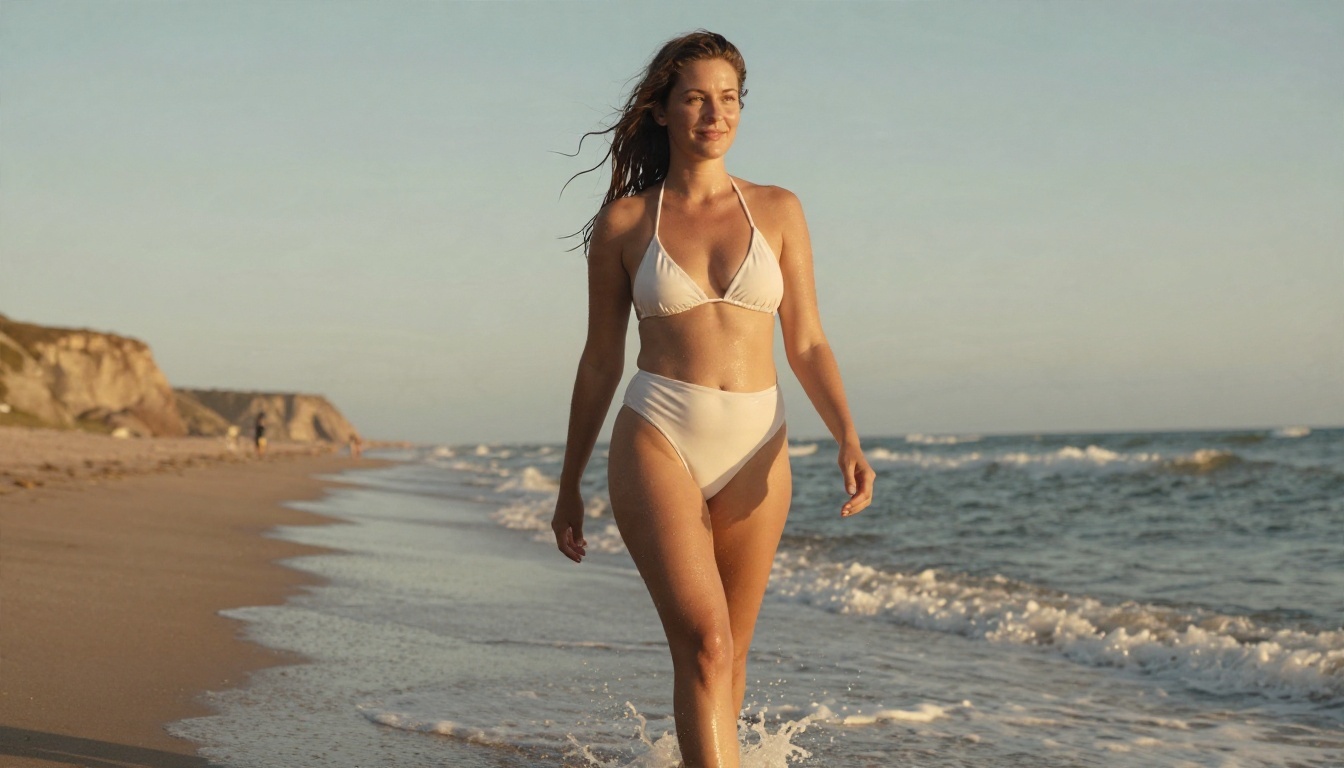
Low-angle shot of an adult woman in a white string bikini walking along a wet sand beach at golden hour, sea foam around her ankles, wind lifting her damp brown hair, soft smile toward the camera. Warm backlight from the low sun creates rim light on her shoulders, glistening skin with fine water droplets. 35mm f/2 lens, Kodak Portra 400 grain, natural film colors.
Why it works: it gives the model a direction for the light (backlight), a camera position (low angle) and a texture cue (water droplets). Swimwear shots live or die on those three.
Boudoir portrait prompt
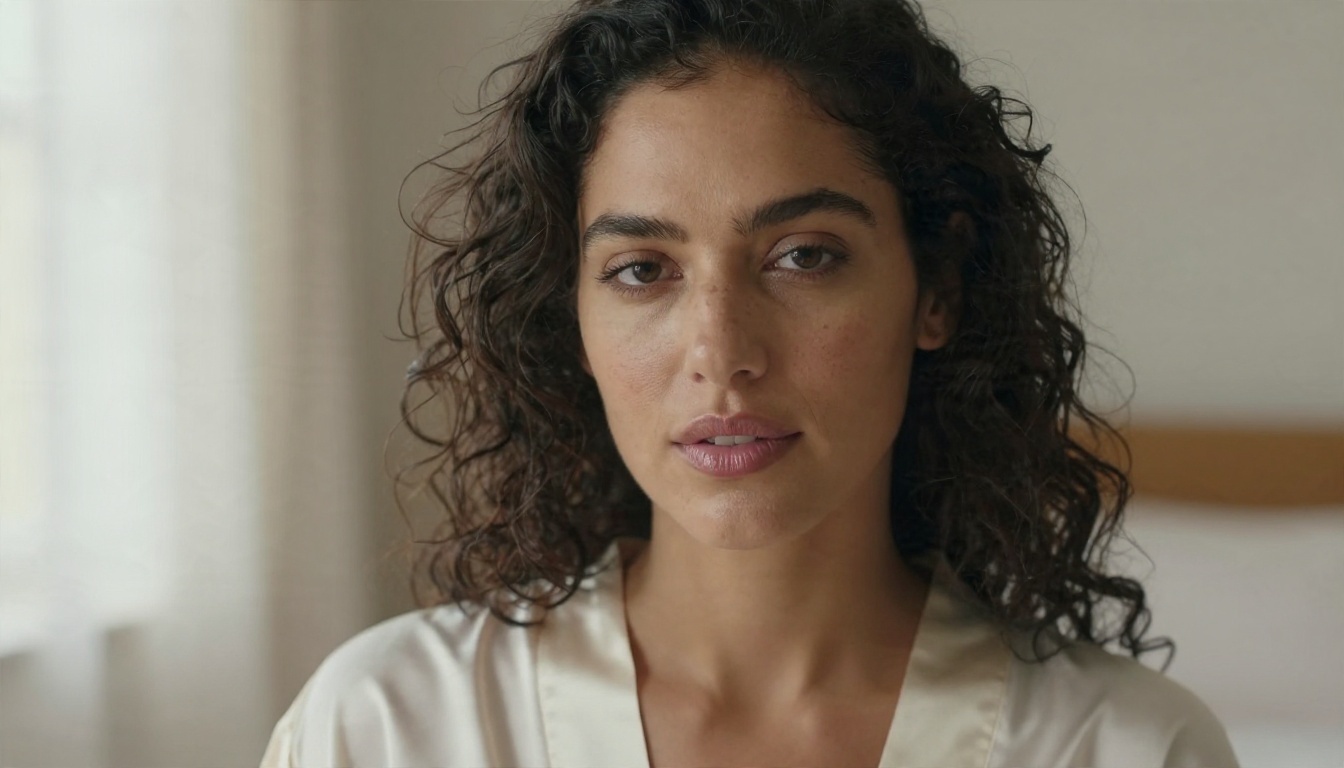
Tight close-up portrait of an adult woman with dark curly hair wearing an ivory silk robe slipping off one shoulder, relaxed half-lidded eyes, sunlit bedroom, soft window light from the left through sheer curtains, visible skin pores and tiny freckles. 85mm f/1.4, shallow depth of field, Kodak Portra 400 film grain.
The phrase "slipping off one shoulder" does more work than any explicit word could. Suggestion is the whole point.
Casual selfie prompt
Companion apps love selfies, so it makes sense to copy that look and make it better:
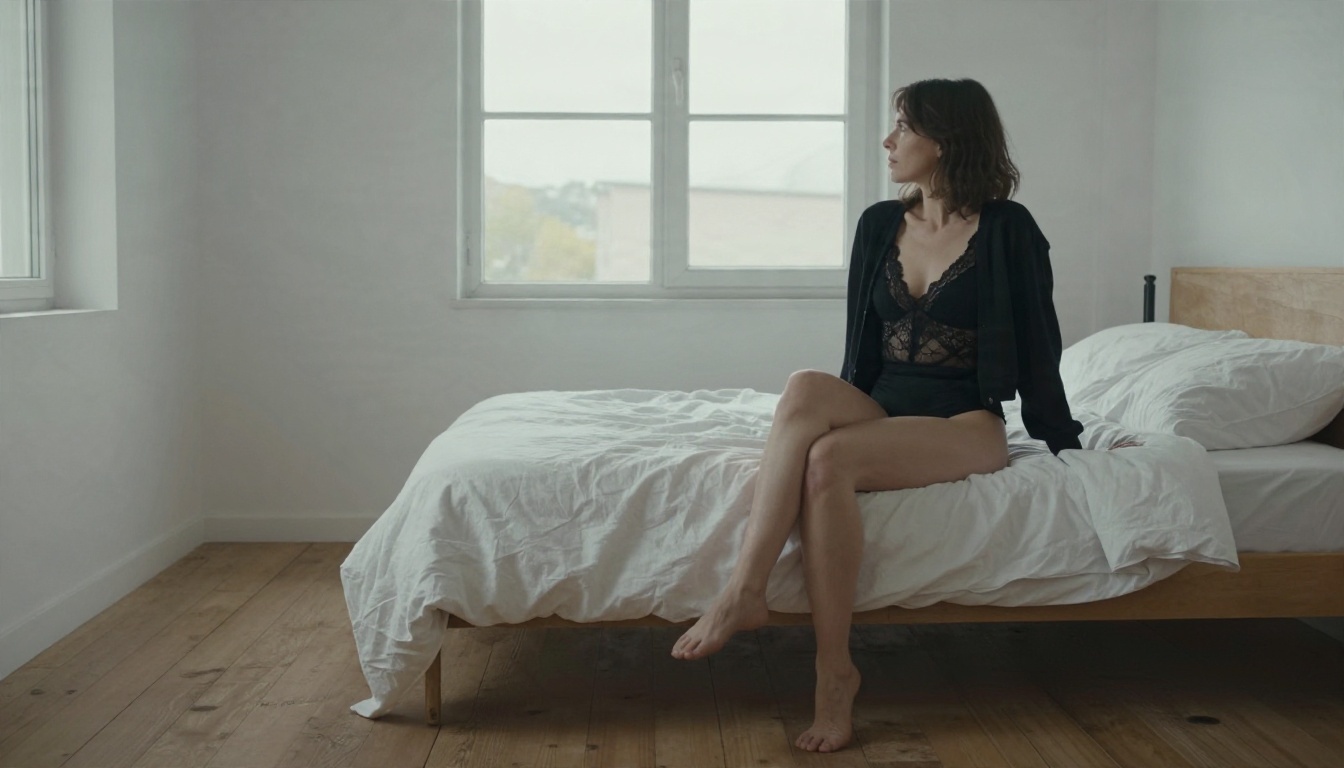
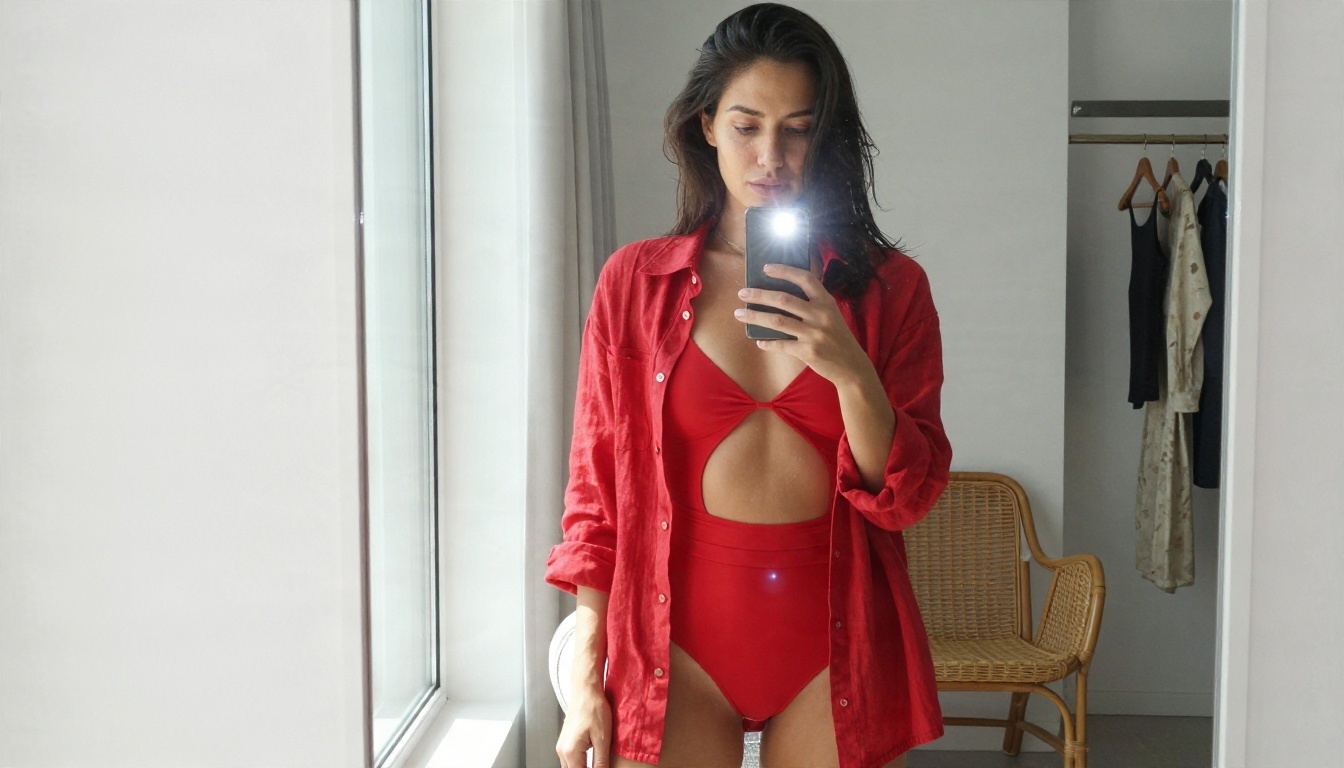
Mirror selfie of an adult woman in a red two-piece swimsuit with a loose linen shirt open over it, holding a smartphone at chest height in a sunlit boutique hotel room, bright diffused daylight from a side window, realistic skin sheen, natural phone-camera look with fine grain.
Lifestyle prompt
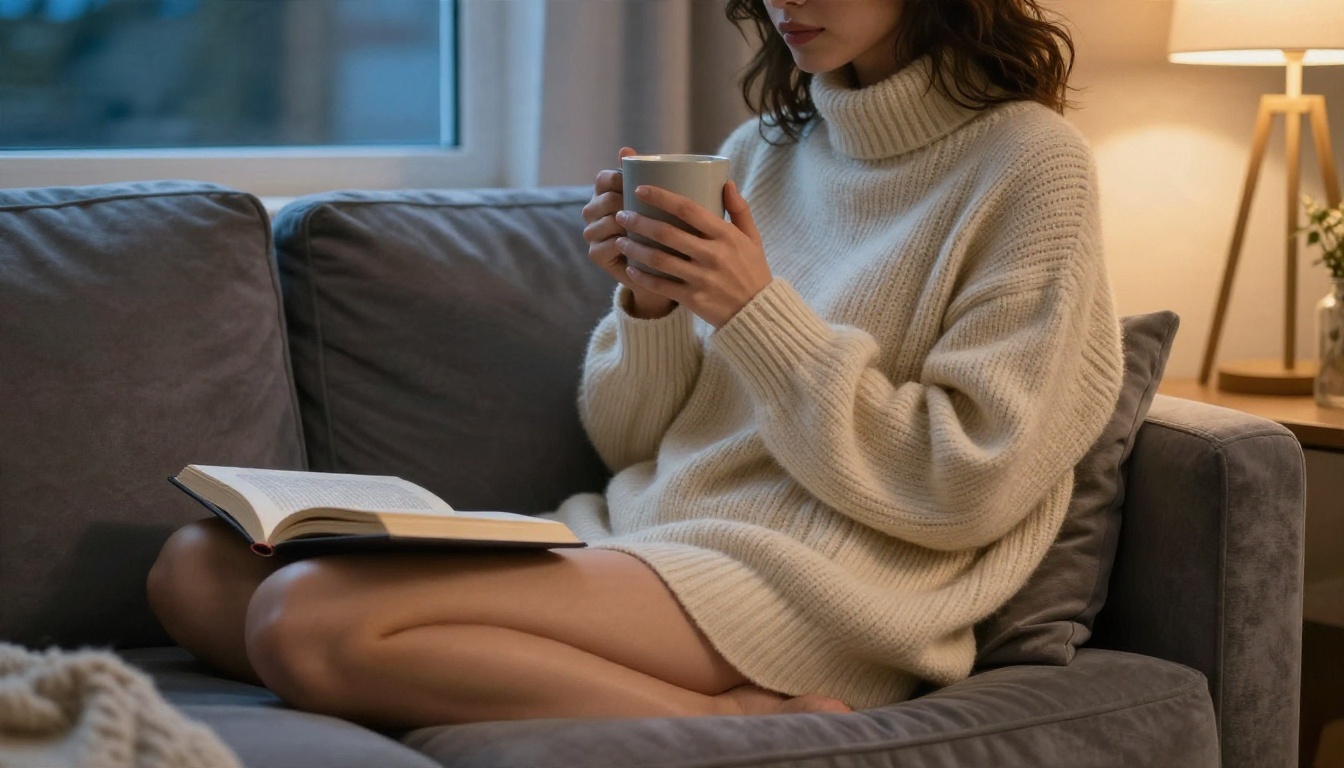
Medium shot of an adult woman curled on a gray velvet sofa wearing an oversized cream knit sweater and bare legs, holding a mug, a paperback open beside her, cozy apartment at dusk, warm lamp light from the right, 35mm f/1.8, Kodak Portra 400 grain.
This one proves that not every attractive image needs skin. Mood and warmth sell the photo.
💡 Prompt formula: Subject and pose, then setting, then light direction, then camera and lens, then film look and texture. Keep that order and your results become predictable.
Examples of Photoreal Looks
Here are five looks that work well, each with a different angle, distance and mood. Use them as references when you plan your own batch.
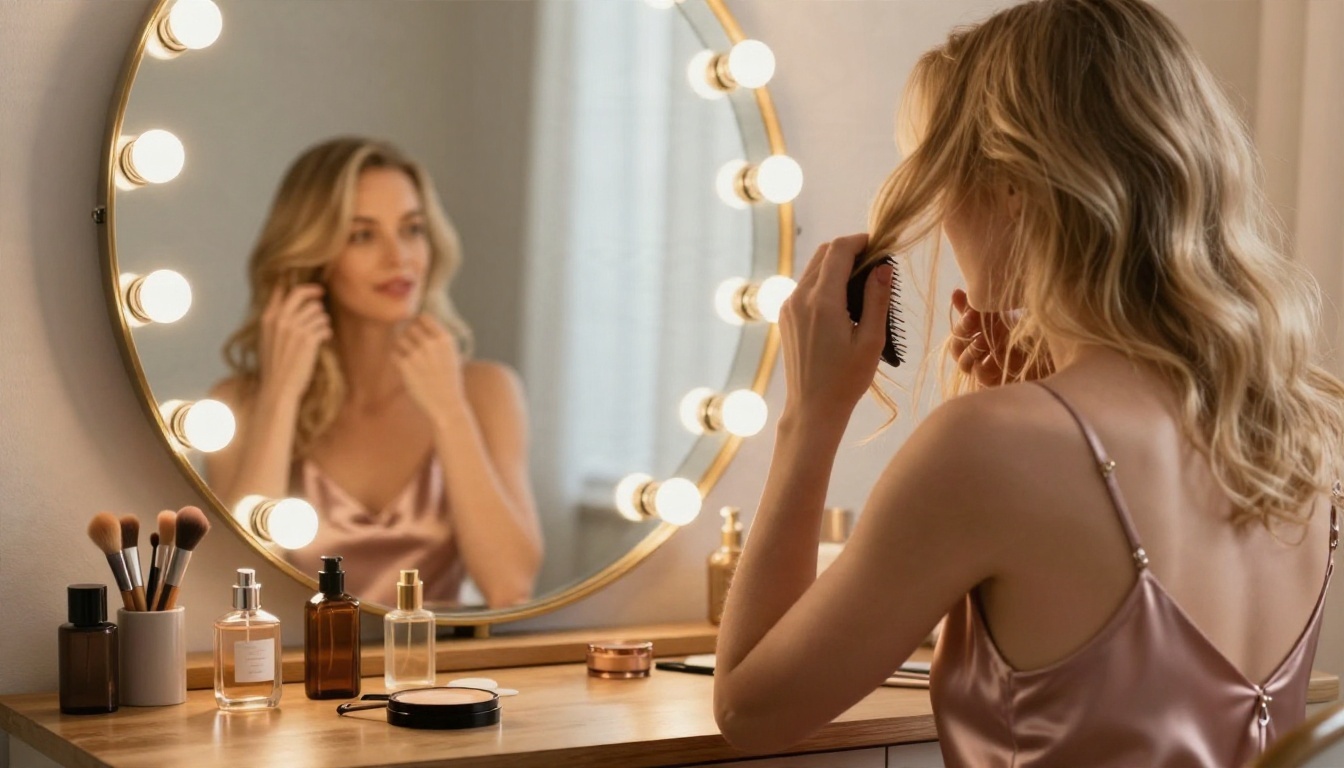
Mirror and vanity shots
Vanity scenes work because the mirror gives you a second view of the face, and warm bulbs give a flattering, glamorous glow. Ask for an over-the-shoulder angle and name the fabric: satin, silk or lace.
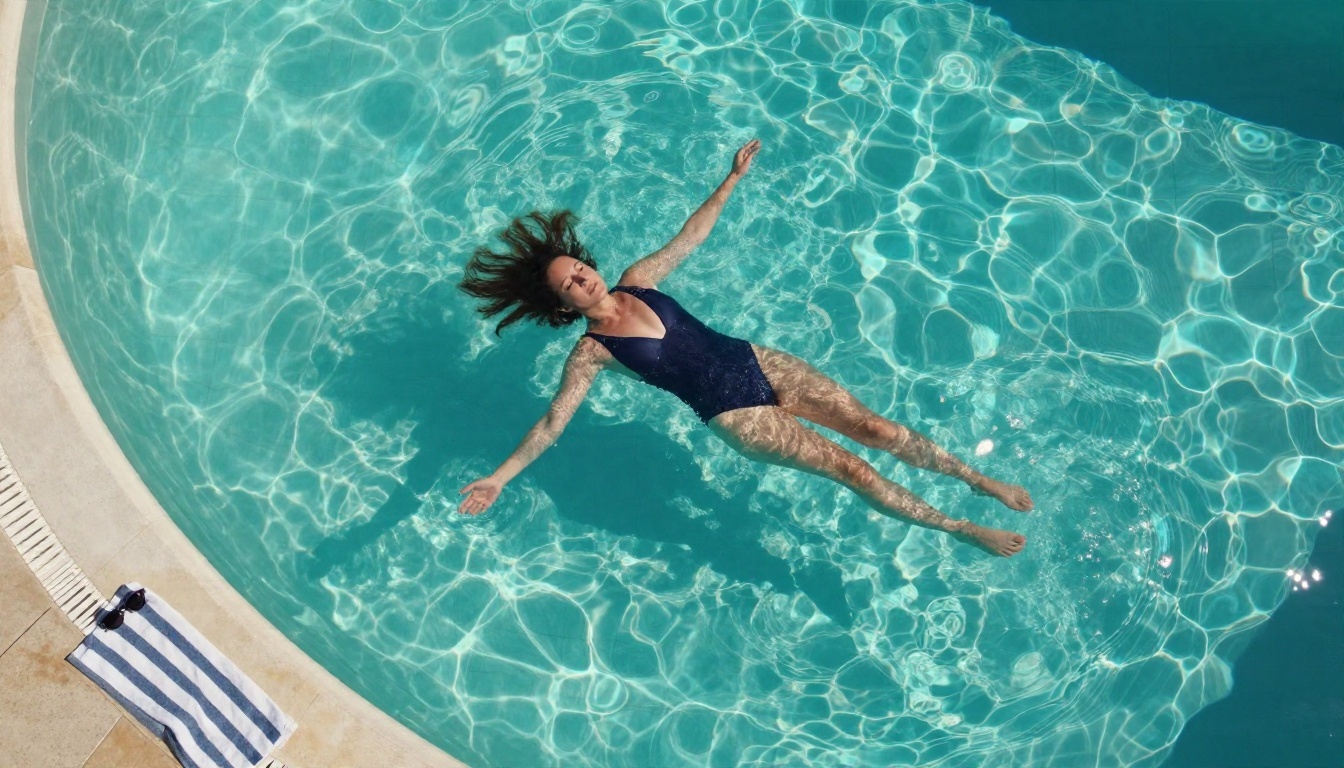
Pool and aerial shots
An overhead view of a swimmer in a turquoise pool is one of the easiest ways to get a striking, safe-for-work glamour photo. The water ripples and caustic light patterns do most of the visual work for you.
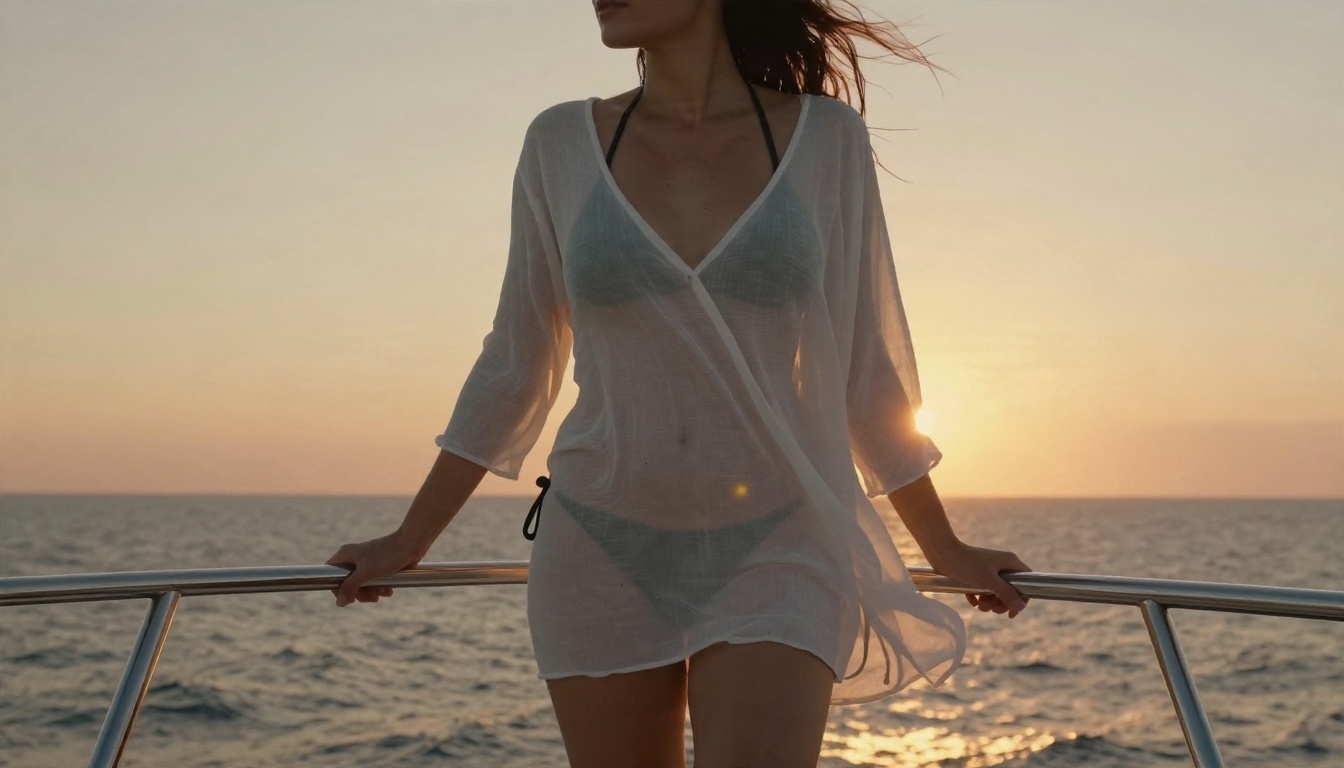
Yacht and sunset shots
Wide shots with a warm sunset give a cinematic mood. A sheer wrap over swimwear flutters in the wind and adds believable motion to a still frame.
Look
Angle
Light
Mood
Beach walk
Low angle
Golden backlight
Playful
Silk robe portrait
Close-up
Window light
Intimate
Vanity mirror
Over the shoulder
Warm bulbs
Glamorous
Infinity pool
Aerial
Midday sun
Bold
Yacht at sunset
Wide, slightly low
Low sun
Cinematic
Online Alternatives Compared
Not everyone wants to write prompts. If you want a chat character who sends images, a few other services exist, and it helps to know how they differ from a plain generator.
Companion apps
Reviews of companion apps in 2026 mention names such as Candy AI, DreamGF, FantasyGF, Nomi AI and CrushOn AI. Most of those reviews are written by sites that earn affiliate commissions, so rankings and prices are unreliable. The claims also contradict each other: one site says a given app offers image generation, another says it does not. Check each service's own pricing page and content policy before paying.
What you get from a companion app:
A character with memory and a personality.
Pictures that are tied to the chat, not to your own prompt.
Subscription pricing and usage limits.
What you give up:
Control over outfit, lighting and camera.
Predictable output quality.
Freedom to iterate as often as you like.
Generators
A generator is the opposite trade. There is no character who remembers your name, but you decide everything about the picture. For anyone who searched for photos in the first place, that is usually the better deal.
💡 Combine both: Many people keep a companion for conversation and use a generator for pictures. The two do not compete. They solve different problems.
Mistakes That Ruin Photos
Most bad AI photos come from the same handful of errors. Fix these and your hit rate jumps.
Vague prompts
"Hot woman in bikini" gives you a generic, flat result. Add a place, a light direction and a lens, and the picture gains depth immediately.
Too many ideas at once
Five outfits, three poses and two locations in one prompt confuse every model. Pick one scene per image.
Ignoring skin texture
If skin looks waxy, you forgot to ask for texture. Add "visible pores, faint freckles, natural sheen" and the model responds.
Using real people's faces
Do not generate images of real people without their consent. Describe an invented subject instead. It is safer for everyone and it gives you cleaner, more original results.
Skipping the edit pass
A first generation is rarely the final image. Send a promising result through PicassoIA Image Editor Pro to adjust small details such as hair, background clutter or a stray shadow.
Create Your Own Photos Today
The search for Replica NSFW pics ends the same way for most people: the app is not the right tool, and a generator is. You write the shot, you choose the light, and you can repeat the process as often as you like.
Here is a simple plan for your first session:
Open Seedream 4.5 and paste the beach prompt from this article.
Change only the outfit or the location, then generate again.
Open PicassoIA, try your own prompts, and see how far a good shot list takes you. When you want to try more options, browse every model at picassoia.com/en/all-models.