Most AI image tools promise photorealism and deliver plastic skin, melted hands and garbled signs. Reve earned attention because it did something different: it follows long prompts closely, renders readable text, and treats editing as a first-class feature instead of an afterthought. But hype is cheap, and the questions people actually type into search are practical. How many free credits do I get? What prompts work? Where does it fall short? What else is out there?
This Reve AI review answers those four questions in plain language. Where pricing details come from reports that disagree with each other, I say so instead of pretending to certainty. And because you will probably want to test the model yourself, there is a full walkthrough for running Reve 2.1 on PicassoIA near the end.
💡 Quick verdict: Reve is excellent at prompt accuracy, text rendering and targeted edits. Its weak spots are usage caps on the free tier and a plan structure that has changed more than once. If you want the model without the plan juggling, the PicassoIA route below is the simplest way in.
What Reve Actually Is
Reve is an AI image generator built around three jobs: create an image from text, edit an existing image with a plain-language instruction, and remix several references into a new picture. That trio matters because most people do not need a single flashy image. They need a product shot adjusted, a background swapped, or a face kept consistent across five variations.
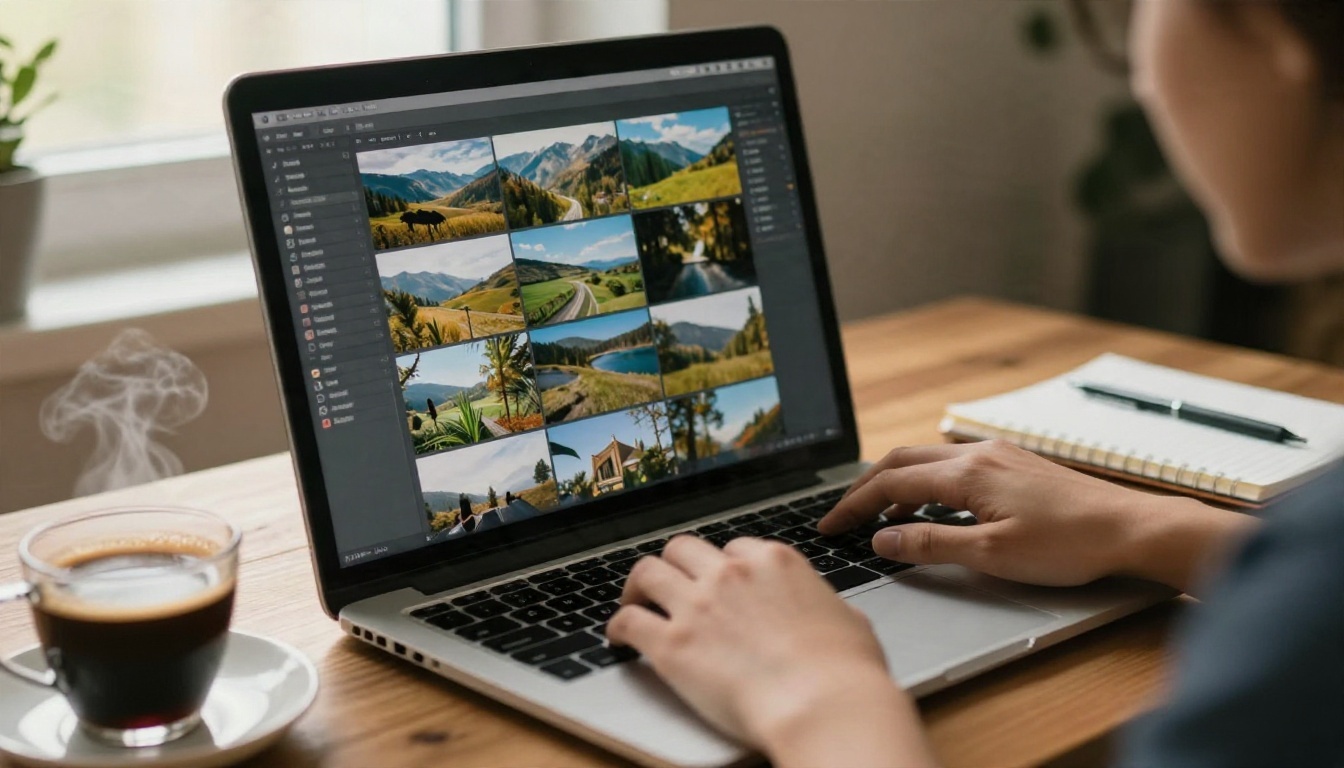
Create, Edit and Remix
The three modes work like this:
| Mode | Input | Output | Best for |
|---|
| Create | Text prompt | New image | Concepts, posters, product mockups |
| Edit | One image + instruction | Modified image | Swapping outfits, removing objects, changing light |
| Remix | 1 to 6 reference images + prompt | Blended new image | Brand consistency, style mixing, composites |
On PicassoIA you can reach these as separate model pages: Reve Create for text-to-image, Reve Edit for instruction-based changes, and Reve 2.1 for the newest generation that handles both generating and editing.
Where Version 2.1 Stands
Reve's 2.0 release landed around June 2026 and, according to aggregator reports, ranked near the top of public image arenas, sitting just behind GPT Image 2 at the time. Version 2.1 followed in July 2026, with vendor claims of native 4K edits and a larger underlying model. Treat the 4K and ranking claims as vendor and aggregator statements, not lab-verified facts. In my own testing the improvement shows up mostly in fine texture (fabric, skin, paper) and in how well small objects survive an edit.
Free Credits: What You Get
This is where most Reve reviews go vague, so let me be precise about what is known and what is not.
The Free Plan Reality
Early in Reve's life, new accounts reportedly received 100 free credits at signup, plus roughly 20 free generations per day. Buying 500 credits for about $5 worked out to around a penny per image, which is why the tool got so much attention against Midjourney and Flux.
More recent 2026 sources describe a different structure: Free, Lite and Pro plans built on a daily "generation energy" allowance instead of a flat per-image credit count. Several of those sources say free accounts still get daily credits, commercial rights and no watermark. One generic review site claims there is no free plan at all, but I weight that lowest because it reads like an unverified listing page.
💡 Practical advice: Treat any number you read in a blog post, including mine, as a snapshot. Open Reve's own pricing page before you plan a project around a specific daily quota.

Paid Plans in Brief
| Plan | Reported price | What changes |
|---|
| Free | $0 | Daily allowance, slower queue, limited volume |
| Lite | About $7.99/month plus tax | Roughly 5x the Free allowance, standard queue, commercial rights |
| Pro | Higher tier, varies | More energy, faster priority, heavier use |
| API | Usage-based credits | No subscription, per-image pricing, developer pipelines |
API pricing has been reported in the range of a few cents per generation or edit, with some resellers quoting less. Those are third-party numbers, and several predate version 2.1, so they may be stale by the time you read this.
Prompts That Work Best
Reve rewards specificity. Vague prompts like "a nice portrait" return competent but generic images. Detailed prompts, with lens, light and surface texture, are where it pulls ahead of many rivals.
A Simple Prompt Formula
I use this order every time:
- Subject and action: who or what, doing what.
- Setting: the environment, with two or three concrete objects.
- Light: direction, time of day, quality (soft, hard, diffused).
- Camera: lens length, aperture, angle.
- Texture and mood: skin pores, fabric weave, film grain.
💡 Put the most important detail first. Models weigh the start of a prompt more heavily, and Reve is no exception.
Five Prompts to Copy
Paste these as they are, then swap the nouns.
- A woman photographer in her thirties holding a mirrorless camera on a quiet street at golden hour, backlit hair glow, 85mm lens at f/1.8, visible skin pores, wool scarf texture, Kodak Portra 400 grain.
- A ceramic mug of tea on a wooden desk beside a printed photograph and pencil, soft daylight from the left, 50mm macro, crisp paper fibers.
- A bearded man in a denim jacket writing on a tablet in a rainy café, overcast window light, 28mm lens, brick wall texture.
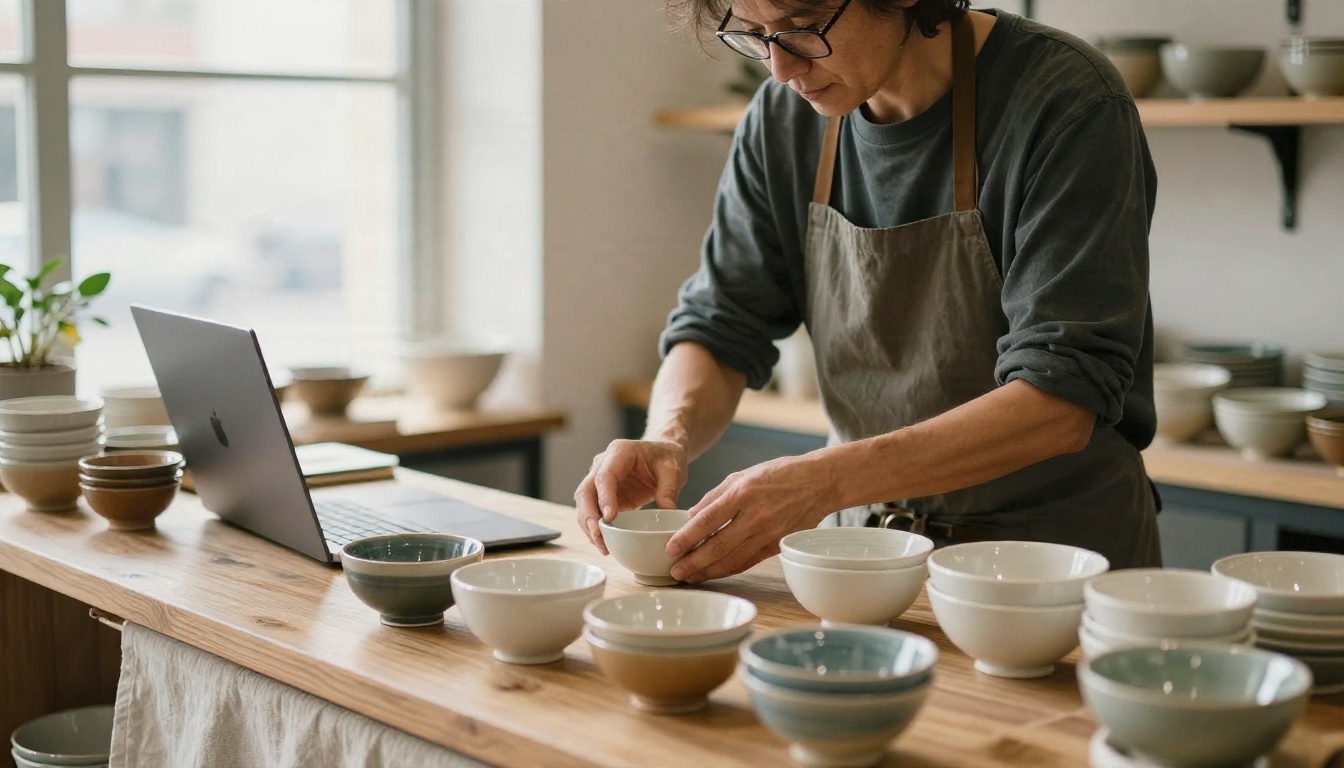
- A small boutique interior with handmade ceramic bowls on a linen-covered table, warm morning window light, shallow depth of field.
- A product photo of a glass perfume bottle on gray stone, single softbox from the right, subtle reflections, no text.
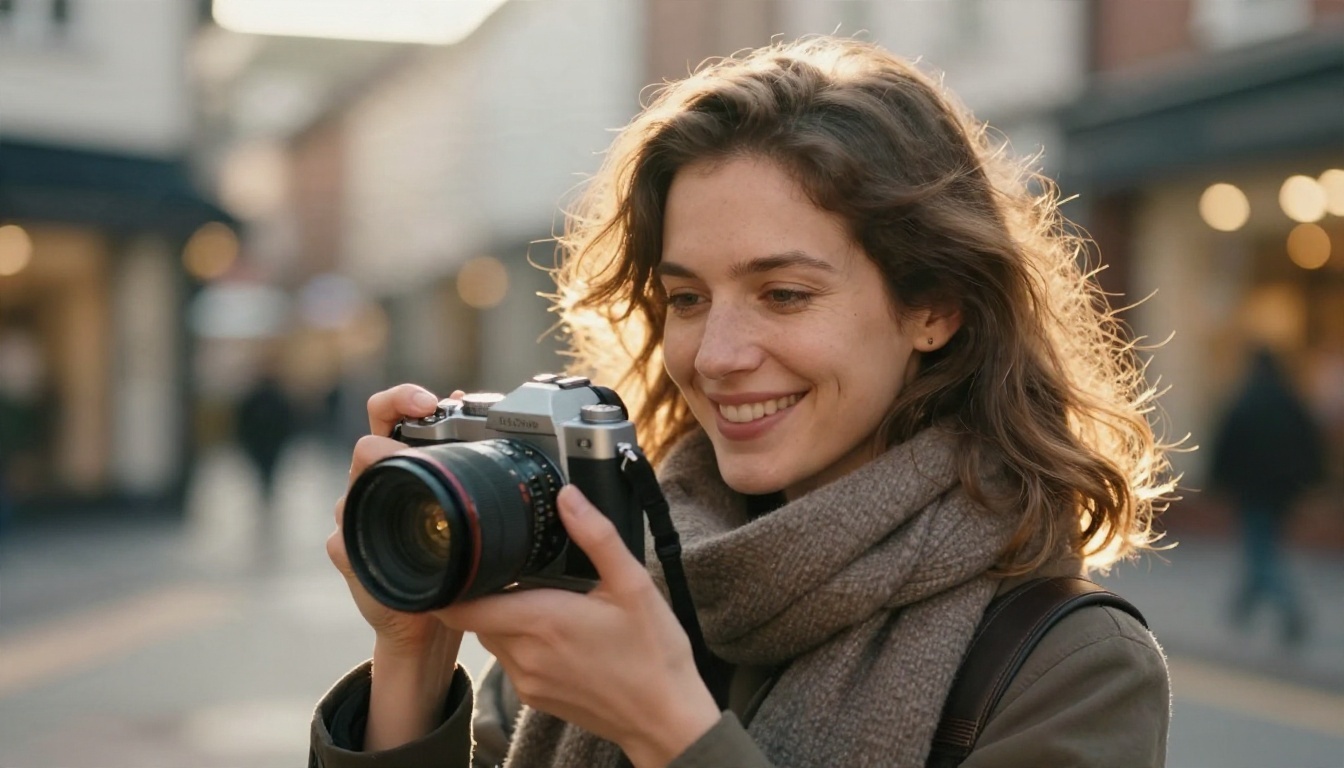
Editing Prompts That Stick
Edit mode behaves best when you describe one change and name what must stay the same:
- "Change the jacket to dark green wool. Keep the face, pose and background unchanged."
- "Remove the person on the left. Fill the space with the same brick wall."
- "Make the lighting warmer, like late afternoon. Do not alter anything else."
Stacking five changes into a single instruction is the most common reason edits drift. Do them one at a time and save each result.

Limits You Will Hit
No image generator is limitless. Here is where Reve pushes back.
Daily Caps and Queues
Free users get a finite daily allowance, and heavy sessions run out quickly, especially if you iterate ten times on one concept. Queue priority also drops on the free tier, so peak hours can feel slow. Paid tiers raise the ceiling but do not remove it, and API users face their own daily spend ceilings reported in the high hundreds to thousands of dollars.
Where Quality Slips
After repeated testing, these are the weak spots:
- Crowded scenes: with more than four or five people, faces lose individuality.
- Hands holding small objects: better than most models, still not perfect.
- Long text blocks: short headlines render well, paragraphs do not.
- Repeated edits: each pass can soften fine detail, so keep the original and edit from it.
- Policy limits: adult and explicit content is restricted on the official app.
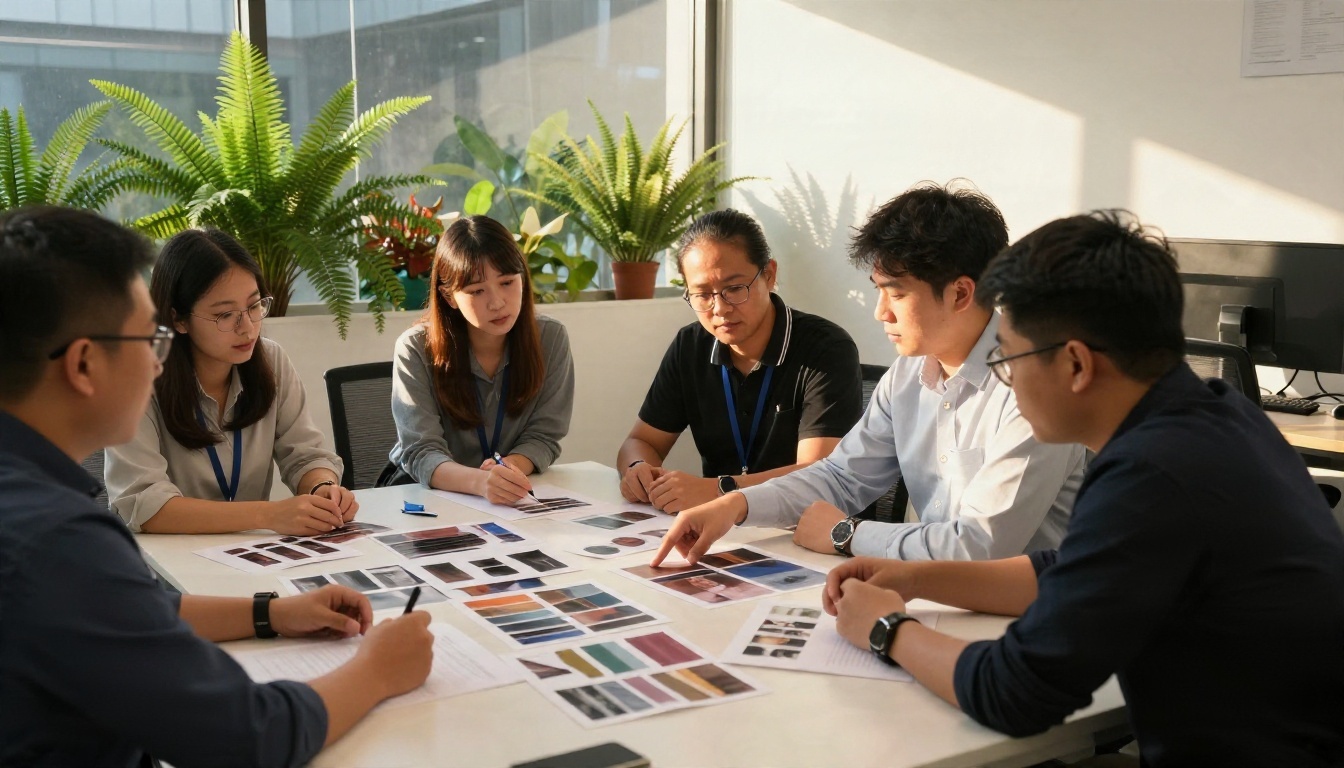
How Reve Compares to Rivals
Here is a fast side-by-side against models you can run on PicassoIA today.
| Model | Strength | Weakness | Best use |
|---|
| Reve 2.1 | Prompt accuracy, edits, text | Free tier caps on the official app | Edits and detailed concepts |
| Nano Banana Pro | 4K output, strong consistency | Can over-smooth skin | Polished 4K images |
| Seedream 4.5 | Sharp 4K, rich color | Less literal on odd prompts | Portraits, lifestyle |
| Imagen 4 | Natural photographic look | Fewer editing tools | Clean photorealism |
| Ideogram v4 Quality | Typography and layout | Style leans graphic | Posters, logos, covers with text |
Alternatives Worth Trying
If Reve's limits or plan structure frustrate you, these are the options I would reach for.
Nano Banana Pro for Polished 4K
Nano Banana Pro is a strong match when you want a finished-looking image with minimal prompt effort. It handles multi-image reference well, which makes it a natural stand-in for Reve's remix workflow. For a lighter and faster option, Nano Banana 2 Lite trades a little detail for speed.
Seedream 4.5 for Portraits
Seedream 4.5 produces confident skin tones, deep color and crisp 4K detail. If your main use is lifestyle photography, fashion or portraits, it often matches Reve on realism and beats it on color richness. Its newer sibling Seedream 5 Pro is worth testing for sharp 2K output.
Imagen 4 and Ideogram for Specific Jobs
Imagen 4 leans toward a clean, natural photographic look that suits product and editorial images. When text inside the image is the point, Ideogram v4 Quality is the safer bet for signs, posters and packaging mockups. If you want another editing-capable option, Grok Imagine Image 2 creates and edits 2K images from a single prompt box.
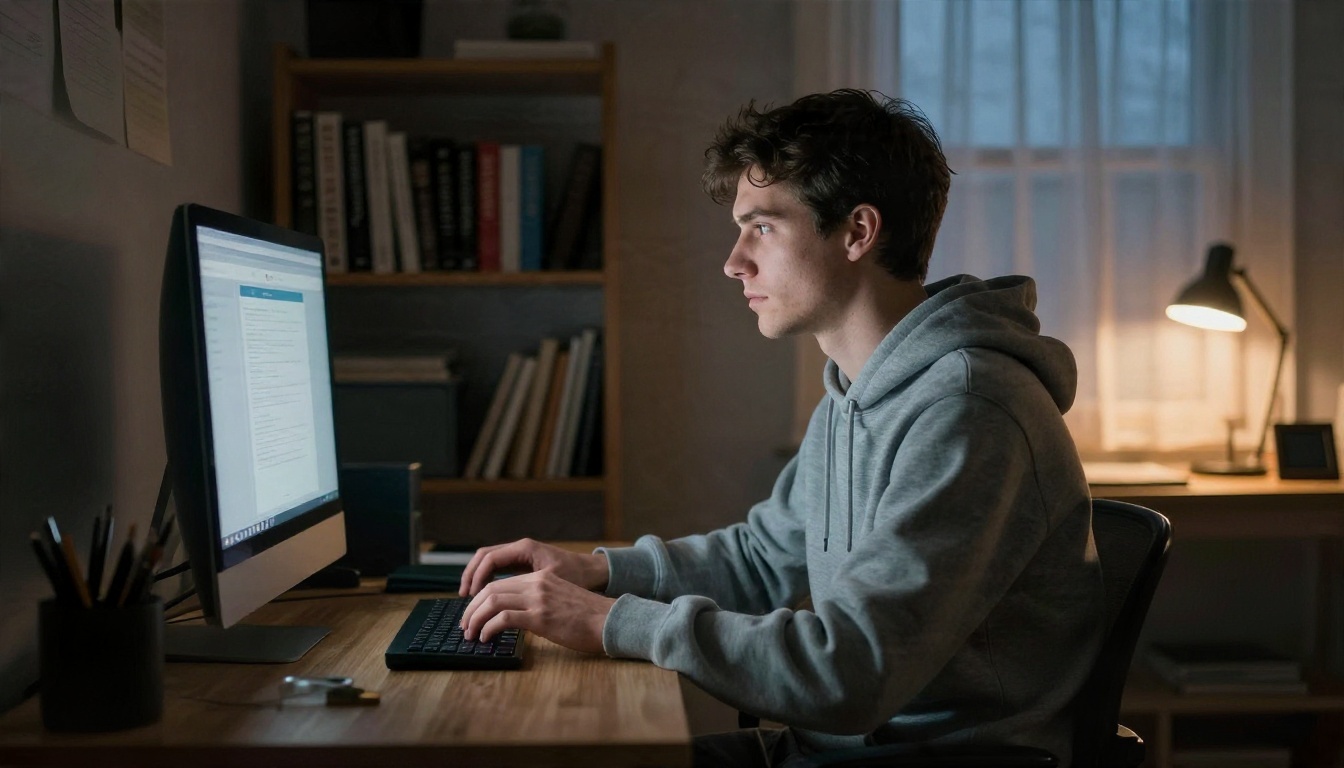
How to Use Reve 2.1 on PicassoIA
Running the model on PicassoIA skips the plan comparison entirely. You open the model page, type a prompt and generate.
Step by Step
- Open the Reve 2.1 model page on PicassoIA.
- Choose your mode: generate from text, or upload an image to edit.
- Paste your prompt. Use the five-part formula from earlier: subject, setting, light, camera, texture.
- Set the aspect ratio (16:9 for banners and thumbnails, 1:1 for social posts, 9:16 for stories).
- Click generate and review the result.
- For changes, switch to an edit instruction instead of rewriting the whole prompt. You can also send the image to Reve Edit for single-purpose adjustments.
- Download the image once you are happy with it.
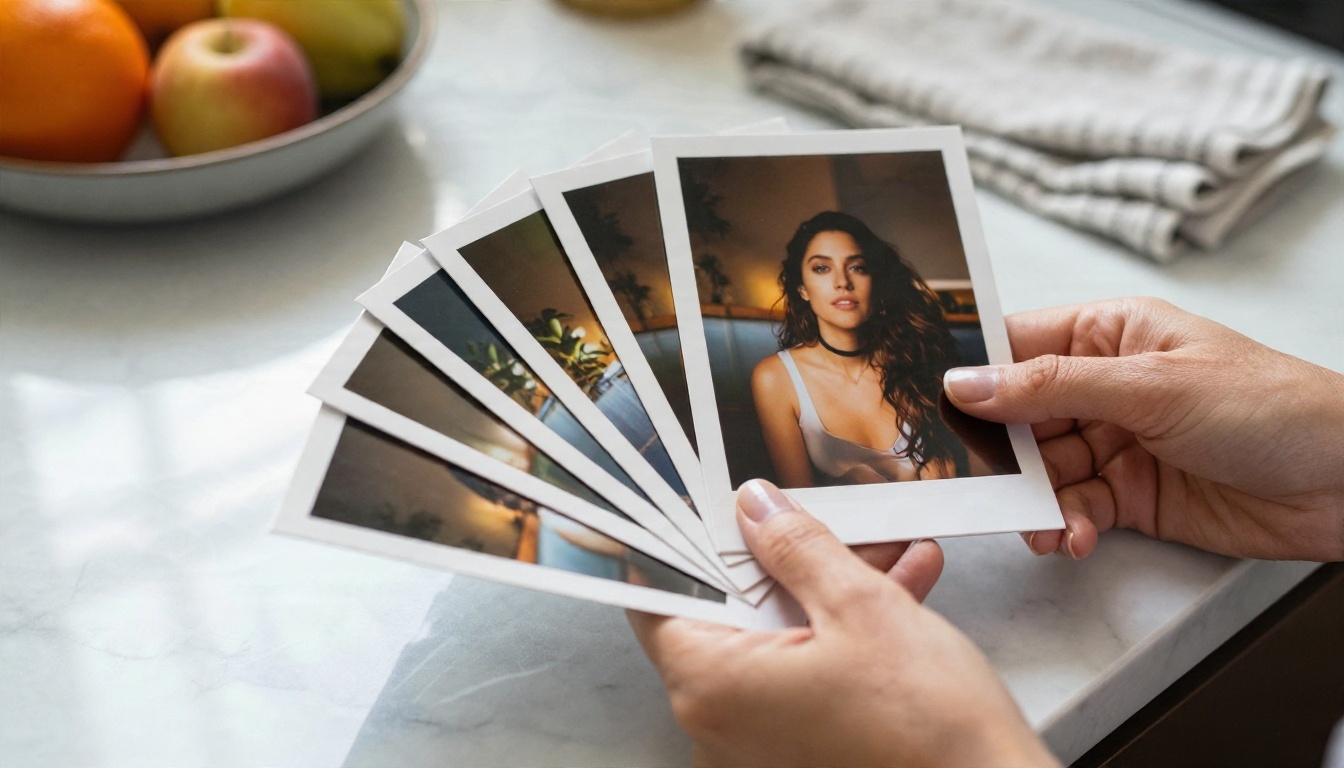
Parameter Tips
| Setting | Recommendation | Why |
|---|
| Prompt length | 60 to 120 words | Enough detail without contradictions |
| Aspect ratio | Match the final use | Cropping later wastes resolution |
| Seed | Fix it while testing | Isolates what each prompt change does |
| Edit passes | One change per pass | Prevents drift and detail loss |
| Negative detail | Say what to keep | "Keep the face unchanged" works better than a long ban list |
💡 Workflow tip: Generate with Reve 2.1, then compare the same prompt in Seedream 4.5 and Nano Banana Pro. Ten minutes of side-by-side testing tells you more than any review.
Is Reve Worth Your Time?
It depends on what you make.
Yes, if you edit images often, need accurate text, or write detailed prompts and want the model to listen. Designers, marketers and small shop owners will get the most from the edit and remix modes.
Maybe, if you generate in bulk. Free-tier caps and plan changes make high-volume work awkward on the official app, and costs add up on paid tiers and the API.
No, if you need unrestricted creative freedom. Reve applies content policies, and other models on PicassoIA offer different boundaries and workflows.
A few honest takeaways:
- The prompt accuracy is real, not marketing.
- The free credit details shift between sources, so verify before you commit.
- Alternatives are strong, and running several models side by side gives the best results.
- Commercial rights are reported on free and paid plans, but read the current terms before selling work.
Make Your First Image Today
The fastest way to judge any model is to run your own prompt through it. Take one of the five prompts above, open Reve 2.1 on PicassoIA, and generate an image. Then run the same prompt through Nano Banana Pro and Seedream 4.5 and compare skin, light and texture.
You will quickly see which model matches your taste. Browse the full list at picassoia.com/en/all-models, pick a prompt, and start creating. Your next favorite image is one prompt away.


