In early 2025, a text-to-image model nobody could name started winning blind comparisons against the biggest labs in the business. Its codename was Halfmoon. People on social media argued about where it came from, whether it was a Midjourney rival, a Google test or something from a startup nobody had heard of. A few weeks later the mystery ended: Halfmoon was Reve Image, and it came from a small company called Reve AI. Now the questions that matter are practical ones. Who is behind it? Can you use it for free? And where is the easiest place to try it without hunting through sign-up pages? This article answers all three, with a clear look at pricing, versions and real alternatives.
💡 Quick answer: Halfmoon is the pre-launch codename of Reve Image. It was built by Reve AI, Inc., a Palo Alto startup. It has had a free tier with refreshing credits, and you can also try the latest model, Reve 2.1, directly on PicassoIA.
What Is Halfmoon?
The Codename Story
Halfmoon was never a product name. It was a label attached to a model that appeared in anonymous image arenas, where people vote on which of two pictures looks better without knowing which model made them. Halfmoon kept coming out on top. It handled long prompts, readable text inside images and tricky layouts better than most rivals at the time.
That pattern is common in AI. A lab tests a model under a nickname, collects honest votes, then reveals the name once the numbers look good. According to a community write-up, Reve confirmed that Halfmoon was Reve Image on March 24, 2025. Treat that date as community-reported rather than official, since it comes from a third-party summary and not from the company's own page.
Why It Got Attention
Three things made people curious:
- Prompt adherence. If you asked for "a red kettle on the left, two lemons on the right, a blue cup behind them," it tended to place everything correctly.
- Typography. Short phrases of text on signs, posters and packaging came out readable more often than not.
- Aesthetics. Lighting and color looked natural instead of the over-polished, plastic look that many models produce by default.
Add a very low cost per image at launch and you can see why the model spread so fast.
Who Made Reve Image?
Reve AI, Inc.
Reve Image is made by Reve AI, Inc., a small startup based in Palo Alto, California. It is not a spin-off of Midjourney, OpenAI or Google, even though early guesses pointed in those directions. The company is young and focused: it builds image models and a creative workspace around them, rather than a giant suite of unrelated tools.
I am deliberately keeping the company description short. Founder bios, funding rounds and headcount are the kind of details that change quickly, and secondhand summaries often get them wrong. If you need those specifics for a report, check the company's own site.
Version History in Brief
The naming can be confusing, so here is a simple timeline based on public reporting:
| Stage | Name | What it meant |
|---|
| Pre-launch | Halfmoon | Anonymous codename seen in image arenas |
| Launch | Reve Image 1.0 | First public release, free preview access |
| Later releases | Reve 2.0 and newer | Better realism, editing and consistency |
| Current | Reve 2.1 | The model most people now mean by "Reve" |
If you see a tutorial that mentions only "Halfmoon," it is describing the original version. The behavior has moved on since then, so prompts written for the 1.0 era may need small adjustments.
Is Reve Image Free?
What the Free Plan Gives
At launch, Reve Image was open for anyone to try through a preview site, with no payment wall. Since then the model has moved to a more standard setup: a free plan with regularly refreshed credits. In practice that means you can generate a handful of pictures per day, enough to test prompts, judge quality and decide whether the tool fits your workflow.
What the free plan generally does not give you is volume. If you need dozens of images for a campaign, you will burn through credits quickly.
Paid Tiers
Reports put the paid plans at roughly $7.99 per month for a Lite tier and $19.99 per month for Pro. Pricing like this shifts often, and sources disagree on small details, so treat these numbers as a snapshot and confirm on the official site before you subscribe.
| Plan | Typical price | Best for |
|---|
| Free | $0, refreshing credits | Testing prompts, casual use |
| Lite | About $7.99 per month | Regular hobby use |
| Pro | About $19.99 per month | Frequent creators and freelancers |
What About the API?
Developers often ask whether they can plug Reve into their own apps. As of the most recent reports I found, the public API is closed, which means you cannot simply grab a key and call the model from your own code. That is a big reason people look for third-party platforms that already host the model.
💡 Tip: If your goal is a quick test without a new account or a credit meter ticking down, using a platform that already hosts Reve, such as PicassoIA, saves the most time.
Where to Try It
The Official Site
The original home of Reve Image is the company's own web app. You sign in, type a prompt, and get a result. It also offers an editing workflow where you can ask for changes in plain language. This is the best choice if you want the full native interface and every new feature the day it ships.
The downside is that you are tied to one credit system and one interface. If you want to compare Reve against other models side by side, you end up juggling several tabs and subscriptions.
Reve 2.1 on PicassoIA
PicassoIA hosts the latest model as Reve 2.1, a single page where you can both generate and edit images. Two companion tools sit alongside it:
- Create for text-to-image generation from a written prompt.
- Edit for changing an existing picture with a short instruction, such as "make the jacket green" or "remove the car in the background."
The real benefit is comparison. You can run the same prompt through Reve, then through other models in the same place, and judge the results with your own eyes.
How to Use Reve 2.1 on PicassoIA
Step by Step
Here is the fastest path from idea to image:
- Open the Reve 2.1 page on PicassoIA.
- Type your prompt in plain English. Start with the subject, then the setting, then the light.
- Choose an aspect ratio. Use 16:9 for banners and thumbnails, 1:1 for social posts, and a tall ratio for phone wallpapers.
- Press generate and wait a few seconds.
- Review the result. If something is off, change one detail in the prompt, not five.
- When you like the picture, switch to Edit to fix small problems instead of regenerating from scratch.
Settings Worth Adjusting
You do not need to touch every option. These are the ones that change results most:
- Aspect ratio: pick it before you generate. Cropping later loses detail.
- Prompt length: Reve tolerates long prompts well. Two or three sentences usually beat one short phrase.
- Seed: if the platform exposes it, reuse the same seed when you want to test small prompt changes while keeping the composition stable.
Prompt Examples
Here are three prompts that play to the model's strengths:
Portrait: "A woman in her thirties reading a paperback at a sunlit café window, soft overcast light from the left, 85mm lens look, natural skin texture, muted warm tones."
Product: "A ceramic mug on a linen tablecloth, morning light from the right, shallow depth of field, a folded newspaper behind it, calm editorial feel."
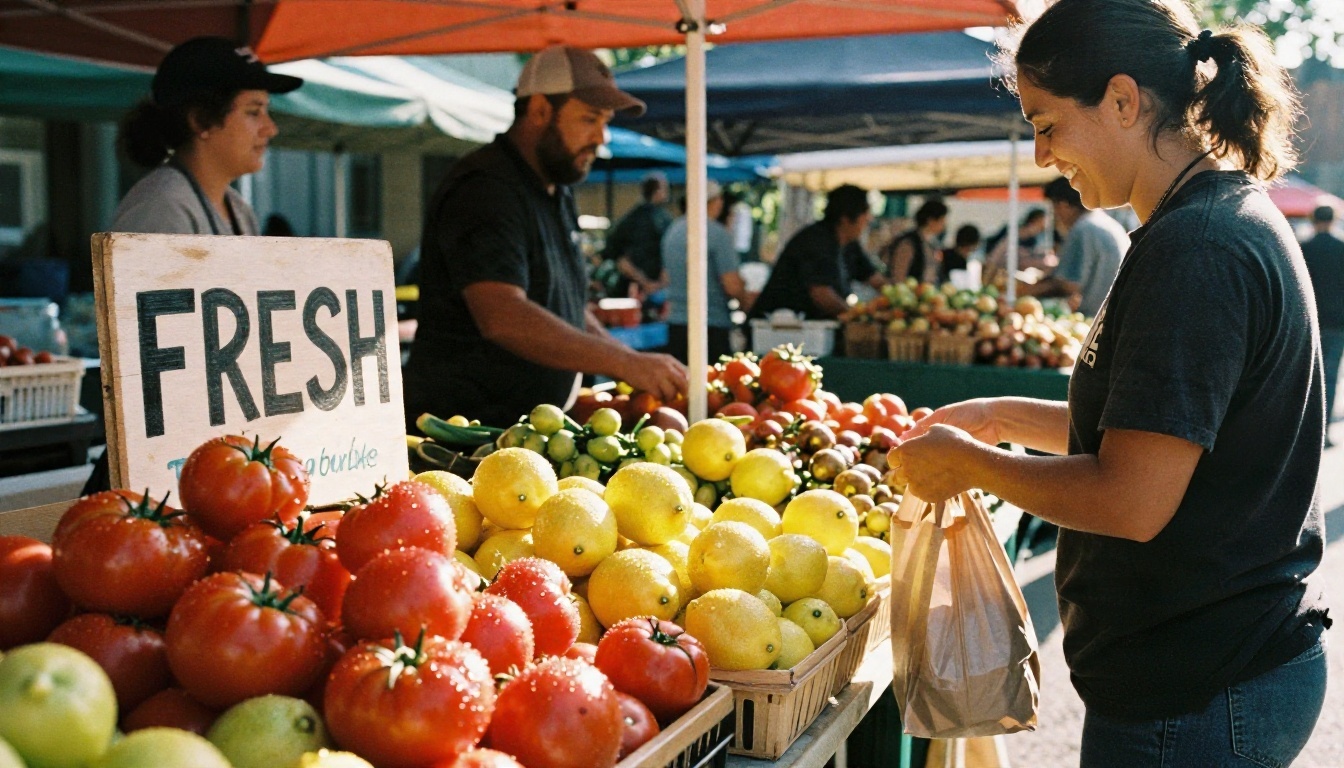
Text in scene: "A wooden market stall with a hand-painted sign that says FRESH, baskets of tomatoes and lemons, warm sun, 35mm lens look."
Keep any in-image text to one or two short words. Every model, Reve included, gets less reliable as the text gets longer.
Reve vs Other Image Models
Reve is good, but it is not the only strong option. If you are choosing a model for a specific job, it helps to see them side by side. All of the models below are available on PicassoIA.
Photorealism
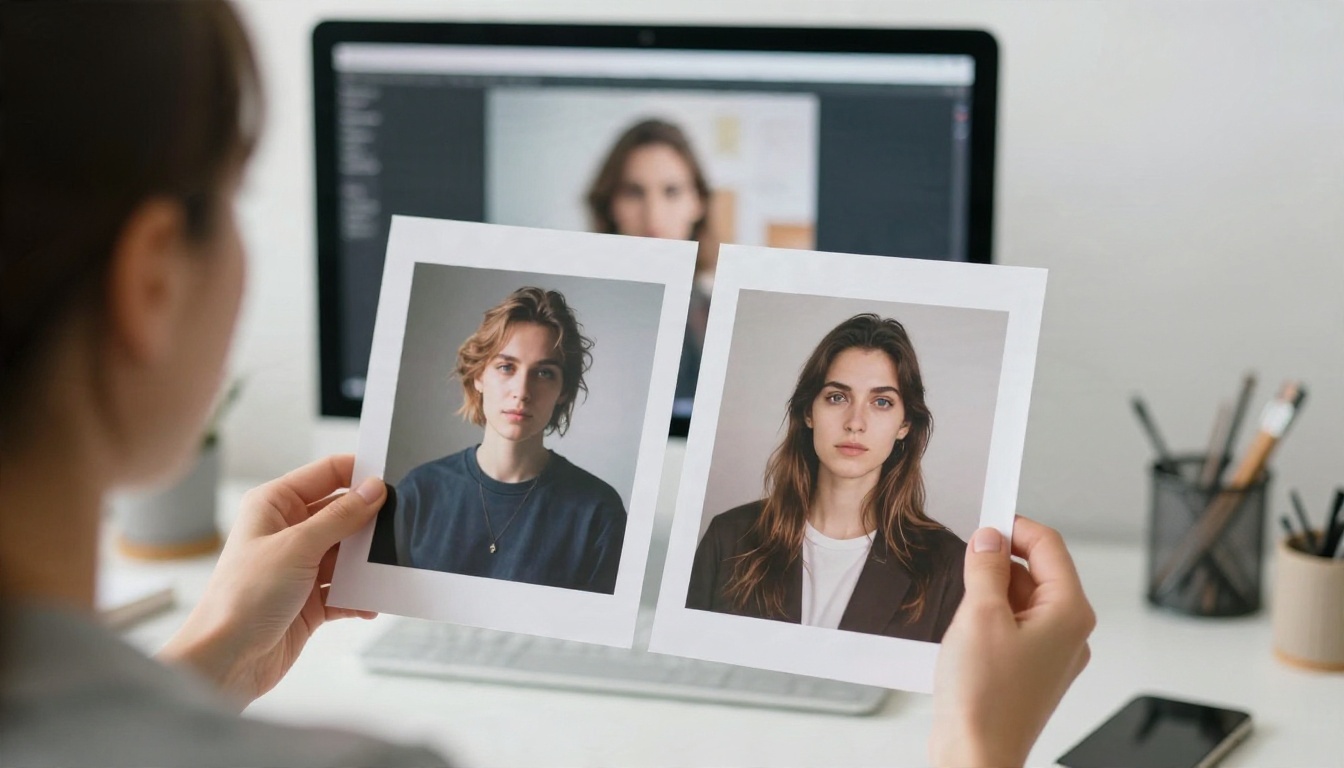
For photographs of people, products and places, Reve holds its own. Skin looks like skin, not like wax. Light behaves sensibly: a window on the left gives shadows on the right. Imagen 4 Ultra and Seedream 4.5 are strong competitors here, and the difference often comes down to taste. Some people prefer Reve's restrained color, others like the punchier look of the alternatives.
Text in Images
If readable lettering is the whole point, such as a poster headline or a shop sign, Ideogram v4 Quality is built for it and is worth a test. Reve is respectable with short words, but a dedicated text specialist usually wins on longer lines.
💡 Tip: Run one prompt through three models. Do this once for each new type of project and you will quickly learn which model suits you, without reading a single benchmark.
Common Mistakes to Avoid

After a lot of side-by-side testing across image models, the same handful of errors come up again and again:
- Writing a short, vague prompt. "A nice landscape" gives a generic result. "A mountain lake at sunrise, a red canoe in the center, mist on the water, 24mm lens look" gives a specific one.
- Changing too many things at once. If you rewrite the whole prompt after each try, you never find out what actually helped.
- Asking for long text. Keep lettering to a word or two.
- Ignoring the edit tool. Regenerating the full picture to fix a small flaw wastes credits. Use Edit instead.
- Trusting old Halfmoon tutorials blindly. The model has changed since 2025. Treat older prompts as a starting point, not a rule.
- Skipping a resolution check. If you plan to print or crop, consider a higher-resolution model such as Nano Banana Pro.
A Note on Claims and Pricing
AI products change quickly. Prices, credit limits and feature lists in this article reflect what public reports said at the time of writing, and some sources conflict. Before you pay for anything, open the official pricing page and read it yourself. That takes two minutes and avoids surprise charges.
Try Your Own Images Today
Halfmoon started as a mystery and ended up as a real, usable model from a small Palo Alto team. It is worth your time if you write detailed prompts, care about a natural look and like the idea of editing a picture with a sentence instead of a masking tool.
The best way to judge it is to try it. Open Reve 2.1 on PicassoIA, type a prompt from the examples above, then change one detail and see what happens. Next, run the same idea through Nano Banana Pro or Seedream 4.5 and compare. Picasso IA puts all of these models in one place, so you can test, compare and keep the version you like best.
Ready to see more options? Browse every available model at picassoia.com/en/all-models and start creating your own images now.


